

Turn recordings into transcripts and summaries in minutes
Upload audio or video for multilingual transcription, AI notes, and action items
4 iPhone Speech-to-Text Tools Compared in 2026: How to Choose When Built-In Transcription Isn't Enough
Ask the Right Question First: Do You Need a "Typing Replacement" or "Meeting Notes"?
To turn iPhone recordings into text, the first thing to determine isn't "which tool is the best" but what you plan to do with that text.
If you just want to reply to messages without typing or jot down a quick to-do, iPhone's built-in dictation and voice message transcription are more than enough.
But if you're dealing with a two-hour online meeting, a one-hour client interview, or a class lecture, the built-in features will only give you a transcript. You'll still have to go through it line by line to find the key points, summaries, and action items yourself.
The decision point is right here: do you want to avoid typing in the moment, or do you want something you can use immediately after recording? Once you're clear on that, the choice becomes much simpler.
4 Key Things to Understand Before Using iPhone Speech-to-Text
Key Point 1: Is your device and OS version new enough? According to Apple's official documentation, only iPhone 12 or later can use Voice Memos audio transcripts, and this feature is not available in certain countries or regions. To get Chinese transcripts, your system needs to be updated to iOS 18.4 or later; otherwise, only English and other languages are supported.
Key Point 2: Which languages are supported. Apple's audio transcripts cover English (all variants), Spanish, Portuguese, Italian, French, German, Japanese, Korean, and both Simplified and Traditional Chinese. If your meeting mixes Chinese and English or switches between Chinese, Japanese, and Korean, the error rate will noticeably increase.
Key Point 3: Recording length and audio environment. Built-in features are convenient for short notes, but the longer the recording, the noisier the environment, and the more people talking over each other, the more accuracy tends to drop. This is why many people eventually turn to third-party tools.
Key Point 4: What you need to do after transcription. A transcript is just raw material. What meetings really need are summaries, chapters, action items, and a searchable database you can query anytime. This is where AI meeting tools like Tinrec differ most from built-in features.
3 Built-In iPhone Speech-to-Text Methods (Including Where to Find Them)
Method 1: Voice Memos transcript. Open the Voice Memos app, tap the red button to record, then tap into that recording to see the transcript. You can view the transcript during or after recording. Requires iPhone 12 or later; for Chinese transcripts, iOS 18.4 or later is needed.
Method 2: iMessage voice message transcription. Starting with iOS 17, iMessage voice messages are automatically transcribed to text, which is great for quickly recording an idea or giving instructions. The downside is that the content is short, and the transcribed text isn't easy to copy directly—many people take a screenshot and then select the text.
Method 3: Keyboard microphone dictation. In Notes, Messages, or anywhere you can type, tap the microphone icon on the keyboard to dictate. It's especially useful for words you don't know how to type. But it inputs sentence by sentence, so it's not suitable for long recordings.
Simply put, built-in features solve the problem of "not wanting to type in the moment," not "turning a one-hour meeting into a set of minutes."
Tinrec — Our Top Pick After Testing
Tinrec is an AI meeting notes and collaboration tool for individuals and teams, supporting iOS, Android, and web. It turns meetings into searchable, collaborative, and actionable data.
Open Tinrec during a meeting, and it transcribes as it records. As soon as the meeting ends, AI has already generated summaries, chapters, and action items—who's responsible for what and when it's due, all at a glance. Compared to built-in features that only give you a transcript, this difference is very noticeable in real use.
No more inviting bots to online meetings. Tinrec's desktop version directly captures your computer's system audio, so it can handle Zoom, Google Meet, Microsoft Teams, Webex, and other online meetings without needing a bot account to join as a participant. For external client meetings, no unfamiliar name suddenly appears on the screen—a thoughtful touch.
Stop organizing recordings by hand
Upload audio or video and automatically get a transcript, summary, and action items
After recording, you can ask it directly. "Who mentioned the budget in the last meeting?" "What were the client's concerns about pricing?" Tinrec doesn't just throw a string of keywords at you—it answers directly based on semantic understanding. It also supports real-time translation, letting you view cross-language meetings in the original, translated, or bilingual format, and supports organizing mixed Chinese-English content.
Organized data can be taken with you. Transcripts and summaries can be exported to Notion, Google Docs, OneNote, Dropbox, and other tools, and can further generate reports, tables, and documents without manual copy-pasting.
Based on my own usage habits, Tinrec's three most practical advantages are: seamless switching between phone, computer, and web; recordings are retained so you can verify later; and team data is stored centrally, so meeting records don't leave when members do.
Note that the free version is a basic experience quota. If you need to organize long meetings every day, you'll need to consider a weekly pass or Pro plan. Also, Tinrec doesn't promise a fixed accuracy rate—actual results depend on recording quality, accents, noise, and technical terminology. For important content, it's recommended to verify against the recording playback.
If you frequently handle Chinese or mixed Chinese-English meetings, want to use AI to find key points right after recording, and switch between phone and computer, Tinrec is currently the most suitable choice.
Besides Tinrec, What Other Options Are There?
Notta: A multi-platform transcription and meeting notes tool with decent Chinese support, plus file import and translation. However, Tinrec's desktop version can capture system audio without a bot and has built-in team spaces and Agent post-processing that can turn meetings directly into reports or tables. If you only occasionally convert audio files to subtitles, Notta is worth considering.
PLAUD Note / NotePin: A representative AI recording hardware device that attaches to the back of your phone to record. Phone call recording and portable note-taking are its strengths, but the downside is the extra cost of buying the device. Tinrec requires no additional hardware, works on phone, computer, and web, handles online meetings and existing historical recordings, and stores data in team spaces.
Otter.ai: A mature English meeting assistant with a free plan offering 300 minutes per month—quite generous for English content. But Chinese and mixed Chinese-English meetings aren't its strong suit, while Tinrec offers a Traditional Chinese experience and bot-free desktop recording. If you mainly record English meetings, Otter.ai is a reasonable choice.
Pitfall Guide: 4 Most Common Mistakes When Using iPhone for Transcription
Pitfall 1: Only checking the device model, forgetting the OS version. Many people assume that any iPhone 12 or later can transcribe Chinese, but Chinese transcripts actually require iOS 18.4 or later. Check your version before updating so you don't waste a recording.
Pitfall 2: Thinking a transcript equals meeting notes. A transcript is raw material, not a finished product. If you only use the tool for "audio to text," you're only using a third of its capabilities; summaries, action items, and AI Q&A are where the real time savings are.
Pitfall 3: Ignoring cross-platform needs. If you record on iPhone today and want to organize on your computer tomorrow, a tool without cross-platform support will waste a lot of time on file transfers and conversions.
Pitfall 4: Forgetting to get consent. Speech-to-text leaves a complete record of content. Before meetings or interviews, remember to inform participants and get consent, and be aware of local legal requirements.
Summary: Which One Should You Choose?
- Just want to reply to messages or jot a quick note → iPhone built-in dictation or Voice Memos (free, fastest)
- Need meeting summaries, action items, and the ability to ask questions later → Tinrec (AI Q&A and post-meeting organization are core features)
- Mixed Chinese-English or cross-language meetings → Tinrec (real-time translation, bilingual view, team hotwords)
- Record on phone, organize and export on computer → Tinrec (works on iOS, Android, and web)
- Team needs to share meeting data, manage seats and usage → Tinrec Team plan (first-time eligible users can try 7 days, 1 free seat, 300 minutes of team shared import quota; team monthly USD 29.80 per paid seat, annual USD 199, 2,000 minutes of team shared quota per paid seat per month; actual prices subject to the official purchase page)
- Mainly record English, zero budget → Otter.ai
We recommend starting with Tinrec's free version—throw in a meeting recording you have and see if its summaries and action items fit your workflow. If it works for you, then consider upgrading. No need to pay upfront.
References
- View Voice Memos transcript on iPhone – Apple Support (Taiwan): https://support.apple.com/zh-tw/guide/iphone/iph00953a982/ios
- iPhone Voice Memos to Text Method Tutorial – Mr. Mad: https://mrmad.com.tw/iphone-voice-memo-to-text
- iPhone Speech-to-Text Setup Tips – Mr. Mad: https://mrmad.com.tw/iphone-voice-to-text-tips
References
- View Voice Memos transcript on iPhone - Apple Support (Taiwan)
- iPhone Speech-to-Text Setup Tips: 5 Methods to Transcribe Audio - Mr. Mad
- iPhone Voice Memos to Text Method Tutorial: Built-in Transcription Without Third-Party Apps - Mr. Mad
- Speech-to-Text iPhone Practical Guide
- iPhone Speech Recognition: Voice Memos, Automatic Punctuation and Paragraphing - Let's Write
Turn every recording into actionable outcomes
Get 60 free transcription minutes when you sign in. No credit card required.
Related Reading
You might also like

4 AI Meeting Minutes Generators Tested for 2026: Which Handles Chinese Meetings and Free Tiers Best?
Two-hour meeting, another afternoon organizing minutes? This article compares 4 AI meeting minutes generators using the same criteria, breaking down audio sources, Chinese recognition experience, post-meeting output, free tiers, and team data ownership. It also shares hands-on experience with Tinrec's bot-free recording, AI Q&A, and team governance capabilities, and provides selection advice based on use cases.

Best Video Speech-to-Text Tools in 2026: 5 Tested, Top Pick for Chinese Meetings and Post-Meeting Organization
Need to convert speech from videos to text? This article uses the same mixed Chinese-English meeting material to compare 5 video speech-to-text tools on input sources, post-meeting processing, AI Q&A, export, and team collaboration. It also covers 4 key points to check before buying and 4 common mistakes, helping you choose the best fit based on your use case and budget.
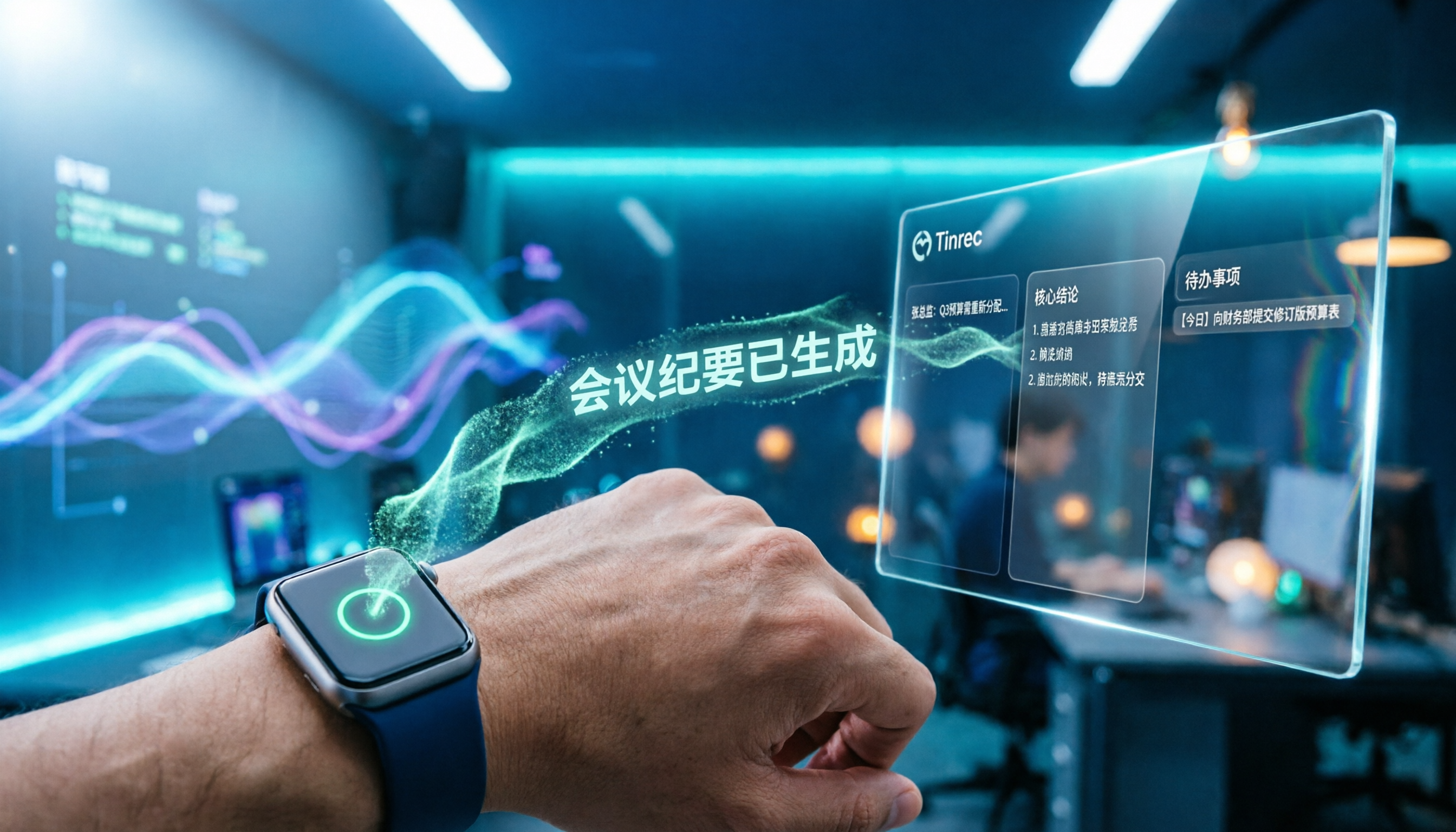
Apple Watch WeChat Voice-to-Text in 2026: 3 Input Methods Compared and How to Set Up Chinese
Can WeChat voice messages on Apple Watch be converted to text? Yes, and it relies on Apple Watch's built-in Dictation, not a WeChat engine. This article addresses three common misconceptions, explains how to turn voice into text on the watch, how to fix Chinese language settings, and how to use iPhone Handoff input. It also covers how to use AI meeting tools like Tinrec for full transcripts, summaries, and action items when content extends from a single sentence to a whole meeting.

2026 Short Video Learning Note Tools Compared: Which AI Best Organizes Course Highlights?
I lead a team learning short videos, with piles of course recordings and livestream replays, but notes scattered everywhere. This article, from a mid-level manager's practical perspective, tests Tinrec, Notta, Otter, and Granola in short video learning note scenarios, and compiles selection criteria, pitfalls to avoid, and scenario-based recommendations.

5 iPhone Transcription Solutions Compared for 2026: Is Apple's Built-in Enough?
Apple's built-in Voice Memos and Notes apps can already transcribe recordings into text for free, but there are prerequisites for supported models, system versions, and proofreading costs. This article first explains how to use Apple's built-in transcription, then reviews five third-party solutions: Tinrec, Otter, Notta, Granola, and TurboScribe, with actual pricing and selection advice to help you decide if the built-in is enough and when to upgrade.

5 Free Image-to-Text OCR Options in 2026: A Complete Guide
How can you use image-to-text (OCR) efficiently? Starting with the most common pitfalls, this article reviews 5 free image-to-text methods, explains OCR limitations and key considerations, and shows how Tinrec fills the gap for meetings, classes, and interviews with transcripts, AI summaries, action item extraction, AI Q&A, and team collaboration.

2026 Audio-to-Text Tools Comparison: Tinrec vs Otter.ai vs cSubtitle for Chinese Transcription
Turn recordings into transcripts without typing for 6 hours. This article compares Tinrec and Otter.ai in real meeting scenarios, focusing on Chinese transcription, bot-free recording, post-meeting organization, and team collaboration. It also explains where lightweight tools like cSubtitle fit in, with a 4-step tutorial and FAQs.

Tinrec vs Notta 2026: 5-Dimension Comparison — Which Is the Best Summarization Tool?
After a meeting, the real time sink isn't recording — it's turning the transcript into conclusions. This article compares Tinrec and Notta across five practical dimensions, explaining why the ability to ask AI follow-up questions directly after a meeting is the dividing line for summarization tools, with a pitfalls guide and quick-start checklist.
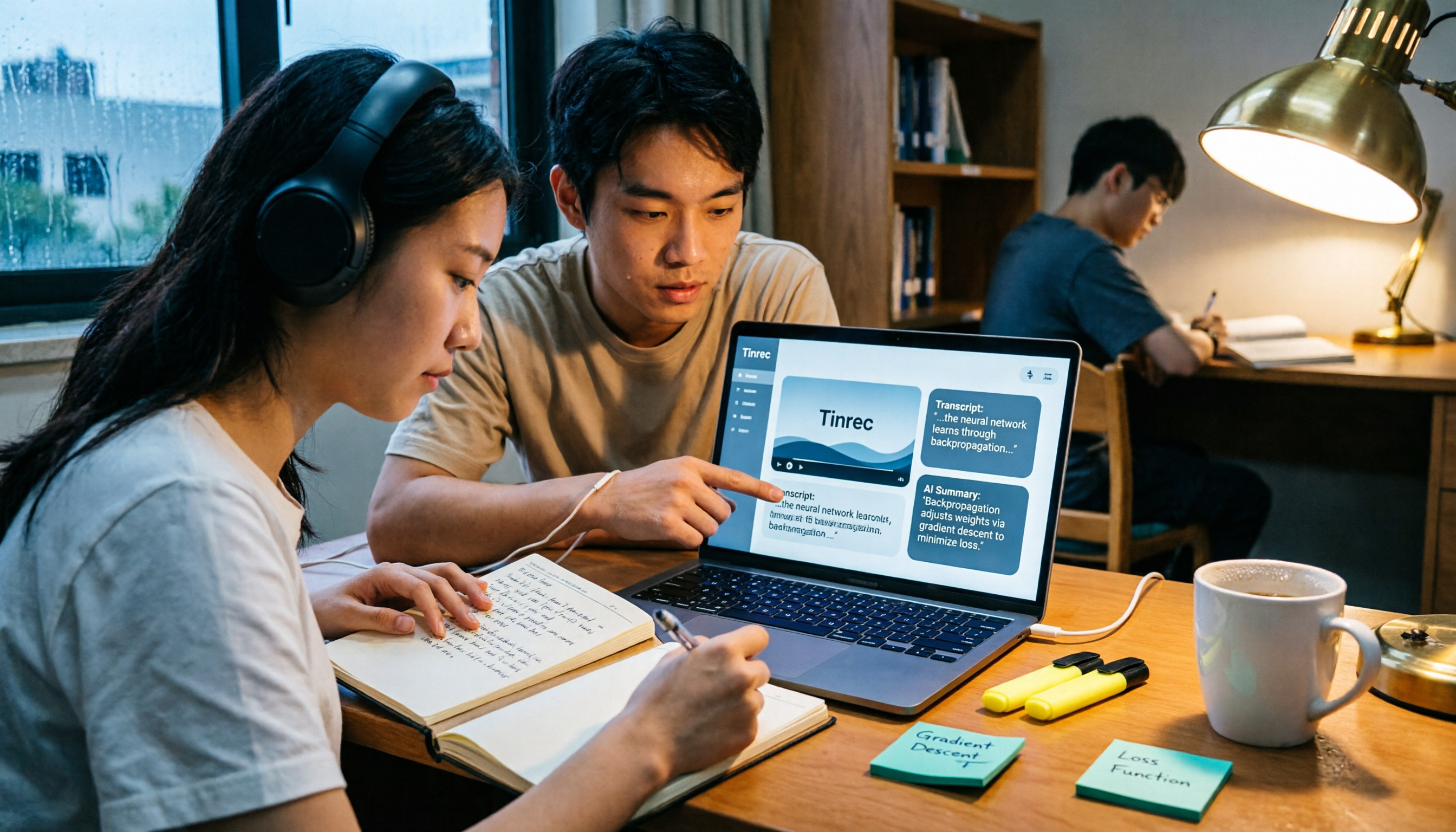
2026 AI Video to Text Tools Comparison: Which Saves Students More Time on Online Courses?
Don't want to rewatch 18 hours of online course videos before finals? This student-tested comparison of Tinrec and Otter.ai covers Chinese transcription, video file import and AI summarization, transcript Q&A and export, free tiers and student budgets, and cross-device and group collaboration—5 dimensions to help you build a repeatable video note-taking workflow.