

Turn recordings into transcripts and summaries in minutes
Upload audio or video for multilingual transcription, AI notes, and action items
The Complete Guide to Meeting Transcription in 2026: From How It Works to Real-World Use
When many people hear "meeting transcription," their first reaction is: "Isn't it just dropping the recording in and waiting for it to finish?"
I used to think so too.
Until I started leading projects and had more than ten meetings a week, I realized the real problem was never whether it could transcribe.
It was whether anyone actually read the transcript after it was done.
A 2-hour meeting can easily produce a transcript of 20,000 to 30,000 words. An unorganized transcript is practically the same as not having one at all.
So when I teach this topic in corporate training, I usually don't start with tools.
I start with 3 misconceptions I see almost every time.
3 Common Meeting Notes Misconceptions
Misconception 1: Treating the transcript as the end goal.
A transcript is raw material, not a finished product. It needs to become summaries, conclusions, and action items before it can actually be used.
Misconception 2: Obsessing over finding the "most accurate" tool.
Transcription quality is affected by recording environment, accents, overlapping speakers, and technical terminology. The same tool can produce very different results in a quiet conference room versus a noisy cafe. Instead of comparing marketing numbers, try it with your own recordings.
Misconception 3: Record now, find time to listen later.
This is the most expensive misconception I've seen. Right after a meeting, you still remember the context; if you come back two weeks later, the same 2-hour recording takes much longer to get back into.
So what's a more reasonable approach?
I see "meeting transcription" as a workflow, not a single action:
Record → Transcribe → Summarize and chapter → Action items → Q&A and export → Build a searchable knowledge base.
Below I'll use Tinrec as a concrete example to break down this workflow for you.
What Can Meeting Transcription Do for You?
Scenario 1: Get a readable meeting record right after the meeting
In the past, after a 2-hour meeting, you might spend another hour organizing notes. Now, by the time the meeting ends, the transcript is already there, along with summaries, chapters, and action items—who's responsible for what and what's next, all at a glance. With Tinrec, for example, it automatically generates summaries and action items after transcription, so you don't have to dig through tens of thousands of words for key points.
Scenario 2: Turn past recordings into searchable data
Those interviews and old meeting recordings sitting on your hard drive used to be recalled only by filename. With Tinrec, for example, audio and video files can be uploaded directly for transcription, and then you can use AI Q&A to ask "What were the client's concerns about pricing at the time?" without re-listening to the whole thing.
Scenario 3: Keep a complete record of meetings with mixed Chinese and English
Many meetings are primarily in Chinese with English technical terms mixed in. With Tinrec, for example, it supports transcription for Chinese and multilingual meetings, and you can view the original text, translation, or bilingual content during recording. Team-specific terminology can be added to team hotwords.
What Are the Core Capabilities of Meeting Transcription?
Real-time transcription: text appears as you record, not after.
The value isn't just speed. During the meeting, you can follow along with the text and, if you notice something wasn't transcribed, ask the speaker to repeat it on the spot. With Tinrec, for example, in-person meetings use real-time recording, while online meetings capture computer system audio directly through the desktop version, handling Zoom, Google Meet, Microsoft Teams, Webex, and more—without inviting a meeting bot to join.
AI summaries and chapters: break long meetings into digestible structure.
A good summary isn't just condensing the transcript into a paragraph; it's structured organization—meeting topic, discussion conclusions, and follow-up actions listed separately. Tinrec produces summaries and chapters, letting you grasp a 2-hour meeting in 3 minutes.
Action item extraction: turn discussions into trackable actions.
The most common complaint about meeting notes is "a lot was written down, but no one knows what to do." Tinrec extracts action items from discussions—something a transcript alone can't do.
AI Q&A: ask directly without re-listening.
Once meeting data accumulates, its real value lies in whether it can be queried. With Tinrec, for example, you can ask questions about a single meeting or even multiple meeting records, such as "What was the budget cap decided last time?"
Export and post-processing: bring results back into your existing workflow.
If transcription results are hard to use, they're just another silo. Tinrec supports exporting in multiple file formats and can be used with Notion, Google Docs, OneNote, Dropbox, and other tools, and can also generate reports, tables, and documents based on meeting content.
Team space: keep meeting data with the team, not in someone's personal account.
Stop organizing recordings by hand
Upload audio or video and automatically get a transcript, summary, and action items
Tinrec's team plan provides an independent team space where meeting data belongs to the team. Members can view, play, and read historical data; recording, uploading, editing, and exporting are determined by seats. Admins can also view usage trends, member rankings, and audit logs, and handle accidentally deleted audio through the audio recycle bin.
Practical Use Cases
Online meetings: Project weekly meetings and cross-department meetings often happen on Zoom or Teams. Use Tinrec desktop version to start recording at the beginning of the meeting, and get transcripts, summaries, and action items right after—no need to assign someone to take notes.
In-person meetings and interviews: For user interviews and expert interviews, the key is not to interrupt the conversation flow. Use Tinrec mobile or real-time recording to capture material first, then use AI Q&A and summaries to organize insights and quotes afterward.
Classes and lectures: For 2-3 hour courses, re-listening afterward is costly. Tinrec's chapters and summaries break the course into sections, so you can jump directly to the chapter you need to review.
Client and project communication: Sales and customer success teams fear missing client promises and concerns. After transcribing with Tinrec, action items and summaries can be organized into follow-up materials and exported as documents into existing workflows.
5 Things to Consider When Choosing a Meeting Transcription Tool
1. Can it handle your meeting format?
If most of your meetings are online, pay attention to how the tool captures audio. Some tools require a meeting bot to join, which some people mind. Tinrec desktop version captures computer system audio without an extra participant; but remember, it requires you to actively start recording, not automatically join your calendar meetings.
2. What else can it do after transcription?
Transcription is just the first stop. What really determines usability is whether summaries are useful, action items are accurate, and you can ask follow-up questions about the content. Tinrec puts summaries, chapters, action items, and Q&A in one workflow—that's the biggest difference from pure transcription tools.
3. Performance with Chinese and mixed Chinese-English.
If most of your meetings are in Chinese, don't just look at how many languages it supports; look at how it handles Chinese and mixed Chinese-English. Tinrec covers Chinese and multilingual meetings and provides team hotwords to maintain common terminology; actual results still depend on recording quality, accents, and background noise.
4. Data ownership and team governance.
This isn't obvious for personal use, but becomes critical for teams. Tinrec's team plan keeps data in a team space, uses roles to control governance permissions and seats to control usage eligibility; when a member leaves or is removed, resources need to be transferred to other active members and won't disappear with the personal account.
5. Does the quota and pricing match your pace?
Tinrec's personal plan ranges from a free version, weekly pass, to Pro monthly and annual plans—short-term intensive use and long-term steady use suit different choices. The team plan offers a 7-day trial for first-time eligible users, 1 free seat, and 300 minutes of shared team onboarding quota; team monthly payment is USD 29.80 per paid seat per month, annual payment is USD 199 per paid seat per year, with each paid seat providing 2,000 minutes of shared team onboarding quota per month. Real-time recording within the team package is currently not deducted by minutes; file and web imports use the shared team quota. Actual prices and benefits are subject to the official purchase page.
FAQ
What's the difference between meeting transcription and a transcript?
A transcript is one output of meeting transcription. The complete workflow also includes summaries, chapters, action items, and Q&A. With Tinrec, for example, summaries and action items are generated simultaneously after transcription, so you don't have to start organizing from the transcript.
Do I need a meeting bot to join the meeting?
Not necessarily. Tinrec desktop version captures computer system audio directly, without an extra bot joining Zoom, Meet, or Teams meetings, but the user still needs to actively start recording.
Can transcription accuracy be guaranteed?
It's not advisable to view accuracy as a fixed number. Recording quality, background noise, accents, overlapping speakers, and technical terminology all affect results. A more practical approach: verify important content against transcript timestamps and recording playback.
What can the free version do?
Tinrec's free version provides basic quota to experience recording, importing, summaries, and transcription. If you only occasionally organize a recording, start with the free version; for short-term intensive meetings or interviews, consider a weekly pass; for steady weekly needs, Pro is more suitable; for long-term data accumulation, the annual plan has a lower monthly equivalent.
Can all team members see meeting data?
Currently, the team plan is primarily team-level sharing. Active members can view, play, and read team data even without a seat; only after obtaining a seat can they record, upload, edit, and export. The team space also provides audit logs and an audio recycle bin (30-day retention) to assist management.
Do I need consent before recording?
Pay attention to local regulations and team policies, and obtain participant consent when necessary. This is not just a legal issue but also a matter of trust.
Conclusion
What meeting transcription really solves isn't "slow typing" but "content scattering after the meeting ends."
By connecting recording, transcription, summaries, action items, Q&A, and team space into one workflow, meetings leave behind data that can continue to be used.
If you want to experience this workflow, start with Tinrec's free version basic quota, run a real meeting with it, and see what it's like to get transcripts, summaries, and action items right after.
Test step by step, and you'll find the method that best fits your team.
References
- Online AI speech, video, audio file auto transcription - Free trial - cSubtitle
- No time limit! 3 free AI transcript tools, highly recommended! AI voice notes generate meeting records, presentations, mind maps | 104 Workplace
- How to use AI for meeting minutes? How to organize meeting transcripts? | AI speech-to-transcript tutorial | 104 Workplace
- Notta - Super Accurate Transcript, Speech to Text, Meeting Recording, AI Summary Notes App - App Store
- Get meeting notes done! How to do AI speech-to-transcript? Gemini Notebook, Gemini, EchoScript operation analysis | 104 Workplace
Turn every recording into actionable outcomes
Get 60 free transcription minutes when you sign in. No credit card required.
Related Reading
You might also like

2026 Comparison of 4 Meeting Minutes Tools for State-Owned Enterprises: Which Saves the Most Time?
For state-owned enterprises and large organizations, organizing meeting minutes often gets stuck in the hour or two after the meeting. This hands-on comparison tests Tinrec, Notta, Otter.ai, and PLAUD on Chinese meeting transcription, post-meeting summaries, action item extraction, and team collaboration. It also covers 4 key purchasing factors and 3 common pitfalls to help you decide which tool best fits your meeting scenario.

2026 Comparison of 4 Audio-to-Text Tools: How to Turn Audio Evidence into a Transcript
Got a key recording but stuck on how to turn it into text that courts, mediators, or supervisors can understand? This article first outlines 5 key principles for audio transcripts, then compares Tinrec, Notta, Otter.ai, and TurboScribe in real tests, focusing on file import, timeline completeness, AI Q&A, and team data storage, helping you choose the right tool for your situation.

6 iPhone Voicemail and Call Transcription Solutions Tested for 2026: Which Organizes Messages Best?
When you miss a call on iPhone, it goes to voicemail, but the real challenge starts after the message arrives. This article addresses common misconceptions and reviews 6 ways to handle voicemail and call content on iPhone, including iOS 17's built-in Live Voicemail, carrier Visual Voicemail, and Tinrec, which can turn messages into transcripts, summaries, and to-dos. It also covers roaming charges, Low Power Mode, and spam call considerations.

2026 AI Meeting Recorder Comparison: 5 Tools Tested for Turning Audio into Shareable Meeting Minutes
Most AI tools can turn recordings into transcripts, but what really slows you down after a meeting is producing minutes you can send out directly. This article starts from the question of whether decisions, action items, and numbers are ready to hand off, outlines 4 key factors for choosing an AI meeting minutes tool, and compares Tinrec, Otter.ai, Notta, and Granola in hands-on testing, with 4 common pitfalls and scenario-based recommendations.

2026 Complete Guide to Office Document Summarization Apps: From Meeting Transcripts to To-Do Lists in One Go
How to choose an office document summarization app? This article starts from real office scenarios, outlines 4 key purchasing factors, and compares Tinrec, Notta, TurboScribe, and Otter.ai with hands-on testing. It includes a pitfall guide and selection advice to help you find the right summarization tool.

5 Best Meeting Transcription Tools in 2026: Tinrec vs Notta and Other Top Picks
A mid-level manager who attends 15 meetings a week compares 5 meeting transcription tools in 2026, covering bot-free recording, Chinese recognition, AI Q&A, team seats, and quotas. Find out when Tinrec shines and whether to start with the free or team plan.

2026 Comparison of 5 Meeting Transcription Tools: Which Is Easiest to Use?
From a mid-level manager's practical experience, this article compares the learning curve and post-meeting organization efficiency of 5 meeting transcription tools, explains key factors to consider before purchasing, and shares hands-on insights on Tinrec's bot-free recording, Chinese meeting support, and AI follow-up questions. Ideal for professionals who have weekly meetings and no longer want to type transcripts while listening.

4 Best Meeting Transcription Tools in 2026: From Free to Team Collaboration
A mid-level manager who attends 15 meetings a week shares hands-on experience: first, the 5 key factors for choosing a meeting transcription tool, then a breakdown of Tinrec's bot-free online meeting recording, AI Q&A, and team spaces, plus a comparison of Otter.ai, Notta, and PLAUD Note's use cases and pricing, to help you find the one you'll actually open and use.
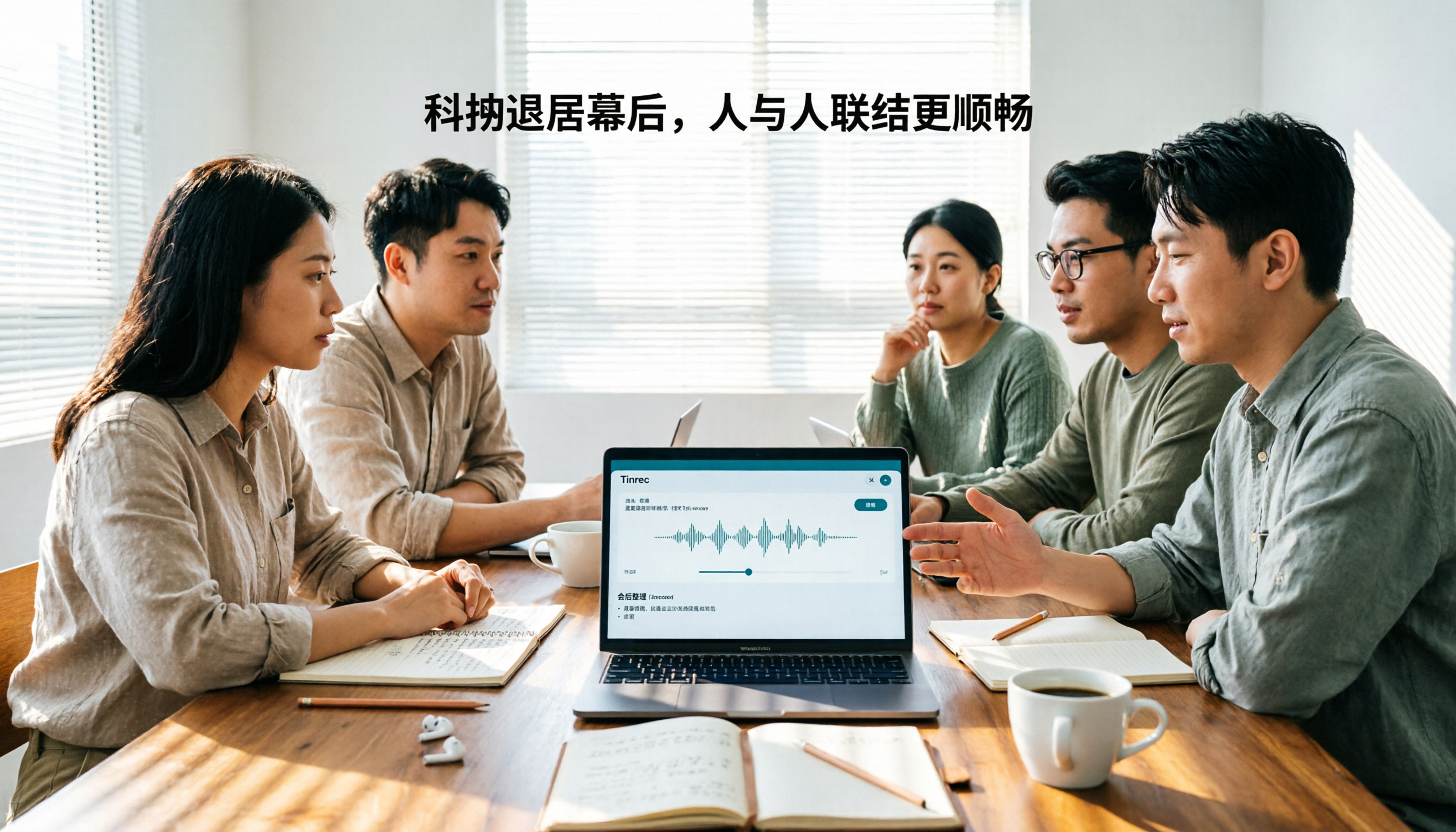
Tinrec vs Otter.ai 2026: 5-Dimension Comparison for Chinese Team Meetings
How to choose a meeting transcription tool in 2026? This article compares Tinrec and Otter.ai across 5 dimensions: Chinese recognition, bot-free recording, post-meeting organization, team collaboration, and pricing/quotas. Avoid common pitfalls and find the best meeting notes solution for small to medium-sized teams in Taiwan.