
Turn recordings into transcripts and summaries in minutes
Upload audio or video for multilingual transcription, AI notes, and action items
Tinrec vs Otter.ai 2026: 5-Dimension Comparison for Chinese Team Meetings
Many people choose a meeting transcription tool based on accuracy first. That's not wrong, but it's the easiest trap to fall into. I've tried several tools: those with high transcription accuracy still require manual post-meeting organization; those with seemingly generous free tiers quickly reveal that team data is scattered across individual accounts. What really matters is: after transcription, can you quickly find key points, can the team share them, and can you continue using it next month?
Tinrec vs Otter.ai | Quick Overview
Tinrec is an AI meeting notes tool focused on Chinese meetings and team collaboration; Otter.ai is a veteran AI assistant for English business meetings.
- Tinrec: Personal plan offers free, weekly, and Pro monthly/yearly cards; team plan has independent workspace, USD 29.80/seat/month (annual USD 199/seat/year, about USD 16.58/month), each seat gets 2,000 minutes of shared team import quota per month, real-time recording does not deduct minutes.
- Otter.ai: Basic free plan offers 300 minutes per month; Pro annual plan about USD 8.49/user/month, 1,200 minutes of in-app recording and 10 file imports per month; Business offers unlimited meetings and in-app recording, pricing based on activity.
- Key differences: Tinrec excels in Chinese, bot-free desktop recording, and team data retention; Otter excels in English meeting ecosystem and automation integrations.
This article compares 5 dimensions: Chinese transcription, bot-free recording, post-meeting organization, team collaboration, and pricing/quotas.
Dimension 1 | Chinese Meetings and Mixed Chinese-English Recognition
Otter's strength is English business meetings; support for Chinese meetings is not its main focus. If your meetings are all in English, Otter works smoothly; but for the mixed Chinese-English and technical terms common in Taiwan teams, it may not capture them accurately.
Tinrec is specifically designed for Chinese, Traditional Chinese, and multilingual meeting scenarios, and supports team hotwords, allowing you to add company-specific product names, people names, and terminology to improve professional term recognition. Actual performance still depends on recording quality, accent, and background noise, but for Chinese teams, Tinrec has a better starting point.
→ This dimension: Tinrec is more suitable for Chinese meeting scenarios.
Dimension 2 | Bot-Free Online Meeting Recording
Otter can join Zoom, Meet, Teams via a meeting bot, and also has desktop capabilities. The bot approach is convenient, but sometimes encounters issues like host not approving, bot displaying a strange name, or security review blocking.
Tinrec desktop version directly captures computer system audio without inviting a bot or requiring official platform cooperation. You just open the desktop version and start recording to handle audio from Zoom, Google Meet, Microsoft Teams, Webex, etc. For those who don't want a bot appearing in the meeting list, this is very practical.
→ This dimension: Tinrec's bot-free experience is more intuitive.
Dimension 3 | Post-Meeting Organization and AI Q&A
Otter provides summaries, action items, AI Chat, and workflows, and is already mature for post-meeting organization of English meetings.
Stop organizing recordings by hand
Upload audio or video and automatically get a transcript, summary, and action items
Tinrec extends the post-meeting process further: transcript, AI summary, chapters, to-dos, mind map, AI Q&A, and even Agent post-processing to generate reports, tables, and documents. You can directly ask the AI "Who was responsible for this project in the last meeting?" without re-listening to the recording. For those who need to turn meeting content into work output, Tinrec goes an extra mile.
→ This dimension: Tinrec is more complete in post-meeting processing and follow-up questions.
Dimension 4 | Team Collaboration and Data Retention
Otter has a Business plan offering team management and more advanced meeting features, suitable for enterprises already accustomed to the Otter ecosystem.
Tinrec's team plan centralizes meeting data into an independent team space: even if members leave, meeting data remains with the team and can be handed over; admins can manage roles, seats, usage analytics, and audit logs; members without seats can still view, play, and read data, but cannot upload or edit. For small and medium teams, this is much clearer than simply "one account per person."
→ This dimension: Tinrec's team governance and handover design better fits actual needs.
Dimension 5 | Pricing and Quotas
Otter free version offers 300 minutes per month; Pro annual about USD 8.49/month, 1,200 minutes per month; enough for personal English meetings, but for teams to share high quotas, they usually need to go Business, with pricing based on official quotes.
Tinrec team plan: USD 29.80/paid seat/month, annual USD 199/paid seat/year (about USD 16.58/month), each seat gets 2,000 minutes of shared team import quota per month, and real-time recording currently does not deduct minutes. Eligible teams also get a 7-day trial, 1 free seat, and 300 minutes of shared import quota for the first time.
→ This dimension: Tinrec's team plan offers a more friendly quota and pricing combination for small and medium teams.
What Are Their Unique Advantages?
Tinrec's unique advantages:
- Bot-free desktop recording, keeping bots out of meeting participants.
- Chinese and multilingual meeting experience, plus team hotword management.
- Post-meeting Agent processing, directly generating reports, tables, and documents.
- Team space, seats, usage, audit, and recycle bin all in one place.
- Real-time translation and bilingual transcripts, keeping up with cross-language meetings.
Otter's unique advantages:
- Mature English business meeting ecosystem with rich integrations and workflows.
- Long brand history, already used by many multinational teams.
Conclusion: Which One Should You Choose?
• If you mainly hold Chinese meetings and need mixed Chinese-English recognition → Tinrec is more suitable.
• If you don't want a meeting bot to join → Tinrec desktop records directly.
• If you need team sharing of meeting data and handover of member tasks → Tinrec team space is clearer.
• If you need post-meeting AI Q&A, report generation, and to-dos → Tinrec's post-processing is more complete.
• If your meetings are all in English and your team already deeply uses the Otter ecosystem → Otter is still sufficient.
In one sentence: For most small and medium teams in Taiwan, Tinrec is more complete in Chinese scenarios, bot-free recording, and team data retention. We recommend first using the free version to run a few of your own meeting recordings and see the results before deciding.
References
- No time limit! 3 free AI transcription tools, highly recommended! AI voice notes generate meeting minutes, presentations, mind maps | 104 Career Force
- Must-see in 2026! 4 AI audio-to-text tool recommendations: meeting minutes, podcast transcription神器 comparison - Mobile01
- Meeting Ink - 2026 AI meeting minutes tool hands-on test | 7 voice-to-text and summary speed comparison | Meeting Ink - AI meeting minutes assistant automatic transcription and summary
- How to use AI for meeting minutes? How to organize meeting transcripts? | AI voice-to-transcript tutorial | 104 Career Force
- [AI voice notes] Top 5 AI transcription tools! Generate transcripts and meeting minutes highlights, free vs subscription, pros and cons comparison | 104 Career Force
Turn every recording into actionable outcomes
Get 60 free transcription minutes when you sign in. No credit card required.
Related Reading
You might also like

Tinrec vs Notta 2026: 5-Dimension Comparison for Chinese Meeting Transcription
How to choose an audio-to-text tool? This article addresses common pitfalls and reviews 6 practical solutions, including Tinrec, Notta, Otter.ai, Fireflies.ai, Granola, and a no-registration online tool. It compares them across 5 dimensions: meeting capture method, Chinese transcription, post-meeting organization, team collaboration, and pricing. All prices and free limitations are listed accurately to help you find the best fit for your meeting scenario.
2026 Video-to-Text Tools Compared: Which AI Transcription Saves the Most Time for Chinese Content?
How do you turn video audio into text? This article explores real-world scenarios to explain what pain points AI video transcription solves and what core capabilities to look for. It covers 5 key considerations when choosing a tool and compares Tinrec's personal and team plans. A FAQ section addresses common questions about long videos, accuracy, free quotas, and team permissions.

2026 Audio Extraction to MP3 Comparison: Tinrec One-Click Conversion with Transcript
Audio extraction to MP3 is just a means; what you really need is the content inside. This article uses real scenarios like meetings, client interviews, classes, and content creation to break down how Tinrec directly processes audio and video files, producing transcripts, AI summaries, and action items in one go, and organizes 5 key points to consider when buying and common questions to help you save time on repeated conversions and manual transcription.

5 Online Audio-to-Text Tools Tested and Compared for 2026: Which Free Tier and AI Summary Tool Is Most Practical?
There are many online audio-to-text tools, but most people make the wrong choice from the start. This article examines five key points: free tier limits, audio sources, Chinese recognition, post-meeting organization, and team data ownership. It compares Tinrec, Notta, TurboScribe, and Otter.ai, highlights four common pitfalls, and provides clear recommendations based on budget and use case.
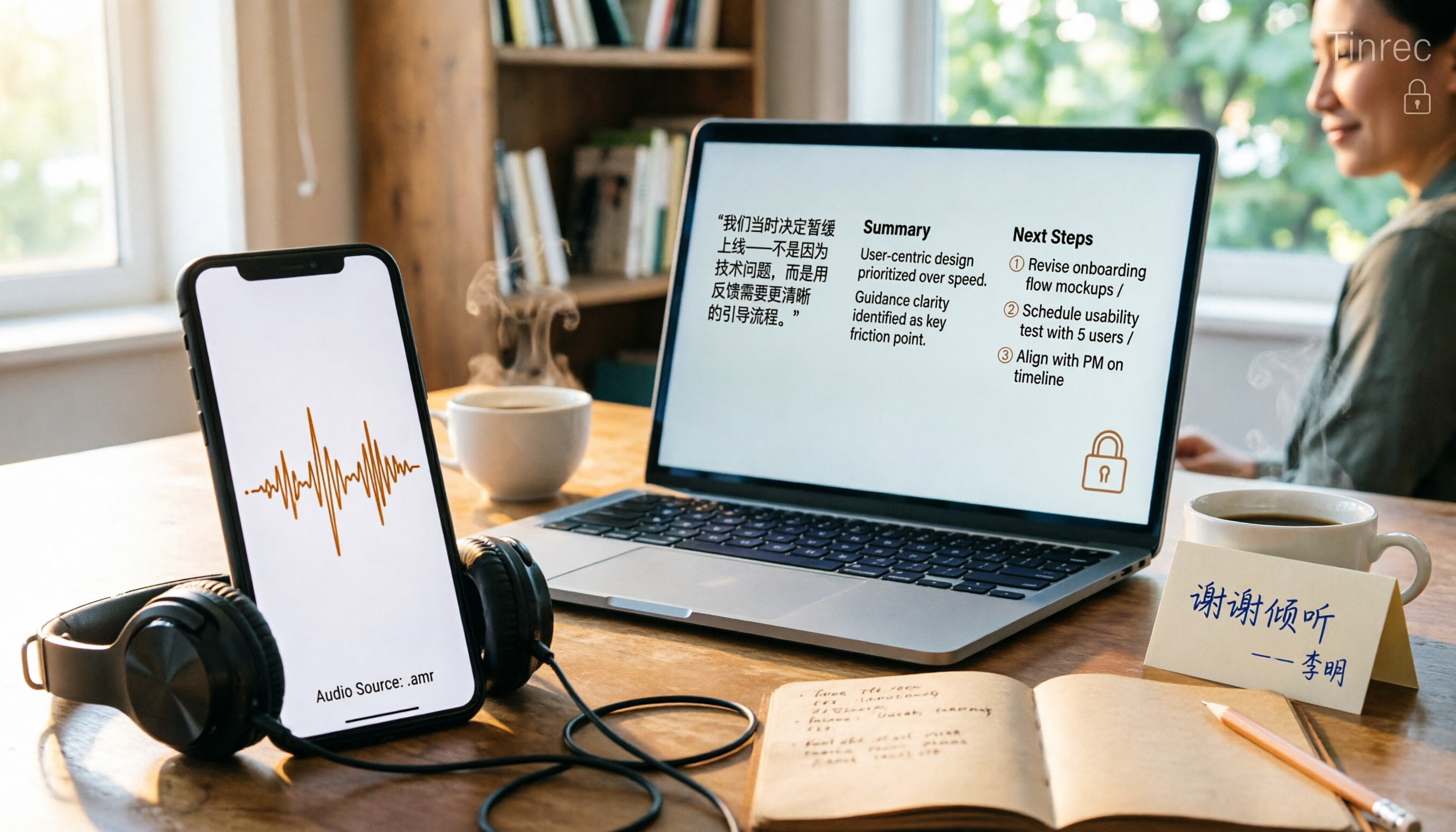
3 AMR to MP3 Tools Tested and Compared in 2026: Which Is Easiest and Safest for Privacy?
Phone recordings are often saved as .amr files, which computers can't open and which you may worry about leaking when sharing. This article compares three approaches: online conversion, browser-based local conversion, and desktop tools. It also explains that if your AMR files are meeting or interview recordings, Tinrec can turn audio directly into transcripts, summaries, and action items, saving you hours of typing.

2026 Comparison of 4 Meeting Minutes Tools for State-Owned Enterprises: Which Saves the Most Time?
For state-owned enterprises and large organizations, organizing meeting minutes often gets stuck in the hour or two after the meeting. This hands-on comparison tests Tinrec, Notta, Otter.ai, and PLAUD on Chinese meeting transcription, post-meeting summaries, action item extraction, and team collaboration. It also covers 4 key purchasing factors and 3 common pitfalls to help you decide which tool best fits your meeting scenario.

2026 Comparison of 4 Audio-to-Text Tools: How to Turn Audio Evidence into a Transcript
Got a key recording but stuck on how to turn it into text that courts, mediators, or supervisors can understand? This article first outlines 5 key principles for audio transcripts, then compares Tinrec, Notta, Otter.ai, and TurboScribe in real tests, focusing on file import, timeline completeness, AI Q&A, and team data storage, helping you choose the right tool for your situation.

6 iPhone Voicemail and Call Transcription Solutions Tested for 2026: Which Organizes Messages Best?
When you miss a call on iPhone, it goes to voicemail, but the real challenge starts after the message arrives. This article addresses common misconceptions and reviews 6 ways to handle voicemail and call content on iPhone, including iOS 17's built-in Live Voicemail, carrier Visual Voicemail, and Tinrec, which can turn messages into transcripts, summaries, and to-dos. It also covers roaming charges, Low Power Mode, and spam call considerations.
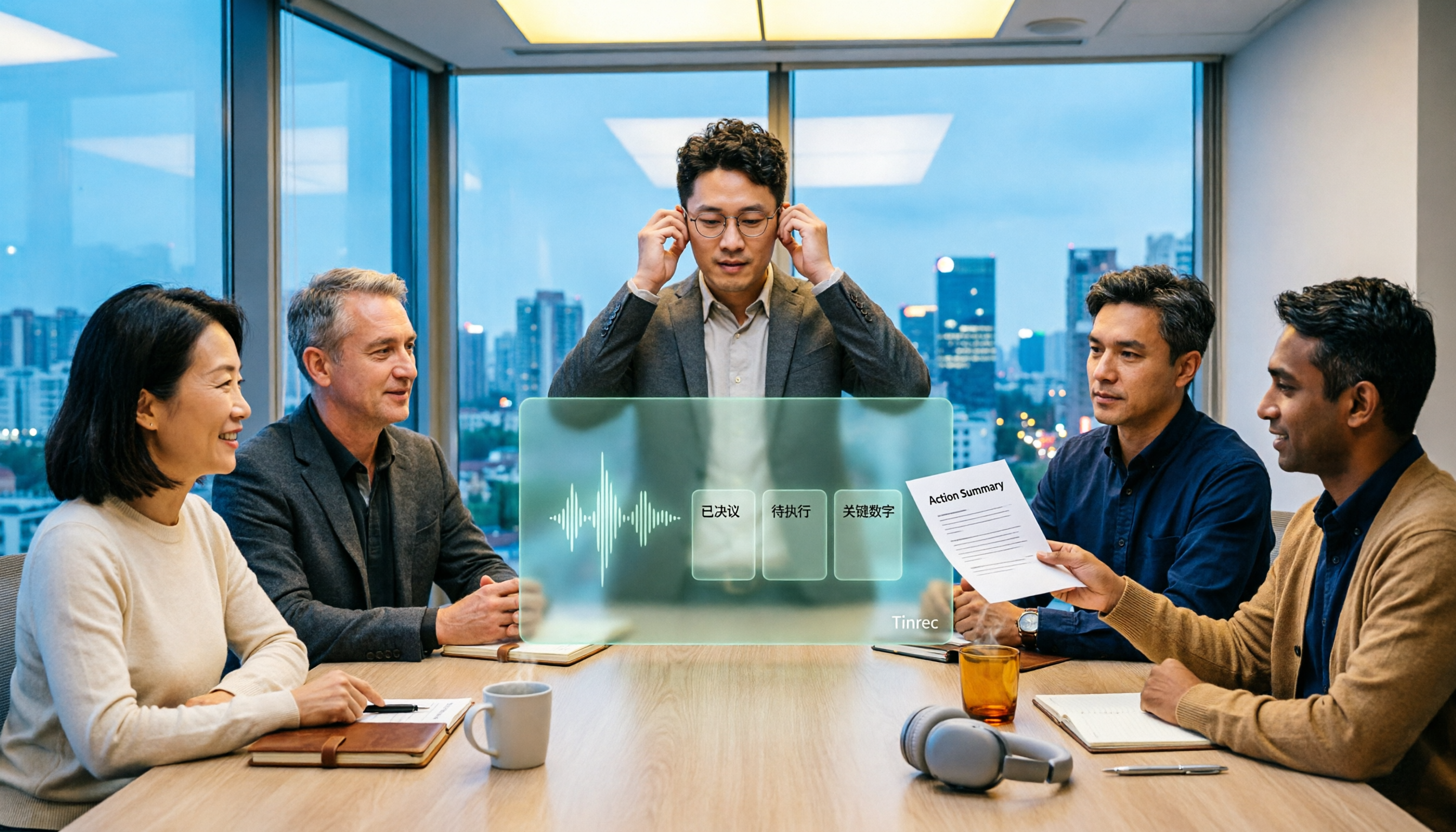
2026 AI Meeting Recorder Comparison: 5 Tools Tested for Turning Audio into Shareable Meeting Minutes
Most AI tools can turn recordings into transcripts, but what really slows you down after a meeting is producing minutes you can send out directly. This article starts from the question of whether decisions, action items, and numbers are ready to hand off, outlines 4 key factors for choosing an AI meeting minutes tool, and compares Tinrec, Otter.ai, Notta, and Granola in hands-on testing, with 4 common pitfalls and scenario-based recommendations.