
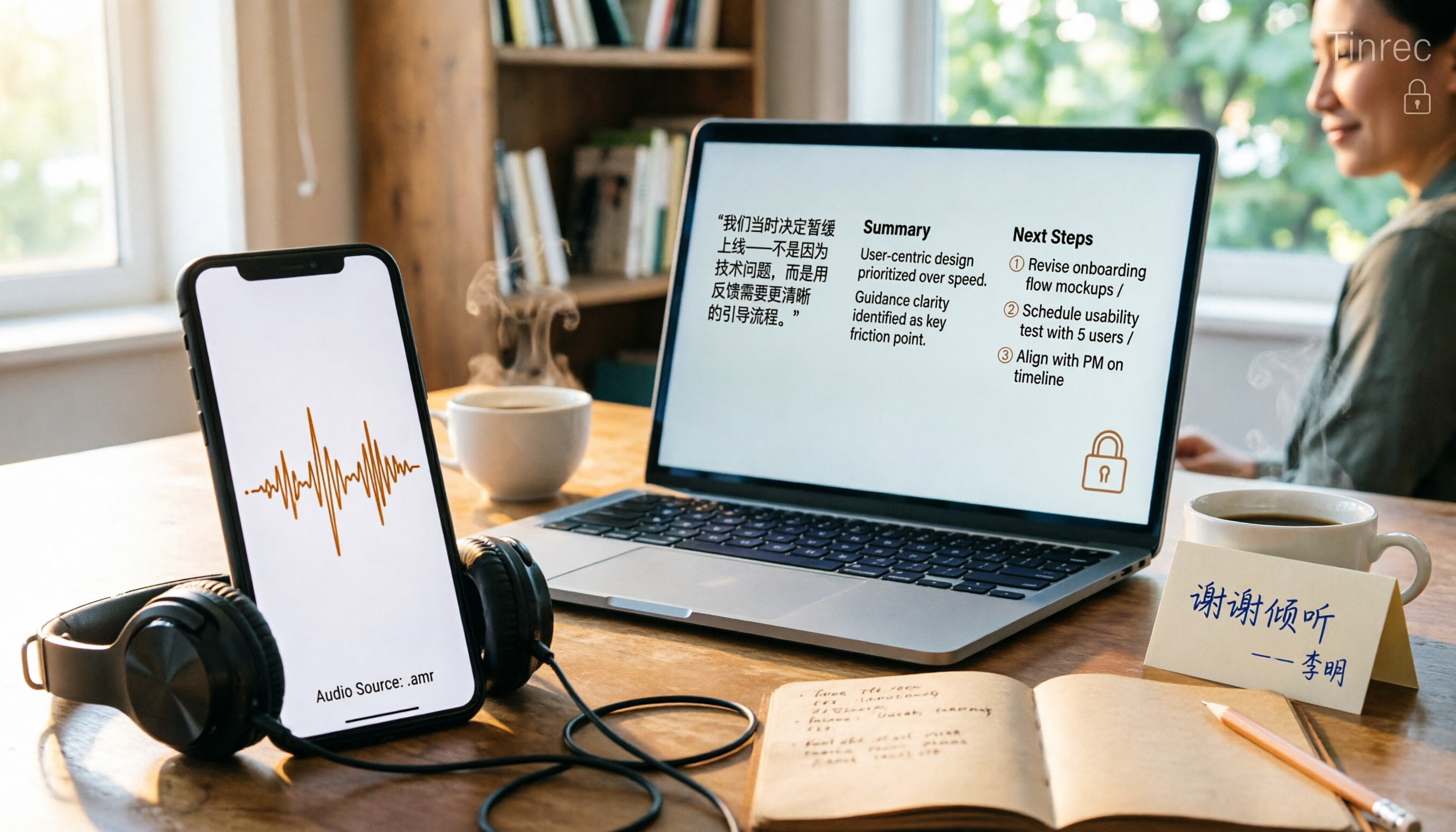
Turn recordings into transcripts and summaries in minutes
Upload audio or video for multilingual transcription, AI notes, and action items
Phone recordings, voice messages, and call backups are often saved as .amr files.
When you try to play them, your computer's media player doesn't support the format. When you send them to a client or upload them to a platform, the other person replies, "What kind of file is this? It won't open."
So you search online for "amr to mp3."
But honestly, the real question isn't whether you can convert the file. It's whether you're willing to upload those recordings to someone else's server just to convert them.
In this article, I'll break down the common approaches, including online tools, offline software, and a third option most people haven't considered.
Why AMR Files Often Won't Open: You Don't Need Conversion, You Need Usable Data
AMR is a format left over from the era of mobile voice calls.
Its biggest advantage is small file size and suitability for transmitting voice over narrowband networks, so early phone recordings and voice memos were almost always saved as .amr.
The downside is that it's not a format meant for music players. Most computer media players don't support it by default, and editing software may not handle it either.
But there's a second, more troublesome need.
I've met many people who want to turn meeting recordings, client interviews, or voice messages into transcripts or meeting notes. In that case, simply converting .amr to .mp3 doesn't solve the problem, because you still have an audio file you have to listen to and type out yourself.
So first, be clear: do you want a file you can play, or content you can directly use? These two goals require completely different tools.
Before Choosing an AMR to MP3 Tool, Understand These 3 Key Points
First, does the file need to leave your computer?
Online conversion tools are the most convenient, but your recording is first uploaded to their server. If it's a client interview or internal meeting, you should think twice.
There are now browser-based local conversion methods where the file never leaves your device. This is the biggest difference in terms of privacy.
Second, are there file size and batch limits?
Most online tools I found list a per-file limit (e.g., 75MB) and whether they support batch processing. For someone who needs to process a dozen voice files at once, this limit directly determines whether the tool is usable.
Third, what do you need to do after conversion?
If you just want to play the file or send it to someone, pure conversion is enough.
If you need a transcript, summary, or action items, then your workflow is actually "audio → text → organization," and the intermediate MP3 doesn't need to exist at all.
Once you think through these three points, you won't spend two afternoons testing five tools.
If Your AMR Is a Meeting or Interview Recording, Tinrec Is Worth a Look
Let me be clear: Tinrec is not a format conversion tool. It won't convert .amr to .mp3.
It does something different—it turns the content of your recording directly into data you can search, query, and export.
Tinrec is an AI meeting notes and collaboration tool for individuals and teams, available on iOS, Android, and web.
Its core value isn't "conversion," but "doing everything you want to do after conversion in one go."
Here's how it works in practice.
After importing phone-recorded meetings, voice messages, or interview audio into Tinrec, it first becomes a transcript that preserves the original spoken content and supports search. You can look up who said what and which sentence was missed. For actual supported file formats and quotas, refer to the official website and in-app documentation.
After the meeting ends, AI automatically generates a summary and chapters. For a two-hour meeting, you don't have to listen from the beginning—just read the structure and key points.
Action items are also pulled from the discussion—who is responsible for what and when it's due. This is especially useful for project meetings.
Then there's what I think is the biggest difference: AI Q&A.
Stop organizing recordings by hand
Upload audio or video and automatically get a transcript, summary, and action items
After recording, you can directly ask, "Who mentioned the budget in the last meeting?" It doesn't give you a list of keyword search results; it answers based on semantic understanding. Format conversion tools at the same price point certainly don't have this, because they don't process content at all.
It also supports exporting to Notion, Google Docs, OneNote, Dropbox, and other tools, and can generate reports, tables, and documents, essentially connecting meetings directly into your existing workflow.
For online meetings, the desktop version captures your computer's system audio directly, so you don't need to invite a meeting bot into the room. This works for Zoom, Google Meet, Microsoft Teams, Webex, and other meetings played on your computer.
Let's talk about the downsides.
First, it doesn't convert formats. If all you want is to turn .amr into .mp3 that plays in your car stereo, the conversion tools below are more direct.
Second, the free version has usage limits. It's plenty for occasional use, but if you process long meetings daily, you'll need to move to a paid version. The personal plan includes a free version, weekly pass, Pro monthly, and Pro annual. The team plan has separate team spaces and per-seat pricing. For detailed pricing and benefits, refer to the official purchase page.
Who is it for?
If your .amr files are meeting, interview, or client communication recordings where content matters more than format, Tinrec is the easiest path in this article.
Conversely, if you just want to play a phone ringtone, you don't need to go through all this trouble.
Besides Tinrec, What Are the Actual AMR to MP3 Options?
MiConv Online Converter
A free, no-registration online tool. The official description says average conversion time is about 20 seconds, with a 75MB per-file limit, and it works on Windows, macOS, Linux, iOS, and Android.
Its value is speed: upload, select format, download—three steps done.
But what you get is just an .mp3 file. There's no transcript, summary, or action items—things Tinrec has and it doesn't. If you just need a playable file, it's more than enough.
Browser-Based Local Conversion (e.g., audio.worthsee.com)
These tools don't upload files; they convert directly in your browser. They also support batch processing and parameter adjustments, with bitrate options like 256k, 160k, 128k, and sample rates from 48000 down to 8000.
For privacy-conscious users, this is more reassuring than uploading files to the cloud.
However, it only handles format conversion. After conversion, you still have to type out the content yourself. It can't do what Tinrec does for post-meeting organization and team collaboration.
HandBrake
An open-source desktop audio/video conversion tool. Free, offline, batch-capable, and with an active community.
The downside is you have to download and install it yourself and figure out the settings. For someone who just wants to convert a voice clip, it's a bit heavy.
Also, a reminder: HandBrake is a general-purpose tool, not designed for transcription. It won't generate meeting notes—that's where Tinrec comes in.
Pitfall Guide: The 3 Most Common Mistakes When Converting AMR to MP3
Pitfall 1: Uploading to any free online tool you see.
Uploading recordings of client interviews or internal meetings to an unfamiliar website means handing over the content. It's better to choose browser-based local conversion first, or at least confirm how they handle your files.
Pitfall 2: Thinking MP3 conversion will improve audio quality.
AMR is inherently a low-sample-rate voice codec. Converting to MP3 won't create something out of nothing. What you hear is what you get—don't expect it to become clearer.
Pitfall 3: Focusing only on conversion and forgetting that content is the point.
If your .amr is a meeting recording, the real time sink is transcription and organization, not the 20-second conversion. In that case, using a tool like Tinrec to turn the recording into a transcript, summary, and action items will be much faster than converting to MP3 and then manually typing it out.
Conclusion: Which One Should You Choose?
- Just need to play on a computer or send to someone → Online tools like MiConv, solved in 20 seconds
- Privacy concerns or batch processing → Browser-based local conversion tools or HandBrake
- Recording is a meeting, interview, or client communication, and you need the content → Tinrec: transcript, summary, action items, AI Q&A all in one
- Team needs to review past meetings, manage members and usage → Tinrec team plan: meeting data belongs to the team and won't be taken away when members leave
My own approach: for simple voice messages, I just convert them on the fly. But for any meeting or interview, I drop it straight into Tinrec.
Try the free version first to see the difference—no need to pay upfront.
References
- Convert AMR to MP3 – Free Online Tool | MiConv
- AMR to MP3 Converter - Google Play App
- AMR to MP3 Free Batch Online Conversion, Browser Local, No Upload
- AMR to MP3 - AMR to MP3 Online Format Converter - Yaya Dubbing
- How to Convert AMR Files to MP3? Audio Format Conversion, 3 Must-Know Tips_handbrake to mp3-CSDN Blog
Turn every recording into actionable outcomes
Get 60 free transcription minutes when you sign in. No credit card required.
Related Reading
You might also like

Tinrec vs Notta 2026: 5-Dimension Comparison for Chinese Meeting Transcription
How to choose an audio-to-text tool? This article addresses common pitfalls and reviews 6 practical solutions, including Tinrec, Notta, Otter.ai, Fireflies.ai, Granola, and a no-registration online tool. It compares them across 5 dimensions: meeting capture method, Chinese transcription, post-meeting organization, team collaboration, and pricing. All prices and free limitations are listed accurately to help you find the best fit for your meeting scenario.

2026 Video-to-Text Tools Compared: Which AI Transcription Saves the Most Time for Chinese Content?
How do you turn video audio into text? This article explores real-world scenarios to explain what pain points AI video transcription solves and what core capabilities to look for. It covers 5 key considerations when choosing a tool and compares Tinrec's personal and team plans. A FAQ section addresses common questions about long videos, accuracy, free quotas, and team permissions.

2026 Audio Extraction to MP3 Comparison: Tinrec One-Click Conversion with Transcript
Audio extraction to MP3 is just a means; what you really need is the content inside. This article uses real scenarios like meetings, client interviews, classes, and content creation to break down how Tinrec directly processes audio and video files, producing transcripts, AI summaries, and action items in one go, and organizes 5 key points to consider when buying and common questions to help you save time on repeated conversions and manual transcription.

5 Online Audio-to-Text Tools Tested and Compared for 2026: Which Free Tier and AI Summary Tool Is Most Practical?
There are many online audio-to-text tools, but most people make the wrong choice from the start. This article examines five key points: free tier limits, audio sources, Chinese recognition, post-meeting organization, and team data ownership. It compares Tinrec, Notta, TurboScribe, and Otter.ai, highlights four common pitfalls, and provides clear recommendations based on budget and use case.

2026 Comparison of 4 Meeting Minutes Tools for State-Owned Enterprises: Which Saves the Most Time?
For state-owned enterprises and large organizations, organizing meeting minutes often gets stuck in the hour or two after the meeting. This hands-on comparison tests Tinrec, Notta, Otter.ai, and PLAUD on Chinese meeting transcription, post-meeting summaries, action item extraction, and team collaboration. It also covers 4 key purchasing factors and 3 common pitfalls to help you decide which tool best fits your meeting scenario.

2026 Comparison of 4 Audio-to-Text Tools: How to Turn Audio Evidence into a Transcript
Got a key recording but stuck on how to turn it into text that courts, mediators, or supervisors can understand? This article first outlines 5 key principles for audio transcripts, then compares Tinrec, Notta, Otter.ai, and TurboScribe in real tests, focusing on file import, timeline completeness, AI Q&A, and team data storage, helping you choose the right tool for your situation.

6 iPhone Voicemail and Call Transcription Solutions Tested for 2026: Which Organizes Messages Best?
When you miss a call on iPhone, it goes to voicemail, but the real challenge starts after the message arrives. This article addresses common misconceptions and reviews 6 ways to handle voicemail and call content on iPhone, including iOS 17's built-in Live Voicemail, carrier Visual Voicemail, and Tinrec, which can turn messages into transcripts, summaries, and to-dos. It also covers roaming charges, Low Power Mode, and spam call considerations.

2026 AI Meeting Recorder Comparison: 5 Tools Tested for Turning Audio into Shareable Meeting Minutes
Most AI tools can turn recordings into transcripts, but what really slows you down after a meeting is producing minutes you can send out directly. This article starts from the question of whether decisions, action items, and numbers are ready to hand off, outlines 4 key factors for choosing an AI meeting minutes tool, and compares Tinrec, Otter.ai, Notta, and Granola in hands-on testing, with 4 common pitfalls and scenario-based recommendations.

2026 Complete Guide to Office Document Summarization Apps: From Meeting Transcripts to To-Do Lists in One Go
How to choose an office document summarization app? This article starts from real office scenarios, outlines 4 key purchasing factors, and compares Tinrec, Notta, TurboScribe, and Otter.ai with hands-on testing. It includes a pitfall guide and selection advice to help you find the right summarization tool.