

Turn recordings into transcripts and summaries in minutes
Upload audio or video for multilingual transcription, AI notes, and action items
Why Do You Need Audio-to-Text Transcription?
Most people first encounter audio transcription because of a very specific pain point: after a meeting, the recording sits on your phone untouched for two weeks.
A common misconception is thinking that "finding a free website to upload the audio and get a transcript" is the end of it. In reality, you often run into three pitfalls: free tools have single-file duration limits, transcripts lack punctuation and paragraph breaks, and after getting a 10,000-word transcript, you still have to read it from start to finish yourself.
A more reasonable approach is to first categorize your needs into "occasionally transcribing a recording" and "processing meetings every week," then choose a tool accordingly.
This article reviews 6 audio-to-text solutions and examines them across 5 dimensions: meeting capture method, Chinese transcription, post-meeting organization, team collaboration, and pricing. From completely free online tools to AI meeting note tools with AI Q&A and team spaces, all prices and limitations are listed accurately.
Tinrec | The Most Complete AI Meeting Notes and Collaboration Tool
Tinrec is an AI meeting notes and collaboration tool for individuals and teams. It doesn't just convert audio to text; it organizes meeting recordings into searchable, summarizable, queryable, and exportable data.
Three main highlights:
- Desktop version directly captures computer system audio. It can record online meetings on Zoom, Google Meet, Microsoft Teams, and Webex without adding a meeting bot to the room. Users initiate recording themselves.
- Post-transcription workflow. The system automatically generates summaries, chapters, key points, and action items. You can also continue AI Q&A around meeting content, generate reports, tables, and documents, and export to Notion, Google Docs, OneNote, Dropbox, and other tools.
- Chinese and multilingual experience. Supports Chinese, mixed Chinese-English, and multilingual meetings, with real-time translation and viewing in original, translated, or bilingual mode. Teams can also maintain custom vocabulary to improve recognition of technical terms.
Plans and pricing: Personal plans include a free version, weekly pass, Pro monthly, and Pro annual. Team plan offers a 7-day trial for first-time eligible users, including 1 free seat and 300 minutes of shared team import quota; monthly payment is USD 29.80 per paid seat per month, annual payment is USD 199 per paid seat per year (about USD 16.58 per month), with each paid seat providing 2,000 minutes of shared team import quota per month. Under an active team plan, real-time recording currently does not deduct minutes.
Who it's for: Those who need Chinese meeting notes, don't want a bot joining meetings, and want to turn meeting data into team assets.
Notta | Multilingual Transcription and Meeting Notes
Notta overlaps significantly with Tinrec, covering multi-platform transcription, meeting notes, file import, and translation. Its strengths are multilingual transcription and meeting scenario coverage, making it relatively intuitive for teams handling multiple languages.
Free version: 120 minutes per month, max 3 minutes per single item; Pro annual billing is about USD 8.17 per month, 1,800 minutes per month; Business annual billing is about USD 16.67 per seat per month, offering unlimited transcription, role permissions, and usage reports.
Who it's for: Those who prioritize minutes and price. Note the free version's 3-minute single-item limit; meeting recordings will almost certainly require an upgrade.
Otter.ai | A Mature Choice for English Business Meetings
Otter is a long-established AI meeting assistant that supports Zoom, Microsoft Teams, and Google Meet, with real-time transcription, speaker identification, AI Chat, and team management.
Basic is free, 300 minutes per month; Pro annual billing is about USD 8.49 per user per month, including 1,200 minutes of in-app recording and 10 file imports per month; Business offers unlimited meetings and in-app recording plus management capabilities.
Who it's for: Users whose primary work language is English and whose teams already hold English meetings. Chinese meetings are not its main scenario.
Fireflies.ai | Meeting Automation and Team Analytics
Fireflies' strengths are meeting automation, meeting bots, AI summaries, AskFred, and extensive third-party integrations, making it particularly friendly for sales teams.
Annual pricing: Free USD 0, Pro USD 10 per seat per month, Business USD 19 per seat per month, Enterprise USD 39 per seat per month. Note that its "unlimited transcription" is still subject to storage, upload speed, and AI Credit rules; not all capabilities are completely unlimited.
Who it's for: Sales teams that need to automatically integrate meetings into CRM and existing workflows.
Stop organizing recordings by hand
Upload audio or video and automatically get a transcript, summary, and action items
Granola | Bot-Free AI Meeting Notes
Granola also takes a bot-free approach, using desktop system audio and microphone for real-time transcription, then combining with your own notes to generate content. Output quality heavily depends on how much you write during the meeting.
Basic is free; Business USD 14 per user per month; Enterprise USD 35 per user per month. It supports real-time transcript viewing, copying, and searching, but does not support uploading pre-recorded audio files and does not save meeting audio files.
Who it's for: Users who are used to taking handwritten notes during meetings and only need note enhancement.
cSubtitle | Free Online Transcription Without an Account
If you just want to occasionally convert a recording to text, online tools like cSubtitle have the lowest barrier: no account registration required, upload a video or audio file and transcription starts, and you can download the text file in minutes.
Supports MP4, MOV, MP3, WAV, M4A, OGG, WMA and other formats, with a single file size up to 4GB and duration up to 5 hours; output includes punctuated and paragraphed text files, Word files with time codes, and .sub, .vtt subtitle files, and is trained for Mandarin Chinese.
Who it's for: Those with zero budget, low frequency, and only need a transcript. Downsides: no AI Q&A, action item organization, or team collaboration; after getting the transcript, you still have to read it yourself.
With So Many Options, How Should You Choose?
- Want the most complete AI features (transcription + AI conversational query + summary action items + post-meeting output) → Tinrec, one of the few tools on the list that puts these in the same workflow
- Meetings are mainly in Chinese or mixed Chinese-English → Tinrec, Chinese and bilingual experience is its home turf
- Don't want a meeting bot joining the room → Tinrec (desktop version captures system audio); Granola is also bot-free but doesn't retain audio or allow uploading old files
- Need multiple people to share meeting data, manage seats and usage → Tinrec team plan, offering team space, roles and seats, usage analytics, audit logs, and audio recycle bin
- Mainly English business meetings → Otter.ai
- Want to automatically connect meetings to CRM and automation workflows → Fireflies.ai
- Zero budget, only occasional transcription → cSubtitle (basic transcription is enough, but no post-meeting organization)
4 Things to Know Before Using Audio-to-Text Transcription
- A transcript is not the same as meeting notes. A 10,000-word transcript is about as tiring to read as re-listening to the recording. When choosing a tool, first check if it can produce summaries, chapters, and action items. For example, Tinrec focuses on "how to use the record after capturing it."
- Free quotas usually have hidden limits. Some tools limit single files to 3 minutes, some limit the number of files per day. Check clearly before uploading, so you don't discover mid-meeting that your quota is insufficient.
- Remember to get consent before recording. Recording and transcription involve personal data and local regulations. Inform participants before the meeting starts and obtain consent when needed.
- Don't trust fixed accuracy numbers. Transcription quality is affected by audio quality, noise, accents, overlapping speakers, and technical terms. For important content, it's recommended to cross-check with time codes by re-listening.
Frequently Asked Questions
Q: Is there a truly free audio-to-text solution? A: Yes. Online tools like cSubtitle allow upload and transcription without an account, and MyEdit offers free credits daily upon login. However, free plans usually have single-file duration, file count, or feature limits, so long-term use still requires evaluating paid options.
Q: Is the free version enough? A: Depends on frequency. If you only transcribe one or two recordings a month, free tools are sufficient; if you have meetings every week, free quotas usually won't last, and it's more practical to look at paid plans.
Q: What's the difference between a transcript and meeting minutes? A: A transcript is the complete text of raw speech; meeting minutes are organized key points, decisions, and action items. Tinrec's approach is to automatically generate summaries, chapters, and action items on top of the transcript, saving you the time of re-reading.
Q: What's the difference between a meeting bot and bot-free recording? A: A meeting bot joins the meeting as a participant, which some companies mind; bot-free methods capture system audio from the desktop, such as Tinrec desktop version and Granola, with the user initiating recording.
Q: What's the difference between team and personal plans? A: Personal plan data belongs to the individual account; team plan is a separate team space where data belongs to the team, with additional members, roles, seats, shared benefits, usage analytics, and audit logs. When a member leaves, team data is not taken away.
Q: Is the Chinese transcription accurate? A: Chinese tools have improved a lot in recent years, but no tool can guarantee a fixed accuracy rate. It's recommended to choose a tool that supports team custom vocabulary (e.g., Tinrec), add your company's common terms, and cross-check important sections against the recording.
Conclusion
The real value of audio-to-text transcription is not saving typing time, but making meeting content searchable, queryable, and usable after the meeting.
If you only need occasional transcription, free tools like cSubtitle can solve it; but if it involves Chinese meetings, online meeting recording, or team data sharing, Tinrec is the most complete one on this list, putting transcripts, summaries, action items, AI Q&A, and team space in one workflow.
It's recommended to start with the free version to confirm transcription quality fits your meeting scenario, then decide whether to upgrade.
References
- Online AI Speech, Video, Audio File Auto Transcription - Free Trial - cSubtitle
- Audio to Text - Free Speech to Text Tool
- Online Speech to Text AI, Free MP3 or Audio File to Transcript - MyEdit
- Tested 4 Best "Speech to Text" Online Tools, Free Instant Audio to Transcript
- SoundType AI Ultra-Accurate Transcript, Speech to Text, AI Dictation - Google Play App
Turn every recording into actionable outcomes
Get 60 free transcription minutes when you sign in. No credit card required.
Related Reading
You might also like
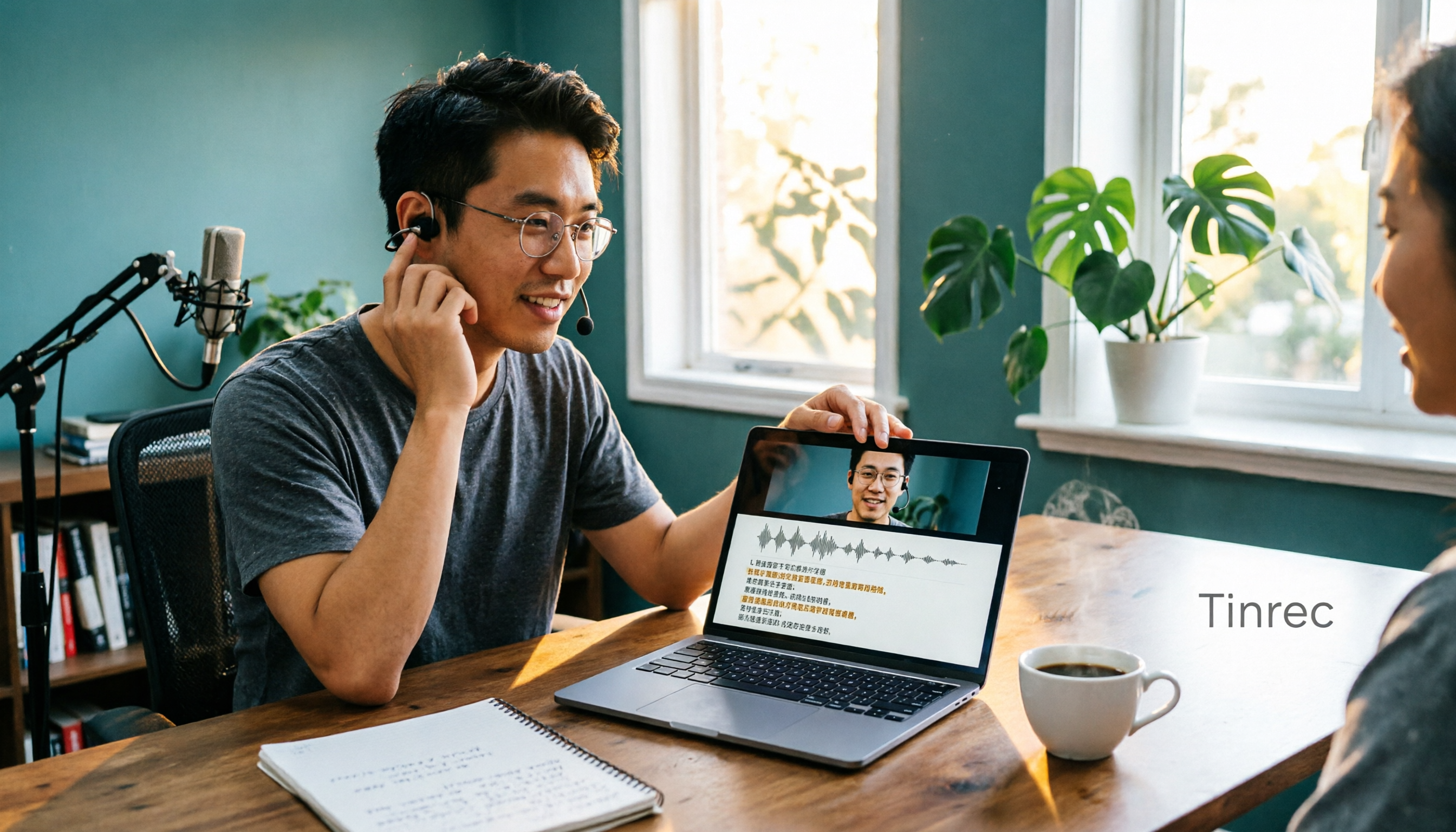
2026 Video-to-Text Tools Compared: Which AI Transcription Saves the Most Time for Chinese Content?
How do you turn video audio into text? This article explores real-world scenarios to explain what pain points AI video transcription solves and what core capabilities to look for. It covers 5 key considerations when choosing a tool and compares Tinrec's personal and team plans. A FAQ section addresses common questions about long videos, accuracy, free quotas, and team permissions.

2026 Audio Extraction to MP3 Comparison: Tinrec One-Click Conversion with Transcript
Audio extraction to MP3 is just a means; what you really need is the content inside. This article uses real scenarios like meetings, client interviews, classes, and content creation to break down how Tinrec directly processes audio and video files, producing transcripts, AI summaries, and action items in one go, and organizes 5 key points to consider when buying and common questions to help you save time on repeated conversions and manual transcription.

5 Online Audio-to-Text Tools Tested and Compared for 2026: Which Free Tier and AI Summary Tool Is Most Practical?
There are many online audio-to-text tools, but most people make the wrong choice from the start. This article examines five key points: free tier limits, audio sources, Chinese recognition, post-meeting organization, and team data ownership. It compares Tinrec, Notta, TurboScribe, and Otter.ai, highlights four common pitfalls, and provides clear recommendations based on budget and use case.
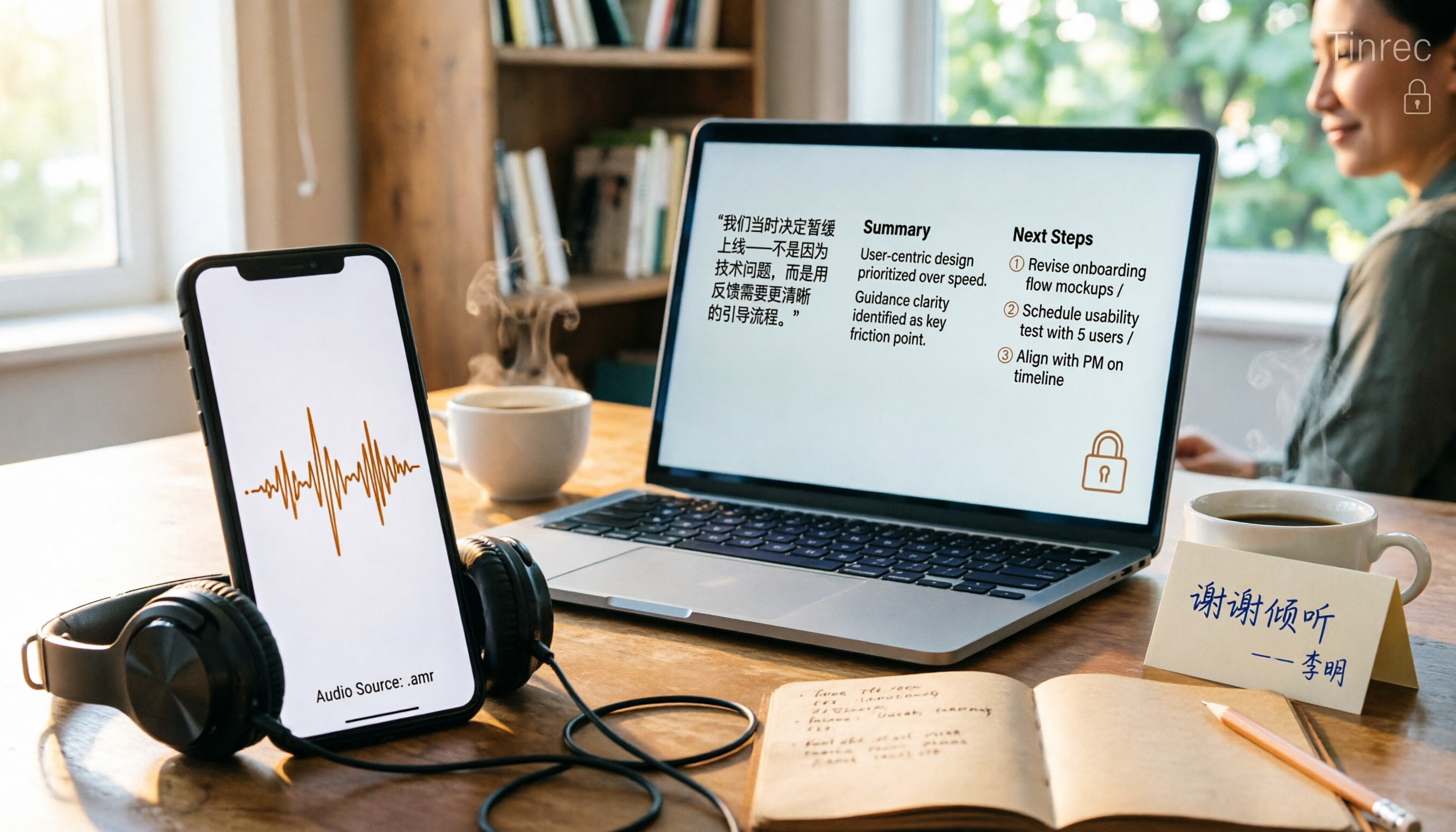
3 AMR to MP3 Tools Tested and Compared in 2026: Which Is Easiest and Safest for Privacy?
Phone recordings are often saved as .amr files, which computers can't open and which you may worry about leaking when sharing. This article compares three approaches: online conversion, browser-based local conversion, and desktop tools. It also explains that if your AMR files are meeting or interview recordings, Tinrec can turn audio directly into transcripts, summaries, and action items, saving you hours of typing.

2026 Comparison of 4 Meeting Minutes Tools for State-Owned Enterprises: Which Saves the Most Time?
For state-owned enterprises and large organizations, organizing meeting minutes often gets stuck in the hour or two after the meeting. This hands-on comparison tests Tinrec, Notta, Otter.ai, and PLAUD on Chinese meeting transcription, post-meeting summaries, action item extraction, and team collaboration. It also covers 4 key purchasing factors and 3 common pitfalls to help you decide which tool best fits your meeting scenario.

2026 Comparison of 4 Audio-to-Text Tools: How to Turn Audio Evidence into a Transcript
Got a key recording but stuck on how to turn it into text that courts, mediators, or supervisors can understand? This article first outlines 5 key principles for audio transcripts, then compares Tinrec, Notta, Otter.ai, and TurboScribe in real tests, focusing on file import, timeline completeness, AI Q&A, and team data storage, helping you choose the right tool for your situation.

6 iPhone Voicemail and Call Transcription Solutions Tested for 2026: Which Organizes Messages Best?
When you miss a call on iPhone, it goes to voicemail, but the real challenge starts after the message arrives. This article addresses common misconceptions and reviews 6 ways to handle voicemail and call content on iPhone, including iOS 17's built-in Live Voicemail, carrier Visual Voicemail, and Tinrec, which can turn messages into transcripts, summaries, and to-dos. It also covers roaming charges, Low Power Mode, and spam call considerations.
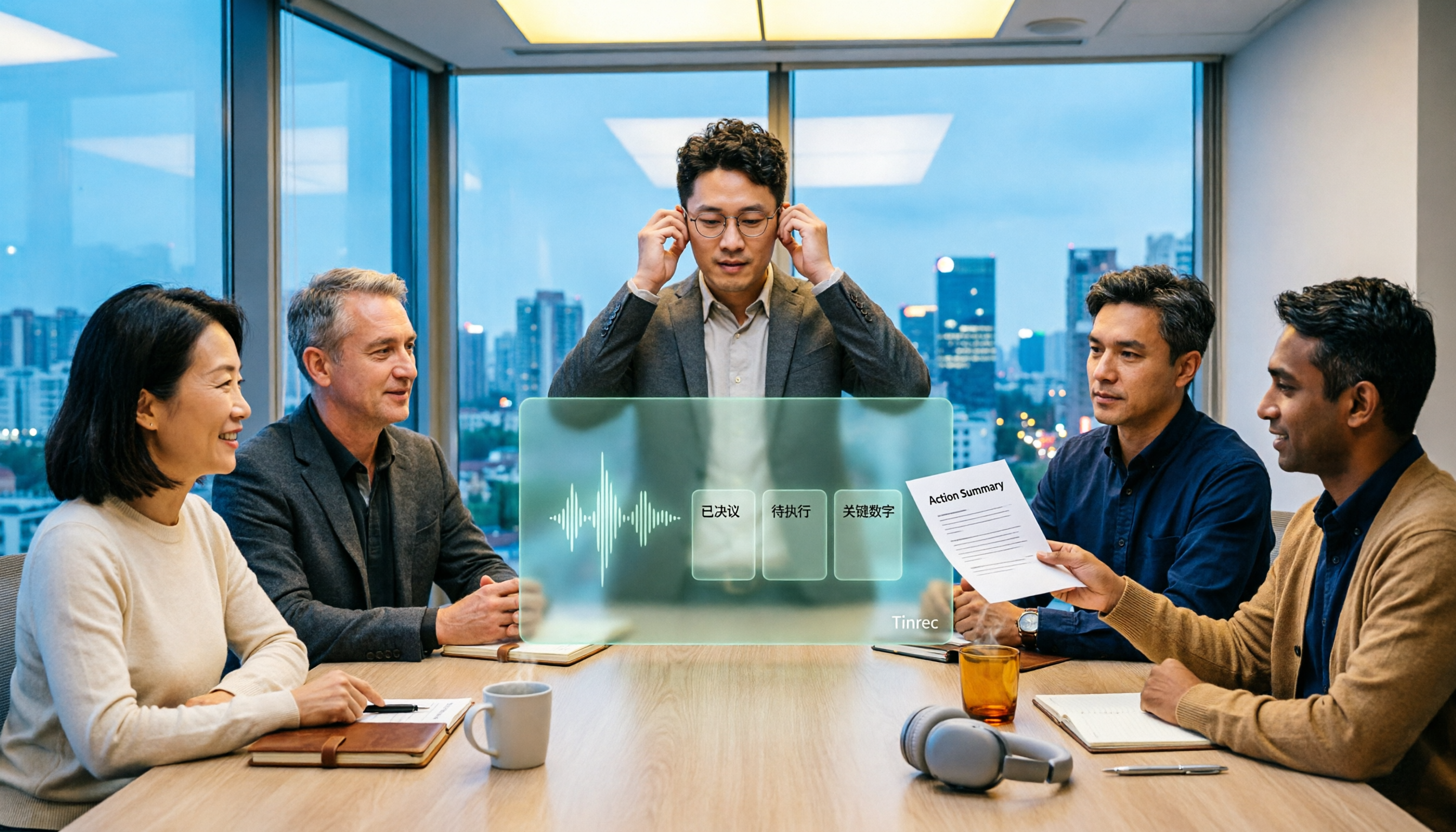
2026 AI Meeting Recorder Comparison: 5 Tools Tested for Turning Audio into Shareable Meeting Minutes
Most AI tools can turn recordings into transcripts, but what really slows you down after a meeting is producing minutes you can send out directly. This article starts from the question of whether decisions, action items, and numbers are ready to hand off, outlines 4 key factors for choosing an AI meeting minutes tool, and compares Tinrec, Otter.ai, Notta, and Granola in hands-on testing, with 4 common pitfalls and scenario-based recommendations.

2026 Complete Guide to Office Document Summarization Apps: From Meeting Transcripts to To-Do Lists in One Go
How to choose an office document summarization app? This article starts from real office scenarios, outlines 4 key purchasing factors, and compares Tinrec, Notta, TurboScribe, and Otter.ai with hands-on testing. It includes a pitfall guide and selection advice to help you find the right summarization tool.