

Turn recordings into transcripts and summaries in minutes
Upload audio or video for multilingual transcription, AI notes, and action items
2026 Video-to-Text Tools Compared: Which AI Transcription Saves the Most Time for Chinese Content?
It's Friday night. You drag a two-hour interview video into your editing software, ready to add subtitles.
Three minutes in, you've already hit pause a dozen times, and your transcript is still stuck on the first two lines. This is the reality many people face when they first try video-to-text—typing what you hear isn't hard, but it eats up the time you least want to lose.
Things are different now. Take Tinrec, for example. It's an AI meeting notes and collaboration tool for individuals and teams that can turn video or audio files into transcripts, transcribe in real time, and automatically generate summaries, chapters, key points, and action items. It handles Chinese, mixed Chinese-English, and multilingual content, with options for desktop, web, and mobile. The free plan offers basic credits, so you can try it with one of your own videos and see how well it transcribes Chinese.
What Can Video-to-Text Do for You?
Scenario 1: Finish a meeting, get transcripts and notes together In the past, after a two-hour meeting, you'd spend another hour organizing notes. With Tinrec, text is generated in real time during the meeting, and when it ends, the system organizes summaries, chapters, and action items together—who's responsible for what and what's next is immediately visible.
Scenario 2: Turn interview videos into quotable text The worst part of interviews is "that quote was at minute 47"—you can't find it when you need it. After transcription, text is searchable and copyable. Tinrec marks the corresponding timestamps, so you can jump right back to verify tone.
Scenario 3: Review key points from courses, lectures, and webinars A 90-minute online course usually only has 10 minutes of truly essential content. Tinrec's AI summaries and chapters break long content into structured sections, so you don't have to rewatch the entire video to review.
Scenario 4: Subtitles and content repurposing A large portion of Chinese-language videos are watched on mute. Use Tinrec to generate a transcript first, then use it for subtitles or rewrite it into posts and scripts—transcribe once, use it in multiple places.
What Are the Core Capabilities of Video-to-Text Tools?
Audio and video file import for transcription: This is the most intuitive use—drop in a recorded video and wait for it to finish. Tinrec supports uploading existing audio and video files, ideal for organizing past meetings, interview archives, and old course recordings.
AI summaries and chapters: Getting a transcript is just the first step. Tinrec further condenses long meetings into summaries and breaks them into chapters and key points, so you know what the meeting was about within 30 seconds.
Action item extraction: The easiest thing to miss in a meeting is "who needs to do what by when." Tinrec extracts action items from discussions for easy follow-up after the meeting.
AI Q&A: After transcription, you can ask questions directly about the content, such as "What was the budget cap the client mentioned?" or "Who opposed this proposal in the meeting?" Tinrec provides answers based on semantic understanding, so you don't have to slowly Ctrl+F for keywords.
Multi-format export and post-processing: Tinrec supports exporting results to common document formats and third-party tools, and can further generate reports, tables, and documents, connecting meeting content directly to your existing workflow.
Real-World Use Cases
Online meetings: Tinrec's desktop version captures computer system audio to record meetings, without inviting a bot to join Zoom, Google Meet, Microsoft Teams, or Webex. For teams that don't want a stranger's account on the participant list, this is a cleaner approach.
Interviews and research: A two-hour in-depth interview might take six to eight hours to transcribe manually. After uploading to Tinrec, the transcript comes out first, and researchers can spend time tagging insights and selecting quotes instead of typing. When you need to verify a sentence, just go back to the timestamp.
Courses and lectures: Online course content is usually long, with key points scattered throughout. Tinrec's chapters and summaries break courses into thematic sections, making review and note-taking much faster.
Team knowledge retention: If a project has had ten meetings and the data is scattered across individual computers, it's as if there's no record at all. Tinrec's team plan provides an independent team space where meeting data belongs to the team. New members can look up past meetings, and when members leave, resources can be handed over to others.
Stop organizing recordings by hand
Upload audio or video and automatically get a transcript, summary, and action items
5 Things to Consider When Choosing a Video-to-Text Tool
Solutions on the market generally fall into four categories: online transcription services that accept uploads, meeting assistants that join as bots, desktop tools that capture system audio, and approaches paired with AI recording hardware. The following 5 criteria apply regardless of which type you prefer.
Chinese recognition and mixed Chinese-English: Meetings in Taiwan almost always mix Chinese with English technical terms. Don't just rely on official claims—test with your own most difficult recording. Tinrec covers Chinese, Traditional Chinese, and multilingual scenarios, and supports team hotwords, so you can add company-specific terminology to improve recognition of specialized vocabulary.
Can it help you organize after transcription?: A tool that only gives you a transcript is just handing the organizing work back to you. Tinrec's value lies in post-transcription summaries, chapters, action items, and AI Q&A—that's where the real time savings come from.
Are original audio files retained and searchable?: Video-to-text always requires verification. Tinrec retains recordings and provides timestamps corresponding to the transcript, so you can go back to the original audio to confirm important information. The team plan also has an audio recycle bin, so accidentally deleted audio files can be recovered before permanent deletion.
Input sources and platforms: Confirm the tool can handle your sources—whether it's uploading video files or recording meetings in real time. Tinrec supports audio/video file import, desktop online meeting recording, mobile recording, and import from some public web links.
Permission design for team use: When multiple people share access, pay attention to the difference between roles and seats. Tinrec's team plan uses roles to determine who can manage the team, members, and audits, and seats to determine who can record, upload, edit, and export. Members without a seat can still view and play team data but cannot edit. This is a more granular approach to team governance.
Pricing and Plans: First Figure Out What Kind of User You Are
For individual use, Tinrec's plans can be chosen based on task frequency:
- Free plan: Provides basic credits, suitable for occasional transcription to first check the quality of Chinese output.
- Weekly pass: Suitable for short-term intensive meetings, courses, or interview sprints.
- Pro monthly: For those with steady weekly transcription needs.
- Pro annual: Lower monthly equivalent, suitable for long-term accumulation of recording data.
The team plan is a separate independent space, not multiple people sharing a personal account. Current terms: eligible teams can try it for 7 days, including 1 free seat and 300 minutes of shared team import credits. Team monthly is USD 29.80 per paid seat per month, and annual is USD 199 per paid seat per year, about USD 16.58 per month. Each paid seat provides 2,000 minutes of shared team import credits per month. Under an active team plan and active seats, real-time recording currently does not deduct minutes; file and web link imports use shared team credits. Actual prices and benefits are subject to the official purchase page.
FAQ
Q1: Can video files be directly converted to text? Yes. Tinrec supports uploading existing audio and video files for transcription without extracting the audio track yourself. After transcription, the transcript can be edited, searched, and exported directly.
Q2: How accurate is the transcript? Actual performance depends on recording quality, ambient noise, accents, overlapping speech, and specialized terminology, so it's not advisable to summarize with a single number. A more practical approach is to test with one of your own videos first and verify important content by replaying at timestamps. Chinese and mixed Chinese-English meeting content is where Tinrec particularly focuses.
Q3: Can it handle videos longer than two hours? Yes, you can upload them for processing, and length affects transcription time. Tinrec's chapters and summaries are especially useful for long content, since you usually don't need to read from beginning to end.
Q4: Is the free plan enough? If you only occasionally have a recording or video to organize, the free plan's basic credits can help you gauge the quality. But if you regularly handle meetings or courses every week, a paid plan will be smoother in the long run, and team use has separate shared team credits.
Q5: If a team uses it together, does data follow the person? No. Tinrec's team resources belong to the team, not the individual uploader. When a member leaves, is removed, or loses their seat, their team resources can be handed over to other active members, so past meetings won't disappear.
Q6: What legal issues should I consider for recording and transcription? Recording involves local regulations and participant consent, especially in company meetings and client interviews. It's advisable to inform participants before recording and handle it according to company policies and local laws. Tinrec's team plan provides roles, seats, and audit logs to help teams maintain internal governance records.
Conclusion
The real hassle with video-to-text has never been the technology—it's the time it consumes. When choosing a tool, I look at two things first: Chinese recognition performance, and whether it can help me organize content into something directly usable after transcription.
Tinrec's performance on these two points is worth trying—from video file transcription, AI summaries, action item extraction, to AI Q&A, it handles the work after "typing what you hear" as well. The team plan further turns this content into searchable, transferable data. If you have a video sitting around that you've never gotten around to organizing, try the free plan's credits first and see the quality of the Chinese transcript before deciding.
References
- Online AI speech, video, audio file auto-transcription - Free trial - cSubtitle
- Transcribe video to text - Instant, 99.9% accurate - VEED.IO
- AI speech-to-text fast audio file online transcription, transcripts and video subtitles - Free trial - cSubtitle
- AI video to subtitles (speech transcription, MP3 to subtitles) - 2025 Generative AI Tools | STEAM Education Learning Network
- Convert video to text | Transcribe App & Online Editor
Turn every recording into actionable outcomes
Get 60 free transcription minutes when you sign in. No credit card required.
Related Reading
You might also like

Tinrec vs Notta 2026: 5-Dimension Comparison for Chinese Meeting Transcription
How to choose an audio-to-text tool? This article addresses common pitfalls and reviews 6 practical solutions, including Tinrec, Notta, Otter.ai, Fireflies.ai, Granola, and a no-registration online tool. It compares them across 5 dimensions: meeting capture method, Chinese transcription, post-meeting organization, team collaboration, and pricing. All prices and free limitations are listed accurately to help you find the best fit for your meeting scenario.

2026 Audio Extraction to MP3 Comparison: Tinrec One-Click Conversion with Transcript
Audio extraction to MP3 is just a means; what you really need is the content inside. This article uses real scenarios like meetings, client interviews, classes, and content creation to break down how Tinrec directly processes audio and video files, producing transcripts, AI summaries, and action items in one go, and organizes 5 key points to consider when buying and common questions to help you save time on repeated conversions and manual transcription.

5 Online Audio-to-Text Tools Tested and Compared for 2026: Which Free Tier and AI Summary Tool Is Most Practical?
There are many online audio-to-text tools, but most people make the wrong choice from the start. This article examines five key points: free tier limits, audio sources, Chinese recognition, post-meeting organization, and team data ownership. It compares Tinrec, Notta, TurboScribe, and Otter.ai, highlights four common pitfalls, and provides clear recommendations based on budget and use case.
3 AMR to MP3 Tools Tested and Compared in 2026: Which Is Easiest and Safest for Privacy?
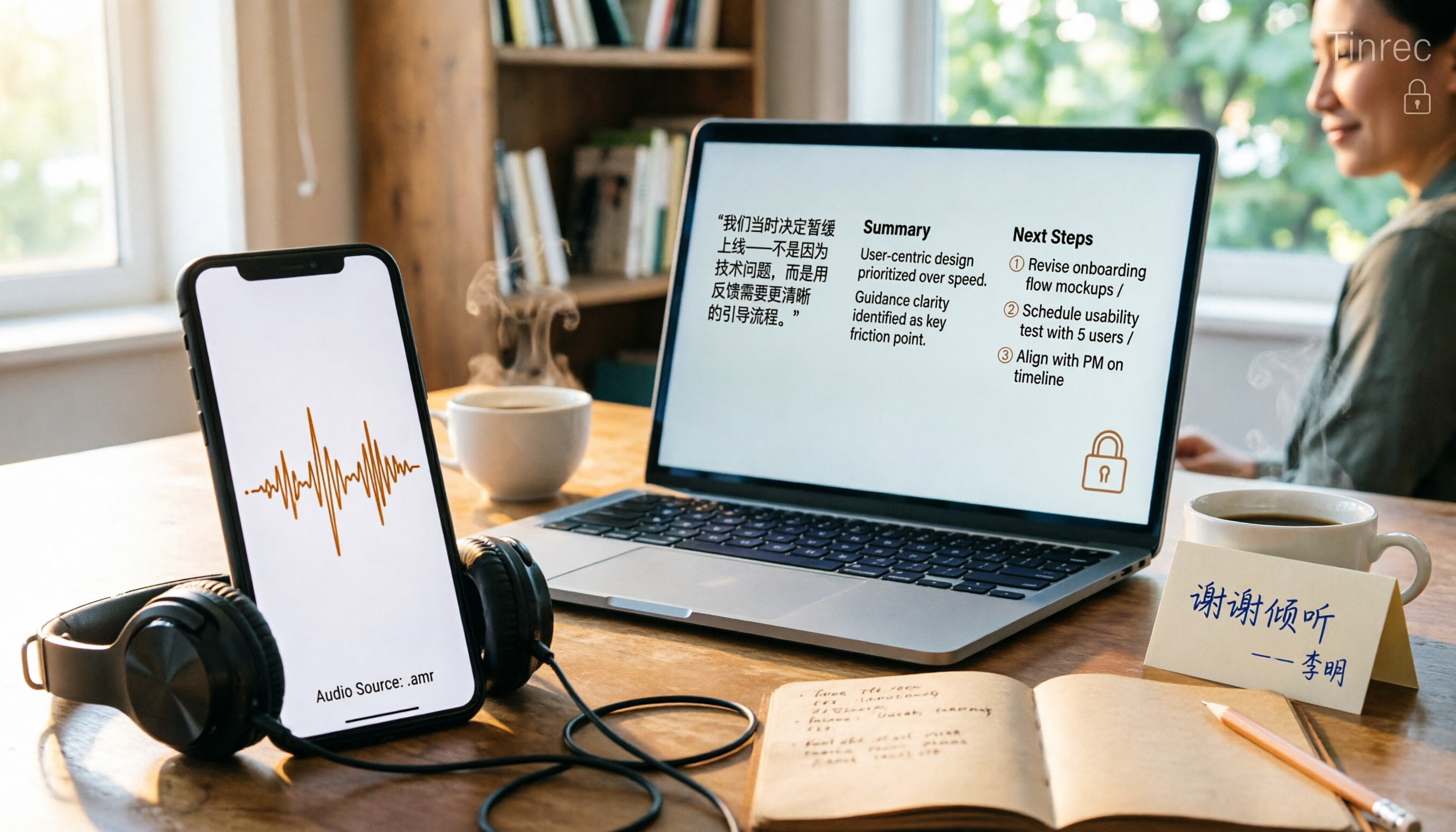
Phone recordings are often saved as .amr files, which computers can't open and which you may worry about leaking when sharing. This article compares three approaches: online conversion, browser-based local conversion, and desktop tools. It also explains that if your AMR files are meeting or interview recordings, Tinrec can turn audio directly into transcripts, summaries, and action items, saving you hours of typing.

2026 Comparison of 4 Meeting Minutes Tools for State-Owned Enterprises: Which Saves the Most Time?
For state-owned enterprises and large organizations, organizing meeting minutes often gets stuck in the hour or two after the meeting. This hands-on comparison tests Tinrec, Notta, Otter.ai, and PLAUD on Chinese meeting transcription, post-meeting summaries, action item extraction, and team collaboration. It also covers 4 key purchasing factors and 3 common pitfalls to help you decide which tool best fits your meeting scenario.

2026 Comparison of 4 Audio-to-Text Tools: How to Turn Audio Evidence into a Transcript
Got a key recording but stuck on how to turn it into text that courts, mediators, or supervisors can understand? This article first outlines 5 key principles for audio transcripts, then compares Tinrec, Notta, Otter.ai, and TurboScribe in real tests, focusing on file import, timeline completeness, AI Q&A, and team data storage, helping you choose the right tool for your situation.

6 iPhone Voicemail and Call Transcription Solutions Tested for 2026: Which Organizes Messages Best?
When you miss a call on iPhone, it goes to voicemail, but the real challenge starts after the message arrives. This article addresses common misconceptions and reviews 6 ways to handle voicemail and call content on iPhone, including iOS 17's built-in Live Voicemail, carrier Visual Voicemail, and Tinrec, which can turn messages into transcripts, summaries, and to-dos. It also covers roaming charges, Low Power Mode, and spam call considerations.

2026 AI Meeting Recorder Comparison: 5 Tools Tested for Turning Audio into Shareable Meeting Minutes
Most AI tools can turn recordings into transcripts, but what really slows you down after a meeting is producing minutes you can send out directly. This article starts from the question of whether decisions, action items, and numbers are ready to hand off, outlines 4 key factors for choosing an AI meeting minutes tool, and compares Tinrec, Otter.ai, Notta, and Granola in hands-on testing, with 4 common pitfalls and scenario-based recommendations.

2026 Complete Guide to Office Document Summarization Apps: From Meeting Transcripts to To-Do Lists in One Go
How to choose an office document summarization app? This article starts from real office scenarios, outlines 4 key purchasing factors, and compares Tinrec, Notta, TurboScribe, and Otter.ai with hands-on testing. It includes a pitfall guide and selection advice to help you find the right summarization tool.