

Turn recordings into transcripts and summaries in minutes
Upload audio or video for multilingual transcription, AI notes, and action items
2026 AI Meeting Recorder Comparison: 5 Tools Tested for Turning Audio into Shareable Meeting Minutes
Transcription Is Easy; the Hard Part Is the Minutes You Can Actually Hand Off After the Meeting
If you are looking for an AI recording-to-meeting-minutes tool, the first question is not “which one transcribes most accurately,” but rather: do you want a transcript, or meeting minutes you can paste into an email and send?
Those two things are very different in difficulty.
A transcript just turns sound into text. But meeting minutes need to capture decisions, action items, owners, and deadlines—and the raw transcript usually will not organize those for you.
Multi-person meetings are even trickier. Air conditioning noise, keyboard clatter, people talking over each other, and mixed Chinese-English technical terms all blend together. A tool that performs well in a quiet recording studio may not hold up in a real conference room.
That is why I recommend first deciding what you need to hand off after the meeting, then choosing the tool.
Before Choosing an AI Meeting Minutes Tool, Understand These 4 Key Factors
1. Do You Need a Transcript or Ready-to-Use Meeting Minutes?
There are plenty of tools that only convert recordings to text. What really saves time is what happens after transcription: automatic summaries, section splitting, action item extraction, and whether you can keep asking questions about the meeting content.
If your workflow is “get the transcript, then copy it into another AI to organize,” you are effectively using two tools to do one job.
2. How Should Online Meetings Be Recorded?
There are two approaches: one is sending a meeting bot to join as a participant; the other is capturing system audio directly from your computer without adding an extra attendee.
Both are used. But if your meeting includes external clients, suddenly seeing a bot on the participant list can sometimes make people pause.
3. Handling Chinese, Mixed Chinese-English, and Cross-Language Meetings
Meetings in Taiwan are rarely pure Chinese or pure English. Product names, technical terms, and client names are often English embedded in Chinese sentences.
Another question to ask: is there real-time translation, and can you view the original, translation, or bilingual versions? If you have a cross-border team, this directly affects whether the meeting minutes can be forwarded as-is.
4. Are the Quotas Enough, and Where Does the Data End Up?
For individual use, look at monthly quotas and per-file limits. For team use, the questions are different: is data stored in personal accounts or a team workspace? Do records remain after a member leaves? Who can edit, and who can only view?
Few people ask this at the start, but within a year it usually comes up.
Tinrec — In Our Testing, the Closest to “From Recording to Ready to Hand Off”
Tinrec is an AI meeting recording and collaboration tool for individuals and teams. It supports live recording, desktop online meeting recording, audio and video file import, and automatically organizes meetings into transcripts, summaries, sections, and action items. It does not just do “recording to text”; it turns meeting content into material you can keep working with.
Bot-Free Online Meeting Recording
The desktop version captures system audio directly and can handle Zoom, Google Meet, Microsoft Teams, and Webex meetings played on your computer, without inviting a bot into the meeting room.
Note that this does not mean it automatically joins every meeting on your calendar. In practice, you still open Tinrec and start recording yourself. I think this is actually more controllable, since not every meeting needs a record.
Keep Asking Questions After Recording
This is where I think it differs most from pure transcription tools. After the meeting, you can ask questions directly about the recording content, such as “What launch date was decided at the end of this meeting?” or “What concerns did the client mention?”
It does not give keyword search results; it gives answers organized by meaning. The transcript is still there, the recording is still there, and if you have doubts you can go back and check.
From Transcript to a Deliverable
Tinrec generates AI summaries, sections, key points, and action items. It can also further generate reports, tables, and documents, and supports export in multiple formats to continue in existing workflows such as Notion, Google Docs, OneNote, and Dropbox.
It also has real-time translation and bilingual viewing, so cross-language meetings do not have to wait until after the meeting.
The Team Version Turns Meetings into Team Assets
The team version is a separate team workspace, not multiple people sharing one personal account. Meeting data belongs to the team, and new members can view historical data after joining.
Stop organizing recordings by hand
Upload audio or video and automatically get a transcript, summary, and action items
Admins can set owners, administrators, and regular members, assign or revoke seats, view usage trends and member details, query and export audit logs, and use team hotwords and the audio recycle bin (currently retained for 30 days).
One common misunderstanding to clarify: in the team version, “roles” govern administration and “seats” govern usage eligibility. Active members without a seat can view, play, and read team data, but cannot upload, edit, or export.
Pricing and Limits
The personal version has a free plan for trying basic quotas, plus a weekly card, Pro monthly, and Pro annual plans, suitable for short sprints, steady use, and long-term data accumulation at different paces.
The team version is currently USD 29.80 per paid seat per month, or USD 199 per paid seat per year (about USD 16.58 per month). Each paid seat provides 2,000 minutes of shared team import quota per month; eligible teams can try 7 days, 1 free seat, and 300 minutes of shared import quota for the first time. Live recording under an active team plan currently does not deduct minutes. Pricing and benefits are subject to the official purchase page.
Limits should also be stated: Tinrec does not promise a fixed accuracy rate. Actual performance is affected by recording quality, noise, accents, people talking over each other, and specialized terminology. For important information, check against the transcript and recording; do not accept AI output as-is.
Who It Is For
For people who frequently need Chinese meeting minutes, do not want an extra bot on the meeting list, want to ask follow-up questions directly after recording, or need meeting data consolidated in a team workspace, Tinrec is currently one of the closest options to that need.
Besides Tinrec, What Other Options Are There?
Otter.ai A mature English meeting assistant that supports meeting bots, live transcription, speaker identification, and team management. Its official pricing page shows Basic free at 300 minutes per month, and Pro annual at about USD 8.49 per user per month. If your meetings are almost entirely in English, its business meeting mindset is indeed mature. But Chinese meetings and mixed Chinese-English content are not its home turf, and it lacks Tinrec’s post-processing flow of turning transcripts into reports, tables, and documents. Pricing is subject to the official page.
Notta The direct competitor with the highest overlap with Tinrec, also offering multi-platform transcription, document import, translation, and team plans. Official figures are Free at 120 minutes per month with a maximum of 3 minutes per session, and Pro annual at about USD 8.17 per month. It suits workflows focused on file transcription and subtitles; if you need bot-free online meeting recording plus team workspace and member seat management, Tinrec covers more.
Granola An AI meeting notes tool that also takes the bot-free route, using desktop system audio and microphone for live transcription, combined with your handwritten notes for enhancement. Basic is free, and Business is USD 14 per user per month. However, it does not support uploading pre-recorded audio files and does not save meeting audio files. If you have a pile of historical recordings to organize, or need to keep audio for later verification, Tinrec can do both.
Pitfall Guide: The 4 Most Common Mistakes When Organizing Meeting Minutes
Pitfall 1: Assuming AI-generated content can be sent directly. Many guides remind you of the same thing: AI-organized content may look polished, but you cannot rule out fabrication. Decisions, amounts, and dates must be checked against the transcript before sending.
Pitfall 2: Treating “sounds like a conclusion” as a decision. Meetings often include phrases like “let’s leave it there for now” or “we’ll see,” which sound like a decision but are not finalized. AI cannot tell that nuance; you can. If you cannot judge it, move it to “to be confirmed” instead of leaving it under decisions.
Pitfall 3: Comparing only official accuracy claims. Under what conditions was the accuracy measured? A quiet recording studio is very different from a real conference room. I suggest taking one of your own meeting recordings and trying the free version directly; that is more reliable than any promotional number.
Pitfall 4: Buying it but using it only as a voice recorder. If you only use an AI meeting tool as “recording to text,” you are using only part of its capability. What really saves time is the summary, action items, and follow-up questions after transcription—that is the part you originally had to spend two hours doing manually.
Conclusion: Which One Should You Choose?
Need Chinese meeting minutes and also handle mixed Chinese-English content → Tinrec
Do not want an extra bot on the meeting list, but still need transcripts and summaries → Tinrec (desktop version captures system audio)
Want to ask directly after recording, “What was the conclusion of this meeting?” → Tinrec (AI Q&A, no need to manually search the transcript)
Have a pile of historical recording files to organize and need to keep audio for verification → Tinrec (supports file import and retains recordings)
Team needs to share meeting data and manage members, seats, and usage → Tinrec team version
Meetings are almost entirely in English and budget is limited → Otter.ai’s free quota is worth trying first
Simply need large-scale file transcription and subtitle production → Tools like Notta or TurboScribe are a better fit
Honestly, none of these completely dominates the others; the difference is the use case. If your meetings are mainly in Chinese, you need post-meeting processing, and you want the data to stay with the team, Tinrec will be the less troublesome one. I suggest starting with the free plan’s basic quota, trying it on one real meeting, and seeing whether the minutes it produces can be sent directly—if yes, it is worth considering an upgrade; if not, you have saved yourself a detour.
Finally, recording and transcription involve personal data and local regulations. Before recording, please confirm that attendees have consented.
References
Turn every recording into actionable outcomes
Get 60 free transcription minutes when you sign in. No credit card required.
Related Reading
You might also like

Tinrec vs Notta 2026: 5-Dimension Comparison for Chinese Meeting Transcription
How to choose an audio-to-text tool? This article addresses common pitfalls and reviews 6 practical solutions, including Tinrec, Notta, Otter.ai, Fireflies.ai, Granola, and a no-registration online tool. It compares them across 5 dimensions: meeting capture method, Chinese transcription, post-meeting organization, team collaboration, and pricing. All prices and free limitations are listed accurately to help you find the best fit for your meeting scenario.
2026 Video-to-Text Tools Compared: Which AI Transcription Saves the Most Time for Chinese Content?
How do you turn video audio into text? This article explores real-world scenarios to explain what pain points AI video transcription solves and what core capabilities to look for. It covers 5 key considerations when choosing a tool and compares Tinrec's personal and team plans. A FAQ section addresses common questions about long videos, accuracy, free quotas, and team permissions.

2026 Audio Extraction to MP3 Comparison: Tinrec One-Click Conversion with Transcript
Audio extraction to MP3 is just a means; what you really need is the content inside. This article uses real scenarios like meetings, client interviews, classes, and content creation to break down how Tinrec directly processes audio and video files, producing transcripts, AI summaries, and action items in one go, and organizes 5 key points to consider when buying and common questions to help you save time on repeated conversions and manual transcription.

5 Online Audio-to-Text Tools Tested and Compared for 2026: Which Free Tier and AI Summary Tool Is Most Practical?
There are many online audio-to-text tools, but most people make the wrong choice from the start. This article examines five key points: free tier limits, audio sources, Chinese recognition, post-meeting organization, and team data ownership. It compares Tinrec, Notta, TurboScribe, and Otter.ai, highlights four common pitfalls, and provides clear recommendations based on budget and use case.
3 AMR to MP3 Tools Tested and Compared in 2026: Which Is Easiest and Safest for Privacy?
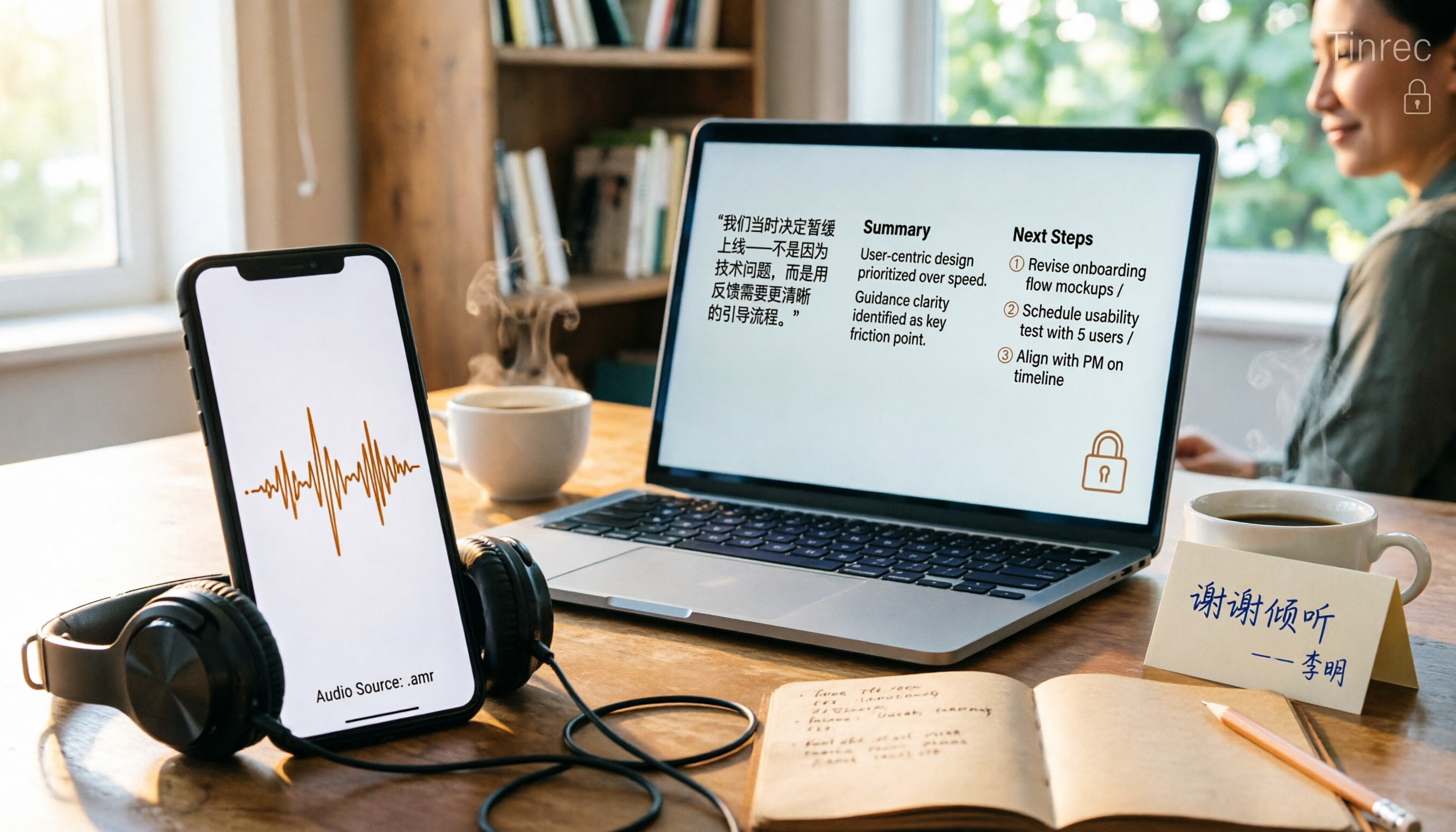
Phone recordings are often saved as .amr files, which computers can't open and which you may worry about leaking when sharing. This article compares three approaches: online conversion, browser-based local conversion, and desktop tools. It also explains that if your AMR files are meeting or interview recordings, Tinrec can turn audio directly into transcripts, summaries, and action items, saving you hours of typing.

2026 Comparison of 4 Meeting Minutes Tools for State-Owned Enterprises: Which Saves the Most Time?
For state-owned enterprises and large organizations, organizing meeting minutes often gets stuck in the hour or two after the meeting. This hands-on comparison tests Tinrec, Notta, Otter.ai, and PLAUD on Chinese meeting transcription, post-meeting summaries, action item extraction, and team collaboration. It also covers 4 key purchasing factors and 3 common pitfalls to help you decide which tool best fits your meeting scenario.

2026 Comparison of 4 Audio-to-Text Tools: How to Turn Audio Evidence into a Transcript
Got a key recording but stuck on how to turn it into text that courts, mediators, or supervisors can understand? This article first outlines 5 key principles for audio transcripts, then compares Tinrec, Notta, Otter.ai, and TurboScribe in real tests, focusing on file import, timeline completeness, AI Q&A, and team data storage, helping you choose the right tool for your situation.

6 iPhone Voicemail and Call Transcription Solutions Tested for 2026: Which Organizes Messages Best?
When you miss a call on iPhone, it goes to voicemail, but the real challenge starts after the message arrives. This article addresses common misconceptions and reviews 6 ways to handle voicemail and call content on iPhone, including iOS 17's built-in Live Voicemail, carrier Visual Voicemail, and Tinrec, which can turn messages into transcripts, summaries, and to-dos. It also covers roaming charges, Low Power Mode, and spam call considerations.

2026 Complete Guide to Office Document Summarization Apps: From Meeting Transcripts to To-Do Lists in One Go
How to choose an office document summarization app? This article starts from real office scenarios, outlines 4 key purchasing factors, and compares Tinrec, Notta, TurboScribe, and Otter.ai with hands-on testing. It includes a pitfall guide and selection advice to help you find the right summarization tool.