

Turn recordings into transcripts and summaries in minutes
Upload audio or video for multilingual transcription, AI notes, and action items
2026 Audio Extraction to MP3 Comparison: Tinrec One-Click Conversion with Transcript
The meeting is over, you're still in the conference room packing up, and there's a 1-hour 47-minute recording on your phone. Your boss's message has already come in: "Send me the transcript before you leave." You only have a screen recording with video and audio but no text. So you start looking for tools—first convert the video to MP3, then find another service to transcribe, and finally paste it into a document for formatting.
Once you've gone through this, you know the pain. In 2026, this can actually be done in one step. Below, we break down what "audio extraction to MP3" is really solving using real scenarios, and why most people don't actually need that MP3 file.
What Can Audio Extraction to MP3 Do for You?
Scenario 1: After a meeting, turn the video directly into a transcript
Meeting notes, online courses, interview recordings—many times you only have a video file. The traditional approach is to first convert to MP3, then throw it into another tool for transcription—two tools, two waits. Take Tinrec as an example: audio and video files can be uploaded directly for transcription, and AI will generate a transcript, summary, chapters, and action items. The intermediate step of "first converting to MP3" can be skipped entirely.
Scenario 2: After a client interview, get the key points quickly
You talked with a client for 50 minutes and need to write a record when you return to the office. Tinrec organizes the transcript into a structured summary—what needs the client mentioned, where the concerns are, what was promised—listed separately, so you don't have to listen to the whole thing again.
Scenario 3: Turn historical recordings into a searchable database
You have dozens of recordings on your phone, and to find something said in a certain meeting, you can only fast-forward one by one. Tinrec makes this content searchable and allows AI Q&A follow-ups—"Who mentioned the budget cap last time?" Just ask and get the answer.
Scenario 4: Keep up with cross-language meetings
When facing foreign clients or multinational teams, real-time translation is supported during recording. You can choose to see the original text, translation, or bilingual side-by-side, so you don't have to listen and guess during the meeting.
What Are the Core Capabilities of Audio Extraction to MP3?
1. Direct transcription of audio and video files
No need to convert first. Tinrec supports uploading existing audio and video files, directly converting them to text data, and then generating summaries, chapters, and action items. For those who "just want the content," this is more practical than simply producing an MP3.
2. Real-time recording with simultaneous transcription
For offline meetings, interviews, and on-site notes, start Tinrec's real-time recording, and text is generated synchronously. You don't have to wait until the meeting ends to start processing. Both the recording and transcript are saved, so you can review timestamps later for verification.
3. Bot-free online meeting recording
The Tinrec desktop version directly captures computer system audio to handle online meetings on Zoom, Google Meet, Microsoft Teams, Webex, etc., without pulling an extra meeting bot into the meeting room. This is especially important for external client meetings—no unfamiliar account appears on the participant list. Note that this is not automatically joining all calendar meetings; the user actively initiates recording in the desktop version.
4. AI summary, chapters, and action item extraction
Transcription is just the first step. Tinrec breaks long meetings into chapters, condenses them into summaries, and organizes action items from the discussion—who is responsible and what to do—clearly listed at once.
5. AI Q&A and post-processing
After transcription, you can directly ask questions about the meeting content and have AI find specific passages. When you need to deliver documents, you can also use Agent post-processing to generate reports, tables, and documents, or export to Notion, Google Docs, OneNote, Dropbox for further editing.
6. Team space and data ownership (Team version)
Meeting data is centrally stored in the team space, so new members can view historical meetings upon joining. The Team version distinguishes roles and seats: roles determine who can manage members, usage, and audits; seats determine whether members can record, upload, edit, and export. Members who are active but have no seat can still view, play, and read team data.
Practical Application Scenarios
Meetings and project weekly meetings
For regular weekly project meetings, the most time-consuming part is not the meeting itself but the post-meeting organization. Use Tinrec to record online meetings directly on the desktop version, and after the meeting, get the transcript, summary, and action items to paste directly into project management tools. The Team version also allows managers to view member usage and audit logs to confirm that every meeting has a record.
Stop organizing recordings by hand
Upload audio or video and automatically get a transcript, summary, and action items
Client interviews and sales follow-up
The biggest fear in client interviews is missing commitments. Tinrec's action item extraction pulls out client needs and follow-up actions, and the transcript can be exported as a document for the team, reducing back-and-forth confirmation.
Classes, lectures, and research interviews
In a two-hour class, it's hard to both take notes and understand. Use Tinrec's real-time recording and transcription, then use AI Q&A to go back and find key passages the speaker said. For interview recordings, you can upload the entire segment for transcription, preserving the complete speech content.
Content creation and self-media
To turn a recorded video into an article or social media post, first upload to Tinrec to get a transcript, then let AI generate a draft in report or table format—much faster than typing word by word.
5 Things to Note When Choosing an Audio Extraction to MP3 Tool
1. Can it directly handle video files?
Many tools only accept audio files, so you have to figure out how to convert video to MP3 yourself. An extra step means an extra wait. Tinrec supports direct transcription of audio and video files, effectively skipping that intermediate step.
2. Does it output text or just an audio file?
MP3 is just a container; the content inside is what matters. Pure conversion tools give you a new file, and you still have to spend time listening and typing. Tinrec's positioning is to directly organize content into transcripts, summaries, and action items.
3. Recognition performance for Chinese and mixed Chinese-English
Chinese meetings often mix Chinese and English, with many proper nouns. Tinrec supports Chinese, Traditional Chinese, and multilingual meetings, and provides team hotwords so you can add company-specific terminology to improve recognition of professional vocabulary. Actual performance is still affected by recording quality, ambient noise, accents, and overlapping speakers. It's recommended to test with your own recordings.
4. How online meetings are handled
First confirm whether the tool can handle the platforms you commonly use. The Tinrec desktop version records online meeting content on Zoom, Meet, Teams, Webex, etc., by capturing system audio, without requiring a meeting bot to join.
5. Team collaboration and data ownership
If you only use personal tools, data is tied to individual accounts, and when a person leaves, the data scatters. In the Tinrec Team version, meeting data belongs to the team. When a member exits or is removed, the resources they were responsible for can be handed over to other active members. It also provides usage analytics, audit logs, and an audio recycle bin (currently retained for 30 days, recoverable before permanent cleanup). Prices are subject to the official purchase page: Team monthly is USD 29.80 per paid seat per month, annual is USD 199 per paid seat per year. Each paid seat provides 2,000 minutes of team shared import quota per month. Eligible teams can enjoy a 7-day trial with 1 free seat and 300 minutes of shared import quota for the first time.
Frequently Asked Questions
Q1: Can video be directly converted to MP3?
Yes. Most online conversion tools support extracting audio from video and outputting MP3. Some tools can handle hundreds of formats and can set bitrate, sample rate, and channels. However, if you want the content inside, uploading the video directly to Tinrec for transcription is faster—one less conversion, and you get the transcript and summary directly.
Q2: Does converting audio to MP3 affect sound quality?
Yes. MP3 is a lossy compression format, and the conversion process compresses data. However, in typical listening situations, the human ear usually doesn't notice the difference. If the original file is a lossless format like WAV, it's recommended to keep a copy of the original before saving as MP3.
Q3: Can I use the free version of Tinrec?
Yes. The personal version offers a free version that lets you experience recording, importing, summarization, and transcription with basic quota. If you only occasionally organize a recording, the free version is enough. For short-term intensive meetings or interviews, consider a weekly pass. For stable weekly needs, the Pro monthly plan is suitable. For long-term data accumulation, the Pro annual plan is suitable.
Q4: What's the difference between the Team version and the Personal version?
Personal version data is managed by the individual account. The Team version is an independent team collaboration space with additional capabilities such as member invitations, role and seat management, shared benefits, usage analytics, audit logs, team hotwords, and audio recycle bin.
Q5: How to evaluate the accuracy of recording-to-text?
Actual performance depends on recording quality, noise, accents, and overlapping speech. It's not advisable to rely solely on official numbers. A more practical approach is to test with a real meeting recording of your own and verify important content by cross-checking transcript timestamps with recording playback. Also, recording and transcription involve others' privacy. Please comply with local regulations and obtain consent from participants when necessary.
Conclusion
"Audio extraction to MP3" solves the file format problem, but what most people are really stuck on is content organization—after converting to MP3, you still have to listen, type, and organize. Instead of chaining two or three tools, use one tool that can go from recording and video all the way to transcript, summary, and action items.
Tinrec's value is here: record online meetings without a meeting bot, directly transcribe video and audio, and after transcription, there's AI summary, Q&A, export, and team space to take over. If you need to produce meeting notes every week, you can start with the free version's basic quota, experience the feeling of "the meeting is over, and the notes are almost ready," and then evaluate whether to move to the Team version.
References
Turn every recording into actionable outcomes
Get 60 free transcription minutes when you sign in. No credit card required.
Related Reading
You might also like

Tinrec vs Notta 2026: 5-Dimension Comparison for Chinese Meeting Transcription
How to choose an audio-to-text tool? This article addresses common pitfalls and reviews 6 practical solutions, including Tinrec, Notta, Otter.ai, Fireflies.ai, Granola, and a no-registration online tool. It compares them across 5 dimensions: meeting capture method, Chinese transcription, post-meeting organization, team collaboration, and pricing. All prices and free limitations are listed accurately to help you find the best fit for your meeting scenario.

2026 Video-to-Text Tools Compared: Which AI Transcription Saves the Most Time for Chinese Content?
How do you turn video audio into text? This article explores real-world scenarios to explain what pain points AI video transcription solves and what core capabilities to look for. It covers 5 key considerations when choosing a tool and compares Tinrec's personal and team plans. A FAQ section addresses common questions about long videos, accuracy, free quotas, and team permissions.

5 Online Audio-to-Text Tools Tested and Compared for 2026: Which Free Tier and AI Summary Tool Is Most Practical?
There are many online audio-to-text tools, but most people make the wrong choice from the start. This article examines five key points: free tier limits, audio sources, Chinese recognition, post-meeting organization, and team data ownership. It compares Tinrec, Notta, TurboScribe, and Otter.ai, highlights four common pitfalls, and provides clear recommendations based on budget and use case.
3 AMR to MP3 Tools Tested and Compared in 2026: Which Is Easiest and Safest for Privacy?
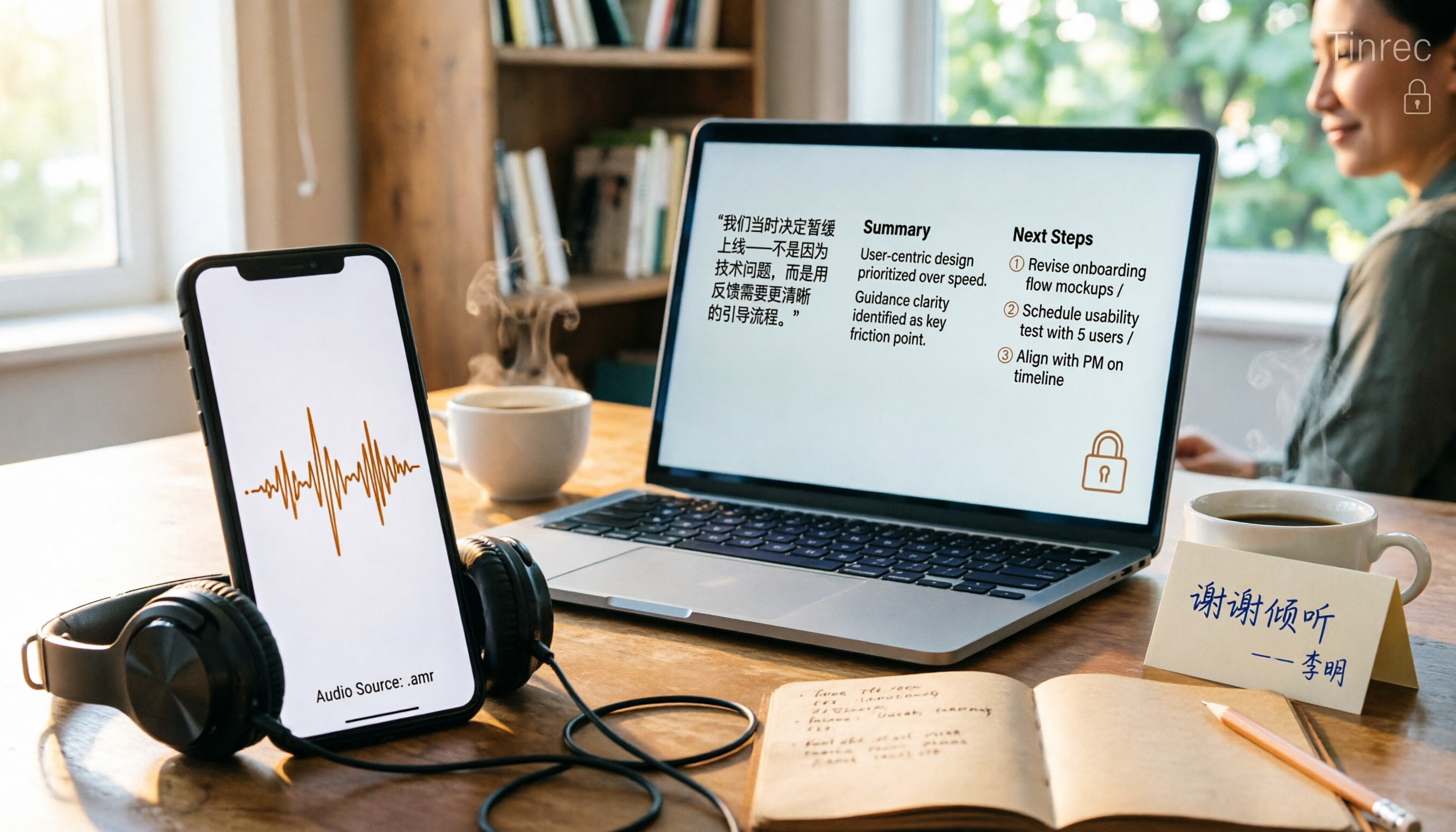
Phone recordings are often saved as .amr files, which computers can't open and which you may worry about leaking when sharing. This article compares three approaches: online conversion, browser-based local conversion, and desktop tools. It also explains that if your AMR files are meeting or interview recordings, Tinrec can turn audio directly into transcripts, summaries, and action items, saving you hours of typing.

2026 Comparison of 4 Meeting Minutes Tools for State-Owned Enterprises: Which Saves the Most Time?
For state-owned enterprises and large organizations, organizing meeting minutes often gets stuck in the hour or two after the meeting. This hands-on comparison tests Tinrec, Notta, Otter.ai, and PLAUD on Chinese meeting transcription, post-meeting summaries, action item extraction, and team collaboration. It also covers 4 key purchasing factors and 3 common pitfalls to help you decide which tool best fits your meeting scenario.

2026 Comparison of 4 Audio-to-Text Tools: How to Turn Audio Evidence into a Transcript
Got a key recording but stuck on how to turn it into text that courts, mediators, or supervisors can understand? This article first outlines 5 key principles for audio transcripts, then compares Tinrec, Notta, Otter.ai, and TurboScribe in real tests, focusing on file import, timeline completeness, AI Q&A, and team data storage, helping you choose the right tool for your situation.

6 iPhone Voicemail and Call Transcription Solutions Tested for 2026: Which Organizes Messages Best?
When you miss a call on iPhone, it goes to voicemail, but the real challenge starts after the message arrives. This article addresses common misconceptions and reviews 6 ways to handle voicemail and call content on iPhone, including iOS 17's built-in Live Voicemail, carrier Visual Voicemail, and Tinrec, which can turn messages into transcripts, summaries, and to-dos. It also covers roaming charges, Low Power Mode, and spam call considerations.

2026 AI Meeting Recorder Comparison: 5 Tools Tested for Turning Audio into Shareable Meeting Minutes
Most AI tools can turn recordings into transcripts, but what really slows you down after a meeting is producing minutes you can send out directly. This article starts from the question of whether decisions, action items, and numbers are ready to hand off, outlines 4 key factors for choosing an AI meeting minutes tool, and compares Tinrec, Otter.ai, Notta, and Granola in hands-on testing, with 4 common pitfalls and scenario-based recommendations.

2026 Complete Guide to Office Document Summarization Apps: From Meeting Transcripts to To-Do Lists in One Go
How to choose an office document summarization app? This article starts from real office scenarios, outlines 4 key purchasing factors, and compares Tinrec, Notta, TurboScribe, and Otter.ai with hands-on testing. It includes a pitfall guide and selection advice to help you find the right summarization tool.