

Turn recordings into transcripts and summaries in minutes
Upload audio or video for multilingual transcription, AI notes, and action items
2026 Comparison of 5 Meeting Transcription Tools: Which Is Easiest to Use?
The Most Common Mistake in Meeting Notes: Still Think Typing While Listening Is Diligence?
I used to think that meeting notes had to be typed word for word to be complete. As a result, with 15 meetings a week, I spent twice as much time typing after each meeting, and the decisions I really needed to follow up on got pushed to the evening. Last week, my boss asked me about the conclusion of a project from last month, and I flipped through 3 minutes of notes without finding it—because I only wrote down what I thought was important and missed the deadlines others promised.
This isn't a memory problem; it's a method problem. Most people treat audio-to-text as simply "turning sound into text," but what really needs to be solved is: after the meeting, can you immediately find decisions, to-dos, and who promised what? With the right tool, this can be reduced from two hours to under ten minutes. This article isn't about buying the most expensive one; it's about helping you find the one that's easiest to use and truly saves time after meetings.
Before Choosing a Meeting Transcription Tool, Understand These 4 Key Points
1. Ease of use: Can you record your first transcript within five minutes? Many tools are packed with features, but require installing plugins, setting up bots, or researching integrations. For people who have meetings every day, these are barriers. Tinrec's desktop version can capture system audio as soon as you open it, without inviting a meeting bot.
2. Recognition experience with Chinese and mixed Chinese-English. Being strong in English doesn't mean being strong in Chinese. Meetings in Taiwan often mix product names, client names, and English abbreviations in one sentence. If the tool doesn't have hotwords or bilingual support, you'll be editing the transcript until you doubt life. Tinrec supports Chinese, Traditional Chinese, and multiple languages, and allows maintaining team hotwords.
3. Can you ask AI directly after the meeting? The transcript isn't the end goal. What you want is to ask questions like "Who mentioned the budget in the last meeting?" directly, rather than Ctrl+F for thirty minutes. Tinrec's AI Q&A allows follow-up questions based on meeting content, which is where it stands out from pure transcription tools.
4. Free quota and team collaboration. For individuals, first see if the free version is enough for two or three meetings; for teams, look at data ownership, roles, seats, usage, and auditing. Tinrec's personal version has a free version, weekly pass, Pro monthly, and Pro annual; the team version is a separate space, not multiple people sharing one account.
Tinrec — Our Top Pick After Hands-On Testing
Tinrec is an AI meeting notes and collaboration tool for individuals and teams, covering iOS, Android, and web. It doesn't just convert sound to text; it organizes meetings into searchable, summarizable, queryable, and exportable data that accumulates in team spaces.
Bot-free recording for online meetings. Our team runs Zoom, Google Meet, Microsoft Teams, and Webex daily. Previously, with meeting bots, each meeting had an extra "participant," and clients would ask who that was, which felt awkward internally. Tinrec's desktop version directly captures computer system audio, no bot invitation needed, just open and record, with transcripts appearing as you record. This is especially noticeable for external meetings—you won't have the rhythm interrupted by a bot.
Generate summaries, chapters, and to-dos directly after the meeting. I used to spend the first moments after a meeting listening to the recording, picking out key points, and typing to-dos. Now, when the meeting ends, the AI summary and chapters are already there, and to-dos are listed, showing who is responsible for what and by when. It can also generate mind maps, reports, tables, and documents, and export to Notion, Google Docs, OneNote, Dropbox, etc. for further processing.
AI Q&A is where it stands out. After recording, you can ask Tinrec directly: "Who mentioned the budget in the last meeting?" It doesn't just give you keyword search results; it uses semantic understanding to directly tell you the answer. I often use it to check decisions from three months ago, saving the time of re-listening to the entire meeting. For mid-level managers, this is more valuable than extra transcription minutes.
Team version turns meetings into team assets. Personal version data belongs to the individual; the team version provides a separate team space where members can see team historical meetings, and administrators can manage roles, seats, sharing rights, usage analytics, and audit logs. When a member leaves or loses their seat, team resources can be transferred to other active members, not taken away by the individual. The team version also has an audio recycle bin and hotword management, which is very practical for departments that need unified terminology.
Stop organizing recordings by hand
Upload audio or video and automatically get a transcript, summary, and action items
My testing conditions and limitations. I didn't write a specific accuracy number here because Tinrec officially doesn't recommend promising a fixed accuracy rate—actual performance is affected by recording quality, noise, accents, overlapping speech, and technical terms. My testing method was simple: use a real weekly meeting recording (5 people, air conditioning and keyboard noise in the meeting room, mixed Chinese-English), and check if names, product names, and numbers were correct. The conclusion: most content is usable, but for important numbers and proper nouns, I still click on the transcript timestamp to replay and verify. The free version provides basic quota, enough for light use to experience; heavy users need to pay. The team version currently focuses on team-level sharing, not file-level permissions; members without seats can view, play, and read, but cannot upload, edit, or import/export. Also, it's not a bot that automatically joins all calendar meetings; you need to actively open the desktop version to start recording.
Who is it for? If, like me, your weekly schedule is full of meetings, mostly in Chinese, and you want to use AI to follow up on details after meetings, and you want team data not scattered across personal accounts, Tinrec is currently the closest fit for this workflow.
Besides Tinrec, What Other Options Are There?
Granola. A bot-free AI meeting notes tool, Basic is free, Business is USD 14/user/month, Enterprise is USD 35/user/month. It follows a "your handwritten notes + AI enhancement" approach, doesn't support uploading pre-recorded audio files, and doesn't save meeting audio. If you only do live meetings and don't need to listen back to recordings, you can consider it; but if you want to keep audio files, import historical recordings, and ask questions in Chinese, Tinrec is more suitable.
TurboScribe. A cost-effective file transcription tool, Free allows 3 files per day, up to 30 minutes per file; Unlimited annual is USD 120, about USD 10/month, paid version supports up to 10 hours or 5 GB per file, and can upload 50 files at once. It's suitable for transcribing large amounts of long files into subtitles, but it's not a live meeting tool and lacks Tinrec's AI Q&A, to-do extraction, and team space.
Otter.ai. A mature choice for English meetings. Basic is free with 300 minutes per month; Pro annual is about USD 8.49/user/month, including 1,200 minutes of in-app recording per month and 10 file imports. If you mainly record English meetings, Otter is a good deal. But its Chinese meetings and mixed Chinese-English are not its strong suit; Tinrec is closer to Taiwanese workplaces in Traditional Chinese experience, team hotwords, and post-meeting Agent processing.
Pitfall Guide: The 4 Most Common Mistakes When Choosing a Meeting Transcription Tool
Pitfall 1: Only looking at the official advertised accuracy. Many tools claim 98%, 99%, but that's tested in a quiet recording studio. Real meeting rooms have air conditioning noise, keyboard sounds, and people talking over each other, so performance drops. It's recommended to test the free version with your own meeting recording, not just look at ads.
Pitfall 2: Thinking a transcript is enough. If you only use the tool as "audio to text," you're only using one-third of its capabilities. What really saves time is asking AI directly after the meeting "What was the conclusion of the last meeting?" and having it extract to-dos. Tinrec's AI Q&A and Agent post-processing are solving this part.
Pitfall 3: The team bought the tool but didn't clarify roles and seats. The team version is not multiple people sharing one account. Roles determine who can manage the team, members, and auditing; seats determine who can record, upload, edit, and import/export. Active members without seats can only view, play, and read. Before buying, confirm how many people in the team actually need to use it hands-on.
Pitfall 4: Ignoring data ownership. Personal version data belongs to the individual, team version data belongs to the team. If meeting notes are company assets, use a team space, rather than having everyone record and store separately. When a member leaves, team resources should be handed over, so that "when he leaves, the meeting notes leave with him" doesn't happen.
Conclusion: Which One Should You Choose?
If you ask me "Which meeting transcription tool is easy to learn?" my answer is simple: first see if it lets you record your first transcript within five minutes, then see if it can directly answer your questions after the meeting. By these two standards, Tinrec is the one our team kept using.
- Chinese meetings, mixed Chinese-English mainly → Tinrec (Chinese experience, team hotwords, AI Q&A)
- Don't want to invite a meeting bot → Tinrec (desktop version captures system audio, supports Zoom, Meet, Teams, Webex)
- Want to find key points directly after recording, generate to-dos and reports → Tinrec (AI Q&A, Agent post-processing)
- Team wants to accumulate meeting data, manage seats and usage → Tinrec team version (separate space, role seats, auditing, recycle bin)
- Zero budget, only record English meetings → Otter.ai (free version 300 minutes per month, the few exceptions in this article)
I suggest starting with Tinrec's free version and trying it with your most realistic meeting recording. The free version has a basic quota, enough for two or three meetings to feel the workflow; if you find it really saves time after meetings, then consider Pro or team version. This choice is more practical than buying the most expensive plan from the start.
References
- 2026 Must-See! 4 AI Audio-to-Text Tool Recommendations: Meeting Notes, Podcast Transcript Artifact Review - Mobile01
- No Time Limit! 3 Free AI Transcript Tools, Highly Recommended! AI Voice Notes Generate Meeting Notes, Presentations, Mind Maps | 104 Workplace Power
- Meeting Ink - 2026 AI Meeting Notes Tool Hands-On Test | 7 Voice-to-Text and Summary Speed Comparison | Meeting Ink - AI Meeting Notes Assistant Automatically Transcribes Transcripts and Summarizes Meeting Minutes
- [AI Voice Notes] Highly Recommended 5 AI Transcription Tools! Help You Generate Transcripts and Meeting Notes Highlights, Free vs Subscription, Pros and Cons Review | 104 Workplace Power
- How to Use AI for Meeting Minutes? How to Organize Meeting Transcripts? | AI Voice-to-Transcript Tutorial | 104 Workplace Power
Turn every recording into actionable outcomes
Get 60 free transcription minutes when you sign in. No credit card required.
Related Reading
You might also like

Tinrec vs Notta 2026: 5-Dimension Comparison for Chinese Meeting Transcription
How to choose an audio-to-text tool? This article addresses common pitfalls and reviews 6 practical solutions, including Tinrec, Notta, Otter.ai, Fireflies.ai, Granola, and a no-registration online tool. It compares them across 5 dimensions: meeting capture method, Chinese transcription, post-meeting organization, team collaboration, and pricing. All prices and free limitations are listed accurately to help you find the best fit for your meeting scenario.
2026 Video-to-Text Tools Compared: Which AI Transcription Saves the Most Time for Chinese Content?
How do you turn video audio into text? This article explores real-world scenarios to explain what pain points AI video transcription solves and what core capabilities to look for. It covers 5 key considerations when choosing a tool and compares Tinrec's personal and team plans. A FAQ section addresses common questions about long videos, accuracy, free quotas, and team permissions.

2026 Audio Extraction to MP3 Comparison: Tinrec One-Click Conversion with Transcript
Audio extraction to MP3 is just a means; what you really need is the content inside. This article uses real scenarios like meetings, client interviews, classes, and content creation to break down how Tinrec directly processes audio and video files, producing transcripts, AI summaries, and action items in one go, and organizes 5 key points to consider when buying and common questions to help you save time on repeated conversions and manual transcription.

5 Online Audio-to-Text Tools Tested and Compared for 2026: Which Free Tier and AI Summary Tool Is Most Practical?
There are many online audio-to-text tools, but most people make the wrong choice from the start. This article examines five key points: free tier limits, audio sources, Chinese recognition, post-meeting organization, and team data ownership. It compares Tinrec, Notta, TurboScribe, and Otter.ai, highlights four common pitfalls, and provides clear recommendations based on budget and use case.
3 AMR to MP3 Tools Tested and Compared in 2026: Which Is Easiest and Safest for Privacy?
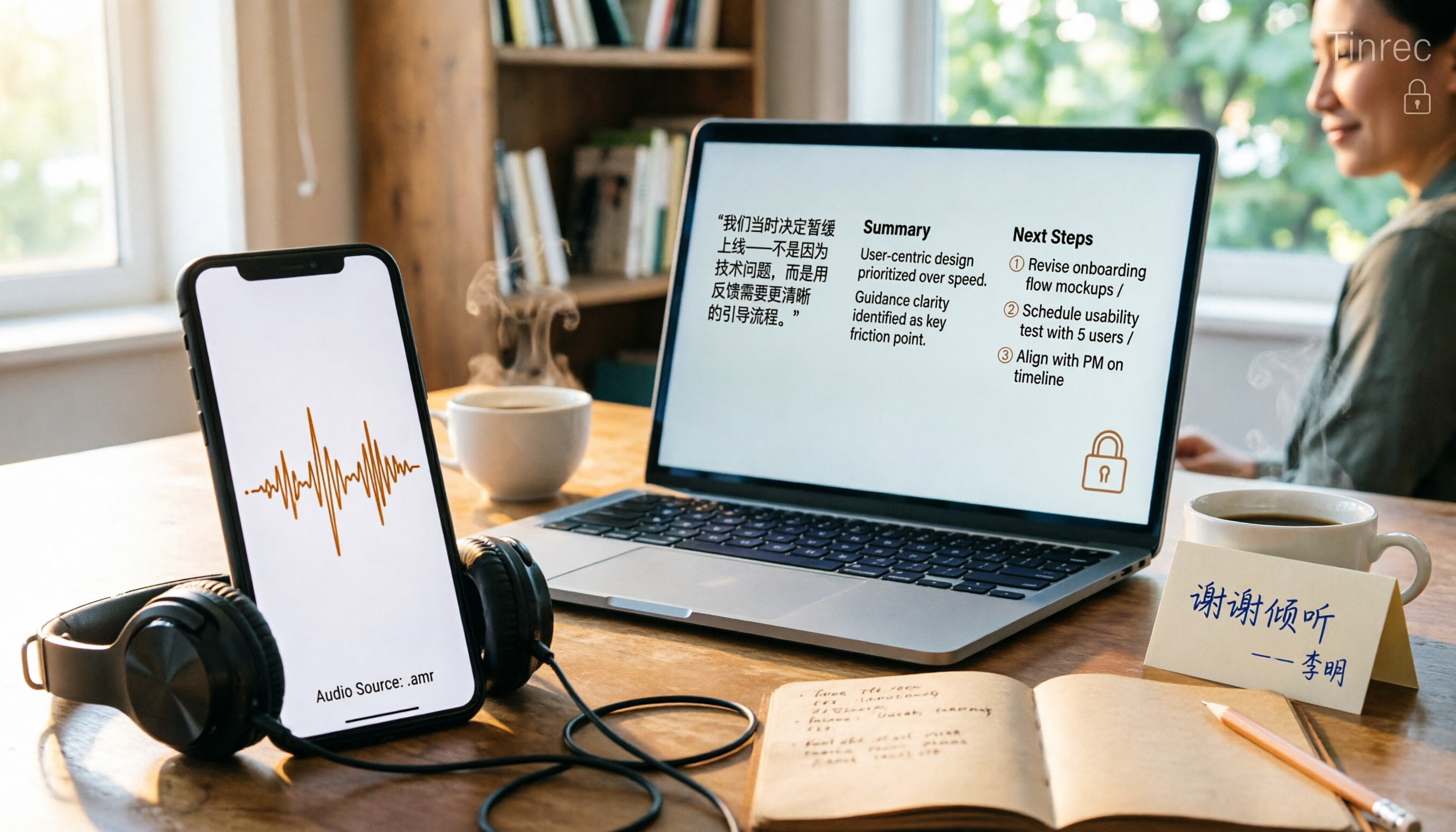
Phone recordings are often saved as .amr files, which computers can't open and which you may worry about leaking when sharing. This article compares three approaches: online conversion, browser-based local conversion, and desktop tools. It also explains that if your AMR files are meeting or interview recordings, Tinrec can turn audio directly into transcripts, summaries, and action items, saving you hours of typing.

2026 Comparison of 4 Meeting Minutes Tools for State-Owned Enterprises: Which Saves the Most Time?
For state-owned enterprises and large organizations, organizing meeting minutes often gets stuck in the hour or two after the meeting. This hands-on comparison tests Tinrec, Notta, Otter.ai, and PLAUD on Chinese meeting transcription, post-meeting summaries, action item extraction, and team collaboration. It also covers 4 key purchasing factors and 3 common pitfalls to help you decide which tool best fits your meeting scenario.

2026 Comparison of 4 Audio-to-Text Tools: How to Turn Audio Evidence into a Transcript
Got a key recording but stuck on how to turn it into text that courts, mediators, or supervisors can understand? This article first outlines 5 key principles for audio transcripts, then compares Tinrec, Notta, Otter.ai, and TurboScribe in real tests, focusing on file import, timeline completeness, AI Q&A, and team data storage, helping you choose the right tool for your situation.

6 iPhone Voicemail and Call Transcription Solutions Tested for 2026: Which Organizes Messages Best?
When you miss a call on iPhone, it goes to voicemail, but the real challenge starts after the message arrives. This article addresses common misconceptions and reviews 6 ways to handle voicemail and call content on iPhone, including iOS 17's built-in Live Voicemail, carrier Visual Voicemail, and Tinrec, which can turn messages into transcripts, summaries, and to-dos. It also covers roaming charges, Low Power Mode, and spam call considerations.

2026 AI Meeting Recorder Comparison: 5 Tools Tested for Turning Audio into Shareable Meeting Minutes
Most AI tools can turn recordings into transcripts, but what really slows you down after a meeting is producing minutes you can send out directly. This article starts from the question of whether decisions, action items, and numbers are ready to hand off, outlines 4 key factors for choosing an AI meeting minutes tool, and compares Tinrec, Otter.ai, Notta, and Granola in hands-on testing, with 4 common pitfalls and scenario-based recommendations.