

Turn recordings into transcripts and summaries in minutes
Upload audio or video for multilingual transcription, AI notes, and action items
5 Best Meeting Transcription Tools in 2026: Tinrec vs Notta and Other Top Picks
At last month's quarterly review, my boss asked me, "In that cross-department meeting in Q3, who was responsible for following up on the supplier's quote?" I flipped through my notebook for a full three minutes and only found three words I'd written: "Follow up on quote." No owner, no deadline, no next step. I remember those three minutes vividly because I was actually in that meeting.
I manage a team of 10 and have about 15 meetings a week. What used to scare me wasn't the meetings themselves, but the aftermath: organizing decisions, assigning action items, and the boss asking anytime, "What was the conclusion on that thing last time?" This article is a record of my team's hands-on experience with several meeting transcription tools. The focus is on how to judge which one is good, not just copying spec sheets.
To be clear: the prices and plans mentioned below are based on official pages as of 2026. Vendors can change them anytime, so please refer to the official purchase page before buying.
Why Are People Comparing Meeting Transcription Tools?
"After the meeting, the work begins" is a common experience for many mid-level managers. For a one-hour meeting, manually transcribing and summarizing can easily take 40 to 60 minutes. If there are cross-department decisions to track, that time doubles.
Current options fall into four categories: meeting bots that join as participants (e.g., Otter, Fireflies), general transcription tools that focus on file uploads (e.g., Notta, TurboScribe), AI recording hardware for portable recording (e.g., PLAUD Note, NotePin), and built-in transcription features in platforms like Zoom, Google Meet, and Teams.
Each has trade-offs: bots add an extra participant; hardware means carrying another device; built-in tools only work within their platform; general transcription tools excel at files and subtitles but are weaker for live meetings.
If you care about Chinese meetings, don't want a bot in the meeting, and want to ask follow-up questions about the content afterward, Tinrec is worth considering in this comparison.
| Tool | Main Positioning | What to Know Before Using |
|---|---|---|
| Tinrec | AI meeting notes and team collaboration | Desktop version captures system audio directly, no bot needed; you must start recording yourself |
| Notta | Multi-platform transcription, file import, and translation | Official: Free plan 120 minutes/month, max 3 minutes per recording |
| Otter | English business meeting assistant | Official: Basic free plan 300 minutes/month |
| PLAUD Note / NotePin | AI recording hardware | US official pricing: NotePin USD 159, Note Pro USD 189 |
| Yating Transcription | Chinese transcription and key summaries | 300 free minutes per account, must be used within one month of registration |
(The table only summarizes public positioning and common limitations. It doesn't mean one wins overall. Everyone's meeting style is different, so the choice varies.)
How Is Tinrec Different from Common Tools? 5 Practical Comparison Dimensions
1. How the Meeting Is Recorded
This is the most practical point: if every meeting requires inviting a bot account, some clients or external vendors may find it odd, and some platforms require the host to manually admit it. Tinrec's desktop version directly captures system audio from your computer, so for online meetings on Zoom, Google Meet, Microsoft Teams, and Webex, no extra participant is needed. To be honest: currently you must actively open Tinrec to start recording; it's not a bot that automatically joins all meetings on your calendar. If you want "do nothing before the meeting," adjust your expectations.
2. Can You Ask Follow-Up Questions After the Meeting?
A one-hour meeting transcript is about 10,000 words. Reading it from start to finish takes 30 to 40 minutes, more tiring than the meeting itself. Tinrec's AI Q&A is my most-used feature: I directly ask "What was the conclusion of this meeting?" or "Who is responsible for what and by when?" and it organizes answers based on semantics, so I don't have to flip through dozens of pages. This is the most obvious difference from tools that only give you a transcript.
3. Recognition Experience with Chinese and Mixed Chinese-English
Meetings in Taiwan are rarely pure Chinese; words like "roadmap," "KPI," and "deploy" often appear two or three times in a sentence. Tinrec covers Chinese, Traditional Chinese, and multilingual meeting scenarios, and supports real-time translation, allowing you to switch between original, translated, or bilingual views. The team plan also lets you maintain team hotwords, adding internal product codes and project names. I won't give you a "98% accuracy" number here—actual performance depends on recording quality, accents, background noise, and overlapping speakers. Any claim of fixed accuracy is worth questioning.
4. Are Meeting Data Personal or Team Assets?
What managers fear most is "data walking away with people." Tinrec's personal plan keeps data under the individual account; the team plan uses an independent team space where audio, folders, and to-dos are stored under the team. New members can view historical meeting data, and when a member leaves or is removed, resources can be transferred to other active members. Note a common misunderstanding: currently the team plan is "team-level sharing + role-based governance + seat-based usage," not file-level granular permissions. Members without a seat can view, play, and read data but cannot upload, edit, or import/export.
Stop organizing recordings by hand
Upload audio or video and automatically get a transcript, summary, and action items
5. How Quotas and Costs Are Calculated
This is the item most likely to be questioned by your boss during reimbursement. Tinrec's team plan currently: under an active team subscription and active seat, live recording does not deduct minutes; file and web imports consume quota, with each paid seat providing 2,000 minutes of shared import quota per month. Team monthly is USD 29.80 per paid seat per month, annual is USD 199 per paid seat per year (about USD 16.58/month). The first eligible team trial is 7 days, 1 free seat, and 300 minutes of shared import quota.
Tinrec's Core Features at a Glance
Bot-free online meeting recording: Open the desktop app to record meeting audio playing on your computer. Works with Zoom, Google Meet, Microsoft Teams, and Webex, with no AI participant added. Especially useful for external client meetings.
Real-time audio to text: Record offline meetings, interviews, and on-site discussions directly, with text generated simultaneously. I usually scan the transcript before the meeting ends to confirm key decisions were recognized correctly.
Media file transcription and real-time translation: Upload historical meeting recordings and interview videos for organization; for international meetings, view original, translated, or bilingual content during recording.
Summaries, chapters, action items, and mind maps: Long meetings are automatically split into chapters, with key points and action items extracted. My habit now is to paste the action list to the team within 10 minutes after the meeting.
AI Q&A and Agent post-processing: Ask follow-up questions about single or multiple meetings; generate meeting notes, reports, tables, and documents, then export to Notion, Google Docs, OneNote, Dropbox, etc.
Team space and governance: The team plan centralizes meeting data in one space and provides member and seat management, usage analytics, audit logs, team hotwords, and a 30-day audio recycle bin.
Real-World Use Cases
Weekly and project progress meetings: I regularly use Tinrec for weekly meetings. Afterward, I ask "What's the progress on the three things promised last week?" and paste the action items into the team channel. This used to take me half an hour; now it's about five minutes.
Client interviews and requirement discussions: Clients jump around when discussing requirements, and re-listening to recordings is time-consuming. Now I use AI Q&A to extract "what the client cares about, what concerns they have, what we promised," then compile a one-page summary to reply.
Cross-language international meetings: When external vendors are involved, bilingual view with real-time translation saves a lot of back-and-forth. Note that translation is for understanding; for formal documents, I still ask the other party to confirm.
Courses and personal notes: Non-meeting learning recordings can also be organized into summaries and key points. For this, the free plan's basic quota is enough for me.
Things to Consider When Choosing a Transcription Tool
1. First ask "How is the meeting recorded?": Bot joining, system audio capture, hardware device, or built-in platform—these four methods differ greatly in meeting experience. When choosing, consider whether it changes how your existing meetings run. Tinrec uses desktop system audio, so no extra account appears in the meeting.
2. Look at "What can you do after recording?": With a transcript-only tool, you still have to read it all. Look for summaries, chapters, action items, and AI Q&A. Tinrec's strength is in this post-processing.
3. Confirm your language scenario: Chinese, mixed Chinese-English, and multilingual meetings perform differently across tools. Check for bilingual view and terminology maintenance (Tinrec's team plan has team hotwords). For actual recognition quality, test with your own company's meeting recordings.
4. Distinguish "personal use" vs "team use": Personal plan data belongs to the individual; team plan must handle members, roles, seats, and data handover. Tinrec's team plan separates roles (who can manage) from seats (who can use). Align this with IT during procurement.
5. Confirm quota calculation and export capabilities: Some plans count recording and import together in minutes, others separately. Tinrec currently doesn't deduct minutes for live recording; file imports use shared quota. Export supports common file formats and Notion, Google Docs, OneNote, Dropbox. This directly affects your actual cost.
Conclusion: Is Tinrec Worth a Try?
Looking back at my own needs, there are really only three things: no extra bot in meetings, ability to grasp key points immediately after, and data staying with the team rather than on someone's phone. Tinrec hits all three: bot-free desktop recording, AI Q&A and action item organization, and a team space that accumulates meetings into transferable data.
It also has limitations: you must start recording yourself, no fixed accuracy promise, and the team plan is currently team-level sharing rather than file-level permissions. If you need to process dozens of long files at once, dedicated file and subtitle transcription tools would be more suitable.
If you're comparing "which meeting transcription tool is best," my advice is to test with a real meeting from your own company first. Tinrec has a free plan for basic quota, and the team plan offers a 7-day trial with 1 free seat and 300 minutes of shared import quota. After testing, decide whether to go Pro or team—more accurate than any review.
One final reminder: recording and transcription involve personal data and communication privacy. Before recording, obtain consent from participants according to local regulations. This is now a standard process for our team.
References
- No time limit! 3 free AI transcription tools, highly recommended! AI voice notes generate meeting records, presentations, mind maps | 104 Workplace Power
- Meeting Ink - 2026 AI meeting notes tool hands-on test | 7 voice-to-text and summary speed comparison | Meeting Ink - AI meeting notes assistant automatic transcription and summary
- Must-see in 2026! 4 AI audio-to-text tool recommendations: meeting notes, podcast transcription review - Mobile01
- AI meeting notes software recommendations: 5 apps hands-on review, automatic transcription makes meetings easy!
- AI meeting notes神器 | 3 voice-to-text tool recommendations: quick organization and question highlights
Turn every recording into actionable outcomes
Get 60 free transcription minutes when you sign in. No credit card required.
Related Reading
You might also like

Tinrec vs Notta 2026: 5-Dimension Comparison for Chinese Meeting Transcription
How to choose an audio-to-text tool? This article addresses common pitfalls and reviews 6 practical solutions, including Tinrec, Notta, Otter.ai, Fireflies.ai, Granola, and a no-registration online tool. It compares them across 5 dimensions: meeting capture method, Chinese transcription, post-meeting organization, team collaboration, and pricing. All prices and free limitations are listed accurately to help you find the best fit for your meeting scenario.
2026 Video-to-Text Tools Compared: Which AI Transcription Saves the Most Time for Chinese Content?
How do you turn video audio into text? This article explores real-world scenarios to explain what pain points AI video transcription solves and what core capabilities to look for. It covers 5 key considerations when choosing a tool and compares Tinrec's personal and team plans. A FAQ section addresses common questions about long videos, accuracy, free quotas, and team permissions.

2026 Audio Extraction to MP3 Comparison: Tinrec One-Click Conversion with Transcript
Audio extraction to MP3 is just a means; what you really need is the content inside. This article uses real scenarios like meetings, client interviews, classes, and content creation to break down how Tinrec directly processes audio and video files, producing transcripts, AI summaries, and action items in one go, and organizes 5 key points to consider when buying and common questions to help you save time on repeated conversions and manual transcription.

5 Online Audio-to-Text Tools Tested and Compared for 2026: Which Free Tier and AI Summary Tool Is Most Practical?
There are many online audio-to-text tools, but most people make the wrong choice from the start. This article examines five key points: free tier limits, audio sources, Chinese recognition, post-meeting organization, and team data ownership. It compares Tinrec, Notta, TurboScribe, and Otter.ai, highlights four common pitfalls, and provides clear recommendations based on budget and use case.
3 AMR to MP3 Tools Tested and Compared in 2026: Which Is Easiest and Safest for Privacy?
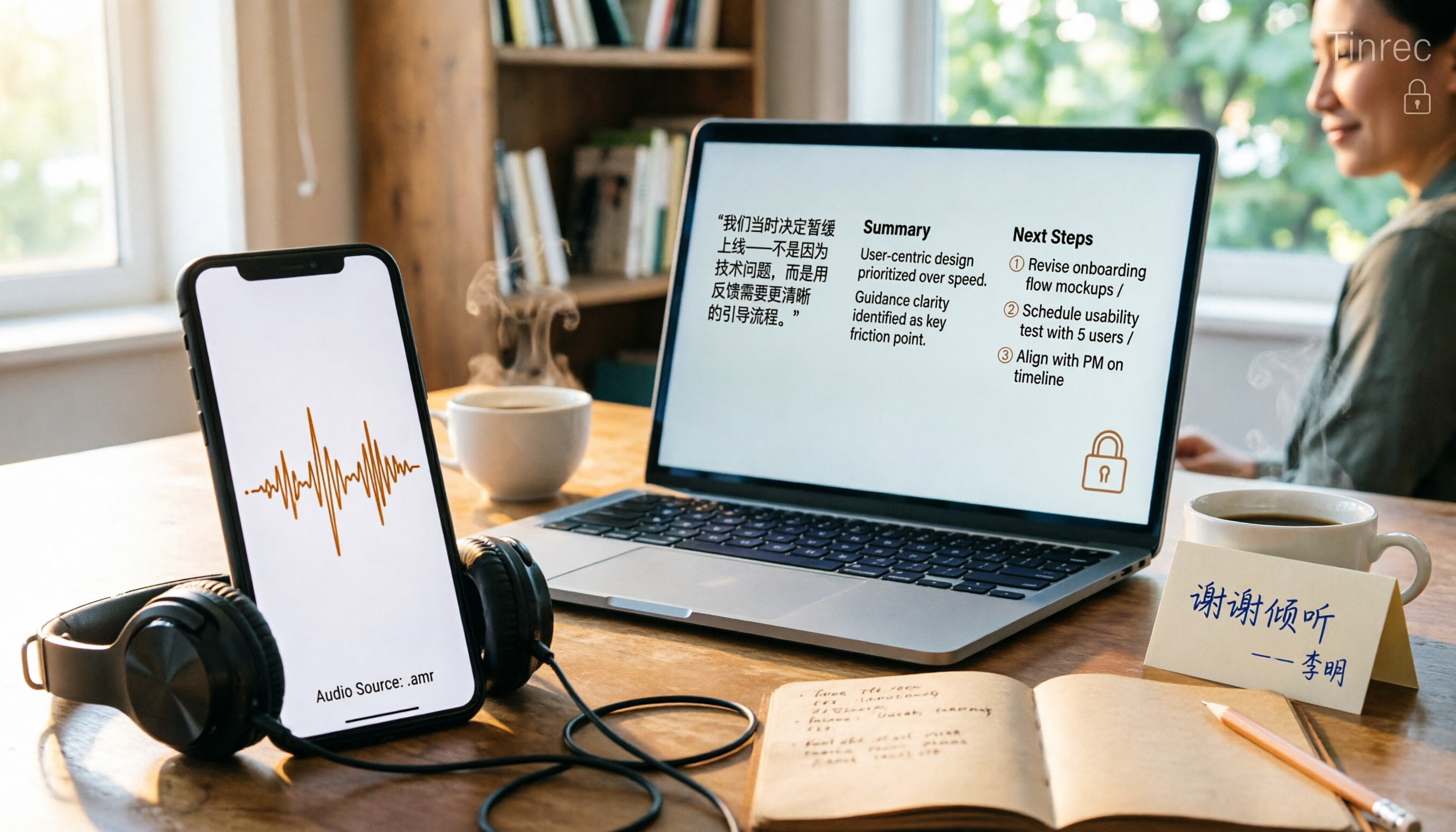
Phone recordings are often saved as .amr files, which computers can't open and which you may worry about leaking when sharing. This article compares three approaches: online conversion, browser-based local conversion, and desktop tools. It also explains that if your AMR files are meeting or interview recordings, Tinrec can turn audio directly into transcripts, summaries, and action items, saving you hours of typing.

2026 Comparison of 4 Meeting Minutes Tools for State-Owned Enterprises: Which Saves the Most Time?
For state-owned enterprises and large organizations, organizing meeting minutes often gets stuck in the hour or two after the meeting. This hands-on comparison tests Tinrec, Notta, Otter.ai, and PLAUD on Chinese meeting transcription, post-meeting summaries, action item extraction, and team collaboration. It also covers 4 key purchasing factors and 3 common pitfalls to help you decide which tool best fits your meeting scenario.

2026 Comparison of 4 Audio-to-Text Tools: How to Turn Audio Evidence into a Transcript
Got a key recording but stuck on how to turn it into text that courts, mediators, or supervisors can understand? This article first outlines 5 key principles for audio transcripts, then compares Tinrec, Notta, Otter.ai, and TurboScribe in real tests, focusing on file import, timeline completeness, AI Q&A, and team data storage, helping you choose the right tool for your situation.

6 iPhone Voicemail and Call Transcription Solutions Tested for 2026: Which Organizes Messages Best?
When you miss a call on iPhone, it goes to voicemail, but the real challenge starts after the message arrives. This article addresses common misconceptions and reviews 6 ways to handle voicemail and call content on iPhone, including iOS 17's built-in Live Voicemail, carrier Visual Voicemail, and Tinrec, which can turn messages into transcripts, summaries, and to-dos. It also covers roaming charges, Low Power Mode, and spam call considerations.
2026 AI Meeting Recorder Comparison: 5 Tools Tested for Turning Audio into Shareable Meeting Minutes
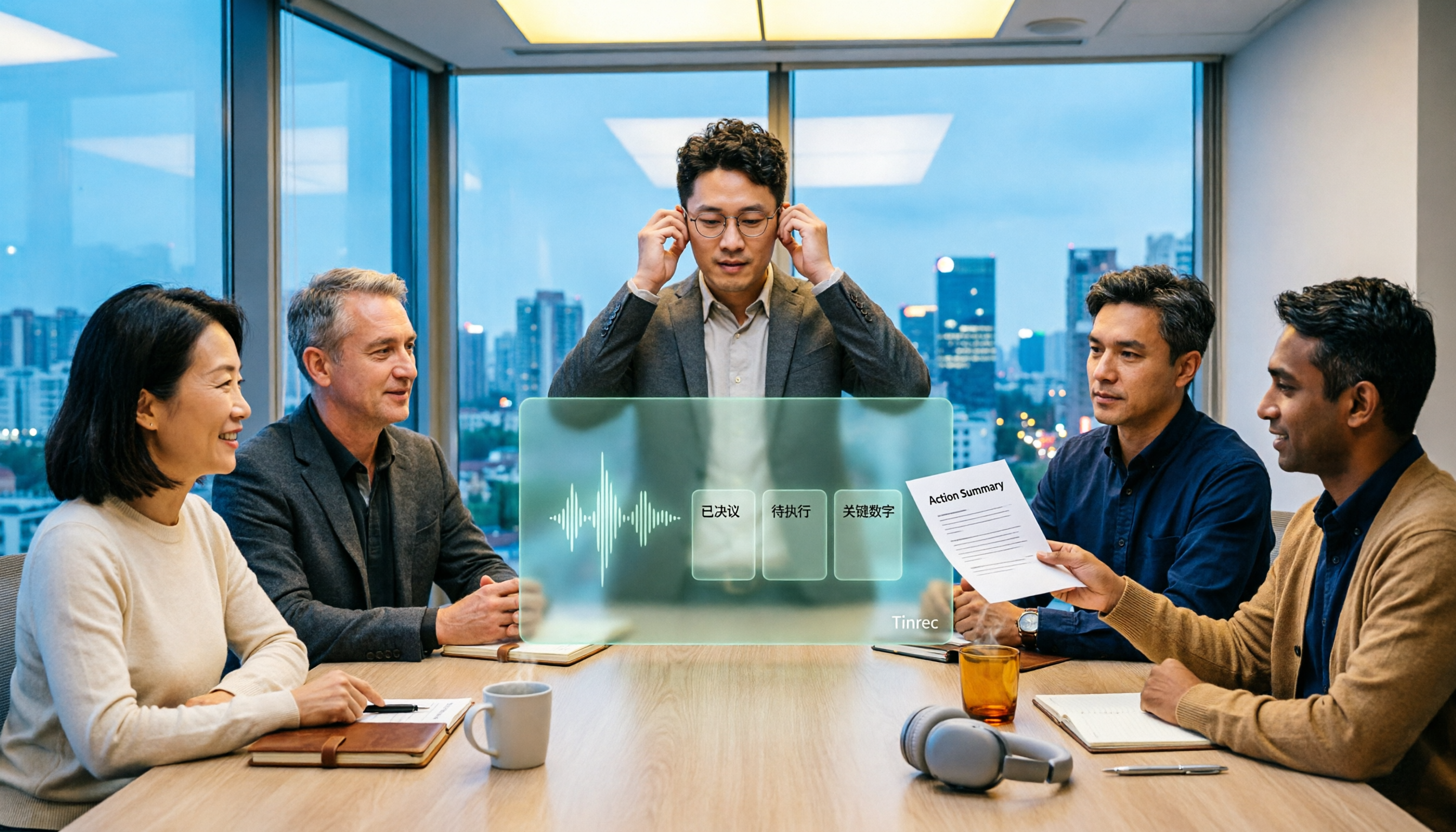
Most AI tools can turn recordings into transcripts, but what really slows you down after a meeting is producing minutes you can send out directly. This article starts from the question of whether decisions, action items, and numbers are ready to hand off, outlines 4 key factors for choosing an AI meeting minutes tool, and compares Tinrec, Otter.ai, Notta, and Granola in hands-on testing, with 4 common pitfalls and scenario-based recommendations.