
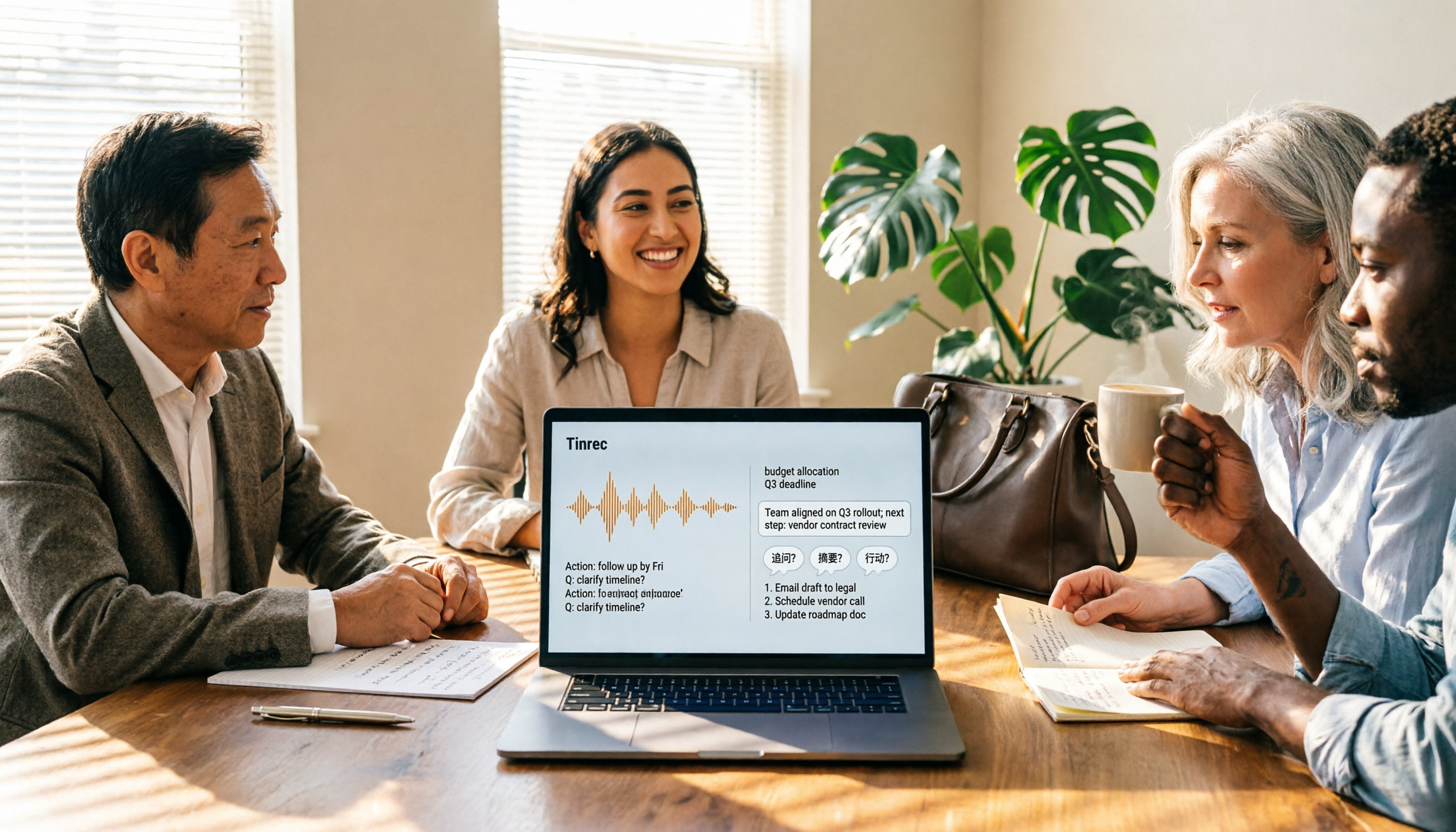
Turn recordings into transcripts and summaries in minutes
Upload audio or video for multilingual transcription, AI notes, and action items
2026 Complete Guide to Meeting Recording Transcription: From Basics to Practice
Many people ask me: "For meeting recording transcription, can't I just find some software, drop the recording in, and wait for it to spit out text?"
This is the first misconception I see most often.
If all you get is a transcript, you still have to read it from beginning to end, find the conclusions yourself, pick out action items, and try to remember who said what. That just swaps "listening to the recording" for "reading text"—it doesn't actually save you time on meeting organization.
A more reasonable approach is to first think clearly: after this meeting ends, what do you need to produce?
A meeting summary? A decision record? Customer requirements? Or an action list for next week?
Once you know what you need to produce, a meeting recording transcription tool shouldn't just "convert to text"—it should be a workflow that "helps you turn meetings into usable data."
This is also the area I adjust most often when coaching teams over the past few years: the tool isn't wrong; the mistake is treating it like a typewriter.
Below, I'll use Tinrec to demonstrate a complete meeting recording transcription workflow, taking you from recording, transcription, summarization, and follow-up questions to team knowledge retention—all in one go.
What Can Meeting Recording Transcription Do for You?
Scenario 1: Grasp the Key Points Within 5 Minutes After a Meeting
In the past, after a two-hour meeting, you might have to spend another hour organizing notes.
Now, with Tinrec as an example, when the meeting ends, AI has already generated a summary, chapters, and key points. You look at the summary first, then decide whether to dive into a particular section of the transcript.
This isn't about being lazy—it's about saving time for the places that truly require your judgment.
Scenario 2: Turn Historical Recordings into a Searchable Database
Do you also have a bunch of interviews, courses, and meeting recordings sitting on your phone?
Tinrec supports importing audio and video files, letting you convert old recordings into transcripts and then query them directly through AI Q&A. For example: "What budget range did the customer mention at the time?" "What objections came up in this interview?"
In the past, you had to replay and pause back and forth; now you can retrieve it with text and Q&A.
Scenario 3: No More Meeting Bots for Online Meetings
Many people think that to record Zoom, Google Meet, Microsoft Teams, or Webex, a bot must join the meeting.
Tinrec desktop works differently: it directly captures your computer's system audio, with no extra bot joining the meeting.
You just open Tinrec desktop, start recording, and generate a transcript while the meeting is happening. For other participants, no unfamiliar account appears in the meeting room.
Scenario 4: Produce Reports, Tables, and Action Items After the Meeting
Meeting notes shouldn't stop at the transcript.
Tinrec can extract action items from discussions and also use Agent post-processing to generate reports, tables, and documents. This is especially useful for project meetings and client meetings: you're not just recording "what was said"—you can then organize "what to do next."
What Are the Core Capabilities of Meeting Recording Transcription?
Real-Time Recording to Text
Tinrec supports real-time recording to text, suitable for in-person meetings, interviews, and on-site notes.
Its value isn't just speed—it lets you see text accumulate while the meeting is in progress. If you notice a key number or decision hasn't been clearly recorded, you can ask for clarification right away.
Bot-Free Online Meeting Recording
Tinrec desktop can handle meeting audio playing on your computer, covering common platforms like Zoom, Google Meet, Microsoft Teams, and Webex.
Note that this is not "automatically joining all meetings." You need to actively open Tinrec and start recording. The benefit is transparency and control, and it won't disrupt your original meeting invitation process.
AI Summary, Chapters, and Key Points
Tinrec automatically generates summaries and chapters, helping you break long meetings into a browsable structure.
My own habit is: look at the summary first, then the chapter titles, and finally jump into the transcript to confirm details. This avoids getting lost in the sea of transcript details from the start.
Action Item Extraction and Post-Meeting Output
Tinrec can organize action items from meeting discussions and also generate reports, tables, and documents.
For project managers, this step is crucial. Because the value of a meeting isn't "having notes"—it's "having follow-up."
AI Q&A and Multi-Format Export
Tinrec supports AI Q&A around meeting content. You can directly ask it: "What was the conclusion of this meeting?" "Who is responsible for the budget?" "What concerns did the client have about the timeline?"
After organizing, you can export to tools like Notion, Google Docs, OneNote, and Dropbox, bringing meeting data into your existing workflow.
Team Space and Governance Capabilities
If you're using it as a team, Tinrec's team plan provides an independent team space. Meeting data belongs to the team and won't disappear if someone leaves.
The team plan also manages member roles, seats, sharing permissions, usage analytics, and audit logs, and provides an audio recycle bin and team hotwords. These capabilities turn meeting recording transcription from a personal tool into a team knowledge asset.
Stop organizing recordings by hand
Upload audio or video and automatically get a transcript, summary, and action items
Practical Use Cases
Meeting Notes: From Transcript to Action List
After a project weekly meeting, I first hand the recording to Tinrec for transcription. Once the AI summary is out, I quickly scan decisions and action items, then paste the action items into the project management tool.
The key is: don't let meeting notes stop in a document—turn them into next steps.
Client Interviews: Preserve Exact Words and Context
The biggest fear in client interviews is recording only key points but forgetting the cause and effect.
Tinrec preserves the transcript and also provides AI Q&A. When I need to write a proposal, I can directly ask: "What was the client most concerned about regarding price?" "What exactly did they say when mentioning competitors?"
The transcript is the evidence; AI Q&A is the index.
Courses and Talks: Turn Long Content into Reviewable Notes
During classes or talks, Tinrec can transcribe in real time, then generate summaries and chapters after class.
My own approach: after class, look at the summary first to recall the instructor's structure; when I need details, search the transcript with keywords. This is much faster than re-listening to a two-hour recording.
Cross-Language Meetings: Real-Time Translation and Bilingual Viewing
Tinrec supports real-time translation, allowing you to view the original text, translation, or bilingual content during recording.
For multinational teams, this isn't showing off—it lowers the barrier to understanding. Rather than waiting for post-meeting translation, confirm in the moment whether everyone understood each other.
5 Things to Consider When Choosing a Meeting Recording Transcription Tool
1. Can It Handle Your Meeting Formats?
Some tools are only good at uploading files, while others focus on online meetings.
Tinrec covers real-time recording, desktop online meetings, audio/video files, and mobile recording. You should first list the meeting formats you encounter most often, then confirm whether the tool can handle them.
2. After Transcription, Can It Help You Organize?
Tools that only give you a transcript leave the organizing work to you.
After transcription, Tinrec also generates summaries, chapters, and action items, and supports AI Q&A. This is where meeting recording transcription truly saves time.
3. Does It Require a Meeting Bot to Join?
If your company doesn't like an extra bot account in meetings, pay attention to the recording method.
Tinrec desktop directly captures system audio, so no bot needs to join the meeting. But remember, it doesn't automatically join all calendar meetings—it's initiated by the user.
4. Can Team Data Be Retained?
For personal use, having data in your own account is fine. But for team use, you need to think: after members leave, is the meeting data still there?
Tinrec's team plan provides team space, role and seat management, usage analytics, and audit logs. Team resources belong to the team and can be handed over when members change, so knowledge doesn't leave with people.
5. Are Export and Integration Smooth?
Meeting notes usually end up somewhere: Notion, Google Docs, OneNote, Dropbox, or your own report.
Tinrec supports multi-format export and can also use Agent post-processing to generate reports, tables, and documents. When choosing a tool, don't just look at transcription—see whether it connects to your existing workflow.
Frequently Asked Questions
What Kind of Software Is Meeting Recording Transcription?
It's not a single piece of software, but a category of tools that can convert meeting audio into text and further organize it into summaries, action items, and searchable data. Tinrec is a representative of this category: beyond transcripts, it combines AI summaries, Q&A, translation, export, and team collaboration.
Does Tinrec Require a Meeting Bot to Join?
No. Tinrec desktop records online meetings by capturing computer system audio, and the user initiates recording. It should not be understood as a bot that automatically joins all calendar meetings.
Can Tinrec Transcribe Chinese Meetings?
Yes. Tinrec covers Chinese, Traditional Chinese, and multilingual meeting scenarios, and also supports mixed Chinese-English content organization, real-time translation, and bilingual viewing. Actual results are affected by recording quality, noise, accents, overlapping speakers, and technical terminology. For important content, it's still recommended to cross-check against the transcript and recording.
What's the Difference Between Tinrec Team and Personal Plans?
Personal plan data is managed under an individual account. The team plan is an independent team space where meeting data belongs to the team, with added capabilities such as members, roles, seats, sharing permissions, usage analytics, audit logs, and an audio recycle bin.
Can Team Members Without a Seat Still See Data?
Active members can still view, play, and read team data even without a seat. However, they need a seat to record, upload, edit, import/export, and use other team resource operations.
Is Tinrec's Free Plan Enough?
The free plan provides a basic quota, suitable for first trying out recording, importing, summarizing, and transcription workflows. If you only occasionally organize a recording, you can start with the free plan; if you have regular meetings every week, consider an advanced plan. Actual pricing and benefits are subject to the official purchase page.
Conclusion
The value of meeting recording transcription isn't just turning audio into text.
The real value is that after the meeting ends, you can still retrieve the content, ask clarifying questions, organize it into action items, and let the team keep accumulating knowledge.
Using Tinrec as an example, it connects real-time recording, bot-free online meetings, file transcription, AI summaries, action items, Q&A, translation, export, and team space into one workflow. You don't just get a transcript—you get meeting data you can continue working with.
If you have meetings every week, or often need to organize interview and course recordings, you can try Tinrec's free plan first. Start with one meeting, observe how much organizing time you save, then decide whether to put it into your daily workflow.
Test it step by step, and you'll gradually master this method.
References
- No Time Limit! 3 Free AI Transcription Tools, Highly Recommended! AI Voice Notes Generate Meeting Minutes, Presentations, Mind Maps | 104 Career Power
- Yating Transcription
- How to Use AI for Meeting Minutes? How to Organize Meeting Transcripts? | AI Speech-to-Transcript Tutorial | 104 Career Power
- Notta - Super Accurate Transcript, Speech to Text, Meeting Recording, AI Summary Notes App - App Store
- Online AI Speech, Video, Audio File Auto Transcription - Free Trial - cSubtitle
Turn every recording into actionable outcomes
Get 60 free transcription minutes when you sign in. No credit card required.
Related Reading
You might also like

2026 Comparison of 4 Meeting Minutes Tools for State-Owned Enterprises: Which Saves the Most Time?
For state-owned enterprises and large organizations, organizing meeting minutes often gets stuck in the hour or two after the meeting. This hands-on comparison tests Tinrec, Notta, Otter.ai, and PLAUD on Chinese meeting transcription, post-meeting summaries, action item extraction, and team collaboration. It also covers 4 key purchasing factors and 3 common pitfalls to help you decide which tool best fits your meeting scenario.

2026 Comparison of 4 Audio-to-Text Tools: How to Turn Audio Evidence into a Transcript
Got a key recording but stuck on how to turn it into text that courts, mediators, or supervisors can understand? This article first outlines 5 key principles for audio transcripts, then compares Tinrec, Notta, Otter.ai, and TurboScribe in real tests, focusing on file import, timeline completeness, AI Q&A, and team data storage, helping you choose the right tool for your situation.

6 iPhone Voicemail and Call Transcription Solutions Tested for 2026: Which Organizes Messages Best?
When you miss a call on iPhone, it goes to voicemail, but the real challenge starts after the message arrives. This article addresses common misconceptions and reviews 6 ways to handle voicemail and call content on iPhone, including iOS 17's built-in Live Voicemail, carrier Visual Voicemail, and Tinrec, which can turn messages into transcripts, summaries, and to-dos. It also covers roaming charges, Low Power Mode, and spam call considerations.

2026 AI Meeting Recorder Comparison: 5 Tools Tested for Turning Audio into Shareable Meeting Minutes
Most AI tools can turn recordings into transcripts, but what really slows you down after a meeting is producing minutes you can send out directly. This article starts from the question of whether decisions, action items, and numbers are ready to hand off, outlines 4 key factors for choosing an AI meeting minutes tool, and compares Tinrec, Otter.ai, Notta, and Granola in hands-on testing, with 4 common pitfalls and scenario-based recommendations.

2026 Complete Guide to Office Document Summarization Apps: From Meeting Transcripts to To-Do Lists in One Go
How to choose an office document summarization app? This article starts from real office scenarios, outlines 4 key purchasing factors, and compares Tinrec, Notta, TurboScribe, and Otter.ai with hands-on testing. It includes a pitfall guide and selection advice to help you find the right summarization tool.

5 Best Meeting Transcription Tools in 2026: Tinrec vs Notta and Other Top Picks
A mid-level manager who attends 15 meetings a week compares 5 meeting transcription tools in 2026, covering bot-free recording, Chinese recognition, AI Q&A, team seats, and quotas. Find out when Tinrec shines and whether to start with the free or team plan.

2026 Comparison of 5 Meeting Transcription Tools: Which Is Easiest to Use?
From a mid-level manager's practical experience, this article compares the learning curve and post-meeting organization efficiency of 5 meeting transcription tools, explains key factors to consider before purchasing, and shares hands-on insights on Tinrec's bot-free recording, Chinese meeting support, and AI follow-up questions. Ideal for professionals who have weekly meetings and no longer want to type transcripts while listening.

4 Best Meeting Transcription Tools in 2026: From Free to Team Collaboration
A mid-level manager who attends 15 meetings a week shares hands-on experience: first, the 5 key factors for choosing a meeting transcription tool, then a breakdown of Tinrec's bot-free online meeting recording, AI Q&A, and team spaces, plus a comparison of Otter.ai, Notta, and PLAUD Note's use cases and pricing, to help you find the one you'll actually open and use.
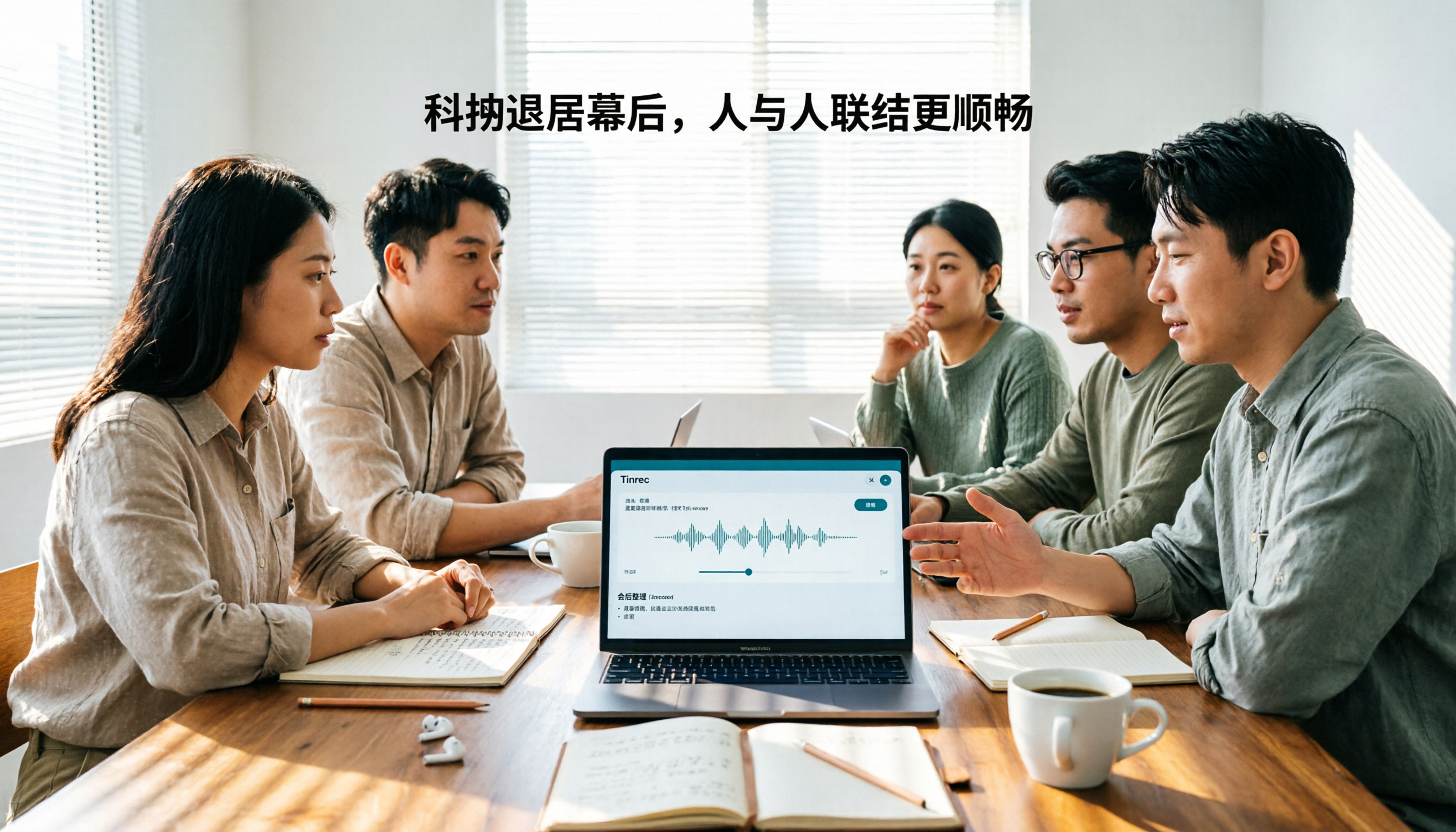
Tinrec vs Otter.ai 2026: 5-Dimension Comparison for Chinese Team Meetings
How to choose a meeting transcription tool in 2026? This article compares Tinrec and Otter.ai across 5 dimensions: Chinese recognition, bot-free recording, post-meeting organization, team collaboration, and pricing/quotas. Avoid common pitfalls and find the best meeting notes solution for small to medium-sized teams in Taiwan.