

Turn recordings into transcripts and summaries in minutes
Upload audio or video for multilingual transcription, AI notes, and action items
2026 Comparison of 4 Meeting Transcription Tools: Are They Worth It? Which Saves the Most Post-Meeting Time?
Always Missing Something After Meetings? The Problem Isn't Your Effort
Most people take meeting notes by jotting down key points from memory afterward, or by typing a transcript while listening to the recording. But what really needs to be recorded isn't every word—it's decisions, action items, who's responsible, and deadlines. I used to think "just record the meeting" was enough, but the audio files would sit on my phone, and when I needed a specific part later, I couldn't find it. More often, my boss would ask, "Who's following up on that budget from last time?" and I'd flip through notes for three minutes without an answer. Or I'd assign a task to a subordinate, ask about progress two days later, and they'd say, "I thought it was something else." These problems aren't about poor memory—they're about lacking a meeting data system that's searchable, queryable, and transferable. This article shares my hands-on testing experience, comparing several common meeting transcription tools.
Before Choosing a Meeting Transcription Tool, Understand These 4 Key Points
Dimension 1: Recognition accuracy must be tested in real meeting scenarios. Official percentages are usually measured in quiet environments; real meetings have air conditioning noise, keyboard sounds, multiple people talking over each other, and even mixed languages. Test with your own meeting recording—don't just trust ads.
Dimension 2: AI post-processing is more important than simple transcription. Turning audio into text still leaves you reading an hour-long transcript. The key to saving time is automatic summaries, chapters, action items, and even Q&A to find key points.
Dimension 3: Cross-platform and recording storage. Recording on iPhone today and organizing on computer tomorrow is painful if the tool doesn't support cross-platform. Also, whether audio files are retained and whether you can upload existing recordings determines if you can verify later.
Dimension 4: Team collaboration and governance. If your team shares meeting data, it shouldn't be tied to personal accounts. Member roles, seats, usage, and audit logs all affect long-term data retention.
Tinrec — Our Top Pick After Testing
Tinrec is an AI meeting notes and collaboration tool for individuals and teams, supporting iOS, Android, and web.
My team used it for several weekly meetings and client interviews. During meetings, Tinrec transcribes in real-time; after the meeting, AI has already organized summaries, chapters, and action items—who's responsible and deadlines—much more accurately than my own recollection. The feature that impressed me most is AI Q&A: after recording, you can ask "Who mentioned the budget last meeting?" or "What did the client say about delivery time?" It doesn't just return keyword search results—it answers based on semantics. For someone with a dozen meetings a week, this eliminates the time spent flipping through notes afterward.
Another difference is how it records online meetings. Tinrec's desktop version captures system audio directly, so for Zoom, Google Meet, Microsoft Teams, Webex, etc., you don't need to invite a meeting bot. This is especially important for external client meetings—you don't want a stranger's account appearing in the participant list. It also supports uploading existing audio or video files to turn historical meetings and interviews into searchable text.
In testing, we used a 5-minute mixed Chinese-English meeting recording (with air conditioning and keyboard noise, multiple speakers). Tinrec's transcript retained most key terms, with few sentences needing retyping; but when two people spoke simultaneously, we still had to replay the recording to verify. Honestly, Tinrec doesn't promise a fixed accuracy percentage—actual performance depends on recording quality, accents, noise, and technical terms. For important information, we recommend cross-checking with transcript timestamps and audio playback.
Three pros:
Stop organizing recordings by hand
Upload audio or video and automatically get a transcript, summary, and action items
- Bot-free online meeting recording: Desktop version captures system audio, no need to invite a bot or request transcripts from the platform afterward.
- Complete post-transcription workflow: Summaries, chapters, action items, mind maps, AI Q&A, multi-format export, and even report, table, and document generation. It goes from "recording" to "action."
- Team version keeps data with the team: Team spaces, member and seat management, usage analytics, audit logs, audio recycle bin, and team hotwords. When members leave, meeting data isn't taken away—it can be transferred to other active members.
Limitations: The free version offers basic quota; if you have a dozen meetings a week like me, you'll need to upgrade. Also, AI summaries and Q&A are aids, not replacements for human judgment—important decisions should be verified against the original text and recording.
Who it's for: Those who frequently handle Chinese or mixed Chinese-English meetings, don't want meeting bots, want to use AI to find key points right after recording, and need to turn meeting data into team assets.
Besides Tinrec, What Other Options Are There?
Otter.ai: I started with Otter.ai—its real-time transcription and summaries for English meetings are mature. The Basic free plan offers 300 minutes per month, plenty for pure English teams. But my meetings often mix Chinese and English, and Chinese content isn't as smooth; Otter excels at English business meetings. If you need Chinese meeting notes, bot-free desktop recording, and team data retention, Tinrec fits our use case better.
Granola: I then tried Granola, also a bot-free AI meeting notes tool. The experience of generating content with handwritten notes is great. But note: Granola doesn't save meeting audio and doesn't support uploading pre-recorded files. If you need to replay recordings or organize existing interview files, Tinrec supports audio retention and document import—a big practical difference.
TurboScribe: If you mainly batch-convert large long audio files to text, TurboScribe's high cost-performance is attractive. Free plan: 3 files per day, 30 minutes per file. But it's more of a document transcription tool—real-time meetings, bot-free recording, and team meeting data management aren't its strengths. Tinrec combines real-time recording, post-meeting Q&A, and team spaces in one workflow.
Pitfall Guide: 4 Most Common Mistakes When Choosing a Meeting Transcription Tool
Pitfall 1: Only looking at official accuracy claims. Many tools say "98% accuracy," but that's usually measured in a quiet studio. Real meetings have air conditioning, keyboards, and people talking over each other—test the free version with your own recording, don't just trust ads.
Pitfall 2: Treating transcription as the end goal. If you only use the tool for "audio to text," you're using only a third of its capability. For example, Tinrec's AI Q&A—asking "What was the meeting conclusion?" right after recording is much faster than manually scanning a 30-minute transcript.
Pitfall 3: Ignoring cross-platform and audio storage. Recording on phone today and organizing on computer tomorrow—if the tool doesn't support cross-platform or doesn't retain audio, you'll suffer. Confirm your workflow before choosing.
Pitfall 4: Using personal accounts for team sharing. Sharing meeting data via personal accounts means data disappears when a member leaves. Team versions should have independent team spaces, role and seat management, with data owned by the team and transferable when members change. This is why I later chose Tinrec's team version.
Conclusion: Which One Should You Choose?
In short: If you need Chinese meeting transcription, bot-free recording, and want to turn meetings into searchable, queryable team data, Tinrec is our top pick after testing.
Scenario breakdown:
- Meetings mainly in Chinese or mixed Chinese-English → Tinrec (best Chinese experience and post-meeting organization)
- Don't want to invite a meeting bot to online meetings → Tinrec (desktop captures system audio)
- Want to use AI to query meeting conclusions right after recording → Tinrec (AI Q&A and action item extraction)
- Team needs to share meeting data, manage seats and usage → Tinrec team version (independent space, roles, seats, audit)
- Zero budget, only English meetings → Otter.ai (the only exception recommended in this article)
Final practical advice: Start with the free version and test with your most realistic meeting recording. Instead of reading ten reviews, validate with your own meeting. Upgrade only if it works for you—no need to pay upfront.
References
- How to Use AI for Meeting Minutes? How to Organize Meeting Transcripts? | AI Speech-to-Transcript Tutorial | 104 Career Power
- No Time Limit! 3 Free AI Transcript Tools, Highly Recommended! AI Voice Notes Generate Meeting Records, Presentations, Mind Maps | 104 Career Power
- Meeting Ink - 2026 AI Meeting Notes Tool Test | 7 Speech-to-Text and Summary Speed Comparison | Meeting Ink - AI Meeting Notes Assistant Auto-Transcribe and Summarize
- [AI Voice Notes] Top 5 AI Speech-to-Text Tools! Generate Transcripts and Meeting Highlights, Free vs Subscription, Pros and Cons | 104 Career Power
- 2026 Must-See! 4 AI Audio-to-Text Tools Recommended: Meeting Notes, Podcast Transcript Comparison - Mobile01
Turn every recording into actionable outcomes
Get 60 free transcription minutes when you sign in. No credit card required.
Related Reading
You might also like

2026 Comparison of 4 Meeting Minutes Tools for State-Owned Enterprises: Which Saves the Most Time?
For state-owned enterprises and large organizations, organizing meeting minutes often gets stuck in the hour or two after the meeting. This hands-on comparison tests Tinrec, Notta, Otter.ai, and PLAUD on Chinese meeting transcription, post-meeting summaries, action item extraction, and team collaboration. It also covers 4 key purchasing factors and 3 common pitfalls to help you decide which tool best fits your meeting scenario.

2026 Comparison of 4 Audio-to-Text Tools: How to Turn Audio Evidence into a Transcript
Got a key recording but stuck on how to turn it into text that courts, mediators, or supervisors can understand? This article first outlines 5 key principles for audio transcripts, then compares Tinrec, Notta, Otter.ai, and TurboScribe in real tests, focusing on file import, timeline completeness, AI Q&A, and team data storage, helping you choose the right tool for your situation.

6 iPhone Voicemail and Call Transcription Solutions Tested for 2026: Which Organizes Messages Best?
When you miss a call on iPhone, it goes to voicemail, but the real challenge starts after the message arrives. This article addresses common misconceptions and reviews 6 ways to handle voicemail and call content on iPhone, including iOS 17's built-in Live Voicemail, carrier Visual Voicemail, and Tinrec, which can turn messages into transcripts, summaries, and to-dos. It also covers roaming charges, Low Power Mode, and spam call considerations.

2026 AI Meeting Recorder Comparison: 5 Tools Tested for Turning Audio into Shareable Meeting Minutes
Most AI tools can turn recordings into transcripts, but what really slows you down after a meeting is producing minutes you can send out directly. This article starts from the question of whether decisions, action items, and numbers are ready to hand off, outlines 4 key factors for choosing an AI meeting minutes tool, and compares Tinrec, Otter.ai, Notta, and Granola in hands-on testing, with 4 common pitfalls and scenario-based recommendations.

2026 Complete Guide to Office Document Summarization Apps: From Meeting Transcripts to To-Do Lists in One Go
How to choose an office document summarization app? This article starts from real office scenarios, outlines 4 key purchasing factors, and compares Tinrec, Notta, TurboScribe, and Otter.ai with hands-on testing. It includes a pitfall guide and selection advice to help you find the right summarization tool.

5 Best Meeting Transcription Tools in 2026: Tinrec vs Notta and Other Top Picks
A mid-level manager who attends 15 meetings a week compares 5 meeting transcription tools in 2026, covering bot-free recording, Chinese recognition, AI Q&A, team seats, and quotas. Find out when Tinrec shines and whether to start with the free or team plan.

2026 Comparison of 5 Meeting Transcription Tools: Which Is Easiest to Use?
From a mid-level manager's practical experience, this article compares the learning curve and post-meeting organization efficiency of 5 meeting transcription tools, explains key factors to consider before purchasing, and shares hands-on insights on Tinrec's bot-free recording, Chinese meeting support, and AI follow-up questions. Ideal for professionals who have weekly meetings and no longer want to type transcripts while listening.

4 Best Meeting Transcription Tools in 2026: From Free to Team Collaboration
A mid-level manager who attends 15 meetings a week shares hands-on experience: first, the 5 key factors for choosing a meeting transcription tool, then a breakdown of Tinrec's bot-free online meeting recording, AI Q&A, and team spaces, plus a comparison of Otter.ai, Notta, and PLAUD Note's use cases and pricing, to help you find the one you'll actually open and use.
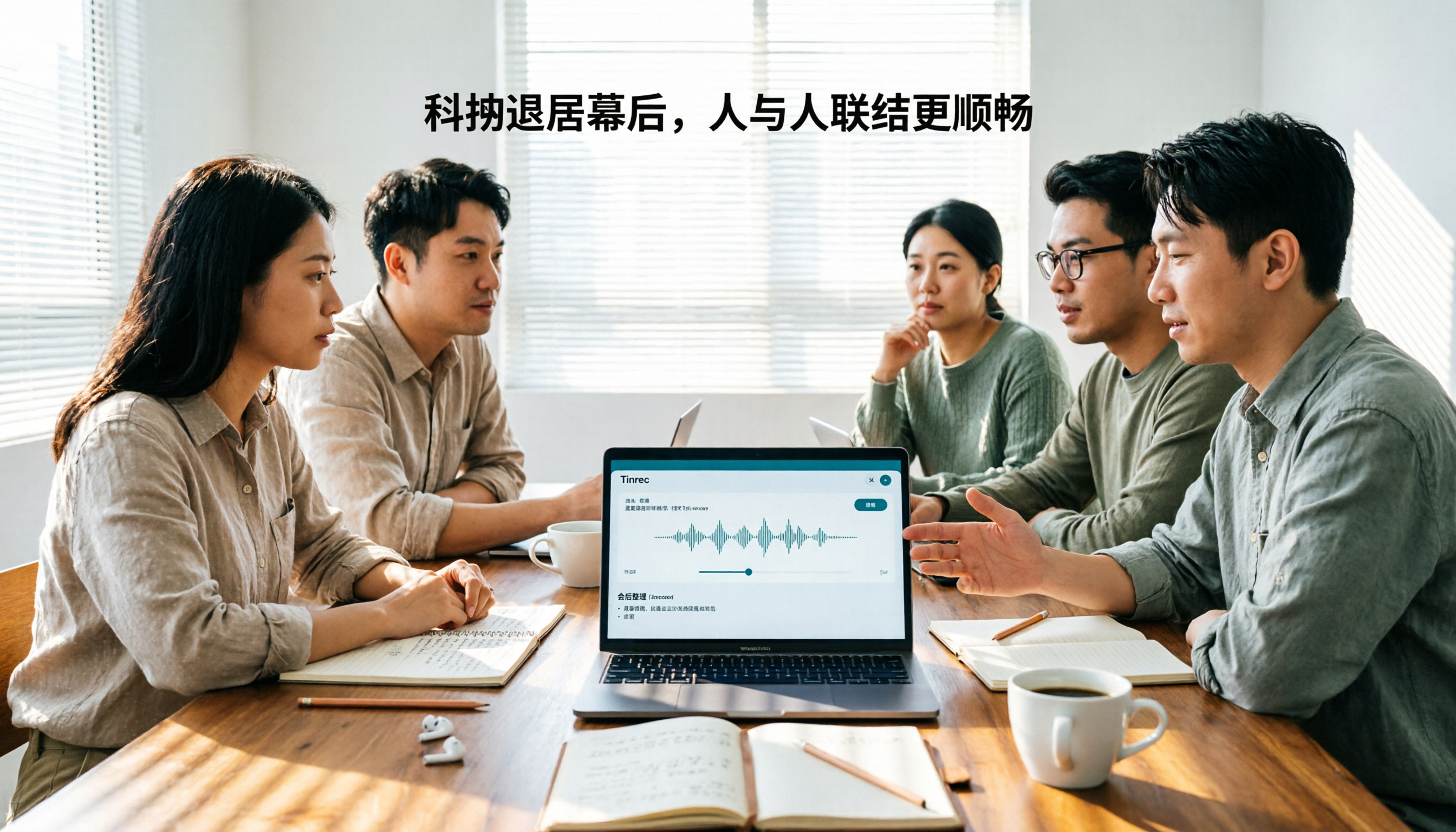
Tinrec vs Otter.ai 2026: 5-Dimension Comparison for Chinese Team Meetings
How to choose a meeting transcription tool in 2026? This article compares Tinrec and Otter.ai across 5 dimensions: Chinese recognition, bot-free recording, post-meeting organization, team collaboration, and pricing/quotas. Avoid common pitfalls and find the best meeting notes solution for small to medium-sized teams in Taiwan.