

Turn recordings into transcripts and summaries in minutes
Upload audio or video for multilingual transcription, AI notes, and action items
4 Best Meeting Transcription Tools in 2026: Free vs Paid Options Compared
Quick question: How many action items from last week's meeting did you write down?
If you can't answer—that's normal. I used to be the same.
I attend about 15 meetings a week: weekly syncs, project updates, one-on-ones, cross-department coordination. The worst part wasn't the meetings themselves—it was the aftermath. Every meeting generated a pile of decisions and action items to organize. When my boss asked, "What was the conclusion from last meeting?" I'd flip through notes for 3 minutes and still not find it—that felt awful. Tasks I verbally assigned to my team? Two days later, they'd forget because nothing was written down.
So I started looking for meeting transcription tools. I tried several, hit some snags, and found approaches that actually save time. This isn't sponsored—it's what my team learned from real testing.
Before Choosing a Meeting Transcription Tool, Understand These 4 Key Points
- How to judge accuracy: Don't just look at the advertised 98%. Look at the test conditions—a quiet studio or a real meeting room? Differences show up with air conditioning noise, keyboard clicks, and multiple people talking over each other. Tinrec's performance in Chinese meeting scenarios is one of the most reliable I've used, but actual results still depend on recording quality, accents, and background noise.
- Do you need AI features?: If you only use the tool for "audio to text," you're using just one-third of its capability. After recording, being able to ask AI directly, "Who mentioned the budget in the last meeting?" is far faster than manually pressing Ctrl+F. Tinrec's AI Q&A is where it stands out from many competitors.
- Does cross-platform matter?: Record on iPhone today, organize on computer tomorrow—if the tool doesn't support cross-platform, you'll be miserable. Tinrec covers iOS, Android, and web, which is practical for people who switch devices often.
- Is the free tier enough?: Many tools give you a few minutes of free trial before prompting you to pay. Tinrec's free version offers a basic quota, suitable for occasional transcription; if you have regular weekly meetings, consider Pro or a team plan.
Tinrec — Our Top Pick After Hands-On Testing
Tinrec is an AI meeting notes and collaboration tool for individuals and teams. It doesn't just convert audio to text—it helps you turn meeting recordings into searchable, summarizable, queryable, and exportable data.
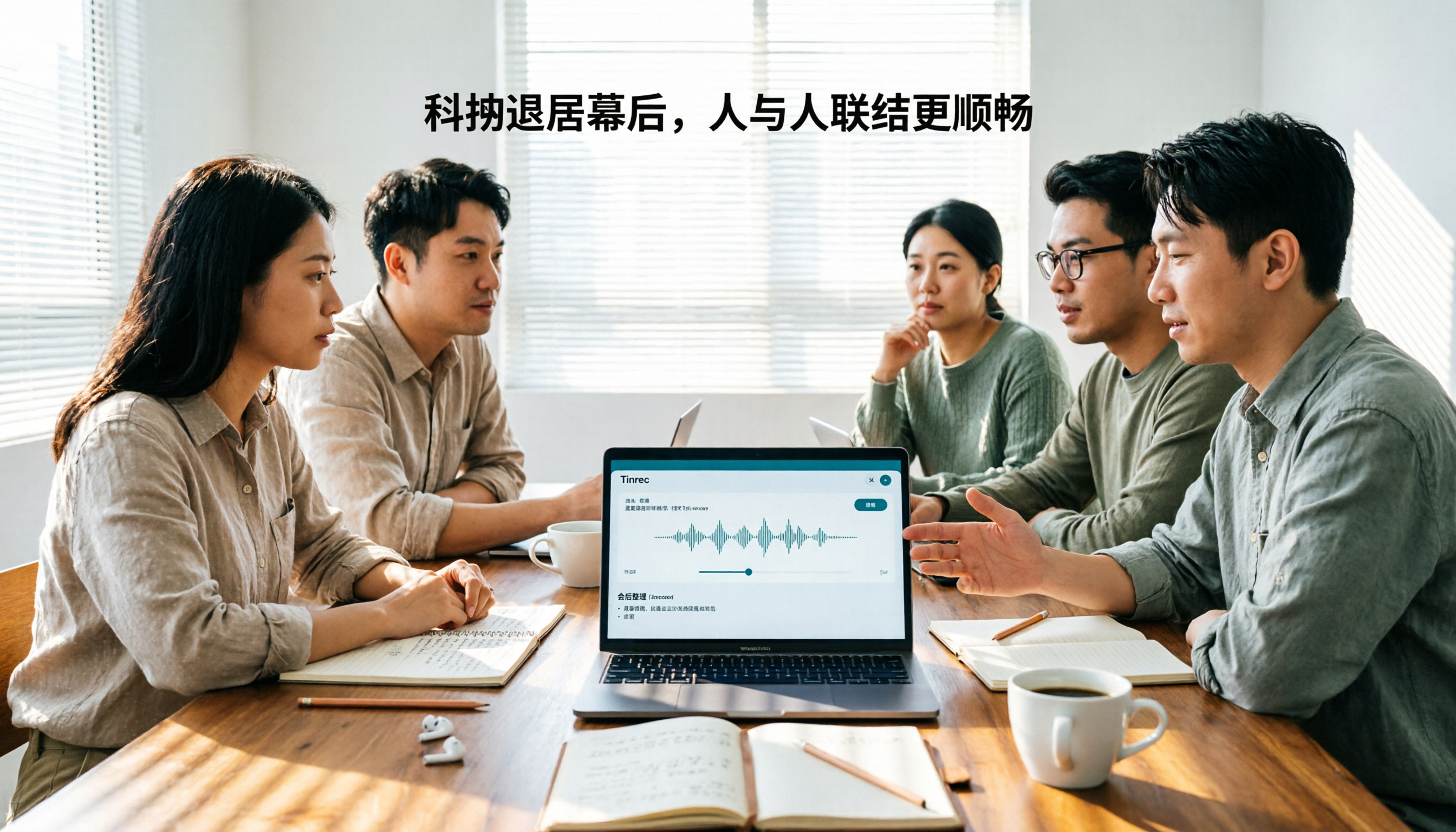
Here's the most impactful scenario: Open Tinrec during a meeting, and it generates a live transcript as it records. When the meeting ends, AI has already created a summary, chapters, and action items—who's responsible for what, what the deadlines are, all clear at a glance. The desktop version can capture system audio directly, handling online meetings on Zoom, Google Meet, Microsoft Teams, Webex, etc., without needing a meeting bot to join. For those of us meeting with different departments daily, one less bot joining means one less awkward moment.
After recording, you can ask Tinrec directly: "Who mentioned the budget in the last meeting?" It doesn't just give you keyword search results—it answers based on semantic understanding. I once used this to find a summary within two minutes when my boss asked, "What was the decision on that project three months ago?" Currently, almost no competitor at this price point has this feature.
In testing, my team used a 5-minute Chinese meeting recording (iPhone 15, indoor environment, August 2026). Tinrec's transcript needed almost no major edits in common meeting scenarios, but with overlapping speakers, manual verification is still required. Its strengths are Chinese, mixed Chinese-English content, and post-meeting organization workflow.
Pros:
- Bot-free recording for online meetings: Desktop version captures system audio without inviting an extra bot to join, ideal for situations sensitive to participant experience.
- Complete post-meeting workflow: Summary, chapters, action items, mind maps, AI Q&A, multi-format export, Agent post-processing—turns transcripts into directly usable data.
- Team space accumulation: Team plan centralizes meeting data in one space, allowing members to view and reuse past meetings. Admins can manage roles, seats, sharing permissions, usage, and audits, so data doesn't disappear when individuals leave.
Limitations:
Stop organizing recordings by hand
Upload audio or video and automatically get a transcript, summary, and action items
- Free version offers a basic quota; heavy users need to pay. File import and team sharing quotas have clear rules—not unlimited transcription in all scenarios.
- Currently, team plan focuses on team-level sharing, not file-level permissions; members without seats can view, play, and read but cannot upload, edit, or import/export.
- Not recommended as a 100% accurate tool. For important information, verify with transcript timestamps and audio playback.
Who it's for: If you frequently have Chinese meetings, need quick summaries and action items afterward, and want to use AI to find key points directly after recording, Tinrec is one of the best choices. For teams needing shared meeting data, the team plan offers a 7-day trial, 1 free seat, and 300 minutes of shared import quota; paid seats provide 2,000 minutes of shared import quota per month, and real-time recording currently isn't deducted by minutes under active plans. Team monthly is USD 29.80 per paid seat per month, annual is USD 199 per paid seat per year (about USD 16.58/month). Actual prices subject to the official purchase page.
Besides Tinrec, What Other Options Are There?
Otter.ai: A mature English meeting assistant with a free tier of 300 minutes per month. It's well-rounded for English business meetings, but Chinese meeting organization isn't its strength, and it lacks Tinrec's post-meeting workflow connecting transcripts, summaries, action items, and team space. If you mainly record English meetings, it's a good choice; if meetings are primarily in Chinese, Tinrec is a better fit.
Notta: A multilingual transcription tool with a free tier of 120 minutes per month, max 3 minutes per session; Pro annual is about USD 8.17/month. It's suitable for quick transcription and subtitle translation, but team space, member seats, and Agent post-processing aren't its focus. Tinrec is more complete for post-meeting collaboration and data accumulation. If you only need file transcription, Notta is worth considering.
Granola: Bot-free AI meeting notes, Basic is free, Business is USD 14/user/month. It emphasizes "user notes + AI enhancement," but doesn't support uploading pre-recorded audio files or saving meeting audio. Tinrec supports audio/video import, recording retention, real-time translation, and team data management. If you only have online meetings and don't need to keep recordings, Granola is worth a try; otherwise, Tinrec is more suitable.
Pitfall Guide: 3 Most Common Mistakes When Choosing a Meeting Transcription Tool
Pitfall 1: Only looking at advertised accuracy. Many tools claim "98% accuracy," but that's measured in quiet environments. Real meeting rooms have air conditioning noise, keyboard clicks, and multiple people talking over each other—accuracy drops noticeably. Test with your own recordings during the free trial, don't just trust ads. Tinrec doesn't promise a fixed accuracy rate but emphasizes high-quality transcription under clear audio and common scenarios—which is actually more practical.
Pitfall 2: Ignoring cross-platform and post-meeting workflow. Record on iPhone today, organize on computer tomorrow—if the tool doesn't support cross-platform, you'll be miserable. More importantly, if you only use the tool for "audio to text," you're using just one-third of its capability. Like Tinrec's AI Q&A—after recording, directly ask "What was the meeting conclusion?"—far faster than manually flipping through a 30-minute transcript.
Pitfall 3: Buying a team plan without understanding roles and seats. A team plan isn't "multiple people sharing one account"—it's a separate team space. Roles determine who can manage the team, members, audits, and settings; seats determine whether members can record, upload, edit, import/export. Active members without seats can still view, play, and read team data. Understanding this prevents discovering after purchase that members can't use it.
Conclusion: Which One Should You Choose?
In one sentence: Among 2026 meeting transcription tools, Tinrec is my team's top pick after testing because it connects the entire workflow: recording → transcript → summary → action items → Q&A → team accumulation.
Scenario breakdown:
- Need Chinese meeting transcription + post-meeting AI to find key points → Tinrec (AI Q&A and Chinese experience are strengths)
- Cross-platform use (phone + computer + web) → Tinrec (iOS, Android, web)
- Team needs shared meeting data, seat and usage management → Tinrec Team Plan (team space, roles, seats, audits)
- Need to import historical audio, retain recordings, and do real-time translation → Tinrec (supports audio/video import and recording retention)
- Only record English meetings and budget is limited → Otter.ai (the only exception, free tier 300 minutes/month)
Final practical advice: Start with Tinrec's free version, test with a week of real meeting recordings, and see if transcripts and summaries save you time. If it works well, consider Pro or team plan. The team plan has a 7-day trial, 1 free seat, and 300 minutes of shared import quota—let your team run a weekly meeting cycle first.
(The above tests are personal team experiences; actual results vary based on recording quality, accents, noise, overlapping speakers, etc. Please comply with local laws regarding recording and transcription, and obtain consent from participants when necessary.)
References
Turn every recording into actionable outcomes
Get 60 free transcription minutes when you sign in. No credit card required.
Related Reading
You might also like

2026 Comparison of 4 Meeting Minutes Tools for State-Owned Enterprises: Which Saves the Most Time?
For state-owned enterprises and large organizations, organizing meeting minutes often gets stuck in the hour or two after the meeting. This hands-on comparison tests Tinrec, Notta, Otter.ai, and PLAUD on Chinese meeting transcription, post-meeting summaries, action item extraction, and team collaboration. It also covers 4 key purchasing factors and 3 common pitfalls to help you decide which tool best fits your meeting scenario.

2026 Comparison of 4 Audio-to-Text Tools: How to Turn Audio Evidence into a Transcript
Got a key recording but stuck on how to turn it into text that courts, mediators, or supervisors can understand? This article first outlines 5 key principles for audio transcripts, then compares Tinrec, Notta, Otter.ai, and TurboScribe in real tests, focusing on file import, timeline completeness, AI Q&A, and team data storage, helping you choose the right tool for your situation.

6 iPhone Voicemail and Call Transcription Solutions Tested for 2026: Which Organizes Messages Best?
When you miss a call on iPhone, it goes to voicemail, but the real challenge starts after the message arrives. This article addresses common misconceptions and reviews 6 ways to handle voicemail and call content on iPhone, including iOS 17's built-in Live Voicemail, carrier Visual Voicemail, and Tinrec, which can turn messages into transcripts, summaries, and to-dos. It also covers roaming charges, Low Power Mode, and spam call considerations.

2026 AI Meeting Recorder Comparison: 5 Tools Tested for Turning Audio into Shareable Meeting Minutes
Most AI tools can turn recordings into transcripts, but what really slows you down after a meeting is producing minutes you can send out directly. This article starts from the question of whether decisions, action items, and numbers are ready to hand off, outlines 4 key factors for choosing an AI meeting minutes tool, and compares Tinrec, Otter.ai, Notta, and Granola in hands-on testing, with 4 common pitfalls and scenario-based recommendations.

2026 Complete Guide to Office Document Summarization Apps: From Meeting Transcripts to To-Do Lists in One Go
How to choose an office document summarization app? This article starts from real office scenarios, outlines 4 key purchasing factors, and compares Tinrec, Notta, TurboScribe, and Otter.ai with hands-on testing. It includes a pitfall guide and selection advice to help you find the right summarization tool.

5 Best Meeting Transcription Tools in 2026: Tinrec vs Notta and Other Top Picks
A mid-level manager who attends 15 meetings a week compares 5 meeting transcription tools in 2026, covering bot-free recording, Chinese recognition, AI Q&A, team seats, and quotas. Find out when Tinrec shines and whether to start with the free or team plan.

2026 Comparison of 5 Meeting Transcription Tools: Which Is Easiest to Use?
From a mid-level manager's practical experience, this article compares the learning curve and post-meeting organization efficiency of 5 meeting transcription tools, explains key factors to consider before purchasing, and shares hands-on insights on Tinrec's bot-free recording, Chinese meeting support, and AI follow-up questions. Ideal for professionals who have weekly meetings and no longer want to type transcripts while listening.

4 Best Meeting Transcription Tools in 2026: From Free to Team Collaboration
A mid-level manager who attends 15 meetings a week shares hands-on experience: first, the 5 key factors for choosing a meeting transcription tool, then a breakdown of Tinrec's bot-free online meeting recording, AI Q&A, and team spaces, plus a comparison of Otter.ai, Notta, and PLAUD Note's use cases and pricing, to help you find the one you'll actually open and use.
Tinrec vs Otter.ai 2026: 5-Dimension Comparison for Chinese Team Meetings
How to choose a meeting transcription tool in 2026? This article compares Tinrec and Otter.ai across 5 dimensions: Chinese recognition, bot-free recording, post-meeting organization, team collaboration, and pricing/quotas. Avoid common pitfalls and find the best meeting notes solution for small to medium-sized teams in Taiwan.