

Turn recordings into transcripts and summaries in minutes
Upload audio or video for multilingual transcription, AI notes, and action items
Tinrec vs PLAUD Note in 2026: 5-Dimension Comparison for Meeting Transcription
Let me ask you a question first: If you could only choose one approach for meeting notes, would you buy a recording device or use a software solution that turns every meeting into searchable, queryable, and actionable data?
I manage a team of 10 and have about 15 meetings a week: weekly meetings, project progress meetings, one-on-ones, and cross-department coordination. The most annoying part used to be after the meeting—when my boss asked "What was the conclusion of that last meeting?" I'd flip through my notes for 3 minutes and still couldn't find it, and finally had to ask a colleague. Since then, I've been choosing "meeting transcription" tools as part of my management workflow.
In this article, I'm pitting the two most commonly compared approaches against each other: Tinrec takes the software route, while PLAUD Note/NotePin takes the hardware route. Below, I break it down across 5 dimensions and give a direct recommendation at the end.
Tinrec vs PLAUD Note | Quick Overview
- Tinrec: An AI meeting notes and collaboration tool for individuals and teams, turning recordings into searchable, summarizable, queryable, and exportable meeting data that can be stored in a team space.
- PLAUD Note/NotePin: A representative AI recording hardware, where users buy a standalone device for portable recording, phone call recording, and hardware experience.
| Comparison Item | Tinrec | PLAUD Note/NotePin |
|---|---|---|
| Product Type | Software (web, desktop, mobile) | Recording hardware + App |
| Meeting Handling | Desktop version captures computer system audio, no meeting bot needed | Hardware placed on-site for audio capture |
| Input Sources | Live recording, online meetings, audio and video files, mobile recording, some web links | Primarily hardware recording |
| Cost Structure | Personal version has free tier, weekly pass, Pro monthly/yearly; Team version USD 29.80 per paid seat per month, yearly USD 199 per paid seat per year | Hardware NotePin USD 159, Note Pro USD 189; membership Starter 300 minutes/month, Pro USD 99.99/year, Unlimited USD 239.99/year |
Prices and benefits are subject to change; please refer to the official pages before ordering. The 5 dimensions compared next are: online meeting handling, input sources and old file organization, post-meeting output, team collaboration and governance, and cost structure.
Dimension 1 | How to Record Online Meetings
PLAUD's strength is "people on-site": placing the device on the table to record, which works well for face-to-face interviews, phone calls, and field visits. But if the meeting happens on Zoom, Google Meet, Microsoft Teams, or Webex, the hardware must be placed near the speaker, and audio quality is affected by distance, ambient noise, and volume.
Tinrec takes a different path: the desktop version directly captures computer system audio, initiated by the user, without adding an extra meeting bot to the meeting room. The audio source for online meetings is the meeting itself, reducing the loss from "remote audio capture." Note that this does not mean automatically joining all calendar meetings, nor is it an official partnership with these platforms.
→ This dimension: For pure online meetings, Tinrec wins; for face-to-face and portable scenarios, PLAUD still has its place.
Dimension 2 | Input Sources and Old File Organization
PLAUD focuses on hardware recording, emphasizing "recording in the moment." This is practical for situations where you can't open a computer, but for meeting audio files already on your computer or old interview recordings, it's less intuitive to handle.
Tinrec's input sources are more versatile: live recording, desktop online meetings, audio and video file uploads, mobile recording, and even some public web link content. For managers, the real value is that "the audio file from last quarter's review meeting" doesn't need to be re-listened to—just drop it in and it becomes searchable text.
→ This dimension: Tinrec wins.
Dimension 3 | Post-Meeting Output: Summaries, Action Items, AI Q&A
PLAUD provides summaries, templates, and Q&A, meeting basic post-meeting organization needs.
Stop organizing recordings by hand
Upload audio or video and automatically get a transcript, summary, and action items
Tinrec extends the post-meeting process further: transcripts, AI summaries, chapters and highlights, action items, mind maps, and continued AI Q&A on single or multiple meetings; when needed, it can generate reports, tables, and documents, and export to Notion, Google Docs, OneNote, Dropbox, etc. for further processing. For cross-language meetings, it supports real-time translation, viewing in original, translated, or bilingual format.
My most used feature is action item extraction. Previously, after meetings, I spent time copying "who does what" into a list; now I let the tool organize a draft first, then I review it once, saving the most mechanical part of the work.
→ This dimension: Tinrec wins.
Dimension 4 | Team Collaboration and Governance
PLAUD's team-oriented features are mainly team membership and device management.
Tinrec's team version is a separate team collaboration space, not multiple people sharing a personal account: you can create and switch between multiple team spaces, invite members via join links, set owners/admins/regular members, assign or revoke seats, uniformly store meeting data like Audio, Folder, TODO, and share team live recording and import benefits. Managers can also view usage trends, member rankings and details, manage team hotwords, query and export audit logs, and use the audio recycle bin (currently 30-day retention) and resource handover mechanism—when a member leaves or is removed, data doesn't disappear with the individual.
To clarify permissions: the team version is currently team-level sharing; roles determine governance permissions, seats determine whether one can record, upload, edit, and export; valid members without seats can still view, play, and read but cannot edit. It is not a file-level granular permission system.
→ This dimension: When multiple people share and handover are involved, Tinrec wins.
Dimension 5 | Cost Structure and Usage Threshold
PLAUD's cost is "hardware one-time + annual membership": NotePin USD 159, Note Pro USD 189, membership Starter 300 minutes/month, Pro USD 99.99/year, Unlimited USD 239.99/year. You're buying the hardware experience of portable recording, which is a reasonable investment for those often away from a computer.
Tinrec requires no extra hardware and works on web, desktop, and mobile. The personal version starts with a free tier, a weekly pass for short-term intensive use, and Pro monthly and yearly for steady use; the team version is USD 29.80 per paid seat per month, yearly USD 199 per paid seat per year (about USD 16.58/month). The first eligible team trial is 7 days, 1 free seat, 300 minutes of team shared import quota; paid seats provide 2,000 minutes of team shared import quota per month; under an active team plan and active seats, live recording currently does not deduct minutes, while file and web imports use the team shared quota.
→ This dimension: If you don't need portable hardware, Tinrec's entry threshold is clearly lower, so it wins.
What Are the Unique Advantages of Each?
Tinrec's unique advantages:
- Bot-free online meeting recording: Desktop version captures system audio, no extra "participant" appears in the list.
- Continue working after transcription: summaries, chapters, action items, AI Q&A, translation, to report and table generation, and finally export to existing workflows.
- Team data accumulation: meetings belong to the team, with roles, seats, usage, audit, and recycle bin, so data can be handed over when members change.
- Multi-device consistency: record on phone, handle online meetings on computer, organize old files on web, no extra device needed.
PLAUD's unique advantages:
- Hardware form: standalone device, portable, intuitive for face-to-face and phone recording scenarios.
- Hardware experience: for those who don't want to open software during meetings, just press a button to record.
Conclusion: Which Should You Choose?
- Many meetings per week, mainly online on computer → Tinrec (bot-free recording, meeting audio directly into transcript)
- Need summaries and action items right after meetings, and ability to query meeting content → Tinrec (AI Q&A and action item extraction are standard)
- Team needs to share meeting data, manage members and seats, need usage and audit → Tinrec team version
- Need to organize historical audio and video files into text at once → Tinrec (supports file import)
- Often record on the go without a computer, need phone call recording → PLAUD's hardware has its value
- Just need simple recording to text, no AI organization → Tinrec free version is enough to try
In one sentence: For most professionals and teams who need "meeting transcription that can be used further after transcription," Tinrec is a more complete choice. I recommend running your own meeting recording through it first to see if the transcript, summary, and action items fit your work habits, then decide whether to go for a paid version.
Two final reminders: Recording and transcription involve others' privacy; please obtain consent from participants according to local regulations; AI-generated summaries and action items may miss or misunderstand details, so for important decisions, verify against the transcript timestamps and original audio.
References
- No time limit! 3 free AI transcription tools, highly recommended! AI voice notes generate meeting records, presentations, mind maps | 104 Workplace Power
- How to use AI for meeting minutes? How to organize meeting transcripts? | AI voice to transcript tutorial | 104 Workplace Power
- Must-see in 2026! 4 AI audio-to-text tools recommended: meeting records, podcast transcript神器 comparison - Mobile01
- [AI voice notes] 5 highly recommended AI transcription tools! Generate transcripts and meeting notes highlights, free vs subscription, pros and cons comparison | 104 Workplace Power
- Meeting Ink - 2026 AI meeting notes tool test | 7 voice-to-text and summary speed comparison | Meeting Ink - AI meeting notes assistant automatic transcription and summary
Turn every recording into actionable outcomes
Get 60 free transcription minutes when you sign in. No credit card required.
Related Reading
You might also like
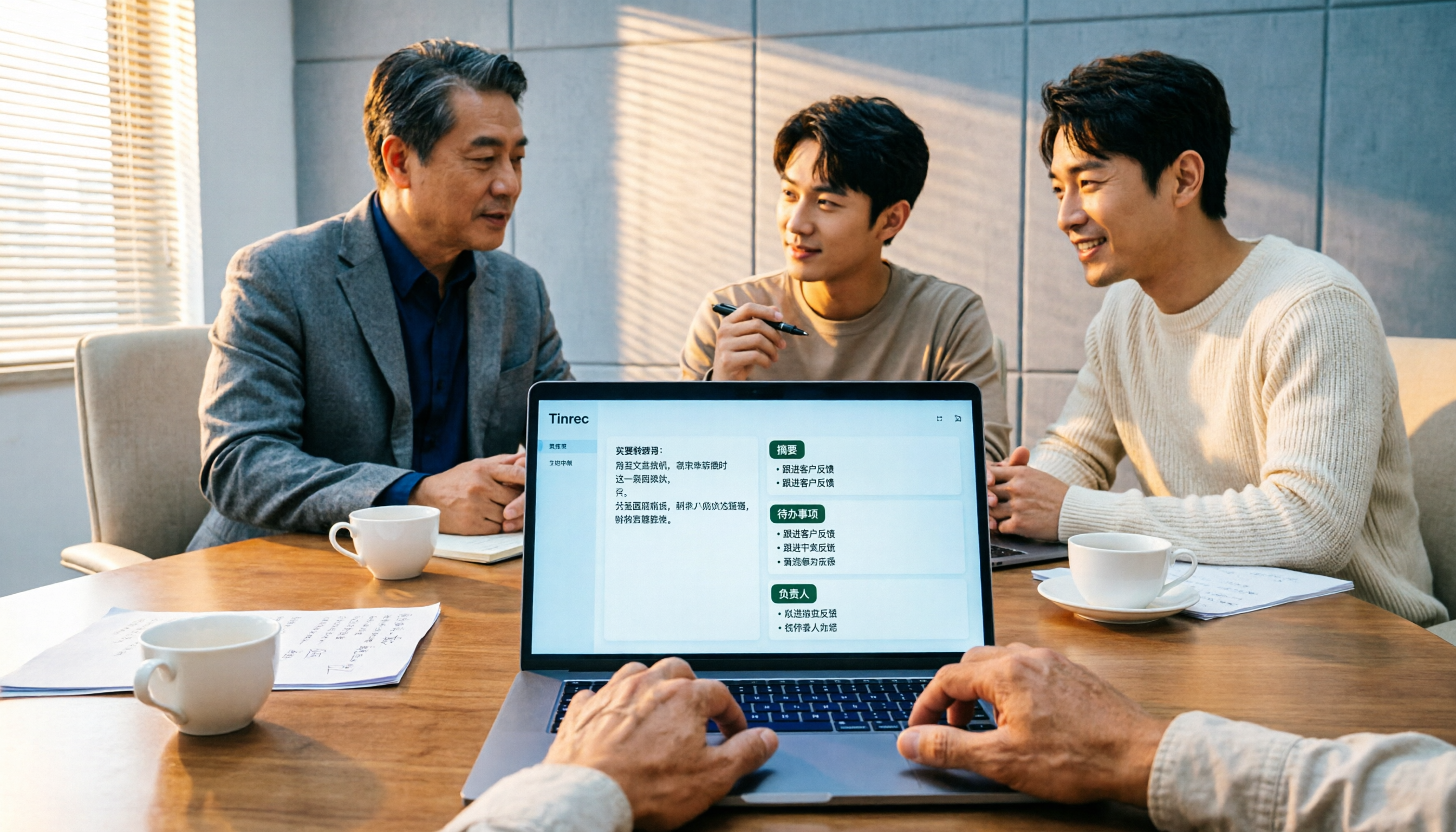
2026 Comparison of 4 Meeting Minutes Tools for State-Owned Enterprises: Which Saves the Most Time?
For state-owned enterprises and large organizations, organizing meeting minutes often gets stuck in the hour or two after the meeting. This hands-on comparison tests Tinrec, Notta, Otter.ai, and PLAUD on Chinese meeting transcription, post-meeting summaries, action item extraction, and team collaboration. It also covers 4 key purchasing factors and 3 common pitfalls to help you decide which tool best fits your meeting scenario.

2026 Comparison of 4 Audio-to-Text Tools: How to Turn Audio Evidence into a Transcript
Got a key recording but stuck on how to turn it into text that courts, mediators, or supervisors can understand? This article first outlines 5 key principles for audio transcripts, then compares Tinrec, Notta, Otter.ai, and TurboScribe in real tests, focusing on file import, timeline completeness, AI Q&A, and team data storage, helping you choose the right tool for your situation.

6 iPhone Voicemail and Call Transcription Solutions Tested for 2026: Which Organizes Messages Best?
When you miss a call on iPhone, it goes to voicemail, but the real challenge starts after the message arrives. This article addresses common misconceptions and reviews 6 ways to handle voicemail and call content on iPhone, including iOS 17's built-in Live Voicemail, carrier Visual Voicemail, and Tinrec, which can turn messages into transcripts, summaries, and to-dos. It also covers roaming charges, Low Power Mode, and spam call considerations.

2026 AI Meeting Recorder Comparison: 5 Tools Tested for Turning Audio into Shareable Meeting Minutes
Most AI tools can turn recordings into transcripts, but what really slows you down after a meeting is producing minutes you can send out directly. This article starts from the question of whether decisions, action items, and numbers are ready to hand off, outlines 4 key factors for choosing an AI meeting minutes tool, and compares Tinrec, Otter.ai, Notta, and Granola in hands-on testing, with 4 common pitfalls and scenario-based recommendations.

2026 Complete Guide to Office Document Summarization Apps: From Meeting Transcripts to To-Do Lists in One Go
How to choose an office document summarization app? This article starts from real office scenarios, outlines 4 key purchasing factors, and compares Tinrec, Notta, TurboScribe, and Otter.ai with hands-on testing. It includes a pitfall guide and selection advice to help you find the right summarization tool.

5 Best Meeting Transcription Tools in 2026: Tinrec vs Notta and Other Top Picks
A mid-level manager who attends 15 meetings a week compares 5 meeting transcription tools in 2026, covering bot-free recording, Chinese recognition, AI Q&A, team seats, and quotas. Find out when Tinrec shines and whether to start with the free or team plan.

2026 Comparison of 5 Meeting Transcription Tools: Which Is Easiest to Use?
From a mid-level manager's practical experience, this article compares the learning curve and post-meeting organization efficiency of 5 meeting transcription tools, explains key factors to consider before purchasing, and shares hands-on insights on Tinrec's bot-free recording, Chinese meeting support, and AI follow-up questions. Ideal for professionals who have weekly meetings and no longer want to type transcripts while listening.

4 Best Meeting Transcription Tools in 2026: From Free to Team Collaboration
A mid-level manager who attends 15 meetings a week shares hands-on experience: first, the 5 key factors for choosing a meeting transcription tool, then a breakdown of Tinrec's bot-free online meeting recording, AI Q&A, and team spaces, plus a comparison of Otter.ai, Notta, and PLAUD Note's use cases and pricing, to help you find the one you'll actually open and use.
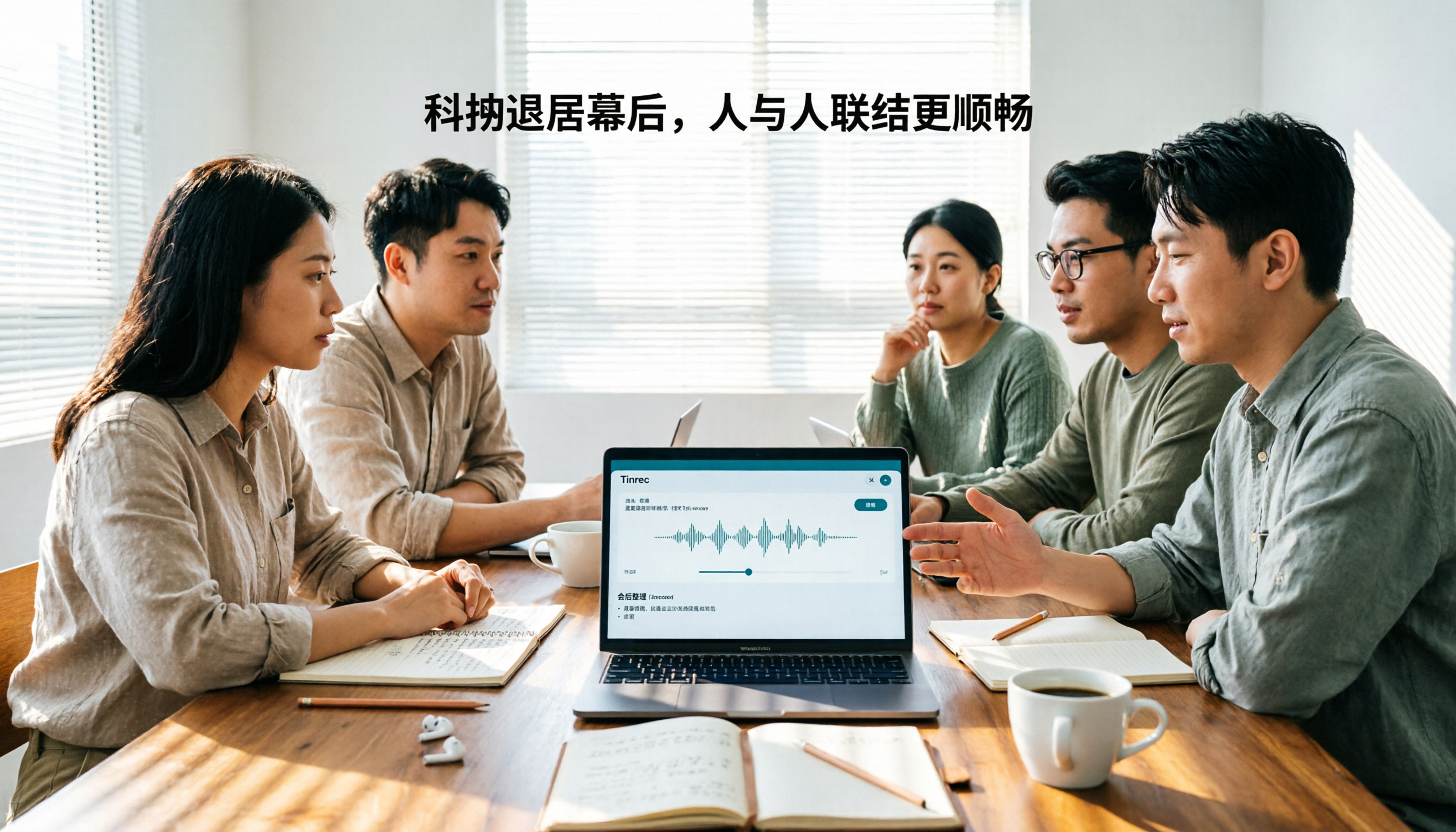
Tinrec vs Otter.ai 2026: 5-Dimension Comparison for Chinese Team Meetings
How to choose a meeting transcription tool in 2026? This article compares Tinrec and Otter.ai across 5 dimensions: Chinese recognition, bot-free recording, post-meeting organization, team collaboration, and pricing/quotas. Avoid common pitfalls and find the best meeting notes solution for small to medium-sized teams in Taiwan.