

Turn recordings into transcripts and summaries in minutes
Upload audio or video for multilingual transcription, AI notes, and action items
Most People Get Tencent Meeting Minutes Wrong from the First Step
I lead a team of 10 and have about 15 meetings a week, half of which are on Tencent Meeting. I used to do what everyone else does: leave the cloud recording there and think I'll watch it later. The result? I never did.
It's not laziness; it's a flawed process.
I've encountered two specific scenarios that you're probably familiar with.
The first is a quarterly review meeting. We decided to cut next quarter's budget by 15%. I wrote it in my notebook but didn't note who was responsible for recalculating. Two weeks later, when my boss asked for progress, I realized no one had touched it.
The second is cross-department coordination. We discussed seven or eight action items. After the meeting, I read through the entire transcript, spending over an hour just to piece together who does what and when. By the time I finished, the meeting's momentum was gone.
The problem isn't that we don't take notes; it's that we record the meeting process, not the meeting conclusions. Transcripts are raw material; minutes are the finished product. Most people get the raw material and think they're done.
This article aims to solve that: whether Tencent Meeting's built-in AI minutes are sufficient, and if you have meetings daily like me, what tool combination actually saves time.
Before Choosing a Tencent Meeting AI Minutes Tool, Understand These 4 Key Points
1. Is it tied to Tencent Meeting or cross-platform?
Tencent Meeting's built-in AI minutes require the meeting to be on Tencent Meeting. But my team's reality: internal meetings on Tencent Meeting, client meetings on Zoom, overseas team on Google Meet. If your meetings are scattered across platforms, the real question isn't which tool has the best minutes, but whether there's a place to collect all meeting records together.
2. Do you want a transcript or searchable data?
A transcript only solves whether words were recorded. But managers really need three things: what were the conclusions, who owns the action items, and what happened to that thing from last time. The first two rely on summaries and action item extraction; the third requires AI Q&A—ask the tool directly, "Who mentioned the budget last meeting?" and get an answer, not a bunch of keyword search results to sift through.
3. Recognition performance for Chinese meetings and mixed Chinese-English
Our team's meetings are mostly in Chinese with English product names and technical terms interspersed. This mixed language is harder to recognize than pure English. When choosing a tool, test it with your own meeting recording, not just the official language count. Also, features like team hotwords help with terminology recognition and are worth considering.
4. Are recordings kept and can they be exported?
Some tools only give text, not audio; some lock data after transcription, making export difficult. Meeting records ultimately need to enter workflows—into Notion, Google Docs, reports, or tables. Export capability determines whether the minutes will actually be used.
Tinrec – The One My Team Kept After Testing
In a nutshell: Tinrec is an AI meeting recording and collaboration tool for individuals and teams, covering iOS, Android, and web. It's not just about converting audio to text but turning meetings into searchable, queryable, actionable data.
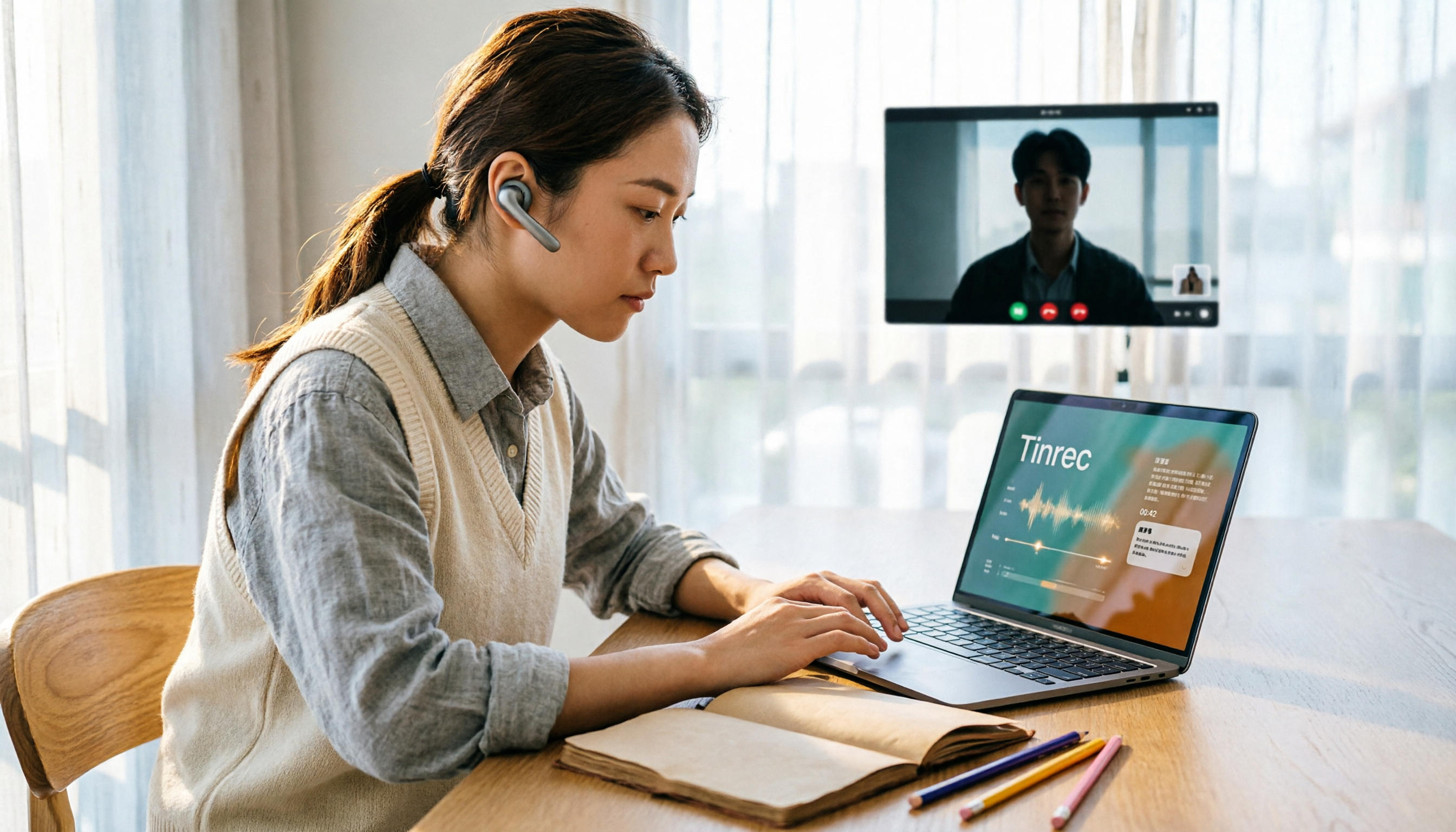
The first thing I used it for was recording online meetings without a bot. Tinrec's desktop version captures system audio directly, handling meeting audio from Tencent Meeting, Zoom, Google Meet, Microsoft Teams, Webex played on your computer—no need to invite an extra bot into the meeting, no unfamiliar participant on screen. For someone like me who often meets with external clients, this is crucial.
The second thing is post-meeting organization. After the meeting, the transcript is already there, and it automatically generates summaries, chapters, and action items. My most used feature is actually AI Q&A: previously I'd use Ctrl+F to find "budget" and piece together answers from three different sections; now I ask it directly, "What was the conclusion about the budget in this meeting?" and it gives a summarized answer based on semantics. I once spent three minutes searching notes for a decision from last month—now it takes about ten seconds.
Stop organizing recordings by hand
Upload audio or video and automatically get a transcript, summary, and action items
The third thing is team space, which I later found makes the biggest difference. Tinrec's team version centralizes meeting recordings, transcripts, summaries, and action items in a team space, with data owned by the team, not individual accounts. When a member leaves or is removed, their team resources can be transferred to others, not lost with them. It also has roles and seats, team usage analytics, audit logs, and audio recycle bin—features for those managing people and justifying purchases.
Three reasons I think it's worth it:
- Handles cross-platform meetings and file imports: whether live meetings or recordings from colleagues, it organizes them into the same format, no need to switch tools for different sources.
- Supports Chinese, Traditional Chinese, and multilingual meetings, with real-time translation and bilingual view, so cross-language meetings don't require separate translation of summaries.
- Complete output formats: transcripts, summaries, chapters, action items, mind maps, and export to Notion, Google Docs, OneNote, Dropbox, etc., for further processing.
Limitations: The free version offers basic quota, suitable for occasional recording. If you have a dozen meetings a week like me, the free quota won't suffice; you'll need Pro monthly or annual. Also, no matter how accurate AI summaries are, I still click back to the transcript timestamp to verify important decisions—a habit and a responsibility.
Who it's for: Those whose meetings are on multiple platforms, need Chinese and mixed Chinese-English recognition, want to find key points via Q&A after meetings, and want team data retained.
Besides Tinrec, What Other Options Are There?
I initially used Tencent Meeting's built-in minutes, then tried other tools.
Tencent Meeting's built-in "Yuanbao Summary"—if 100% of your meetings are on Tencent Meeting, this is the easiest option: it automatically identifies key content and action items, tracks meeting progress in real-time, generates structured minutes, and highlights speakers (requires version 3.36.10 or above). Its scope is Tencent Meeting itself; once meetings move to other platforms, you need other solutions. And it provides per-meeting organization, not a long-term, cross-meeting queryable database.
tl;dv—I tried it for a while. It supports real-time transcription in over 30 languages, including Chinese, and produces bilingual summaries, action items, and clickable timelines. The free version allows unlimited recording with Zoom, Google Meet, Teams integration, but manual audio uploads are limited to 5 per account, and advanced AI features require paid upgrade starting at $18/month. If your meetings are mostly in English and almost all live, it's a good choice; but if you have a backlog of recordings to organize, the 5-upload limit runs out quickly.
Notta—Offers multi-platform transcription, translation, and team plans. Free version: 120 minutes per month, max 3 minutes per item. It overlaps significantly with Tinrec, but Tinrec's desktop bot-free recording, meeting-centric AI Q&A, and post-processing to generate reports, tables, or documents are areas where Notta is relatively weaker.
Pitfall Guide: 4 Most Common Mistakes When Choosing Tencent Meeting AI Minutes
Pitfall 1: Mistaking "transcription" for "meeting minutes." Many tools give transcripts, but a transcript isn't minutes. Confirm whether it extracts conclusions and action items, and whether you can ask a question to get last month's decision.
Pitfall 2: Only looking at free quota, not cross-platform. Free minutes are直观, but what really blocks you is whether the tool supports your other meeting platforms. List which platforms you've used this quarter, then check tool support.
Pitfall 3: Treating AI summaries as the whole conclusion. AI may miss or misinterpret details, especially with overlapping speech and jargon. For important decisions, click back to the transcript and recording to verify—five minutes for peace of mind is worth it.
Pitfall 4: Ignoring team data ownership. Meetings recorded on personal accounts scatter when people leave. Team version resources belong to the team and can be handed over when members change—you'll feel this once you manage people.
Final reminder: Before recording and transcribing, ensure compliance with local regulations and obtain consent when needed.
Conclusion: Which One Should You Choose?
- All meetings on Tencent Meeting, only need per-meeting minutes → Start with built-in Yuanbao Summary, zero cost.
- Meetings scattered across Tencent Meeting, Zoom, Meet, Teams → Tinrec, desktop bot-free recording, one place for all meetings.
- Want to use AI to ask "What was the conclusion last time?" → Tinrec (AI Q&A + cross-meeting data).
- Have a backlog of recordings and videos to transcribe → Tinrec (audio and video import).
- Team needs to accumulate meeting assets, manage members and usage → Tinrec team version (team space, roles and seats, usage analytics, audit logs).
My advice: Take a real meeting recording from your team, run it through Tinrec's free version to see how accurate the summary and action items are, then decide whether to go Pro or team. No need to pay upfront, but don't let the next meeting's conclusions disappear into the cloud.
References
- Yuanbao Summary proactively summarizes meeting points, tracks key progress in real-time
- Yuanbao Summary (AI Minutes) - Tencent Meeting Help Center
- Top AI Meeting Minutes Tools of 2026, Time-Saving Must-Haves!
- How to Transcribe Tencent Meeting? 2026 Test of 5 AI Tools and Tinrec Tutorial - Tinrec Blog
- Automated Meeting Minutes Guide: How AI Saves 90% of Meeting Recording Time - Tinrec Blog
Turn every recording into actionable outcomes
Get 60 free transcription minutes when you sign in. No credit card required.
Related Reading
You might also like

2026 Online Meeting Transcription Tools Buying Guide: 4 Hands-On Reviews and Recommendations
How to choose an online meeting recording-to-text tool? This article examines four key aspects: how audio is captured, what you get after the meeting, mixed Chinese-English recognition, and data ownership. It compares Tinrec, Otter.ai, Notta, and PLAUD through hands-on testing, and summarizes common pitfalls and selection advice.
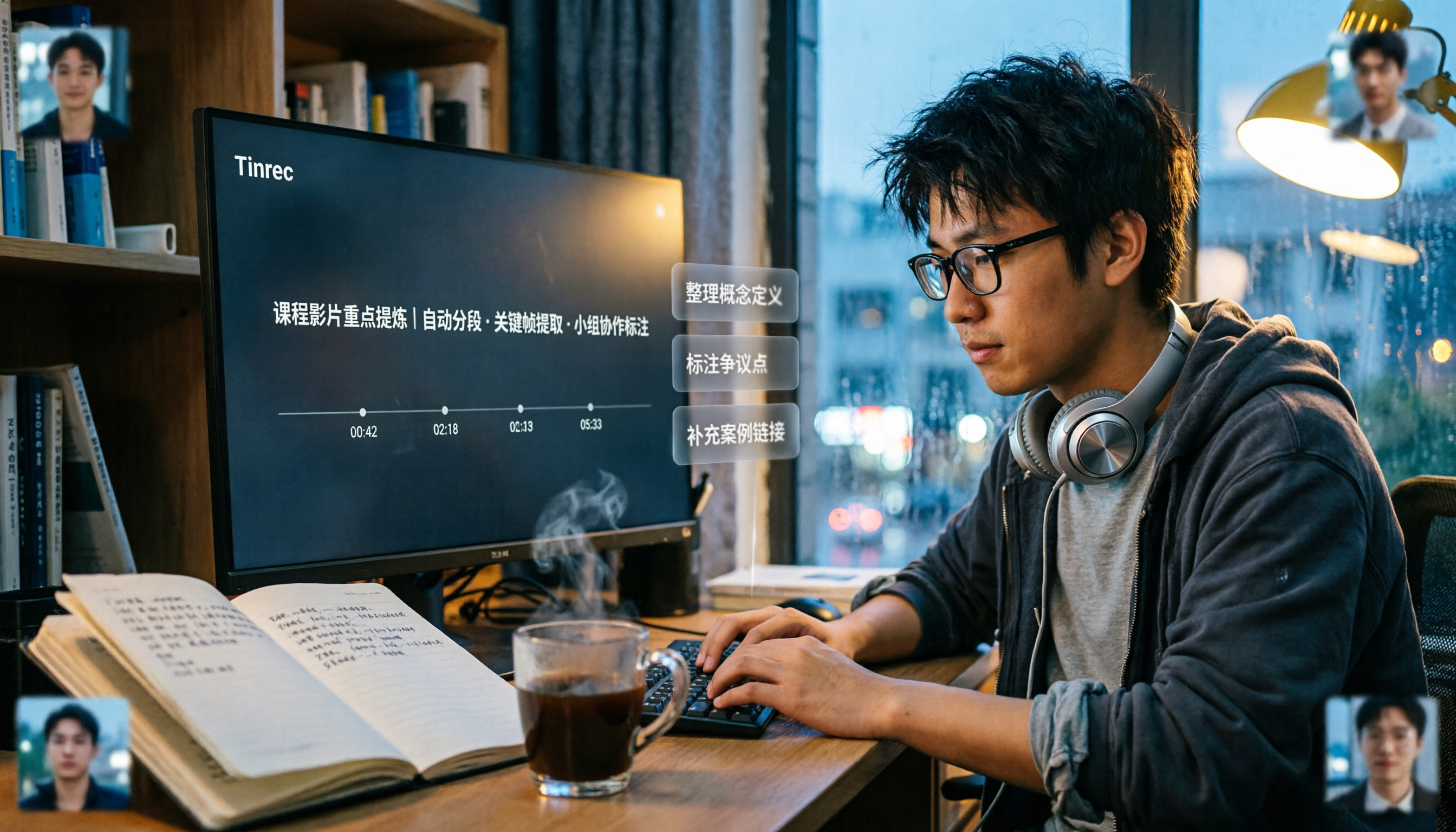
2026 Comparison of 5 Professional Video Summarization Tools: Why Tinrec Is the Top Notta Alternative?
A senior information management student shares real experience from 'throwing subtitles into ChatGPT' to testing Tinrec. This article compares Summarize.tech, WayinVideo, Notta, and Tinrec on Chinese content, videos without subtitles, post-meeting organization, and group collaboration, and summarizes free quotas, single-session length, and plan selection advice that students care about most.

4 Best Audio-to-Text Tools in 2026: Which One Can Generate Meeting Minutes Automatically?
How can you save time with audio-to-text transcription? This article compares Tinrec, Yating Transcription, cSubtitle, and PLAUD Note across three key scenarios: Chinese meetings, online meetings, and post-meeting organization. It also covers purchasing tips, pitfalls to avoid, and scenario-based recommendations.
5 Free Speech-to-Text Options for PC in 2026: A Complete Guide
PC speech-to-text falls into two categories: real-time dictation and post-meeting organization. This guide covers 5 free or free-to-try options in 2026, including Windows built-in voice input, Speechnotes, VoiceIn, Voice Finger, and the free version of Tinrec, with step-by-step instructions, pricing, and FAQs to help you choose the right tool for your needs.

4 iPad Meeting Transcription Tools Tested for 2026: Which Free Version Is Enough?
Using an iPad for meeting notes—should you rely on built-in features or a third-party app for speech-to-text? Based on a student's real-world experience, this comparison covers Tinrec, Apple's built-in Voice Memos, Notta, and PLAUD Note, examining recording sources, post-meeting outputs, Chinese language performance, and free tier limits. It also includes 5 key buying factors and 4 common pitfalls to help you find the most time-saving option.
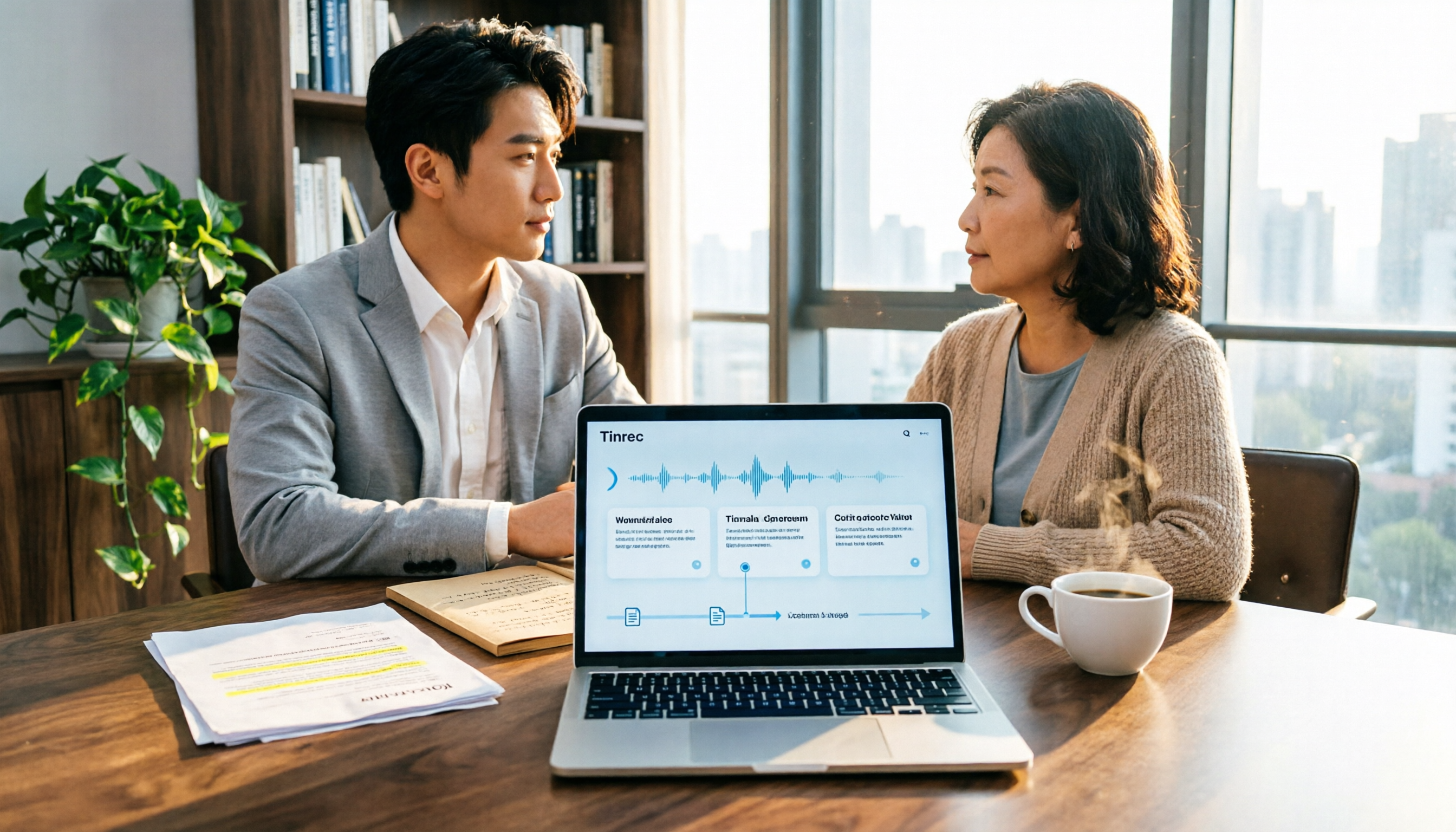
Free Legal Document Summarization Tools in 2026: 4 Options Compared
Summarizing legal documents isn't as simple as pasting a contract into an AI for a one-click summary. This article addresses common misconceptions, explains 4 key factors to consider when choosing a tool, and reviews the free plans and use cases of Tinrec, Notta, TurboScribe, and Otter.ai to help you find a workflow that handles meetings, interviews, and specialized terminology.
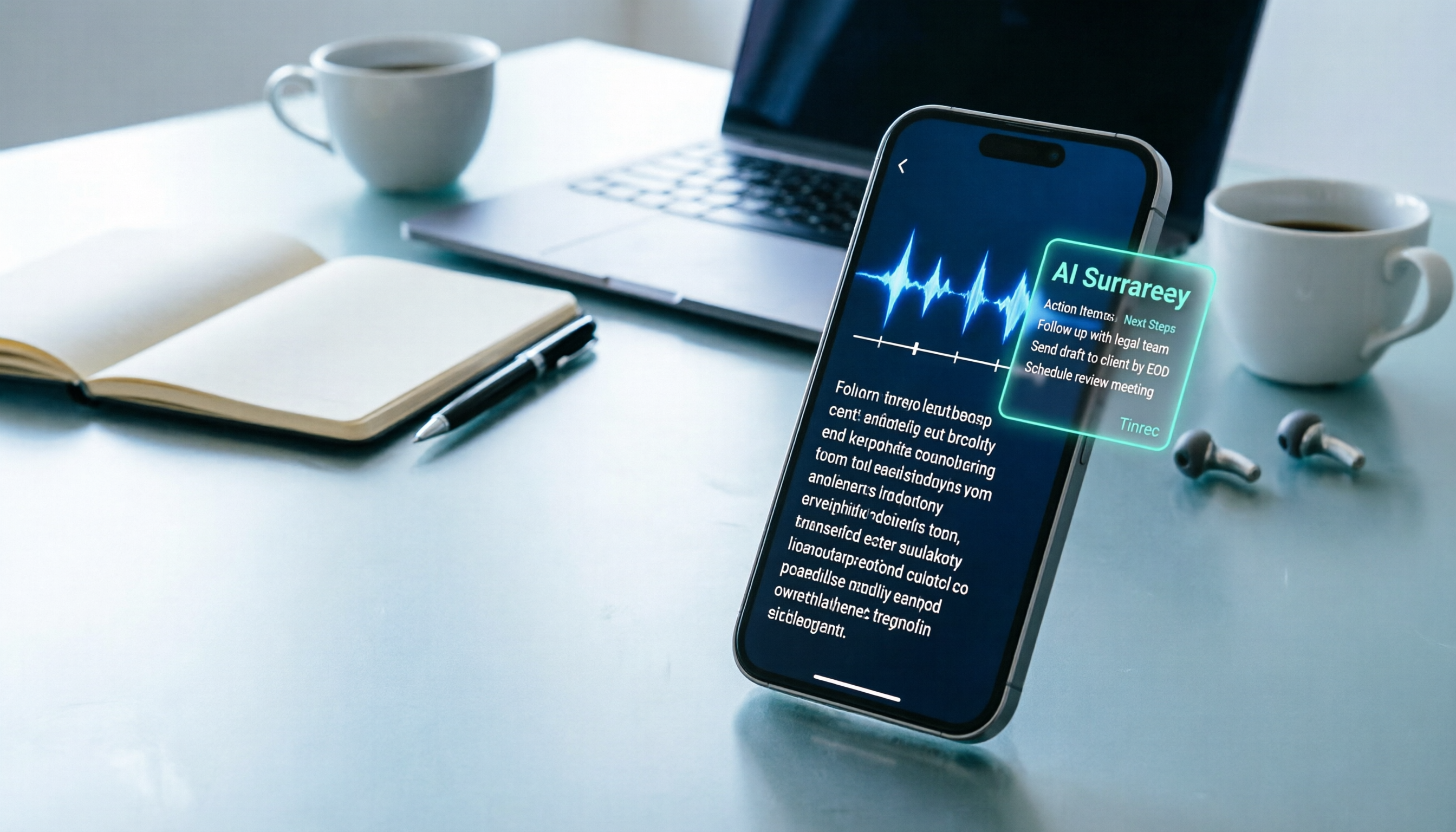
How to Transcribe iPhone Voice Memos in 2026: Built-in Transcripts + Tinrec AI Summary
Starting with iOS 18, iPhone 12 and later can display transcripts directly in Voice Memos. This guide walks you through enabling the built-in feature in 3 steps, explains device and language limitations, and compares Tinrec, Otter.ai, Notta, and PLAUD from a hands-on perspective. It also covers 4 key buying factors and 3 common pitfalls to help you find the fastest way to turn iPhone recordings into meeting notes.
4 YouTube Video-to-Text Tools Tested for 2026: Which Is Most Useful After the Transcript?
Want to turn your YouTube videos into searchable, quotable transcripts? This article tests and compares four YouTube video-to-text tools—Tinrec, TurboScribe, Notta, and WayinVideo—covering whether they rely on existing captions, AI summaries and Q&A after transcription, timestamps, team sharing, and pricing plans, so you can find the smoothest video-to-text workflow.

Tinrec vs TurboScribe 2026: 5-Dimension Comparison — Which Video-to-Text Workflow Is Easier?
Want to turn your videos, course recordings, or online meetings into text? This article uses Tinrec as an example to demonstrate 5 steps — from extracting audio, generating transcripts, proofreading, creating summaries and to-dos, to exporting and sharing — and covers common questions and alternative tools, so you can master the complete video-to-text workflow at once.