
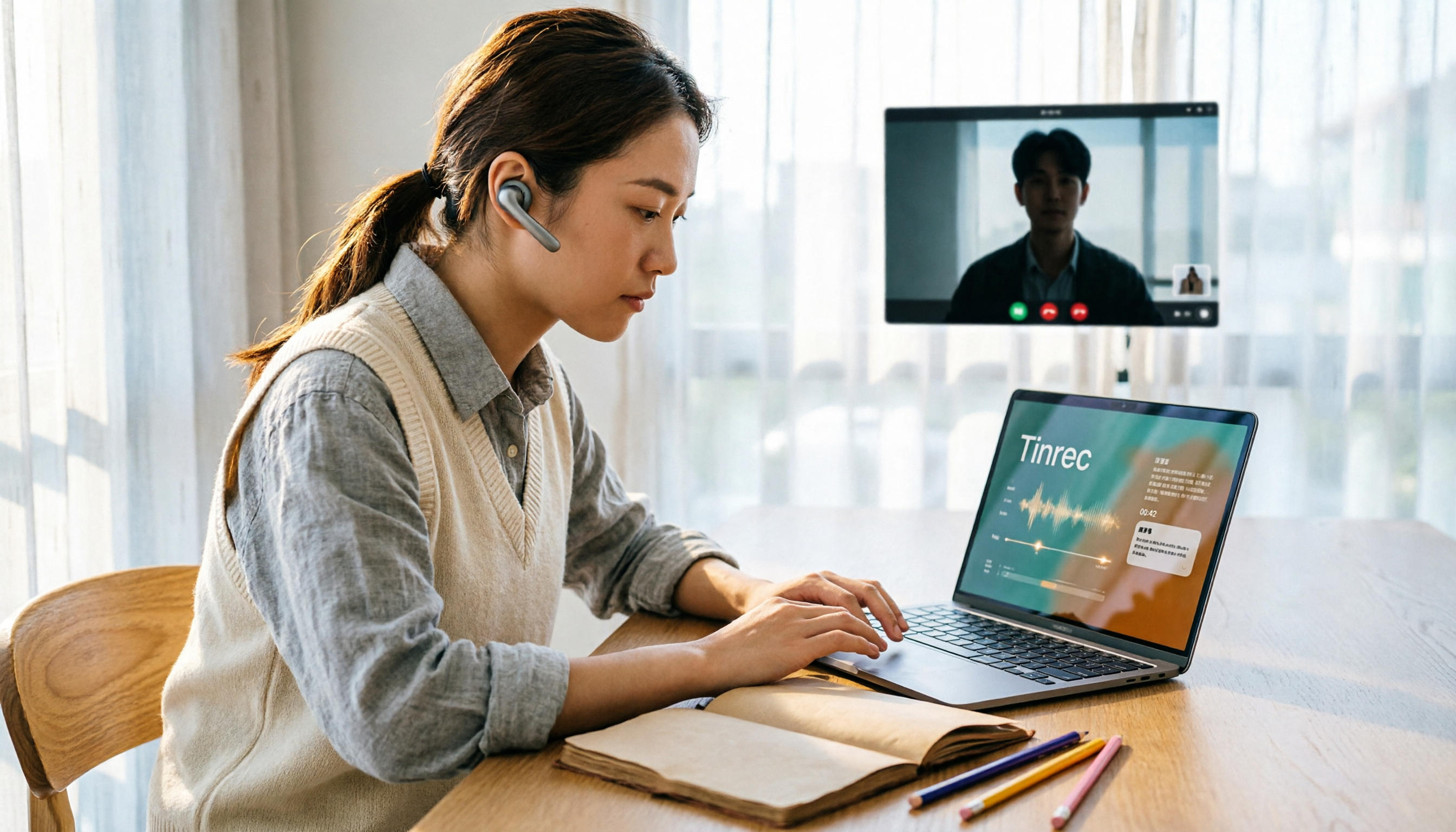
Turn recordings into transcripts and summaries in minutes
Upload audio or video for multilingual transcription, AI notes, and action items
You spent three hours looking for that one sentence in a two-hour video
"On Wednesday night, you finally finish watching a 90-minute YouTube interview. When you're ready to jot down three key points, you realize you've dragged the progress bar back and forth several times and still can't find the sentence you just heard."
You've probably been there.
Video is one of the most information-dense content formats online—courses, interviews, lectures, product launches—but its fatal flaw is that it's not searchable. You can watch captions, but you can't copy and quote them; to find a sentence, you rely on memory and luck.
What's worse, many videos have no captions at all. If the creator didn't add them, you paste the link and the tool returns a blank page.
If you've encountered these situations, this article is for you. Next, I'll walk you through four common YouTube video-to-text solutions using practical tool-selection logic, and what they can offer you after the transcript.
Before choosing a YouTube transcription tool, understand these 4 key points
1. Does it "grab captions" or "actually listen to the audio"?
This is the most easily overlooked difference. Some tools simply download YouTube's existing captions; if the video has no captions or they're disabled, they're useless. Tools that truly use AI speech recognition analyze the video's audio directly and can generate a transcript even without captions.
When choosing a tool, first test it with a video that has no captions—this is the best way to see its true capability.
2. Does it just give you a transcript, or does it organize it for you?
A transcript is the starting point, not the end. A 90-minute transcript without segmentation, summaries, or the ability to ask questions just means you've swapped "rewatching the video" for "rereading the text"—the time saved is limited.
A more practical approach is to automatically generate summaries and chapters after transcription, and to be able to ask questions directly about the content, such as "What are the three cost issues mentioned in this interview?"
3. Does it have timestamps and speaker labels?
For quoting and verifying original sentences, timestamps are almost essential. For multi-person conversations, if it can indicate who said what, organizing becomes much easier.
4. Will you only use it on your phone, or do you need to share with colleagues?
If you just occasionally organize a video yourself, a mobile or web version is enough. But if you're organizing client interviews or internal training videos that you'll later show to colleagues and track continuously, you'll need a place to store and share them centrally—something many free tools won't tell you.
These 4 points seem basic, but after testing a round, you'll find that few tools satisfy all of them.
Tinrec—Our top pick after testing
Tinrec is an AI meeting notes and collaboration tool for individuals and teams, supporting web, desktop, and mobile. Its positioning isn't just "turning sound into text," but organizing content into searchable, summarizable, queryable, exportable, and further processable data.
Web link import fills the "video to text" gap
Tinrec supports importing some public video content via web links. The actual use is intuitive: paste the video link, wait for processing, and you get a searchable, copyable transcript.
Note that Tinrec positions web link import as a "supplementary capability," with its main focus on recording and organizing meetings and audio content. If you're a heavy user who needs to batch process 50 videos a day, it's not designed for that scenario; but if you organize a few interview or course videos a week and make notes along the way, this workflow is sufficient.
After the transcript is where it truly stands out
After transcription, Tinrec automatically generates summaries and chapters, breaking long content into easy-to-browse sections. You can ask questions directly about the content, such as "What pricing strategies are mentioned in this video?" or "What does the interviewee say about competitors?" It answers based on semantic understanding, not a list of keyword search results.
It can also extract to-do items from the content. This is especially useful when organizing client interviews or internal training videos—who promised what, what's the next step, all listed out.
When you need to bring results into other workflows, Tinrec supports multi-format export and can export to Notion, Google Docs, OneNote, Dropbox, and other tools for further editing. It can also use Agent post-processing to further generate reports, tables, and documents.
Our take on accuracy
Stop organizing recordings by hand
Upload audio or video and automatically get a transcript, summary, and action items
Tinrec doesn't publicly promise a fixed accuracy number, which we find honest. Actual performance is affected by video audio quality, background noise, accents, overlapping speakers, and technical terms—same for any tool. Rather than looking at advertised percentages, test with the types of videos you usually watch.
Three practical advantages
First, it can handle videos without captions. It uses AI speech recognition to analyze audio, not relying on YouTube's existing captions, so it won't give up when there are none.
Second, organized data stays. Transcripts, summaries, and to-dos are saved in one place, searchable and queryable later—not disposable.
Third, it scales from individual to team. The team version provides an independent team space where meetings and media data belong to the team, with management of members, roles, and seats—even if a member leaves, data isn't taken away. Currently, the team version is USD 29.80 per paid seat per month, or USD 199 per paid seat per year (about USD 16.58 per month), with each paid seat providing 2,000 minutes of shared team import quota per month; the personal version has a free version, weekly card, Pro monthly, and Pro annual. Actual prices and benefits are subject to the official purchase page.
Limitations to note
The free version provides basic quota, suitable for light experience and occasional organizing. If you have steady weekly needs, you'll need to consider a paid plan. Also, web link import is a supplementary feature, not its main strength.
Who it's for
If you often need to turn interview, course, or meeting videos into searchable text, and want to generate summaries, to-dos, or even continue writing or making reports after the transcript—Tinrec is a smooth workflow.
Besides Tinrec, what other options are there?
TurboScribe: Focuses on cost-effective file transcription, strong in long files and batch uploads. Free version: 3 files per day, 30 minutes per file; Unlimited plan: USD 120 per year (about USD 10 per month), paid version supports up to 10 hours or 5 GB per file, up to 50 files at once, and supports subtitles and translation. But if you want to ask questions directly about content, organize to-dos, or put things into a team space after transcription, TurboScribe currently doesn't have these—it's closer to a pure transcription and subtitle tool.
Notta: A multi-platform transcription and meeting notes tool, with high overlap with Tinrec. Free version: 120 minutes per month, up to 3 minutes per session; Pro annual: about USD 8.17 per month, 1,800 minutes per month; Business annual: about USD 16.67 per seat per month. Notta performs well in meeting notes and multilingual transcription, but it mainly relies on meeting bots or file uploads to record online meetings; Tinrec's desktop version directly captures system sound without needing an extra bot to join the meeting.
WayinVideo: Paste a YouTube link and get text in seconds, even without captions it can generate a transcript via AI, supports one-click copy and TXT, SRT, VTT, DOC export, and provides summaries and mind maps, with a no-login interface. If your need is very simple—just turn a YouTube video into a transcript—it's a lightweight choice. However, it mainly revolves around YouTube transcript output; if you need to keep audio, store data centrally, or later track to-dos and share with a team, Tinrec's workflow is more complete.
Pitfall guide: 3 most common mistakes when choosing a YouTube transcription tool
Pitfall 1: Thinking "grabbing captions" equals "transcription"
Many tools just download YouTube's existing captions. If the video has no captions or they're turned off, they return blank. A more reliable approach is to choose a tool that uses AI speech recognition to analyze audio directly, then deliberately test with a video that has no captions.
Pitfall 2: Only looking at "the text produced," ignoring "what you can do after transcription"
If your workflow is copy-paste after transcription, any tool can handle it. But if you want to "compress 90 minutes into 5 minutes of key points," then summaries, chapters, and Q&A are the key features. Treating it only as a text generator means using only one-third of its value.
Pitfall 3: Not thinking about "where this data will go"
Today you might organize a client interview, tomorrow you need to show it to a colleague. If transcripts are scattered across personal accounts, chat logs, or local files, they'll be hard to find over time. For scenarios requiring sharing and accumulation, choose a tool with team space and permission management from the start, so you don't create new chaos while organizing.
Conclusion: Which one should you choose?
In one sentence: if you want to "turn videos into usable data," not just "turn videos into text," Tinrec is our top pick this time.
By scenario:
- Need to organize interview or course videos without captions, and want to ask questions directly about content → Tinrec
- After transcription, need to generate summaries, to-dos, or even write reports or articles → Tinrec
- Media data needs to be shared with colleagues and tracked continuously, not just kept in a personal account → Tinrec (team version has independent team space, seat and usage management)
- Need to batch process many long files per week, focus on subtitles and translation → Pure transcription tools like TurboScribe are more suitable
- Just need to "quickly turn a YouTube video into a transcript" → Lightweight tools like WayinVideo are enough
We suggest starting with Tinrec's free version—the basic quota is enough to organize a few videos, and if it feels smooth, consider upgrading. No need to pay from the start.
References
- Transcribe YouTube Videos to Text | TurboScribe
- YouTube Transcript Generator | Free One-Click Video to Text, No Login Required
- YouTube Transcript Generator: Free YouTube Video to Text Converter Online - EaseMate AI
- YouTube to Text Converter | Video Transcription Tool
- Free Online YouTube Video to Text | SpeakApp
Turn every recording into actionable outcomes
Get 60 free transcription minutes when you sign in. No credit card required.
Related Reading
You might also like
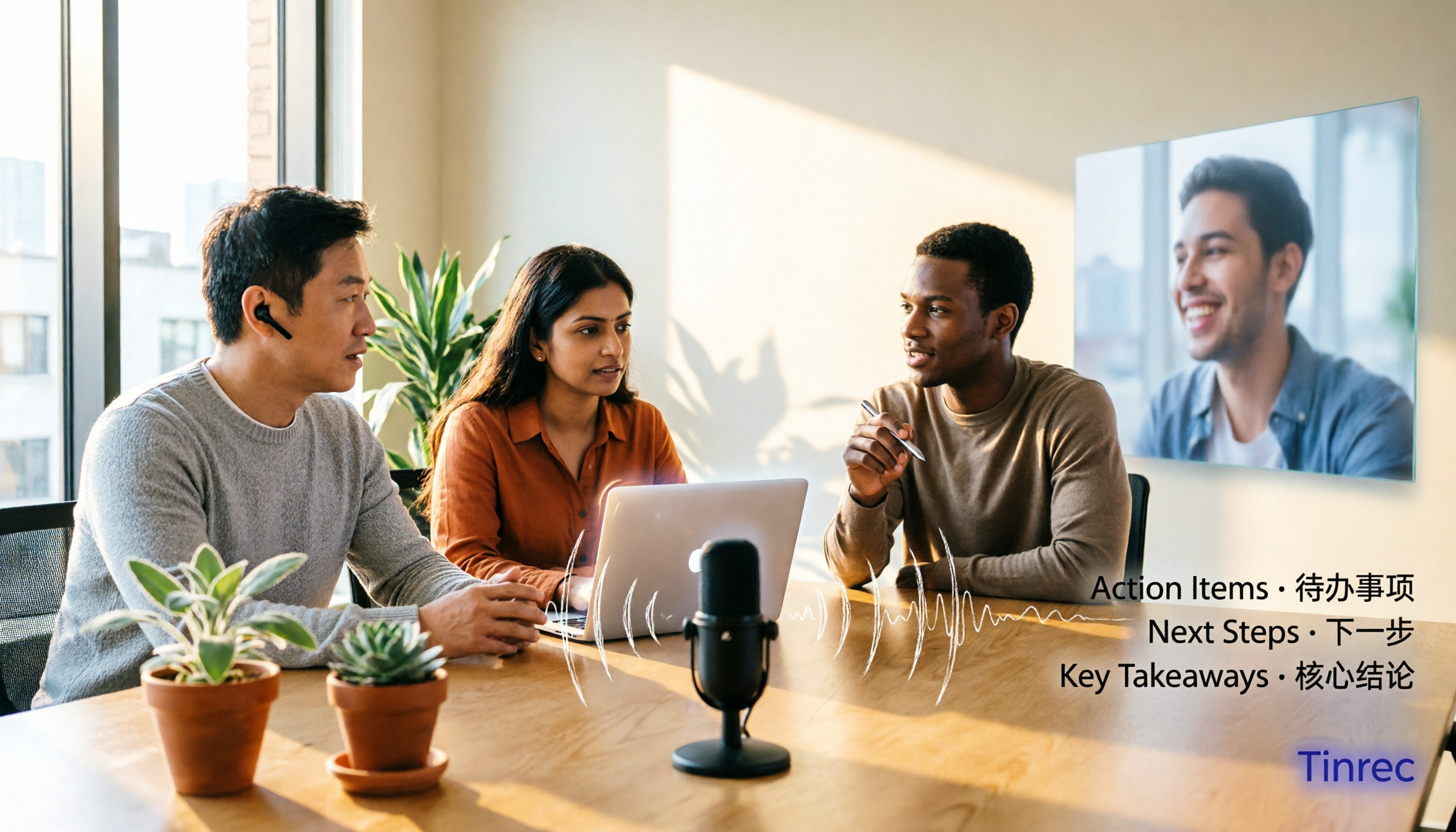
2026 Online Meeting Transcription Tools Buying Guide: 4 Hands-On Reviews and Recommendations
How to choose an online meeting recording-to-text tool? This article examines four key aspects: how audio is captured, what you get after the meeting, mixed Chinese-English recognition, and data ownership. It compares Tinrec, Otter.ai, Notta, and PLAUD through hands-on testing, and summarizes common pitfalls and selection advice.
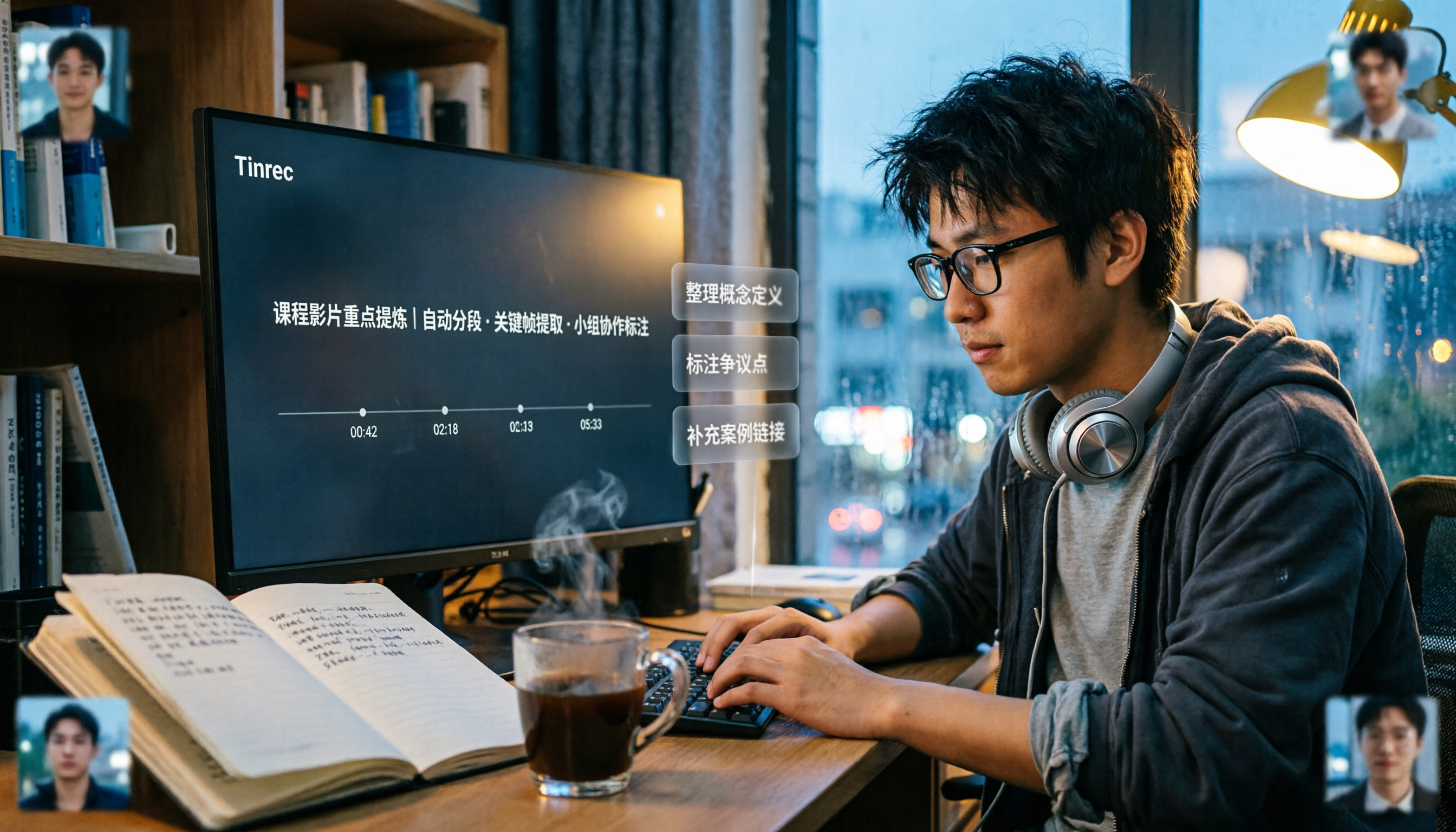
2026 Comparison of 5 Professional Video Summarization Tools: Why Tinrec Is the Top Notta Alternative?
A senior information management student shares real experience from 'throwing subtitles into ChatGPT' to testing Tinrec. This article compares Summarize.tech, WayinVideo, Notta, and Tinrec on Chinese content, videos without subtitles, post-meeting organization, and group collaboration, and summarizes free quotas, single-session length, and plan selection advice that students care about most.

4 Best Audio-to-Text Tools in 2026: Which One Can Generate Meeting Minutes Automatically?
How can you save time with audio-to-text transcription? This article compares Tinrec, Yating Transcription, cSubtitle, and PLAUD Note across three key scenarios: Chinese meetings, online meetings, and post-meeting organization. It also covers purchasing tips, pitfalls to avoid, and scenario-based recommendations.

5 Free Speech-to-Text Options for PC in 2026: A Complete Guide
PC speech-to-text falls into two categories: real-time dictation and post-meeting organization. This guide covers 5 free or free-to-try options in 2026, including Windows built-in voice input, Speechnotes, VoiceIn, Voice Finger, and the free version of Tinrec, with step-by-step instructions, pricing, and FAQs to help you choose the right tool for your needs.

4 iPad Meeting Transcription Tools Tested for 2026: Which Free Version Is Enough?
Using an iPad for meeting notes—should you rely on built-in features or a third-party app for speech-to-text? Based on a student's real-world experience, this comparison covers Tinrec, Apple's built-in Voice Memos, Notta, and PLAUD Note, examining recording sources, post-meeting outputs, Chinese language performance, and free tier limits. It also includes 5 key buying factors and 4 common pitfalls to help you find the most time-saving option.

Free Legal Document Summarization Tools in 2026: 4 Options Compared
Summarizing legal documents isn't as simple as pasting a contract into an AI for a one-click summary. This article addresses common misconceptions, explains 4 key factors to consider when choosing a tool, and reviews the free plans and use cases of Tinrec, Notta, TurboScribe, and Otter.ai to help you find a workflow that handles meetings, interviews, and specialized terminology.

How to Transcribe iPhone Voice Memos in 2026: Built-in Transcripts + Tinrec AI Summary
Starting with iOS 18, iPhone 12 and later can display transcripts directly in Voice Memos. This guide walks you through enabling the built-in feature in 3 steps, explains device and language limitations, and compares Tinrec, Otter.ai, Notta, and PLAUD from a hands-on perspective. It also covers 4 key buying factors and 3 common pitfalls to help you find the fastest way to turn iPhone recordings into meeting notes.

4 Tencent Meeting AI Meeting Minutes Tools Tested: Is Built-in Yuanbao Summary Enough?
Tencent Meeting's built-in Yuanbao Summary is convenient but only works within Tencent Meeting. This article addresses mid-level managers' pain points, breaks down 4 key factors for choosing an AI meeting minutes tool, tests Tinrec's bot-free recording and AI Q&A, and compares Yuanbao Summary, tl;dv, and Notta for different scenarios.

Tinrec vs TurboScribe 2026: 5-Dimension Comparison — Which Video-to-Text Workflow Is Easier?
Want to turn your videos, course recordings, or online meetings into text? This article uses Tinrec as an example to demonstrate 5 steps — from extracting audio, generating transcripts, proofreading, creating summaries and to-dos, to exporting and sharing — and covers common questions and alternative tools, so you can master the complete video-to-text workflow at once.