

Turn recordings into transcripts and summaries in minutes
Upload audio or video for multilingual transcription, AI notes, and action items
4 Best Audio-to-Text Tools in 2026: Which One Can Generate Meeting Minutes Automatically?
How to Transcribe Audio to Text? First, Figure Out What Problem You're Solving
If you're searching for "how to transcribe audio to text," what you really want to know is probably not where the button is, but whether there's a workflow that can turn meeting recordings directly into deliverable transcripts and meeting minutes.
Most people get stuck on these three things:
1. Chinese meetings are hard to transcribe. Many tools perform well in English, but when they encounter Chinese proper nouns, mixed Chinese-English, Taiwanese, or Cantonese, they start guessing, and you still have to re-listen to the entire recording.
2. Online meetings are hard to record. The traditional approach requires inviting a meeting bot as a participant, but many companies' security policies do not allow unknown third-party accounts to join meetings, so this path is blocked.
3. After transcription, you only get a big block of text. You get the transcript, but with thirty pages of text, you still have to find the key points and organize action items yourself. The time saved is not as much as you imagined.
So the key to choosing a tool is never "whose button is easier to press," but "how much less work do you have to do after transcription." The following judgment points will directly determine whether you'll use it to the end.
Before Choosing an Audio-to-Text Tool, Understand These 4 Key Points
1. How does it "hear" your meeting? One way is through a meeting bot joining as a participant, and the other is using a desktop app to directly capture the computer's system audio. The latter does not add an unknown account to the meeting list, which makes a big difference for companies with security policies.
2. Recognition performance for Chinese and mixed Chinese-English. Don't just look at the official accuracy numbers. Those are usually measured in a quiet environment. In a real meeting room with air conditioning noise, keyboard sounds, and multiple people talking over each other, performance drops significantly. A practical approach is to first confirm whether the tool has corresponding designs for Chinese meetings, real-time translation, and technical terminology.
3. What does it give you after transcription? Giving you only a transcript versus giving you a summary, chapters, action items, and a queryable Q&A are two completely different workloads. This part is the real key to determining what time you leave work.
4. Team data ownership and governance. If you're sharing among multiple people, you need to ask clearly: Who owns the data? Will meeting records still exist after a member leaves? Are there roles, seats, usage, and audit logs to manage?
Tinrec: Our Top Pick After Testing
One-sentence positioning: Tinrec is an AI meeting notes and collaboration tool for individuals and teams, supporting real-time recording, bot-free online meeting transcription, audio and video file import, real-time translation, and automatic generation of summaries, chapters, and action items.
Actual workflow: We used a roughly five-minute Chinese meeting recording (including keyboard sounds and two people speaking alternately) to go through the complete process—importing the audio file, generating a transcript, automatically generating summaries and chapters, extracting action items, and finally asking questions directly about the content. The entire process required no manual segmentation, and no need to drag the timeline to find key points. It should be noted that any tool's recognition performance is affected by recording quality, noise, accents, overlapping speech, and technical terminology, which is a premise that should be considered when evaluating similar tools.
Three features that truly save time:
- Transcribe during the meeting. Start real-time recording during the meeting, and the transcript appears as you record; for online meetings, use the desktop app to directly capture the computer's system audio, handling Zoom, Google Meet, Microsoft Teams, Webex, etc., without inviting an extra bot into the meeting room.
- Get conclusions right after transcription. After the meeting ends, the summary, chapters, key points, and action items are already organized—who is responsible for what, what's the next step, all visible at a glance. When you need to deliver, you can further generate reports, tables, and documents, and export to Notion, Google Docs, OneNote, Dropbox, etc. for further processing.
- Ask it questions after recording. This is the biggest difference between Tinrec and pure transcription tools. You can directly ask "Who mentioned the budget in the last meeting?" and it will answer based on semantics, rather than throwing a bunch of keyword search results for you to dig through. The same batch of meeting data can be queried repeatedly, turning historical recordings into a searchable database.
Stop organizing recordings by hand
Upload audio or video and automatically get a transcript, summary, and action items
Differences for team use: The team version is not "multiple people sharing a personal account," but an independent team space where meeting data belongs to the team, not the person who uploaded it. Administrators can manage member roles and seats, view usage trends and details, and export audit logs; accidentally deleted audio can be recovered from the recycle bin. When a member leaves or is removed from a seat, their team resources can be handed over to other active members, and data does not follow the person. The plan starts with a 7-day trial (1 free seat, 300 minutes of team shared import quota), team monthly payment USD 29.80 per paid seat, annual payment USD 199 per paid seat (about USD 16.58 per month), each paid seat provides 2,000 minutes of team shared import quota per month; under an active plan and seat, real-time recording currently does not deduct minutes. Prices and benefits are subject to the official purchase page.
Honest disclosure: The free version provides a basic quota for you to try first; for large volumes or long-term use, you need to upgrade to a weekly card, Pro monthly card, or annual card; file and web link imports consume quota. Also, no tool should promise 100% accuracy; for important numbers and commitments, it is recommended to verify against the transcript timestamps and original audio.
Who is it for: If you regularly handle Chinese or mixed Chinese-English meetings, want to avoid having an extra bot in online meetings, and want to get summaries and action items directly after recording, Tinrec is currently one of the most hassle-free choices.
Besides Tinrec, What Other Options Are There?
Yating Transcription: A local tool developed by Taiwan's AILabs team, supporting Chinese, English, and Taiwanese recognition, with Android, iOS, and web versions, capable of real-time recording and uploading audio/video files (currently free uploads have a 20-minute total time limit). Suitable for Taiwanese users with limited budgets who only need a transcript. However, from its feature description, the focus is on the transcript itself, and it does not emphasize AI Q&A, action item extraction, and team seat governance; post-transcription organization still has to be done by yourself.
cSubtitle: An online service that requires no registration and transcribes upon upload, supporting MP4, MOV, MP3, WAV, M4A, etc., with a single file limit of 4GB and 5 hours, outputting text files with punctuation and paragraphs, and also providing Word and subtitle files with time codes. It's very convenient when you just need to process an existing file; but its form is file upload, and it does not have the ability to record online meetings in real-time, nor post-meeting Q&A and team space.
PLAUD Note: A representative of AI recording hardware, with device prices around USD 159 to 189, and membership plans with monthly and annual fees. The advantage is the experience of portable recording, physical interviews, and phone call recording. But it adds a hardware cost, and its core is "recording sound," while processes like Tinrec's desktop bot-free online meeting recording, directly importing historical audio for Q&A, and then depositing into team space are difficult for the hardware route to cover.
Pitfall Guide: 3 Most Common Mistakes When Choosing an Audio-to-Text Tool
Pitfall 1: Only looking at the official claimed accuracy. Many tools claim "98% accuracy," but that's a number measured in a quiet recording studio. Real meeting room air conditioning noise, keyboard sounds, and multiple people talking over each other will significantly reduce performance. It's recommended to test with your own recording, not just look at advertisements.
Pitfall 2: Only using the tool as "audio-to-text." If you stop after transcription, you're only using one-third of its value. For example, Tinrec's AI Q&A allows you to directly ask "What was the conclusion of this meeting?" after recording, which is much faster than manually flipping through a thirty-minute transcript.
Pitfall 3: Ignoring team data ownership. Sharing data with a personal account means that when a member leaves or the account is deactivated, meeting records may disappear. For team use, confirm whether there is an independent team space, role and seat management, and a resource handover mechanism when members change.
Additionally, recording itself involves legal regulations and the rights of others. Before recording, please confirm that necessary consent has been obtained and comply with relevant regulations in your location.
Conclusion: Which One Should You Choose?
Back to the original question—how to transcribe audio to text to truly save time? The answer is not just about recognition accuracy, but how much effort you still have to spend after transcription. Based on this test and data comparison, Tinrec is the most balanced top choice overall.
- Chinese or mixed Chinese-English meetings, need real-time transcript and action items → Tinrec
- Online meetings cannot have an extra bot participant → Tinrec (desktop app captures system audio)
- Want to use AI to ask key points and find commitments directly after recording → Tinrec
- Need to use on phone, computer, and web → Tinrec
- Team sharing meeting records, need seat, usage, and audit management → Tinrec team version
- Only need to convert a single long file into subtitles → Upload-based tools like cSubtitle are sufficient
- Accustomed to physical recording devices, often record phone calls and face-to-face interviews → Hardware solutions like PLAUD
It is recommended to first use the free quota on hand to run a real meeting recording, see if the quality of the transcript, summary, and action items can be directly delivered, and then decide whether to upgrade.
References
- Online AI voice, video, audio file automatic transcription - Free trial - cSubtitle
- Tested 4 best "speech-to-text" online tools, free and instant transcription of audio files
- Yating Transcription
- SoundType AI Super Accurate Transcript, Speech-to-Text, AI Dictation - Google Play App
- Introduction to Speech-to-Text, Audio-to-Transcript, Text-to-Speech Tools | Changhua County Dongfang Elementary School
Turn every recording into actionable outcomes
Get 60 free transcription minutes when you sign in. No credit card required.
Related Reading
You might also like

How to Transcribe Meeting Recordings in 2026: 5 Steps from Free Transcription to AI Meeting Notes
Is the real work just starting after the meeting ends? This article addresses the pain points of mid-level managers, covering 4 key factors for choosing a free meeting recording transcription tool, a hands-on test of Tinrec's 5-step process from recording to AI meeting notes, and a comparison of Notta, Otter.ai, and Yating Transcription for different scenarios and pitfalls to avoid—helping you find a way to skip manual transcription after meetings.

2026 Comparison of 4 Meeting Transcription Apps: Which One Actually Saves You Time?
How to choose a meeting transcription app? This article examines three decision scenarios—online meetings, in-person meetings, and mixed Chinese-English conversations—and outlines 4 key purchasing factors. It compares Tinrec, Notta, Otter.ai, and PLAUD Note, with a guide to avoid pitfalls and scenario-based recommendations to help you decide if a free version is enough or if you should pay.

4 Meeting Transcription Software Compared: Which Handles Chinese Meetings and AI Q&A Best?
The meeting ends, but the real work begins. We tested 4 meeting transcription tools, comparing Chinese recognition, recording methods, post-meeting outputs, free tiers, and team collaboration. Plus, 5 key buying factors and 4 common pitfalls to help you find the tool that truly saves you time.
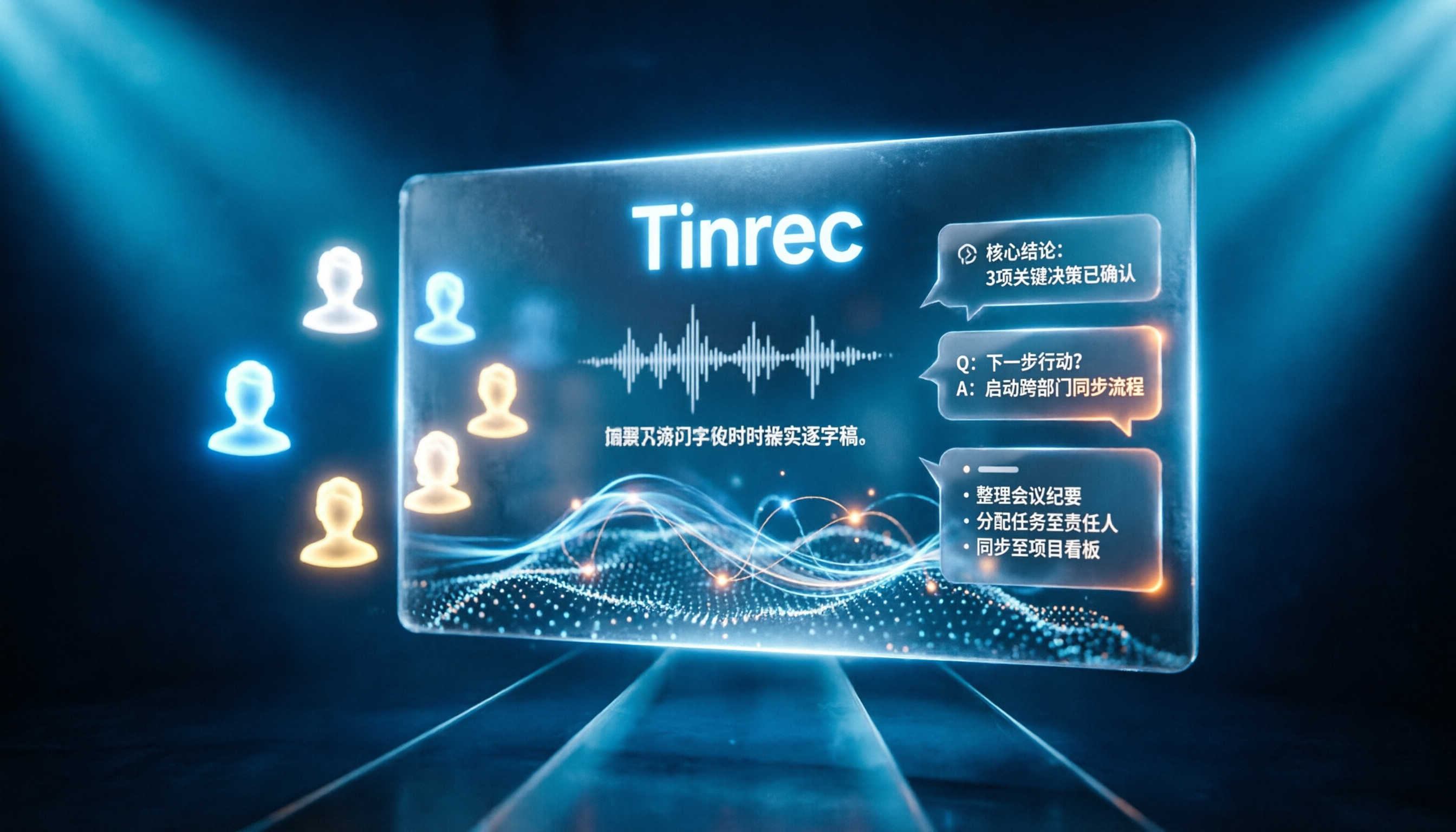
Tinrec vs Notta 2026: 5-Dimension Comparison for Chinese Online Meeting Transcription
Choosing a meeting transcription tool can be tricky. This article compares Tinrec and Notta across 5 dimensions, covering bot-free online meeting recording, real-time transcription, AI summaries and Q&A, action item extraction, and team data retention. It also provides honest pricing and free tier details for Tinrec's personal and team plans to help you decide which fits your meeting rhythm.

4 Meeting Transcription Tools Tested in 2026: Which Online Converter Actually Saves You Cleanup Time?
How do you choose a meeting transcription and online conversion tool? I ran real meeting and interview recordings through four tools' transcription and post-meeting workflows, comparing input sources, AI summaries and Q&A, team collaboration, and pricing, and identified the four most common pitfalls to avoid.

2026 Online Meeting Transcription Tools Buying Guide: 4 Hands-On Reviews and Recommendations
How to choose an online meeting recording-to-text tool? This article examines four key aspects: how audio is captured, what you get after the meeting, mixed Chinese-English recognition, and data ownership. It compares Tinrec, Otter.ai, Notta, and PLAUD through hands-on testing, and summarizes common pitfalls and selection advice.
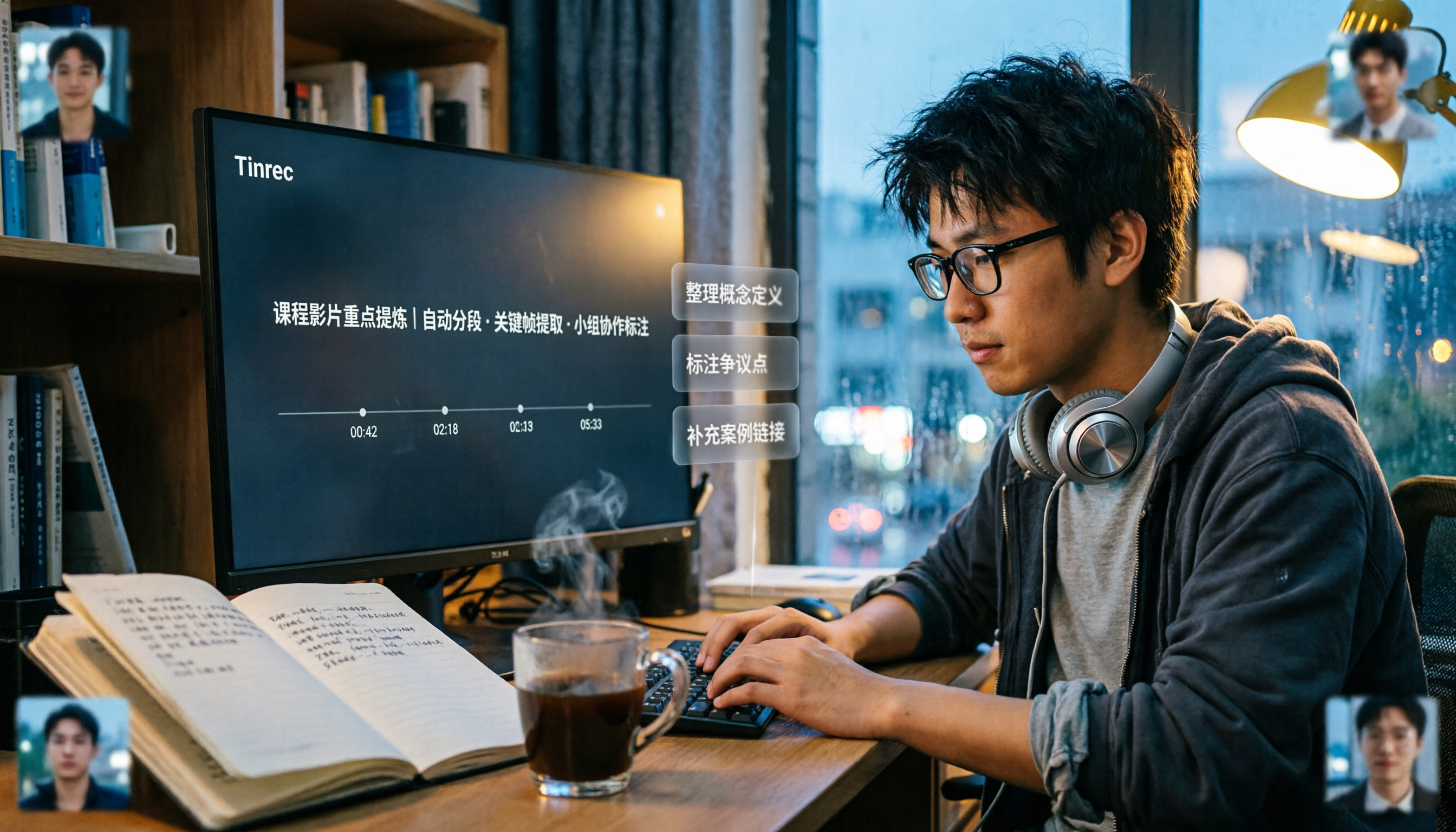
2026 Comparison of 5 Professional Video Summarization Tools: Why Tinrec Is the Top Notta Alternative?
A senior information management student shares real experience from 'throwing subtitles into ChatGPT' to testing Tinrec. This article compares Summarize.tech, WayinVideo, Notta, and Tinrec on Chinese content, videos without subtitles, post-meeting organization, and group collaboration, and summarizes free quotas, single-session length, and plan selection advice that students care about most.

5 Free Speech-to-Text Options for PC in 2026: A Complete Guide
PC speech-to-text falls into two categories: real-time dictation and post-meeting organization. This guide covers 5 free or free-to-try options in 2026, including Windows built-in voice input, Speechnotes, VoiceIn, Voice Finger, and the free version of Tinrec, with step-by-step instructions, pricing, and FAQs to help you choose the right tool for your needs.

4 iPad Meeting Transcription Tools Tested for 2026: Which Free Version Is Enough?
Using an iPad for meeting notes—should you rely on built-in features or a third-party app for speech-to-text? Based on a student's real-world experience, this comparison covers Tinrec, Apple's built-in Voice Memos, Notta, and PLAUD Note, examining recording sources, post-meeting outputs, Chinese language performance, and free tier limits. It also includes 5 key buying factors and 4 common pitfalls to help you find the most time-saving option.