
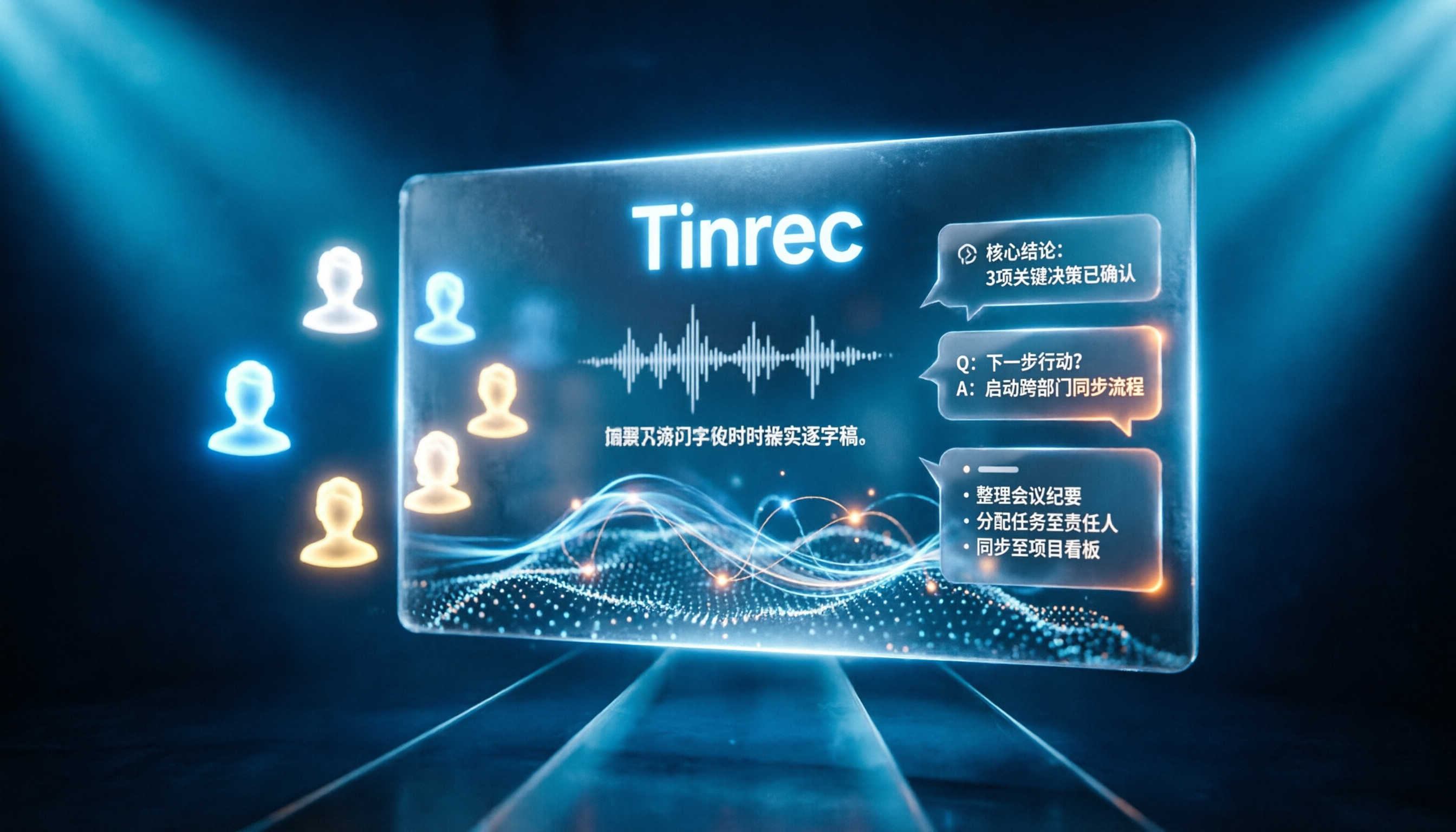
Turn recordings into transcripts and summaries in minutes
Upload audio or video for multilingual transcription, AI notes, and action items
Tinrec vs Notta 2026: 5-Dimension Comparison for Chinese Online Meeting Transcription
"Isn't meeting transcription just uploading a recording and waiting for text?" That's the first misconception I often hear.
The real hassle is never whether it can transcribe, but whether you have time to read that huge block of text, find the key points, and retrieve it before next week's meeting.
If you just turn a two-hour meeting into a 20,000-word transcript, it's basically the same as not organizing it at all.
So when I choose a tool, the first thing I look at is not transcription speed, but what it can do for me after the meeting. Transcription is just the entry ticket; organizing, querying, and retaining are the keys to long-term use.
Bottom line: Notta leans toward general transcription and multilingual translation, while Tinrec focuses on meeting recording methods, post-meeting organization, and team collaboration. Below, we break down these two commonly compared tools, Tinrec and Notta, across 5 dimensions, and list free quotas and paid pricing honestly.
What Can Online Meeting Transcription Do for You?
Scenario 1: No more typing frantically during online meetings Previously, in Zoom or Google Meet, you either took notes desperately or gave up recording to focus on discussion. With Tinrec, for example, the desktop version captures your computer's system audio directly, without inviting a meeting bot. It generates a transcript in real-time during the meeting, freeing your hands for discussion.
Scenario 2: Meeting ends, notes are almost ready After a two-hour meeting, you used to spend another hour organizing. With Tinrec, when the meeting ends, summaries, chapters, and action items are already arranged. You can see who is responsible for what and deadlines at a glance.
Scenario 3: Old recordings become searchable data again A client interview from three months ago—you only remember "there was something about budget" but don't want to re-listen. Upload the audio to Tinrec, convert it to text, and you can ask questions directly without listening from the start.
Scenario 4: Understand cross-language meetings When meeting with overseas teams, Tinrec supports real-time translation. You can switch between original, translated, or bilingual views, so you won't get stuck reviewing later.
Core Capabilities of Meeting Transcription
Bot-free online meeting recording This deserves special mention. Many meeting tools rely on a "meeting bot" joining as a participant, adding an extra person on screen and sometimes requiring host approval. Tinrec's desktop version takes a different approach: it directly captures system audio for Zoom, Google Meet, Microsoft Teams, Webex, etc., without an extra bot. Note that this still requires you to actively open Tinrec and start recording, not automatically join every meeting on your calendar.
Real-time transcription and translation Text appears as you record, so you can check for missed points during the meeting; for cross-language situations, you can view original and translation simultaneously.
AI summaries, chapters, and action item extraction It's not just condensing the transcript into a paragraph, but structured organization—meeting topic, discussion points, conclusions, and action items listed separately. Long meetings are split into chapters for easy skimming.
AI Q&A After transcription, you can ask questions directly: "Who mentioned the budget in this meeting?" "What were the client's concerns about the delivery date?" It answers based on semantics, not just keyword search.
Agent post-processing and multi-format export Meeting data can be further turned into reports, tables, or documents, and exported to Notion, Google Docs, OneNote, Dropbox, etc., without retyping.
Team space For team use, Tinrec's team plan is a separate team space where meeting data belongs to the team, not tied to an individual's account. When members leave or lose seats, data can be transferred to other active members.
Practical Use Cases
Department weekly and project meetings Regular weekly meetings are easily forgotten. Use Tinrec to accumulate summaries and action items in the same team space. Before the next meeting, scan last week's action items to check progress and avoid re-discussing the same things.
Client interviews and requirements meetings Client needs, concerns, and commitments are scattered in conversation and easily missed. Tinrec organizes these into transcripts and action items, so when writing proposals or replying to emails, you can find evidence directly from the meeting content.
Stop organizing recordings by hand
Upload audio or video and automatically get a transcript, summary, and action items
Courses, lectures, and online learning It's hard to take notes and understand a two-hour class simultaneously. Record the class and let Tinrec transcribe and summarize; reviewing key points afterward is much faster.
Personal knowledge management Meetings, interviews, and random thoughts accumulate into a database over time. After converting to text, you can search and ask questions—far more useful than voice memos on your phone.
5 Things to Note When Choosing a Meeting Transcription Tool
1. Recording method: Do you want a bot in the meeting? If meetings often include external clients, an extra bot can be awkward. Tinrec's desktop version uses system audio capture, requiring no extra participant; some tools primarily use meeting bots. Decide which your meeting situations can accept.
2. Post-meeting organization, don't just look at transcription Transcription is only the first step. Tinrec offers AI Q&A, action item extraction, chapters, and Agent post-processing after transcription—these are the real time-savers. When choosing, ask yourself: after transcription, how much do I still need to do?
3. Chinese and multilingual experience If your meetings mix Chinese and English or include foreign colleagues, language support is key. Tinrec covers Chinese, Traditional Chinese, and multilingual meeting scenarios, with real-time translation; the team plan also has "team hotwords" to add internal terminology and improve recognition of specialized terms. Actual results are still affected by audio quality, accents, background noise, and overlapping speech—same for any tool.
4. Team collaboration and governance Personal and team use are different. Tinrec's team plan separates "roles" and "seats": roles determine who can manage the team, members, and settings; seats determine who can record, upload, edit, import/export. Members without seats can still view, play, and read team data. There's also usage analytics, audit logs, team shared import quota, and a 30-day audio recycle bin.
5. Check pricing and quotas clearly Tinrec's personal plan has a free version, weekly pass, Pro monthly, and Pro annual. Use free for occasional recordings, weekly pass for short intensive periods, and Pro for weekly needs. The team plan currently offers a 7-day trial (1 free seat, 300 minutes team shared import quota). Paid seats are USD 29.80/seat/month, or USD 199/seat/year (about USD 16.58/month), with 2,000 minutes team shared import quota per paid seat per month; real-time recording under an active team plan currently does not deduct minutes. Prices, currencies, and promotions are subject to the official purchase page.
By the way, Notta's free version offers 120 minutes per month, max 3 minutes per item; Pro annual is about USD 8.17/month with 1,800 minutes per month. The free and entry thresholds differ, so confirm your usage frequency before choosing.
FAQ
Q1: How is Tinrec different from regular recording software? Regular recording software only records. Tinrec then transcribes, organizes summaries, chapters, key points, and action items, and supports AI Q&A, real-time translation, export, and team collaboration.
Q2: Do I have to let a meeting bot join? No. Tinrec's desktop version captures system audio directly, no extra bot participant. But note this is user-initiated recording, not automatic joining of every calendar meeting.
Q3: Will team meeting data be taken away by individuals? Team plan meeting data belongs to the team, not the uploader. When members leave, are removed, or lose seats, their team resources are transferred to other active members. Deleted audio goes to recycle bin for 30 days and can be restored before permanent deletion.
Q4: Does Tinrec have a free version? Is it enough? Yes, the personal plan has a free version to experience recording, import, summary, and transcription. Free quota suits occasional use; if you have weekly meetings or interviews, consider Pro. Teams can try the 7-day trial (1 free seat, 300 minutes team shared import quota) first.
Q5: Is accuracy guaranteed? Not recommended to think that way. Tinrec performs well with clear audio and common meeting scenarios, but actual results depend on recording quality, noise, accents, overlapping speech, and specialized terms. For important content, verify with transcript timestamps and recording playback.
Q6: Can I export to other tools? Yes. Tinrec supports multi-format export and can bring results to Notion, Google Docs, OneNote, Dropbox for further processing, or use Agent to generate reports, tables, and meeting minutes.
Conclusion
The real difference in meeting transcription tools is not who transcribes faster, but who helps you use the content after transcription.
Tinrec's advantages are bot-free online meeting recording, post-transcription summaries/action items/AI Q&A, and turning each meeting into searchable, transferable team data. If you have more than three meetings per week, this "no organization needed, ready to use" difference is significant.
Try the free version for two or three meetings to see how AI helps organize meeting notes, then decide whether to upgrade.
References
- No time limit! 3 free AI transcription tools, recommended! AI voice notes generate meeting records, presentations, mind maps | 104 Workplace
- Meeting record AI神器 | 3 major voice-to-text tools recommended, quick organization and question key points
- Online AI voice, video, audio file auto transcription - free trial - cSubtitle
- Yating Transcription
- How to quickly create meeting transcripts? 2026 complete guide | Recording to text, AI automatic meeting notes in one go
Turn every recording into actionable outcomes
Get 60 free transcription minutes when you sign in. No credit card required.
Related Reading
You might also like

2024 Comparison of 4 Meeting Transcription Software: Which Saves the Most Time for Chinese Meeting Minutes?
When choosing meeting transcription software, the real deciding factor isn't 'which one is most accurate' but how you'll use the data after the meeting. This article focuses on that decision point, comparing Tinrec, Granola, Notta, and Otter.ai in terms of Chinese meetings, bot-free recording, post-meeting summaries and action items, and team data retention, plus 4 key purchasing points and 4 common pitfalls to avoid.

Tinrec vs Notta 2026: 5-Dimension Comparison for Chinese Meetings and Team Collaboration
How to choose meeting transcription software? This article compares Tinrec and Notta across 5 dimensions: how meetings are recorded, what you get after transcription, Chinese language performance, data ownership, and team governance. It also covers Otter.ai and PLAUD, plus 4 common pitfalls and scenario-based recommendations to help you find the right tool for Chinese meetings and team collaboration.

Best Online Meeting Transcription Tools in 2026: We Tested 2, and This One Is Great for Chinese Meetings and Team Knowledge Retention
How do you choose a meeting transcription tool? This article starts with common pitfalls and compares two online meeting transcription tools, Tinrec and Otter.ai, across five dimensions: Chinese meeting experience, bot-free recording, post-meeting organization and export, team data governance, and pricing and quotas. It also includes five FAQs to help you decide which tool better fits your work situation.

5 Best Meeting Transcription Platforms in 2026: Which One Actually Saves You Time?
The real work begins after the meeting ends. This article breaks down the 5 key factors for choosing a meeting transcription platform from a procurement perspective, with hands-on comparisons of Tinrec, Notta, Otter.ai, Granola, and more—covering recording methods, post-meeting outputs, Chinese language support, and team collaboration. Includes pitfalls to avoid and selection advice.

5 Best Meeting Transcription Apps of 2026: Which Saves More Time with Chinese Transcripts and AI Summaries?
Most people think a meeting transcription app just records and spits out a transcript. The real challenge is post-meeting organization. This article breaks down common misconceptions, core capabilities, practical use cases, and 5 key buying factors for meeting transcription apps. It also demonstrates a complete workflow from recording to transcript, AI summary, action items, and team knowledge retention using Tinrec.

How to Transcribe Meeting Recordings in 2026: 5 Steps from Free Transcription to AI Meeting Notes
Is the real work just starting after the meeting ends? This article addresses the pain points of mid-level managers, covering 4 key factors for choosing a free meeting recording transcription tool, a hands-on test of Tinrec's 5-step process from recording to AI meeting notes, and a comparison of Notta, Otter.ai, and Yating Transcription for different scenarios and pitfalls to avoid—helping you find a way to skip manual transcription after meetings.

2026 Comparison of 4 Meeting Transcription Apps: Which One Actually Saves You Time?
How to choose a meeting transcription app? This article examines three decision scenarios—online meetings, in-person meetings, and mixed Chinese-English conversations—and outlines 4 key purchasing factors. It compares Tinrec, Notta, Otter.ai, and PLAUD Note, with a guide to avoid pitfalls and scenario-based recommendations to help you decide if a free version is enough or if you should pay.

4 Meeting Transcription Software Compared: Which Handles Chinese Meetings and AI Q&A Best?
The meeting ends, but the real work begins. We tested 4 meeting transcription tools, comparing Chinese recognition, recording methods, post-meeting outputs, free tiers, and team collaboration. Plus, 5 key buying factors and 4 common pitfalls to help you find the tool that truly saves you time.

4 Meeting Transcription Tools Tested in 2026: Which Online Converter Actually Saves You Cleanup Time?
How do you choose a meeting transcription and online conversion tool? I ran real meeting and interview recordings through four tools' transcription and post-meeting workflows, comparing input sources, AI summaries and Q&A, team collaboration, and pricing, and identified the four most common pitfalls to avoid.