

Turn recordings into transcripts and summaries in minutes
Upload audio or video for multilingual transcription, AI notes, and action items
Last Wednesday afternoon, during a 90-minute cross-departmental meeting, I walked out of the conference room and suddenly realized—I hadn't written down any of the three decisions we just made.
It wasn't intentional. During the meeting, I was answering questions, negotiating timelines, and being pulled aside to confirm other things—I had no time to take notes. The cost? That night at 8 PM, I was scrolling through group chats and trying to remember who said what, piecing the to-do list back together.
If you're also the type who feels like "the meeting ends, and the work begins," this article is for you.
Why You Need Meeting Recording Transcription: Three Scenarios You've Definitely Encountered
Scenario 1: Post-meeting organization eats up half a workday. I have about 15 meetings a week—weekly meetings, project progress meetings, one-on-ones, cross-departmental coordination. In the past, just typing up key points and assigning to-dos took another two or three hours. Two hours of meetings, two hours of organizing—that's a whole day for just one thing.
Scenario 2: When asked "What was the conclusion last time?" you can't find it. Your boss casually asks in the elevator, "What was the conclusion on that budget last time?" You scroll through your phone for three minutes and still can't find it—that feels terrible and makes you look out of the loop.
Scenario 3: Something verbally assigned, but two days later the other person says they forgot. It was clearly stated in the meeting, but without text, an owner, or a deadline, things fall through the cracks. It's not that anyone is careless—it's that there's no record to refer to.
The common thread in these three scenarios: the problem isn't the meeting itself, but the "mechanical yet necessary" organization work after the meeting. What you need isn't to take notes harder, but a tool that turns voice into usable data.
How to Choose a Free Meeting Recording Transcription Tool? Understand These 4 Key Points First
1. Free quota depends on "per-session limit," not just total minutes. Many free plans look great on paper, but can only process a few minutes per session. A 40-minute weekly meeting would need to be split into several parts. When choosing a tool, ask yourself: How long is a typical meeting? Are you recording live meetings or uploading files afterward? The quota calculation often differs between these two scenarios.
2. Accuracy depends on your real scenario, not official marketing numbers. Official accuracy rates are usually measured in quiet environments. Real conference rooms have air conditioning noise, keyboard sounds, people interrupting, and mixed Chinese-English technical terms. Instead of looking at ads, try it with your own recording—that's where the real differences show up.
3. Can you "ask" it after recording? This is a dimension many overlook. No matter how accurate the transcript is, you still have to read through it to find that one sentence. Being able to ask in natural language, "Who mentioned the budget in the last meeting?" directly determines whether reviewing a meeting takes 3 minutes or 30 minutes.
4. Where does the data end up—personal account or team space? If you're just organizing notes for yourself, a personal version is enough. But if you're a manager who needs team members to see historical meetings and hand over work, "data ownership" matters much more than transcription speed—things stored in personal accounts disappear when the person leaves.
Tinrec—The One I Kept After Testing
Tinrec is an AI meeting notes and collaboration tool for individuals and teams, covering iOS, Android, desktop, and web versions. I initially used it for department weekly meetings, and later even for client interviews.
No extra bot needed for online meetings. I often have Zoom and Google Meet calls with external teams. Previous tools required inviting a bot account into the meeting room, and the other side would always ask about the extra person on the list. Tinrec's desktop version directly captures the computer's system audio, handling Zoom, Google Meet, Microsoft Teams, Webex, and similar online meetings without adding strange participants to the meeting list. For cross-departmental or external meetings, this is more practical than anything.
The point isn't the transcript—it's what comes after. When the meeting ends, the transcript is already on screen, and AI summaries, chapters, and action items are organized—who's responsible for what and when it's due, all clear. I tested a roughly 40-minute department weekly meeting recording (with air conditioning running, mixed Chinese-English, and occasional overlapping speech). After manual verification, general conversation needed almost no edits; the main corrections were for technical terms and numbers. Actual performance depends on recording quality, noise, accents, and overlapping speakers—testing with your own recording is most accurate.
You can keep asking after recording—that's the main reason I kept it. Transcripts only solve "recording"; AI Q&A solves "finding answers." Last week, I needed to confirm the discussion context of a budget item, so I directly asked, "What was the conclusion about the budget in this meeting?" It gave me an organized answer, not a string of keywords to sift through myself. The same meeting data can also generate reports, tables, and meeting notes drafts, then export to Notion, Google Docs, OneNote, or Dropbox for further work.
The actual process is about 5 steps:
- Start recording or import: Press record for offline meetings, use desktop version for online meetings, upload existing audio files directly.
- Convert to transcript: Text appears as you record, supporting mixed Chinese-English and multilingual content.
- View summary and action items: AI automatically organizes summaries, chapters, key points, and action items.
- Use AI Q&A to follow up: Ask questions about a single meeting or across meetings to find decision context.
- Export or store: Output as documents to integrate into your workflow, or save to team space.
Stop organizing recordings by hand
Upload audio or video and automatically get a transcript, summary, and action items
Three reasons I think it's worth it: First, the desktop version records online meetings without a bot, so external meetings aren't awkward; second, transcripts, summaries, action items, and Q&A are in one workflow—no need to move files between four tools; third, the Chinese and mixed Chinese-English meeting experience is complete, and it supports real-time translation and bilingual viewing, which is convenient when meeting with international teams.
Limitations should also be clear. The free version provides a basic quota, suitable for trying a few meetings. If your meeting volume is like mine—over a dozen a week—the quota won't be enough. Also, it doesn't promise a fixed accuracy rate; I still double-check important numbers against the recording. As for pricing and plan details, always refer to the official purchase page.
If you lead a team, check out the team version. The team version isn't multiple people sharing one account—it's an independent team space: create a space, invite members via a join link, set owners/admins/regular members, and assign or revoke seats. Meeting data belongs to the team; members without seats can still view and play, but recording, uploading, editing, and importing/exporting require a seat. Admins can see usage trends, member details, export audit logs, and there are team hotwords and an audio recycle bin. Currently, the first eligible team trial is 7 days, 1 free seat, 300 minutes of shared team import quota; paid seats are USD 29.80/seat/month or USD 199/seat/year (about USD 16.58/month), each paid seat provides 2,000 minutes of shared team import quota per month, and real-time recording under an active plan and active seat is currently not deducted by minutes. Actual prices and benefits are subject to the official purchase page.
Besides Tinrec, What Other Free Options Are There?
Notta. A multi-platform transcription tool. The free version offers 120 minutes per month, with a maximum of 3 minutes per session, supporting multiple languages and AI summaries. Pro annual billing is about USD 8.17/month (1,800 minutes per month). If you only occasionally handle short audio files and want to try for free, consider it. But its 3-minute per-session limit on the free version isn't friendly for 40-minute meetings; and if you want "recording online meetings on your computer without inviting a bot" plus post-meeting AI Q&A and team data storage, that's where Tinrec is more complete.
Otter.ai. A mature choice for English business meetings. The Basic free version offers 300 minutes per month—quite generous—and Pro annual billing is about USD 8.49/user/month. This is the only scenario in this article where I genuinely recommend using another tool: if your recordings are almost entirely in English, Otter.ai will be more cost-effective than Tinrec. Conversely, if your meetings are mainly in Chinese or mixed Chinese-English, the Chinese experience, desktop bot-free recording, and team space management are where Tinrec is more confident.
Yating Transcription. A Taiwan-based speech-to-text service with high familiarity for Chinese users and good recognition of multi-person conversations. It's an option many government agencies and local teams have used; the downside is relatively slower transcription speed. If your need is simply converting Chinese recordings to text without cross-platform and post-meeting workflows, you can try it. As for turning transcripts into summaries and action items, then using AI to follow up on meeting content, that's where Tinrec stands out more.
Pitfall Guide: 4 Most Common Mistakes When Choosing Free Transcription Tools
Pitfall 1: Being swayed by the word "free" without checking the per-session limit. Some free plans can only process a few minutes per session, requiring a meeting to be split into three uploads—splitting files is more tiring than typing by hand. When testing, use a meeting of your actual length.
Pitfall 2: Treating official accuracy rates as guarantees. Numbers measured in a quiet recording studio are not the same as your conference room. Noise, accents, and overlapping speakers all lower performance. For important content, verify with transcript timestamps and recording playback, especially amounts, dates, and names.
Pitfall 3: Ignoring Chinese and mixed Chinese-English. Meetings in Taiwan are rarely pure Chinese—English abbreviations and product codes are constantly interspersed. When choosing a tool, be sure to test with a segment of your real meeting content, not the platform's demo audio.
Pitfall 4: Treating it only as "recording to text" and wasting the post-meeting part. If you only stop at getting the transcript, you're using only part of its capability. After recording, directly ask "What was the conclusion of this meeting?" or "Who promised to provide the data last week?"—much faster than scrolling through a 30-minute transcript.
Pitfall 5: Putting all company meetings in personal accounts. This is a pitfall many managers have stepped into. Data in personal accounts follows the individual; when someone leaves or transfers departments, the team can't find historical decisions. If meeting content belongs to the team, it should be put into team space from the start, rather than trying to fix it after problems arise.
Conclusion: Which One Should You Choose?
Back to my own conclusion: free tools can solve "converting to text," but for people who have meetings every day, what really saves time is "being able to use it immediately after conversion."
- Chinese or mixed Chinese-English meetings, with post-meeting AI follow-up → Tinrec. Transcripts, summaries, action items, and Q&A in one workflow.
- Online meetings without an extra bot in the room → Tinrec. Desktop version captures system audio, handling Zoom, Meet, Teams, Webex.
- Record on phone, organize on computer, and import existing audio files → Tinrec. Works on iOS, Android, desktop, and web.
- Need the whole team to see historical meetings, plus handover and usage management → Tinrec team version. Team space plus seats, usage, and auditing.
- Meetings almost entirely in English, budget is zero → Otter.ai. This is the only exception recommendation in this article.
If you're still on the fence, the most practical approach is to start with the free version, run a recording of your most recent meeting, and see how usable the transcript is, whether the summary captures key points, and whether Q&A can actually answer your questions. Trying one or two meetings before deciding whether to upgrade is more useful than reading ten reviews.
References
- No time limit! 3 free AI transcription tools, highly recommended! AI voice notes generate meeting records, presentations, mind maps | 104 Workplace
- Online AI voice, video, audio file auto-transcription - free trial - cSubtitle
- Yating Transcription
- [AI Voice Notes] 5 highly recommended AI transcription tools! Generate transcripts and meeting notes highlights, free vs subscription, pros and cons comparison | 104 Workplace
- Notta - Ultra-accurate transcription, speech to text, meeting recording, AI summary notes App - App Store
Turn every recording into actionable outcomes
Get 60 free transcription minutes when you sign in. No credit card required.
Related Reading
You might also like

2024 Comparison of 4 Meeting Transcription Software: Which Saves the Most Time for Chinese Meeting Minutes?
When choosing meeting transcription software, the real deciding factor isn't 'which one is most accurate' but how you'll use the data after the meeting. This article focuses on that decision point, comparing Tinrec, Granola, Notta, and Otter.ai in terms of Chinese meetings, bot-free recording, post-meeting summaries and action items, and team data retention, plus 4 key purchasing points and 4 common pitfalls to avoid.

Tinrec vs Notta 2026: 5-Dimension Comparison for Chinese Meetings and Team Collaboration
How to choose meeting transcription software? This article compares Tinrec and Notta across 5 dimensions: how meetings are recorded, what you get after transcription, Chinese language performance, data ownership, and team governance. It also covers Otter.ai and PLAUD, plus 4 common pitfalls and scenario-based recommendations to help you find the right tool for Chinese meetings and team collaboration.

Best Online Meeting Transcription Tools in 2026: We Tested 2, and This One Is Great for Chinese Meetings and Team Knowledge Retention
How do you choose a meeting transcription tool? This article starts with common pitfalls and compares two online meeting transcription tools, Tinrec and Otter.ai, across five dimensions: Chinese meeting experience, bot-free recording, post-meeting organization and export, team data governance, and pricing and quotas. It also includes five FAQs to help you decide which tool better fits your work situation.

5 Best Meeting Transcription Platforms in 2026: Which One Actually Saves You Time?
The real work begins after the meeting ends. This article breaks down the 5 key factors for choosing a meeting transcription platform from a procurement perspective, with hands-on comparisons of Tinrec, Notta, Otter.ai, Granola, and more—covering recording methods, post-meeting outputs, Chinese language support, and team collaboration. Includes pitfalls to avoid and selection advice.

5 Best Meeting Transcription Apps of 2026: Which Saves More Time with Chinese Transcripts and AI Summaries?
Most people think a meeting transcription app just records and spits out a transcript. The real challenge is post-meeting organization. This article breaks down common misconceptions, core capabilities, practical use cases, and 5 key buying factors for meeting transcription apps. It also demonstrates a complete workflow from recording to transcript, AI summary, action items, and team knowledge retention using Tinrec.

2026 Comparison of 4 Meeting Transcription Apps: Which One Actually Saves You Time?
How to choose a meeting transcription app? This article examines three decision scenarios—online meetings, in-person meetings, and mixed Chinese-English conversations—and outlines 4 key purchasing factors. It compares Tinrec, Notta, Otter.ai, and PLAUD Note, with a guide to avoid pitfalls and scenario-based recommendations to help you decide if a free version is enough or if you should pay.

4 Meeting Transcription Software Compared: Which Handles Chinese Meetings and AI Q&A Best?
The meeting ends, but the real work begins. We tested 4 meeting transcription tools, comparing Chinese recognition, recording methods, post-meeting outputs, free tiers, and team collaboration. Plus, 5 key buying factors and 4 common pitfalls to help you find the tool that truly saves you time.
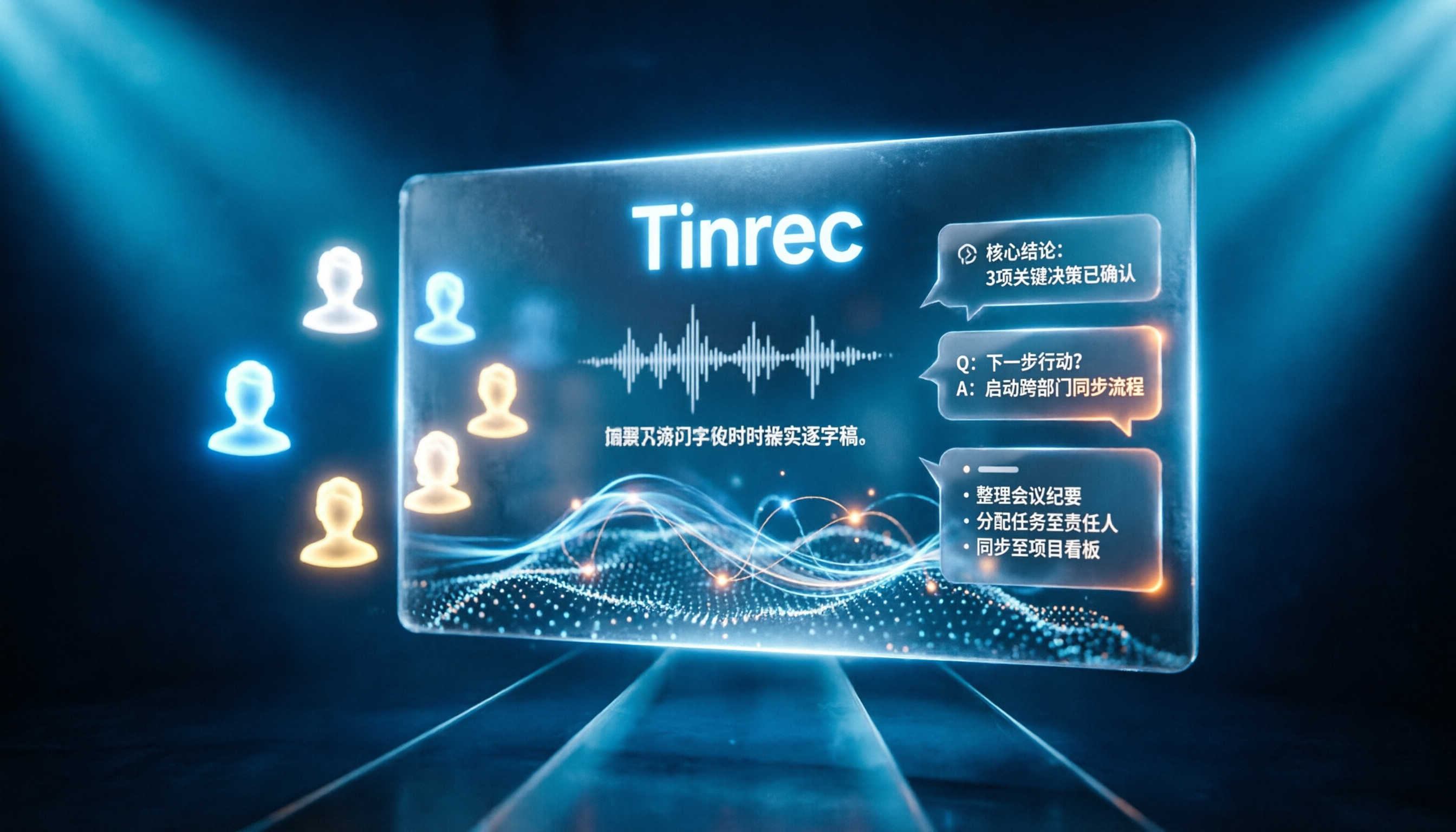
Tinrec vs Notta 2026: 5-Dimension Comparison for Chinese Online Meeting Transcription
Choosing a meeting transcription tool can be tricky. This article compares Tinrec and Notta across 5 dimensions, covering bot-free online meeting recording, real-time transcription, AI summaries and Q&A, action item extraction, and team data retention. It also provides honest pricing and free tier details for Tinrec's personal and team plans to help you decide which fits your meeting rhythm.

4 Meeting Transcription Tools Tested in 2026: Which Online Converter Actually Saves You Cleanup Time?
How do you choose a meeting transcription and online conversion tool? I ran real meeting and interview recordings through four tools' transcription and post-meeting workflows, comparing input sources, AI summaries and Q&A, team collaboration, and pricing, and identified the four most common pitfalls to avoid.