

Turn recordings into transcripts and summaries in minutes
Upload audio or video for multilingual transcription, AI notes, and action items
How to Choose a Meeting Transcription Tool: First Ask Yourself—Do You Need "Conversion" or "Post-Meeting Cleanup"?
"Online conversion" sounds simple—upload your recording and wait for the text to appear.
But the trap I've fallen into is this: the text appears, yet you still have to create the meeting notes from scratch.
After a two-hour meeting, you have forty pages of transcript, and no one has time to read from the first line to the last.
Upload a customer interview, and the tool returns a large block of text with no paragraphs and no timestamps—essentially forcing you to listen to it all over again in a different way.
Even more troublesome is the team aspect: everyone records on their own phone, files are scattered across devices and chat rooms, and when someone leaves, that meeting might as well never have happened.
So before choosing a tool, think clearly about whether you're solving the problem of "typing" or the entire "post-meeting cleanup" process.
The gap between tools for these two tasks is enormous.
Before Choosing a Meeting Transcription Tool, Understand These 4 Key Points
1. Is your meeting online or offline? Online meetings (Zoom, Google Meet, Microsoft Teams, Webex) and in-person meetings require completely different input methods. The former needs to handle audio played from the computer, while the latter requires on-site recording. Some tools rely on a meeting bot joining the room to record, while others use a desktop app to capture system audio directly—the latter won't add a strange participant to the meeting.
2. Do you want a transcript, or something you can use directly? Tools that only provide a transcript mean you still have to extract key points and write action items yourself afterward. If a tool can also generate summaries, chapters, and action items, and even let you query meeting content via Q&A, the time saved multiplies.
3. Who ultimately holds the data? Data in a personal account follows the individual. If meetings are considered team assets, you need to check whether the tool offers team spaces, member roles and seat management, and a data handover mechanism when members leave.
4. How is pricing calculated? One model charges by minutes, another by seats. Individuals with a fixed meeting volume only need to look at minutes; teams with growing meetings and members need to examine how seats are priced and how shared quotas are allocated.
Tinrec—My Top Choice After Testing
Tinrec is an AI meeting notes and collaboration tool for individuals and teams, supporting iOS, Android, and web, with a desktop version that can directly handle online meetings on your computer.
Here's roughly the workflow I ran through:
- Open the Tinrec desktop app or mobile app, first select the recognition language—choose Chinese for Chinese meetings.
- For online meetings, just press start recording; it captures system audio, no bot needs to be thrown into the meeting room.
- Transcript appears as you record, and by the time the meeting ends, the text is already in your notes.
- After the meeting, open the notes to see AI-generated summaries, chapters, and action items.
- If you have questions, just ask it directly, e.g., "What was the conclusion of this meeting?" or "Who is responsible for the budget?"
- To deliver, export to Notion, Google Docs, OneNote, Dropbox, or have it generate reports, tables, and meeting minutes directly.
Three things that impressed me most
The first is bot-free recording. Previously, with meeting bots, I had to explain to clients every time, "That account joining the meeting is our recording tool," which was a bit awkward. Tinrec's desktop version captures system audio directly, so only the original people are in the meeting room.
The second is that it doesn't just give a transcript. Summaries, chapters, key points, action items, and mind maps all come out together, and you can also do AI Q&A around the meeting content. The most useful scenario I tested: for a meeting last week, I couldn't remember who mentioned a certain number, so I just asked it and found the answer without going back through thirty minutes of recording.
Stop organizing recordings by hand
Upload audio or video and automatically get a transcript, summary, and action items
The third is team spaces. Meeting data belongs to the team; new members can view historical meetings, and when a member leaves or loses their seat, their team resources can be handed over to others, so data doesn't follow the person.
As for the team version, it's not "multiple people sharing one personal account" but an independent collaboration space: you can create multiple teams, invite members via link, set owners/admins/regular members, and distinguish between "roles" and "seats"—roles govern administration, seats govern whether one can record, upload, edit, and export. Members without seats can still view, play, and read team data.
The first eligible team trial is 7 days, 1 free seat, 300 minutes of team shared import quota; after payment, it's USD 29.80 per paid seat per month, or USD 199 annually, which is about USD 16.58 per month, with each paid seat getting 2,000 minutes of team shared import quota per month. Live recording under an active team plan and active seat currently does not deduct minutes.
A few things to be honest about: File imports consume the team's shared minutes, so heavy converters should be prepared; the free version only has a basic quota, and heavy users who meet daily will definitely need to pay. Also, I don't believe any claim of "fixed 98%, 99% accuracy"—recording quality, accents, people talking over each other, and technical jargon all affect results, so important content should still be verified against transcript timestamps and recording playback.
If you have regular meetings every week and need someone to organize key points and action items afterward, Tinrec is the one I'll keep using after this test.
Besides Tinrec, What Other Options Are There?
CLOVA Note: A free tool from LINE, you can log in with a LINE account. According to 104 Job Bank's compilation, it offers 600 free minutes per month, can process up to 180 minutes of recording at a time, and can distinguish different speakers—a very sincere option for those with zero budget. But it's just a transcription service, with no team space and no Agent post-processing; after recording, you can only Ctrl+F to find key points yourself.
Yating Transcription: A veteran local tool from Taiwan with a fully Chinese interface, relatively friendly for those unfamiliar with English interfaces. Its positioning is simpler; AI summaries, action item extraction, and AI Q&A after transcription are not its main focus, and its cross-platform and team collaboration capabilities are on a different scale from Tinrec.
Otter.ai: A veteran choice for English meetings, with a free version offering 300 minutes per month, and the official annual Pro plan at about USD 8.49 per user per month. If almost all your recordings are in English, it's indeed mature and easy to use; but Chinese meetings are not its strength in terms of mindset and experience, and it lacks Tinrec's one-stop post-processing workflow of "record, then directly ask AI to find answers, then export as a report."
Pitfall Guide: The 4 Most Common Mistakes When Choosing a Meeting Transcription Tool
Pitfall 1: Only looking at free minutes. A large free quota doesn't mean it's enough. Some tools offer many free minutes but only give you a transcript, and you still have to spend two hours organizing afterward—you save typing time, not work time.
Pitfall 2: Thinking transcription is the end. Using such tools only as "audio to text" means you're only using one-third of their capability. Asking it directly after the meeting, "What was the conclusion of this meeting?" is much faster than manually flipping through thirty minutes of transcript.
Pitfall 3: Ignoring cross-platform and team needs. Recording on iPhone today and organizing on computer tomorrow—if the tool doesn't support cross-platform, you'll suffer. For teams, think even more clearly: if data is in personal accounts, when the person leaves, nothing remains.
Pitfall 4: Not knowing the difference between meeting bots and bot-free recording. Bots join the meeting as an extra account, usually visible to the client side; bot-free desktop solutions capture system audio directly. If you often use it in external meetings, confirm this first.
Conclusion: Which One Should You Choose?
Need Chinese meeting transcription + post-meeting AI summaries and action items → Tinrec.
Want to find key points directly via Q&A after recording, without manually flipping through transcripts → Tinrec, few in its price range currently have this capability.
Don't want a bot joining the meeting room for online meetings → Tinrec desktop version.
Need to use on both phone and computer, and export data to Notion, Google Docs → Tinrec.
Team sharing meeting data, needing seat and usage management → Tinrec Team Version.
Zero budget, only recording English → Otter.ai or other free tools for now.
My suggestion: Start with Tinrec's free version, throw your longest meeting recording into it, and feel how much time you save after the meeting before deciding whether to upgrade.
References
- Online AI voice, video, audio file auto transcription - Free trial - cSubtitle
- No time limit! 3 free AI transcription tools, highly recommended! AI voice notes generate meeting minutes, presentations, mind maps | 104 Job Bank
- Yating Transcription
- Tested 4 best "speech to text" online tools, free instant audio to transcript
- How to use AI for meeting minutes? How to organize meeting transcripts? | AI speech to transcript tutorial | 104 Job Bank
Turn every recording into actionable outcomes
Get 60 free transcription minutes when you sign in. No credit card required.
Related Reading
You might also like

2024 Comparison of 4 Meeting Transcription Software: Which Saves the Most Time for Chinese Meeting Minutes?
When choosing meeting transcription software, the real deciding factor isn't 'which one is most accurate' but how you'll use the data after the meeting. This article focuses on that decision point, comparing Tinrec, Granola, Notta, and Otter.ai in terms of Chinese meetings, bot-free recording, post-meeting summaries and action items, and team data retention, plus 4 key purchasing points and 4 common pitfalls to avoid.

Tinrec vs Notta 2026: 5-Dimension Comparison for Chinese Meetings and Team Collaboration
How to choose meeting transcription software? This article compares Tinrec and Notta across 5 dimensions: how meetings are recorded, what you get after transcription, Chinese language performance, data ownership, and team governance. It also covers Otter.ai and PLAUD, plus 4 common pitfalls and scenario-based recommendations to help you find the right tool for Chinese meetings and team collaboration.

Best Online Meeting Transcription Tools in 2026: We Tested 2, and This One Is Great for Chinese Meetings and Team Knowledge Retention
How do you choose a meeting transcription tool? This article starts with common pitfalls and compares two online meeting transcription tools, Tinrec and Otter.ai, across five dimensions: Chinese meeting experience, bot-free recording, post-meeting organization and export, team data governance, and pricing and quotas. It also includes five FAQs to help you decide which tool better fits your work situation.

5 Best Meeting Transcription Platforms in 2026: Which One Actually Saves You Time?
The real work begins after the meeting ends. This article breaks down the 5 key factors for choosing a meeting transcription platform from a procurement perspective, with hands-on comparisons of Tinrec, Notta, Otter.ai, Granola, and more—covering recording methods, post-meeting outputs, Chinese language support, and team collaboration. Includes pitfalls to avoid and selection advice.

5 Best Meeting Transcription Apps of 2026: Which Saves More Time with Chinese Transcripts and AI Summaries?
Most people think a meeting transcription app just records and spits out a transcript. The real challenge is post-meeting organization. This article breaks down common misconceptions, core capabilities, practical use cases, and 5 key buying factors for meeting transcription apps. It also demonstrates a complete workflow from recording to transcript, AI summary, action items, and team knowledge retention using Tinrec.

How to Transcribe Meeting Recordings in 2026: 5 Steps from Free Transcription to AI Meeting Notes
Is the real work just starting after the meeting ends? This article addresses the pain points of mid-level managers, covering 4 key factors for choosing a free meeting recording transcription tool, a hands-on test of Tinrec's 5-step process from recording to AI meeting notes, and a comparison of Notta, Otter.ai, and Yating Transcription for different scenarios and pitfalls to avoid—helping you find a way to skip manual transcription after meetings.

2026 Comparison of 4 Meeting Transcription Apps: Which One Actually Saves You Time?
How to choose a meeting transcription app? This article examines three decision scenarios—online meetings, in-person meetings, and mixed Chinese-English conversations—and outlines 4 key purchasing factors. It compares Tinrec, Notta, Otter.ai, and PLAUD Note, with a guide to avoid pitfalls and scenario-based recommendations to help you decide if a free version is enough or if you should pay.

4 Meeting Transcription Software Compared: Which Handles Chinese Meetings and AI Q&A Best?
The meeting ends, but the real work begins. We tested 4 meeting transcription tools, comparing Chinese recognition, recording methods, post-meeting outputs, free tiers, and team collaboration. Plus, 5 key buying factors and 4 common pitfalls to help you find the tool that truly saves you time.
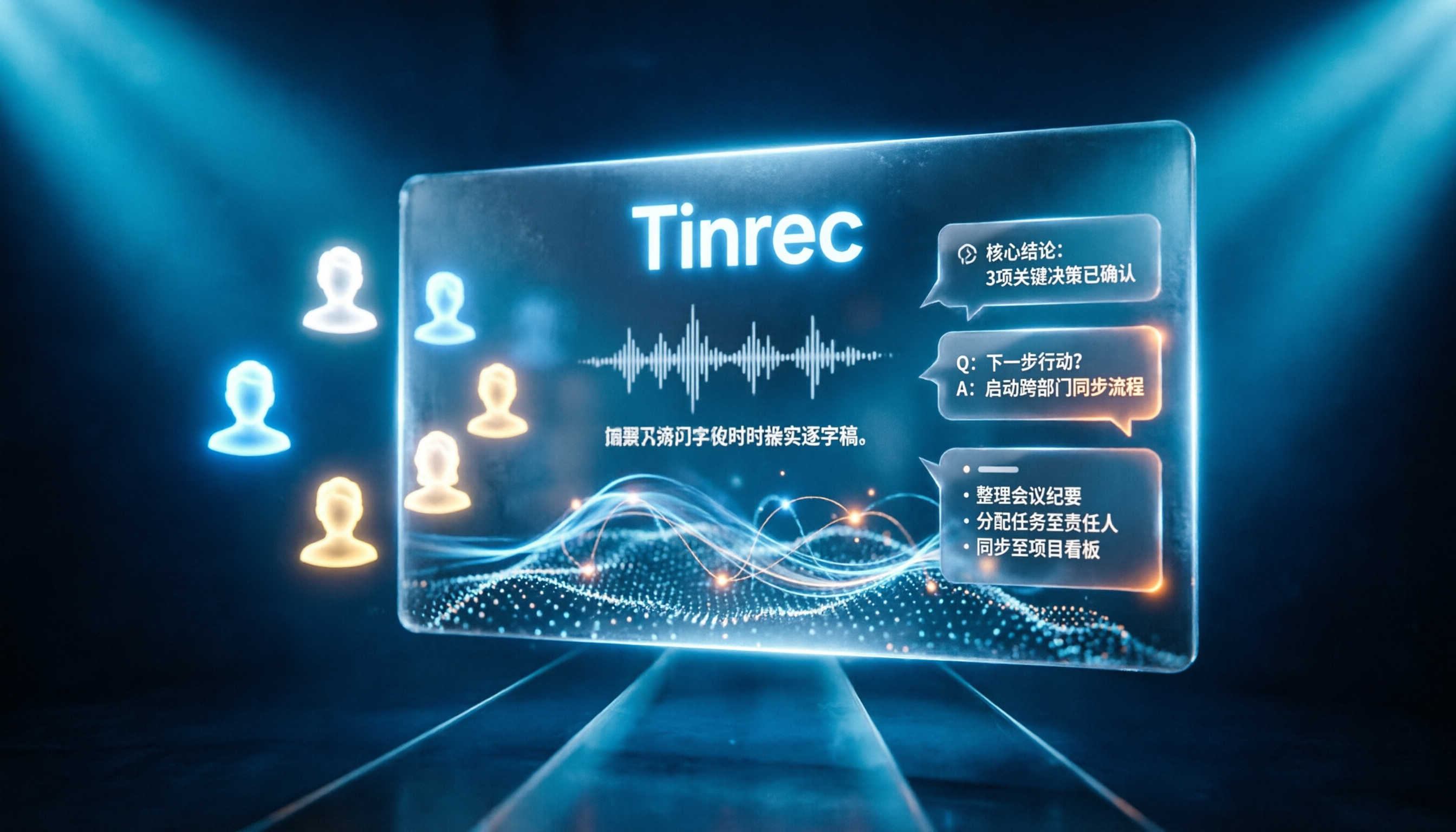
Tinrec vs Notta 2026: 5-Dimension Comparison for Chinese Online Meeting Transcription
Choosing a meeting transcription tool can be tricky. This article compares Tinrec and Notta across 5 dimensions, covering bot-free online meeting recording, real-time transcription, AI summaries and Q&A, action item extraction, and team data retention. It also provides honest pricing and free tier details for Tinrec's personal and team plans to help you decide which fits your meeting rhythm.