

Turn recordings into transcripts and summaries in minutes
Upload audio or video for multilingual transcription, AI notes, and action items
The moment the meeting ends, you realize the real work hasn't started
It's 2 PM on a Wednesday, and you just finished a 50-minute cross-departmental meeting.
Everyone spoke quickly, mixing Chinese and English, and two people were talking over each other. After the meeting, your manager dropped a message in the group chat: "Who's responsible for those three action items?"
You look at the recording on your phone, showing 50:12, and you don't want to listen from the beginning.
This isn't a memory problem; it's a tool problem. If the transcript, summary, and action items could be generated automatically, you wouldn't need to re-listen to an hour-long meeting.
In this article, I've gathered 4 popular meeting transcription tools, tested them with the same meeting scenario, and written down the differences for your reference.
Before choosing a meeting transcription tool, understand these 5 key points
1. How does it "enter" your meeting?
Some send a bot account to join the meeting, while others capture system audio directly on your computer. The former is convenient but adds an unfamiliar account to the participant list; the latter doesn't require inviting anyone but you have to remember to open the software.
2. Performance with Chinese and mixed Chinese-English
This is where things often go wrong. Many tools are strong in English but fall short with Chinese meetings. It's best to test with a real recording that mixes Chinese and English with background noise, rather than just relying on the accuracy rates on the official website.
3. What does it give you after transcription?
If it only provides a transcript, you still have to read through it all. If it can automatically organize summaries, chapters, key points, and action items, the time saved is multiplied. In recent years, the gap between tools mainly lies in this area.
4. Are audio files kept? Can old files be imported?
Some tools only keep text after transcription, so if you want to check the tone or numbers later, there's no original audio to listen to. Also, whether you can upload existing recordings greatly affects the need for "catch-up organizing."
5. Free tier and cross-platform
First, see how long the free version lasts, then check if your phone and computer can share the same data. Many people record meetings on their phone and organize on their computer; if cross-platform doesn't work, it's a hassle.
Tinrec – The one I open most often after testing
Tinrec is an AI meeting notes and collaboration tool for individuals and teams, supporting iOS, Android, web, and desktop. It's not just about converting speech to text; the key is that you can continue to use it after transcription.
Bot-free recording for online meetings
The desktop version captures system audio directly, handling online meetings like Zoom, Google Meet, Microsoft Teams, and Webex without adding a bot account to the participant list.
Note that you need to open Tinrec yourself to start recording; it's not the type that automatically joins all meetings on your calendar.
Transcribe while recording, view summary right after
Open Tinrec during the meeting, and the transcript is generated in real-time. After the meeting, the AI summary, chapters, and action items are ready—who's responsible for what, what to follow up on next, no need to dig through it yourself.
During recording, you can also see the original text, translation, or bilingual view, which is especially useful for mixed Chinese-English meetings.
Ask it directly after recording
This is where I think it differs most from similar tools. You can ask questions directly about the meeting content, such as "What was the conclusion about the budget?" or "What concerns did the client mention?" It gives answers based on semantics, not just a list of keyword search results.
Post-meeting outputs and exports
Besides transcripts, summaries, and action items, it can generate mind maps, reports, tables, and documents, and export to Notion, Google Docs, OneNote, Dropbox, etc., for further processing.
Limitations to be clear about
Tinrec does not promise a fixed accuracy rate; actual performance is affected by recording quality, noise, accents, multiple people speaking at once, and technical terms. For important numbers and commitments, it's advisable to double-check the transcript and recording.
Stop organizing recordings by hand
Upload audio or video and automatically get a transcript, summary, and action items
The personal version is divided into Free, Weekly, Pro Monthly, and Pro Annual. The free version has a basic quota, suitable for trying out; for those with weekly meetings, Pro is smoother; for long-term data accumulation, the annual plan has a lower monthly cost.
Team use scenarios
For departments or project teams, the team version provides an independent team space: meeting data belongs to the team, you can invite members, set roles and seats, view usage and audit logs, and transfer data when members leave.
Eligible teams can enjoy a 7-day trial, including 1 free seat and 300 minutes of team shared import quota. Team monthly payment is USD 29.80 per paid seat per month, annual payment is USD 199 per paid seat per year (about USD 16.58 per month), and each paid seat provides 2,000 minutes of team shared import quota per month.
In the team package, real-time recording is currently not deducted by minutes; file and link imports use the team shared quota. Prices and promotions are subject to the official purchase page.
Besides Tinrec, what other options are there?
Otter.ai
A mature choice for English business meetings. Basic free includes 300 minutes per month; Pro annual is about USD 8.49 per user per month, including 1,200 minutes of in-app recording and 10 file imports per month. If your meetings are almost all in English and you need mature meeting automation, it's a good deal.
But if your meetings are mainly in Chinese or mixed Chinese-English, Tinrec's Chinese experience, bilingual view, and post-meeting report and table generation are more aligned with your needs.
Notta
Covers multilingual transcription and meeting notes, with the highest overlap with Tinrec. Free version includes 120 minutes per month, up to 3 minutes per content; Pro annual is about USD 8.17 per month, including 1,800 minutes per month. Suitable for those who need multilingual subtitles and file transcription.
The difference is that Tinrec takes the route of bot-free desktop recording, AI Q&A, post-meeting outputs, and team space.
Granola
Also uses bot-free desktop recording, focusing on "your handwritten notes + AI enhancement." Basic is free, Business is USD 14 per user per month.
Note that it does not save meeting audio and does not support uploading pre-recorded files. If you need to keep recordings, want to check back, or organize existing historical recordings, Tinrec is relatively more suitable.
Pitfall guide: 4 most common mistakes when choosing meeting transcription software
Pitfall 1: Only looking at the accuracy rate on the official website.
Official numbers are usually measured in a quiet environment. Real meeting rooms have air conditioning noise, keyboard sounds, and multiple people talking over each other, so performance drops. Testing with your own recording is most accurate.
Pitfall 2: Thinking transcription is the end.
Using it only as a typewriter means you're only using one-third of its capabilities. Features like AI Q&A allow you to ask "What was the conclusion of this meeting?" directly after recording, much faster than manually flipping through a 30-minute transcript.
Pitfall 3: Not noticing whether audio files are retained.
Some tools only keep text and not audio, so if you want to confirm the tone or numbers of a certain sentence later, there's no way to check.
Pitfall 4: The team bought it but didn't distinguish between "roles" and "seats."
Roles determine who can manage the team, members, and settings; seats determine who can record, upload, edit, and export. Members without seats can still view, play, and read team data but cannot perform uploads, edits, etc. Before buying, think clearly about who really needs a seat.
One final reminder: before recording and transcribing, please confirm local regulations and obtain consent from participants when necessary.
Conclusion: Which one should you choose?
Need meeting notes in Chinese and mixed Chinese-English → Tinrec Don't want a bot joining the meeting room → Tinrec (desktop captures system audio, no extra participant) Want to ask meeting highlights directly after recording → Tinrec (AI Q&A, no need to flip through transcripts) Record on phone, organize on computer, and export to Notion or Google Docs → Tinrec (multi-platform, multi-format export) Meetings almost all in English, need mature meeting automation → Otter.ai Only need file transcription and subtitles, limited budget → Notta Want to combine handwritten notes and don't need to keep audio → Granola
It's recommended to try the free version first: throw in your most difficult-to-organize meeting recording from recently, and see if the transcript quality, summary, and action items are usable. If it feels good, consider upgrading; you don't need to pay from the start.
References
- No time limit! 3 free AI transcription tools, highly recommended! AI voice notes generate meeting minutes, presentations, mind maps | 104 Workplace Power
- Online AI voice, video, audio file automatic transcription - Free trial - cSubtitle
- Must-see in 2026! 4 AI audio-to-text tools recommended: Meeting minutes, Podcast transcription artifact review - Mobile01
- SoundType AI ultra-accurate transcription, speech to text, AI dictation - Google Play App
- Notta - Ultra-accurate transcription, speech to text, meeting recording, AI summary - App Store
Turn every recording into actionable outcomes
Get 60 free transcription minutes when you sign in. No credit card required.
Related Reading
You might also like

2024 Comparison of 4 Meeting Transcription Software: Which Saves the Most Time for Chinese Meeting Minutes?
When choosing meeting transcription software, the real deciding factor isn't 'which one is most accurate' but how you'll use the data after the meeting. This article focuses on that decision point, comparing Tinrec, Granola, Notta, and Otter.ai in terms of Chinese meetings, bot-free recording, post-meeting summaries and action items, and team data retention, plus 4 key purchasing points and 4 common pitfalls to avoid.

Tinrec vs Notta 2026: 5-Dimension Comparison for Chinese Meetings and Team Collaboration
How to choose meeting transcription software? This article compares Tinrec and Notta across 5 dimensions: how meetings are recorded, what you get after transcription, Chinese language performance, data ownership, and team governance. It also covers Otter.ai and PLAUD, plus 4 common pitfalls and scenario-based recommendations to help you find the right tool for Chinese meetings and team collaboration.

Best Online Meeting Transcription Tools in 2026: We Tested 2, and This One Is Great for Chinese Meetings and Team Knowledge Retention
How do you choose a meeting transcription tool? This article starts with common pitfalls and compares two online meeting transcription tools, Tinrec and Otter.ai, across five dimensions: Chinese meeting experience, bot-free recording, post-meeting organization and export, team data governance, and pricing and quotas. It also includes five FAQs to help you decide which tool better fits your work situation.

5 Best Meeting Transcription Platforms in 2026: Which One Actually Saves You Time?
The real work begins after the meeting ends. This article breaks down the 5 key factors for choosing a meeting transcription platform from a procurement perspective, with hands-on comparisons of Tinrec, Notta, Otter.ai, Granola, and more—covering recording methods, post-meeting outputs, Chinese language support, and team collaboration. Includes pitfalls to avoid and selection advice.

5 Best Meeting Transcription Apps of 2026: Which Saves More Time with Chinese Transcripts and AI Summaries?
Most people think a meeting transcription app just records and spits out a transcript. The real challenge is post-meeting organization. This article breaks down common misconceptions, core capabilities, practical use cases, and 5 key buying factors for meeting transcription apps. It also demonstrates a complete workflow from recording to transcript, AI summary, action items, and team knowledge retention using Tinrec.

How to Transcribe Meeting Recordings in 2026: 5 Steps from Free Transcription to AI Meeting Notes
Is the real work just starting after the meeting ends? This article addresses the pain points of mid-level managers, covering 4 key factors for choosing a free meeting recording transcription tool, a hands-on test of Tinrec's 5-step process from recording to AI meeting notes, and a comparison of Notta, Otter.ai, and Yating Transcription for different scenarios and pitfalls to avoid—helping you find a way to skip manual transcription after meetings.

2026 Comparison of 4 Meeting Transcription Apps: Which One Actually Saves You Time?
How to choose a meeting transcription app? This article examines three decision scenarios—online meetings, in-person meetings, and mixed Chinese-English conversations—and outlines 4 key purchasing factors. It compares Tinrec, Notta, Otter.ai, and PLAUD Note, with a guide to avoid pitfalls and scenario-based recommendations to help you decide if a free version is enough or if you should pay.
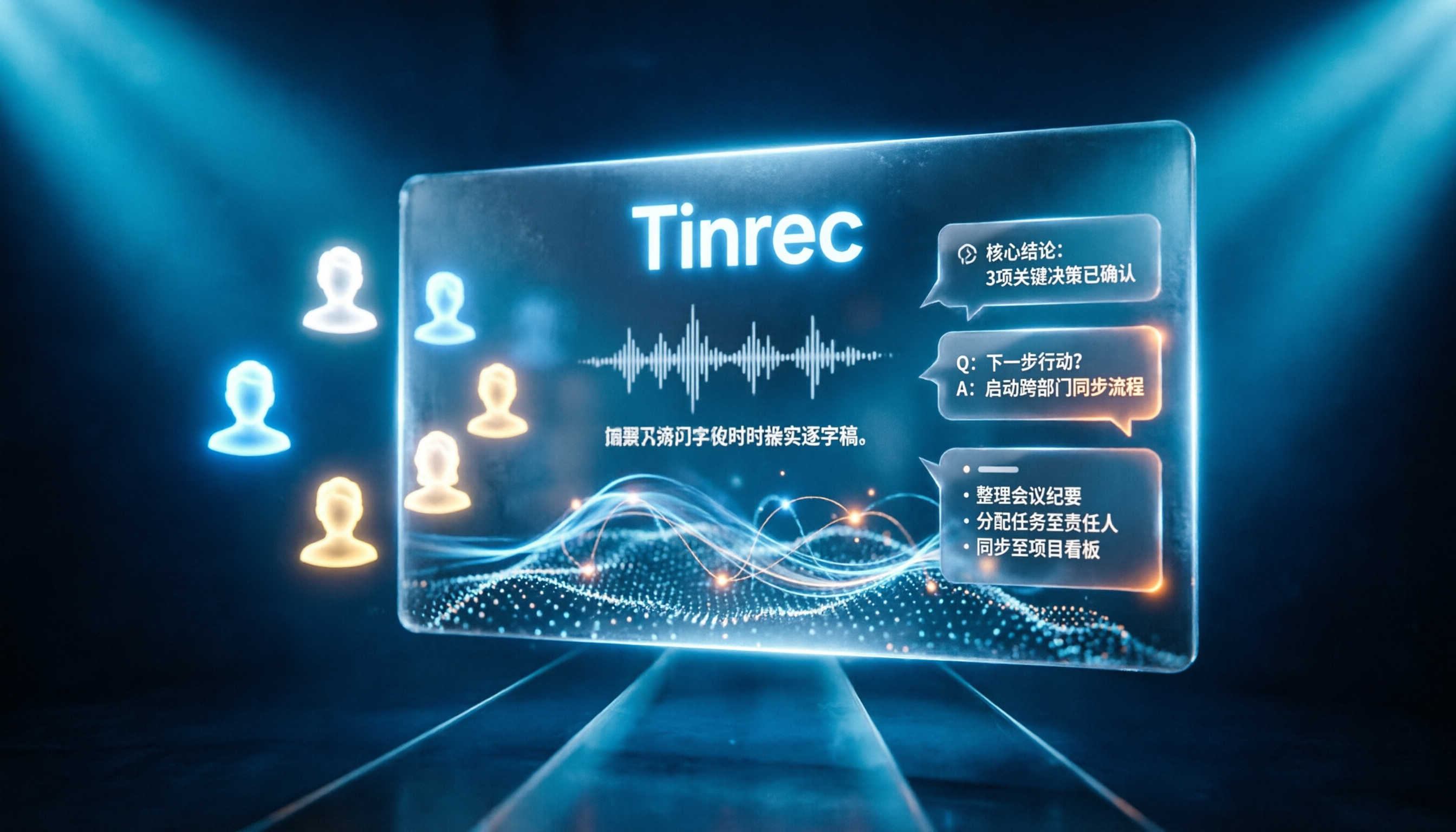
Tinrec vs Notta 2026: 5-Dimension Comparison for Chinese Online Meeting Transcription
Choosing a meeting transcription tool can be tricky. This article compares Tinrec and Notta across 5 dimensions, covering bot-free online meeting recording, real-time transcription, AI summaries and Q&A, action item extraction, and team data retention. It also provides honest pricing and free tier details for Tinrec's personal and team plans to help you decide which fits your meeting rhythm.
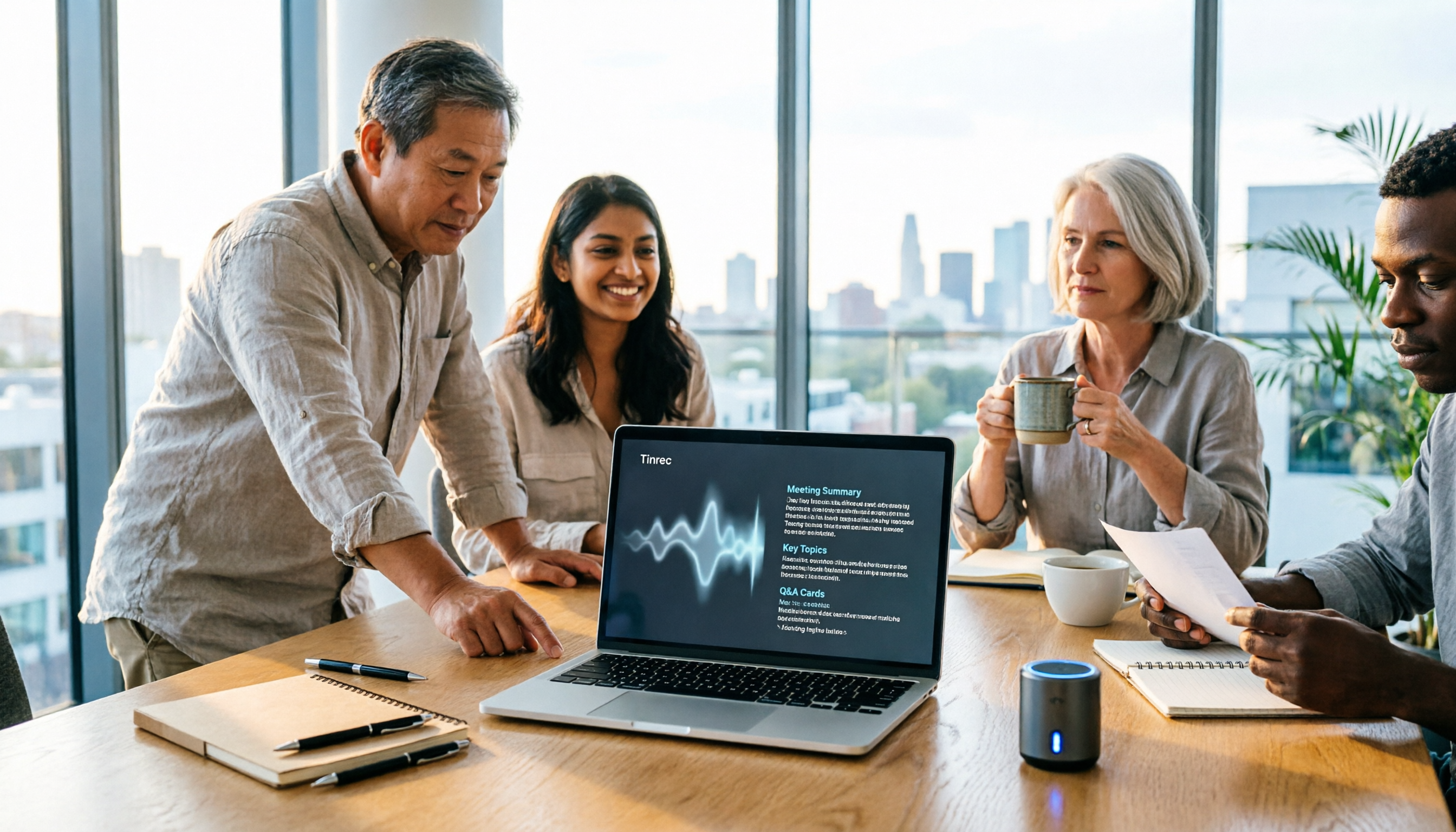
4 Meeting Transcription Tools Tested in 2026: Which Online Converter Actually Saves You Cleanup Time?
How do you choose a meeting transcription and online conversion tool? I ran real meeting and interview recordings through four tools' transcription and post-meeting workflows, comparing input sources, AI summaries and Q&A, team collaboration, and pricing, and identified the four most common pitfalls to avoid.