
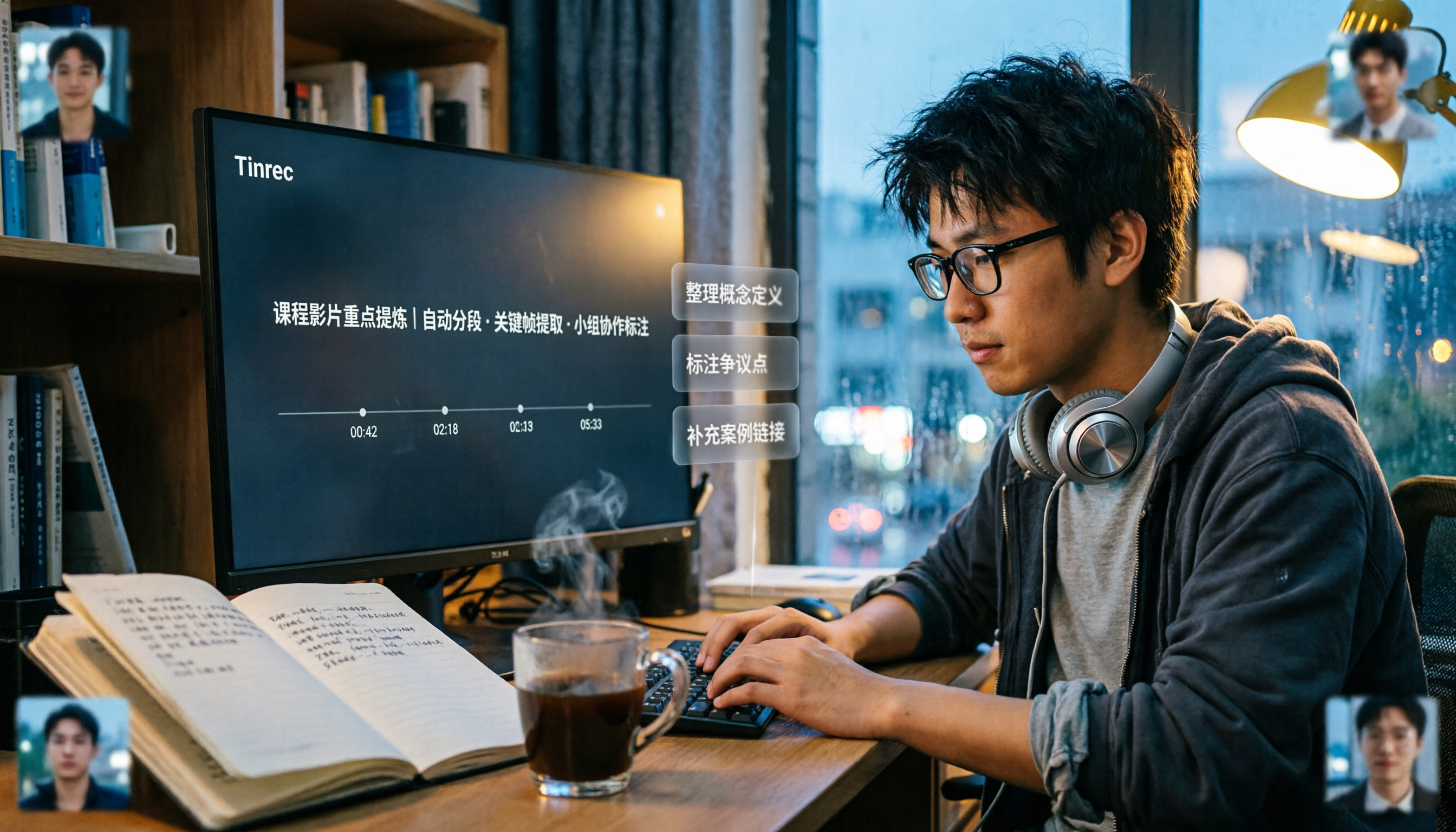
Turn recordings into transcripts and summaries in minutes
Upload audio or video for multilingual transcription, AI notes, and action items
2026 Comparison of 5 Professional Video Summarization Tools: Why Tinrec Is the Top Notta Alternative?
A semester is about 18 weeks, and the course recordings on my phone add up to over 100 hours. This is not a lab report; it is my real experience as a senior information management student, from 'throwing subtitles into ChatGPT' all the way to now.
Why are people starting to look for Notta alternatives?
When I first wanted to 'summarize a video' in my freshman year, my instinct was to copy the subtitles into ChatGPT. That was the easiest trap to fall into: videos without subtitles got stuck immediately; pasting two hours of lecture subtitles often exceeded the context limit, and the AI only summarized the first ten minutes or so; and it did not know which minute a sentence was in, so if you wanted to check the original video, you had to rewatch it yourself.
Later I switched to online summary websites like Summarize.tech, which can generate summaries by pasting a YouTube link. It is very convenient for public videos. But my graduation project interviews were recorded on my phone, so link-based services were not my main solution. WayinVideo is also in the same category, focusing on multi-platform links and timestamped summaries.
Notta was what I used for a longer time in the second semester of my sophomore year. It has multi-device transcription, meeting notes, document import, and translation. Its features are indeed complete. But the biggest obstacle for students is not features, but quota: its free version offers 120 minutes per month and a single content limit of 3 minutes, so a two-hour class recording has to be split into many parts.
If you have also experienced 'recording a lot but not being able to organize anything,' what you need is not just transcription, but a workflow from video to notes. That is why I later turned to Tinrec.
Tinrec vs Notta: What is different in the core experience?
Can it directly produce something usable after a meeting? Transcripts are just raw material. Tinrec automatically generates AI summaries and chapters, breaks long videos into skippable sections, and extracts to-dos from discussions; if you just need to submit a reflection, you can also use Agent post-processing to produce reports, tables, or documents. Notta also provides subtitles, translation, and summaries, but if you are like me and your goal is 'finish watching and then write the assignment, finish the meeting and then assign work,' Tinrec does the latter half of the workflow more completely.
Handling Chinese and mixed Chinese-English Our department's classes often have Chinese explanations with English technical terms mixed in, and sometimes foreign teachers teach entirely in English. Tinrec covers Chinese, Traditional Chinese, and multilingual scenarios, supports real-time translation during recording, and lets you choose to view the original text, translation, or bilingual. Actual results are affected by recording quality, accent, environmental noise, multiple people speaking at the same time, and technical terminology, so I will not guarantee any fixed accuracy rate; the point is that its tolerance for mixed Chinese-English is much higher than manually copying subtitles and organizing them myself.
How to record online courses and meetings The Tinrec desktop version directly captures the computer's system audio. For online meetings like Zoom, Google Meet, Microsoft Teams, and Webex, it does not need an extra meeting bot to join as a participant. This is how I handled my online elective this semester: open the desktop version and start recording, the transcript appears while recording, and by the end of class the text is already there, with no awkward 'assistant so-and-so has joined the meeting' notification.
Can the output fit into your existing workflow? No matter how good a tool is, it is meaningless if the content cannot get out. Tinrec supports multi-format export and can bring results to Notion, Google Docs, OneNote, Dropbox, and other places for further processing. My own class notes sync to Notion, and before exams I can directly search keywords. If you already have a note-taking system, this matters more than anything.
Free quota and group collaboration The free quota is what I care about most. Currently, the Tinrec free version provides 100 minutes per month of recording and video parsing quota (according to the source description), suitable for light use or testing the effect first. In addition, the Tinrec team version is an independent team space, not multiple people sharing one account: you can create multiple teams, invite members via link, set owner/admin/regular member, and distinguish 'roles' and 'seats'—members who are active but have no seat can still view, play, and read team data, but cannot upload, edit, or export. Our graduation project group later divided work this way.
Overview of Tinrec's core features
Audio and video file transcription: Course recordings, lecture archives, and interview recordings can all be uploaded and converted to text. This is my main feature for organizing two-hour general education course videos. After transcription, you can directly view summaries and chapters without playing from beginning to end.
Real-time recording to text: For offline classes, group discussions, and interviews, you can record and transcribe on the spot. Transcripts support search and review, and important passages can be checked against the original audio. I used to use a voice recorder, and before finals I had to listen from beginning to end to find key points. Now I directly search keywords to locate them.
Stop organizing recordings by hand
Upload audio or video and automatically get a transcript, summary, and action items
AI summaries, chapters, and mind maps: The most painful thing about long videos is the lack of structure. Tinrec produces summaries and chapters, and can also generate mind maps to lay out the relationships between topics. For visual learners like me, this is much easier to read than dense transcripts.
AI Q&A: This is my most-used feature. After watching a one-hour lecture, I directly ask it 'What are the three core concepts of this class?' 'What references did the speaker mention?' It answers based on the semantic content, without me having to flip through the entire transcript.
To-do extraction and Agent post-processing: The most common tragedy in group discussions is 'after the meeting, no one remembers what to do.' Tinrec organizes action items from the discussion, and when a report is needed, it can generate documents or tables. This is especially useful for graduation projects that require repeated deliverables.
Actual usage scenarios
Two-hour major required course: The professor speaks fast and flips slides even faster. I use the desktop version to record the class, then after class I first look at the AI summary to grasp the structure, then click into the transcript for chapters I do not understand, and finally export the key points to Notion. I used to spend three nights organizing one course; now it is about one night.
Online courses and foreign-language teaching: When encountering English-taught or cross-language lectures, I turn on real-time translation and view in bilingual mode. For passages I do not understand, I do not need to rewind repeatedly; I directly compare the translation and original text, so there are fewer comprehension breaks.
Graduation project interviews: I interviewed six industry professionals, all recorded on my phone. After returning home, I upload the files for transcription, then use AI Q&A to summarize common pain points, and copy quoted passages directly from the transcript. If I had to type it out myself, it would take at least twice as long.
Group discussion and team collaboration: Our group uses a team space to centrally store all meeting recordings, transcripts, and to-dos. New members can directly view historical data, and files will not be taken away just because someone graduates or drops the course. Admins can also see usage analysis and operation logs, which for projects that need to submit results is like an extra layer of backup and accountability.
When choosing a video summarization tool, these points are worth noting
1. Can it handle videos without subtitles?: Many tools are actually 'subtitle summarizers' and fail when a video has no CC subtitles. Before choosing, confirm whether it can directly analyze audio content.
2. Can the transcript be mapped back to the original video?: No matter how beautiful the summary is, if you need to quote or submit a report, you must be able to return to the original clip for verification. When choosing a tool, pay attention to whether the transcript can be searched and reviewed; this directly determines your later verification cost.
3. Single-session length and quota rules: Some tools' free versions seem to have enough monthly minutes, but the single-session limit is very short, so long videos must be split many times. First calculate roughly how long you will record per week, then decide whether the free version is enough.
4. Can the output connect to your existing tools?: Confirm supported export formats and third-party integrations, such as Notion, Google Docs, OneNote, and Dropbox. If your learning workflow is interrupted once, you will not want to use it a second time.
5. Where is the data stored and who can see it?: If it is shared by a group, check whether it has team space, role and seat management, and how data is handed over after members leave. This is especially important in situations like graduation projects where 'personnel change.'
Conclusion: Is Tinrec worth a try?
If you are looking for a tool that can handle Chinese and mixed Chinese-English content, record online courses without a meeting bot, and directly organize summaries, chapters, to-dos, and a queryable database after recording, Tinrec is the one I have kept after using it for a whole semester.
How should students choose? My advice: first use the free version, with 100 minutes per month, to record the course you understand least, or process a long video you least want to watch from the beginning. Testing it once is more accurate than reading ten reviews. If it is only for a short sprint (finals week, thesis interview period), consider a weekly card; if you have stable needs every week, the Pro monthly card is more suitable; if you need to accumulate data long-term, look at the annual card. For multi-person situations like group projects, the team version is more suitable—the first eligible trial is 7 days, 1 free seat plus 300 minutes of team shared import quota, after which monthly payment is USD 29.80 per paid seat per month, annual payment is USD 199 per paid seat per year (about USD 16.58 per month), each paid seat provides 2,000 minutes of team shared import quota per month, and real-time recording is currently not deducted by minutes under an active team plan and active seat. Prices, currencies, and benefits are still subject to the official purchase page.
Two final reminders: before recording, remember to obtain consent from those present and comply with local regulations; AI-organized content is convenient, but for important information, it is recommended to go back and check the transcript and recording. This is a habit I developed after stepping on a few landmines.
References
- WayinVideo Free AI Video Summarization Tool: https://wayin.ai/zh-tw/tools/video-summarizer/
- Monica YouTube Summary with GPT: https://monica.im/zh_TW/features/youtube-summary-with-chatgpt
- Tinrec Blog: One-click video to text, 3 video summarization AI tools recommended: https://tinrec.com/blog/2210
- PanSci: Video too long and no time to watch? Must-have tools for learning and fan activities: https://pansci.asia/archives/374735
- Sider: Top 10 best AI YouTube video summarization tools recommended: https://sider.ai/zh-TW/blog/ai-tools/youtube-video-summarizer
- Notta official pricing page: https://www.notta.ai/en/pricing/
References
- Free AI Video Summarization Tool—Accurate, Fast, with Timestamps
- Summarize YouTube with GPT: Free Online Video Summarization Tool
- One-click video to text: 3 video summarization AI tools recommended, quickly produce high-quality key summaries - Tinrec Blog
- Video too long and no time to watch? Must-have tools for learning and fan activities! Long video summarization and foreign language video translation done quickly! - PanSci
- Top 10 best AI YouTube video summarization tools recommended
Turn every recording into actionable outcomes
Get 60 free transcription minutes when you sign in. No credit card required.
Related Reading
You might also like

How to Transcribe Meeting Recordings in 2026: 5 Steps from Free Transcription to AI Meeting Notes
Is the real work just starting after the meeting ends? This article addresses the pain points of mid-level managers, covering 4 key factors for choosing a free meeting recording transcription tool, a hands-on test of Tinrec's 5-step process from recording to AI meeting notes, and a comparison of Notta, Otter.ai, and Yating Transcription for different scenarios and pitfalls to avoid—helping you find a way to skip manual transcription after meetings.

2026 Comparison of 4 Meeting Transcription Apps: Which One Actually Saves You Time?
How to choose a meeting transcription app? This article examines three decision scenarios—online meetings, in-person meetings, and mixed Chinese-English conversations—and outlines 4 key purchasing factors. It compares Tinrec, Notta, Otter.ai, and PLAUD Note, with a guide to avoid pitfalls and scenario-based recommendations to help you decide if a free version is enough or if you should pay.

4 Meeting Transcription Software Compared: Which Handles Chinese Meetings and AI Q&A Best?
The meeting ends, but the real work begins. We tested 4 meeting transcription tools, comparing Chinese recognition, recording methods, post-meeting outputs, free tiers, and team collaboration. Plus, 5 key buying factors and 4 common pitfalls to help you find the tool that truly saves you time.
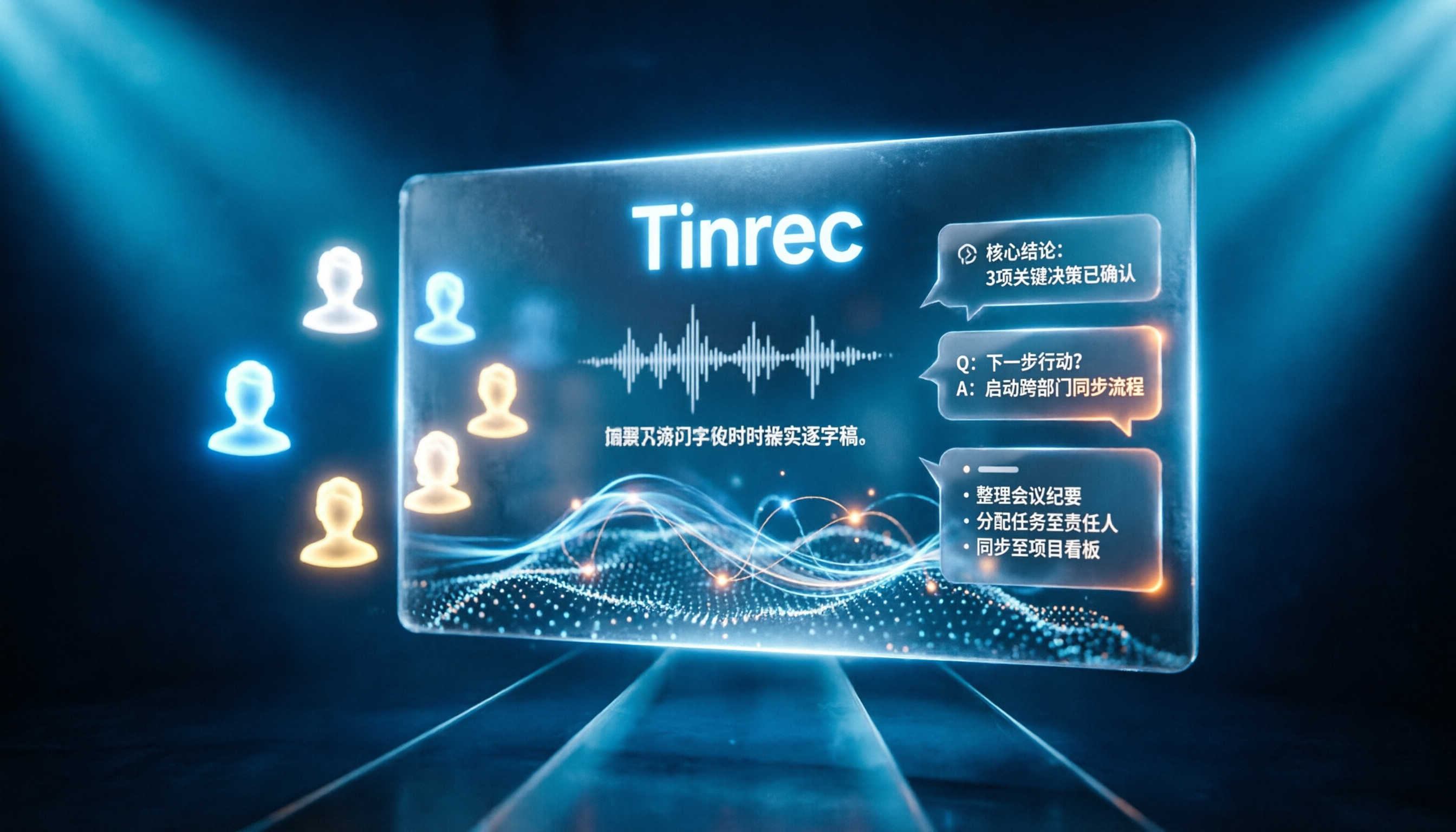
Tinrec vs Notta 2026: 5-Dimension Comparison for Chinese Online Meeting Transcription
Choosing a meeting transcription tool can be tricky. This article compares Tinrec and Notta across 5 dimensions, covering bot-free online meeting recording, real-time transcription, AI summaries and Q&A, action item extraction, and team data retention. It also provides honest pricing and free tier details for Tinrec's personal and team plans to help you decide which fits your meeting rhythm.

4 Meeting Transcription Tools Tested in 2026: Which Online Converter Actually Saves You Cleanup Time?
How do you choose a meeting transcription and online conversion tool? I ran real meeting and interview recordings through four tools' transcription and post-meeting workflows, comparing input sources, AI summaries and Q&A, team collaboration, and pricing, and identified the four most common pitfalls to avoid.
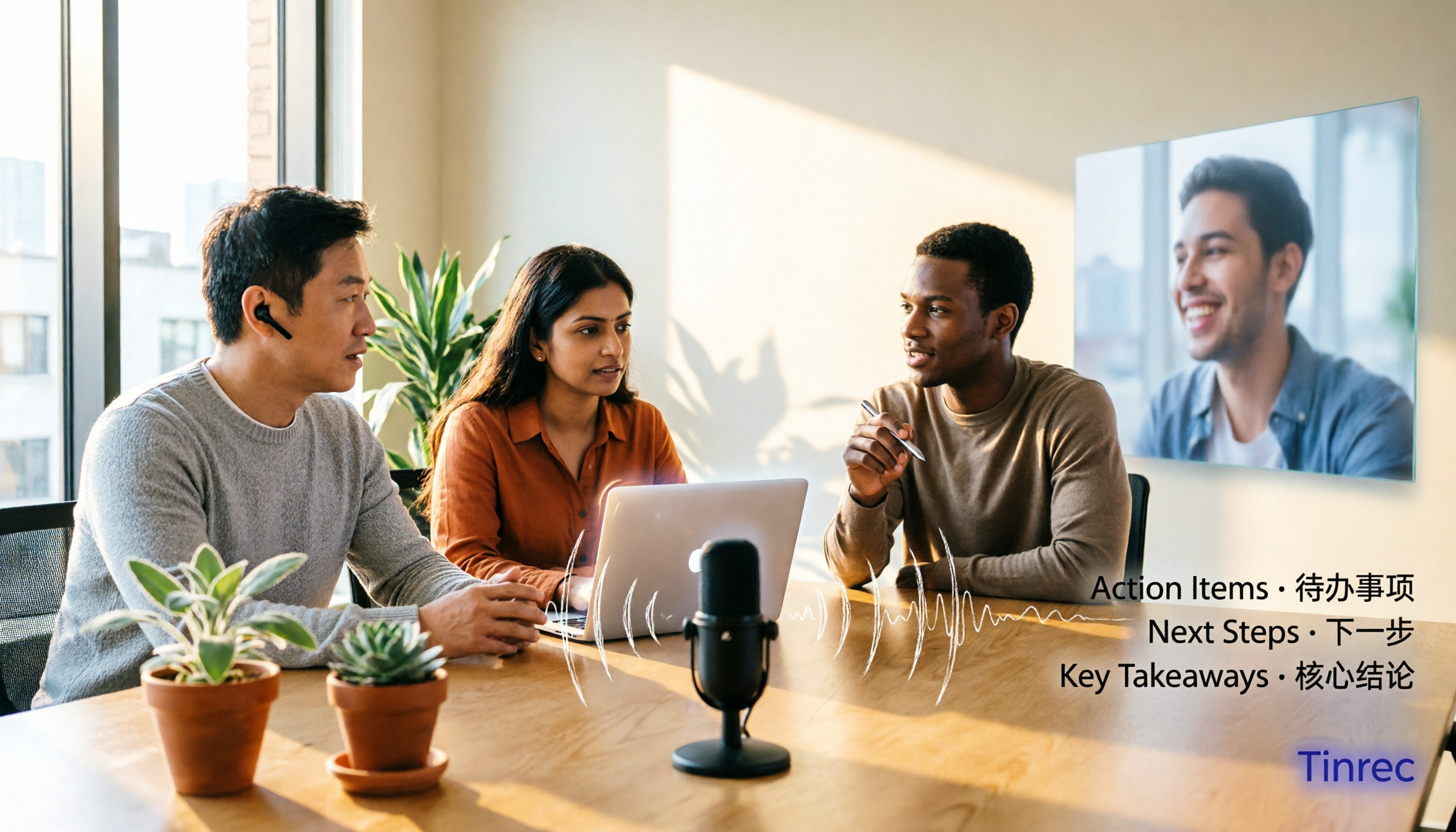
2026 Online Meeting Transcription Tools Buying Guide: 4 Hands-On Reviews and Recommendations
How to choose an online meeting recording-to-text tool? This article examines four key aspects: how audio is captured, what you get after the meeting, mixed Chinese-English recognition, and data ownership. It compares Tinrec, Otter.ai, Notta, and PLAUD through hands-on testing, and summarizes common pitfalls and selection advice.

4 Best Audio-to-Text Tools in 2026: Which One Can Generate Meeting Minutes Automatically?
How can you save time with audio-to-text transcription? This article compares Tinrec, Yating Transcription, cSubtitle, and PLAUD Note across three key scenarios: Chinese meetings, online meetings, and post-meeting organization. It also covers purchasing tips, pitfalls to avoid, and scenario-based recommendations.

5 Free Speech-to-Text Options for PC in 2026: A Complete Guide
PC speech-to-text falls into two categories: real-time dictation and post-meeting organization. This guide covers 5 free or free-to-try options in 2026, including Windows built-in voice input, Speechnotes, VoiceIn, Voice Finger, and the free version of Tinrec, with step-by-step instructions, pricing, and FAQs to help you choose the right tool for your needs.

4 iPad Meeting Transcription Tools Tested for 2026: Which Free Version Is Enough?
Using an iPad for meeting notes—should you rely on built-in features or a third-party app for speech-to-text? Based on a student's real-world experience, this comparison covers Tinrec, Apple's built-in Voice Memos, Notta, and PLAUD Note, examining recording sources, post-meeting outputs, Chinese language performance, and free tier limits. It also includes 5 key buying factors and 4 common pitfalls to help you find the most time-saving option.