

Turn recordings into transcripts and summaries in minutes
Upload audio or video for multilingual transcription, AI notes, and action items
The Pain Begins After the Meeting—You Need to Avoid Replaying It
At 3 PM, you finish a 90-minute project meeting. You return to your seat, and the recording file is still in your earphones. Participants spoke quickly, mixing in some English and a bunch of product terms.
To turn it into a presentable meeting record, you have to pause, play, pause, play repeatedly, typing word by word. By the time you finish, it's dark outside.
Remote meetings are even more troublesome. The meeting was on Zoom or Google Meet, and you recorded the video but no one wants to watch it again. Next time you need to check "what was decided last time," you can only scroll up in the chat.
This article is not about "which tool has the most features," but about which tools can actually turn your meeting recordings into usable text, summaries, and action items.
Before Choosing an Online Meeting Transcription Tool, Understand These 4 Key Points
First, how does it capture the meeting audio? There are two common approaches: one is to send a meeting bot to join as a participant; the other is to capture system audio directly from your computer without adding any participants. The former is convenient, but some companies block external bots, and participants may find an extra account in the list odd. The latter requires you to start the tool on your computer, but the meeting list stays clean.
Second, what do you get after transcription? Having only a transcript versus only a recording file doesn't make much difference—you still have to read through it all. Whether it can automatically provide summaries, chapters, key points, and action items determines how much extra time you spend after the meeting.
Third, performance with Chinese and mixed Chinese-English. Meetings in Taiwan rarely use a single language throughout. Mixing roadmap, KPI, follow up in one sentence is the norm. A tool's ability to handle mixed Chinese-English is more critical than the number of languages it claims to support.
Fourth, who holds the data? Personal meeting recordings in your own account are fine; but if it's a weekly department meeting, the data needs a shared place, otherwise when someone leaves, the data disappears too.
Tinrec—Our Most Recommended Tool After Hands-On Testing
One-sentence positioning: Tinrec is an AI meeting notes and collaboration tool for individuals and teams, supporting iOS, Android, and web, with online meetings handled by the desktop version.
Its biggest difference from pure recording software is that it also takes care of everything after "recording."
No need to invite a bot to online meetings. Open Tinrec on desktop, and it directly captures your computer's system audio. It can handle audio from Zoom, Google Meet, Microsoft Teams, and Webex, without adding an extra account to the participant list. Note that this requires you to initiate recording yourself; it does not automatically join all meetings from your calendar.
Live transcription while recording, with summary ready after the meeting. The transcript grows in real-time during the meeting; when the meeting ends, the summary, chapters, key points, and action items are already organized. Who is responsible for what and when it's due can be tracked from the action item list. It can also break long meetings into chapters and even generate mind maps to help understand topic relationships.
You can ask it questions directly after recording. This is what we find most practical. Who mentioned the budget in last month's meeting, which feature the client had opinions on—you can just ask, without Ctrl+F in a 40-minute transcript. It can also answer questions across multiple meeting records.
Output integrates back into your workflow. Transcripts, summaries, reports, and tables can be exported and taken to Notion, Google Docs, OneNote, Dropbox for further editing. For cross-language meetings, you can enable real-time translation and view in original, translated, or bilingual mode.
Team version keeps data within the company. The team version is not multiple people sharing one account, but an independent team space: meeting data belongs to the team, members can be invited via a join link, and roles of owner, admin, and regular member can be set. Here, distinguish between "role" and "seat"—role determines who can manage the team, view usage and audit logs; seat determines whether one can record, upload, edit, export. Members without a seat can still view, play, and read team data. The team version also includes team hotwords, usage analytics, audit logs, and an audio recycle bin (deleted items can be recovered before permanent cleanup, currently retained for 30 days).
Stop organizing recordings by hand
Upload audio or video and automatically get a transcript, summary, and action items
Plans and pricing. The personal version has a free version, weekly pass, Pro monthly, and Pro annual. The free version provides basic quota, suitable for occasional recording organization; consider Pro if you have steady weekly needs. The team version offers a 7-day trial for first-time eligible users, 1 free seat, and 300 minutes of team shared import quota; thereafter, monthly payment is USD 29.80 per paid seat per month, annual payment is USD 199 per paid seat per year (about USD 16.58 per month), with each paid seat having 2,000 minutes of team shared import quota per month. Under an active team plan, real-time recording currently does not deduct minutes; file and web link imports use the team shared quota. Actual prices and benefits are subject to the official purchase page.
Limitations to be clear about. The free version's quota is definitely insufficient for daily meeting users; the team version currently shares at the team level, not per-file permission settings; transcription quality is affected by recording quality, noise, accents, multiple people talking over each other, and technical terms. For important content, it's recommended to cross-check with the transcript timestamps and recording.
Who is it for? If you often have meetings in Chinese, don't want a meeting bot to join, want to use AI to find key points directly after the meeting, or need to accumulate meeting data as team assets, Tinrec is currently the smoothest choice.
Besides Tinrec, What Other Options Are There?
Otter.ai: A mature choice for English business meetings. The free version offers 300 minutes per month, quite generous. Pro annual payment is about USD 8.49 per user per month. It does not focus on Chinese meeting experience, nor does it have a Chinese meeting workflow like Tinrec's desktop version that captures system audio without a bot. If your meetings are almost entirely in English, it's very cost-effective.
Notta: The competitor with the highest overlap with Tinrec, offering multi-platform transcription, file import, translation, and team plans. The free version has 120 minutes per month, max 3 minutes per session. Pro annual payment is about USD 8.17 per month, Business annual payment is about USD 16.67 per seat per month. It leans more towards "transcription and subtitles"; post-meeting AI Q&A and team data governance are not its strengths.
PLAUD Note / NotePin: Representatives of AI recording hardware. NotePin is priced at USD 159, Note Pro at USD 189, with additional subscription plans for members. The advantage of hardware is portability and ability to record phone calls; but you need to carry an extra device, and online meetings and historical file organization ultimately require software. Tinrec requires no extra hardware, works on web, desktop, and mobile, and can handle online meetings directly.
Pitfall Guide: 4 Most Common Mistakes When Choosing a Meeting Transcription Tool
Pitfall 1: Only comparing free minutes. Free quota is important, but how long it takes you to organize the transcript afterwards is the real cost. Some tools offer many free minutes but only give you a large block of text without paragraphs or summaries.
Pitfall 2: Ignoring whose account holds the meeting data. Recording department meetings with a personal account is like storing company data in a private place. Tools with team spaces allow data handover when members leave, preventing it from being taken away entirely.
Pitfall 3: Mistaking "number of supported languages" for Chinese recognition ability. Supporting 50 languages does not mean it understands mixed Chinese-English sentences. It's best to test with your own meeting recording; this kind of test is most accurate.
Pitfall 4: Forgetting to get participant consent first. Recording and transcription involve personal data. Inform participants and obtain consent before recording, and comply with local regulations. This step cannot be skipped.
Conclusion: Which One Should You Choose?
One-sentence conclusion: For those who need Chinese meetings, bot-free recording, and post-meeting AI Q&A, Tinrec is our top choice.
- Mainly Chinese or mixed Chinese-English online meetings → Tinrec
- Don't want an extra bot account in the meeting list → Tinrec (desktop version captures system audio)
- Want to directly ask "what was the conclusion last time" after the meeting → Tinrec
- Department weekly meetings to accumulate as team data, manage seats and usage → Tinrec Team version
- Meetings almost entirely in English, budget priority → Otter.ai (a rare exception in this article)
We suggest starting with Tinrec's free version, putting in a recording of one of your own meetings to test, see if the transcript quality and summary meet your needs, then decide whether to upgrade.
References
- Online AI voice, video, audio file auto transcription - Free trial - cSubtitle
- Yating Transcript
- No time limit! 3 free AI transcript tools, highly recommended! AI voice notes generate meeting records, presentations, mind maps | 104 Workplace
- 《Notta - Super Accurate Transcript, Voice to Text, Meeting Recording, AI Summary Record》App - App Store
- Meeting Record AI Tool | 3 Major Voice-to-Text Tool Recommendations: Quick Organization and Key Point Q&A
Turn every recording into actionable outcomes
Get 60 free transcription minutes when you sign in. No credit card required.
Related Reading
You might also like

How to Transcribe Meeting Recordings in 2026: 5 Steps from Free Transcription to AI Meeting Notes
Is the real work just starting after the meeting ends? This article addresses the pain points of mid-level managers, covering 4 key factors for choosing a free meeting recording transcription tool, a hands-on test of Tinrec's 5-step process from recording to AI meeting notes, and a comparison of Notta, Otter.ai, and Yating Transcription for different scenarios and pitfalls to avoid—helping you find a way to skip manual transcription after meetings.

2026 Comparison of 4 Meeting Transcription Apps: Which One Actually Saves You Time?
How to choose a meeting transcription app? This article examines three decision scenarios—online meetings, in-person meetings, and mixed Chinese-English conversations—and outlines 4 key purchasing factors. It compares Tinrec, Notta, Otter.ai, and PLAUD Note, with a guide to avoid pitfalls and scenario-based recommendations to help you decide if a free version is enough or if you should pay.

4 Meeting Transcription Software Compared: Which Handles Chinese Meetings and AI Q&A Best?
The meeting ends, but the real work begins. We tested 4 meeting transcription tools, comparing Chinese recognition, recording methods, post-meeting outputs, free tiers, and team collaboration. Plus, 5 key buying factors and 4 common pitfalls to help you find the tool that truly saves you time.
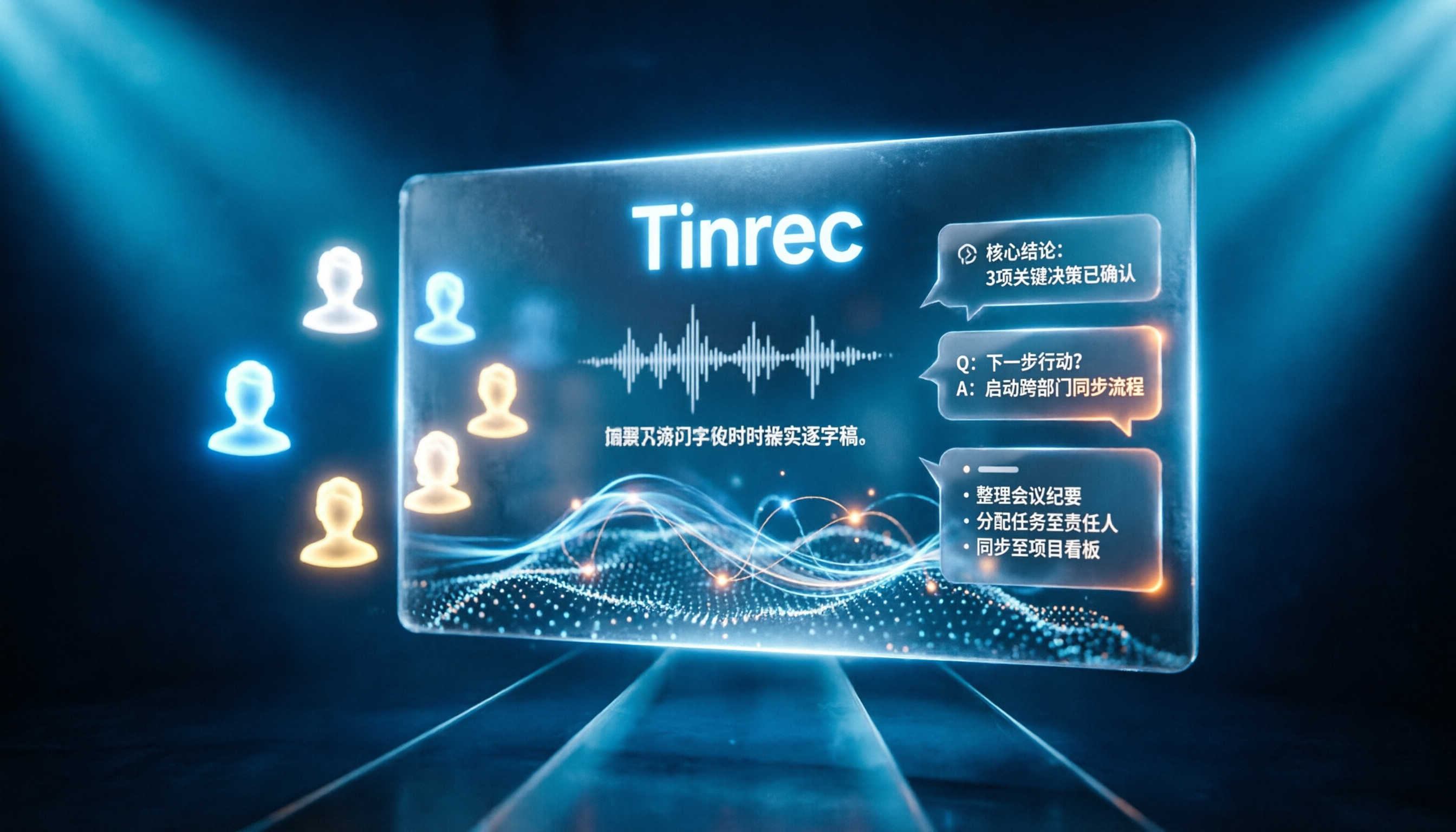
Tinrec vs Notta 2026: 5-Dimension Comparison for Chinese Online Meeting Transcription
Choosing a meeting transcription tool can be tricky. This article compares Tinrec and Notta across 5 dimensions, covering bot-free online meeting recording, real-time transcription, AI summaries and Q&A, action item extraction, and team data retention. It also provides honest pricing and free tier details for Tinrec's personal and team plans to help you decide which fits your meeting rhythm.

4 Meeting Transcription Tools Tested in 2026: Which Online Converter Actually Saves You Cleanup Time?
How do you choose a meeting transcription and online conversion tool? I ran real meeting and interview recordings through four tools' transcription and post-meeting workflows, comparing input sources, AI summaries and Q&A, team collaboration, and pricing, and identified the four most common pitfalls to avoid.
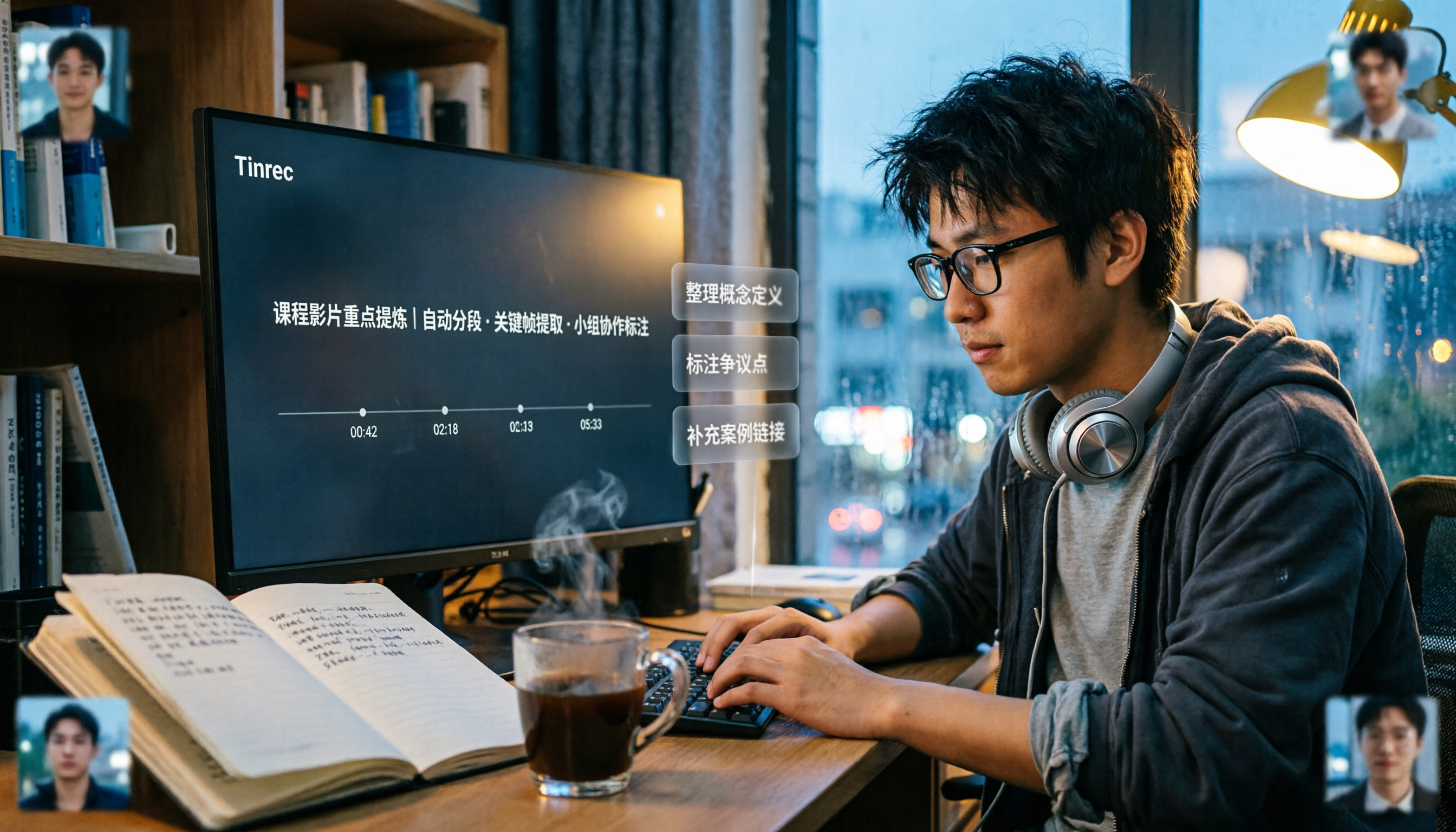
2026 Comparison of 5 Professional Video Summarization Tools: Why Tinrec Is the Top Notta Alternative?
A senior information management student shares real experience from 'throwing subtitles into ChatGPT' to testing Tinrec. This article compares Summarize.tech, WayinVideo, Notta, and Tinrec on Chinese content, videos without subtitles, post-meeting organization, and group collaboration, and summarizes free quotas, single-session length, and plan selection advice that students care about most.

4 Best Audio-to-Text Tools in 2026: Which One Can Generate Meeting Minutes Automatically?
How can you save time with audio-to-text transcription? This article compares Tinrec, Yating Transcription, cSubtitle, and PLAUD Note across three key scenarios: Chinese meetings, online meetings, and post-meeting organization. It also covers purchasing tips, pitfalls to avoid, and scenario-based recommendations.

5 Free Speech-to-Text Options for PC in 2026: A Complete Guide
PC speech-to-text falls into two categories: real-time dictation and post-meeting organization. This guide covers 5 free or free-to-try options in 2026, including Windows built-in voice input, Speechnotes, VoiceIn, Voice Finger, and the free version of Tinrec, with step-by-step instructions, pricing, and FAQs to help you choose the right tool for your needs.

4 iPad Meeting Transcription Tools Tested for 2026: Which Free Version Is Enough?
Using an iPad for meeting notes—should you rely on built-in features or a third-party app for speech-to-text? Based on a student's real-world experience, this comparison covers Tinrec, Apple's built-in Voice Memos, Notta, and PLAUD Note, examining recording sources, post-meeting outputs, Chinese language performance, and free tier limits. It also includes 5 key buying factors and 4 common pitfalls to help you find the most time-saving option.