
Turn recordings into transcripts and summaries in minutes
Upload audio or video for multilingual transcription, AI notes, and action items
Free Legal Document Summarization Tools in 2026: 4 Options Compared
Legal Document Summarization: The Hard Part Isn't the Summary Itself
Many people's first instinct when it comes to legal document summarization is to paste a contract into an AI and get a one-click summary. But once you actually try it, you realize it's not that simple.
Legal documents cover a wide range—from contracts, powers of attorney, and company registration documents to court documents like judgments and subpoenas. Their common traits are formal content, precise wording, and they usually involve rights and obligations. Just reading a 30-page document takes half a day, let alone extracting payment terms, breach liabilities, and follow-up to-dos.
Another common misconception is thinking legal content only exists in paper documents. In practice, much key information is hidden in meetings, interviews, and phone consultations—verbal concessions made during meetings, concerns casually mentioned by clients, often never written into the contract.
If you treat "legal document summarization" as just a text task, you'll miss half the content. This article reviews the free plans of 4 common tools and explains which workflow is best for those who need to organize legal-related content.
Before Choosing a Legal Document Summarization Tool, Understand These 4 Key Points
1. Can it handle audio sources? Legal content rarely appears only in text form. If client consultations, legal meetings, and due diligence interviews can be transcribed and automatically summarized together, you won't have to switch back and forth between listening to recordings and reading documents.
2. How accurate is proper noun recognition? Party names, full company names, legal article numbers, and industry jargon are the most error-prone areas in transcription. Whether there's a custom vocabulary like "hotwords" directly affects how much time you'll spend proofreading afterward.
3. Can the summary be used afterward? A summary that can only be viewed but not edited has limited value. Whether it can further generate chapters, to-dos, Q&A, tables, or even export to Notion or Google Docs for further processing determines how much manual work you'll still need to do.
4. Where is the data stored and who can see it? Legal-related content is usually sensitive. Teams need to be able to assign member roles and permissions, and ideally have usage and activity logs available.
Tinrec — Our Top Pick After Testing
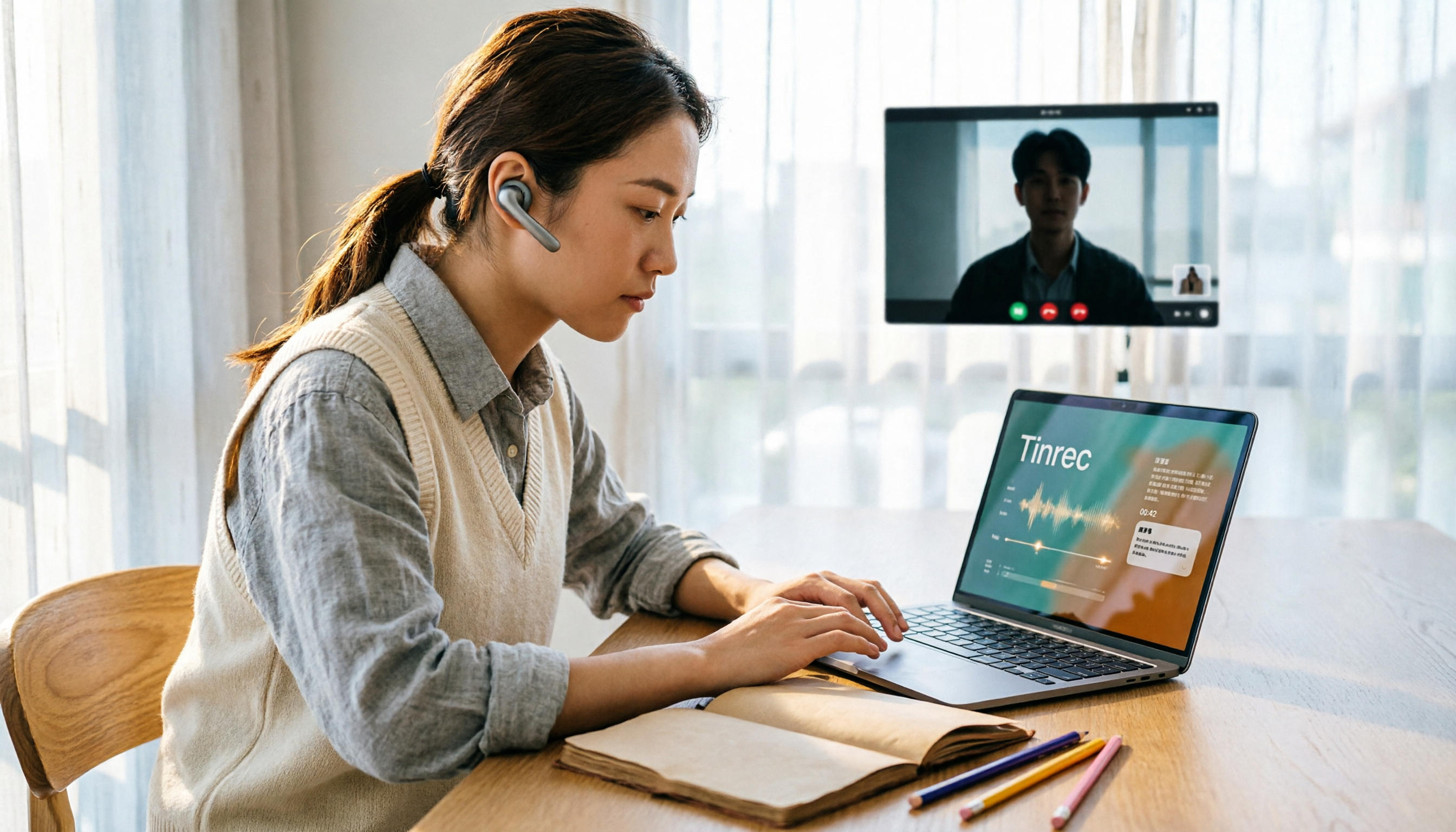
Tinrec is an AI meeting notes and collaboration tool for individuals and teams, offering web, desktop, and mobile versions. The desktop version can handle online meetings on Zoom, Google Meet, Microsoft Teams, Webex, and more.
Record online meetings without a meeting bot. The desktop version directly captures your computer's system audio, so you don't need to invite an extra bot into the meeting room. This is especially practical for external client meetings—no third party appears on the participant list.
Start capturing insights during the meeting. Real-time recording produces a transcript as it goes, and after the meeting, AI automatically generates a summary, chapters, and to-dos, listing who is responsible for what and when it's due. It also supports real-time translation, so cross-language meetings can be viewed in original, translated, or bilingual format.
Keep asking questions after recording. This is where it differs most from ordinary transcription tools: you can directly ask "What concerns did the client have about payment terms in the last meeting?" and it will answer based on semantic understanding, rather than giving you a list of keyword search results. The same content can also be further turned into reports, tables, and documents.
The team version turns it into a team database. Meeting data belongs to the team and is stored centrally in one space. Members can view and reuse historical data; admins can assign or revoke seats, view team usage trends and details, and query and export important activity logs. When a member leaves, is removed, or loses their seat, team resources need to be transferred to other active members and won't disappear with the individual account. The team version also offers team hotwords for maintaining common terminology.
Stop organizing recordings by hand
Upload audio or video and automatically get a transcript, summary, and action items
Pricing and quotas (subject to the official purchase page): The personal version has a free plan, weekly pass, Pro monthly, and Pro annual, choose based on usage frequency. The team version offers a 7-day trial for first-time eligible users, 1 free seat, and 300 minutes of shared team import quota; team monthly is USD 29.80 per paid seat per month, annual is USD 199 per paid seat per year (about USD 16.58 per month), with each paid seat providing 2,000 minutes of shared team import quota per month. Real-time recording currently does not deduct minutes under an active team plan and active seat; file and web imports use the shared team quota.
Note: It processes audio and video content, not for summarizing plain text contracts in PDF or Word. Also, actual transcription quality is affected by recording environment, noise, accents, multiple people speaking simultaneously, and specialized terminology. The official does not recommend promising a fixed accuracy rate—important clauses should still be verified against the transcript timestamps and recording.
Who it's for: People who frequently need meetings, interviews, and client consultations, want to get transcripts, summaries, and to-dos right after the meeting, and need to turn this data into team assets.
Besides Tinrec, What Other Options Are There?
Notta: A multi-platform transcription tool covering meeting notes, file import, translation, and team plans, with good language support. The free plan offers 120 minutes per month, max 3 minutes per session; Pro annual is about USD 8.17 per month, 1,800 minutes per month. However, based on publicly available features, its post-meeting processing focuses on subtitles, translation, and summaries, lacking Tinrec's AI Q&A for follow-up questions about meeting content and team hotword management. If you just need simple transcription and translation, consider it.
TurboScribe: A cost-effective file transcription tool, focused on long files and batch uploads. The free plan allows 3 files per day, max 30 minutes per file; Unlimited annual is USD 120 (about USD 10 per month), and after payment, single files can be up to 10 hours or 5 GB, with up to 50 files uploaded at once. If you have a large number of long recordings to process at once, it has an advantage over Tinrec in this area; but it lacks Tinrec's real-time online meeting recording and team data space.
Otter.ai: A mature choice for English business meetings. Basic free offers 300 minutes per month; Pro annual is about USD 8.49 per user per month, including 1,200 minutes per month and 10 file imports. If almost all your meetings are in English, it's more cost-effective than Tinrec. However, for Chinese meetings, bilingual transcripts, and team hotwords, Tinrec has relative advantages.
Pitfall Guide: The 4 Most Common Mistakes in Legal Document Summarization
Pitfall 1: Thinking one AI summary can replace the original text. Summaries are always compressed, and in legal content, one word can make a difference. The correct approach is to use the summary to quickly grasp the direction, but key clauses, amounts, and dates should still be verified against the transcript or original document.
Pitfall 2: Ignoring proper nouns. Party names, full company names, and legal article numbers are where AI makes the most mistakes. Instead of correcting them one by one afterward, add common terms to a hotword list first.
Pitfall 3: Putting sensitive content into tools without access control. Meeting recordings and client data are sensitive. When choosing a tool, look for role, seat, and activity log features. Also, before recording and transcribing, remember to comply with local regulations and obtain participant consent when necessary.
Pitfall 4: Only taking notes, not creating to-dos. Many meetings end without any action items. If your tool only provides transcripts, you're only using a third of its capability—extracting to-dos is the real endpoint of summarization.
Conclusion: Which One Should You Choose?
- Need Chinese meetings, don't want a bot joining the meeting → Tinrec
- Want to use AI to follow up on meeting highlights, generate to-dos and reports right after recording → Tinrec
- Cross-platform use (record on phone, organize on computer) → Tinrec
- Need to manage members, seats, usage, and activity logs → Tinrec Team
- Want to turn historical meetings into a searchable team database → Tinrec Team
- Have a large number of long audio files, just want batch transcription → TurboScribe (if almost all meetings are in English, consider Otter.ai)
We recommend starting with a free plan. Tinrec's personal version lets you experience the basic workflow of recording, importing, transcribing, and summarizing; the team version offers a 7-day trial for first-time users, 1 free seat, and 300 minutes of shared import quota, enough to run one or two meetings to see the results. Upgrade only if it feels right—no need to pay from the start.
References
Turn every recording into actionable outcomes
Get 60 free transcription minutes when you sign in. No credit card required.
Related Reading
You might also like
2026 Online Meeting Transcription Tools Buying Guide: 4 Hands-On Reviews and Recommendations
How to choose an online meeting recording-to-text tool? This article examines four key aspects: how audio is captured, what you get after the meeting, mixed Chinese-English recognition, and data ownership. It compares Tinrec, Otter.ai, Notta, and PLAUD through hands-on testing, and summarizes common pitfalls and selection advice.
2026 Comparison of 5 Professional Video Summarization Tools: Why Tinrec Is the Top Notta Alternative?
A senior information management student shares real experience from 'throwing subtitles into ChatGPT' to testing Tinrec. This article compares Summarize.tech, WayinVideo, Notta, and Tinrec on Chinese content, videos without subtitles, post-meeting organization, and group collaboration, and summarizes free quotas, single-session length, and plan selection advice that students care about most.

4 Best Audio-to-Text Tools in 2026: Which One Can Generate Meeting Minutes Automatically?
How can you save time with audio-to-text transcription? This article compares Tinrec, Yating Transcription, cSubtitle, and PLAUD Note across three key scenarios: Chinese meetings, online meetings, and post-meeting organization. It also covers purchasing tips, pitfalls to avoid, and scenario-based recommendations.

5 Free Speech-to-Text Options for PC in 2026: A Complete Guide
PC speech-to-text falls into two categories: real-time dictation and post-meeting organization. This guide covers 5 free or free-to-try options in 2026, including Windows built-in voice input, Speechnotes, VoiceIn, Voice Finger, and the free version of Tinrec, with step-by-step instructions, pricing, and FAQs to help you choose the right tool for your needs.

4 iPad Meeting Transcription Tools Tested for 2026: Which Free Version Is Enough?
Using an iPad for meeting notes—should you rely on built-in features or a third-party app for speech-to-text? Based on a student's real-world experience, this comparison covers Tinrec, Apple's built-in Voice Memos, Notta, and PLAUD Note, examining recording sources, post-meeting outputs, Chinese language performance, and free tier limits. It also includes 5 key buying factors and 4 common pitfalls to help you find the most time-saving option.
How to Transcribe iPhone Voice Memos in 2026: Built-in Transcripts + Tinrec AI Summary
Starting with iOS 18, iPhone 12 and later can display transcripts directly in Voice Memos. This guide walks you through enabling the built-in feature in 3 steps, explains device and language limitations, and compares Tinrec, Otter.ai, Notta, and PLAUD from a hands-on perspective. It also covers 4 key buying factors and 3 common pitfalls to help you find the fastest way to turn iPhone recordings into meeting notes.
4 YouTube Video-to-Text Tools Tested for 2026: Which Is Most Useful After the Transcript?
Want to turn your YouTube videos into searchable, quotable transcripts? This article tests and compares four YouTube video-to-text tools—Tinrec, TurboScribe, Notta, and WayinVideo—covering whether they rely on existing captions, AI summaries and Q&A after transcription, timestamps, team sharing, and pricing plans, so you can find the smoothest video-to-text workflow.

4 Tencent Meeting AI Meeting Minutes Tools Tested: Is Built-in Yuanbao Summary Enough?
Tencent Meeting's built-in Yuanbao Summary is convenient but only works within Tencent Meeting. This article addresses mid-level managers' pain points, breaks down 4 key factors for choosing an AI meeting minutes tool, tests Tinrec's bot-free recording and AI Q&A, and compares Yuanbao Summary, tl;dv, and Notta for different scenarios.

Tinrec vs TurboScribe 2026: 5-Dimension Comparison — Which Video-to-Text Workflow Is Easier?
Want to turn your videos, course recordings, or online meetings into text? This article uses Tinrec as an example to demonstrate 5 steps — from extracting audio, generating transcripts, proofreading, creating summaries and to-dos, to exporting and sharing — and covers common questions and alternative tools, so you can master the complete video-to-text workflow at once.