

Turn recordings into transcripts and summaries in minutes
Upload audio or video for multilingual transcription, AI notes, and action items
Why Do You Need to Recognize Text in Images?
You're in a meeting and can't copy the slides fast enough, so you take a photo. Later, you want to type the text from the image into a report, but you have to type it out character by character. Or you receive a scanned PDF contract and want to edit it, only to find it's an image file. These are typical needs for "recognizing text in images."
OCR (Optical Character Recognition) converts text in images into editable, searchable digital text. Simply put, it turns your images from static pictures into content you can copy and paste.
4 Key Points to Check Before Choosing an OCR Tool
1. Recognition Language and Content Type Do you only need Chinese, or a mix of Chinese and English? Will you encounter mathematical formulas? According to sources, imagetotext.me supports multiple languages and mathematical formulas, making it suitable for students and researchers.
2. Free Quota and Limitations Free tools usually have limits on the number of uses or file size. For example, Gaitubao limits you to 5 uses per day and images no larger than 10M. This is fine for occasional use, but for heavy needs you'll need to consider other options.
3. Image Quality and Accuracy Gaitubao's official documentation states about 90% accuracy, but that's assuming clear text. Blurry, low-resolution, or handwritten text will significantly affect results. Don't expect 100% accuracy—always manually proofread important documents.
4. Privacy and File Formats Before uploading contracts or ID documents to online tools, check the privacy policy. If the document is sensitive, consider using offline software or your phone's built-in features.
Summary of 4 Image-to-Text Tools
imagetotext.me Specializes in extracting text from blurry images, supports UNICODE multiple languages, and can recognize mathematical formulas. It uses OCR models like Tesseract, has an intuitive interface, and is suitable for users who need to process low-resolution photos or academic content.
Gaitubao Online OCR Free online text recognition, supports jpg, gif, png, bmp, with a 10M image limit. Official accuracy is about 90%, limited to 5 uses per day. Suitable for occasional emergencies; for heavy recognition you'll need the professional version.
Stop organizing recordings by hand
Upload audio or video and automatically get a transcript, summary, and action items
Google Keep OCR If you often use Google services, you can take a photo or upload an image directly in Google Keep, tap "Grab image text," and convert it to a text file. Works on both phone and computer, great for quickly jotting down lecture slides or book content.
Chenghua OCR Free online OCR that converts scanned paper documents, PDFs, or digital camera images into editable documents. Suitable for handling contracts, magazines, and other paper documents, saving you the time of retyping.
Pitfall Guide: 3 Common Mistakes
Mistake 1: Only looking at free, ignoring usage limits. Some tools only allow a few recognitions per day, which can be a problem when you need to process a lot at once. Check your usage frequency first.
Mistake 2: Uploading sensitive documents. Online OCR requires sending images to a server, so for personal data, contracts, or confidential documents, assess the risks first.
Mistake 3: Assuming OCR is 100% accurate. Blurry images, complex backgrounds, or handwritten text will lower recognition rates. Always proofread the output, especially numbers and proper nouns.
Conclusion: Beyond Image Recognition, Meeting Notes Can Also Be Automated
If you need to process text in images, choose based on the features above: for multiple languages and formulas, choose imagetotext.me; for occasional free emergencies, choose Gaitubao; for quick phone snapshots, choose Google Keep; for scanned documents, choose Chenghua OCR.
But if your real pain point is meeting notes—such as online meetings, interviews, or class recordings—that's a different text recognition need. Tinrec is an AI meeting notes and collaboration tool that supports real-time audio-to-text, bot-free online meeting recording, AI summaries, action item extraction, and team spaces. It doesn't handle image OCR, but it can turn meeting recordings into searchable, queryable data. Suitable for professionals who frequently attend meetings and need post-meeting organization and team collaboration.
Simply put, for image-to-text, rely on OCR; for meeting-to-text, consider Tinrec. Clarify your needs first, then choose the right tool.
References
- Image to Text - Scan Image Files to Text Files
- Online Image to Text | Free Online Text Recognition | Online OCR Software - Gaitubao
- Useful Cloud Tools - Online OCR Graphic Character Recognition
- Easily Extract Image Text with Google Keep OCR Text Recognition
- Chenghua OCR - Image to Text - Free Online OCR
Turn every recording into actionable outcomes
Get 60 free transcription minutes when you sign in. No credit card required.
Related Reading
You might also like
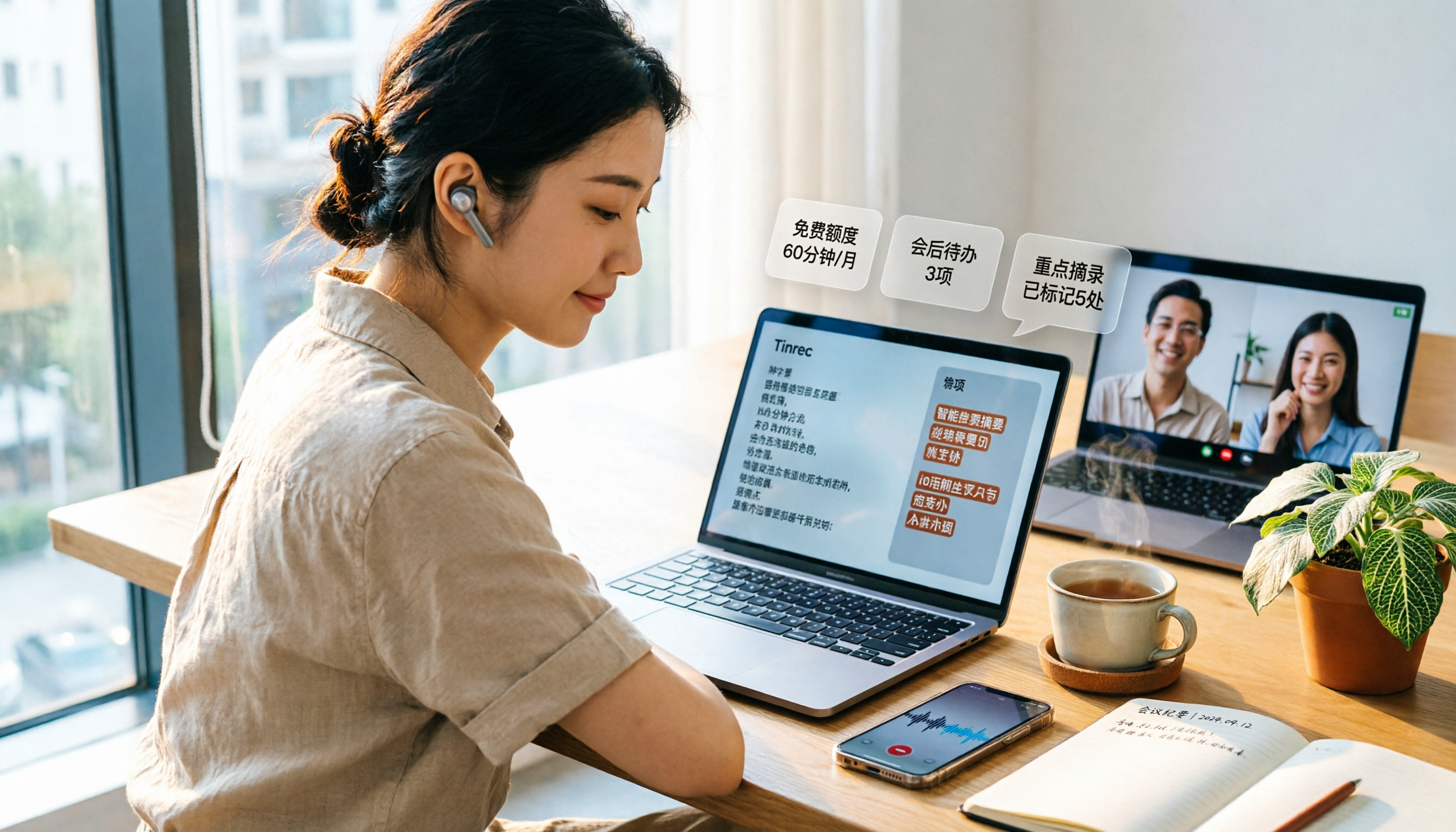
3 Free Audio-to-Text Tools Tested and Compared in 2026: Is the Free Tier Enough?
How do you choose a free audio-to-text tool? This article examines four key aspects: the unit of the free quota, Chinese recognition, post-meeting organization capabilities, and online meeting support. It compares the free plans of Tinrec, Notta, Otter.ai, and TurboScribe, and highlights the three most common pitfalls to help you find the one that truly meets your needs.

How to Choose a Free AI Transcription Tool in 2026: 5 Steps from Recording to Meeting Minutes
Starting from a mid-level manager's real meeting scenarios, this article breaks down the four key factors for choosing a free AI transcription tool, tests Tinrec's 5-step workflow, compares it with Notta, Otter.ai, and MyEdit, and includes pitfalls to avoid—helping you pick a tool that truly works after the meeting.

3 AI Meeting Note Apps Tested in 2026: Why Huawei Users Ultimately Chose Tinrec
From the perspective of a mid-level manager, this article analyzes the search intent behind "Huawei AI meeting notes" and uses Tinrec as an example to explain how AI meeting notes can automatically generate transcripts, summaries, and action items, and how these can be stored in a team space as searchable, collaborative data. It includes features, use cases, buying advice, and FAQs.

2026 AI Audio-to-Text Showdown: Tinrec vs PLAUD Note — Which Is Better for Chinese Meetings?
We compare Tinrec and PLAUD Note across meeting capture, Chinese-language experience, post-meeting workflow, team collaboration, and pricing to help you decide which AI audio-to-text tool fits your needs.

2026 Comparison of 4 Meeting Minutes Tools: Which One Actually Saves You Post-Meeting Time?
With 15 meetings a week and notes to organize after each one, a mid-level manager tests 4 meeting minutes tools, comparing audio transcription, post-meeting summaries and action items, AI Q&A, team sharing, and quotas. Includes 4 common pitfalls and selection advice to help you find the one that truly saves post-meeting time.
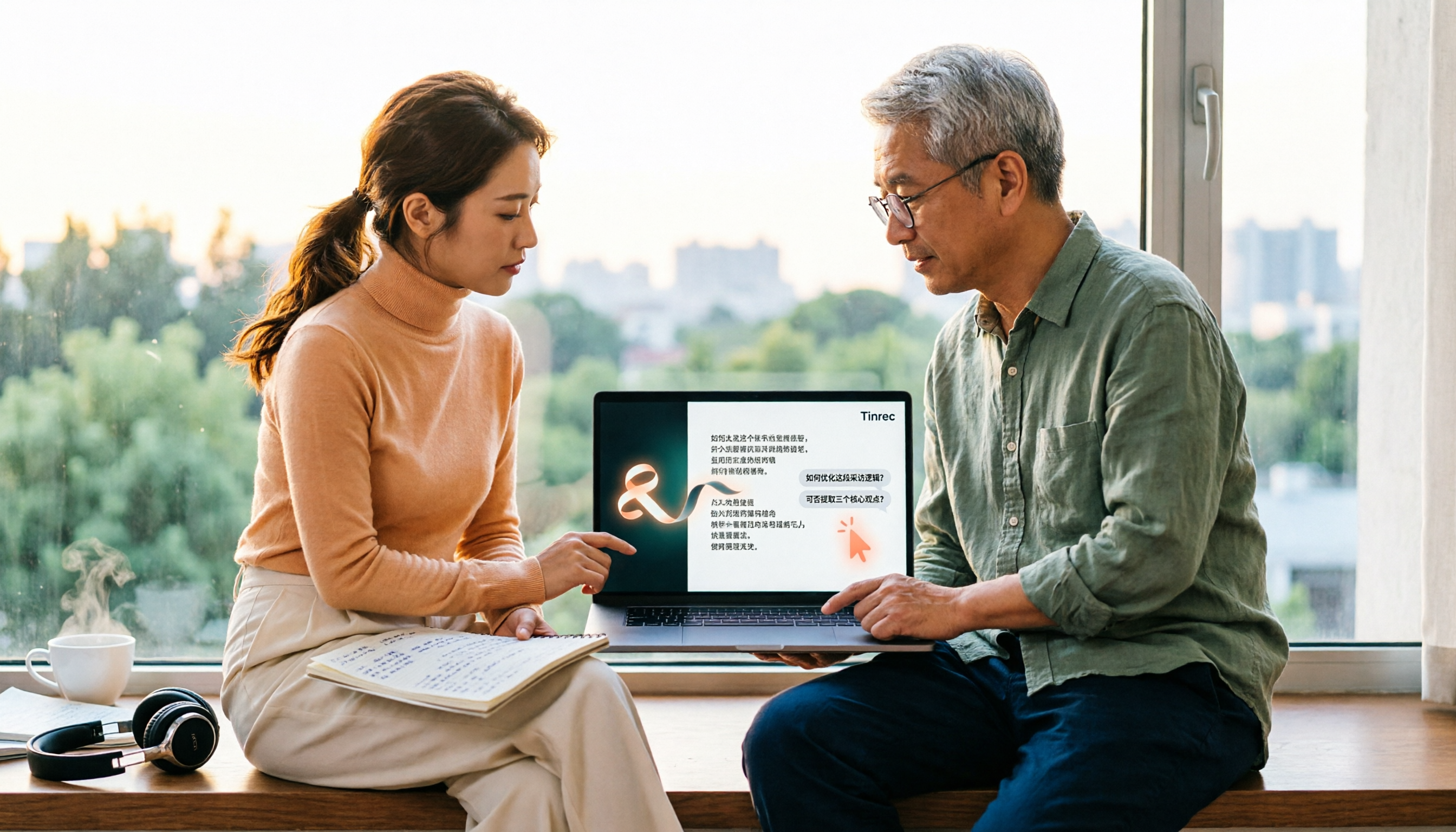
2026 Comparison of 2 Online YouTube Video Analysis Tools: From Video Link to Transcript Organization
Many people think YouTube video analysis means finding a website to download videos, but the real need is turning video content into searchable, organizable data. This article starts from common misconceptions and compares Tinrec and Notta across 5 dimensions: video link import, Chinese transcription, AI Q&A, team collaboration, and export workflows, helping you find a more suitable video analysis and transcript organization solution.
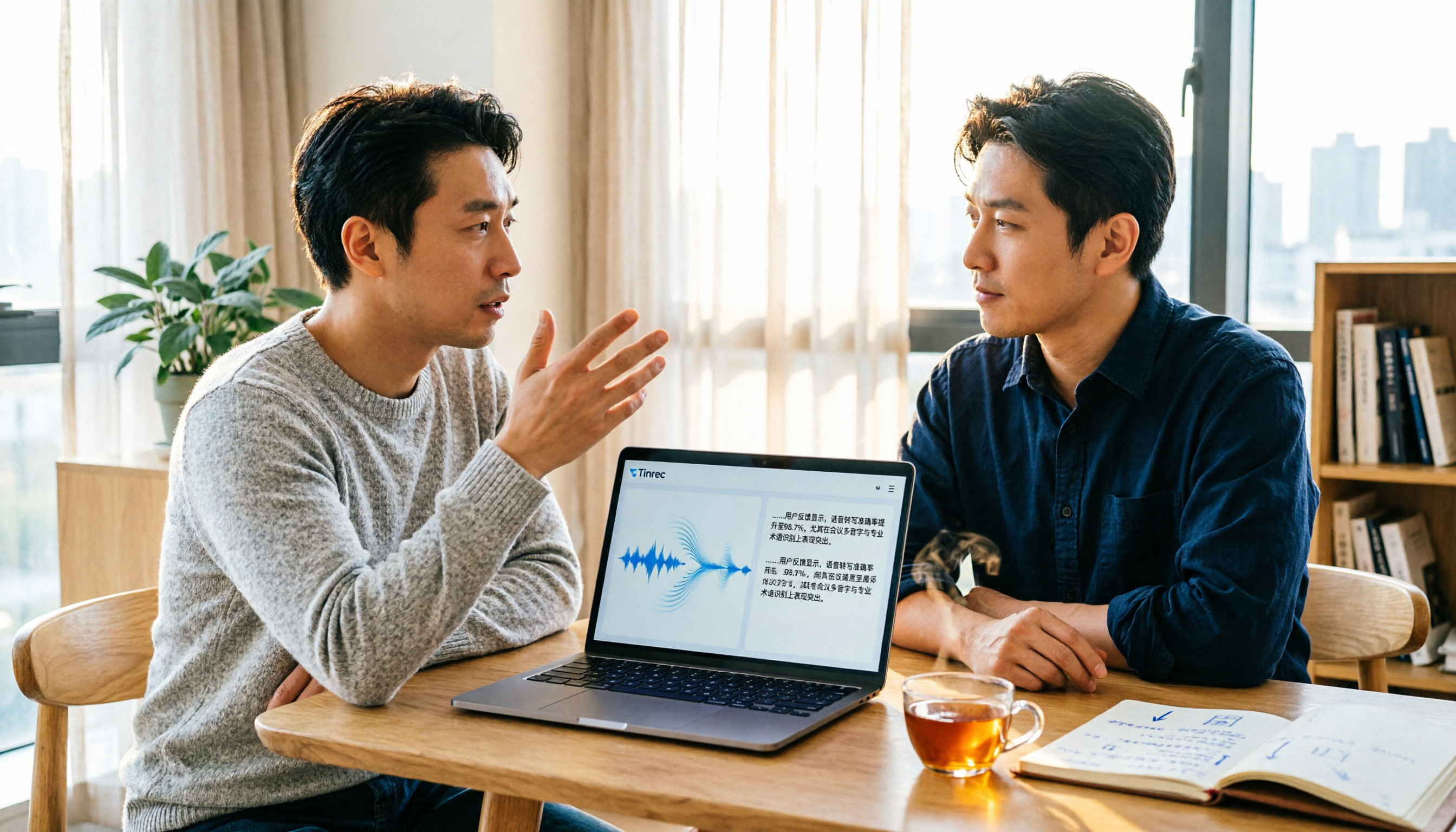
2026 Video and Audio Transcription Tools Buying Guide: 2 Tested Picks and Recommendations
When converting videos, interviews, or meeting notes to text, the first thing to determine is: are you dealing with a pre-recorded video file or a live meeting? This article compares two solutions, Tinrec and PLAUD Note, across six dimensions: video and audio input, Chinese recognition, post-transcription processing, audio file storage, team collaboration, and upfront cost, to help you decide which one better fits your use case.
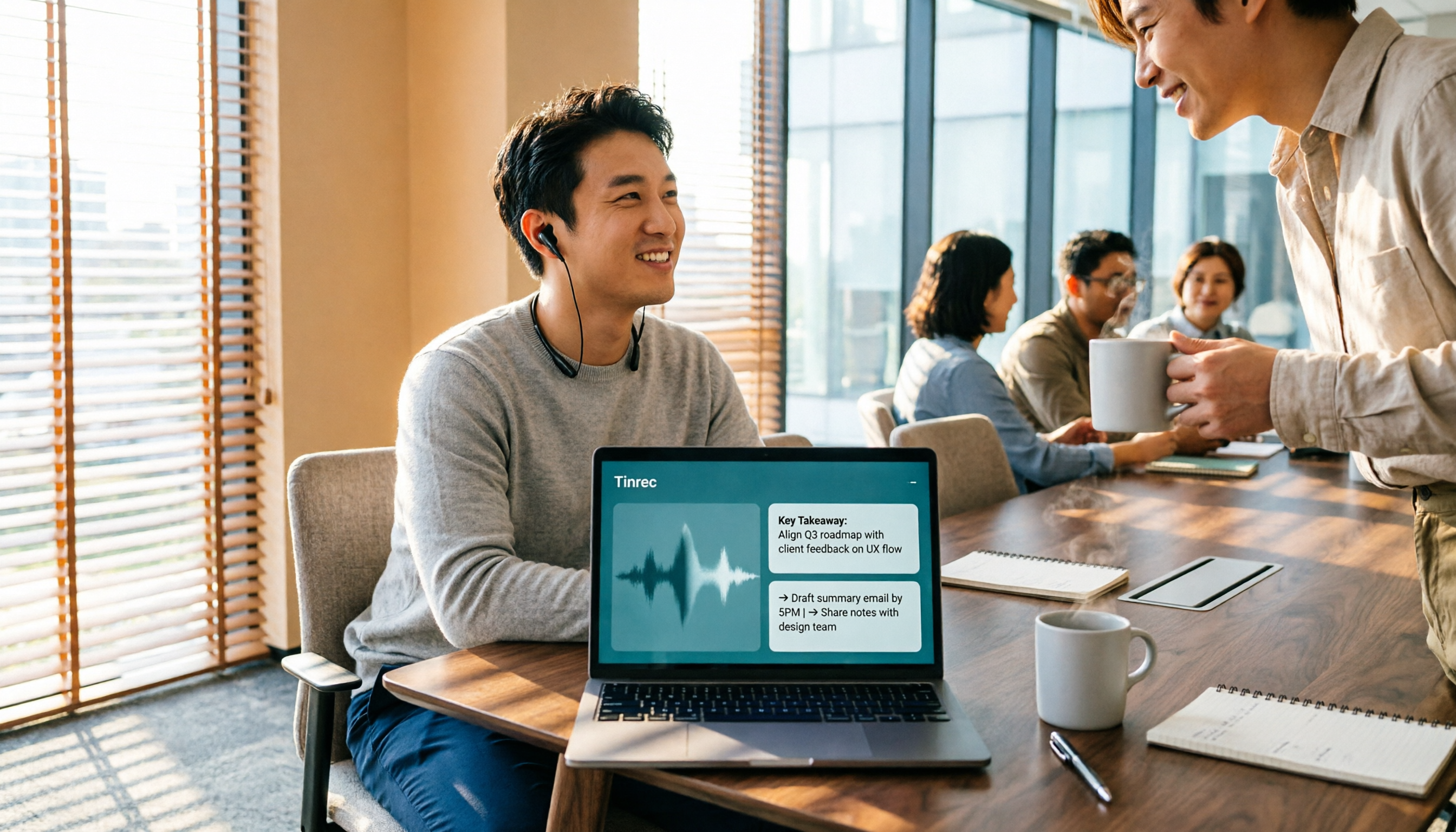
4 Voice-to-Meeting-Minutes Tools Tested for 2026: Is the Free Version Enough? Which Saves the Most Time After Meetings?
After a meeting, spending time organizing minutes is a daily pain point for most office workers. This article compares four voice-to-meeting-minutes tools: Tinrec, Otter.ai, Notta, and PLAUD. It covers recognition scenarios, post-meeting summaries and action items, online meeting recording methods, team data ownership, and free version limitations, with key tips to avoid pitfalls when choosing a tool.
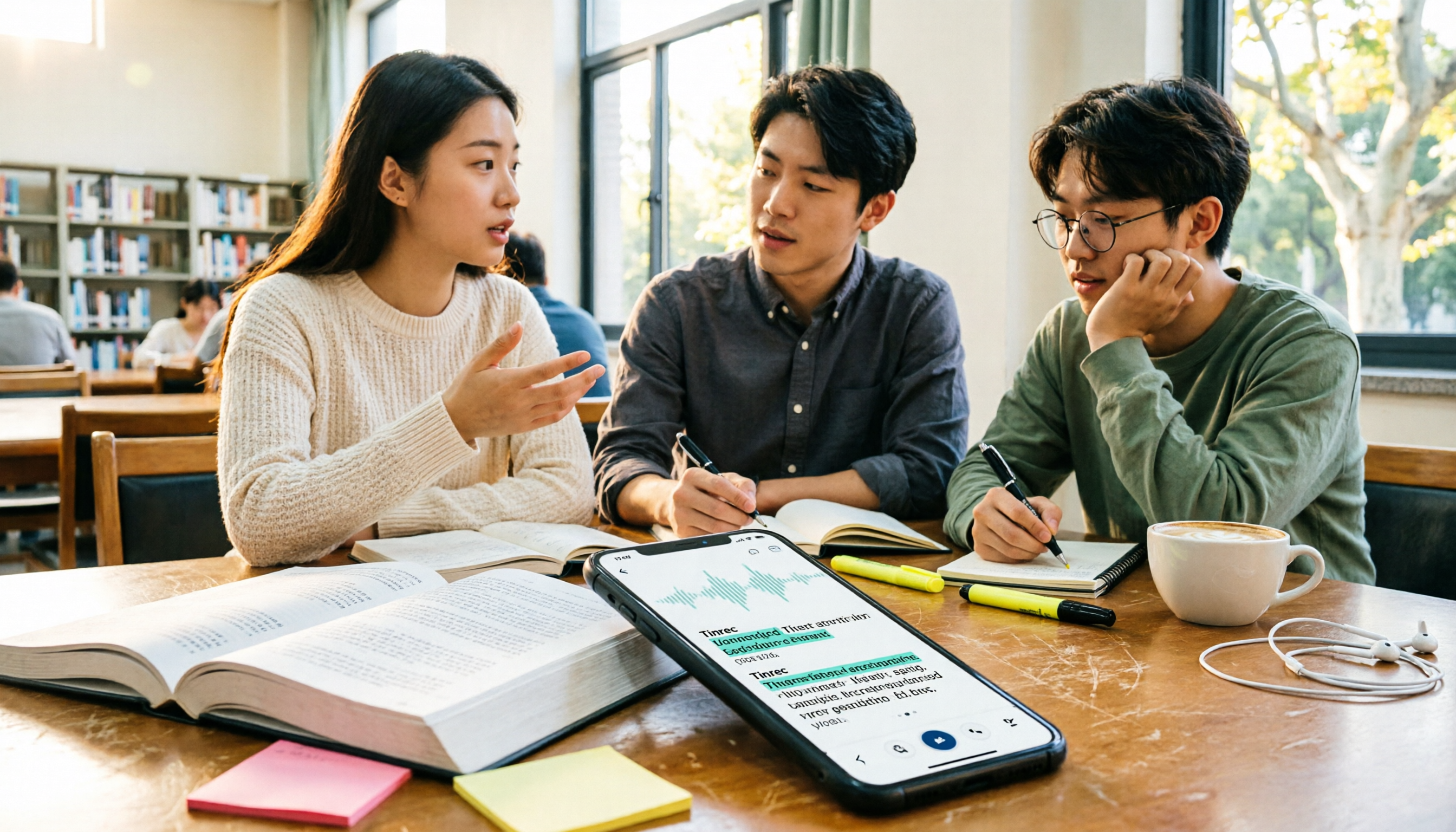
4 iPhone Audio-to-Text Methods Tested in 2026: Is the Built-in Free Option Enough, or Does Tinrec Save More Time?
iPhone's built-in Voice Memos and Notes apps can already turn recordings into transcripts, but what happens after? This article starts from real student scenarios—lectures, group discussions, and finals review—and tests 4 iPhone audio-to-text methods, covering key buying factors, common pitfalls, and the best choice for students.