

Turn recordings into transcripts and summaries in minutes
Upload audio or video for multilingual transcription, AI notes, and action items
How to Choose a Free AI Transcription Tool in 2026: 5 Steps from Recording to Meeting Minutes
Let me ask you a question first: if you make "free" your top criterion for choosing a tool, what is the real cost you end up paying? I lead a team of 10 and have about 15 meetings a week. I started searching for tools with the keyword "free AI transcription" too, and the first three tools I tried were all cut on the day their trial quota ran out. Later I realized that the real difference between free tools isn't "how many minutes they give you," but "what you have in hand after the free part ends." This article lays out my own order of judgment: first look at the structure of the free quota, then see whether the output can be used directly, and only then look at price.
The overtime starts after the meeting ends—what you need isn't a tool, but a post-meeting workflow
I once calculated that for a 60-minute project meeting, organizing decisions and to-dos afterward takes about another 40 minutes. With 15 meetings a week, that means half my working hours aren't spent in meetings—they're spent "dealing with the aftermath of meetings."
Scenario one: my boss asks in the weekly meeting, "What was the conclusion from that client discussion last time?" I flip through my notebook for three minutes and can't find it, so I can only say, "Let me confirm and get back to you"—that three minutes of silence is worse than being scolded.
Scenario two: I verbally assign something to a colleague in the hallway, then ask about progress two days later, and they say, "I thought that was for next week." Without a record, there's no consensus, and in the end I'm chasing my own memory.
Scenario three: I recorded a cross-department coordination meeting and wanted to go back and confirm who committed to what, but just fast-forwarding through that 50-minute recording to find the key points took another hour.
The common thread in these three scenarios is: the pain isn't "no recording," it's "not turning the recording into something usable." Choosing the right tool can solve this part, but only if you know what to look for.
Before choosing a free AI transcription tool, understand these 4 key points
First, what is the "unit" of the free quota? Some tools give you the first 3 minutes of each audio/video file, some give daily credits, and some give a fixed number of minutes per month. These three are very different for someone who has meetings every day—what the first 3 minutes tests is "whether it understands Chinese," not "whether it can help you organize a one-hour meeting." First confirm which tier your meeting length falls into.
Second, what do you get after transcription? Getting only a transcript versus getting a transcript plus summary, chapters, and to-dos are two completely different workloads. With the former, you still have to read 8,000 words yourself; with the latter, you can move on to the next thing in 3 minutes.
Third, actual performance with Chinese and mixed Chinese-English. Meetings in Taiwan almost always mix Chinese with English words, plus product codes and department abbreviations. Processing this kind of content with a pure English model easily turns into gibberish. Whether you can customize team-specific terminology is also a difference.
Fourth, how online meetings are recorded. One way is to send a "meeting bot" to join as a participant, and the other is to capture system audio directly from your computer. The former is often not allowed in client meetings, interviews, or external vendor meetings—just "an unfamiliar account on the list" can make things awkward.
Tinrec—the one my team kept after testing
Tinrec is an AI meeting notes and collaboration tool for individuals and teams, covering iOS, Android, and web. It doesn't just turn sound into text; it turns meeting content into data that can be searched, queried, and delivered.
My team currently runs these 5 steps:
Step 1: Record. For online meetings, use the desktop version to capture computer system audio directly, handling Zoom, Google Meet, Microsoft Teams, Webex, and others without pulling a meeting bot in. For offline meetings, interviews, or impromptu discussions, just start recording with the mobile app.
Step 2: Transcribe. The transcript appears while recording; before the meeting ends, the text is already running on the screen. For cross-language meetings, you can turn on real-time translation and switch between original, translated, or bilingual view.
Step 3: Organize. After the meeting ends, AI automatically generates a summary, chapters, key points, and to-dos. Who is responsible for what and what the deadlines are—no need to listen back sentence by sentence.
Step 4: Ask questions. This is the part I find most critical and the one least done by competitors. After recording, you can directly ask it: "Who brought up the budget matter last quarter?" "What did the client say about the delivery date?" It doesn't dump a bunch of keyword search results on you; it answers based on the meeting content. This is the step I use most before reporting to my boss.
Stop organizing recordings by hand
Upload audio or video and automatically get a transcript, summary, and action items
Step 5: Deliver. Export to Notion, Google Docs, OneNote, Dropbox, and other tools for further work, or directly generate meeting minutes, reports, tables, and documents. For the same meeting, you don't need to switch between three software programs from recording to delivery.
Why I ultimately kept it: First, bot-free recording means no awkward third party in client meetings; second, after the meeting it's not just a transcript—summary, to-dos, and Q&A are all there at once; third, it's cross-platform, so I can record on my phone in the morning and organize on my computer in the afternoon, with all data in the same place.
Honestly, its limitations: The free version provides a basic quota, and if you have meetings every day like me, you'll definitely need a paid plan; also, recognition and summarization are still affected by recording quality, accents, people talking over each other, and technical terminology. For content involving numbers, amounts, or contract terms, I still go back and check the transcript and recording.
Who it's for: People who frequently handle Chinese or mixed Chinese-English meetings, don't want a bot joining online meetings, and want to capture key points right after recording.
If it's for team use: The team version isn't "multiple people sharing one account," but an independent team space where meeting data belongs to the team and won't be taken away wholesale when members leave. On the management side, there are roles, seats, usage analytics, and audit logs, plus team hotwords to maintain internal terminology, and an audio recycle bin (retained for 30 days, recoverable before permanent cleanup). Currently, the first eligible team trial is 7 days, 1 free seat, and 300 minutes of team shared import quota; paid seats are USD 29.80/seat/month monthly, or USD 199/seat/year annually (about USD 16.58/month), with each paid seat providing 2,000 minutes of team shared import quota per month. Under a valid team plan and valid seat, real-time recording currently does not deduct by minutes. Prices and benefits may change; before purchasing, please refer to the official purchase page.
Besides Tinrec, what other options are there?
Notta: A multilingual transcription and meeting notes tool with a clear interface and broad language support. Note that the free version gives 120 minutes per month, and each single item is at most 3 minutes—a 30-minute meeting would have to be split into ten parts. It's suitable for people who mainly "upload files for transcription." As for online meetings, Tinrec's desktop version can capture system audio directly for real-time transcription without letting a bot join the meeting.
Otter.ai: The top choice for English meetings. The Basic free version gives 300 minutes per month, which is quite generous. If you mainly record English business meetings, it is indeed a more cost-effective choice than Tinrec—this is the only exception I genuinely recommend in this article. But its Chinese meeting experience is not as good as English, while Tinrec is closer to the actual meeting environment in Taiwan in Chinese, mixed Chinese-English, real-time translation, and team hotwords.
MyEdit: An online speech-to-text tool. After logging in, you can use daily credits to transcribe for free. It supports 9 languages and can export plain text or subtitle files, making it convenient for subtitles and organizing a single recording file. However, based on the official page description, it focuses on file-to-text and subtitle output, without bot-free recording for live meetings, and without AI Q&A that lets you "ask questions directly about meeting content after recording." The main work still has to be organized by yourself.
Pitfall guide: the 4 most common mistakes when choosing a free AI transcription tool
Pitfall 1: Only looking at the word "free" without checking how the quota is calculated. The first 3 minutes of each file, daily credits, and a fixed monthly minute count are three completely different things. Test with your longest meeting and you'll know at once whether it's enough.
Pitfall 2: Thinking the transcript is the end. The transcript is just raw material. What really eats your time is "finding three to-dos in ten thousand words." When choosing a tool, ask directly: Does it automatically provide a summary and to-dos? Can it answer questions about the content?
Pitfall 3: Ignoring how online meetings are recorded. If a tool can only join meetings via a bot, it will get stuck with clients or external vendors. Being able to record directly from computer system audio is much more flexible in practice.
Pitfall 4: Forgetting legality and consent. Notifying participants and getting consent before recording is basic practice. Also, where meeting data is stored and who can view it should be thought through before adoption, especially when a team will use it together.
Conclusion: Which one should you actually choose?
To sum up in one sentence: When choosing a free AI transcription tool, look not at how many minutes it gives you, but at how much post-meeting work time it saves you.
- Chinese or mixed Chinese-English meetings, and you don't want a bot in the meeting → Tinrec
- You want to use AI to ask questions and find key points right after recording, and need summaries and to-dos → Tinrec
- You need to continue using it across phone, computer, and web → Tinrec
- Your team wants to accumulate historical meetings and manage seats and usage → Tinrec team version
- You mainly record English business meetings and have zero budget → Otter.ai
- You only occasionally turn a single file into subtitles → online transcription tools like MyEdit
I suggest first using the free quota to run your hardest recording—preferably one with mixed Chinese-English and people talking over each other. After running it, see whether what it gives you is a version you'd be willing to present directly. If yes, then talk about paying; if not, switch to the next one. Don't rush to swipe your card.
References
- No time limit! 3 free AI transcript tools, highly recommended! AI voice notes generate meeting minutes, presentations, mind maps | 104 Workplace Power
- Online AI speech, video, audio file automatic transcription - free trial - cSubtitle
- Audio to text - free speech-to-text tool
- Tested 4 of the best "speech-to-text" online tools, free and instant audio-to-transcript
- Online speech-to-text AI, free MP3 or audio file to text transcript - MyEdit
Turn every recording into actionable outcomes
Get 60 free transcription minutes when you sign in. No credit card required.
Related Reading
You might also like
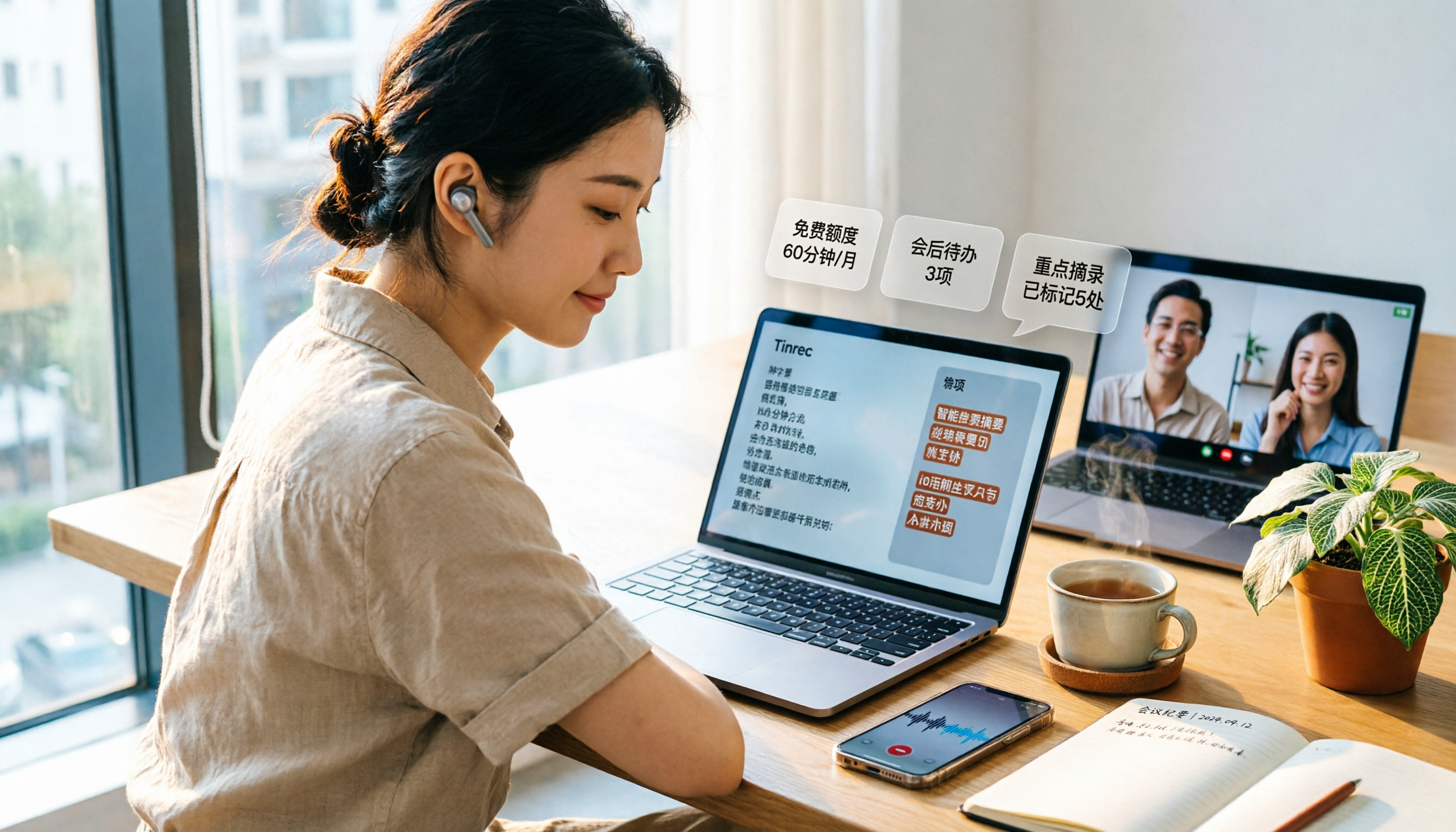
3 Free Audio-to-Text Tools Tested and Compared in 2026: Is the Free Tier Enough?
How do you choose a free audio-to-text tool? This article examines four key aspects: the unit of the free quota, Chinese recognition, post-meeting organization capabilities, and online meeting support. It compares the free plans of Tinrec, Notta, Otter.ai, and TurboScribe, and highlights the three most common pitfalls to help you find the one that truly meets your needs.

4 Image-to-Text OCR Tools Compared in 2026: How to Choose Between Free OCR and Tinrec for Meeting Notes
A guide to key considerations for choosing image-to-text (OCR) tools, comparing imagetotext.me, Gaitubao, Google Keep, and Chenghua OCR, plus when to use Tinrec for meeting transcription.

3 AI Meeting Note Apps Tested in 2026: Why Huawei Users Ultimately Chose Tinrec
From the perspective of a mid-level manager, this article analyzes the search intent behind "Huawei AI meeting notes" and uses Tinrec as an example to explain how AI meeting notes can automatically generate transcripts, summaries, and action items, and how these can be stored in a team space as searchable, collaborative data. It includes features, use cases, buying advice, and FAQs.

2026 AI Audio-to-Text Showdown: Tinrec vs PLAUD Note — Which Is Better for Chinese Meetings?
We compare Tinrec and PLAUD Note across meeting capture, Chinese-language experience, post-meeting workflow, team collaboration, and pricing to help you decide which AI audio-to-text tool fits your needs.

2026 Comparison of 4 Meeting Minutes Tools: Which One Actually Saves You Post-Meeting Time?
With 15 meetings a week and notes to organize after each one, a mid-level manager tests 4 meeting minutes tools, comparing audio transcription, post-meeting summaries and action items, AI Q&A, team sharing, and quotas. Includes 4 common pitfalls and selection advice to help you find the one that truly saves post-meeting time.

2026 Comparison of 2 Online YouTube Video Analysis Tools: From Video Link to Transcript Organization
Many people think YouTube video analysis means finding a website to download videos, but the real need is turning video content into searchable, organizable data. This article starts from common misconceptions and compares Tinrec and Notta across 5 dimensions: video link import, Chinese transcription, AI Q&A, team collaboration, and export workflows, helping you find a more suitable video analysis and transcript organization solution.
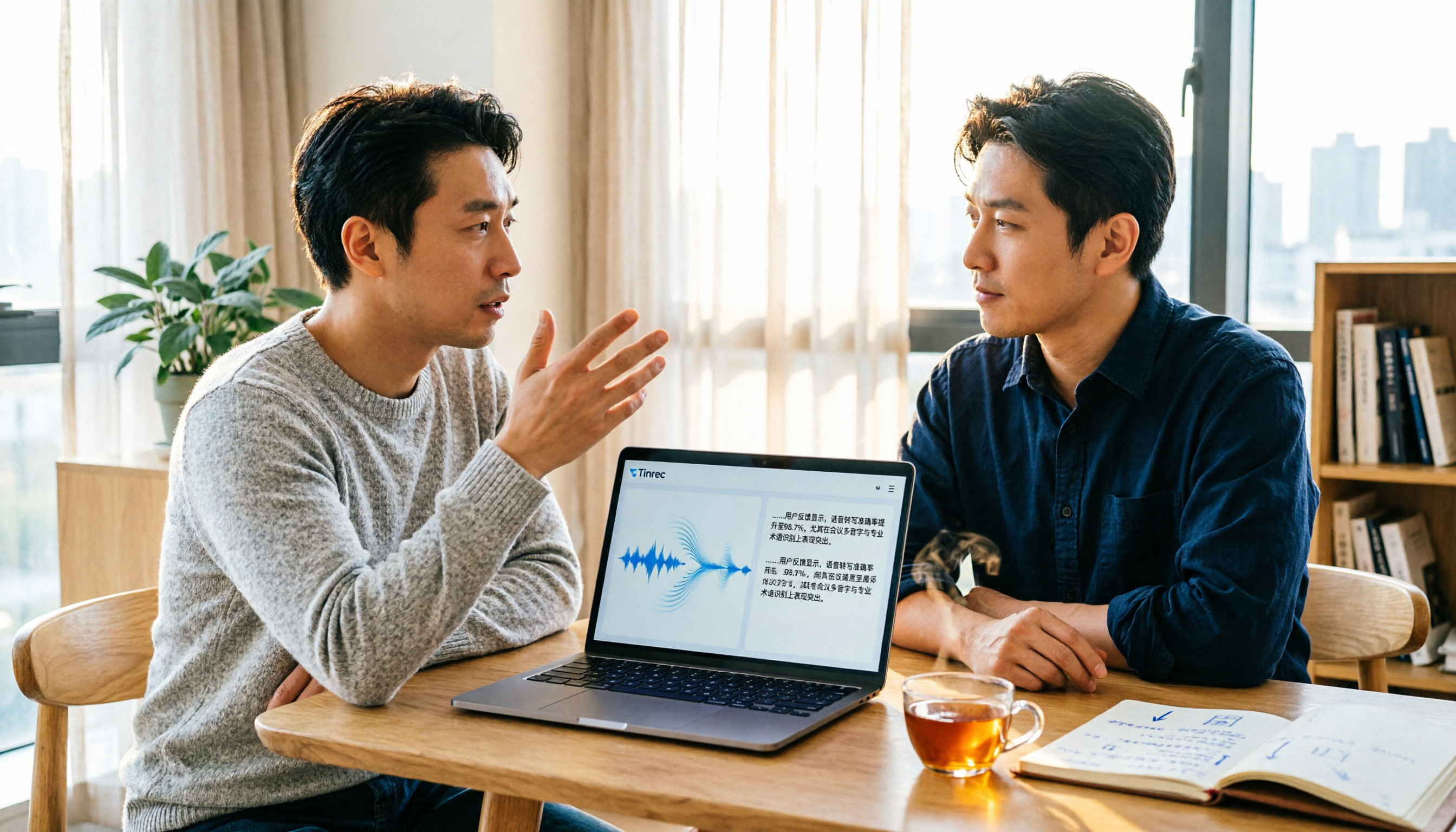
2026 Video and Audio Transcription Tools Buying Guide: 2 Tested Picks and Recommendations
When converting videos, interviews, or meeting notes to text, the first thing to determine is: are you dealing with a pre-recorded video file or a live meeting? This article compares two solutions, Tinrec and PLAUD Note, across six dimensions: video and audio input, Chinese recognition, post-transcription processing, audio file storage, team collaboration, and upfront cost, to help you decide which one better fits your use case.
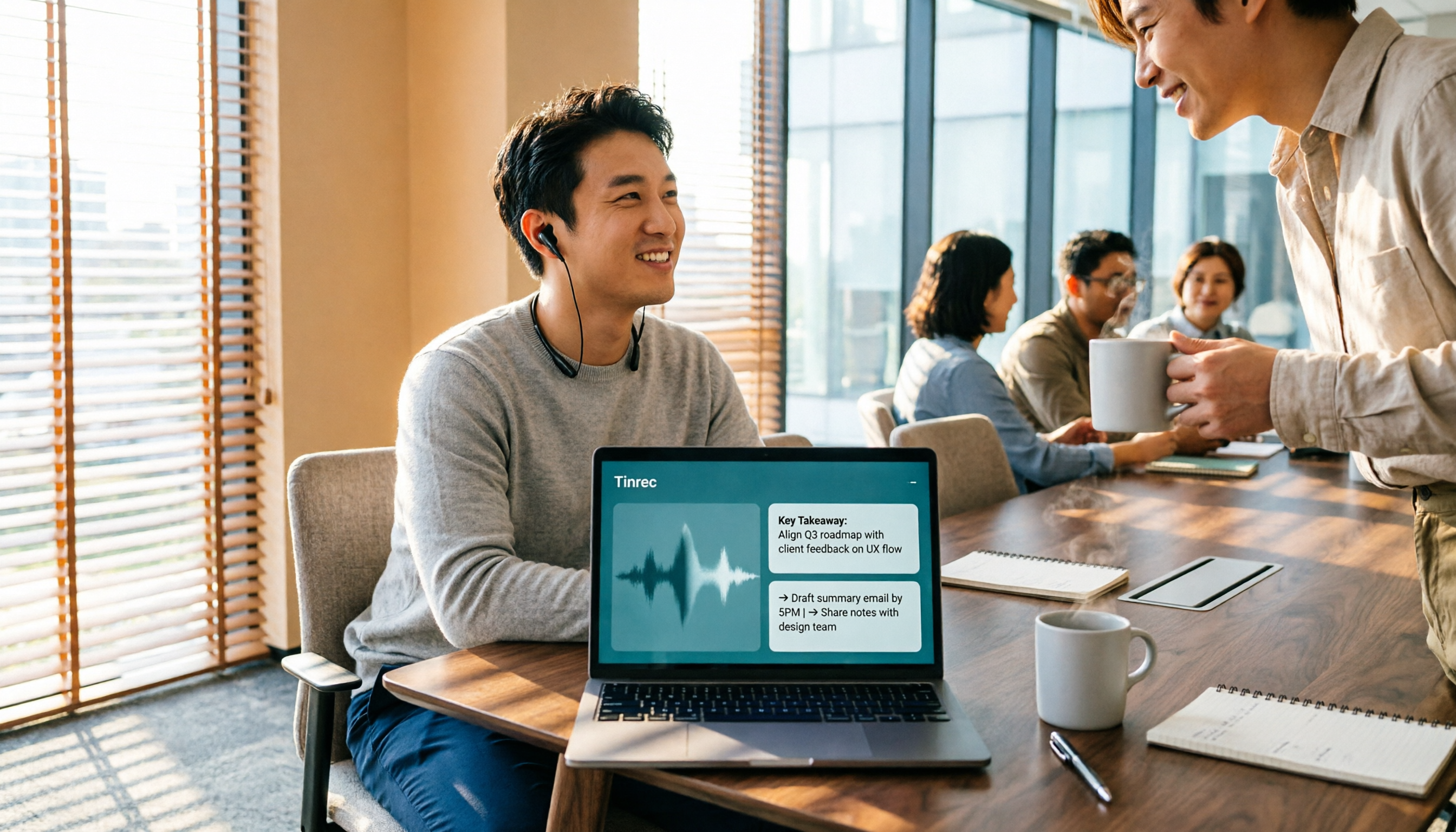
4 Voice-to-Meeting-Minutes Tools Tested for 2026: Is the Free Version Enough? Which Saves the Most Time After Meetings?
After a meeting, spending time organizing minutes is a daily pain point for most office workers. This article compares four voice-to-meeting-minutes tools: Tinrec, Otter.ai, Notta, and PLAUD. It covers recognition scenarios, post-meeting summaries and action items, online meeting recording methods, team data ownership, and free version limitations, with key tips to avoid pitfalls when choosing a tool.

4 iPhone Audio-to-Text Methods Tested in 2026: Is the Built-in Free Option Enough, or Does Tinrec Save More Time?
iPhone's built-in Voice Memos and Notes apps can already turn recordings into transcripts, but what happens after? This article starts from real student scenarios—lectures, group discussions, and finals review—and tests 4 iPhone audio-to-text methods, covering key buying factors, common pitfalls, and the best choice for students.