
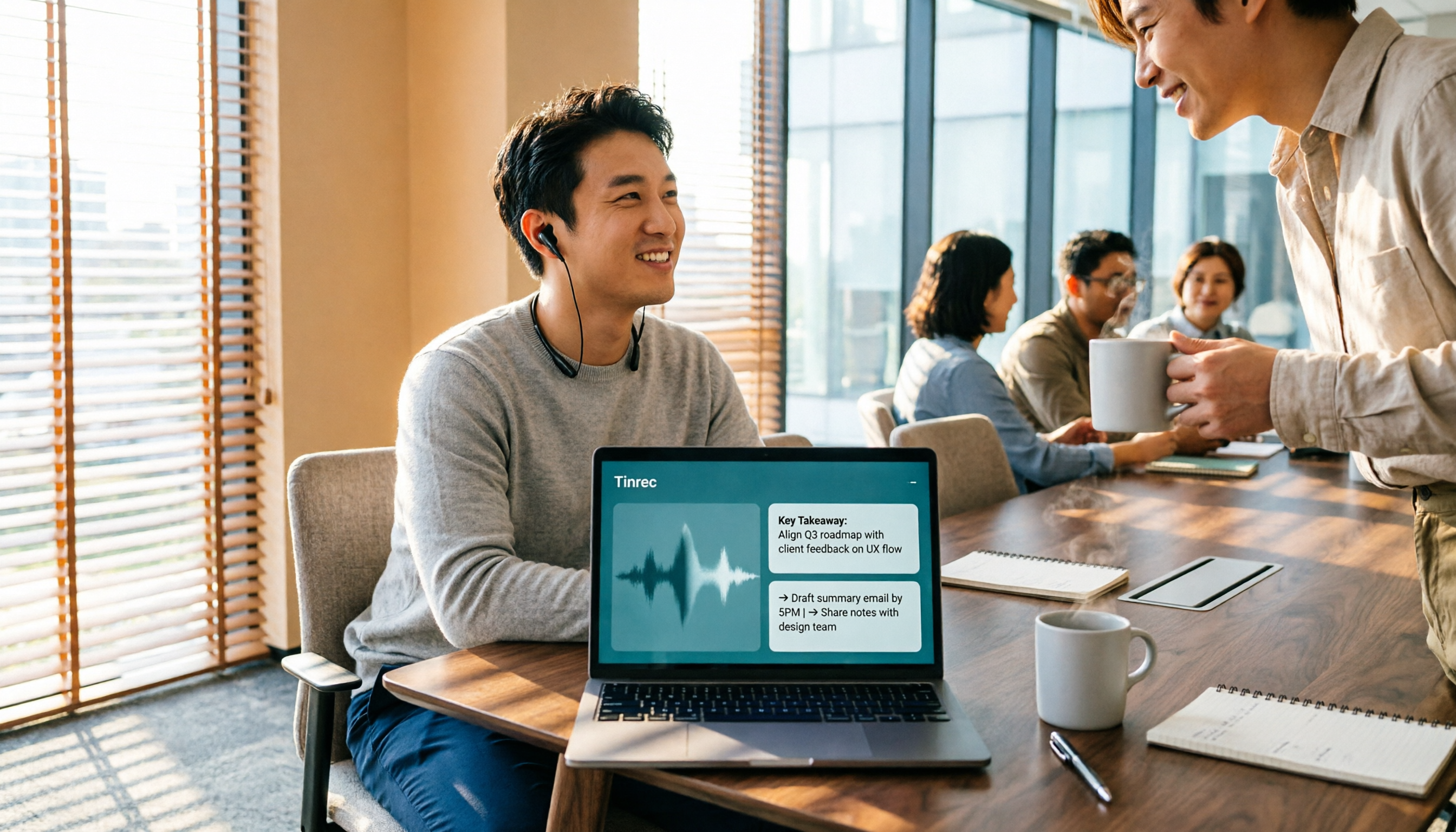
Turn recordings into transcripts and summaries in minutes
Upload audio or video for multilingual transcription, AI notes, and action items
4 Voice-to-Meeting-Minutes Tools Tested for 2026: Is the Free Version Enough? Which Saves the Most Time After Meetings?
The Real Nightmare Begins After the Meeting: Most People Get Stuck in Three Misconceptions
After a meeting, when your boss says, "Please put together the meeting minutes," many people end up losing their entire evening.
The first misconception is thinking that "having a recording means having a record." The recording itself can't be searched or cited; just listening to a three-hour meeting takes three hours.
The second misconception is assuming that throwing the recording into a speech-to-text tool means you're done. In reality, you just get a long, flat transcript of thousands of words, and you still have to figure out which part is the conclusion and which sentence is an action item.
The third misconception is picking any free tool and using it. As a result, Chinese recognition is unstable, speakers can't be distinguished, and technical terms all become typos—so you end up retyping everything yourself.
This article isn't about picking the "strongest tool," but about returning to your real need: meeting minutes that you can directly use and that can track actions. Below is a summary of my hands-on experience.
Before Choosing a Voice-to-Meeting-Minutes Tool, Think Through These 4 Things
1. Recognition Quality Depends on Your Real Scenario
Every company claims their recognition is accurate, but in a real meeting room with air conditioning noise, keyboard sounds, and multiple people talking over each other, performance can be very different from a quiet environment.
My advice is to test with your own recordings. Especially whether keywords like names, company names, and product names can be recognized correctly—that's more meaningful than official numbers.
2. Do You Just Want a Transcript, or Minutes You Can Use Directly?
If you just want to "turn sound into text," many tools on the market can do that.
But if you want summaries, chapters, action item lists, or even the ability to ask questions about the meeting content (e.g., "Who mentioned the budget in the last meeting?"), then the gap between tools becomes obvious.
3. How to Record Online Meetings—This Is Often Overlooked
Many meeting tools rely on a "meeting bot" joining the meeting to record. The advantage is automation; the downside is that there's an extra participant in the meeting room.
Another approach is to use a desktop app to directly capture the computer's system audio, without adding an extra participant. If you often meet with external clients, this is worth confirming first.
4. Is the Free Quota Enough, and Who Ultimately Owns the Data?
Almost all free versions have quota limits; the key is whether "your usage frequency" matches.
If it's for team use, you also need to think one level deeper: do these meeting data stay in individual accounts, or can they become shared team assets?
Tinrec—The One I Most Want to Recommend After Testing
Tinrec is an AI meeting notes and collaboration tool designed for individuals and teams, available on web, desktop, and mobile.
It doesn't just convert sound to text; it organizes meeting content into data that can be searched, queried, and further processed.
During the Meeting: No Need to Invite a Meeting Bot
Tinrec's desktop version directly captures the computer's system audio. When handling online meetings on Zoom, Google Meet, Microsoft Teams, Webex, etc., you don't need to add an extra bot to the meeting room.
Note that this is not "automatically joining all calendar meetings." You still need to open Tinrec and start recording yourself; it's just that there won't be an extra participant in the meeting.
During the Meeting: Transcribe While Recording, with Real-Time Translation
For offline meetings, interviews, or on-site notes, you can use real-time recording to transcribe as you record. For cross-language meetings, you can record while viewing the original text, translation, or bilingual content.
Meetings with mixed Chinese and English are not a problem either. The team version also allows maintaining "team hotwords" to add company-specific terminology and product names, reducing recognition errors.
After the Meeting: This Is Where It Stands Out from Ordinary Transcription Tools
After recording ends, Tinrec automatically generates summaries, chapters, and action items. Who is responsible for what and when it's due—no need to search line by line in the transcript.
Even better is AI Q&A. You can directly ask it "What was the conclusion of this meeting?" or "What were the three concerns the client mentioned?" It answers based on the meeting content, rather than giving you a bunch of keyword search results.
Deliverables can also be generated directly, such as reports, tables, and documents, and exported to Notion, Google Docs, OneNote, Dropbox, etc., for further use.
For Team Use, Data Isn't Tied to Individuals
Tinrec's team version provides an independent team space where meeting data belongs to the team, with distinctions for members, roles, and seats.
To be clear: roles determine who can manage the team, and seats determine who can record, upload, edit, and export. Members without a seat can still view, play, and read team data, but cannot upload or edit.
Stop organizing recordings by hand
Upload audio or video and automatically get a transcript, summary, and action items
There are also usage analytics, audit logs, and an audio recycle bin (retained for 30 days, allowing recovery of accidentally deleted audio files; action items are not included in the recycle bin).
Plans and Pricing
The personal version has a free version to experience basic recording, import, summarization, and transcription; if you have intensive meetings or interviews in the short term, consider a weekly pass; for regular weekly use, the Pro monthly plan is suitable; for long-term accumulation of recording data, the annual plan offers a better monthly equivalent.
The team version is currently USD 29.80 per paid seat per month, or USD 199 per paid seat per year (about USD 16.58 per month), with each paid seat providing 2,000 minutes of team shared import quota per month. The first eligible team trial is 7 days, 1 free seat, and 300 minutes of team shared import quota.
Actual prices, currencies, and promotional content are subject to the official purchase page.
Things to Note
Tinrec's free version is a "basic quota," not unlimited use; heavy users need to pay.
Also, no AI transcription should be considered 100% accurate. Recording quality, accents, noise, and overlapping speech all affect results. For important content, it's recommended to cross-check with transcript timestamps and recording playback.
Who It's For
If you often have Chinese or mixed Chinese-English meetings, don't want an extra bot in the meeting, and want to use AI to find conclusions and action items directly after the meeting, Tinrec is a smooth choice.
For team use, it can gradually accumulate meeting content scattered across personal devices and chat records into searchable, trackable team data.
Besides Tinrec, What Other Options Are There?
Otter.ai: A mature choice for English business meetings. Free version offers 300 minutes per month; Pro annual billing is about USD 8.49 per user per month. It also has desktop capabilities, not just a meeting bot. If almost all your recordings are in English, it's closer to your needs than Tinrec; but if your meetings are mainly in Chinese and you need to turn them directly into reports or tables, Tinrec focuses more on that.
Notta: Has high overlap with Tinrec, covering multi-platform transcription, file import, translation, and team plans. Free version offers 120 minutes per month, max 3 minutes per session; Pro annual billing is about USD 8.17 per month (1,800 minutes per month). It excels at file transcription and multiple languages; but if you care about recording online meetings without a bot and being able to directly ask questions about meeting content and generate reports and tables after the meeting, Tinrec focuses more on that.
PLAUD Note / NotePin: Representative of AI recording hardware. NotePin USD 159, Note Pro USD 189; Starter membership offers 300 minutes per month. Hardware has value for phone call recording and portable long-duration recording; but if you mainly handle online meetings on your computer and existing audio files, Tinrec doesn't require an extra device—web, desktop, and mobile cover most scenarios.
Pitfall Avoidance Guide: The 4 Most Common Mistakes When Choosing a Voice-to-Meeting-Minutes Tool
Mistake 1: Only looking at the officially advertised recognition rate. That number is usually measured in a quiet environment. Real meetings have air conditioning noise, keyboard sounds, and multiple people talking over each other, so the gap can be obvious. It's better to test the free version with a short recording of your own than to look at ads.
Mistake 2: Ignoring the "after-meeting" workflow. Treating the tool only as speech-to-text means using only part of its capabilities. Automatically generating summaries, capturing action items, and letting you ask questions directly after recording is where the real time savings are.
Mistake 3: Buying a personal version for team sharing. This is a pitfall many small and medium teams fall into. Personal version data is tied to individual accounts; once the person responsible for notes leaves or changes roles, handing over meeting data becomes very troublesome. If meeting content is to be used by the team together, you should start considering a plan with team space, seats, and permission management.
Mistake 4: Forgetting to inform participants. Recording and transcription involve local regulations and participant consent. Explaining beforehand and obtaining consent when necessary is the most basic step.
Conclusion: Which One Should You Choose?
Back to the initial question—what you need is not a recording tool, but meeting minutes you can use directly.
Need Chinese or mixed Chinese-English meetings, and want to directly ask key points and capture action items after the meeting → Tinrec.
Don't want an extra bot participant in online meetings → Tinrec (desktop version captures system audio).
Team needs to share meeting data and requires member and seat management → Tinrec team version.
Almost all recordings are English meetings → Otter.ai is a reasonable choice.
Mainly file transcription and need batch processing of long audio files → Tools like Notta are more suitable.
Need portable hardware recording → Devices like PLAUD still have their place.
Frequently Asked Questions
Q: Is the free version enough? A: Tinrec's free version provides a basic quota, suitable for experiencing recording, import, summarization, and transcription first; if your meeting volume is steady, consider a weekly pass or Pro.
Q: Can it guarantee 100% accuracy? A: It's not recommended to expect that. Any AI transcription is affected by recording quality; for important content, it's recommended to verify by playback.
Q: Can all team members see meeting data? A: Active members can view, play, and read team data; recording, uploading, and editing require a seat.
Q: Do I need to invite a bot to the meeting? A: No. Tinrec's desktop version captures computer system audio, but you need to start recording yourself; it doesn't automatically join all calendar meetings.
Overall, it's recommended to start with the free version and use a real meeting to verify whether the minutes it produces are directly usable for you. If it feels smooth, then consider upgrading; there's no need to pay from the start.
References
- How to use AI for meeting minutes? How to organize meeting transcripts? | AI speech-to-transcript tutorial | 104 Career Power
- Get meeting minutes done! How to do AI speech-to-transcript? Gemini Notebook, Gemini, EchoScript operation analysis | 104 Career Power
- Yating Transcript
- No time limit! 3 free AI transcript tools, highly recommended! AI voice notes generate meeting records, presentations, mind maps | 104 Career Power
- Meeting Ink - 2026 AI meeting minutes tools tested | 7 speech-to-text and summarization speed comparison | Meeting Ink - AI meeting minutes assistant automatically transcribes and summarizes meeting minutes
Turn every recording into actionable outcomes
Get 60 free transcription minutes when you sign in. No credit card required.
Related Reading
You might also like
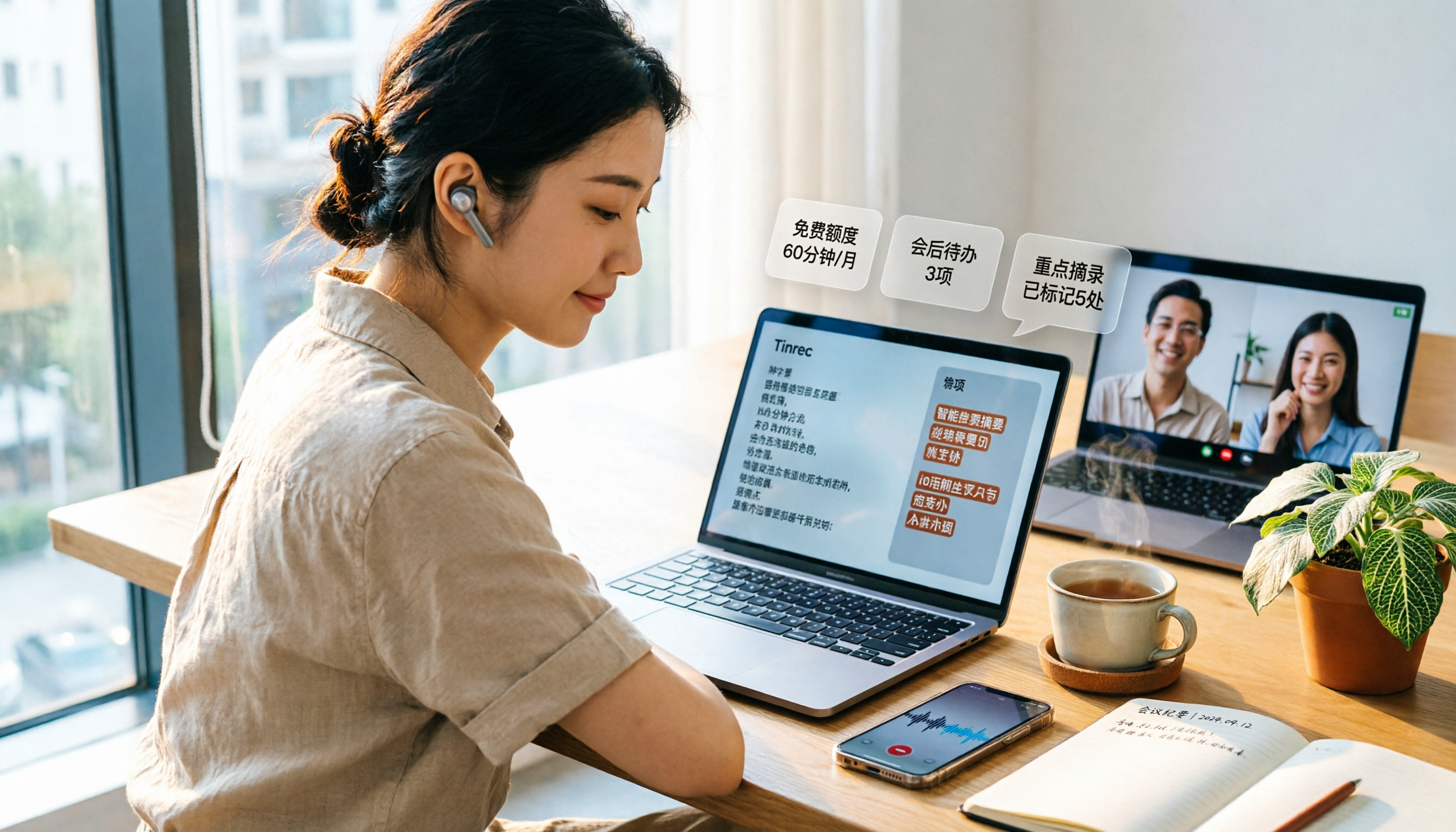
3 Free Audio-to-Text Tools Tested and Compared in 2026: Is the Free Tier Enough?
How do you choose a free audio-to-text tool? This article examines four key aspects: the unit of the free quota, Chinese recognition, post-meeting organization capabilities, and online meeting support. It compares the free plans of Tinrec, Notta, Otter.ai, and TurboScribe, and highlights the three most common pitfalls to help you find the one that truly meets your needs.

How to Choose a Free AI Transcription Tool in 2026: 5 Steps from Recording to Meeting Minutes
Starting from a mid-level manager's real meeting scenarios, this article breaks down the four key factors for choosing a free AI transcription tool, tests Tinrec's 5-step workflow, compares it with Notta, Otter.ai, and MyEdit, and includes pitfalls to avoid—helping you pick a tool that truly works after the meeting.

4 Image-to-Text OCR Tools Compared in 2026: How to Choose Between Free OCR and Tinrec for Meeting Notes
A guide to key considerations for choosing image-to-text (OCR) tools, comparing imagetotext.me, Gaitubao, Google Keep, and Chenghua OCR, plus when to use Tinrec for meeting transcription.

3 AI Meeting Note Apps Tested in 2026: Why Huawei Users Ultimately Chose Tinrec
From the perspective of a mid-level manager, this article analyzes the search intent behind "Huawei AI meeting notes" and uses Tinrec as an example to explain how AI meeting notes can automatically generate transcripts, summaries, and action items, and how these can be stored in a team space as searchable, collaborative data. It includes features, use cases, buying advice, and FAQs.

2026 AI Audio-to-Text Showdown: Tinrec vs PLAUD Note — Which Is Better for Chinese Meetings?
We compare Tinrec and PLAUD Note across meeting capture, Chinese-language experience, post-meeting workflow, team collaboration, and pricing to help you decide which AI audio-to-text tool fits your needs.

2026 Comparison of 4 Meeting Minutes Tools: Which One Actually Saves You Post-Meeting Time?
With 15 meetings a week and notes to organize after each one, a mid-level manager tests 4 meeting minutes tools, comparing audio transcription, post-meeting summaries and action items, AI Q&A, team sharing, and quotas. Includes 4 common pitfalls and selection advice to help you find the one that truly saves post-meeting time.

2026 Comparison of 2 Online YouTube Video Analysis Tools: From Video Link to Transcript Organization
Many people think YouTube video analysis means finding a website to download videos, but the real need is turning video content into searchable, organizable data. This article starts from common misconceptions and compares Tinrec and Notta across 5 dimensions: video link import, Chinese transcription, AI Q&A, team collaboration, and export workflows, helping you find a more suitable video analysis and transcript organization solution.
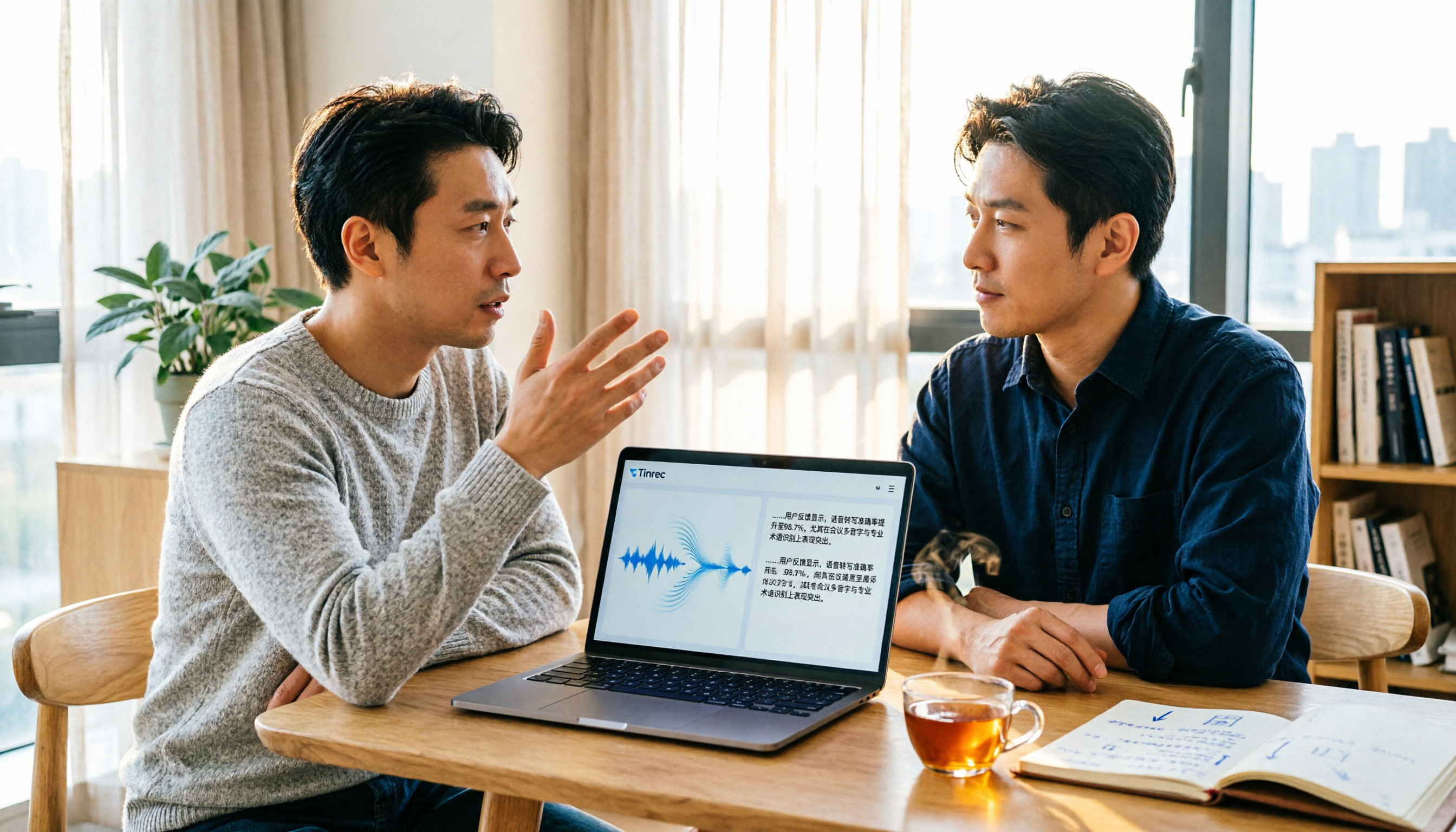
2026 Video and Audio Transcription Tools Buying Guide: 2 Tested Picks and Recommendations
When converting videos, interviews, or meeting notes to text, the first thing to determine is: are you dealing with a pre-recorded video file or a live meeting? This article compares two solutions, Tinrec and PLAUD Note, across six dimensions: video and audio input, Chinese recognition, post-transcription processing, audio file storage, team collaboration, and upfront cost, to help you decide which one better fits your use case.

4 iPhone Audio-to-Text Methods Tested in 2026: Is the Built-in Free Option Enough, or Does Tinrec Save More Time?
iPhone's built-in Voice Memos and Notes apps can already turn recordings into transcripts, but what happens after? This article starts from real student scenarios—lectures, group discussions, and finals review—and tests 4 iPhone audio-to-text methods, covering key buying factors, common pitfalls, and the best choice for students.