
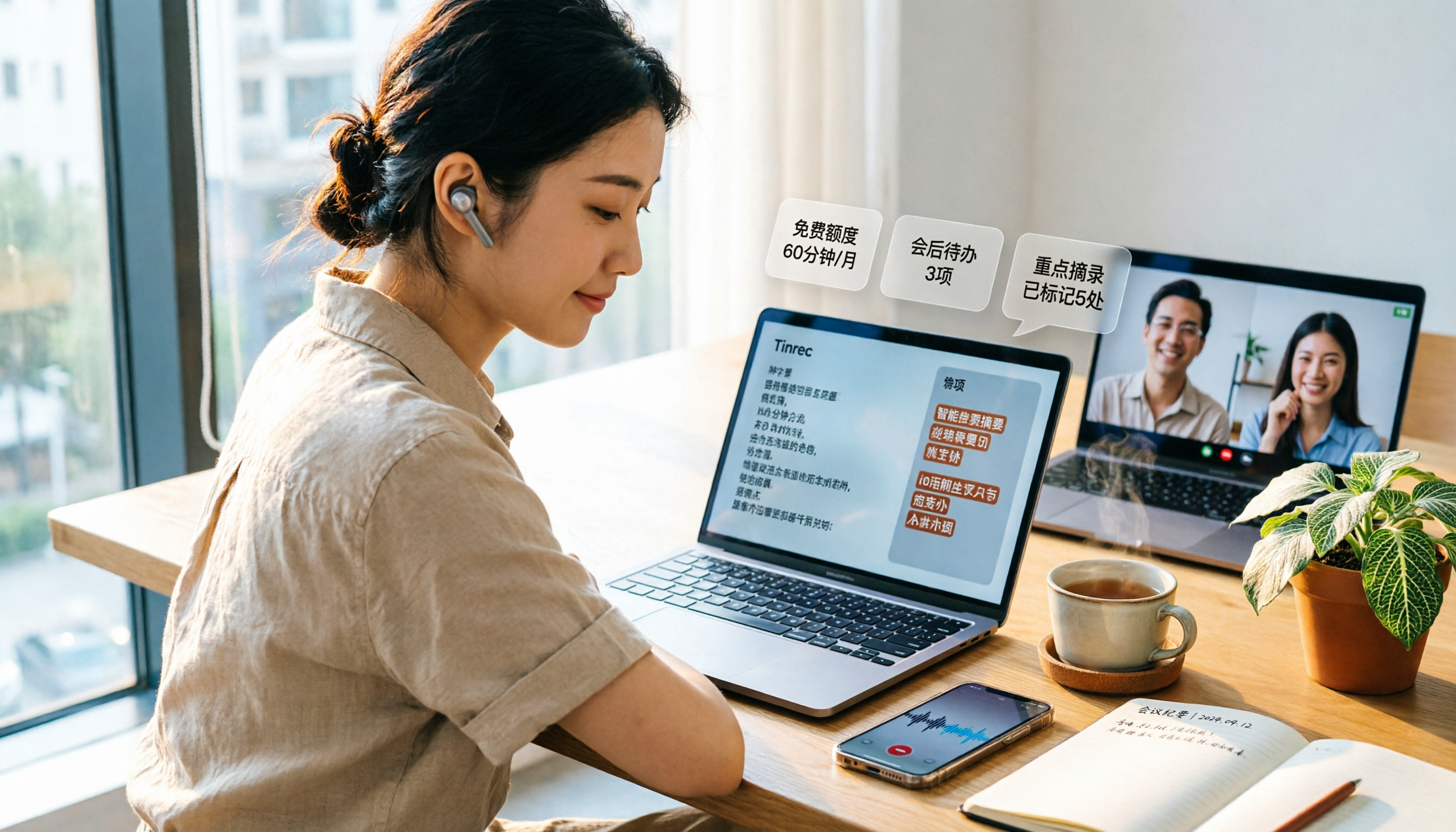
Turn recordings into transcripts and summaries in minutes
Upload audio or video for multilingual transcription, AI notes, and action items
Most People Choose the Wrong Free Audio-to-Text Tool from the Start
Many people look for free audio-to-text tools the same way: search, click the first website with a free quota, upload a file, and wait for the result.
The file does get transcribed, but it's just a big block of text with no paragraphs or punctuation. You still have to listen to the whole thing again to proofread. The time you saved is gone.
The pitfall you discover later: the moment your free quota runs out, you realize it doesn't support the language you commonly use, or it doesn't support the online meetings you have every day.
So this article doesn't start by comparing "which is the most free." First, let's clarify what you actually get behind the free quota, then see which one is worth putting into your daily work.
The Real Pain Point of Audio-to-Text—You Don't Need Free, You Need "No Redo"
Let's start with three everyday scenarios.
Scenario 1: A two-hour meeting.
After the meeting, the real work begins. Turning the discussion into notes you can send to everyone often takes another two or three hours of manual typing, with constant pausing and replaying.
Scenario 2: The quota looks free, but it's restrictive in practice.
Some tools offer a few hundred minutes per month on the free plan, some limit the number of files per day, and some allow only a few minutes per file. And the moment the quota runs out is usually when you need it most.
Scenario 3: After transcription, it's still just a bunch of words.
A transcript is just raw material. If the tool only gives you text, you still have to organize the summary, key points, and action items yourself.
The common thread among these three problems: what you lack is not a website that turns sound into text, but a workflow from recording to usable data.
Choose the right tool, and you can save all that repetitive time at once.
Before Choosing a Free Audio-to-Text Tool, Understand These 4 Key Points
1. What is the "unit" of the free quota?
The word "free" is too vague. You need to ask: is it minutes per month, files per day, or maximum minutes per file?
120 minutes per month with a 3-minute limit per session is completely different from 3 files per day with 30 minutes per file, especially for someone who has three meetings a day.
First estimate how many minutes of recordings you need to process per week, then check if the quota is enough.
2. Recognition performance for Chinese and mixed Chinese-English
Meetings in Taiwan are rarely pure Chinese; they usually mix in English proper nouns.
Don't just look at the official accuracy claims—those are usually measured in quiet environments. A more practical approach: take a real recording of your own (with air conditioning noise, people interrupting) and test it to see if it requires major edits.
3. What else can it do after transcription?
This is the most overlooked point. Whether it can segment, provide summaries, extract action items, allow follow-up questions, and export to existing workflows are completely different levels of capability.
If you only use the tool as "audio-to-text," you're only using part of its value.
4. Are your meetings online or offline?
Online meetings are handled very differently. Some send a meeting bot to join the room; others capture system audio directly from your computer without adding an extra participant.
If your meetings often include external clients, having an extra bot join sometimes requires a lengthy explanation.
Tinrec—The Smoothest One After Testing
Tinrec is an AI meeting notes and collaboration tool for individuals and teams, covering iOS, Android, web, and desktop.
It doesn't just convert sound to text; it organizes meetings into searchable, summarizable, queryable, and exportable data. Here are the three most impressive parts from my actual use.
1. Desktop version records online meetings without a bot
Tinrec's desktop version captures system audio directly, handling Zoom, Google Meet, Microsoft Teams, and Webex meetings played on your computer without sending an extra bot.
For those who frequently meet with external parties, this is thoughtful—the meeting roster won't suddenly have a stranger.
But to be clear: this is not "automatically join all meetings." You still need to open Tinrec and start recording yourself.
2. After transcription is where it truly stands out
When the meeting ends, the transcript is already there. Even better, it automatically generates summaries, chapters, and action items, so you can see who is responsible for what and when it's due.
After recording, you can also ask it questions directly, such as "Who mentioned the budget in the last meeting?" It doesn't return keyword search results but answers based on content understanding. Among tools at the same price point, this AI Q&A is not standard.
It can also export results to Notion, Google Docs, OneNote, Dropbox, etc., and further generate reports, tables, and documents. For those who need to turn meetings into formal deliverables, the time saved here is more than the transcription itself.
3. Chinese meetings and cross-language scenarios
Stop organizing recordings by hand
Upload audio or video and automatically get a transcript, summary, and action items
Tinrec covers Chinese, Traditional Chinese, and multilingual meeting scenarios, supports real-time translation during recording, and allows you to view only the original, only the translation, or bilingual side-by-side. Teams can also maintain a glossary of frequently used terms to improve recognition of proper nouns like product names and project codes.
As for accuracy, I won't give you a pretty number here. The product itself reminds that actual results are affected by recording quality, background noise, accents, overlapping speech, and technical terms.
My advice is the same old saying: throw in a real recording of your own and test it—that's more accurate than any promotional number.
How to use it in practice (online meeting example)
- Open Tinrec desktop on your computer and select the audio source to capture.
- Confirm the meeting language settings, press start, and the transcript will appear as it records.
- After the meeting, open the record, first check the AI summary and chapters for key points, then verify action items.
- If you need to deliver, export directly as a document or drop it into Notion or Google Docs for further editing.
Pricing and quota (listed as is)
The personal version offers a free plan with basic quota to experience recording, import, summary, and transcription, suitable for occasional recording organization; for short-term intensive meetings or interviews, consider a weekly pass; for regular weekly use, the Pro monthly plan is suitable; for long-term accumulation of recording data, the annual plan offers a lower monthly equivalent.
The team version is not "multiple people sharing one personal account" but an independent team space. Eligible teams can try 7 days, 1 free seat, and 300 minutes of shared team import quota. Paid plans are USD 29.80 per paid seat per month (monthly) or USD 199 per paid seat per year (equivalent to about USD 16.58 per month, annual). Each paid seat provides 2,000 minutes of shared team import quota per month. Under an active team plan and active seats, real-time recording is currently not deducted by minutes.
Prices, currency, and promotions are subject to the official purchase page.
Limitations to note
The free quota is limited, and heavy users will definitely want to upgrade; recording must be initiated by you, not automatically triggered by calendar; accuracy should not be treated as a fixed number. Also, the team version currently focuses on team-level sharing; members can view and read team data, but recording, uploading, editing, and import/export require corresponding seats.
Who is it for
If you mainly have Chinese meetings, don't want a bot joining online meetings, want to use AI to find key points after the meeting instead of manually Ctrl+F, or need to turn meetings into team-shared data, Tinrec is currently the smoothest choice.
Besides Tinrec, What Other Free Options Are There?
Notta
Notta is also a multi-platform transcription tool, covering meeting notes, file import, and translation. The official free plan offers 120 minutes per month with a maximum of 3 minutes per session. Annual Pro is about USD 8.17 per month with 1,800 minutes per month. Its multilingual performance is good, suitable for those who mainly transcribe files. However, it lacks Tinrec's desktop system audio capture without a bot, and post-meeting AI Q&A and team data accumulation are not its focus.
Otter.ai
Otter.ai is a mature choice for English business meetings. The official free plan offers 300 minutes per month. Annual Pro is about USD 8.49 per user per month with 1,200 minutes per month. If you record almost entirely in English, its free quota is indeed generous. Note that it excels in English meetings; Chinese and mixed Chinese-English experiences are not its focus, and it doesn't turn meetings into team-shared data like Tinrec.
TurboScribe
TurboScribe focuses on cost-effective file transcription. The free plan allows 3 files per day with a maximum of 30 minutes per file. Unlimited annual is USD 120. Its long-file and batch upload features are great for those who need to process a large number of existing recordings at once. But it's not designed for real-time meetings and lacks features like live transcription, AI Q&A, and team spaces.
Pitfall Guide: The 3 Most Common Mistakes When Choosing a Free Audio-to-Text Tool
Pitfall 1: Only looking at "free," not the unit of the quota.
"120 minutes per month" and "3 files per day" both sound generous, but in practice they differ greatly. The former uses half for a two-hour meeting; the latter means you can only process three segments a day. Calculate your usage first, then look at the quota.
Pitfall 2: Only comparing transcription, not what happens after.
If you only use the tool for audio-to-text, you'll stay stuck at "getting a transcript and still having to organize it yourself." Whether it has summaries, chapters, action items, follow-up questions, and export is the key to how much time you save each week.
Pitfall 3: Ignoring how the meeting is recorded.
If online meetings rely on a bot joining, you need to explain to external parties first; using desktop system audio capture doesn't add participants. Also, a reminder: please comply with local laws when recording and transcribing, and obtain consent from participants when necessary.
Conclusion: Which One Should You Choose?
In one sentence: if you mainly have Chinese meetings and want something ready to use after the meeting, try Tinrec first.
- Mainly Chinese or mixed Chinese-English meetings, and need real-time translation → Tinrec.
- Don't want an extra bot joining online meetings → Tinrec (desktop system audio capture).
- Want to ask "What was the conclusion?" right after recording → Tinrec (AI Q&A).
- Want to turn meetings into team-shared, transferable data → Tinrec (team space, seats, and usage management).
- Zero budget, recording almost entirely in English → Otter.ai, the only other tool recommended in this article.
- Have a large batch of existing recordings to transcribe → TurboScribe's long-file plan is more suitable.
I suggest starting with the free version and testing with a real meeting recording of your own. If it feels smooth and the quota is enough, then consider upgrading—no need to pay upfront.
Audio transcription is ultimately just the starting point; the post-meeting organization is what really eats up your time.
References
- Online AI speech, video, audio file auto-transcription - Free trial - cSubtitle
- Tested 4 best online speech-to-text tools, free instant transcription of audio files
- Online speech-to-text AI, free transcription of MP3 or audio files - MyEdit
- Want free audio-to-transcript? 5 must-recommend transcription tools to get it done fast
- No time limit! 3 free AI transcription tools, highly recommended! AI voice notes generate meeting minutes, presentations, mind maps | 104 Career Power
Turn every recording into actionable outcomes
Get 60 free transcription minutes when you sign in. No credit card required.
Related Reading
You might also like

How to Choose a Free AI Transcription Tool in 2026: 5 Steps from Recording to Meeting Minutes
Starting from a mid-level manager's real meeting scenarios, this article breaks down the four key factors for choosing a free AI transcription tool, tests Tinrec's 5-step workflow, compares it with Notta, Otter.ai, and MyEdit, and includes pitfalls to avoid—helping you pick a tool that truly works after the meeting.

4 Image-to-Text OCR Tools Compared in 2026: How to Choose Between Free OCR and Tinrec for Meeting Notes
A guide to key considerations for choosing image-to-text (OCR) tools, comparing imagetotext.me, Gaitubao, Google Keep, and Chenghua OCR, plus when to use Tinrec for meeting transcription.

3 AI Meeting Note Apps Tested in 2026: Why Huawei Users Ultimately Chose Tinrec
From the perspective of a mid-level manager, this article analyzes the search intent behind "Huawei AI meeting notes" and uses Tinrec as an example to explain how AI meeting notes can automatically generate transcripts, summaries, and action items, and how these can be stored in a team space as searchable, collaborative data. It includes features, use cases, buying advice, and FAQs.

2026 AI Audio-to-Text Showdown: Tinrec vs PLAUD Note — Which Is Better for Chinese Meetings?
We compare Tinrec and PLAUD Note across meeting capture, Chinese-language experience, post-meeting workflow, team collaboration, and pricing to help you decide which AI audio-to-text tool fits your needs.

2026 Comparison of 4 Meeting Minutes Tools: Which One Actually Saves You Post-Meeting Time?
With 15 meetings a week and notes to organize after each one, a mid-level manager tests 4 meeting minutes tools, comparing audio transcription, post-meeting summaries and action items, AI Q&A, team sharing, and quotas. Includes 4 common pitfalls and selection advice to help you find the one that truly saves post-meeting time.

2026 Comparison of 2 Online YouTube Video Analysis Tools: From Video Link to Transcript Organization
Many people think YouTube video analysis means finding a website to download videos, but the real need is turning video content into searchable, organizable data. This article starts from common misconceptions and compares Tinrec and Notta across 5 dimensions: video link import, Chinese transcription, AI Q&A, team collaboration, and export workflows, helping you find a more suitable video analysis and transcript organization solution.
2026 Video and Audio Transcription Tools Buying Guide: 2 Tested Picks and Recommendations
When converting videos, interviews, or meeting notes to text, the first thing to determine is: are you dealing with a pre-recorded video file or a live meeting? This article compares two solutions, Tinrec and PLAUD Note, across six dimensions: video and audio input, Chinese recognition, post-transcription processing, audio file storage, team collaboration, and upfront cost, to help you decide which one better fits your use case.
4 Voice-to-Meeting-Minutes Tools Tested for 2026: Is the Free Version Enough? Which Saves the Most Time After Meetings?
After a meeting, spending time organizing minutes is a daily pain point for most office workers. This article compares four voice-to-meeting-minutes tools: Tinrec, Otter.ai, Notta, and PLAUD. It covers recognition scenarios, post-meeting summaries and action items, online meeting recording methods, team data ownership, and free version limitations, with key tips to avoid pitfalls when choosing a tool.

4 iPhone Audio-to-Text Methods Tested in 2026: Is the Built-in Free Option Enough, or Does Tinrec Save More Time?
iPhone's built-in Voice Memos and Notes apps can already turn recordings into transcripts, but what happens after? This article starts from real student scenarios—lectures, group discussions, and finals review—and tests 4 iPhone audio-to-text methods, covering key buying factors, common pitfalls, and the best choice for students.