

Turn recordings into transcripts and summaries in minutes
Upload audio or video for multilingual transcription, AI notes, and action items
2026 Comparison of 4 Meeting Recording Summary Tools: Which One Actually Turns Recordings into Action Items?
The Real Work Starts After the Meeting: Three Scenarios You've Definitely Experienced
Scenario one: A two-hour cross-department meeting ends, the recording gets saved to cloud storage, and then what? No one has time to listen again, and the next meeting starts from scratch. Scenario two: The meeting mixes Chinese and English, like "We need to align on the Q3 forecast," and if the transcript only understands Chinese, you're left guessing what was said. Scenario three: You write a long meeting summary, but what really matters is "who, does what, by when," and those action items are scattered around the 37th minute of the transcript.
If you've experienced any of these, the problem usually isn't that you're not diligent enough—it's that the tool only helps you "record," not "organize into something usable." This hands-on test of 4 meeting recording summary tools has one focus: which one lets you get something you can send out and track within ten minutes after the meeting?
Before Choosing a Meeting Recording Summary Tool, Understand These 4 Key Points
1. Don't just look at transcripts—look at the "post-meeting output" Transcripts are raw material, not the finished product. What really saves time are summaries, chapters, action items, and even outputs you can export directly to documents or spreadsheets. When choosing a tool, ask yourself: does it give me text, or something I can hand in right away?
2. How the meeting is recorded Currently, online meeting recording follows two main approaches: one is sending a "meeting bot" to join as a participant; the other is a desktop app that directly captures the computer's system audio, without needing an extra account in the meeting. The former may be blocked by some companies' security policies, while the latter doesn't take up a participant slot. In enterprise environments, this matters more than you'd think.
3. Whether audio is kept and easy to search later Some tools only keep text and don't retain meeting audio, so if you later want to confirm the tone of a sentence or a number, you can't listen. Another thing to check is "can you find it?"—being able to ask "who mentioned the budget in the last meeting?" in one sentence is more critical than keyword search.
4. Free quota and team licensing For personal use, first check if the free quota is enough; but if you need it for a whole department, confirm whether the tool has a true team space, member and seat management, rather than "multiple people sharing one account." This is most often overlooked, yet it directly affects data ownership.
Tinrec—Our Top Recommendation After Testing
Tinrec is an AI meeting notes and collaboration tool for individuals and teams, covering iOS, Android, and web, with a desktop version that handles Zoom, Google Meet, Microsoft Teams, Webex, and other online meetings. It doesn't just convert audio to text; it organizes meetings into searchable, summarizable, queryable, and exportable data.
No need to invite a bot into the meeting Open the Tinrec desktop app, and it directly captures your computer's system audio, producing a transcript as it records. This means you don't need to add an extra bot to the meeting, and no unfamiliar account appears on the participant list—for security-sensitive teams, this difference is easy to explain in procurement meetings. For offline meetings and interviews, you can use real-time recording on your phone or computer.
After recording, just ask it This is the biggest dividing line between Tinrec and traditional transcription tools. After the meeting, you can directly ask it questions like "What was the conclusion on the budget?" or "What concerns did the client mention?" It answers based on the meeting content, rather than just throwing you a list of keyword search results. Summaries, chapters, and action items for the same meeting are also automatically generated, so you don't have to dig through everything to find who's responsible for what and what's next.
It produces what you need to deliver after the meeting Besides transcripts and summaries, Tinrec can generate meeting minutes, reports, and tables, and export to Notion, Google Docs, OneNote, Dropbox, and other common tools; it can also create mind maps to help you quickly see relationships between topics. Cross-language meetings support real-time translation, with options to view the original, translation, or bilingual side-by-side. For those who write weekly reports and organize client meeting notes, this saves the most direct time.
Stop organizing recordings by hand
Upload audio or video and automatically get a transcript, summary, and action items
Things to note Tinrec shouldn't be seen as a "fully automatic" tool: it won't automatically join every meeting on your calendar; you need to initiate recording. Also, actual transcription quality is affected by recording environment, accents, overlapping speakers, and technical terms. For important numbers and commitments, it's advisable to double-check the transcript and original audio. The free version, weekly pass, Pro monthly, and Pro annual plans each suit different usage rhythms; if you only occasionally organize a recording, the free version is enough.
How team use is calculated When needs grow from individual to department, Tinrec's team version is a separate team space, not multiple people sharing a personal account. Team data belongs to the team; members can view, play, and read, and only after getting a seat can they record, upload, edit, and export; admins can manage roles, seats, usage analytics, and audit logs, and transfer resources to other active members when someone leaves. Under current configuration, team annual is USD 199 per paid seat per year (about USD 16.58 per month), monthly is USD 29.80 per paid seat per month, each paid seat provides 2,000 minutes of team shared import quota per month, and real-time recording under an active team plan is currently not deducted by minutes. Actual prices and benefits are subject to the official purchase page.
Who it's best for For those who frequently handle Chinese and mixed Chinese-English meetings, need summaries and action items afterward, or want to turn meeting data into team assets, Tinrec is the best fit. Especially for teams that "don't want a meeting bot joining," the desktop version's bot-free recording is almost a decisive difference.
Besides Tinrec, What Other Options Are There?
Otter.ai A mature choice for English business meetings, with a free version of 300 minutes per month, Pro annual at about USD 8.49 per user per month, and complete meeting automation workflows. If your meetings are almost entirely in English, it's a reasonable option. But Chinese and mixed Chinese-English recognition and summary organization are not its strong suit; Tinrec supports Chinese, mixed Chinese-English, real-time translation, and bilingual viewing, which is more direct for Chinese-dominant teams.
Notta Comprehensive multi-platform transcription and translation capabilities, free version 120 minutes per month with a maximum of 3 minutes per item, Pro annual at about USD 8.17 per month, suitable for those focused on file transcription and subtitles. But if you want "the ability to directly ask about meeting content afterward," Tinrec's AI Q&A and team space accumulation are closer to meeting collaboration scenarios, while Notta is relatively weak here.
Granola A bot-free AI meeting notes tool, Business plan at about USD 14 per user per month, focusing on "user notes + AI enhancement." Note that it does not save meeting audio and does not support uploading existing recordings. If you need to keep recordings, double-check original audio, or organize past meeting files, Tinrec is complete in these two areas.
Pitfall Guide: The 3 Most Common Mistakes When Choosing a Meeting Recording Summary Tool
Pitfall 1: Only looking at official accuracy claims Many tools advertise impressive accuracy, but that's usually measured in a quiet environment. Real meeting rooms have air conditioning noise, keyboard sounds, and people talking over each other, so performance drops noticeably. It's best to try a real meeting recording of your own, not just trust marketing numbers.
Pitfall 2: Thinking "having a transcript" equals "organized" If you only use the tool as audio-to-text, you're only using a third of its capability. What really saves time are summaries, chapters, action items, and the ability to ask questions directly about meeting content.
Pitfall 3: Solving team needs with "multiple people sharing one account" This is the most common and most expensive mistake. Shared accounts lead to confused data ownership and are harder to handle when members leave. What you should look for is a separate team space, role and seat differentiation, usage analytics, and audit logs—these are the licensing methods that can be maintained long-term.
Conclusion: Which One Should You Choose?
- Chinese, mixed Chinese-English meetings, need summaries and action items afterward → Tinrec
- Don't want a meeting bot joining → Tinrec (desktop version captures system audio)
- Want to directly ask AI about meeting content after recording → Tinrec
- Need to keep recordings and double-check original audio later → Tinrec
- Department needs to share meeting data, manage seats and usage → Tinrec team version
- Meetings almost entirely in English, already used to meeting automation workflows → Otter.ai
- Main need is batch file transcription and subtitles → Notta
We suggest starting with the free version for a real meeting to see if the transcript and summary meet your expectations, then decide whether to upgrade. Choose the right tool, and meeting notes won't become just another to-do item.
References
Turn every recording into actionable outcomes
Get 60 free transcription minutes when you sign in. No credit card required.
Related Reading
You might also like

Best One-Click Video Link Extraction Tools in 2026: Testing 3 Options, Tinrec Offers the Most Complete Chinese Support
Many people think one-click video link extraction means downloading video files, but what's really needed is turning video content into transcripts, summaries, and action items. This article uses Tinrec as an example to explain link import transcription, AI summaries, Q&A, export, and team collaboration, plus 5 key buying considerations and FAQs.

2026 AI Audio Transcription Guide: From Transcripts to Meeting Minutes
How to choose an AI audio transcription tool? This guide starts from real meeting scenarios for mid-level managers, breaks down 4 key selection factors, tests Tinrec's bot-free online meeting recording, AI Q&A, and team spaces, compares Otter.ai, Granola, and PLAUD, and concludes with 5 common pitfalls and selection advice.
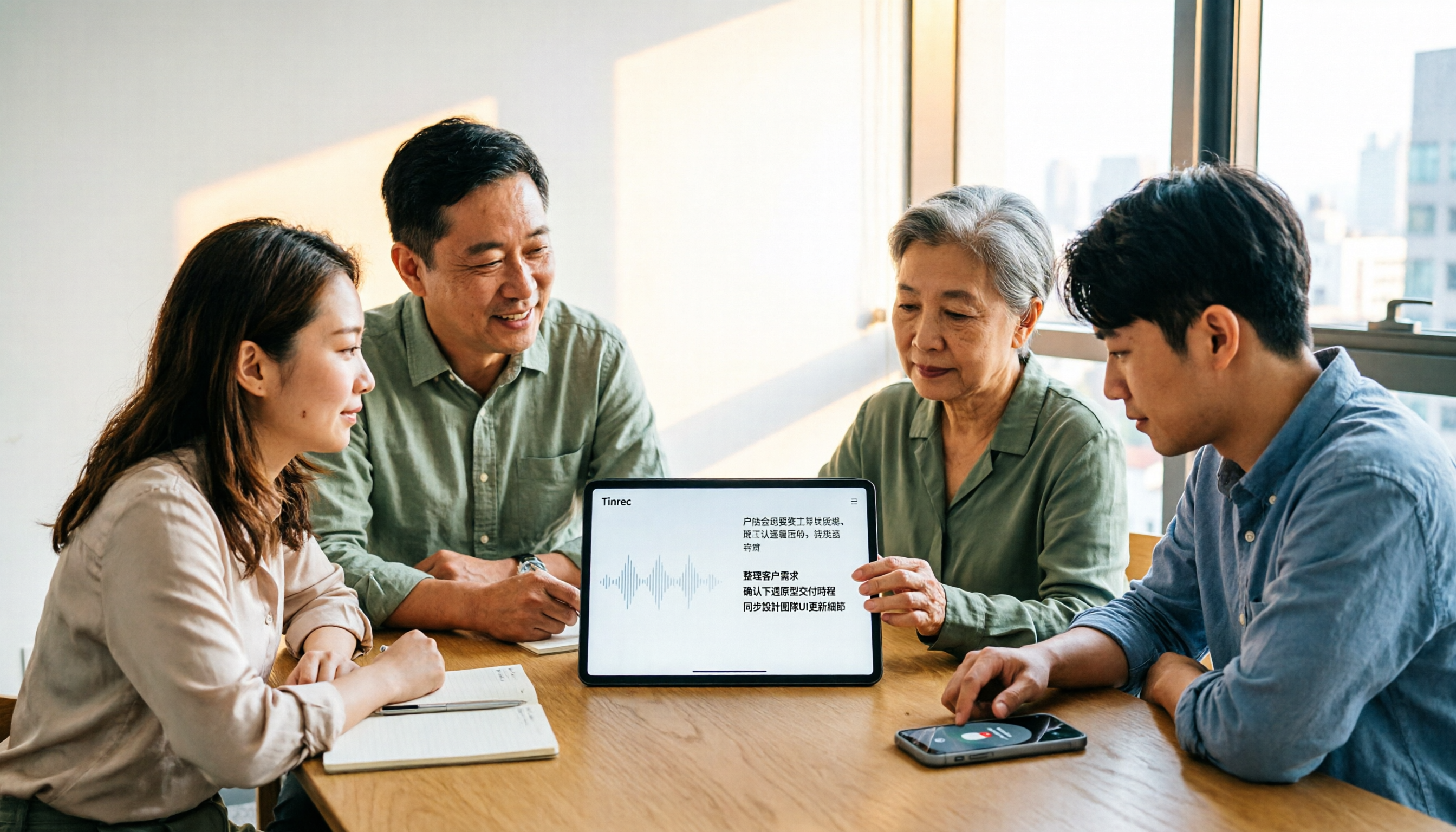
4 AI Meeting Note Takers Tested for 2026: Which Handles Chinese Meetings and Team Collaboration Best?
Spending too much time on meeting notes? We tested 4 recording-to-meeting-minutes tools, comparing Chinese recognition, bot-free recording, post-meeting AI Q&A, and team collaboration to help you find the best fit for your workplace.

How to Transcribe Phone Recordings in 2026: Real-Time Transcripts + AI Summaries
How do you turn phone recordings into text? Starting from the real-world scenario of needing text right after recording on your phone, this article compares Tinrec and Otter.ai across 5 dimensions, covering Chinese and mixed Chinese-English recognition, post-recording summaries and action items, team knowledge retention, free tiers and pricing, and tells you directly which one to choose.

2026 Comparison of 3 Free Video Summarization Tools: Is Tinrec or Monica Better for Chinese Videos?
Looking for a free video summarization tool? This hands-on comparison of Tinrec and Monica covers input sources, language support, summary output, and free quotas to help you understand why Tinrec is better suited for users who need to organize Chinese videos, online courses, and meeting recordings.

3 Short Video Transcription Tools Tested in 2026: Which One Turns Transcripts into Queryable Notes?
Forget short videos as soon as you watch them? Want to quote but have to type by hand? This article takes a methodological approach, testing 3 short video transcription tools, from transcripts and AI summaries to conversational queries, helping you build a reusable organization workflow, and explains why Tinrec is more convenient for Chinese short videos and team knowledge retention scenarios.

4 Best AI Video Summarizers in 2026: Which Free Version Is Enough?
Can't finish long videos? We tested 4 AI video summarizers, comparing timestamp accuracy, source support, AI follow-up questions, free tiers, and team seat costs. Plus 3 common mistakes to avoid, so you can pick the one that truly saves time.
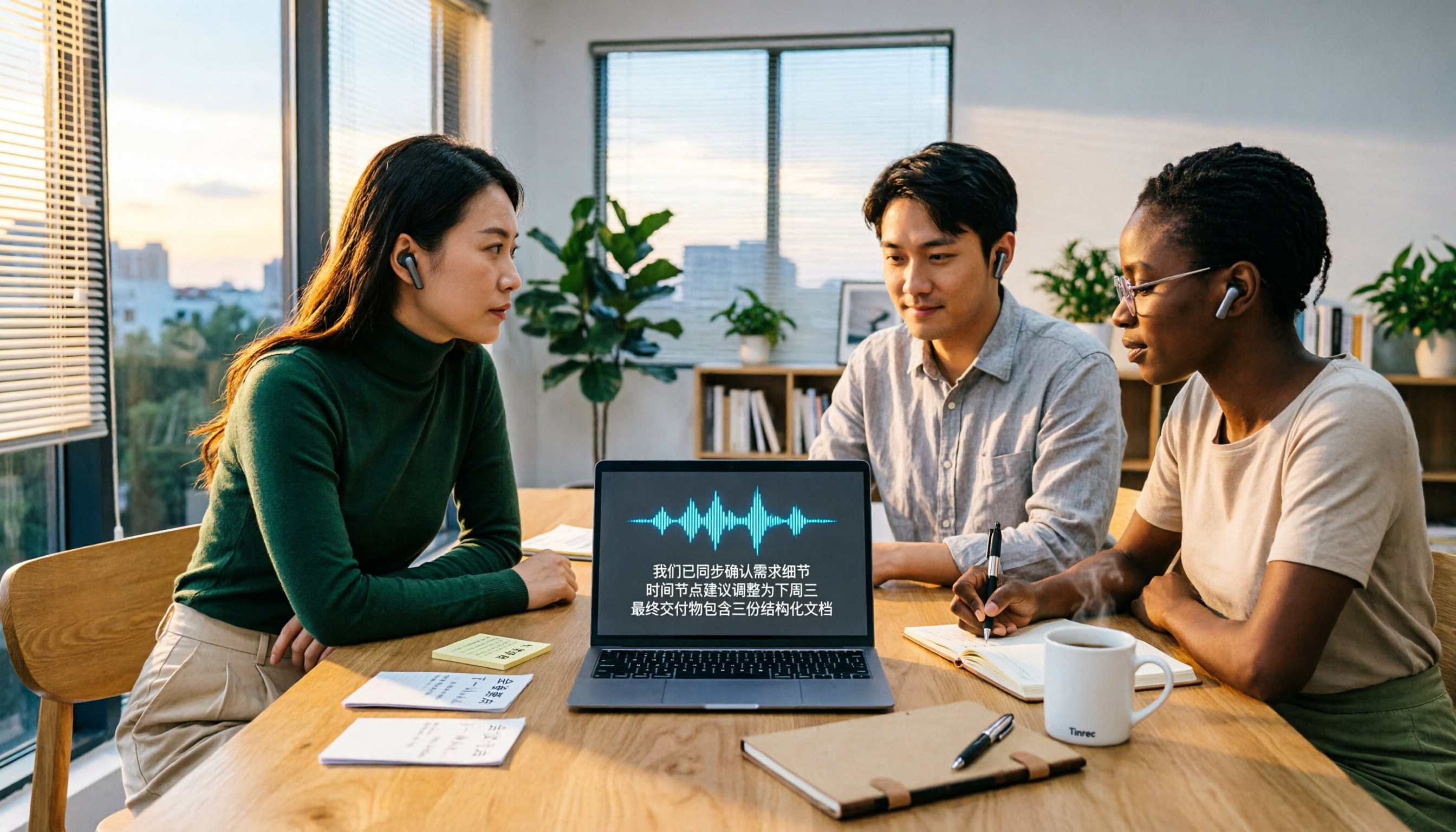
2026 Video-to-Text AI Comparison: Which Saves More Time for Chinese Transcripts and Post-Meeting Summaries?
How to choose a video-to-text AI tool? This article compares Tinrec, TurboScribe, cSubtitle, and Vidnoz from four angles: file formats, output content, Chinese recognition, and pricing. It also highlights common pitfalls and selection tips to help you decide which tool truly saves time on organizing.

Best Video Highlight Tools in 2026: 5 Tested, This One Wins for Chinese Videos and Meetings
Can't find the key points in a long video? We tested 5 video highlight tools, comparing transcription, AI summaries, and the ability to ask follow-up questions. We also cover selection criteria and common pitfalls to help you find the most convenient tool.