
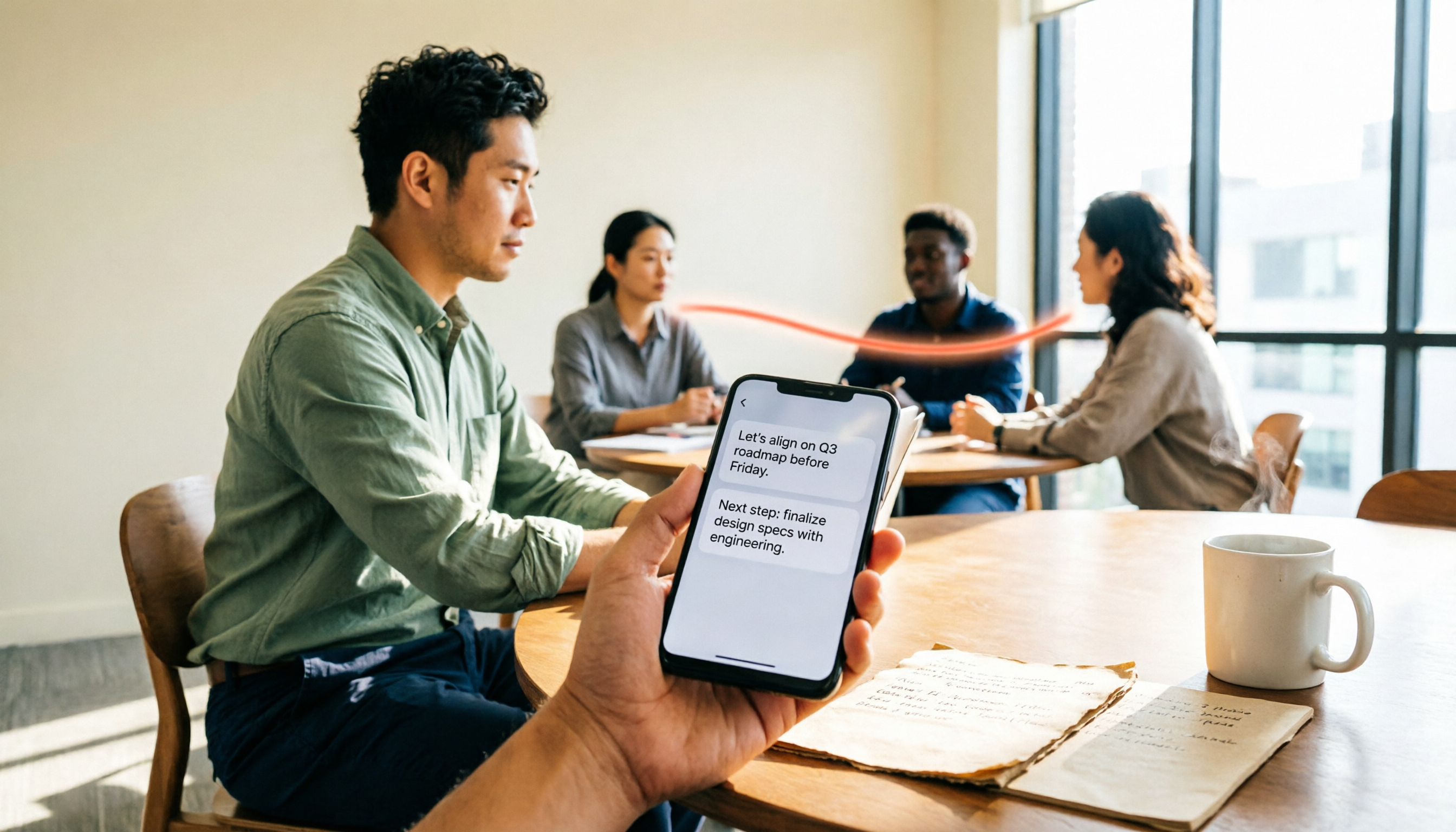
Turn recordings into transcripts and summaries in minutes
Upload audio or video for multilingual transcription, AI notes, and action items
Tinrec vs Notta 2026: 5-Way Comparison for Xiaomi Phone Audio-to-Text
You should first ask yourself: Do you need to "turn audio into text," or do you need to "turn meetings into usable data"?
The former only requires accurate transcription; the latter involves summaries, action items, Q&A, export, and even team sharing. This decision will directly determine whether you choose Tinrec, Notta, or the built-in recorder on your Xiaomi phone.
I've tested them all, and here's a list of audio-to-text apps worth considering on Xiaomi phones in 2026. From Chinese transcription, meeting capture methods, post-meeting organization, team collaboration, to pricing flexibility—see which one best fits your workflow.
Why You Need an Audio-to-Text App for Your Xiaomi Phone
Online meetings, client interviews, class recordings—much of this content only needs to be reviewed once. But if you use the built-in recorder, after converting to text, you still have to segment, find key points, and write action items yourself. That's only half the job.
Especially with mixed Chinese-English, multiple speakers taking turns, or background air conditioning noise, the built-in transcription often requires manual correction.
This article covers 6 solutions, starting with the most feature-complete Tinrec, then other options, and finally how to choose based on your scenario.
Tinrec | The Most Complete AI Recording Assistant
Tinrec is an AI meeting notes and collaboration tool for individuals and teams. Its positioning is to turn meetings into searchable, collaborative, actionable team data—not just audio-to-text.
Its first highlight is bot-free online meeting recording. The desktop version directly captures computer system audio, handling Zoom, Google Meet, Microsoft Teams, and Webex without inviting a meeting bot.
The second highlight is post-transcription organization. It automatically generates summaries, chapters, key points, action items, and mind maps. You can also ask AI questions about meeting content, like "What did we decide last week?" or "What budget constraints did the client mention?"
The third highlight is cross-platform use. It offers iOS, Android, and web versions. After recording on your Xiaomi phone, you can switch to the desktop web to continue editing transcripts, summaries, or export files.
The fourth highlight is team spaces. The team version centrally stores meeting data, manages members, roles, seats, usage analytics, and audit logs. When a member leaves, resources can be transferred, not taken away.
Pricing: Personal plans include Free, Weekly, Pro Monthly, and Pro Annual, depending on usage frequency. Team plans offer a 7-day trial (1 free seat, 300 minutes shared import quota). Monthly is USD 29.80 per paid seat per month; annual is USD 199 per paid seat per year (about USD 16.58/month). Each paid seat gets 2,000 minutes of shared import quota per month. Actual prices and plans are subject to the official purchase page.
Who it's for: Those who need Chinese meeting notes, bot-free online meeting recording, and post-meeting summaries, Q&A, and team data retention.
Notta | Cross-Platform Choice for Multilingual Transcription
Notta overlaps significantly with Tinrec, covering multi-platform transcription, meeting notes, file import, translation, and team plans. The main difference: Tinrec emphasizes bot-free recording, post-meeting AI Q&A, and team data management, while Notta focuses on multilingual transcription and file processing.
Free plan: 120 minutes per month, max 3 minutes per file. Pro annual: about USD 8.17/month, 1,800 minutes per month. Business annual: about USD 16.67 per seat per month, unlimited transcription, role permissions, and usage reports. Prices subject to official page.
Who it's for: Those who need multilingual file transcription and are already comfortable with Notta's interface.
Otter.ai | Mature Assistant for English Business Meetings
Otter is a mature AI meeting assistant covering Zoom, Microsoft Teams, Google Meet, live transcription, speaker identification, AI Chat, and team management. If your meetings are mostly in English, Otter's business meeting experience is quite complete.
Basic free: 300 minutes per month. Pro annual: about USD 8.49 per user per month, 1,200 minutes of in-app recording and 10 file imports per month. Business: unlimited meetings and in-app recording, pricing may vary by promotion. Subject to official pricing page.
Who it's for: Teams with primarily English meetings needing mature meeting automation.
Granola | Bot-Free AI Meeting Notes
Like Tinrec's desktop version, Granola captures system audio and microphone without a bot, transcribes meetings in real-time, and combines your handwritten notes to generate more targeted content. It supports transcript viewing, copying, and searching, but does not support uploading pre-recorded audio files and does not save meeting audio.
Basic free; Business USD 14 per user per month; Enterprise USD 35 per user per month. Prices subject to official page.
Stop organizing recordings by hand
Upload audio or video and automatically get a transcript, summary, and action items
Who it's for: Those who prefer taking their own notes during meetings and want AI to enhance them.
TurboScribe | High-Value File Transcription
TurboScribe is more of a high-value file transcription tool, focusing on long files, batch uploads, subtitles, and translation. If you have many audio files to process at once, it has advantages in file count and length per batch.
Free: 3 files per day, max 30 minutes per file. Unlimited annual: USD 120 (about USD 10/month). Paid version: max 10 hours or 5 GB per file, up to 50 files per upload. Subject to official pricing page.
Who it's for: Those needing bulk long audio transcription and subtitle creation, not real-time meeting notes.
PLAUD Note | AI Recording Hardware Solution
PLAUD represents AI recording hardware. Users purchase a standalone device for portable recording, phone call recording, and hardware experience. If you value a physical device's portability and long battery life, this is a different route.
NotePin: USD 159; Note Pro: USD 189. Starter: 300 minutes per month; Pro: USD 99.99/year, 1,200 minutes per month; Unlimited: USD 239.99/year. Subject to official device and membership pricing pages.
Who it's for: Those who want a portable recording device and don't mind carrying extra hardware.
Xiaomi Built-in Recorder | Free Basic Transcription Option
If your budget is zero, the built-in recorder on Xiaomi phones is a good entry-level option. No extra app needed, suitable for occasional voice memos. However, with mixed Chinese-English, multiple speakers, or background noise, the transcribed text may require more manual correction. Long recordings may also hit time or word limits. Suitable for simple needs and free only.
With So Many Options, How to Choose?
• Want the most complete AI features (transcription + AI Q&A + auto notes) → Tinrec, one of the few covering all these. • Need Chinese and mixed Chinese-English meeting transcription → Tinrec, its main strength. • Need to switch between Xiaomi phone and computer → Tinrec, works on iOS, Android, and web. • Want bot-free recording for Zoom, Meet, Teams → Tinrec, desktop captures system audio directly. • Need team sharing, seat management, and usage tracking → Tinrec Team, offers team space, roles, usage, and audit. • Zero budget, occasional transcription → Xiaomi built-in recorder, basic functions suffice. • Bulk long audio, subtitle transcription → TurboScribe or Notta. • English business meetings → Otter. • Like taking notes during meetings → Granola. • Want portable hardware recording → PLAUD Note.
4 Things to Know Before Using Audio-to-Text
First, free plans have limits. Notta free: max 3 minutes per file. Otter free: 300 minutes per month. TurboScribe free: 3 files per day. Run your full workflow with free tiers before paying.
Second, transcription accuracy depends on audio quality. Mixed languages, overlapping speakers, background noise, accents, and jargon all require manual correction. For important content, verify with timestamps and audio playback.
Third, confirm legality before recording. Depending on local laws and context, inform participants and get consent when necessary.
Fourth, clarify team data ownership. Tinrec Team data belongs to the team. When members leave, are removed, or lose seats, resources can be transferred to other active members, not lost with personal accounts.
Conclusion
If you're looking for an audio-to-text app on Xiaomi phones and need more than transcripts—summaries, action items, AI Q&A, and team sharing—Tinrec is the most complete choice on this list. It supports Android, iOS, and web, with strong focus on Chinese meetings and bot-free online meeting recording.
If you only need bulk file transcription, consider TurboScribe; for English meetings, look at Otter. As always, run your workflow with free plans first, then pay when it fits. Don't buy annual upfront.
FAQ
Can Tinrec be used on Xiaomi phones? Yes. Tinrec offers Android, iOS, and web versions. Xiaomi phones are Android devices, so you can install and use it. After recording on your phone, you can switch to desktop web to continue organizing.
Is Tinrec's free version enough? The free version provides basic quota, suitable for light experience with recording, import, summaries, and transcription. Actual quota subject to official page. If you have regular weekly meetings, consider Pro.
What's the difference between Tinrec and Xiaomi's built-in recorder? Xiaomi's built-in recorder is for occasional memos; Tinrec adds summaries, chapters, action items, AI Q&A, translation, export, and team spaces—for those who need to continue using meeting content.
Notta vs Tinrec: which is better? Both support multi-platform transcription and meeting notes. Tinrec emphasizes bot-free recording, Chinese meeting experience, post-meeting AI Q&A, and team data management; Notta focuses on multilingual and file transcription. Choose based on your meeting language and workflow.
Does Tinrec need a meeting bot? No. Tinrec's desktop version directly captures system audio. You start recording manually to handle Zoom, Google Meet, Microsoft Teams, Webex, etc., without a bot joining as a participant.
What's the difference between Tinrec Team and Personal? Personal data is managed by individual accounts; Team offers a separate team space where meeting data belongs to the team, plus member, role, seat, shared benefits, usage analytics, audit logs, and audio recycle bin.
References
- Audio to Text - Real-time Transcription - Xiaomi App Store
- Recording to Text Assistant - Voice to Text - Xiaomi App Store - Xiaomi
- AI Recorder Voice to Text Tutorial 🗣️👉📝 New Xiaomi 14T Series📱 ...
- Xiaomi 14T Pro using "Recorder" and "Notes/AI" to transcribe text, are there time and word limits? - Mobile01
- 2026 Comparison of 4 Xiaomi Phone Audio-to-Text Apps: Which AI Notes Save the Most Time? - Tinrec Blog
Turn every recording into actionable outcomes
Get 60 free transcription minutes when you sign in. No credit card required.
Related Reading
You might also like
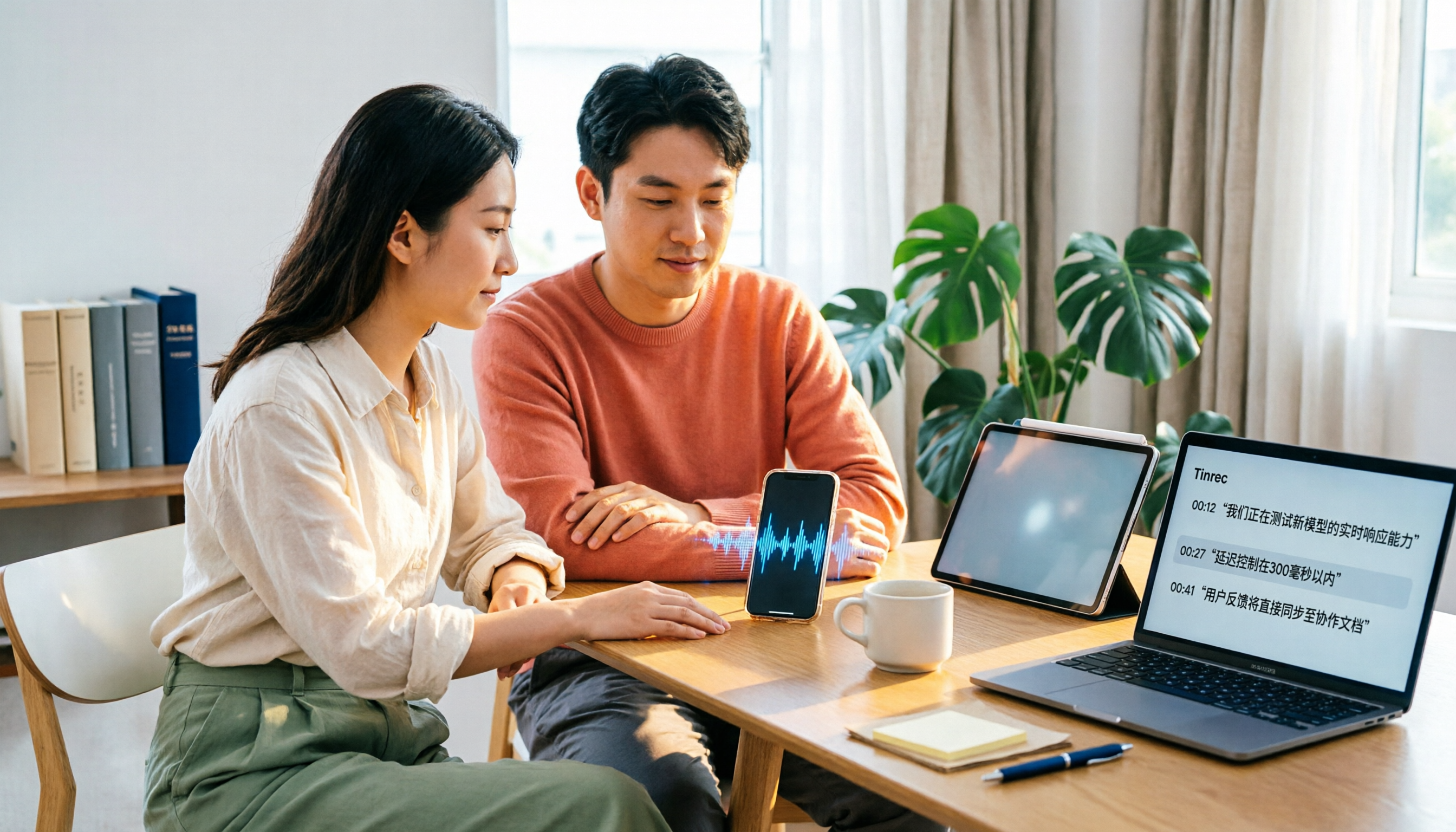
4 Xiaohongshu Video-to-Text Tools Tested for 2026: Which One Can Actually Transcribe Videos Without Subtitles?
Extracting text from Xiaohongshu videos isn't about whether a tool exists—it's about what you plan to do with the text. This article starts with three key questions and compares four tools: Tinrec, BibiGPT, Shiyi, and SnapWC. Learn the difference between grabbing subtitles and AI speech-to-text transcription, plus workflows for videos without subtitles, output formats, and tips for team sharing.
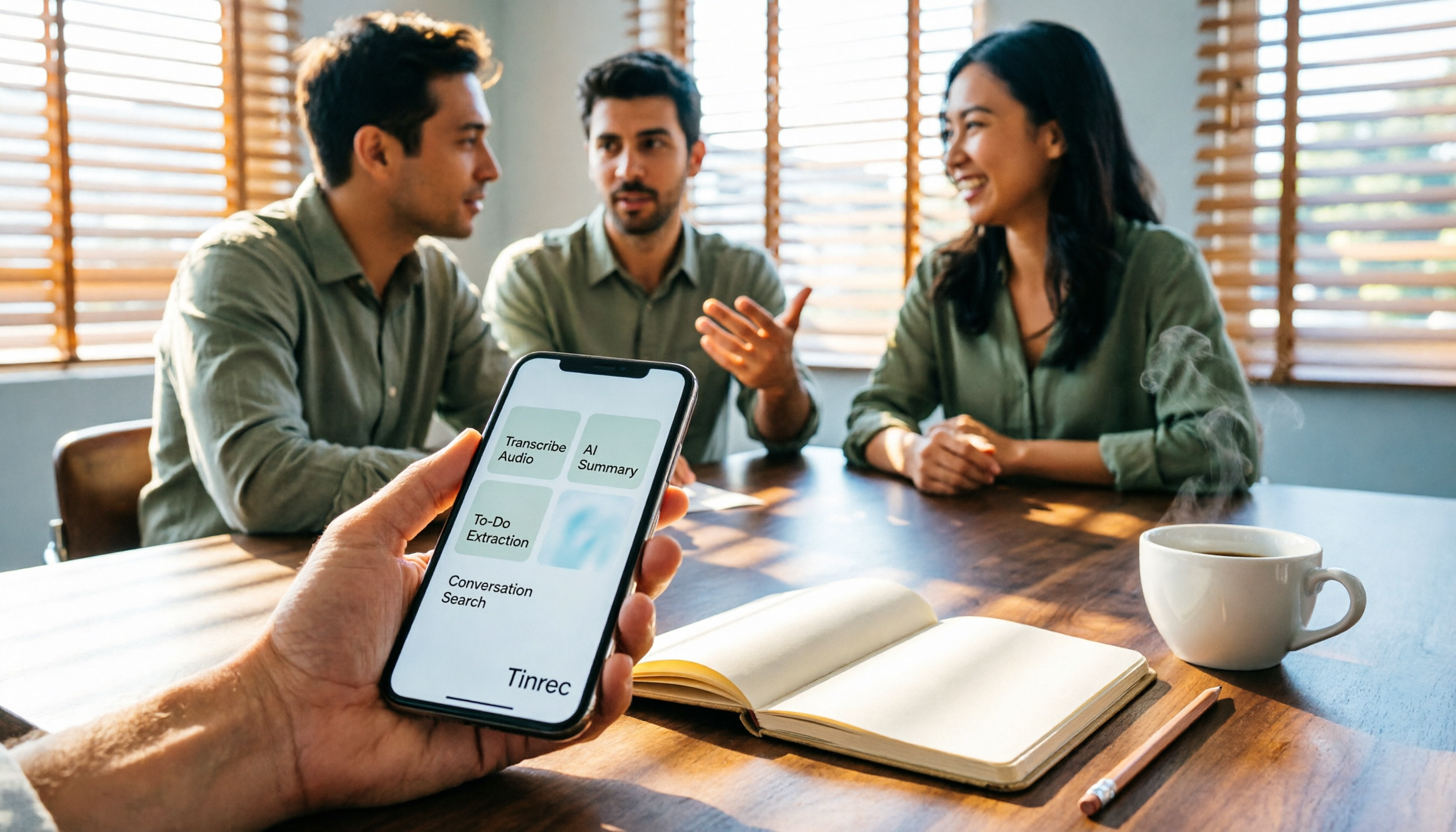
5 Huawei Phone Audio-to-Text Tools Tested in 2026: Which AI Meeting Notes Save the Most Time?
A hands-on 2026 comparison of audio-to-text tools for Huawei phones, tested in real meeting scenarios. The article compares Huawei's built-in recorder, Otter.ai, Notta, and Tinrec, and explains four key factors for choosing a tool: real-world accuracy, post-meeting organization, bot-free online meeting recording, and cross-platform export. It highlights Tinrec's AI summaries, action item extraction, and AI chat query, and concludes with recommendations for different use cases.
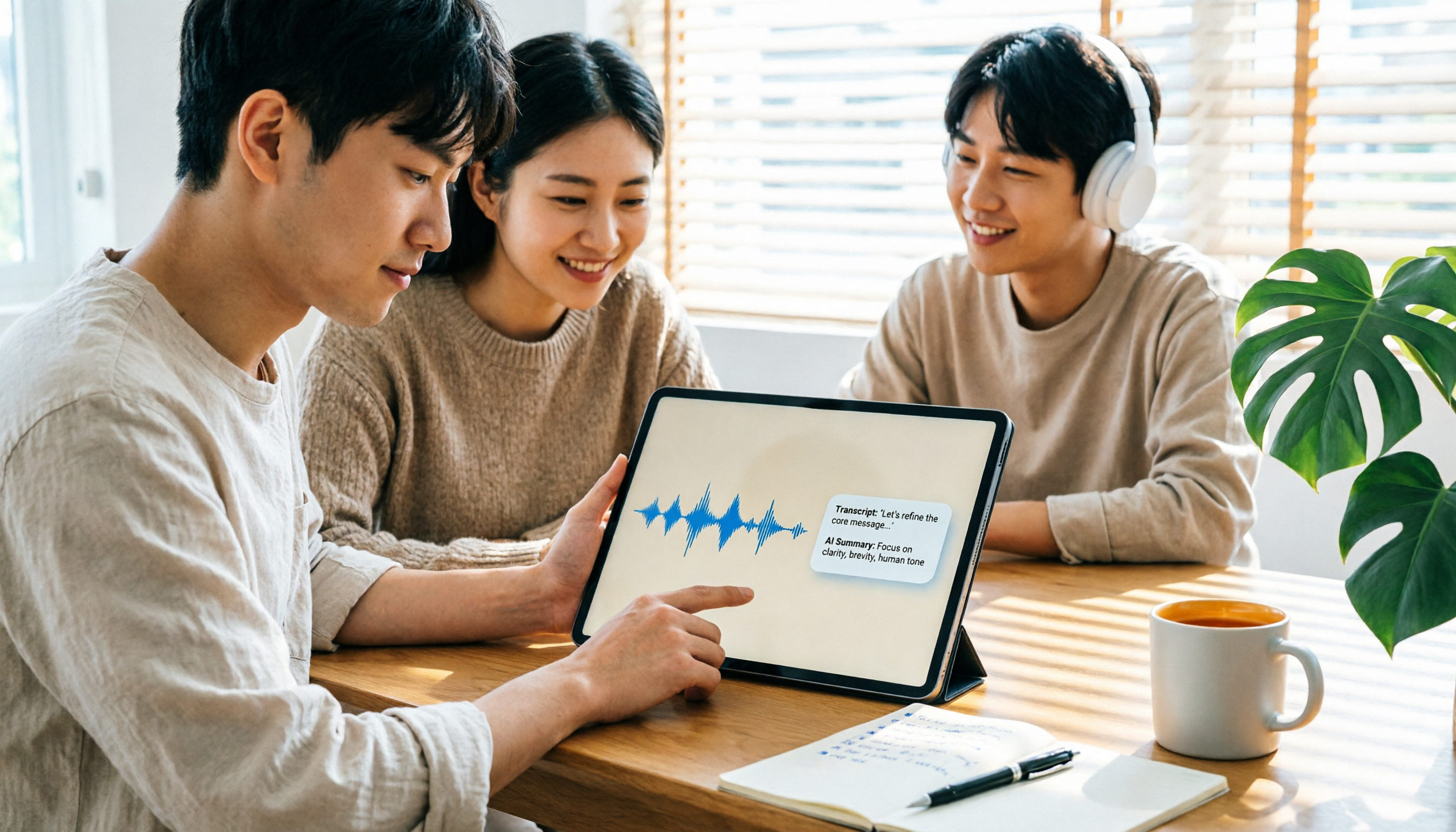
2026 iPad Audio-to-Text Note-Taking Guide: Real-Time Transcripts, AI Summaries, and Tool Selection
Should you use built-in features or third-party apps for iPad audio-to-text note-taking? This guide covers selection criteria, Chinese transcription, post-meeting AI organization, cross-platform export, and team permissions, comparing Tinrec, Apple Notes, Otter.ai, and PLAUD Note, plus practical tips to avoid pitfalls.

5 Best Browser-Based Audio-to-Text Tools in 2026: No Install, Which Handles Chinese Meetings Best?
How do you choose a browser-based audio-to-text tool without wasting time? This article examines four key factors—no installation, Chinese recognition, post-meeting organization, and team data ownership—and compares Tinrec, Notta, TurboScribe, Granola, and Otter.ai from a mid-level manager's hands-on perspective. It covers Tinrec's real-world performance and limitations in bot-free recording, AI Q&A, action item extraction, and team workspaces.

Tinrec vs OmniTranscript 2026: 5-Dimension Comparison for Chinese TikTok Transcripts
How to choose a TikTok video-to-text tool? This article reviews 5 transcript tools: Tinrec, OmniTranscript, WayinVideo, BibiGPT, and Dictationer, comparing them across Chinese language support, AI post-processing, export formats, free quotas, and team collaboration to help you find the best TikTok transcription solution.

How to Transcribe Audio on Samsung Phones in 2026: Built-in Speech-to-Text + AI Meeting Notes
Samsung phones have a built-in Voice Recorder app with a speech-to-text mode, but getting a transcript doesn't mean you have usable meeting notes. This guide covers five key factors—Chinese recognition, post-meeting organization, recording online meetings, cross-device use, and team collaboration—and compares Samsung's built-in feature, Otter.ai, Notta, and Tinrec to help you find the best audio transcription solution for your needs.
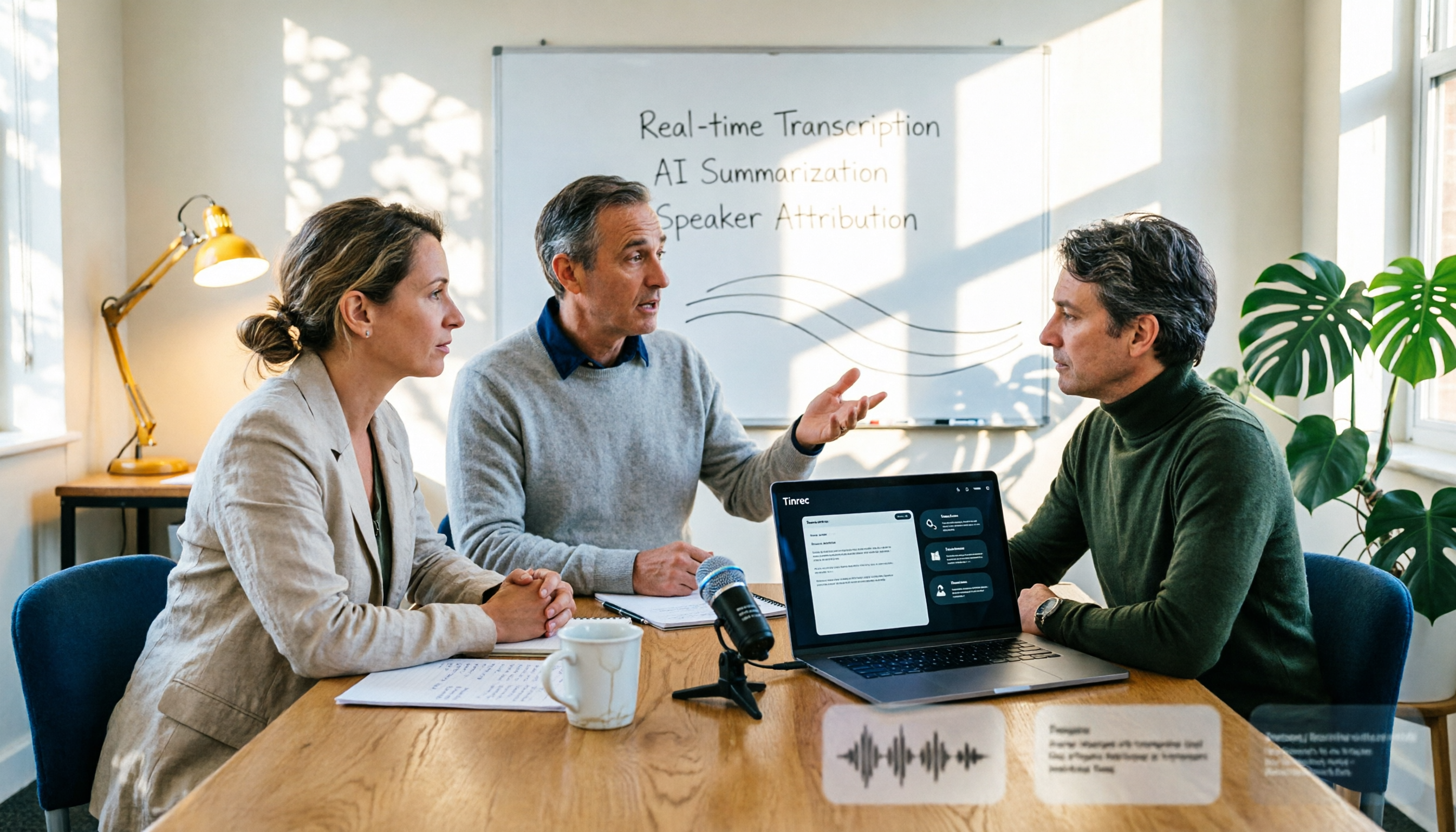
2026 AI Conference Recording Tools Compared: Which Saves More Time on Transcripts and Summaries?
The most common mistake in organizing conference recordings is 'record first, deal with it later.' This article outlines 5 key factors for choosing an AI conference recording tool, compares Tinrec with Granola, TurboScribe, and built-in platform transcription, and includes a pitfalls guide and selection advice.

5 Best Windows Speech-to-Text Software in 2026: No Meeting Bot, Which Is Fastest for Chinese Minutes?
How to choose Windows speech-to-text software? This article uses real meeting scenarios to break down 4 key buying factors: recording method, Chinese and mixed Chinese-English performance, post-meeting output, free quota, and team collaboration. It focuses on Tinrec as the main test subject and compares it with Notta, Otter.ai, and Granola, with a pitfall guide and scenario-based recommendations to help you find the one that truly saves you organizing time.

3 AirPods Recording-to-Text Methods Compared: Which One Produces a Chinese Transcript?
Wearing AirPods to record audio—how do you turn it into a Chinese transcript? This article compares three methods: iOS built-in transcription, using AirPods as a microphone with Live Listen, and Tinrec's real-time transcription and post-meeting organization. It covers differences, use cases, costs, and buying considerations, plus FAQs.