

Turn recordings into transcripts and summaries in minutes
Upload audio or video for multilingual transcription, AI notes, and action items
3 AirPods Recording-to-Text Methods Compared: Which One Produces a Chinese Transcript?
If you have AirPods and want to record a meeting or class and then turn it into a transcript, the first thing to figure out isn't "which app is best"—it's whether you want AirPods to act as a microphone for recording, or just to listen.
These are very different. AirPods themselves don't store recordings and don't have transcription features. The device and app they're connected to are what actually turn sound into text.
In this article, I compare three methods I've tried: iOS built-in Voice Memos, using AirPods as a microphone with remote listening, and using Tinrec to directly turn recordings into transcripts and meeting summaries.
1. What Can AirPods Recording-to-Text Do for You?
Let's talk about use cases before tools—that makes it easier to decide. Here are the four scenarios readers ask about most.
Scenario 1: You want meeting notes the same day
In the past, after a two-hour meeting, you'd spend another hour organizing from memory. With Tinrec, for example, it transcribes while recording, and after the meeting AI generates a summary, chapters, and action items—who's responsible for what and when it's due, all listed separately.
Scenario 2: Classes and lectures—even if the speaker is quiet
Sitting in the back of a large lecture hall with a soft-spoken speaker, taking notes by ear alone is hard. Put your device in the front to record, use Tinrec for real-time transcription, and review the transcript back in your dorm—much faster than re-listening to the recording.
Scenario 3: Interviews and client calls—don't miss key points
In interviews, the worst is being busy writing and missing the next sentence. After Tinrec transcribes, you can ask questions directly about that meeting, like "What was the budget cap the client mentioned?"—no need to scroll through the whole transcript.
Scenario 4: Cross-language meetings—keep both translation and transcript
When meeting with people who speak different languages, Tinrec can switch between original, translated, or bilingual view during recording. What you keep afterward isn't just a translation, but a bilingual transcript you can search and organize later.
2. Comparing 3 Common Methods
Method 1: Voice Memos + iOS built-in transcription
Since iOS 18, the Voice Memos app can generate a transcript while recording, keeping both the audio file and text.
Pros: free, no extra install. Cons: it only gives text—no summary, no action items, no ability to ask questions about the content. For meeting notes, you often still have to organize it yourself.
Method 2: Using AirPods as a microphone (Live Listen)
A common online tutorial uses iPhone's Live Listen to turn AirPods into a listening device, even leaving AirPods in a room while you're away, recording remotely via Voice Memos.
Note that Live Listen actually picks up sound from the iPhone's microphone, so strictly speaking the phone is doing the recording; AirPods handle playback. The trick of leaving your phone behind while you leave is unstable in connection range, battery life, and audio quality—I'd treat it as experimental, not for important meetings.
Method 3: Tinrec—directly produces a usable transcript
Tinrec works on mobile, desktop, and web. Mobile handles in-person meetings and quick notes; desktop can capture system audio directly, handling online meetings on Zoom, Google Meet, Microsoft Teams, Webex—without needing a meeting bot to join as a participant.
After recording, it doesn't just dump a transcript on you. Summary, chapters, action items, Q&A, translation, and export all happen in one place.
By the way, AirPods have a feature easily confused with recording-to-text: real-time translation. It translates what the other person says into your preferred language and shows it in the iPhone Translate app—it's not a transcript. It also has model and region restrictions, requiring supported AirPods paired with an iPhone running Apple Intelligence; some languages and regions aren't supported (not available in mainland China). If you want both translation and transcript, AirPods alone can't do it.
3. What Are Tinrec's Core Capabilities?
Real-time transcription: text as you record
It doesn't wait until recording ends—it starts processing content as you record. During a meeting, you can watch the text to make sure you don't miss key points.
Bot-free online meeting recording
The desktop version captures system audio without inviting an extra bot into the meeting room. This is especially noticeable in client meetings—no unfamiliar participant appears on screen.
AI summary, chapters, and action items
The most time-consuming part of long meetings is re-watching. Tinrec organizes content into summaries, chapters, and key points, and extracts action items from discussions, turning meeting conclusions into trackable actions.
AI Q&A: keep asking after transcription
Stop organizing recordings by hand
Upload audio or video and automatically get a transcript, summary, and action items
The transcript is just raw material. Tinrec supports continued questions and analysis around meeting content—both single and cross-meeting data.
Real-time translation and bilingual view
During recording, switch between original, translated, or bilingual. For meetings with mixed Chinese and English, bilingual comparison is much clearer than translation alone.
Multi-format export and post-processing
Organized content can be exported to Notion, Google Docs, OneNote, Dropbox, etc. It can also be post-processed via Agent to generate reports, tables, and documents.
Team space and governance
This is the biggest divide between personal and team versions. The team version offers an independent team space where meeting data belongs to the team, plus management features like members, roles, seats, usage analytics, audit logs, audio recycle bin, and team hotwords.
4. Practical Use Cases
Meeting notes and decision tracking
After weekly meetings, review meetings, or cross-department meetings, Tinrec produces summaries and action items. Data stays in the team space, so next time you can look up what was decided.
Classes and lectures
Record and transcribe in real time on mobile, then supplement notes with the transcript. For courses with many technical terms, the team version lets you maintain hotwords so recognition better matches your usage.
Interviews and research
For hour-long recordings like expert interviews or user research, transcribe with Tinrec and then ask questions to find insights and quotes—much faster than listening repeatedly.
Content creation and spoken drafts
Wear AirPods and talk while walking, record ideas into Tinrec, and when you're back at your computer you have organized text to edit.
5. 5 Things to Consider When Choosing an AirPods Recording-to-Text Tool
- Chinese and mixed Chinese-English recognition: Don't just look at marketing—test with your own recordings. In practice, recording quality, noise, accents, overlapping speakers, and technical terms all affect results, and Tinrec is no exception—for important content, cross-check with transcript timestamps and audio playback.
- Does the audio source match your scenario?: AirPods are just the front end for recording and playback; what really matters is whether the app can handle your source. Tinrec handles live recording, online meeting system audio, existing audio/video files, and mobile recording.
- Can you use it after transcription?: A tool that only gives a transcript dumps the organizing work right back on you. Tinrec's summaries, chapters, action items, and AI Q&A save the time of re-watching.
- Team collaboration and permissions: The team version distinguishes roles and seats. Roles determine who can manage the team and team settings; seats determine whether members can record, upload, edit, import/export. Effective members without seats can still view, play, and read team data. Currently it's team-level sharing, not file-level granular permissions.
- Understand costs and quotas: Tinrec's personal version has a free tier to try basic quotas, plus weekly and Pro monthly/annual plans. The team version is currently USD 29.80 per paid seat per month, or USD 199 per paid seat per year (about USD 16.58/month). The first eligible team trial is 7 days, 1 free seat, and 300 minutes of team shared import quota. Paid seats provide 2,000 minutes of team shared import quota per month. Real-time recording under an active team plan currently doesn't deduct by minutes. Actual prices and promotions are subject to the official purchase page.
One last often-overlooked reminder: recording and transcription involve others' privacy. Follow local laws and get consent when needed.
6. FAQ
Q1: Can AirPods record directly and save files?
AirPods have no built-in storage or recording list. They handle recording and playback; the recording file is stored on the connected device or app.
Q2: Can Tinrec record when I'm wearing AirPods and talking?
Yes. Tinrec can record on mobile, desktop, and web. AirPods work fine as recording and monitoring accessories. For online meetings, using the desktop version to capture system audio is more complete.
Q3: Is AirPods real-time translation the same as a transcript?
No. Real-time translation translates the other person's speech into your preferred language and shows it in the iPhone Translate app, with model, language, and region restrictions. To keep both translation and transcript, Tinrec's real-time translation plus transcript is more practical.
Q4: Is Tinrec's free version enough?
The free version offers basic quota, suitable for trying recording, import, summary, and transcription. If you only occasionally organize a recording, starting free is reasonable; if you have steady weekly usage, consider Pro.
Q5: What's the difference between team and personal versions?
Personal data belongs to your account; the team version is an independent team space with member invitations, role and seat management, shared benefits, usage analytics, audit logs, audio recycle bin, and team hotwords. When members leave, team resources can be handed over to other effective members.
Q6: How accurate is the transcript?
No tool guarantees a fixed accuracy rate. It performs best with clear audio, a quiet environment, and normal speaking speed. For important information, go back to the recording to verify.
7. Conclusion
AirPods are great recording and playback accessories, but they won't turn content into usable text. What really determines how much time you save is how the app handles transcription, organization, and collaboration.
If you just want occasional records, iOS built-in features are enough. But if you have meetings, classes, or interviews every week and want summaries, action items, and a searchable database right after recording, Tinrec is worth trying the free version to see if it can remove "re-listening" from your workflow.
References
- Use AirPods to translate face-to-face conversations - Apple Support (Taiwan)
- Use AirPods as a microphone! For classes, evidence recording, and more - Apple Almond
- Stop using Google Translate! Step-by-step guide to setting up AirPods real-time translation: supported models, setup steps, and Apple Intelligence | GQ Taiwan
- iPhone voice-to-text tutorial: no third-party app needed
- Use Live Translation with AirPods - Apple Support (Taiwan)
Turn every recording into actionable outcomes
Get 60 free transcription minutes when you sign in. No credit card required.
Related Reading
You might also like
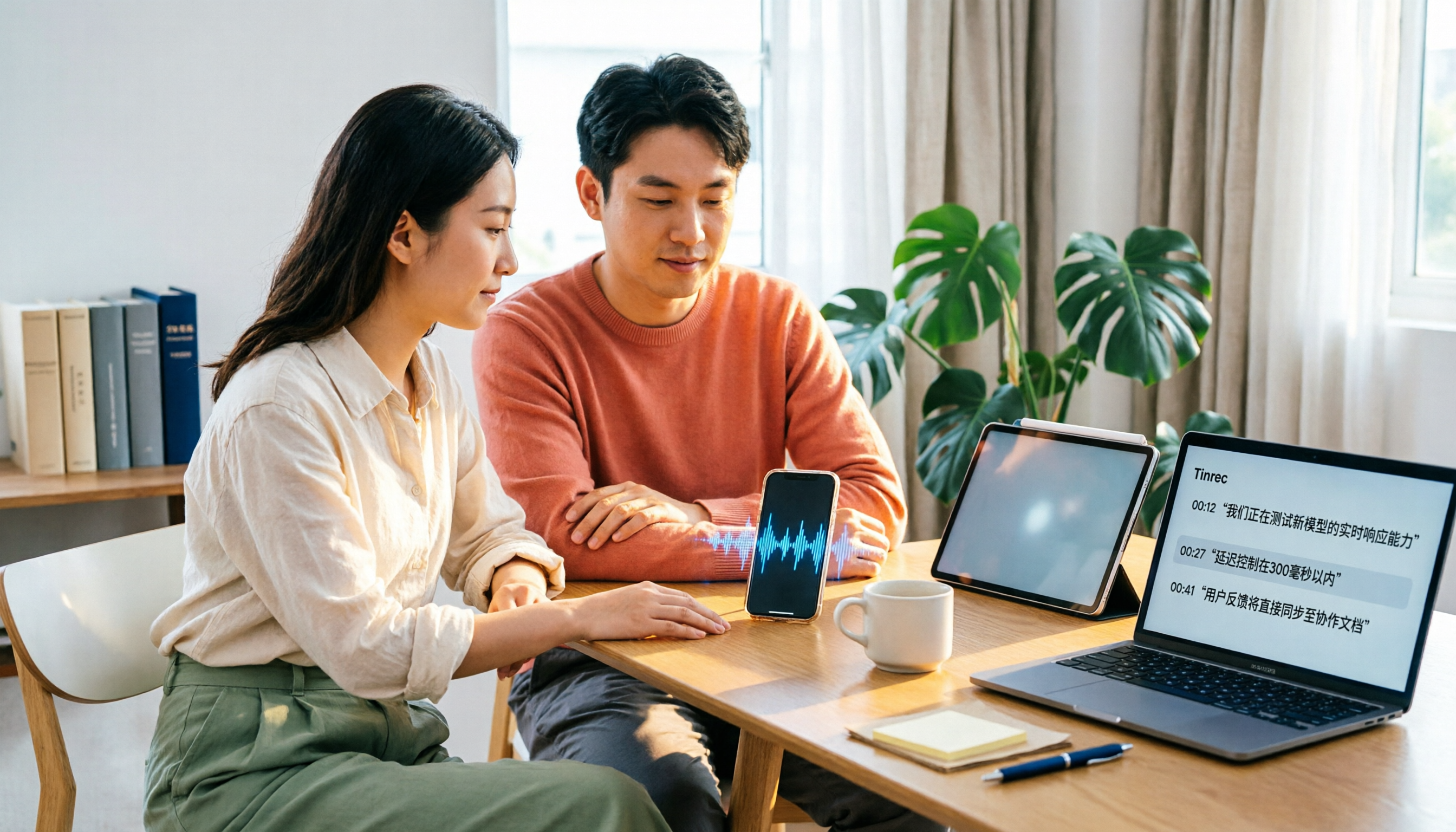
4 Xiaohongshu Video-to-Text Tools Tested for 2026: Which One Can Actually Transcribe Videos Without Subtitles?
Extracting text from Xiaohongshu videos isn't about whether a tool exists—it's about what you plan to do with the text. This article starts with three key questions and compares four tools: Tinrec, BibiGPT, Shiyi, and SnapWC. Learn the difference between grabbing subtitles and AI speech-to-text transcription, plus workflows for videos without subtitles, output formats, and tips for team sharing.
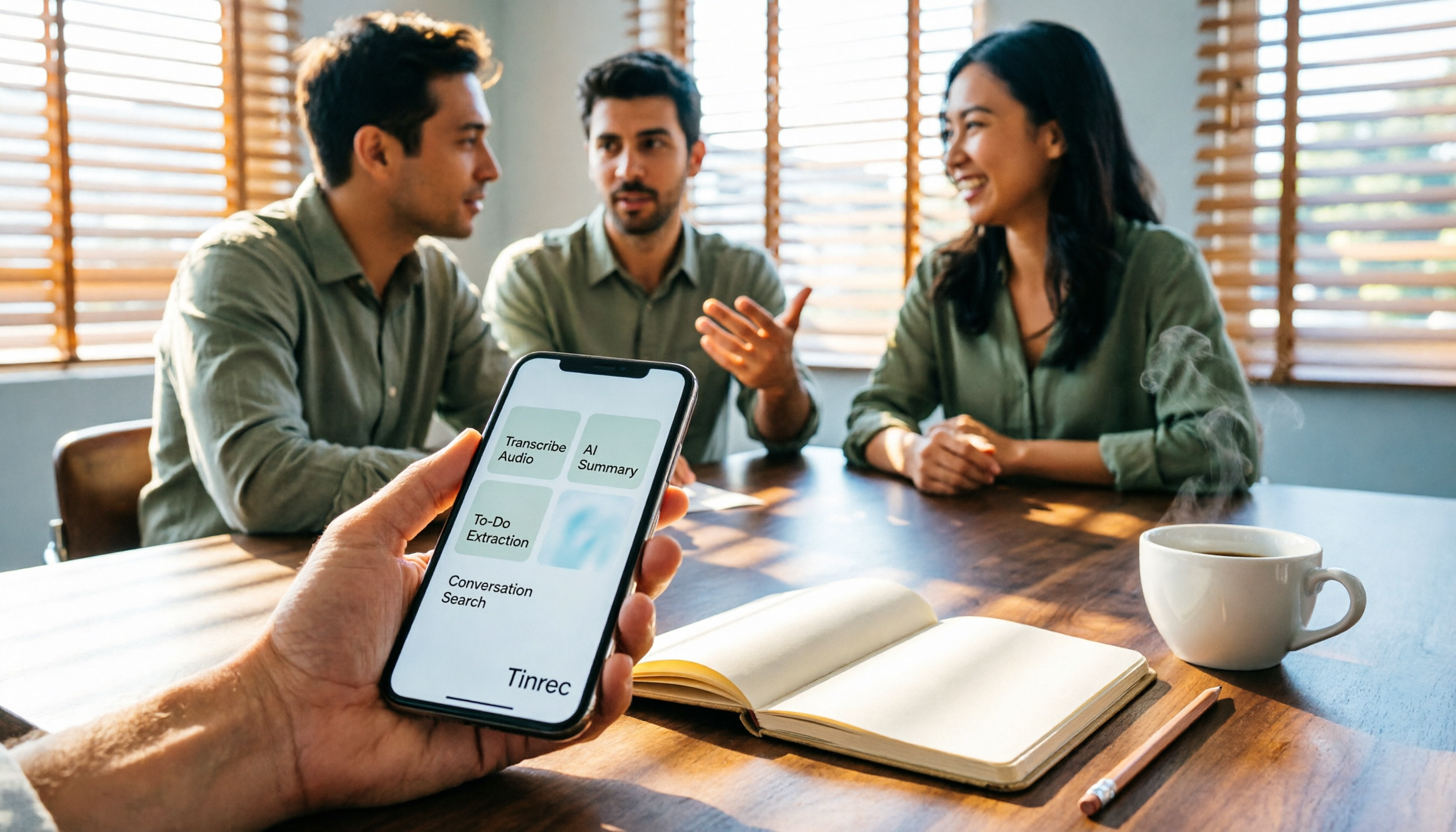
5 Huawei Phone Audio-to-Text Tools Tested in 2026: Which AI Meeting Notes Save the Most Time?
A hands-on 2026 comparison of audio-to-text tools for Huawei phones, tested in real meeting scenarios. The article compares Huawei's built-in recorder, Otter.ai, Notta, and Tinrec, and explains four key factors for choosing a tool: real-world accuracy, post-meeting organization, bot-free online meeting recording, and cross-platform export. It highlights Tinrec's AI summaries, action item extraction, and AI chat query, and concludes with recommendations for different use cases.
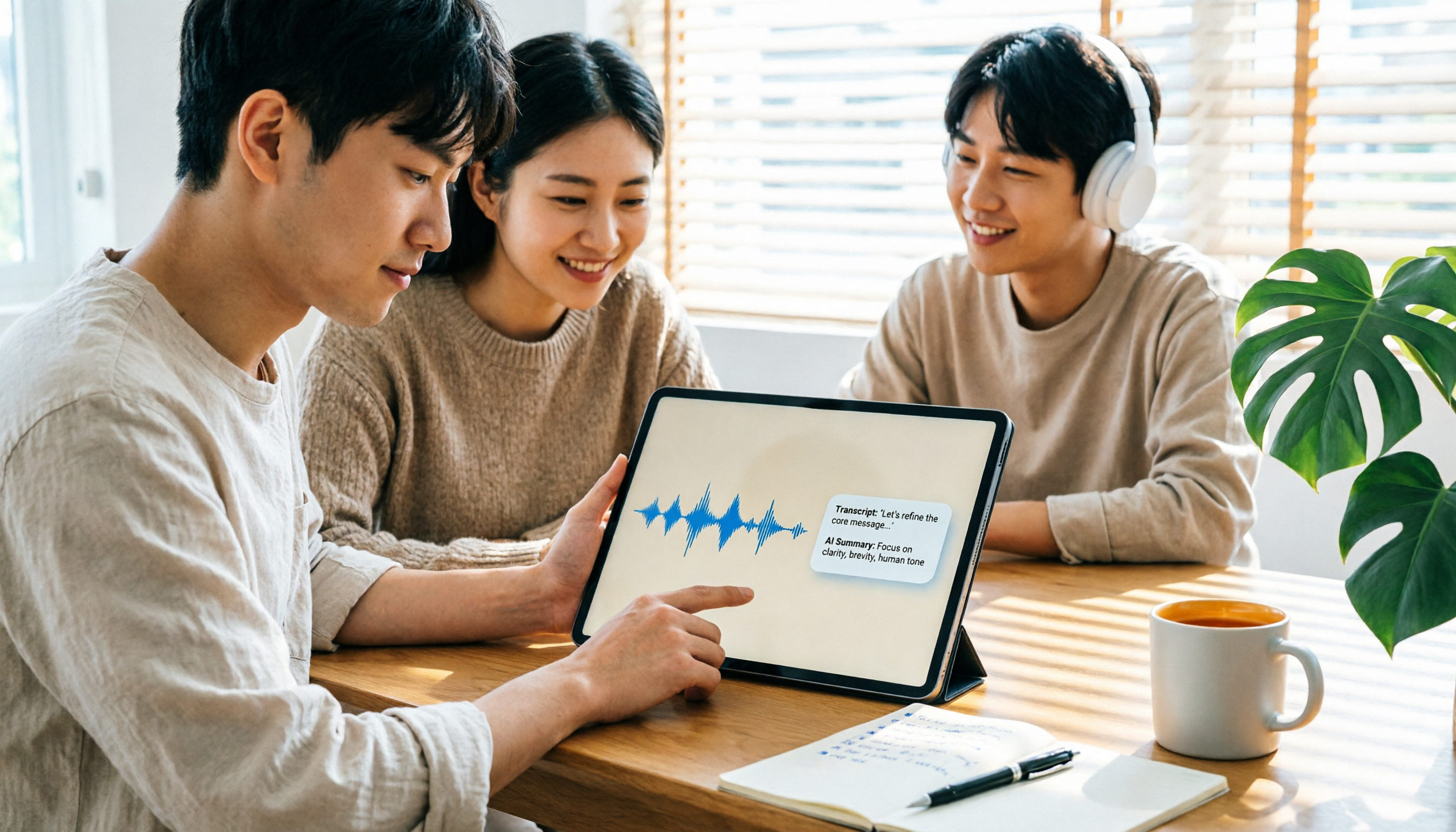
2026 iPad Audio-to-Text Note-Taking Guide: Real-Time Transcripts, AI Summaries, and Tool Selection
Should you use built-in features or third-party apps for iPad audio-to-text note-taking? This guide covers selection criteria, Chinese transcription, post-meeting AI organization, cross-platform export, and team permissions, comparing Tinrec, Apple Notes, Otter.ai, and PLAUD Note, plus practical tips to avoid pitfalls.

5 Best Browser-Based Audio-to-Text Tools in 2026: No Install, Which Handles Chinese Meetings Best?
How do you choose a browser-based audio-to-text tool without wasting time? This article examines four key factors—no installation, Chinese recognition, post-meeting organization, and team data ownership—and compares Tinrec, Notta, TurboScribe, Granola, and Otter.ai from a mid-level manager's hands-on perspective. It covers Tinrec's real-world performance and limitations in bot-free recording, AI Q&A, action item extraction, and team workspaces.

Tinrec vs OmniTranscript 2026: 5-Dimension Comparison for Chinese TikTok Transcripts
How to choose a TikTok video-to-text tool? This article reviews 5 transcript tools: Tinrec, OmniTranscript, WayinVideo, BibiGPT, and Dictationer, comparing them across Chinese language support, AI post-processing, export formats, free quotas, and team collaboration to help you find the best TikTok transcription solution.

How to Transcribe Audio on Samsung Phones in 2026: Built-in Speech-to-Text + AI Meeting Notes
Samsung phones have a built-in Voice Recorder app with a speech-to-text mode, but getting a transcript doesn't mean you have usable meeting notes. This guide covers five key factors—Chinese recognition, post-meeting organization, recording online meetings, cross-device use, and team collaboration—and compares Samsung's built-in feature, Otter.ai, Notta, and Tinrec to help you find the best audio transcription solution for your needs.
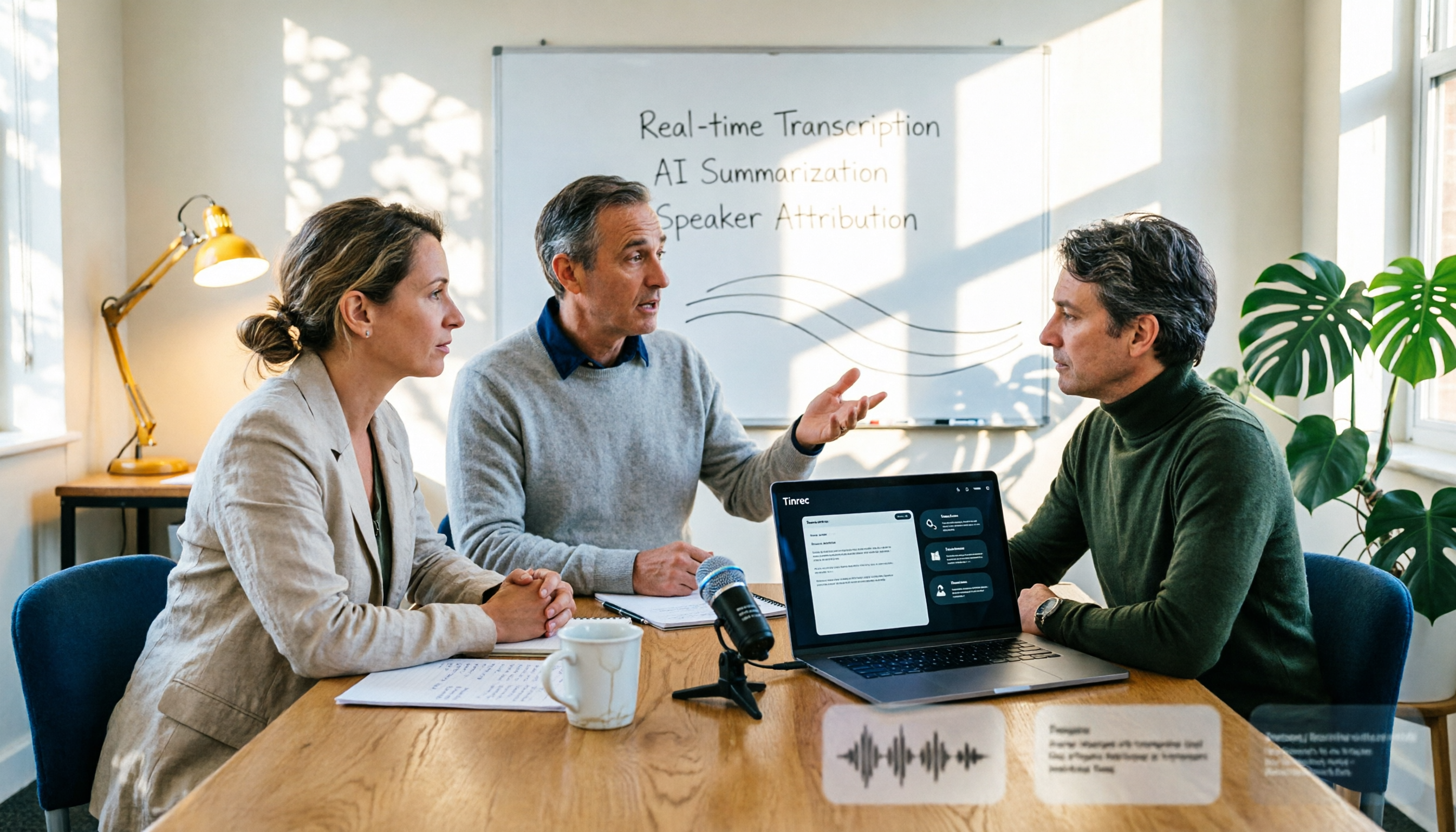
2026 AI Conference Recording Tools Compared: Which Saves More Time on Transcripts and Summaries?
The most common mistake in organizing conference recordings is 'record first, deal with it later.' This article outlines 5 key factors for choosing an AI conference recording tool, compares Tinrec with Granola, TurboScribe, and built-in platform transcription, and includes a pitfalls guide and selection advice.

5 Best Windows Speech-to-Text Software in 2026: No Meeting Bot, Which Is Fastest for Chinese Minutes?
How to choose Windows speech-to-text software? This article uses real meeting scenarios to break down 4 key buying factors: recording method, Chinese and mixed Chinese-English performance, post-meeting output, free quota, and team collaboration. It focuses on Tinrec as the main test subject and compares it with Notta, Otter.ai, and Granola, with a pitfall guide and scenario-based recommendations to help you find the one that truly saves you organizing time.
Tinrec vs Notta 2026: 5-Way Comparison for Xiaomi Phone Audio-to-Text
Compare the best audio-to-text apps for Xiaomi phones in 2026. We evaluate Tinrec and Notta across five dimensions: Chinese transcription, meeting capture, post-meeting organization, team collaboration, and pricing. Also includes positioning for Otter, Granola, TurboScribe, PLAUD, and the built-in recorder to help you find the most time-saving solution.