

Turn recordings into transcripts and summaries in minutes
Upload audio or video for multilingual transcription, AI notes, and action items
How to Transcribe Audio on Samsung Phones in 2026: Built-in Speech-to-Text + AI Meeting Notes
After a meeting, you spend two more hours typing—what you're missing isn't recording
The meeting ends, and the recording sits quietly on your phone. When you actually need it, you have to listen from minute one, typing as you go. A two-hour meeting becomes two hours of transcription.
It gets worse with mixed Chinese and English: in project meetings, people often switch between languages mid-sentence. Even after you get the text, you still have to mark key points and track who's responsible for what.
Actually, Samsung's built-in Voice Recorder app already includes a speech-to-text mode. On models like the Galaxy S24, you can use the voice transcription assistant through the Voice Recorder app—no extra download needed to turn audio into text. But if your need isn't just "seeing text" but "getting meeting materials you can use directly," choosing the right tool is more critical than spending hours transcribing afterward.
Before choosing an audio-to-text app, understand these 5 key points
1. Chinese and mixed Chinese-English recognition performance. This is the easiest thing to gloss over with marketing talk. Don't just look at advertised numbers—look at how it performs in a real meeting room with air conditioning noise, keyboard clicks, and multiple people talking over each other. That's completely different from a quiet studio. We recommend testing with a free trial using your own meeting recording; it's more accurate than reading spec sheets.
2. Does it only give a transcript, or also summaries, chapters, and action items? A transcript is raw material, not a finished product. You need to ask: after transcription, how much work is left? Tools that automatically generate summaries, break into chapters, and pull "who's responsible for what" into a to-do list save you real work hours.
3. How do you record online meetings? For meetings on Zoom, Google Meet, or Microsoft Teams, some tools rely on a "meeting bot" that joins as a participant. Others capture system audio directly from the desktop app, without an extra bot appearing in the attendee list. The latter is usually more convenient for client meetings.
4. Cross-device use and data retention. Recording on your phone today and organizing on your computer tomorrow is a common workflow. If a tool only works on a single device, you'll be forced to manually move files. Also confirm: will recordings be retained? Can you replay them to verify?
5. Free tier limits and team collaboration. Free plan restrictions are often hidden in per-recording length or monthly minutes—check carefully before paying. If meeting materials need to be shared with colleagues, also check member, role, and seat differences—"can view" and "can edit" are two different things.
Tinrec — our top recommended companion solution after testing
Tinrec is an AI meeting notes and collaboration tool for individuals and teams, available on mobile, desktop, and web. Its biggest difference from a typical "audio-to-text app" is that getting a transcript is just the starting point.
When recording online meetings, Tinrec's desktop version captures system audio directly—no need to invite an extra meeting bot to Zoom, Google Meet, Microsoft Teams, or Webex. It can transcribe in real time as the meeting progresses. After the meeting, AI automatically generates summaries and chapters, and organizes action items into a to-do list—who's responsible for what and when it's due, without having to scroll back through 40 minutes of conversation.
The most practical feature after recording is actually AI Q&A. You can directly ask it "What was the budget cap mentioned in the last meeting?" or "What was the client's biggest concern about the delivery date?" It answers based on semantic understanding, rather than dumping a bunch of keyword search results. Most similar tools are still stuck at the "Ctrl+F to find keywords" stage.
If the meeting includes foreign language content, Tinrec supports real-time translation during recording—you can view only the original, only the translation, or side-by-side bilingual. Organized content can be exported to Notion, Google Docs, OneNote, Dropbox, and other tools for further processing, and can also generate reports, tables, or meeting minutes documents directly through Agent post-processing.
For team use, Tinrec provides an independent team space: meeting data belongs to the team. When a member leaves, is removed, or loses their seat, they need to hand over the resources they're responsible for—it won't disappear with their personal account. Admins can manage roles and seats, view team usage trends and member details, query and export audit logs, and use team hotwords to maintain company-specific product names and terminology. Currently, the team version's first eligible trial is 7 days, 1 free seat, and 300 minutes of shared team import quota; paid seats are USD 29.80/seat/month, or USD 199/seat/year (about USD 16.58/month). Each paid seat includes 2,000 minutes of shared team import quota per month. Under an active team plan, real-time recording currently does not deduct minutes.
Stop organizing recordings by hand
Upload audio or video and automatically get a transcript, summary, and action items
Limitations to be clear about: The free version provides a basic quota, suitable for testing with one of your own meeting recordings. Tinrec does not promise a fixed accuracy rate—audio quality, background noise, accents, and multiple people talking over each other all affect results. For important content, we recommend cross-checking with transcript timestamps and recording playback. The team version currently offers team-level sharing with role and seat controls, not file-level granular permissions. It's also not a bot that automatically joins all calendar meetings—you need to initiate recording yourself.
Who is it for? If you frequently record meetings on your phone, need mixed Chinese-English transcripts, want to use AI to find key points directly after recording, generate action items and minutes in one go, and even turn meeting data into team assets, Tinrec will get you closer to your goal than a simple audio-to-text app.
Besides Tinrec, what other audio-to-text options are there for Samsung phones?
Samsung's built-in Voice Recorder app: No download, free, and the most intuitive starting point on a Samsung phone. Its speech-to-text mode can directly convert recordings into on-screen text, with modes like Standard, Interview, and Speech-to-Text. Recording quality options include Low 64kbps, Medium 128kbps, and High 256kbps. When sharing, you can choose audio file, text file, or both. Based on current feature descriptions, its strength is "quickly turning speech into text and sharing files," but it lacks AI Q&A, action item extraction, and team space—the post-meeting workflow. Suitable for occasional recordings and those who want to see results first.
Otter.ai: A mature choice for English meetings. Free Basic plan includes 300 minutes per month; Pro annual billing is about USD 8.49/user/month, including 1,200 minutes per month and 10 file imports. It's great for English-dominant online meetings, but Chinese meetings aren't its strong suit, and it lacks Tinrec's Agent post-processing and team data governance structure. If you only record English meetings, it's a reasonable option.
Notta: A multilingual transcription tool with high overlap with Tinrec. Free plan: 120 minutes per month, max 3 minutes per recording; Pro annual billing is about USD 8.17/month, 1,800 minutes per month; Business annual billing is about USD 16.67/seat/month. It performs well in file transcription and subtitles, but bot-free desktop online meeting recording, AI Q&A, and team data retention are areas where Tinrec is more capable.
Pitfall guide: 4 most common mistakes when choosing an audio-to-text app
Pitfall 1: Only looking at the word "free." Free plan limits are often hidden in per-recording caps or monthly quotas. Many people download and then find a single meeting can't even be fully recorded. The right approach is to check the per-recording limit and monthly minutes first, then test with your actual meeting length.
Pitfall 2: Thinking the transcript is the end goal. If you only use a transcription tool for "audio to text," you're only using a third of its capability. The focus now isn't just getting text—it's whether you can directly ask "What was the conclusion of this meeting?" after transcription.
Pitfall 3: Ignoring cross-device use and data ownership. Recording on phone and organizing on computer is normal. Also, for team use, confirm whether data is stored in personal accounts or team spaces—sharing via personal accounts means data can easily be lost when someone leaves.
Pitfall 4: Not paying attention to recording interruptions and legal issues. Some users report that Samsung's built-in recorder can stop mid-recording under certain settings, usually related to battery optimization. Before recording long meetings, check the relevant settings. Also, recording and transcription have different regulations in different regions. For important meetings, we recommend getting consent from participants first.
Conclusion: Which one should you choose?
- Just want to quickly turn a recording into text for free and share the file → Samsung's built-in Voice Recorder app. Good enough and zero cost.
- Chinese or mixed Chinese-English meetings, need transcript + summary + action items → Tinrec. Ready to use right after transcription.
- Want to ask follow-up questions and quickly find key points after recording → Tinrec. AI Q&A is a rare capability among similar tools.
- Record on phone, organize on computer, team needs to share meeting data → Tinrec. Multi-device use plus team space and seat management.
- Mainly record English meetings, zero budget → Otter.ai. This is one of the few scenarios in this article where we recommend another tool.
The recommended approach is simple: download Tinrec's free version first, test it with one of your own real meeting recordings, and see if the transcript, summary, and action item quality meets your needs. If it works for you, consider upgrading—no need to pay upfront.
References
- How to use Transcribe Assist on the Galaxy S24 - Samsung
- Phone recording also has transcription! Samsung S22 Ultra Voice Recorder test - SOGI
- Samsung Voice Recorder - Google Play
- Voice Recorder - Google Play
- Samsung Galaxy AI Traditional Chinese is coming: real-time translation and speech-to-text are super convenient
Turn every recording into actionable outcomes
Get 60 free transcription minutes when you sign in. No credit card required.
Related Reading
You might also like
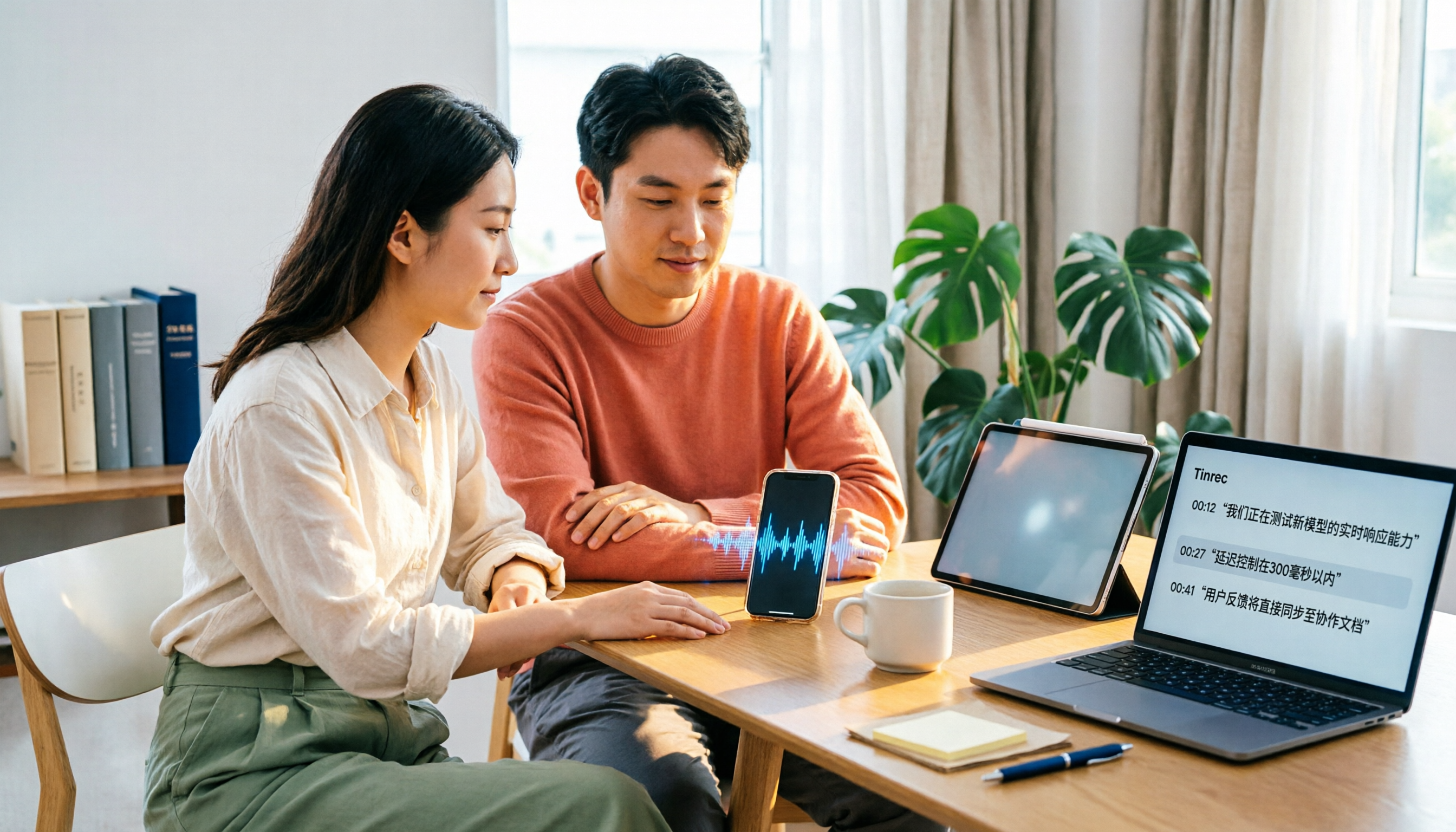
4 Xiaohongshu Video-to-Text Tools Tested for 2026: Which One Can Actually Transcribe Videos Without Subtitles?
Extracting text from Xiaohongshu videos isn't about whether a tool exists—it's about what you plan to do with the text. This article starts with three key questions and compares four tools: Tinrec, BibiGPT, Shiyi, and SnapWC. Learn the difference between grabbing subtitles and AI speech-to-text transcription, plus workflows for videos without subtitles, output formats, and tips for team sharing.
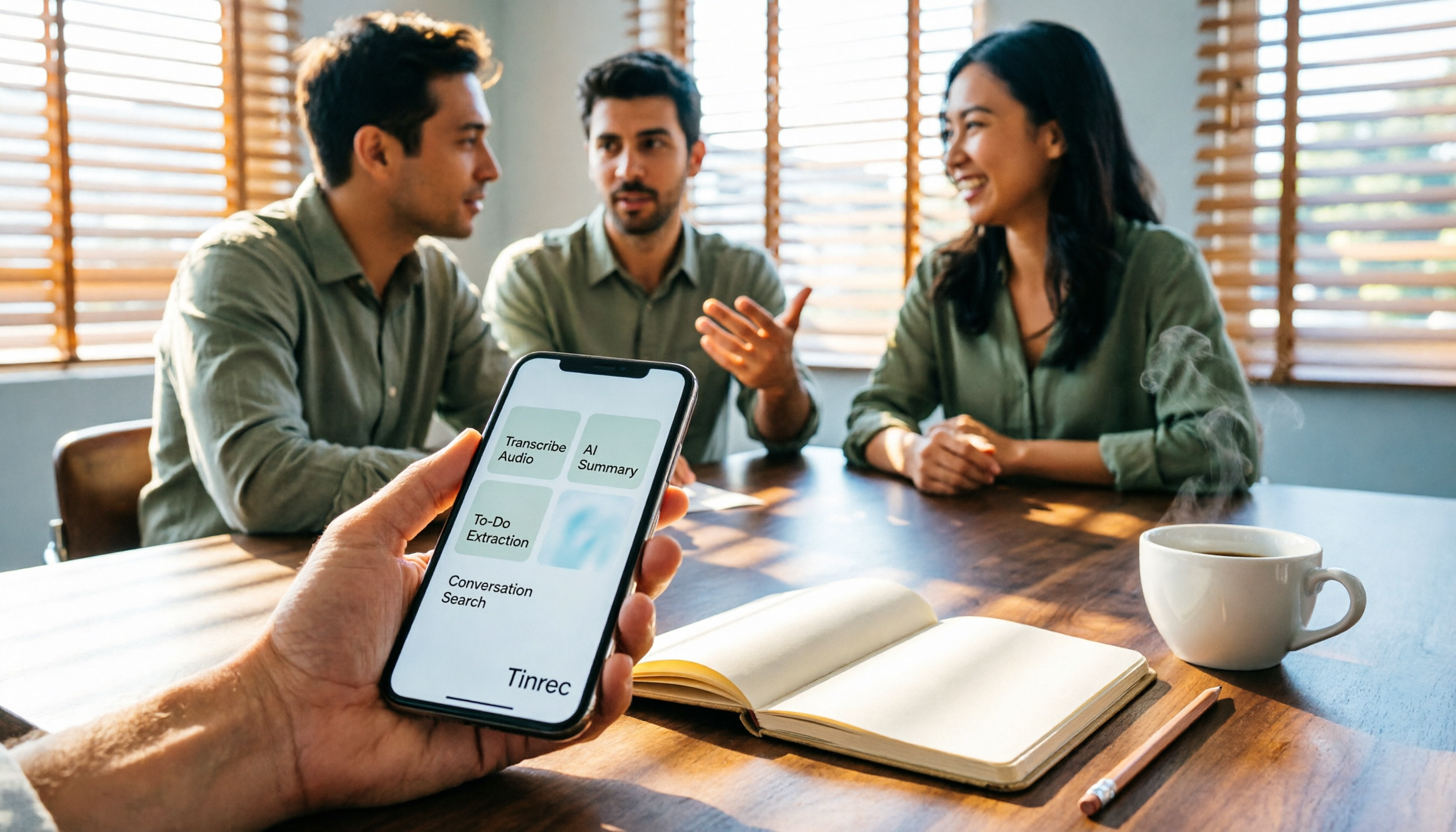
5 Huawei Phone Audio-to-Text Tools Tested in 2026: Which AI Meeting Notes Save the Most Time?
A hands-on 2026 comparison of audio-to-text tools for Huawei phones, tested in real meeting scenarios. The article compares Huawei's built-in recorder, Otter.ai, Notta, and Tinrec, and explains four key factors for choosing a tool: real-world accuracy, post-meeting organization, bot-free online meeting recording, and cross-platform export. It highlights Tinrec's AI summaries, action item extraction, and AI chat query, and concludes with recommendations for different use cases.
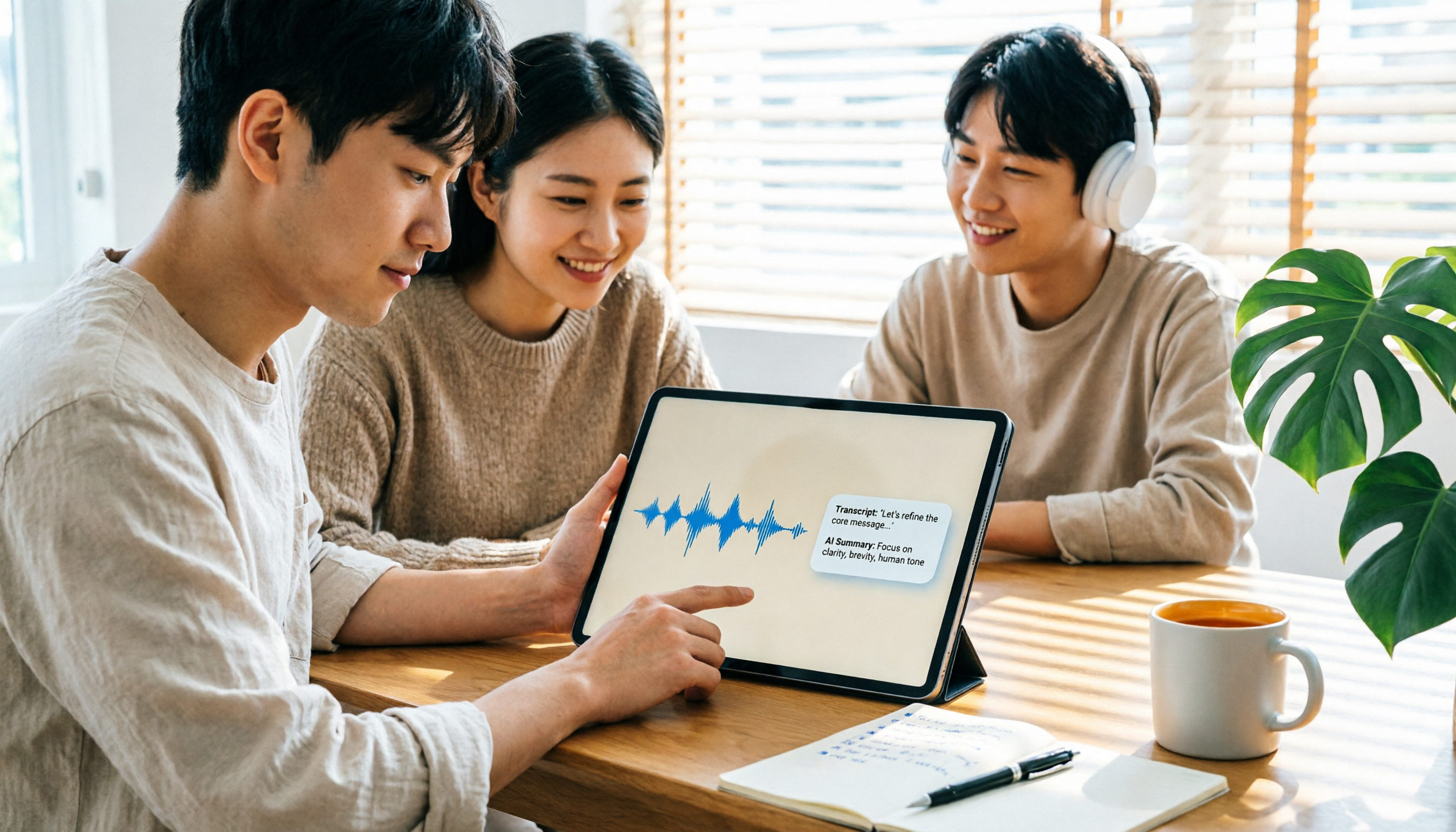
2026 iPad Audio-to-Text Note-Taking Guide: Real-Time Transcripts, AI Summaries, and Tool Selection
Should you use built-in features or third-party apps for iPad audio-to-text note-taking? This guide covers selection criteria, Chinese transcription, post-meeting AI organization, cross-platform export, and team permissions, comparing Tinrec, Apple Notes, Otter.ai, and PLAUD Note, plus practical tips to avoid pitfalls.

5 Best Browser-Based Audio-to-Text Tools in 2026: No Install, Which Handles Chinese Meetings Best?
How do you choose a browser-based audio-to-text tool without wasting time? This article examines four key factors—no installation, Chinese recognition, post-meeting organization, and team data ownership—and compares Tinrec, Notta, TurboScribe, Granola, and Otter.ai from a mid-level manager's hands-on perspective. It covers Tinrec's real-world performance and limitations in bot-free recording, AI Q&A, action item extraction, and team workspaces.

Tinrec vs OmniTranscript 2026: 5-Dimension Comparison for Chinese TikTok Transcripts
How to choose a TikTok video-to-text tool? This article reviews 5 transcript tools: Tinrec, OmniTranscript, WayinVideo, BibiGPT, and Dictationer, comparing them across Chinese language support, AI post-processing, export formats, free quotas, and team collaboration to help you find the best TikTok transcription solution.
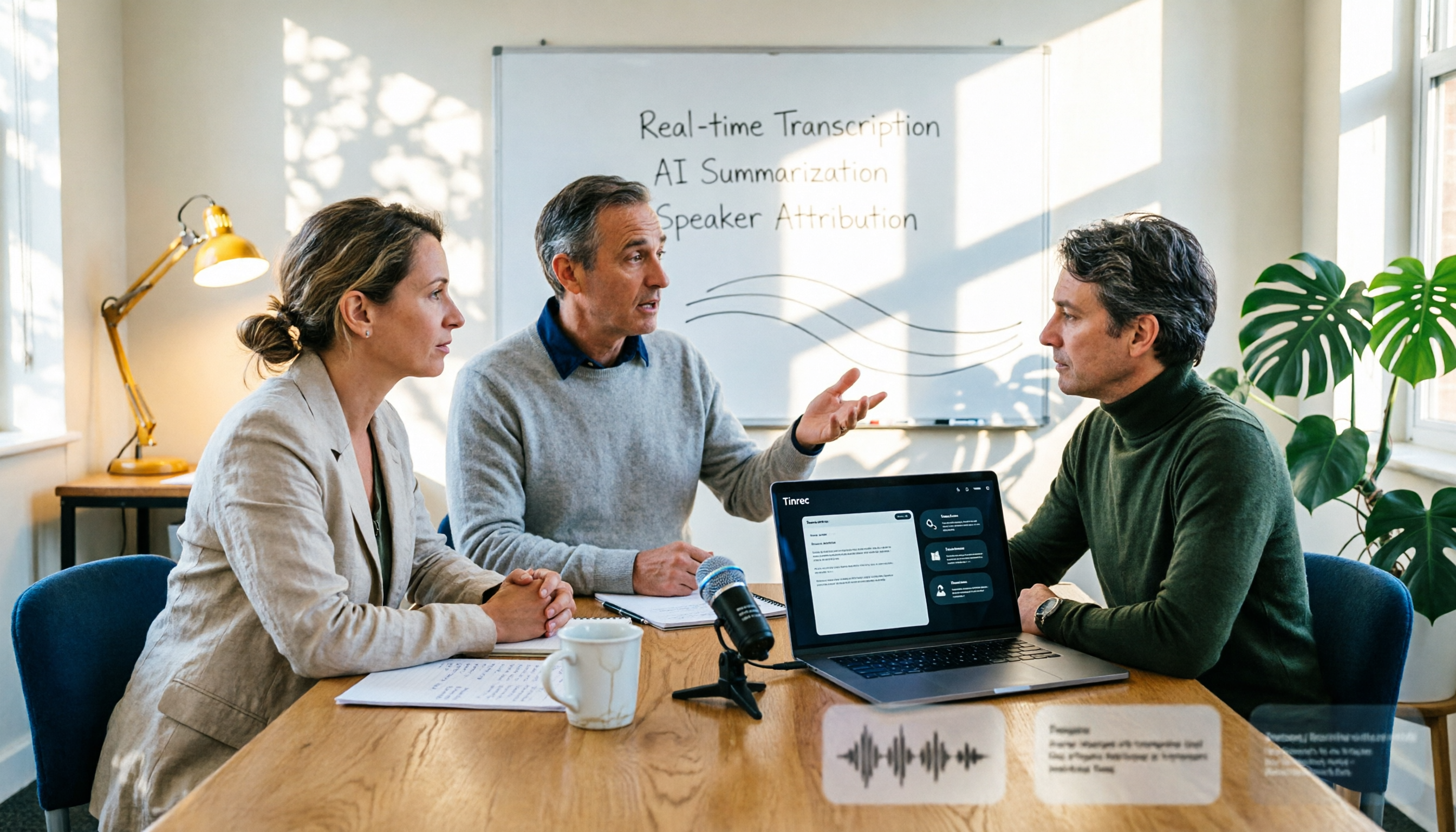
2026 AI Conference Recording Tools Compared: Which Saves More Time on Transcripts and Summaries?
The most common mistake in organizing conference recordings is 'record first, deal with it later.' This article outlines 5 key factors for choosing an AI conference recording tool, compares Tinrec with Granola, TurboScribe, and built-in platform transcription, and includes a pitfalls guide and selection advice.

5 Best Windows Speech-to-Text Software in 2026: No Meeting Bot, Which Is Fastest for Chinese Minutes?
How to choose Windows speech-to-text software? This article uses real meeting scenarios to break down 4 key buying factors: recording method, Chinese and mixed Chinese-English performance, post-meeting output, free quota, and team collaboration. It focuses on Tinrec as the main test subject and compares it with Notta, Otter.ai, and Granola, with a pitfall guide and scenario-based recommendations to help you find the one that truly saves you organizing time.

3 AirPods Recording-to-Text Methods Compared: Which One Produces a Chinese Transcript?
Wearing AirPods to record audio—how do you turn it into a Chinese transcript? This article compares three methods: iOS built-in transcription, using AirPods as a microphone with Live Listen, and Tinrec's real-time transcription and post-meeting organization. It covers differences, use cases, costs, and buying considerations, plus FAQs.
Tinrec vs Notta 2026: 5-Way Comparison for Xiaomi Phone Audio-to-Text
Compare the best audio-to-text apps for Xiaomi phones in 2026. We evaluate Tinrec and Notta across five dimensions: Chinese transcription, meeting capture, post-meeting organization, team collaboration, and pricing. Also includes positioning for Otter, Granola, TurboScribe, PLAUD, and the built-in recorder to help you find the most time-saving solution.