
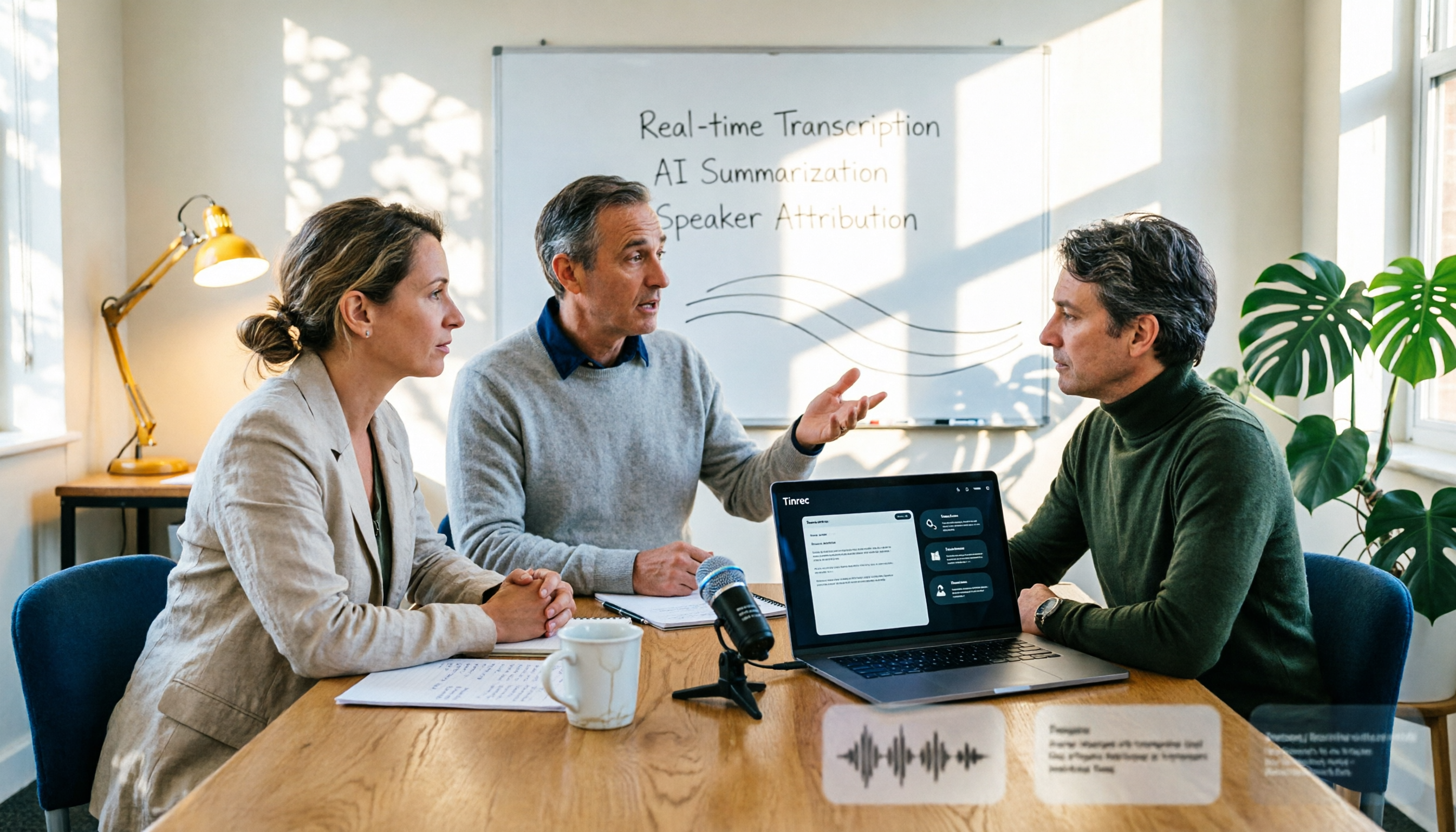
Turn recordings into transcripts and summaries in minutes
Upload audio or video for multilingual transcription, AI notes, and action items
2026 AI Conference Recording Tools Compared: Which Saves More Time on Transcripts and Summaries?
"Record first, organize later" is the most common phrase heard at conferences.
The problem is that "later" usually never happens. A three-hour keynote plus panel discussion, and the recording sits on your phone for two months. By the time you need to write a research report, respond to reviewer comments, or confirm what a speaker said about a theory, you have to fast-forward from the beginning, searching frame by frame.
Another common approach is to handwrite everything. You fill three pages, but miss the most exciting Q&A—because the stage and audience are talking at the same time, and one pair of ears really isn't enough.
A more reasonable approach is to separate "recording" from "organizing": let a tool handle the recording while you focus on listening; after the event, let AI produce a transcript, then use Q&A to directly ask it "What was the sample size that speaker mentioned?"
This article outlines 5 key factors for choosing a conference recording AI, and compares Tinrec with three other common approaches.
Before Choosing a Conference Recording AI, Understand These 5 Key Points
1. How broad are the input sources? Conference recordings actually come from three sources: your own on-site recording, system audio from online meetings, and audio/video files provided by the organizer. Many tools only handle one or two of these, leaving the rest for manual processing. When choosing a tool, first confirm whether it can collect all three sources in one place.
2. Performance with Chinese and mixed Chinese-English. In academic settings, mixing Chinese and English is the norm, and there are many technical terms. Rather than looking at official accuracy claims, try it with a short recording of your own—air conditioning noise, multiple people talking over each other, accents—these conditions reveal the differences.
3. What else can it do after transcription? With only a transcript, you still have to read through three hours of content yourself. Whether it can automatically generate summaries, chapters, and action items, and whether you can directly ask questions about the content, determines whether you save an hour or half a day.
4. Data ownership and team collaboration. For personal use, it's fine, but for research teams or labs sharing, pay special attention: Is the data tied to an individual account or stored in a team space? When members graduate and leave, will the data disappear with them?
5. How are quotas calculated? Estimate based on "how long a typical conference lasts," not just monthly minutes. Some tools share quotas between recording and file import, while others calculate separately. Different rules can make a big difference during conference season.
Tinrec — Our Top Choice After Testing
Tinrec is an AI meeting notes and collaboration tool for individuals and teams, available on web, desktop, and mobile apps.
It doesn't just convert audio to text; it turns an entire conference into searchable, queryable, and exportable data.
No-bot recording for online meetings. This is the most practical point. Tinrec's desktop version directly captures your computer's system audio, handling meeting audio from Zoom, Google Meet, Microsoft Teams, Webex, etc., without sending a meeting bot to join as a participant. This is very practical for hosts—no unfamiliar account suddenly appearing on the list.
Simultaneous on-site recording and file import. For offline events, you can start live recording and get a transcript as you go; if you have video or audio files from the organizer, you can also upload them for transcription. All three conference recording sources can be centralized in one database.
Chinese, multilingual, and real-time translation. Tinrec covers Chinese, Traditional Chinese, and multilingual meeting scenarios, and supports real-time translation, allowing you to switch between original text, translation, or bilingual view during recording. Research teams can also add domain terminology to team hotwords, making technical vocabulary recognition closer to actual usage.
The real value is after recording. Tinrec automatically generates summaries, chapters, and key points, extracts action items from discussions, and can produce mind maps. Even better is AI Q&A—you can directly ask "What suggestions did this conference give for mixed methods research?" and it will answer based on semantics, not just throw a list of keyword search results. This is the biggest difference from pure transcription tools.
Stop organizing recordings by hand
Upload audio or video and automatically get a transcript, summary, and action items
Export and post-processing. Organized content can be exported to Notion, Google Docs, OneNote, Dropbox, etc., for further use, and can also be post-processed through Agent to generate reports, tables, and documents. Writing conference summaries, organizing interview materials, and producing literature notes can all save considerable time.
Team version is a separate space. For research teams or labs sharing, Tinrec's team version is not multiple people sharing one account. Team resources belong to the team, with manageable member roles and seats, usage analytics, and audit logs for query and export. Deleted audio can be restored from a 30-day recycle bin. When members graduate, leave, or are removed, their team resources can be transferred to other active members, so data doesn't disappear with the person. Pricing is USD 29.80 per paid seat per month, or USD 199 per paid seat per year (about USD 16.58 per month); eligible teams get a 7-day trial, 1 free seat, and 300 minutes of shared team import quota. Each paid seat provides 2,000 minutes of shared team import quota per month. Under an active team plan and seats, real-time recording currently does not deduct minutes.
Things to note. Transcription quality is affected by recording conditions—air conditioning noise, multiple people talking over each other, and heavy accents can degrade results. For important sections, it's recommended to cross-check with the recording. Also, the desktop version requires you to start recording manually; it's not a bot that automatically joins calendar meetings.
If you frequently attend conferences, need Chinese and mixed Chinese-English transcripts, want to use Q&A to find key points after the event, or are a multi-person research team, Tinrec is currently a more suitable choice.
Besides Tinrec, What Other Options Are There?
Granola. A no-bot AI meeting notes tool that captures both system audio and microphone on desktop. Basic is free, Business is USD 14 per user per month. Its feature is combining your handwritten notes with AI content, but note two things: it doesn't support uploading pre-recorded audio files, and it doesn't save meeting audio. If you have a conference video from the organizer, it can't help; Tinrec supports file import and retains recordings for later playback and verification.
TurboScribe. A cost-effective file transcription service. Free version: 3 files per day, max 30 minutes per file; Unlimited annual plan USD 120, after payment max 10 hours per file, up to 50 files at once. Long files and batch processing are its strengths. However, it stops at "producing text"—no AI Q&A, no action item extraction, and no way to put transcripts into a team space for further processing. Those who need post-meeting Q&A and team knowledge retention will find it lacking.
Zoom/Google Meet/Teams built-in transcription. If you only record online meetings and only need a transcript, the platform's built-in option is the easiest, no extra tools needed. But it's tied to a single platform, so offline conferences and organizer-provided audio/video files can't be handled, and cross-platform centralized management is difficult. Tinrec is platform-agnostic; offline recording, online meetings, and audio/video imports all go into the same database.
Pitfalls Guide: 4 Most Common Mistakes in Organizing Conference Recordings
Pitfall 1: Thinking recording equals documentation. Recording is just raw material. What really saves time is the process of "transcribe + auto-summarize + ask questions." Recording without organizing just postpones the work.
Pitfall 2: Only looking at advertised accuracy numbers. Official data is mostly measured under ideal conditions. It's better to test with your own conference recording, especially segments with mixed Chinese-English and dense technical terms—that's what you'll actually encounter.
Pitfall 3: Using personal accounts for team data. Graduate students graduating, assistants leaving—data leaving with the account is the most common disaster for research teams. If multiple people need to share, start with a solution that has team space, seat management, and resource transfer mechanisms.
Pitfall 4: Misunderstanding quota calculation. Some plans share quotas between recording and file import, others calculate separately. For team versions especially, check carefully: real-time recording and file/network import deduction rules may differ. Don't test free quotas with a marathon conference.
Conclusion: Which One Should You Choose?
Simply put, first look at what files you have, then whether you need team sharing.
- Need Chinese and mixed Chinese-English transcripts, want to use AI Q&A to find key points after the event → Tinrec
- Need to handle on-site recording, online meetings, and organizer audio/video files → Tinrec (all three sources go into the same database)
- Multi-person research team or lab needing seats and resource transfer → Tinrec Team
- Just want to transcribe long or many files, budget priority → TurboScribe
- Only record English online meetings, value handwritten note integration → Granola
- Only record online meetings on a single platform, only need transcript → that platform's built-in transcription
Generally, I'd suggest starting with a free version, run it with a conference recording you've actually listened to, see if the transcript and summary quality is acceptable, then decide whether to upgrade. That's much more accurate than looking at spec sheets.
References
Turn every recording into actionable outcomes
Get 60 free transcription minutes when you sign in. No credit card required.
Related Reading
You might also like
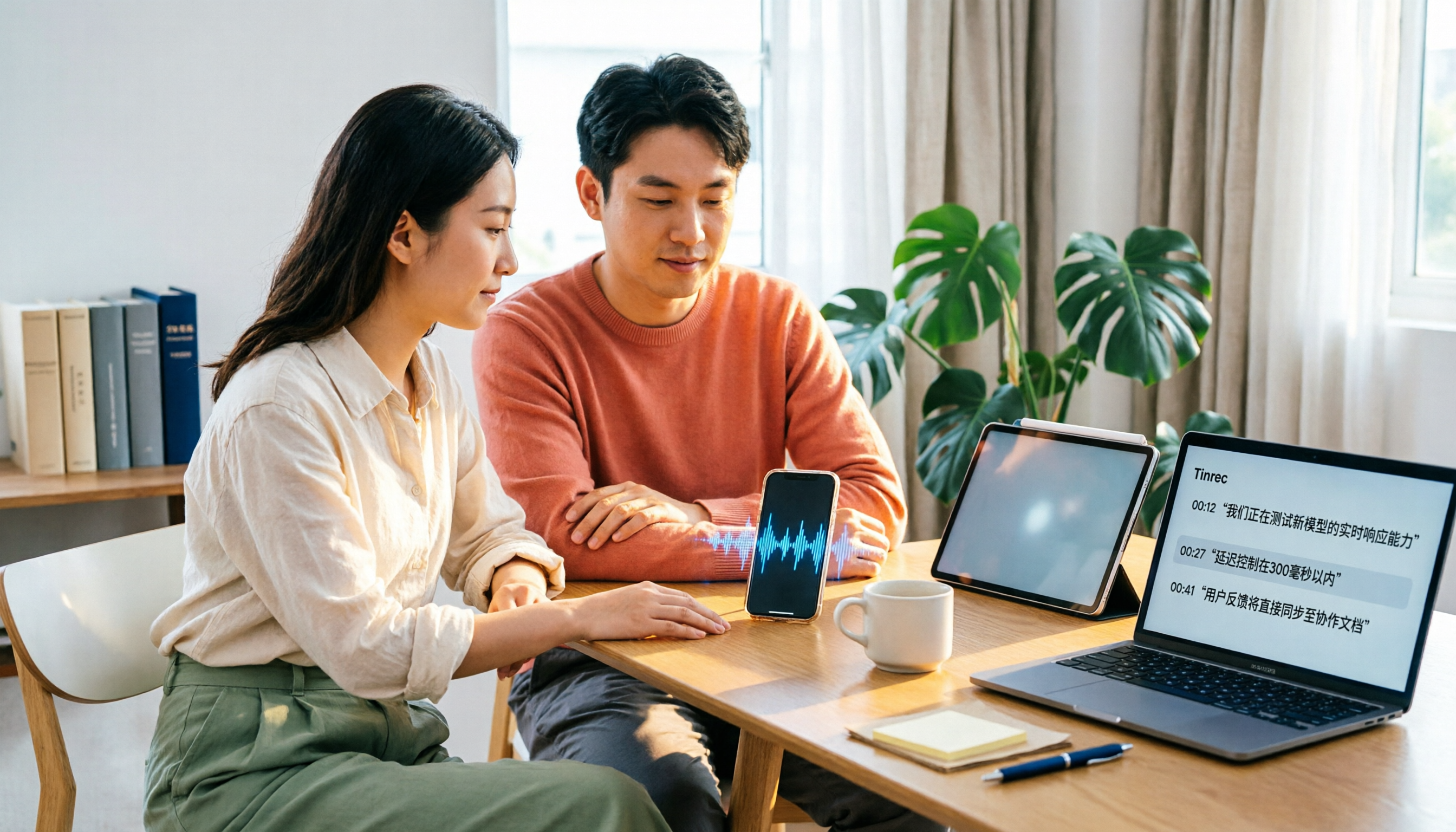
4 Xiaohongshu Video-to-Text Tools Tested for 2026: Which One Can Actually Transcribe Videos Without Subtitles?
Extracting text from Xiaohongshu videos isn't about whether a tool exists—it's about what you plan to do with the text. This article starts with three key questions and compares four tools: Tinrec, BibiGPT, Shiyi, and SnapWC. Learn the difference between grabbing subtitles and AI speech-to-text transcription, plus workflows for videos without subtitles, output formats, and tips for team sharing.

5 Huawei Phone Audio-to-Text Tools Tested in 2026: Which AI Meeting Notes Save the Most Time?
A hands-on 2026 comparison of audio-to-text tools for Huawei phones, tested in real meeting scenarios. The article compares Huawei's built-in recorder, Otter.ai, Notta, and Tinrec, and explains four key factors for choosing a tool: real-world accuracy, post-meeting organization, bot-free online meeting recording, and cross-platform export. It highlights Tinrec's AI summaries, action item extraction, and AI chat query, and concludes with recommendations for different use cases.
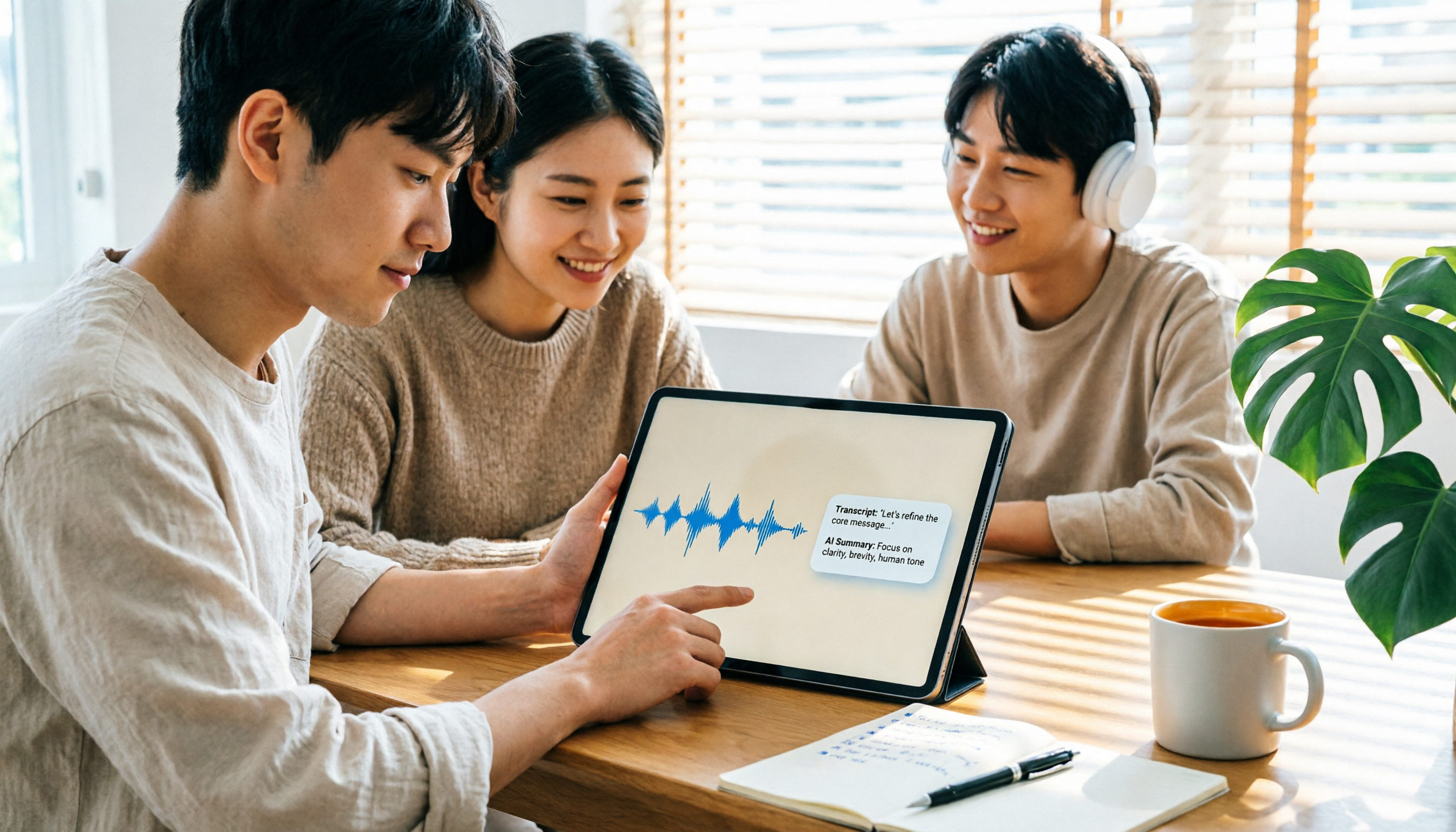
2026 iPad Audio-to-Text Note-Taking Guide: Real-Time Transcripts, AI Summaries, and Tool Selection
Should you use built-in features or third-party apps for iPad audio-to-text note-taking? This guide covers selection criteria, Chinese transcription, post-meeting AI organization, cross-platform export, and team permissions, comparing Tinrec, Apple Notes, Otter.ai, and PLAUD Note, plus practical tips to avoid pitfalls.

5 Best Browser-Based Audio-to-Text Tools in 2026: No Install, Which Handles Chinese Meetings Best?
How do you choose a browser-based audio-to-text tool without wasting time? This article examines four key factors—no installation, Chinese recognition, post-meeting organization, and team data ownership—and compares Tinrec, Notta, TurboScribe, Granola, and Otter.ai from a mid-level manager's hands-on perspective. It covers Tinrec's real-world performance and limitations in bot-free recording, AI Q&A, action item extraction, and team workspaces.

Tinrec vs OmniTranscript 2026: 5-Dimension Comparison for Chinese TikTok Transcripts
How to choose a TikTok video-to-text tool? This article reviews 5 transcript tools: Tinrec, OmniTranscript, WayinVideo, BibiGPT, and Dictationer, comparing them across Chinese language support, AI post-processing, export formats, free quotas, and team collaboration to help you find the best TikTok transcription solution.

How to Transcribe Audio on Samsung Phones in 2026: Built-in Speech-to-Text + AI Meeting Notes
Samsung phones have a built-in Voice Recorder app with a speech-to-text mode, but getting a transcript doesn't mean you have usable meeting notes. This guide covers five key factors—Chinese recognition, post-meeting organization, recording online meetings, cross-device use, and team collaboration—and compares Samsung's built-in feature, Otter.ai, Notta, and Tinrec to help you find the best audio transcription solution for your needs.

5 Best Windows Speech-to-Text Software in 2026: No Meeting Bot, Which Is Fastest for Chinese Minutes?
How to choose Windows speech-to-text software? This article uses real meeting scenarios to break down 4 key buying factors: recording method, Chinese and mixed Chinese-English performance, post-meeting output, free quota, and team collaboration. It focuses on Tinrec as the main test subject and compares it with Notta, Otter.ai, and Granola, with a pitfall guide and scenario-based recommendations to help you find the one that truly saves you organizing time.

3 AirPods Recording-to-Text Methods Compared: Which One Produces a Chinese Transcript?
Wearing AirPods to record audio—how do you turn it into a Chinese transcript? This article compares three methods: iOS built-in transcription, using AirPods as a microphone with Live Listen, and Tinrec's real-time transcription and post-meeting organization. It covers differences, use cases, costs, and buying considerations, plus FAQs.
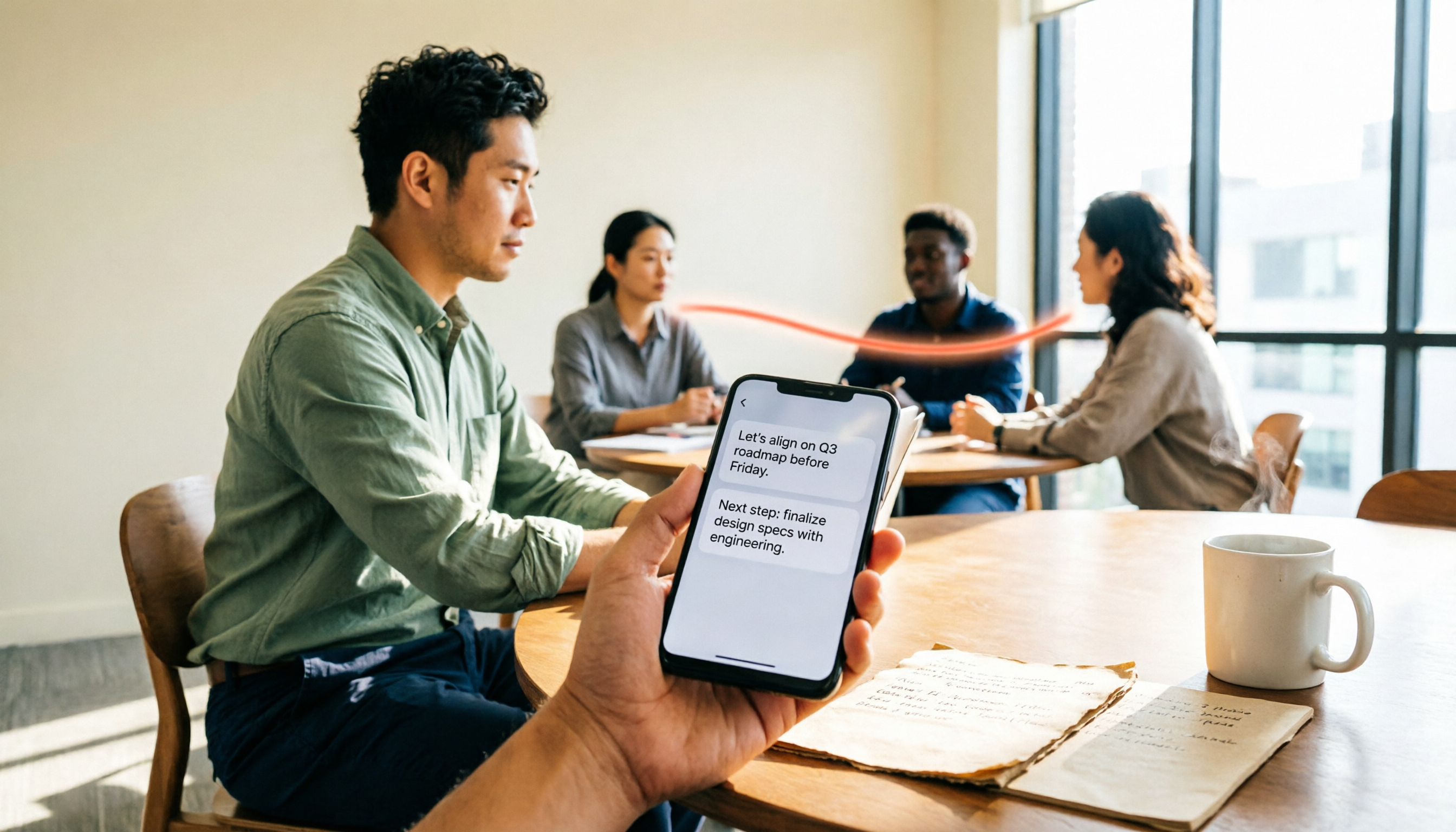
Tinrec vs Notta 2026: 5-Way Comparison for Xiaomi Phone Audio-to-Text
Compare the best audio-to-text apps for Xiaomi phones in 2026. We evaluate Tinrec and Notta across five dimensions: Chinese transcription, meeting capture, post-meeting organization, team collaboration, and pricing. Also includes positioning for Otter, Granola, TurboScribe, PLAUD, and the built-in recorder to help you find the most time-saving solution.