

Turn recordings into transcripts and summaries in minutes
Upload audio or video for multilingual transcription, AI notes, and action items
4 Recording Apps for Memorization Compared in 2026: Which Saves the Most Review Time?
Why Record Yourself Memorizing but Still Can't Remember?
Before an exam, you read a whole chapter aloud and record it, then listen on repeat with headphones during your commute—many people have tried this method.
In practice, problems quickly arise. With many recordings, names are all "New Recording 1, 2, 3," and finding a specific section means listening from the start; playback only goes in order, and if you zone out, you don't know which part you missed.
More importantly, what memorization really requires—confirming where you made mistakes and where you got stuck—simple recording can't do at all. You can only listen again and again without knowing where the key points are.
If you've had this experience, the problem usually isn't your memory—it's that the tool only helps you "record" without helping you "organize the content into something reviewable." This article discusses what kind of app you should choose for self-recording to memorize.
Before Choosing a Recording App for Memorization, Understand These 4 Key Points
1. Can it transcribe while recording?
This is the first thing to confirm. The most common situation during memorization is "reading incorrectly without realizing it." If recording can simultaneously generate a transcript, you can immediately see where you misread or skipped sections without replaying the whole thing. Apps that only record will be far less efficient for review.
2. After recording, can you ask questions about the content?
This is where AI recording tools have pulled ahead in recent years. The traditional approach is to listen again and highlight yourself; newer tools let you directly ask "What are the three key points of that section?" For memorization, this is like having a personal tutor you can repeatedly question.
3. Does it work across devices?
Many people record on their phone and organize on their computer. If the tool only supports a single platform, you'll have to transfer and convert files, which you'll eventually get tired of.
4. Is the free tier sufficient, and can you export?
Free versions usually have minute or feature limits. It's more practical to try a free tier first and confirm it works for you before considering payment, rather than swiping your card from the start. Whether you can export transcripts to your workflow is also worth checking.
Tinrec — Turn What You Read into Review Material You Can Question
Tinrec is an AI recording and content organization tool for individuals and teams, supporting web, desktop, and mobile. It not only converts speech to text but also organizes recordings into searchable, summarizable, and queryable data.
Transcribe as you read
Open real-time recording, and what you read is simultaneously converted to text. When memorizing texts or lecture notes, stumbles, misreadings, and skipped sections appear directly in the transcript—much faster than replaying yourself.
Automatically organize into summaries and chapters after recording
A 30-minute reading or lecture recording is automatically split into chapters with a summary. By comparing, you can quickly grasp what the section is about without listening from start to finish.
Ask questions directly about the recording content
This is where Tinrec differs most from ordinary recording apps. After recording, you can directly ask "What key points are mentioned in a certain paragraph?" It answers based on semantics, not a list of keyword search results. You can repeatedly question the same recording, turning what you read into a conversational note.
Other useful features
- Supports importing existing audio and video files, so old recordings can be organized at once.
- Supports real-time translation, with original, translated, or bilingual views.
- Can export transcripts to continue working in Notion, Google Docs, OneNote, etc.
- The recording itself is retained, so important sections can be checked against the original and timestamps.
Stop organizing recordings by hand
Upload audio or video and automatically get a transcript, summary, and action items
Note that Tinrec is essentially an AI recording and content collaboration tool, not a dedicated memorization app. It doesn't have built-in "quiz generation" or "spaced repetition reminders"—you still need to arrange your memorization rhythm yourself.
Also, the free version provides a basic experience quota; long-term, heavy use requires payment. For personal plan weekly, Pro monthly, and annual pricing, check the official purchase page. Actual transcription performance is affected by recording quality, accent, and background noise; for important content, it's still recommended to verify against the recording.
If a group is preparing together (study group, research team, shared notes), Tinrec also has a team version: recordings and transcripts are stored in a team space, members can view historical data together, and administrators can manage roles, seats, and usage. The team version is currently USD 29.80 per paid seat per month, or USD 199 per paid seat per year (about USD 16.58 per month), with each paid seat providing 2,000 minutes of shared team import quota per month; eligible teams also get a 7-day trial for first-time use.
Who is it for?
If you record yourself reading to review, want to see the transcript immediately after recording, and want to ask questions directly about the content instead of listening to the recording from start to finish—Tinrec is currently the more time-saving choice.
Besides Tinrec, What Other Options Are There?
The following information is based on each tool's official public data; prices and benefits may change, so please verify before use.
iPhone Voice Memos
Apple's built-in recording tool, free and ready to use, supports transcription to text, and has "Enhance Recording" to reduce background noise. The biggest advantage is no extra installation. The downside is relatively basic features, mainly for Apple devices, and no AI Q&A—you can't ask "What is this section about?" and must replay or search text yourself. If you only use iPhone and have simple needs, it's sufficient.
Notta
A multilingual transcription tool with an intuitive interface. The free version offers 120 minutes per month, but each recording is limited to 3 minutes, so long sections get cut off; Pro annual is about USD 8.17 per month with 1,800 minutes per month. It excels at transcription and translation, but lacks Tinrec's post-processing ability to generate reports, tables, and documents directly from recordings, and doesn't have a desktop version for bot-free recording of online meetings.
TurboScribe
A cost-effective file transcription route: free version allows 3 files per day, up to 30 minutes each; Unlimited annual is USD 120 (about USD 10 per month), and after payment, single files up to 10 hours, with batch upload of multiple files. If you have a bunch of old audio files to transcribe, it's a great deal. But its main strength is "uploading files," not live recording, and it has no AI Q&A.
Avoid Pitfalls: The 3 Most Common Mistakes When Using Recording for Memorization
Pitfall 1: Only recording, not transcribing
Relying only on listening makes it easy to "hear but not remember." A transcript at least lets you check where you misread and helps you grasp key points during review.
Pitfall 2: Treating "listening many times" as "memorizing"
Repeated playback creates an illusion of familiarity—you feel you know it, but when you try to speak, you get stuck. A more effective way is to use the transcript to ask and answer questions after recording, testing whether you can say it out loud.
Pitfall 3: Ignoring cross-device and export
Recording on your phone today and wanting to organize on your computer tomorrow—if the tool doesn't support export or cross-platform, the file transfer process will make you give up quickly. Confirm this before choosing a tool; it's easier than fixing later.
Conclusion: Which One Should You Choose?
Simply put, it depends on your use case:
- Want to see the transcript as you read and catch mistakes immediately → Tinrec
- Want to ask "What are the key points?" directly after recording → Tinrec
- Need to continue on phone, computer, and web → Tinrec
- Want to share what you read with study group members → Tinrec Team
- Don't want to spend money, only use iPhone, simple needs → iPhone Voice Memos
- Have a bunch of old audio files to batch transcribe → TurboScribe
If you haven't decided, try Tinrec's free tier first—record a passage you read and see. The point isn't how much you record, but whether you can actually use it to review after recording. If it feels right, then consider upgrading.
References
- Expert-Reviewed Top 10 Recording App Recommendations | mybest
- High-Accuracy Mobile Recording App Recommendations: 7 Tools to Generate Meeting Transcripts and Summaries in One Click - Tinrec Blog
- Voice Note - Meeting Notes Voice Memo 4+ - App Store - Apple
- Record in Voice Memos on iPhone - Apple Support (Taiwan)
- Voice Memos App - App Store
Turn every recording into actionable outcomes
Get 60 free transcription minutes when you sign in. No credit card required.
Related Reading
You might also like

2026 Voice Recognition AI Agent Comparison: Which Saves the Most Time on Chinese Meeting Notes and Post-Meeting Organization?
A voice recognition AI Agent is not just about turning speech into text. This article addresses the real pain points of meeting notes, covers 4 key points to understand before buying, tests Tinrec's bot-free online meeting recording and post-meeting AI organization workflow, compares Granola, PLAUD, and TurboScribe to see who each is best for, and includes a pitfalls guide and selection advice.

2026 Complete Guide to Automated Meeting Minutes: Tinrec Uses AI to Auto-Generate Summaries and Action Items
Automated meeting minutes aren't just about turning recordings into transcripts. This article starts with common mistakes students make, explains why a transcript alone still leaves you organizing everything yourself, and shares a complete workflow using Tinrec to record meetings, auto-generate summaries and action items, and then use AI Q&A to find key points—including real scenarios like group projects, classes, and interviews.
How to Auto-Sync Meeting Notes to Google Docs in 2026: 7 Tools + Setup Guide
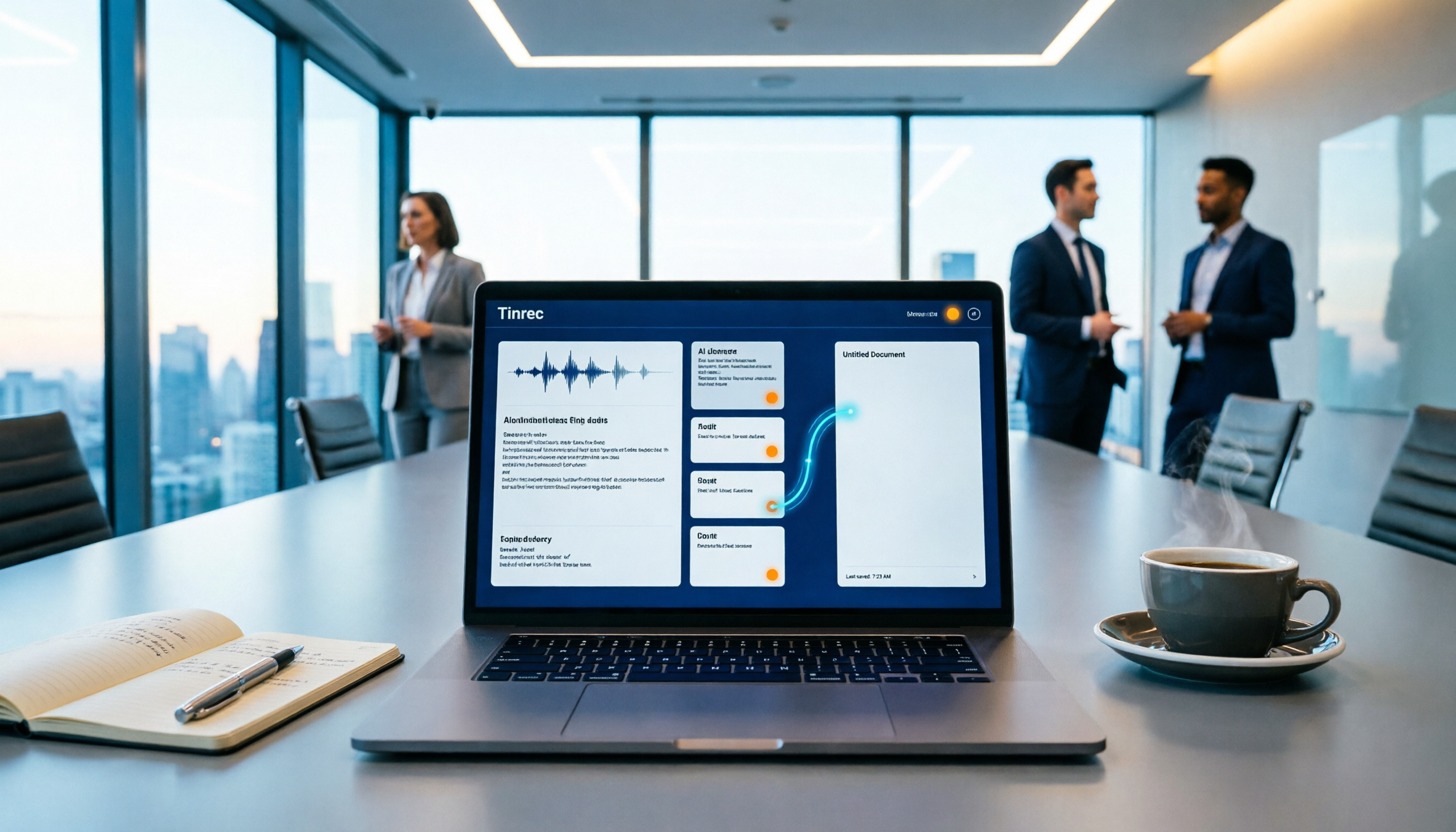
Tired of replaying recordings and manually pasting highlights into Google Docs after every meeting? This guide covers 7 ways to automatically sync meeting notes to Google Docs, from built-in Google Calendar and Google Meet features to AI meeting tools like Tinrec, Notta, Otter.ai, Fireflies.ai, and HiNoter. We compare transcription, summarization, action items, and export workflows, plus key selection criteria and usage considerations.

Tinrec vs WayinVideo 2026: 5-Dimension Comparison — Which Is Better for Teams to Organize Key Video Content?
Starting from the most common misconception: thinking an AI-generated summary means you've captured the key video content. This article compares Tinrec and WayinVideo across 5 dimensions, explaining why transcripts, timestamps, AI chat queries, and team spaces are the real keys. It also includes buying tips, other options, and pitfalls to avoid, helping you decide which tool to use for organizing video and meeting highlights.

2026 Short Video Summarization Guide: AI Summaries + Transcript Notes in One Go
Short videos keep coming, but you can't find the key points even after saving a bunch. This article uses 4 criteria to help you choose the right tool, tests Tinrec's transcript, AI summary, chapters, and AI Q&A, and compares Notta, TurboScribe, and video summarization tools for different use cases.

Tinrec vs Granola 2026: 5-Dimension Comparison for Chinese Desktop Speech-to-Text
How to choose desktop speech-to-text? I tested Tinrec and Granola across 5 dimensions—system audio capture, recording retention, file import, Chinese language experience, and team data ownership—breaking down the 'during meeting' and 'after meeting' workflows, and highlighting the 3 most common pitfalls to help you find the right fit.

Best Video Summarization Software in 2026: 4 Tools Tested, This One Excels at Chinese Meetings and Video Organization
Which video summarization software is best? This article reviews 4 popular video summarization and AI meeting note tools in 2026, covering key selection criteria, how free quotas are calculated, Chinese and mixed Chinese-English recognition capabilities, post-meeting AI follow-up questions, and team data ownership. It also includes a guide to avoid pitfalls and scenario-based recommendations to help you decide which one to choose.
4 Subtitle Extraction Methods Compared in 2026: Hard Subs, Soft Subs, or Speech-to-Text?
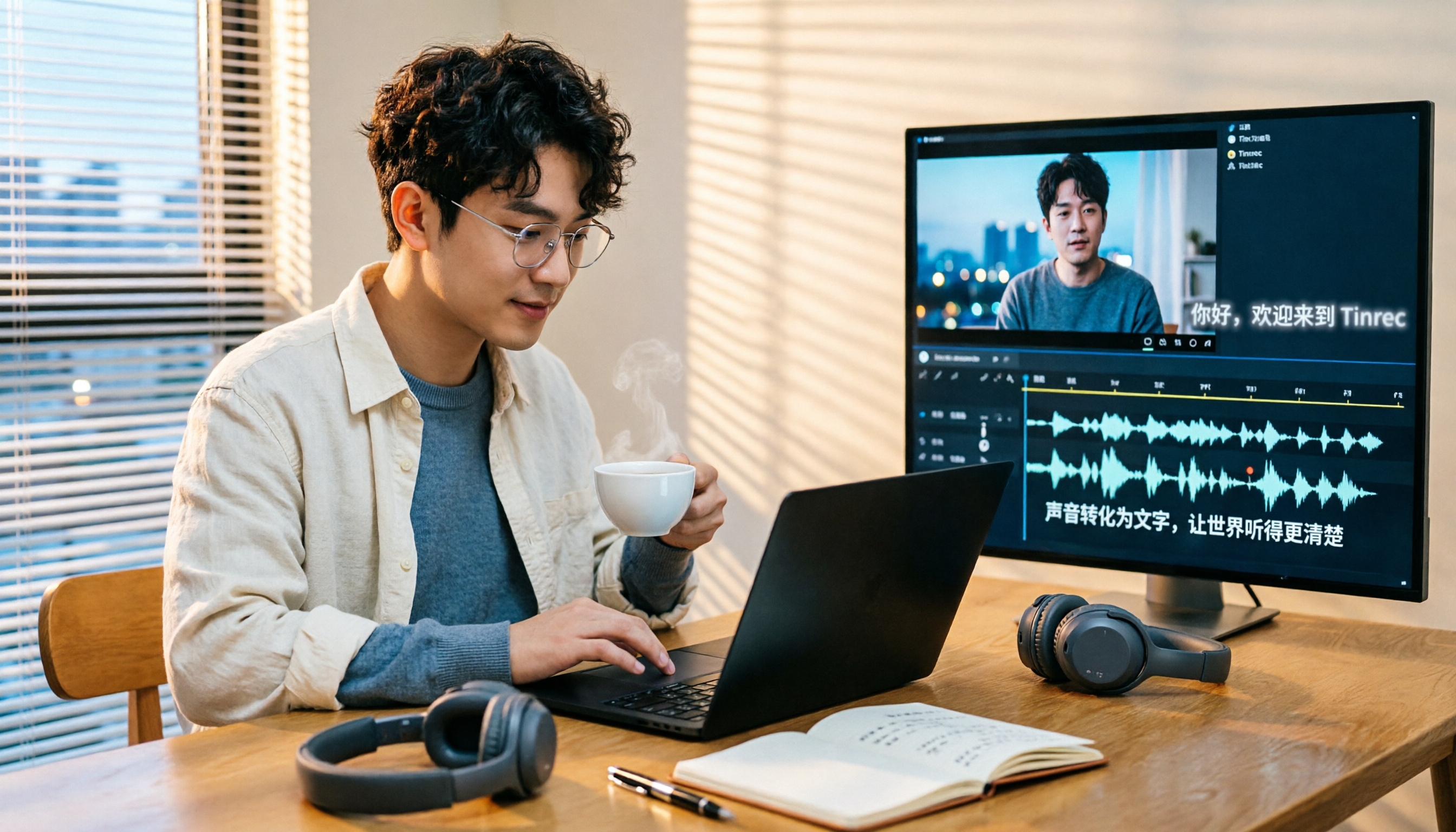
The biggest hurdle in subtitle extraction isn't a lack of tools—it's not knowing whether you're dealing with soft subs, hard subs, or no subs at all. This article explains how to handle all three scenarios with real-world examples, demonstrates how Tinrec uses speech-to-text to bypass lengthy OCR workflows, and lists 5 key considerations for choosing a tool, plus FAQs.
4 Video-to-Text Summary Tools Tested for 2026: Tinrec Saves the Most Time on Post-Meeting Cleanup
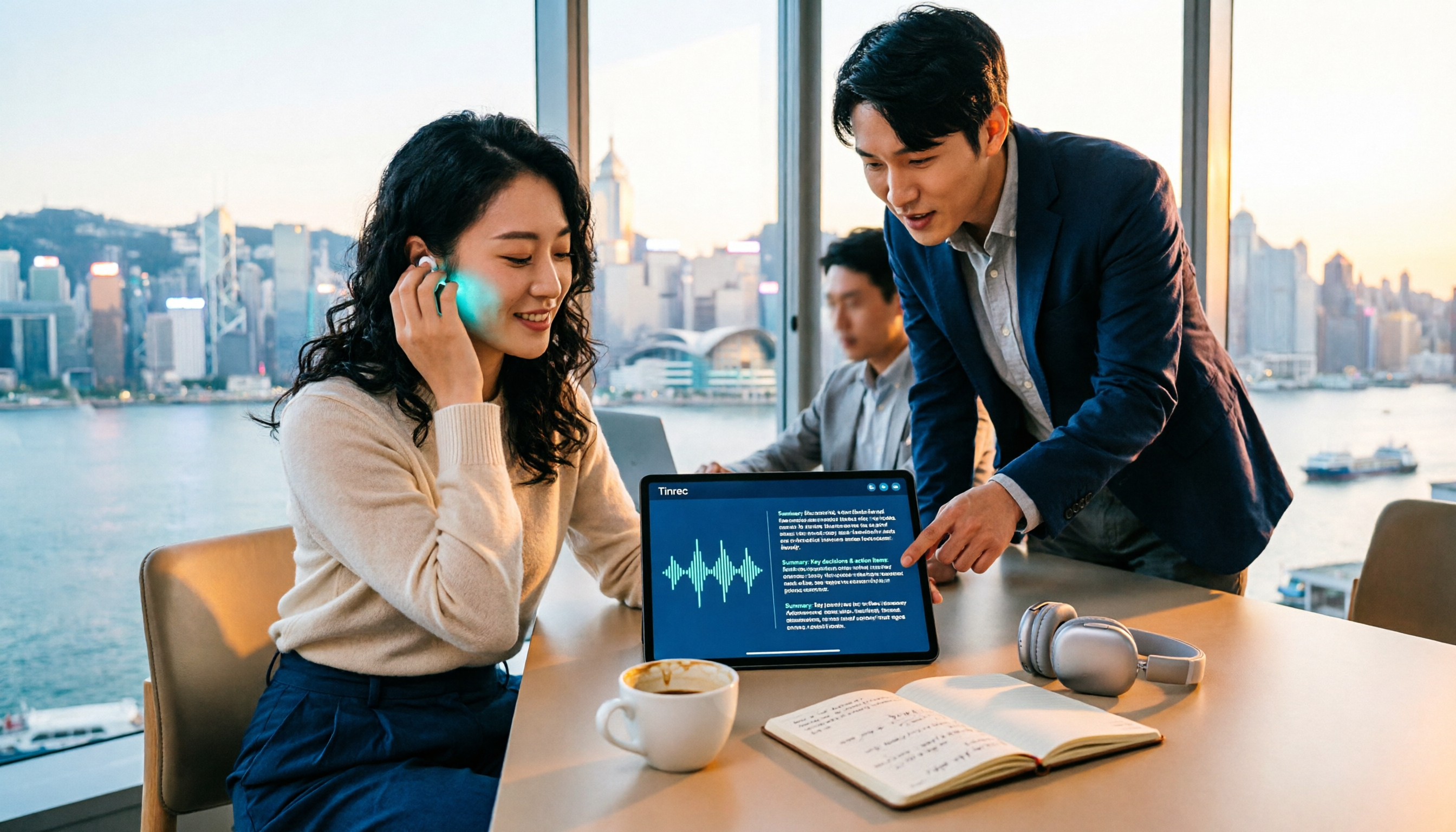
Still doing overtime to type transcripts after meetings? This article starts from the real needs of post-meeting organization, breaks down 4 key decision points for choosing a video-to-text summary tool, and compares who Tinrec, Otter.ai, Granola, and TurboScribe are each best for, helping Hong Kong workers save the time they least want to waste.