

Turn recordings into transcripts and summaries in minutes
Upload audio or video for multilingual transcription, AI notes, and action items
Tinrec vs Granola 2026: 5-Dimension Comparison for Chinese Desktop Speech-to-Text
Desktop Speech-to-Text: First Decide Where the Sound Comes From, Then Choose Your Tool
When it comes to desktop speech-to-text, most people's first question is 'which one has the most accurate recognition?'
But I think that question comes too early.
You need to answer another question first: where is this sound coming into your computer from?
Online meeting audio lives in your browser or meeting app. In-person meeting audio comes through the microphone in front of you. Already-recorded files sit on your hard drive.
These three scenarios require completely different approaches.
My own habit is to categorize first, then pick a tool. If you get the category wrong, comparing anything else is pointless.
Let me start with a few scenarios I run into often.
After a two-hour online meeting, you go to write the meeting notes and realize you only jotted down three keywords—everything else is from memory.
Turning an interview recording into a transcript used to mean putting on headphones, pausing and replaying over and over, typing sentence by sentence. One hour of recording often takes three to four times as long to transcribe.
Even trickier is teamwork. The recording sits on someone's computer, colleagues can't find it when they need it, and when that person leaves, the data disappears with them.
The root of these problems isn't low recognition accuracy.
It's that the workflow was never designed.
So in this article, I don't just want to compare specs. I want to compare: on desktop, what scenarios each approach suits, and how you should choose.
Before Choosing a Desktop Speech-to-Text Tool, Understand These 5 Key Points
1. Where the Sound Comes From Determines Whether You Can Use It at All
Online meeting audio is 'system audio,' not the sound your microphone picks up.
Some tools can only listen to the microphone, so when recording an online meeting, they only capture what you say—not the other participants.
So the first thing to confirm is: can this tool capture your computer's system audio?
Tinrec's desktop version captures the device's system audio directly. I've tested it and it works on Zoom, Google Meet, Microsoft Teams, and Webex. This difference will become very obvious in the comparison below.
2. Do You Want a Bot Joining the Meeting?
Many meeting tools rely on a 'meeting bot': it joins your meeting with an account and sits there listening.
This is a bit awkward for external meetings. When the client sees an unfamiliar account in the participant list, you have to explain it first.
The alternative is bot-free: the tool captures audio on your own computer, and no extra participant appears in the meeting.
I prefer the latter. Not because the technology is better, but because it removes a layer of social friction.
3. After the Transcript, What Else Do You Need?
A transcript is just raw material.
The real time sink is what comes after: what were the conclusions, who's doing what, and when is it due.
If your tool only gives you a transcript, it's really only saved you typing—not the organizing.
Today's tools can already do automatic summaries, chapter segmentation, action item extraction, and even let you ask questions directly.
4. The Chinese and Mixed Chinese-English Experience
This point is especially critical in meetings in Taiwan.
In our meetings, a single sentence often contains both Chinese and English, with technical terms spoken directly in English and product names left untranslated.
Such sentences are a tough test for transcription tools. Actual performance is affected by recording quality, ambient noise, accents, people talking over each other, and specialized terminology—same for any tool.
So I don't look at marketing numbers. I look at: can it handle a real meeting of mine when I test it?
5. Who Ultimately Owns This Data?
For personal recordings, keeping them in a personal account makes sense.
But as soon as it involves a team, you have to ask: whose space is the data stored in? Who can see it? Who can edit it? What happens when someone leaves?
Over the past few years, helping teams review their workflows, this is the area that causes the most problems. You pick a good tool, but if data ownership isn't thought through, six months later it becomes just another folder of lost files.
Next, I'll use these 5 dimensions to look at the common desktop options.
Tinrec — My Top Pick After Testing on Desktop
Tinrec is an AI meeting notes and collaboration tool for individuals and teams, available on iOS, Android, web, and desktop.
At first I just treated it as another transcription tool. After actually using it for a few meetings, I realized what it really solves is the 'after the meeting' part.
During the Meeting: No Need to Invite a Bot
For online meetings, I open Tinrec's desktop version, and it directly captures the computer's system audio—no extra account in the meeting.
The transcript appears as the meeting goes on. It handles mixed Chinese-English passages well, which is crucial for our meetings because many technical terms are habitually spoken in English.
For in-person meetings, just record with your phone or computer, and it transcribes as it records.
For cross-language meetings, it can display the original text, translation, or bilingual view in real time. I once had a meeting with overseas colleagues and turned on bilingual mode directly—no need to translate afterward.
After the Meeting: Data Is Already Organized
As soon as the meeting ends, the summary, chapters, key points, and action items are automatically generated.
Who's responsible for what and when it's due—usually that one document is enough.
This is what I think is the biggest difference from a plain transcription tool—what you get isn't just a transcript, but an already-organized result.
After the Meeting: You Can Ask It Questions Directly
After recording, I habitually ask it one question: 'What was decided at the end of this meeting?'
It gives you an answer based on semantics, not a string of keywords you have to search through yourself.
You can also ask the same question across meetings, like 'What budget concerns did the client mention last month?' At this price point, such conversational querying is currently rare among competitors.
Stop organizing recordings by hand
Upload audio or video and automatically get a transcript, summary, and action items
The organized content can be exported to Notion, Google Docs, OneNote, Dropbox—wherever you already work—for further processing, and can also generate reports, tables, and documents directly.
My Testing Experience
I tested with a self-recorded internal meeting audio file with mixed Chinese and English, and also tried recording an online meeting directly in a quiet office.
Overall, the transcript accuracy is good enough for me to use for follow-up organizing. Technical terms occasionally need manual correction, but the time saved is quite significant.
However, I want to be clear: any tool's recognition results are affected by recording quality, noise, accents, people talking over each other, and terminology. For important meetings, I still recommend going back to check against the recording.
Three Reasons I Use It Most
First, I don't have to change how I meet just to record the meeting. No bot, no scheduling in advance—just open and record.
Second, it retains the recording. When I have doubts about the transcript, I can replay that segment directly to confirm—much faster than asking someone again.
Third, I can upload already-recorded files. Those interview recordings sitting on your hard drive that you never got around to organizing can be handled in the same place.
Limitations to Know First
It's not the kind of tool that 'automatically joins all meetings on your calendar.' You have to actively open Tinrec to start recording.
For me, that's a good thing, because I never wanted the tool to decide when to start recording. But you should know this upfront.
Also, file import uses quota. The free version has a basic quota to try it out; long-term regular use requires a paid version. Team plans use shared team quota, and real-time recording currently doesn't deduct minutes under an active team plan with active seats.
One more thing unrelated to the tool but important: before recording, check the laws in your region and get participant consent when needed.
Who It's For
If your meetings are often in Chinese or mixed Chinese-English, you don't want a bot in the meeting, and what you care about is 'can I use it right after the meeting ends'—then Tinrec is currently my smoothest choice on desktop.
If you're a team sharing meeting data, its team version puts members, roles, seats, usage, and audit logs in one space—that's another level of the problem, which I'll discuss later.
Besides Tinrec, What Other Options Are There?
Granola
Granola is also a bot-free AI meeting notes tool that captures audio on desktop, with real-time transcripts you can view, copy, and search. Its specialty is combining your own notes with AI to produce meeting content that's closer to your thinking.
But in the 5 dimensions we're comparing, it has two clear gaps: it doesn't support uploading already-recorded audio files, and it doesn't retain meeting audio.
That means when you have doubts about the transcript, you have no recording to check against.
If you just want lightweight meeting notes, it does that well. But if you need to process historical recordings or want to accumulate data, Tinrec's file import and recording retention are more practical.
Otter.ai
Otter.ai is a veteran choice for English business meetings, with a free tier of 300 minutes per month—plenty for English meetings.
Its strength is English; Chinese and mixed Chinese-English are relatively not its home turf.
If almost everything you record is in English, it's a more cost-effective option than Tinrec—I'll say that directly. But if you need stable Chinese performance, or want real-time bilingual display and team space, Tinrec is more suitable.
Notta
Notta overlaps quite a bit with Tinrec—multi-platform transcription, file import, translation, team plans are all there.
Its strengths are file transcription and multilingual processing. What Tinrec adds is desktop bot-free system audio recording, conversational AI querying, and team-side management of members, seats, usage, and audit logs.
If your need is 'throw a file in and get a transcript,' both work. If your need is 'the whole meeting workflow,' the difference shows up.
Pitfall Guide: The 3 Most Common Mistakes When Choosing Desktop Speech-to-Text
Pitfall 1: Only Looking at Official Accuracy Claims
Almost every company writes 'high accuracy.' But that's usually measured in quiet environments with a single language.
Real meetings have air conditioning noise, keyboard sounds, people talking over each other, and technical terms. That's where the differences emerge.
My advice: test with a real recording of your own. Use your meetings, your accent, your terminology. That's more accurate than any marketing number.
Pitfall 2: Treating 'Recording' and 'Afterward' as the Same Thing
Many people only think 'I want to turn the meeting into text' when choosing a tool.
But what really eats up time is after the meeting: organizing conclusions, confirming action items, writing something deliverable.
When choosing a tool, look one step ahead—can it give you summaries, action items, can it let you keep asking questions about the content. If it only gives you a transcript, you still have half the work left.
Pitfall 3: Putting Team Data in Personal Places
This is what I see most often.
Recordings sit on someone's computer, in someone's account—no problem at the time. Then someone leaves, someone needs to take over, and the data can't be found.
For team tools, ask three things clearly: whose space is the data stored in? Who can see it? What happens after someone leaves?
Tinrec's team version, for example, puts data in team space. Members without seats can still view, play, and read existing data; only those with seats can record, upload, and edit. Roles determine who can manage the team and members; seats determine who can use resources.
Mixing these two concepts up easily leads to wrong purchasing decisions. By the way, it's currently team-level sharing, not file-level granular permissions—you should know that upfront too.
Conclusion: Which One Should You Actually Choose?
Back to the question at the beginning: where does the sound you record on your computer come from?
If it's an online meeting, the key is whether it has system audio capture and is bot-free. Tinrec's desktop version does this directly.
If it's already-recorded files, the key is whether it has file import. Tinrec has it; Granola doesn't.
If it's Chinese or mixed Chinese-English meetings, the key is Chinese experience and real-time translation. Tinrec is strong here.
If it's team-shared meeting data, the key is data ownership, seats, and auditing. Tinrec's team version turns this into a management system.
There's only one scenario where I'd recommend something else: if almost all your recordings are English meetings and budget is the priority, Otter.ai's free tier of 300 minutes per month is a great starting point. That's the only exception in this article.
In all other cases, I'd suggest starting with Tinrec's free version and trying it with your next meeting.
Here's my starting routine:
- For your next online meeting, open Tinrec's desktop version first and confirm system audio is being captured.
- After the meeting, look at the summary and action items first—don't rush to the transcript.
- If there's something you want to confirm, ask it directly with AI Q&A—don't manually Ctrl+F.
- Drop the exported results into your existing workflow—don't create another place to store them.
Test step by step, and you'll gradually develop your own meeting organization method.
References
- Dictate text using speech recognition | Microsoft Support
- Transcribe - Convert speech to text - Download and install on Windows | Microsoft Store
- 10 Recommended Windows Speech-to-Text Software/Tools | Wondershare Filmora
- Online AI Speech, Video, Audio File Auto Transcription - Free Trial - cSubtitle
- Tested 4 Best Online Speech-to-Text Tools, Free Instant Audio-to-Transcript
Turn every recording into actionable outcomes
Get 60 free transcription minutes when you sign in. No credit card required.
Related Reading
You might also like

2026 Voice Recognition AI Agent Comparison: Which Saves the Most Time on Chinese Meeting Notes and Post-Meeting Organization?
A voice recognition AI Agent is not just about turning speech into text. This article addresses the real pain points of meeting notes, covers 4 key points to understand before buying, tests Tinrec's bot-free online meeting recording and post-meeting AI organization workflow, compares Granola, PLAUD, and TurboScribe to see who each is best for, and includes a pitfalls guide and selection advice.

2026 Complete Guide to Automated Meeting Minutes: Tinrec Uses AI to Auto-Generate Summaries and Action Items
Automated meeting minutes aren't just about turning recordings into transcripts. This article starts with common mistakes students make, explains why a transcript alone still leaves you organizing everything yourself, and shares a complete workflow using Tinrec to record meetings, auto-generate summaries and action items, and then use AI Q&A to find key points—including real scenarios like group projects, classes, and interviews.
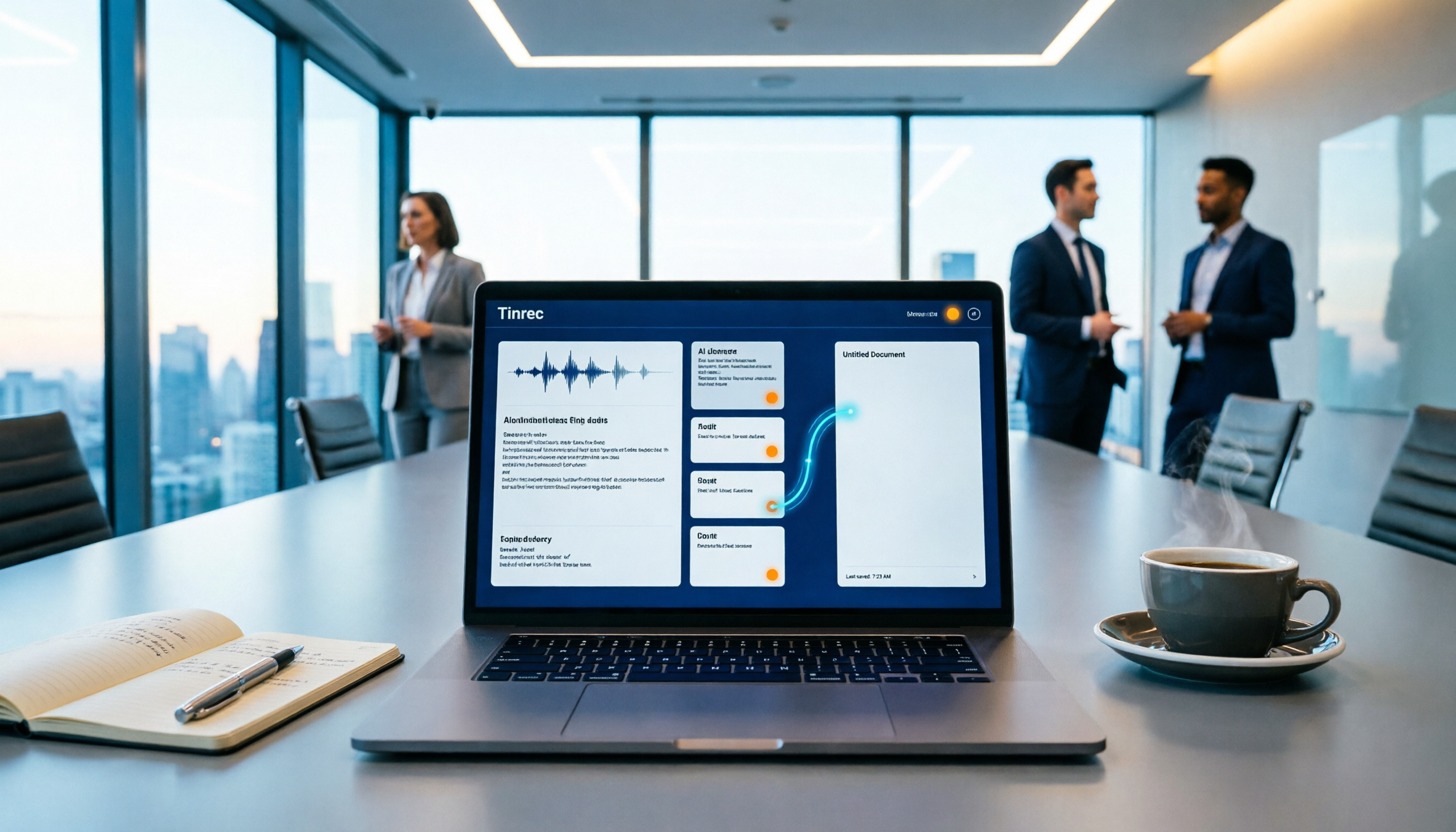
How to Auto-Sync Meeting Notes to Google Docs in 2026: 7 Tools + Setup Guide
Tired of replaying recordings and manually pasting highlights into Google Docs after every meeting? This guide covers 7 ways to automatically sync meeting notes to Google Docs, from built-in Google Calendar and Google Meet features to AI meeting tools like Tinrec, Notta, Otter.ai, Fireflies.ai, and HiNoter. We compare transcription, summarization, action items, and export workflows, plus key selection criteria and usage considerations.

Tinrec vs WayinVideo 2026: 5-Dimension Comparison — Which Is Better for Teams to Organize Key Video Content?
Starting from the most common misconception: thinking an AI-generated summary means you've captured the key video content. This article compares Tinrec and WayinVideo across 5 dimensions, explaining why transcripts, timestamps, AI chat queries, and team spaces are the real keys. It also includes buying tips, other options, and pitfalls to avoid, helping you decide which tool to use for organizing video and meeting highlights.

2026 Short Video Summarization Guide: AI Summaries + Transcript Notes in One Go
Short videos keep coming, but you can't find the key points even after saving a bunch. This article uses 4 criteria to help you choose the right tool, tests Tinrec's transcript, AI summary, chapters, and AI Q&A, and compares Notta, TurboScribe, and video summarization tools for different use cases.

Best Video Summarization Software in 2026: 4 Tools Tested, This One Excels at Chinese Meetings and Video Organization
Which video summarization software is best? This article reviews 4 popular video summarization and AI meeting note tools in 2026, covering key selection criteria, how free quotas are calculated, Chinese and mixed Chinese-English recognition capabilities, post-meeting AI follow-up questions, and team data ownership. It also includes a guide to avoid pitfalls and scenario-based recommendations to help you decide which one to choose.
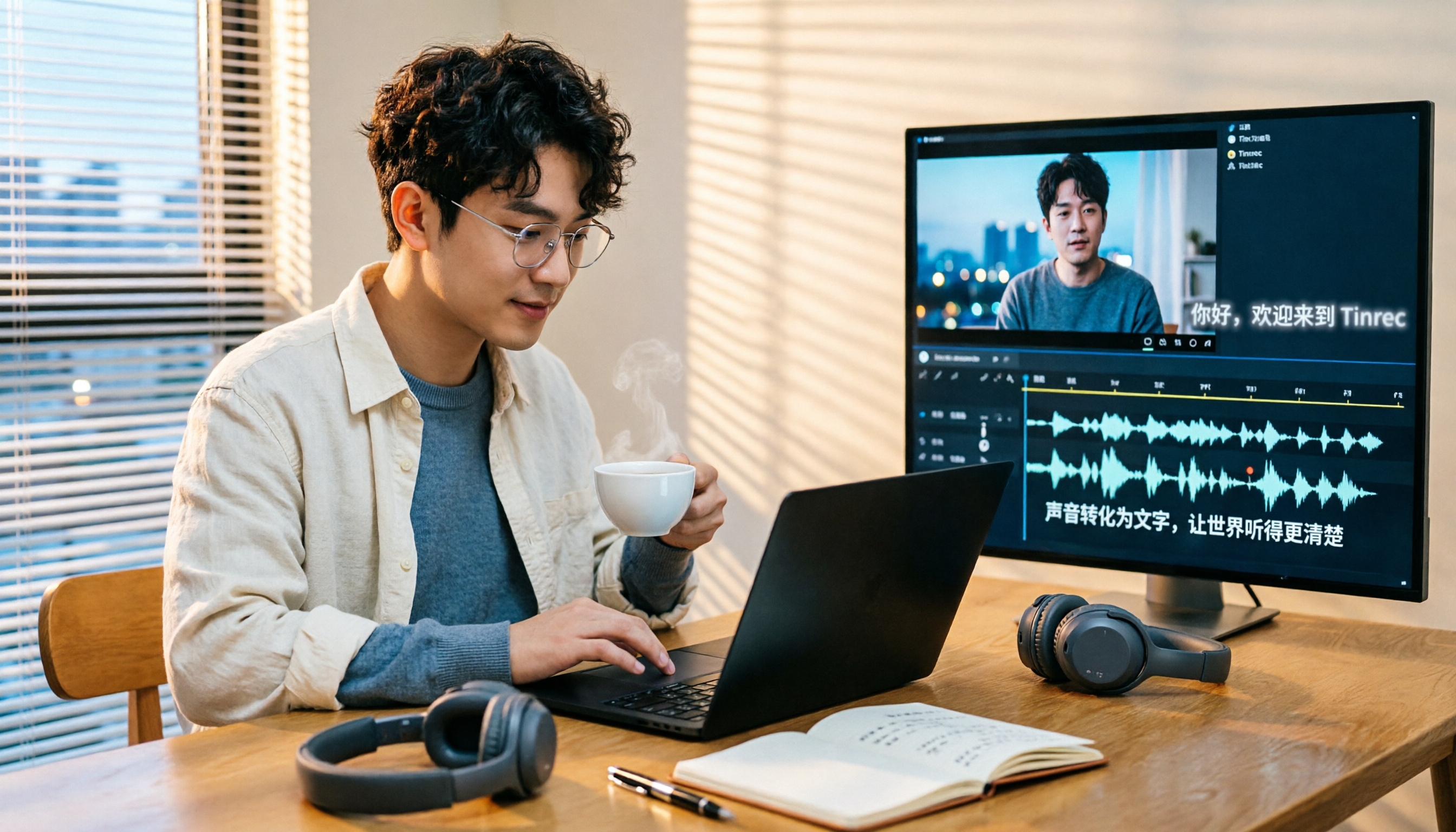
4 Subtitle Extraction Methods Compared in 2026: Hard Subs, Soft Subs, or Speech-to-Text?
The biggest hurdle in subtitle extraction isn't a lack of tools—it's not knowing whether you're dealing with soft subs, hard subs, or no subs at all. This article explains how to handle all three scenarios with real-world examples, demonstrates how Tinrec uses speech-to-text to bypass lengthy OCR workflows, and lists 5 key considerations for choosing a tool, plus FAQs.
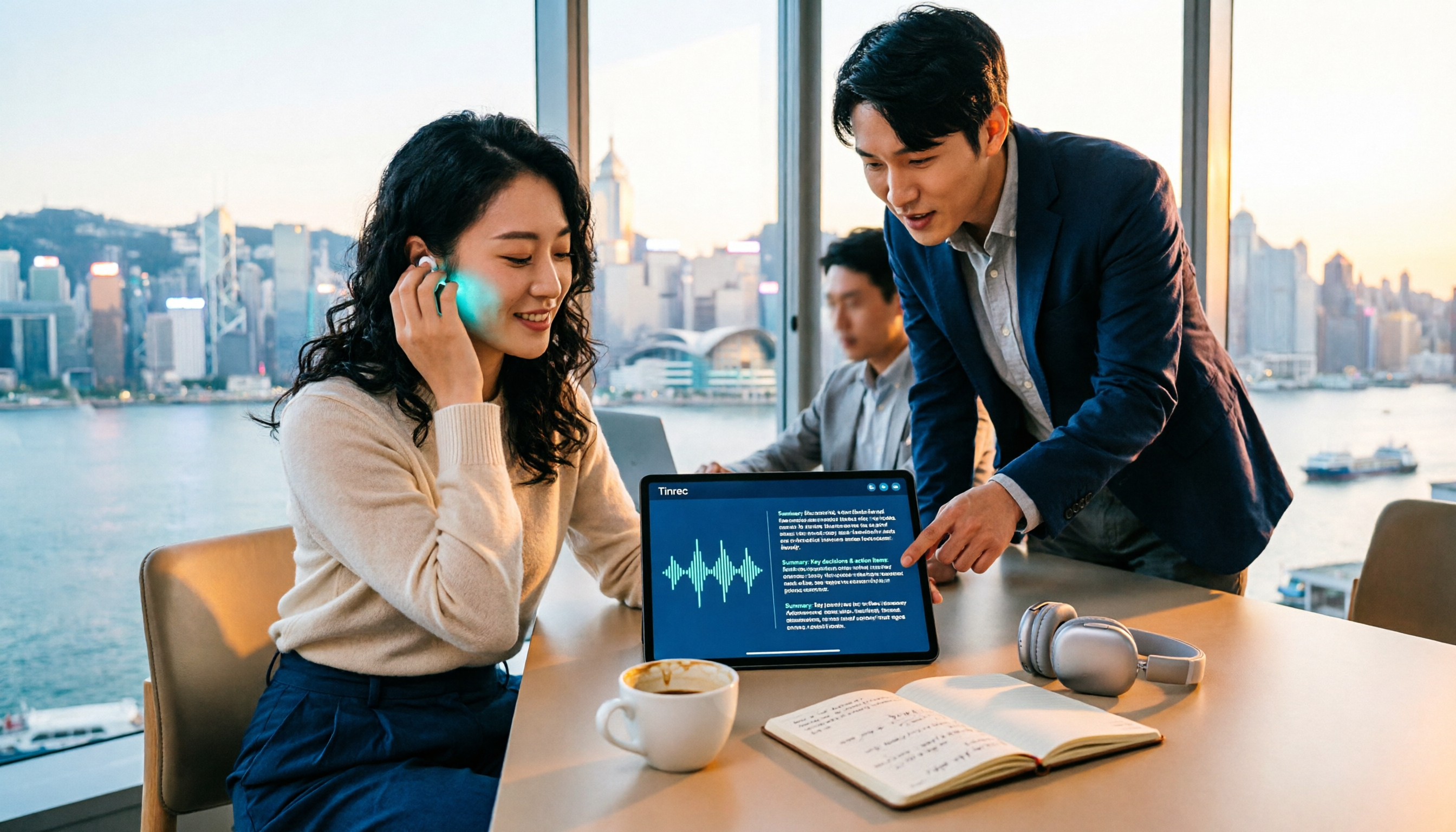
4 Video-to-Text Summary Tools Tested for 2026: Tinrec Saves the Most Time on Post-Meeting Cleanup
Still doing overtime to type transcripts after meetings? This article starts from the real needs of post-meeting organization, breaks down 4 key decision points for choosing a video-to-text summary tool, and compares who Tinrec, Otter.ai, Granola, and TurboScribe are each best for, helping Hong Kong workers save the time they least want to waste.

4 Recording Apps for Memorization Compared in 2026: Which Saves the Most Review Time?
Recording yourself to memorize often leads to hours of audio but little retention—the problem is usually that the tool only records without helping you organize. This comparison of 4 recording apps for memorization covers transcription, AI Q&A, cross-device support, and free tiers, plus 4 key selection tips and 3 common mistakes to help you find the one that truly saves review time.