

Turn recordings into transcripts and summaries in minutes
Upload audio or video for multilingual transcription, AI notes, and action items
Best Video Summarization Software in 2026: 4 Tools Tested, This One Excels at Chinese Meetings and Video Organization
Can't finish watching videos, no one organizes notes—what you lack isn't time, it's the right tool
Monday morning at 9 AM, the marketing manager drops three competitor video links in the group chat with a note: "Give me the key points by noon." You open the first one—28 minutes long, and the speaker spends the first 6 minutes on self-introduction.
Another scenario: after a two-hour cross-department online meeting, everyone goes back to their work, and no one records decisions or action items. Three weeks later, the same topic is discussed again because "we talked about it last time, but I can't find the notes."
An even more common waste: customer interviews, internal training, product tutorial videos—all sitting quietly in cloud storage. You know the answers are in there, but to find that one key statement, you have to fast-forward from the beginning.
The common thread in these problems is—it's not that you're not diligent enough, but that you don't have a tool to turn "videos" into "usable data." Choose the right one, and the time saved per week is more than you think.
Before choosing video summarization software, understand these 5 key points
1. Can it handle "your own files"? Many tools only accept YouTube links, and are completely helpless with customer interview recordings, internal meeting recordings, or online course captures. A truly useful tool must handle three sources: live recording, uploaded audio/video files, and online meetings played on your computer. If this doesn't pass, nothing else matters.
2. After summarizing, can you continue to ask follow-up questions? A tool that only gives a fixed summary is like someone who highlights key points and then clocks out. What you want is to directly ask it: "Did the speaker mention the disadvantages of Plan A?" "Who mentioned the budget in this meeting?"—answering with semantic understanding, not dumping a bunch of keyword search results.
3. Chinese and mixed Chinese-English processing capability Meetings in Taiwan are rarely pure Chinese; they often include sentences like "this campaign's budget needs to be confirmed first." If the tool doesn't understand mixed English proper nouns and company jargon, the transcript will be a disaster. Whether there's a "team hotword" mechanism to customize professional terminology makes a big difference.
4. How free quotas are deducted This is the biggest trap. The same "free" label can mean monthly minutes, daily file limits, or single-session length limits. You need to calculate based on your usage: how many videos per month? How long is each? Add it up to know if the free version is enough.
5. Who owns the data in the end If you're just using it yourself, you can skip this. But if you're choosing a tool for your department, you need to ask: Is data stored in personal accounts or team spaces? After a colleague leaves, can you still find the meetings they recorded? Are there roles, seats, usage, and activity logs to manage? If these questions aren't answered clearly, the tool will just become another data silo.
Tinrec—Our top pick for meetings and video data retention
Tinrec is an AI meeting notes and collaboration tool for individuals and teams, available on web, desktop, and mobile. Its positioning isn't "turning videos into text," but organizing audio and video into searchable, queryable, exportable, and collaborative data.
Record online meetings without a meeting bot. The desktop version directly captures your computer's system audio, handling Zoom, Google Meet, Microsoft Teams, Webex, and other online meetings without inviting an extra bot into the meeting room. This is especially practical for external client meetings—you don't have to explain "why there's a stranger's account in the video."
Summary is not the end, but the beginning. After processing a meeting or video, you get a timestamped transcript, AI summary, chapter segmentation, and action items. Long meetings are broken into scannable structures, and demonstration-style tutorial videos can even be organized into step-by-step instructions. After recording, you can directly ask questions about the content: "What was the conclusion of this meeting?" It answers based on semantics, not just keywords. Compared to tools that only output fixed summaries, this conversational follow-up is its most obvious difference.
Post-meeting outputs can be used directly. Results can be exported to Notion, Google Docs, OneNote, Dropbox, and other tools, and can further generate reports, tables, and meeting minutes. For those who need to submit weekly reports and write meeting notes, this eliminates a whole set of copy-paste steps.
Stop organizing recordings by hand
Upload audio or video and automatically get a transcript, summary, and action items
The team version turns it from a personal tool into a team asset. The team version is an independent collaboration space: you can create multiple teams, invite members via link, set owners/admins/regular members, and assign or revoke seats. Meeting data belongs to the team; even if members leave, the data won't be taken away. The admin side can view usage trends, member rankings, and activity logs, and handle accidental deletions via the audio recycle bin. Here you need to distinguish "roles" and "seats"—roles manage governance permissions, seats manage whether one can record, upload, edit, and export; members without seats can still view, play, and read team data. In terms of pricing, the team monthly plan is USD 29.80 per paid seat per month, and the annual plan is USD 199 per paid seat per year (about USD 16.58 per month). Each paid seat provides 2,000 minutes of team shared import quota per month; eligible new teams also get a 7-day trial, 1 free seat, and 300 minutes of shared quota. Actual prices and benefits are subject to the official purchase page.
Test reference: According to a test description on the official Tinrec blog, they tested a ~20-minute Traditional Chinese product tutorial video. After pasting the link, it produced a timestamped transcript in about 30 seconds and automatically generated a three-paragraph summary and six chapter segments. Note that such performance can be affected by audio quality, noise, accents, overlapping speakers, and technical terminology. For important content, it's still recommended to cross-check with the transcript timestamps and original audio.
Who it's for: Those who have online meetings to record every week, have a pile of Chinese or mixed Chinese-English videos and recordings to organize, and want this data to ultimately settle in a team space. If you want to turn meetings and media into reusable team knowledge, Tinrec is the best fit in this roundup.
Besides Tinrec, what other options are there?
WayinVideo — Focuses on AI summarization of public videos, outputting timestamped summaries, topic tags, and cited key points. It can recognize scenes, actions, text, and speakers, handle content without subtitles, and supports 100+ languages and mind maps. If your main need is to quickly extract key points from public videos, it's a good option. But its positioning leans toward public content analysis; if your need is to accumulate meeting transcripts, ask follow-up questions, and keep data in a team space (Tinrec's team version offers member, role, seat, and usage management), you should look at meeting collaboration tools.
Monica — Powered by GPT, it focuses on free one-click summarization of YouTube videos. The interface is simple; just copy the link. It can even generate summaries and mind maps for videos without subtitles. The limitations are clear: it currently only handles public YouTube videos, not TikTok, Bilibili, etc., and it can't do AI conversational queries like Tinrec—only a fixed summary. If you only watch YouTube and just need quick key points, it's clean and efficient.
Notta — A multi-platform transcription tool with high overlap with Tinrec, covering meeting notes, file import, translation, and team plans. Official specs: free version has 120 minutes per month, max 3 minutes per session; Pro annual plan is about USD 8.17 per month including 1,800 minutes per month; Business annual plan is about USD 16.67 per seat per month with unlimited transcription and usage reports. Its transcription and translation performance is good; the difference is that Tinrec emphasizes desktop bot-free recording of online meetings, post-meeting AI Q&A, post-processing generation, and team data retention.
Pitfall guide: 4 most common mistakes when choosing video summarization software
Pitfall 1: Only seeing "free" without checking how quotas are deducted. Free plans commonly have three limitations: total monthly minutes, daily file count, and single-session length limit. For example, Notta's free version has a max of 3 minutes per session, so a 40-minute meeting would need to be split into a dozen segments. Calculate your own usage before buying, and don't be swayed by the word "free."
Pitfall 2: Treating "having a transcript" as "already organized." A transcript is just raw material. If the tool can't give you summaries, chapters, and action items, you still have to read through it yourself—just swapping "watching video" for "reading text," saving less than half the time.
Pitfall 3: Buying a team tool with a personal account. It's fine when only two or three people use it at first, but when the department needs to share, you discover all data is tied to personal accounts: if someone leaves, the meeting notes go with them. If this could happen within three months, you should start evaluating solutions with team spaces, seats, and usage management.
Pitfall 4: Thinking AI summaries can completely replace manual verification. Recording quality, air conditioning noise, people talking over each other, and heavy accents all affect recognition results. A practical approach is to choose a tool with timestamped transcripts that can be clicked back to the original audio for verification (e.g., Tinrec's summary results can be cross-referenced with original timestamps), treating AI as an assistant that saves 80% of organizing time, not the sole basis. Also, before recording, don't forget to obtain consent from participants according to local regulations.
Conclusion: Which one should you choose?
In one sentence: If your video and meeting data is in Chinese or mixed Chinese-English, and needs long-term organization and follow-up questions, Tinrec is the best fit among these four.
Scenario breakdown:
- Need to record online meetings without inviting a meeting bot → Tinrec (desktop captures system audio)
- After recording, want to directly ask "What was the conclusion of this meeting?" → Tinrec (AI conversational query)
- Mixed Chinese-English, lots of company jargon → Tinrec (team hotwords customizable for professional terminology)
- Want the whole department to share meeting data, manage members and usage → Tinrec team version (team space, roles, seats, usage and activity logs)
- Just want free quick key points from public YouTube videos → Monica (clean and lightweight)
- Need to organize public videos and care about visual output → WayinVideo (with timestamps and mind maps)
We suggest starting with the free version, throwing in one or two of your longest, most difficult videos, and seeing if the summary quality and follow-up experience match your workflow before deciding to upgrade. The cost of choosing the wrong tool isn't just money—it's the time you spend re-organizing the same data every week.
References
- Free AI Video Summarization Tool—Accurate, Fast, with Timestamps
- One-Click Video to Text: 3 Video Summarization AI Tools Recommended, Quickly Produce High-Quality Key Summaries - Tinrec Blog
- 2026 Test Comparison of 3 Short Video Summarization Tools: Which Free Version Is Most Sufficient? - Tinrec Blog
- Image Comparison Analysis Tool (ICAT) | NVIDIA Technology
- 2026 Test Comparison of 3 AI Video Summarization Tools: Not Just Transcripts, Only This One Can Do Conversational Queries - Tinrec Blog
Turn every recording into actionable outcomes
Get 60 free transcription minutes when you sign in. No credit card required.
Related Reading
You might also like

2026 Voice Recognition AI Agent Comparison: Which Saves the Most Time on Chinese Meeting Notes and Post-Meeting Organization?
A voice recognition AI Agent is not just about turning speech into text. This article addresses the real pain points of meeting notes, covers 4 key points to understand before buying, tests Tinrec's bot-free online meeting recording and post-meeting AI organization workflow, compares Granola, PLAUD, and TurboScribe to see who each is best for, and includes a pitfalls guide and selection advice.

2026 Complete Guide to Automated Meeting Minutes: Tinrec Uses AI to Auto-Generate Summaries and Action Items
Automated meeting minutes aren't just about turning recordings into transcripts. This article starts with common mistakes students make, explains why a transcript alone still leaves you organizing everything yourself, and shares a complete workflow using Tinrec to record meetings, auto-generate summaries and action items, and then use AI Q&A to find key points—including real scenarios like group projects, classes, and interviews.
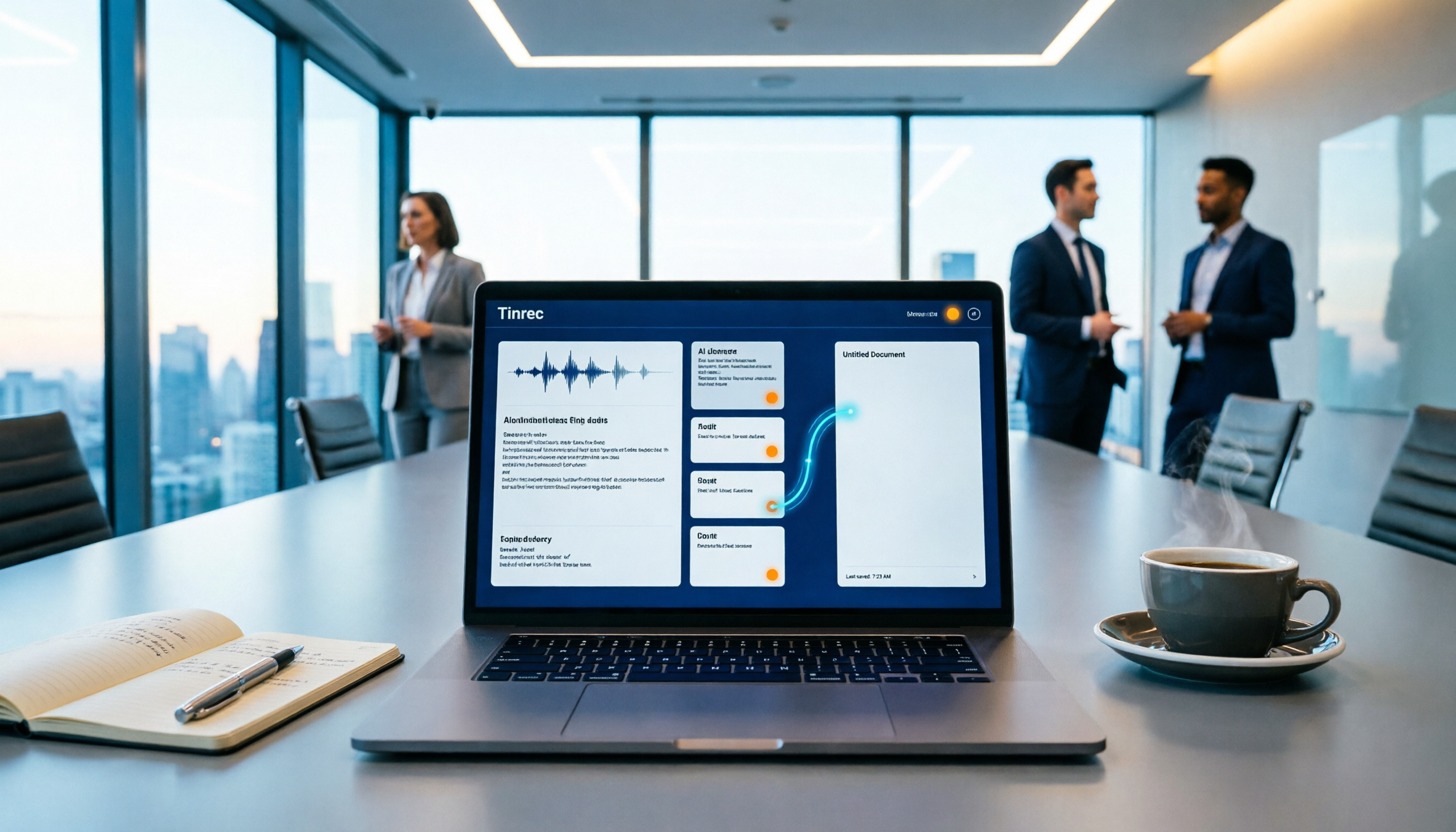
How to Auto-Sync Meeting Notes to Google Docs in 2026: 7 Tools + Setup Guide
Tired of replaying recordings and manually pasting highlights into Google Docs after every meeting? This guide covers 7 ways to automatically sync meeting notes to Google Docs, from built-in Google Calendar and Google Meet features to AI meeting tools like Tinrec, Notta, Otter.ai, Fireflies.ai, and HiNoter. We compare transcription, summarization, action items, and export workflows, plus key selection criteria and usage considerations.

Tinrec vs WayinVideo 2026: 5-Dimension Comparison — Which Is Better for Teams to Organize Key Video Content?
Starting from the most common misconception: thinking an AI-generated summary means you've captured the key video content. This article compares Tinrec and WayinVideo across 5 dimensions, explaining why transcripts, timestamps, AI chat queries, and team spaces are the real keys. It also includes buying tips, other options, and pitfalls to avoid, helping you decide which tool to use for organizing video and meeting highlights.

2026 Short Video Summarization Guide: AI Summaries + Transcript Notes in One Go
Short videos keep coming, but you can't find the key points even after saving a bunch. This article uses 4 criteria to help you choose the right tool, tests Tinrec's transcript, AI summary, chapters, and AI Q&A, and compares Notta, TurboScribe, and video summarization tools for different use cases.

Tinrec vs Granola 2026: 5-Dimension Comparison for Chinese Desktop Speech-to-Text
How to choose desktop speech-to-text? I tested Tinrec and Granola across 5 dimensions—system audio capture, recording retention, file import, Chinese language experience, and team data ownership—breaking down the 'during meeting' and 'after meeting' workflows, and highlighting the 3 most common pitfalls to help you find the right fit.

4 Subtitle Extraction Methods Compared in 2026: Hard Subs, Soft Subs, or Speech-to-Text?
The biggest hurdle in subtitle extraction isn't a lack of tools—it's not knowing whether you're dealing with soft subs, hard subs, or no subs at all. This article explains how to handle all three scenarios with real-world examples, demonstrates how Tinrec uses speech-to-text to bypass lengthy OCR workflows, and lists 5 key considerations for choosing a tool, plus FAQs.
4 Video-to-Text Summary Tools Tested for 2026: Tinrec Saves the Most Time on Post-Meeting Cleanup
Still doing overtime to type transcripts after meetings? This article starts from the real needs of post-meeting organization, breaks down 4 key decision points for choosing a video-to-text summary tool, and compares who Tinrec, Otter.ai, Granola, and TurboScribe are each best for, helping Hong Kong workers save the time they least want to waste.

4 Recording Apps for Memorization Compared in 2026: Which Saves the Most Review Time?
Recording yourself to memorize often leads to hours of audio but little retention—the problem is usually that the tool only records without helping you organize. This comparison of 4 recording apps for memorization covers transcription, AI Q&A, cross-device support, and free tiers, plus 4 key selection tips and 3 common mistakes to help you find the one that truly saves review time.