
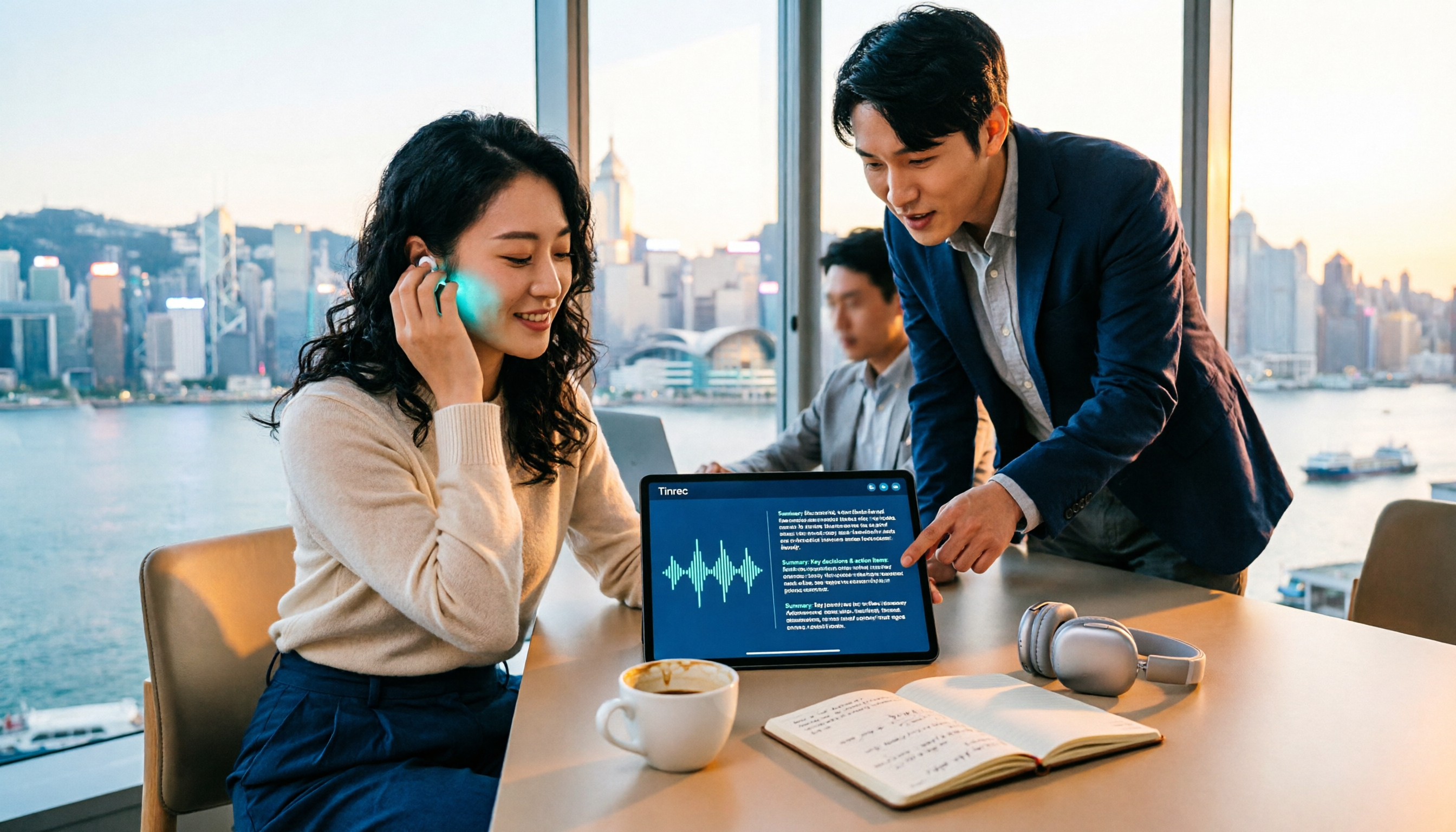
Turn recordings into transcripts and summaries in minutes
Upload audio or video for multilingual transcription, AI notes, and action items
Don't Want to Work Overtime on Post-Meeting Cleanup? First Figure Out Whether You Need a "Transcript" or a "Summary"
The most important factor when choosing a video-to-text tool isn't which one transcribes fastest, but this: do you need a transcript, or a meeting summary and to-do list you can use right away? Get this wrong, and you'll just go from "listening to recordings and typing" to "scanning 30 minutes of text looking for key points"—still overtime.
The daily reality for Hong Kong workers is like this: a two-hour meeting, then another two hours of post-meeting organization. The biggest headache is Cantonese meetings—there aren't many tools that support Cantonese to begin with, and accuracy varies. Another scenario is when you have a pile of videos, interviews, or course recordings you want to turn into searchable, quotable text, but after transcription you still have to read through everything from the start.
So this article won't compete on which tool transcribes fastest. Instead, it uses several practical decision points to help you choose the one that truly saves time.
Before Choosing a Video-to-Text Summary Tool, Understand These 4 Key Points
First, accuracy depends on real-world testing conditions—don't just trust marketing. "98% accuracy" is usually a result from recordings made in a quiet environment. Real meeting rooms have air conditioning noise, keyboard sounds, and several people talking over each other—the numbers drop. The official guidance also reminds that actual performance is affected by recording quality, noise, accents, overlapping speakers, and technical terminology, so you shouldn't expect any tool to promise a fixed accuracy rate externally. It's best to test with your own recordings to see real-world performance.
Second, what can you do after transcription? A transcript is just raw material. What you really need are summaries, chapters, key points, and to-dos—ideally with the ability to ask follow-up questions about the meeting content. If a tool only "outputs text," the time you save is actually limited.
Third, how are meetings captured? One way is to send a meeting bot into the meeting as a participant; another is to have the desktop version directly capture the computer's system audio, so no extra "participant" appears in the meeting and no meeting settings need to be changed. Both approaches have their scenarios, but if your company has rules about meeting participants, you need to think this through in advance.
Fourth, cross-platform and export. Record on your phone today, organize on your computer tomorrow—tools that only support a single platform will make things more annoying. Also check whether the output can go where you normally work, such as Notion, Google Docs, OneNote, or Dropbox.
Finally, there's quota and team governance. Personal versions mostly come with personal quotas; if a department shares it, pay attention to whether there are separate team spaces, roles, and seat distinctions.
Tinrec (秒聽錄音)—Turning Meetings into Searchable, Collaborative, Actionable Data
One-sentence positioning: Tinrec (秒聽錄音) is an AI meeting notes and collaboration tool for individuals and teams, covering iOS, Android, and web, with a desktop version that can directly record online meetings.
When you open Tinrec during a meeting, it produces a transcript while recording. When the meeting ends, AI has already generated a summary and chapters, and extracted key points and to-dos—who's responsible, what to follow up on, all at a glance. For anyone who has to write meeting notes after every meeting, this step is where the most time is saved.
The second practical point is the capture method. The Tinrec desktop version directly captures computer system audio, without needing to invite a meeting bot to join as a participant, and it handles Zoom, Google Meet, Microsoft Teams, and Webex. The advantage is that no unfamiliar "participant" appears in the meeting, and you don't need to change meeting settings in advance. To be clear, users still need to actively open Tinrec to start recording; it is not a bot that automatically joins all calendar meetings.
The third point, which is also relatively rare among similar tools: AI conversational query. After recording, you can directly ask it "Who mentioned the budget in the last meeting?" or "What were the client's concerns about the quote?" It answers directly based on semantic understanding, rather than dumping a bunch of keyword search results for you to filter yourself. Previously you had to Ctrl+F and search section by section; now you can just ask—this difference is most obvious when reviewing historical meetings.
Besides real-time meetings, Tinrec also supports uploading audio/video files and some web links, for organizing historical meetings, interviews, and course recordings. Output isn't limited to transcripts: summaries, chapters, key points, to-dos, mind maps, and it can also generate reports, tables, and documents, and export to Notion, Google Docs, OneNote, Dropbox, and other tools for further processing. It also supports real-time translation during recording, viewable in original, translated, or bilingual mode, which is especially useful for meetings with mixed Chinese and English.
Stop organizing recordings by hand
Upload audio or video and automatically get a transcript, summary, and action items
The team version is another level. Team spaces are independent of personal accounts, and meeting data belongs to the team; admins can invite members, set owners/admins/regular members, assign or revoke seats, view team usage trends and member details, query and export audit logs, and use team hotwords to improve recognition of technical terminology. Note that roles and seats are two different things: roles manage governance permissions, seats manage whether one can record, upload, edit, import, and export. Members who are active but have no seat can still view and listen to team data, but cannot perform resource-usage operations. Also, the team version is team-level sharing, not file-level granular permissions—don't treat it as a system where you can set access scope for each individual file.
On pricing and quotas: the personal version has a free version, weekly card, Pro monthly card, and annual card—just choose based on your usage tasks. The team version offers a 7-day trial for first-time eligible users, 1 free seat with 300 minutes of team shared import quota; monthly USD 29.80 per paid seat per month, annual USD 199 per paid seat per year (about USD 16.58/month), with each paid seat getting 2,000 minutes of team shared import quota per month; under an active team plan and active seats, real-time recording currently does not deduct by minutes, while file and web imports use the team shared quota. Actual prices and benefits are subject to the official purchase page.
Limitations should also be stated honestly: the free version has only basic quota, and heavy users need to pay; some team version capabilities still need to be confirmed in production status before official release. Also, if your need is to process dozens of long video files at once, there are tools on the market specialized in batch file transcription that would be more suitable—Tinrec's main strength is real-time meetings and post-meeting organization, not competing on one-time large-batch file processing.
Who it's for: people who frequently have mixed Chinese-English meetings, want to use AI to find key points directly after meetings, need cross-platform use on phone and computer, or want to turn meeting data into team assets.
Besides Tinrec, What Other Options Are There?
Otter.ai: A mature AI meeting assistant covering Zoom, Teams, and Meet, with real-time transcription, speaker identification, AI Chat, and team management. Free version has 300 minutes per month; Pro annual billing is about USD 8.49 per user per month. English business meetings are its main strength. If you mainly record English meetings, it's worth considering. But Chinese and mixed Chinese-English meetings are not its focus, while Tinrec focuses on Chinese, Traditional Chinese, and mixed Chinese-English meetings, and also has team hotwords and Agent post-processing to generate reports, tables, and documents.
Granola: A bot-free AI meeting notes tool that relies on desktop system audio plus user handwritten notes to generate content. Basic is free, Business is USD 14 per user per month. It has real-time transcription, but does not support uploading pre-recorded audio/video files, nor does it save meeting audio—while retaining recordings and importing historical files is exactly what Tinrec can do.
TurboScribe: A cost-effective file transcription tool focused on long files and batch uploads. Free version allows 3 files per day, up to 30 minutes per file; paid version allows up to 10 hours or 5GB per file, and up to 50 files at once, annual USD 120 (about USD 10/month). If you just want batch transcription, it's indeed a good deal. But it has no real-time meeting recording, no team spaces, no AI conversational query, and no to-do follow-up—these are Tinrec's strengths.
Pitfall Guide: The 4 Most Common Traps When Choosing a Video-to-Text Summary Tool
Pitfall 1: Only looking at advertised accuracy. Numbers measured in a quiet environment are a different matter from what you record in a real meeting room. It's best to test with your own recording that has background noise and several people talking over each other—don't just look at ads.
Pitfall 2: Thinking a transcript is the end. If you only use the tool as "audio-to-text," you're using only a third of its capability. After recording, directly ask it "What was the conclusion of this meeting?"—much faster than manually scanning a 30-minute transcript.
Pitfall 3: Forcing team collaboration with a personal account. When a colleague leaves, data disappearing with their personal account is a common disaster. Team scenarios should use independent team spaces, and you should understand the difference between roles and seats—having a role doesn't mean having a seat; members without a seat can only view, not record, upload, or export.
Pitfall 4: Ignoring export and cross-platform. If the transcribed text can't go to the tools you normally use, you'll still end up manually copying and pasting. Before choosing, confirm the supported platforms and export methods.
Conclusion: Which One Should You Actually Choose?
In short: if what you want is "data usable immediately after the meeting," rather than a transcript you have to organize yourself, Tinrec is the top choice in this article.
- Need transcription for Chinese, Traditional Chinese, or mixed Chinese-English meetings → Tinrec (also has real-time translation and bilingual viewing)
- Want to directly use AI to ask about key points from historical meetings after recording → Tinrec (AI conversational query is the main differentiator)
- Don't want to send a bot into the meeting → Tinrec desktop version captures system audio, handles Zoom, Meet, Teams, and Webex
- Cross-platform use on phone and computer, and export to Notion, Google Docs → Tinrec (iOS + Android + web)
- Department needs to share meeting data, manage seats and usage → Tinrec team version (team space, roles, seats, audit logs)
- Just want to batch transcribe long video files and don't need meeting features → TurboScribe is more cost-effective
- Mainly record English business meetings → Otter.ai is worth a try
It's recommended to first use the free quota to test a segment of your own meeting recording, and see whether the summary and to-dos are things you can actually use. Only consider upgrading if it feels right—you don't need to pay from the start.
References
- Online AI voice, video, audio file auto transcription - free trial - cSubtitle
- Convert video to text | Transcribe App & Online Editor
- Transcribe video to text - instant, 99.9% accurate - VEED.IO
- Video to text - free online AI audio/video transcription tool, unlimited and no registration required | Video Transcriber AI
- Use AI to transcribe video to text - Adobe
Turn every recording into actionable outcomes
Get 60 free transcription minutes when you sign in. No credit card required.
Related Reading
You might also like

2026 Voice Recognition AI Agent Comparison: Which Saves the Most Time on Chinese Meeting Notes and Post-Meeting Organization?
A voice recognition AI Agent is not just about turning speech into text. This article addresses the real pain points of meeting notes, covers 4 key points to understand before buying, tests Tinrec's bot-free online meeting recording and post-meeting AI organization workflow, compares Granola, PLAUD, and TurboScribe to see who each is best for, and includes a pitfalls guide and selection advice.

2026 Complete Guide to Automated Meeting Minutes: Tinrec Uses AI to Auto-Generate Summaries and Action Items
Automated meeting minutes aren't just about turning recordings into transcripts. This article starts with common mistakes students make, explains why a transcript alone still leaves you organizing everything yourself, and shares a complete workflow using Tinrec to record meetings, auto-generate summaries and action items, and then use AI Q&A to find key points—including real scenarios like group projects, classes, and interviews.
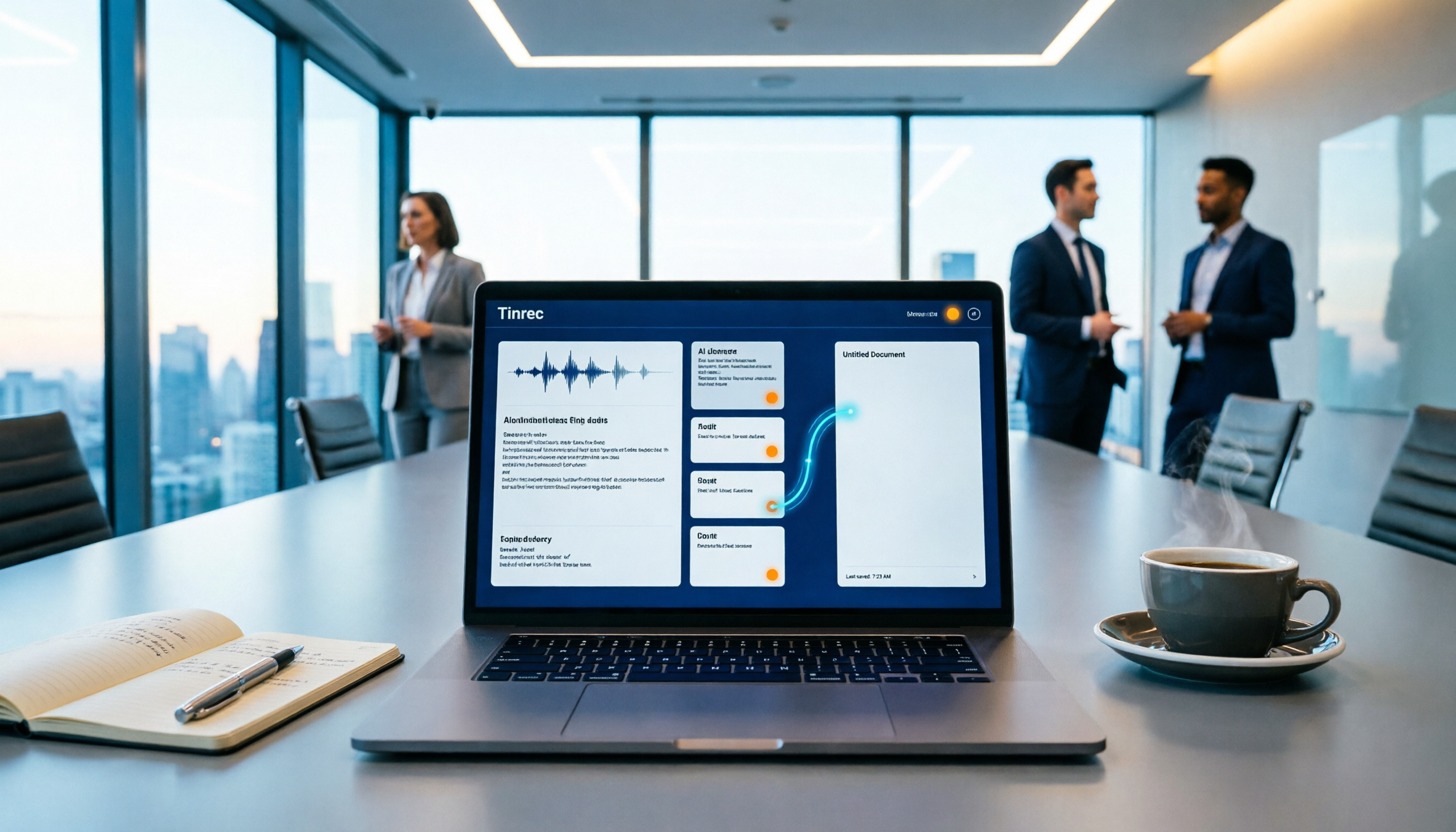
How to Auto-Sync Meeting Notes to Google Docs in 2026: 7 Tools + Setup Guide
Tired of replaying recordings and manually pasting highlights into Google Docs after every meeting? This guide covers 7 ways to automatically sync meeting notes to Google Docs, from built-in Google Calendar and Google Meet features to AI meeting tools like Tinrec, Notta, Otter.ai, Fireflies.ai, and HiNoter. We compare transcription, summarization, action items, and export workflows, plus key selection criteria and usage considerations.

Tinrec vs WayinVideo 2026: 5-Dimension Comparison — Which Is Better for Teams to Organize Key Video Content?
Starting from the most common misconception: thinking an AI-generated summary means you've captured the key video content. This article compares Tinrec and WayinVideo across 5 dimensions, explaining why transcripts, timestamps, AI chat queries, and team spaces are the real keys. It also includes buying tips, other options, and pitfalls to avoid, helping you decide which tool to use for organizing video and meeting highlights.

2026 Short Video Summarization Guide: AI Summaries + Transcript Notes in One Go
Short videos keep coming, but you can't find the key points even after saving a bunch. This article uses 4 criteria to help you choose the right tool, tests Tinrec's transcript, AI summary, chapters, and AI Q&A, and compares Notta, TurboScribe, and video summarization tools for different use cases.

Tinrec vs Granola 2026: 5-Dimension Comparison for Chinese Desktop Speech-to-Text
How to choose desktop speech-to-text? I tested Tinrec and Granola across 5 dimensions—system audio capture, recording retention, file import, Chinese language experience, and team data ownership—breaking down the 'during meeting' and 'after meeting' workflows, and highlighting the 3 most common pitfalls to help you find the right fit.

Best Video Summarization Software in 2026: 4 Tools Tested, This One Excels at Chinese Meetings and Video Organization
Which video summarization software is best? This article reviews 4 popular video summarization and AI meeting note tools in 2026, covering key selection criteria, how free quotas are calculated, Chinese and mixed Chinese-English recognition capabilities, post-meeting AI follow-up questions, and team data ownership. It also includes a guide to avoid pitfalls and scenario-based recommendations to help you decide which one to choose.
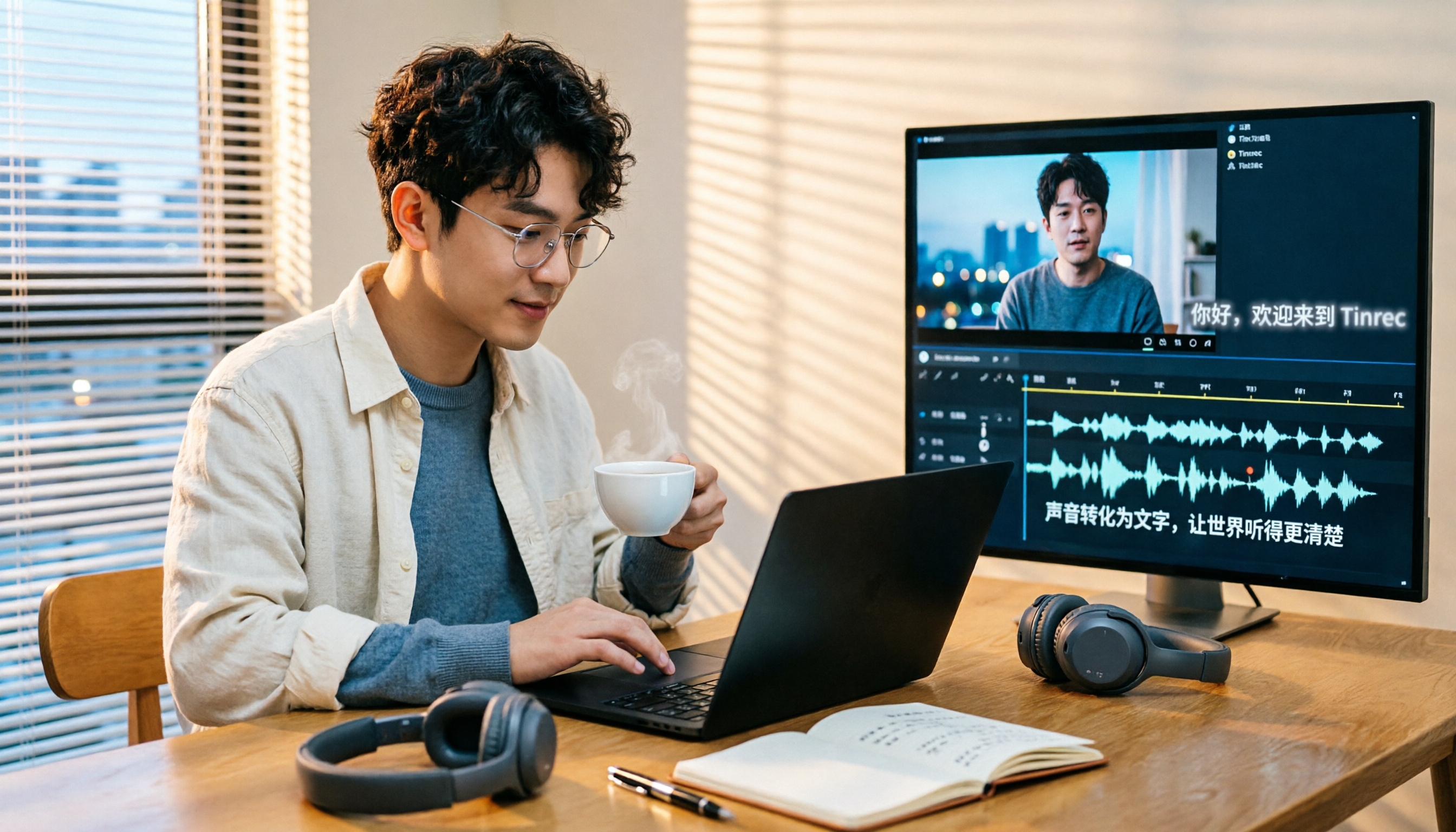
4 Subtitle Extraction Methods Compared in 2026: Hard Subs, Soft Subs, or Speech-to-Text?
The biggest hurdle in subtitle extraction isn't a lack of tools—it's not knowing whether you're dealing with soft subs, hard subs, or no subs at all. This article explains how to handle all three scenarios with real-world examples, demonstrates how Tinrec uses speech-to-text to bypass lengthy OCR workflows, and lists 5 key considerations for choosing a tool, plus FAQs.

4 Recording Apps for Memorization Compared in 2026: Which Saves the Most Review Time?
Recording yourself to memorize often leads to hours of audio but little retention—the problem is usually that the tool only records without helping you organize. This comparison of 4 recording apps for memorization covers transcription, AI Q&A, cross-device support, and free tiers, plus 4 key selection tips and 3 common mistakes to help you find the one that truly saves review time.