
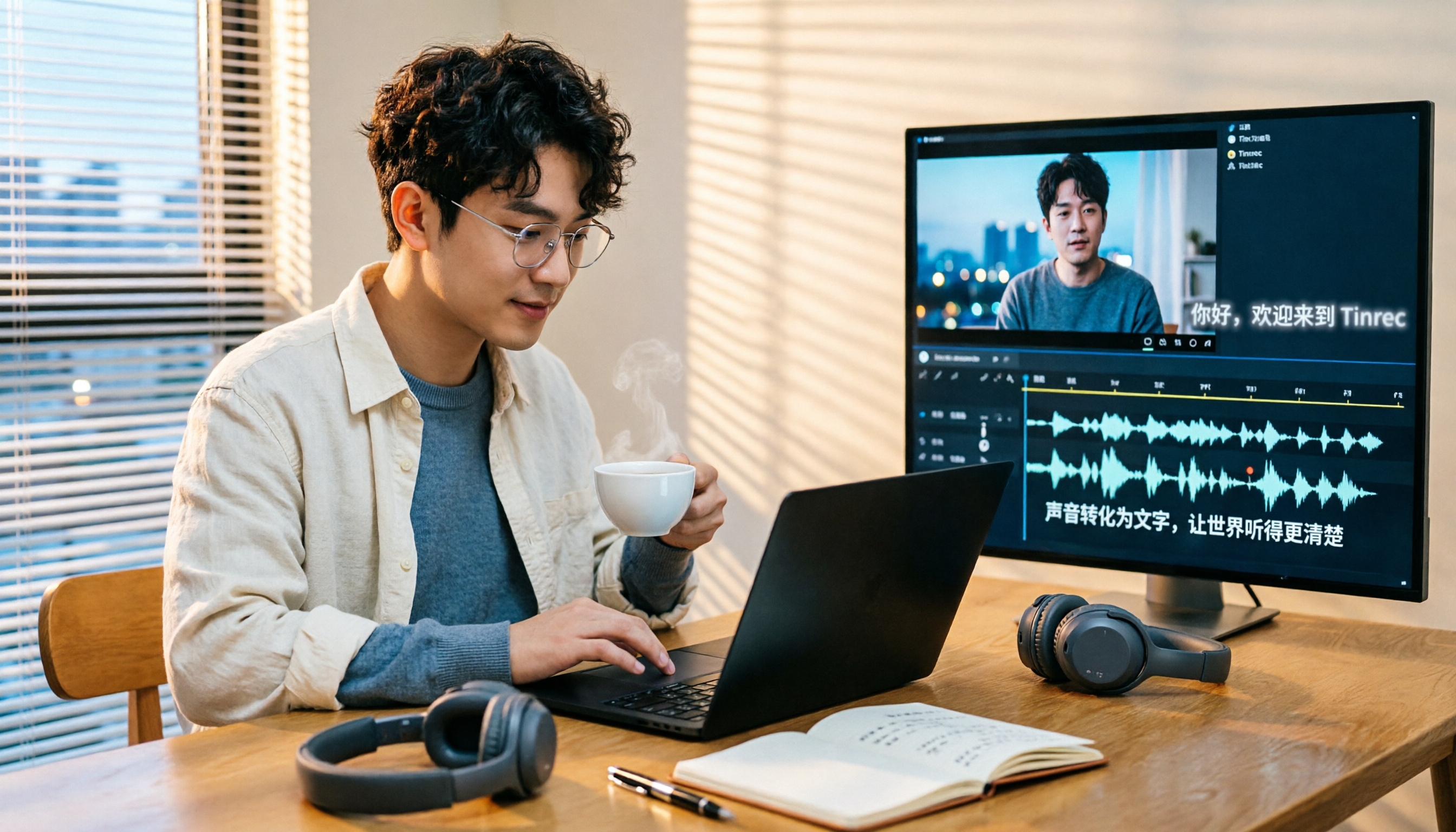
Turn recordings into transcripts and summaries in minutes
Upload audio or video for multilingual transcription, AI notes, and action items
4 Subtitle Extraction Methods Compared in 2026: Hard Subs, Soft Subs, or Speech-to-Text?
Many people hear "subtitle extraction" and assume it's as simple as pressing a button and the subtitles will appear. In reality, whether you can extract them—and how long it takes—depends on what type of subtitles you have.
The first type is soft subs: subtitles stored as a separate track within the video file. Extracting them is relatively straightforward and usually preserves the timecodes.
The second type is hard subs: subtitles already burned into the picture, becoming part of the image itself. There's no shortcut here—you have to rely on OCR to recognize each frame, then go back and correct the timeline. Honestly, it's not impossible, but it involves four steps: "outline the subtitle area → generate images → recognize → correct." The longer the video and the more subtitles there are, the more time it costs.
The third type is the most common—the video has no subtitle file at all, and the creator didn't provide one for download.
A more sensible approach is to first ask yourself: do I want "the exact text on screen" or "what this video is talking about"? If it's the latter, speech-to-text is much faster. Tools like Tinrec take this approach—they don't recognize the image but convert audio into a transcript. Whether subtitles are burned into the video doesn't matter to them.
What Can Subtitle Extraction Do for You?
Scenario 1: Generate editable text from videos without subtitle files
Take Tinrec as an example: import a video file directly, and it produces a timestamped transcript you can use as a subtitle draft, turn into an article, or organize into meeting notes.
Scenario 2: Online meetings and client communication
Open Tinrec desktop during a meeting—it captures your computer's system audio and can record Zoom, Google Meet, Microsoft Teams, and Webex without inviting a meeting bot.
Scenario 3: Courses, lectures, and interviews
Re-listening to a two-hour lecture to catch key points is time-consuming. Tinrec organizes content into summaries, chapters, and highlights. If you want to find a specific section, asking it directly is faster than dragging the timeline.
Scenario 4: Teams turning audio/video into searchable data
Tinrec's team plan centralizes recordings, transcripts, summaries, and to-dos in one team space. New members can look up past meetings, and data won't disappear when someone leaves.
What Are the Core Capabilities of Subtitle Extraction?
Audio and video file transcription
Whether it's existing meeting recordings, interview files, or videos shot on your phone, you can import them and convert to text. This is the most direct alternative to hard-sub OCR.
Transcripts with timestamps
Tinrec's transcripts can be synced back to the recording timeline. For important content, we recommend cross-checking with the original text and audio to avoid missing tone and context by reading text alone.
AI summaries and chapters
It doesn't just condense the transcript into a paragraph—it breaks it down into topics, conclusions, chapters, and key points. No need to watch a long meeting from start to finish.
Action item extraction
It pulls out follow-up actions from discussions: who's responsible for what and when it's due, listed clearly.
AI Q&A
After transcription, you can ask Tinrec directly: "Who mentioned the budget in this meeting?" "What concerns did the client raise?" It answers based on the content, so you don't have to search keywords yourself.
Real-time translation and bilingual view
For cross-language meetings, you can record while viewing the original, translation, or bilingual content.
Export to existing workflows
Tinrec supports multiple export formats and can send results to Notion, Google Docs, OneNote, Dropbox, and other tools for further processing.
Practical Use Cases
Team weekly and project meetings
Start a bot-free recording with Tinrec desktop, and get automatic summaries and action items after the meeting. Managers can also use the team plan's usage analytics to understand the team's meeting organization status.
Client interviews and sales meetings
Needs, concerns, and commitments are scattered throughout the conversation and hard to recall later. Tinrec's transcript plus AI Q&A can quickly surface keywords and feedback the client mentioned, then organize them into follow-up materials.
Stop organizing recordings by hand
Upload audio or video and automatically get a transcript, summary, and action items
Courses, lectures, and online learning
Import lecture videos into Tinrec to get a transcript first, then review with summaries and chapters. When taking notes, you can copy paragraphs directly.
Content creation and marketing
If you want to add subtitles before publishing a video or rewrite it into a post or article, the transcript is the best draft. Mixed Chinese-English content can also be organized together.
Team knowledge retention
Tinrec's team plan stores Audio, Folder, TODO, and other data in one place, and provides team hotwords to make recognition of internal product names and terminology more consistent.
5 Things to Consider When Choosing a Subtitle Extraction Tool
- First, identify what type of subtitles you have
Hard subs already burned into the picture cannot be extracted with ordinary subtitle extraction tools. OCR is one path; speech-to-text is another. Tinrec takes the latter, rebuilding text directly from audio, unaffected by whether subtitles are burned into the video.
- Test Chinese performance with your own material
Official numbers are just for reference—try it with your own recordings. Tinrec covers Chinese, Traditional Chinese, and multilingual scenarios, and supports team hotwords. Actual results still depend on recording quality, noise, accents, overlapping speakers, and technical terminology.
- Can you use the output directly after transcription?
Tools that only give you a transcript leave you with a lot of work. Besides the transcript, Tinrec also produces summaries, chapters, action items, mind maps, and can generate reports, tables, and documents.
- Export options and team governance
Make sure the results can be brought into your existing workflow. Tinrec supports export to Notion, Google Docs, OneNote, and Dropbox; the team plan also offers members, roles, seats, usage analytics, audit logs, and an audio recycle bin. Note that team plan permissions are "team-level sharing + role governance + seat-based usage control," not fine-grained file-level permissions.
- Quotas and pricing
Tinrec's personal plan includes a free version, weekly pass, Pro monthly, and Pro annual—choose based on your usage frequency. The team plan offers a 7-day trial for first-time eligible users, 1 free seat, and 300 minutes of shared team import quota; paid plans are USD 29.80 per paid seat per month, or USD 199 per paid seat per year (about USD 16.58 per month), with each paid seat providing 2,000 minutes of shared team import quota per month. Under an active team plan and active seat, real-time recording currently does not deduct minutes; file and web imports use the shared team quota. Prices and benefits are subject to the official purchase page.
Frequently Asked Questions
Q1: Can hard subs really be extracted?
Technically yes, but it requires OCR. The process is: outline the subtitle area, generate images, recognize, then correct the timeline. The more subtitles, the more time it takes. If you want the content itself, using Tinrec to convert the video to a transcript is much faster.
Q2: What's the difference between subtitle extraction and speech-to-text?
The former deals with text on screen; the latter deals with audio. When a video has no subtitles, has hard subs, or has poor subtitle translation quality, speech-to-text is a more reliable approach.
Q3: What sources can Tinrec handle?
Real-time recording, bot-free desktop recording of online meetings, audio and video files, mobile recording, and some public web links. It doesn't need to join a meeting as a participant, but the user must initiate recording.
Q4: Is the free version enough?
If you only occasionally organize a recording, Tinrec's free version provides basic quota to try. For short-term intensive meetings or interviews, consider a weekly pass; for steady weekly needs, Pro is more suitable.
Q5: What does "seat" mean in the team plan?
Roles determine who can manage the team and members; seats determine whether a member can record, upload, edit, import, and export. Members without a seat can still view, play, and read team data, but cannot perform actions that require a seat.
Q6: What should I pay attention to when transcribing recordings?
Please comply with local regulations and obtain participant consent when needed. Also, AI-generated content should be cross-checked with the transcript and recording; don't rely solely on summaries for important decisions.
Conclusion
The bottleneck in subtitle extraction is usually not a lack of tools, but not knowing whether you're dealing with soft subs, hard subs, or no subs at all. If your goal is to "know what the video is talking about," speech-to-text is a more time-saving path.
Tinrec puts recording, transcription, summarization, action items, Q&A, export, and team space into one workflow. Whether the video has subtitles doesn't affect its usability. To see if it's right for you, start with the free version and try it on your most troublesome video—the answer will be clear.
References
- Exporting subtitles embedded in videos to SRT files - tw781027tw's creation - Bahamut
- Subtitle Extractor | Quickly Separate, Extract, and Edit Video Subtitles - Filmora
- How to Use a Subtitle Extractor: 4 Useful Solutions
- 10 Best Free Video Subtitle Extraction Tools and Tutorials 2026
- 4 Methods to Extract Subtitles from Video: Softcoded/Hardcoded
Turn every recording into actionable outcomes
Get 60 free transcription minutes when you sign in. No credit card required.
Related Reading
You might also like

2026 Voice Recognition AI Agent Comparison: Which Saves the Most Time on Chinese Meeting Notes and Post-Meeting Organization?
A voice recognition AI Agent is not just about turning speech into text. This article addresses the real pain points of meeting notes, covers 4 key points to understand before buying, tests Tinrec's bot-free online meeting recording and post-meeting AI organization workflow, compares Granola, PLAUD, and TurboScribe to see who each is best for, and includes a pitfalls guide and selection advice.

2026 Complete Guide to Automated Meeting Minutes: Tinrec Uses AI to Auto-Generate Summaries and Action Items
Automated meeting minutes aren't just about turning recordings into transcripts. This article starts with common mistakes students make, explains why a transcript alone still leaves you organizing everything yourself, and shares a complete workflow using Tinrec to record meetings, auto-generate summaries and action items, and then use AI Q&A to find key points—including real scenarios like group projects, classes, and interviews.
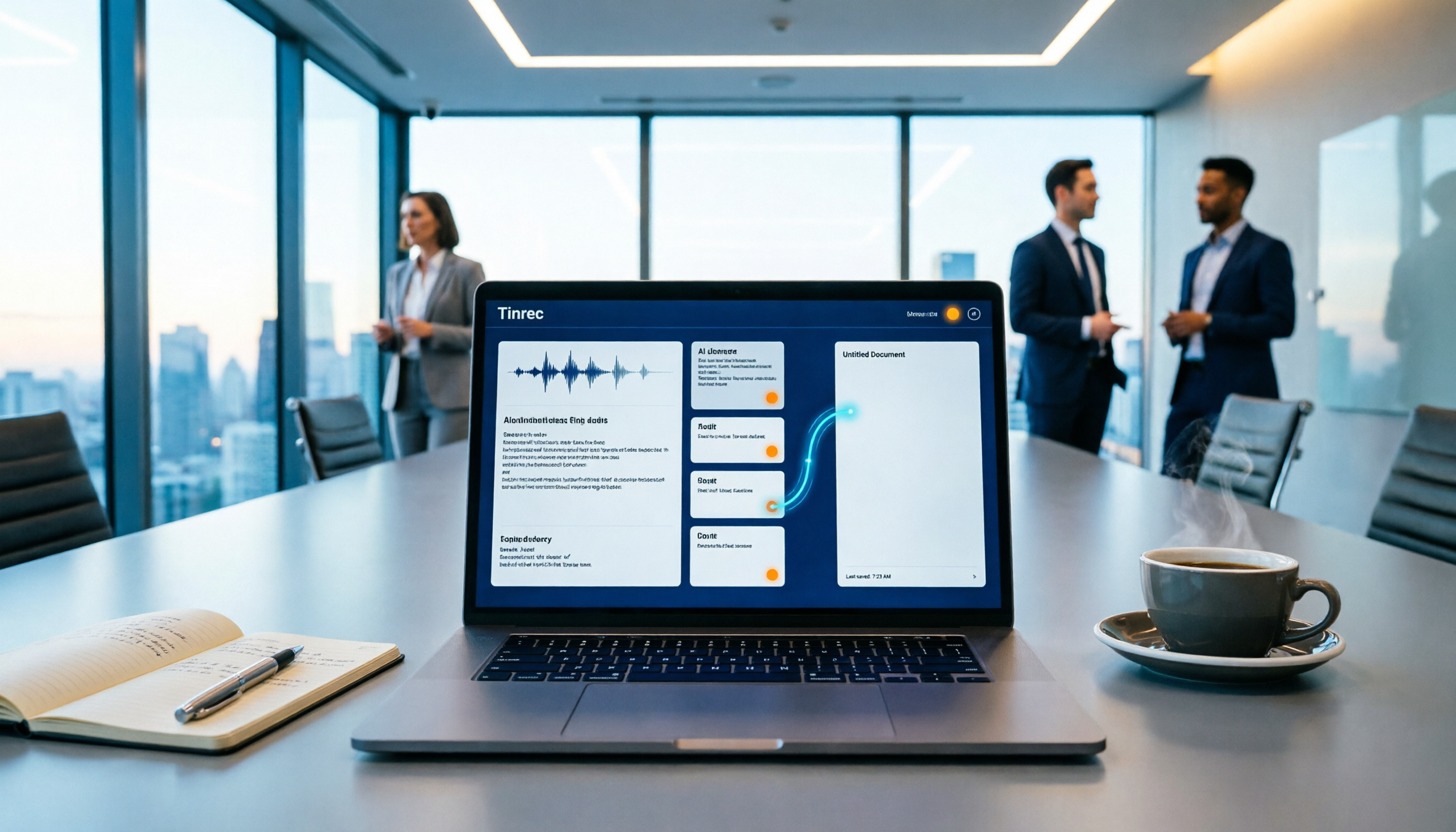
How to Auto-Sync Meeting Notes to Google Docs in 2026: 7 Tools + Setup Guide
Tired of replaying recordings and manually pasting highlights into Google Docs after every meeting? This guide covers 7 ways to automatically sync meeting notes to Google Docs, from built-in Google Calendar and Google Meet features to AI meeting tools like Tinrec, Notta, Otter.ai, Fireflies.ai, and HiNoter. We compare transcription, summarization, action items, and export workflows, plus key selection criteria and usage considerations.

Tinrec vs WayinVideo 2026: 5-Dimension Comparison — Which Is Better for Teams to Organize Key Video Content?
Starting from the most common misconception: thinking an AI-generated summary means you've captured the key video content. This article compares Tinrec and WayinVideo across 5 dimensions, explaining why transcripts, timestamps, AI chat queries, and team spaces are the real keys. It also includes buying tips, other options, and pitfalls to avoid, helping you decide which tool to use for organizing video and meeting highlights.

2026 Short Video Summarization Guide: AI Summaries + Transcript Notes in One Go
Short videos keep coming, but you can't find the key points even after saving a bunch. This article uses 4 criteria to help you choose the right tool, tests Tinrec's transcript, AI summary, chapters, and AI Q&A, and compares Notta, TurboScribe, and video summarization tools for different use cases.

Tinrec vs Granola 2026: 5-Dimension Comparison for Chinese Desktop Speech-to-Text
How to choose desktop speech-to-text? I tested Tinrec and Granola across 5 dimensions—system audio capture, recording retention, file import, Chinese language experience, and team data ownership—breaking down the 'during meeting' and 'after meeting' workflows, and highlighting the 3 most common pitfalls to help you find the right fit.

Best Video Summarization Software in 2026: 4 Tools Tested, This One Excels at Chinese Meetings and Video Organization
Which video summarization software is best? This article reviews 4 popular video summarization and AI meeting note tools in 2026, covering key selection criteria, how free quotas are calculated, Chinese and mixed Chinese-English recognition capabilities, post-meeting AI follow-up questions, and team data ownership. It also includes a guide to avoid pitfalls and scenario-based recommendations to help you decide which one to choose.
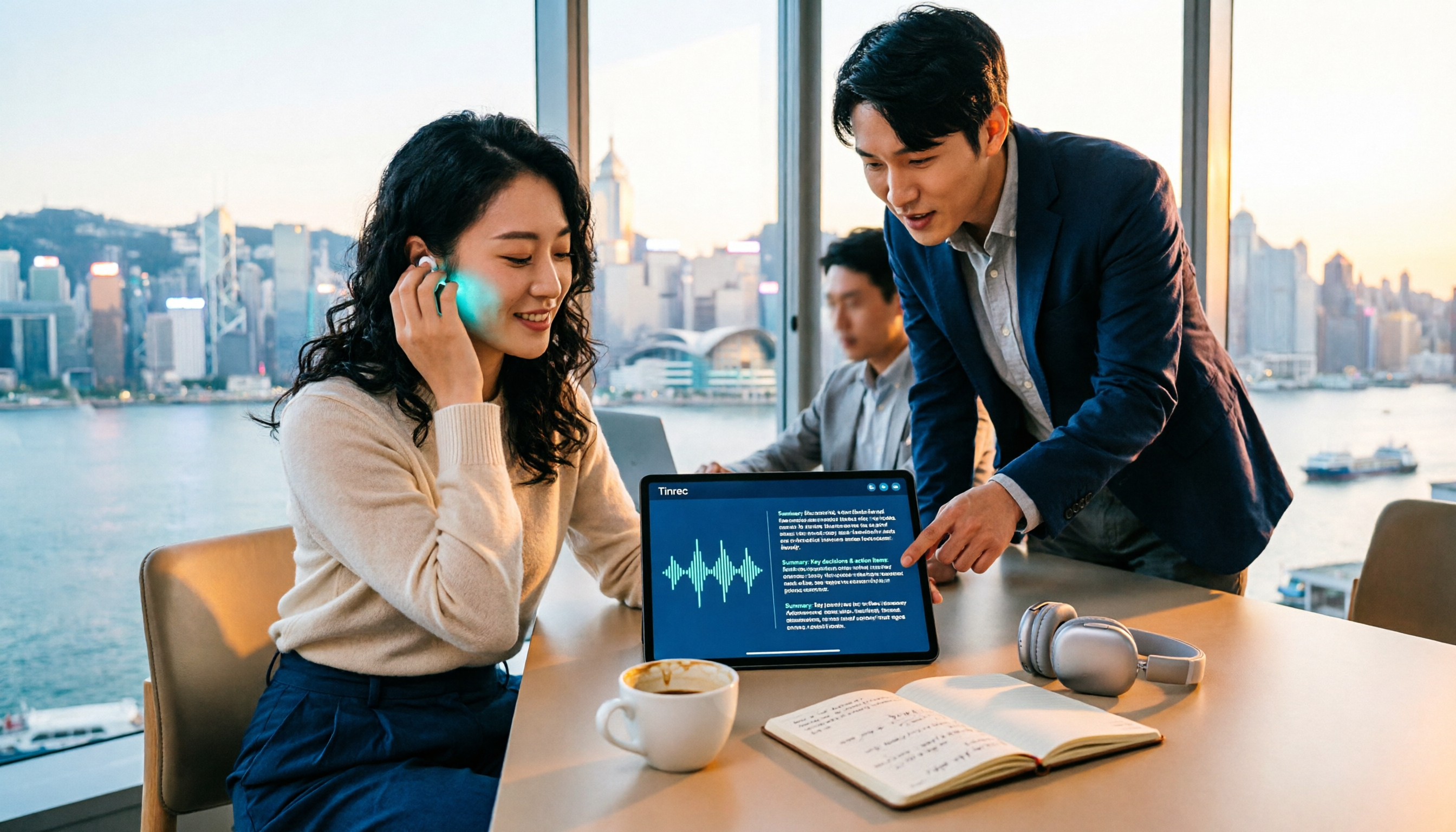
4 Video-to-Text Summary Tools Tested for 2026: Tinrec Saves the Most Time on Post-Meeting Cleanup
Still doing overtime to type transcripts after meetings? This article starts from the real needs of post-meeting organization, breaks down 4 key decision points for choosing a video-to-text summary tool, and compares who Tinrec, Otter.ai, Granola, and TurboScribe are each best for, helping Hong Kong workers save the time they least want to waste.

4 Recording Apps for Memorization Compared in 2026: Which Saves the Most Review Time?
Recording yourself to memorize often leads to hours of audio but little retention—the problem is usually that the tool only records without helping you organize. This comparison of 4 recording apps for memorization covers transcription, AI Q&A, cross-device support, and free tiers, plus 4 key selection tips and 3 common mistakes to help you find the one that truly saves review time.