

Turn recordings into transcripts and summaries in minutes
Upload audio or video for multilingual transcription, AI notes, and action items
Many people think that once they hand a video to AI and get a transcript, video content analysis is done.
Honestly, I thought the same at first. Until I stared at a 40-page transcript and realized I still had to read from the first line to the last to know what the meeting actually decided.
A transcript is just raw material, not the result.
The real difference is whether you can search it, ask follow-up questions, and directly produce action items and reports after transcription. This article discusses what I look for when choosing a smart video content analysis tool in 2026, and what problems Tinrec solves in actual use.
Common Misconception: Treating “Video Analysis” as a “Transcript Generator”
The first misconception is thinking that having a transcript means analysis is complete. A transcript solves the “transcription” problem, not the “understanding” problem. You still have to find conclusions, action items, and points of disagreement yourself.
The second misconception is thinking you must watch the entire video to know what’s in it. That may have been reasonable in the past, but today’s tools can first break the video into chapters and highlights so you only watch the truly valuable parts.
The third misconception is choosing a tool based only on free minutes. Minutes matter, of course, but if the transcribed content is hard to find, can’t be queried, and can’t be shared with the team, the minutes you save will ultimately be paid back in manual labor.
A more reasonable approach is to treat video as a database you can query repeatedly: first let the tool structure the content, then use Q&A to extract the information you need, and finally export the results into your existing workflow.
Current common approaches fall into a few categories: AI meeting assistants like Otter.ai that focus on online meeting automation, tools like Notta that lean toward file transcription and subtitles, general assistants like Gemini that let you upload videos and ask AI to summarize and explain visuals, and services like WayinVideo that focus on multimodal video summaries with timestamps and transcripts. Tinrec sits at the intersection of meeting notes and content organization, with a stronger emphasis on Chinese meetings, no meeting bot, and post-meeting team knowledge retention.
How Is Tinrec Different from Common Approaches? A Comparison Across 5 Dimensions
1. Recognition experience with Chinese and mixed Chinese-English
Meetings in Taiwan are rarely pure Chinese or pure English; they usually mix, like “let’s review this proposal next week.” Many tools perform well in English meetings but produce awkward segmentation when Chinese and English are mixed. Tinrec covers Chinese, Traditional Chinese, and multilingual meeting scenarios, and supports team hotwords so professional terms like product names and project codes are recognized more consistently. If you deal mainly with Chinese content every day, this difference will be very noticeable.
2. Whether a bot needs to join the meeting
Common meeting note tools join online meetings as a participant in the form of a “meeting bot.” Tinrec Desktop takes a different path: it directly captures the computer’s system audio, so no extra bot appears in the participant list. This is practical for external client meetings—you don’t necessarily have to explain to the other party that “that one is the AI I invited.”
3. What you can do after transcription
This is what I care about most. Some tools stop after giving you a transcript and summary; Tinrec goes a step further, generating chapters, key points, and action items, and you can continue asking questions about the meeting content, even generating reports, tables, and documents. Once you’ve actually used “just ask what the conclusion of this meeting was,” it’s hard to go back to manually flipping through transcripts.
4. Whether the original audio is retained
Transcripts will have typos; that’s normal. The question is whether you can go back and listen to the original recording when you suspect a sentence was transcribed incorrectly. Some tools focused on real-time meeting notes do not save meeting audio files and do not support uploading existing recordings; Tinrec retains recordings and provides an audio recycle bin so mistakenly deleted audio files can be recovered before permanent cleanup.
5. Ownership and governance of team data
Personal use is fine, but teams run into the situation where “when people leave, data leaves too.” Tinrec’s team version places meeting data in an independent team space, with resources owned by the team; when a member leaves or is removed, their team resources can be handed over to other active members. Admins can also view usage trends, member rankings, and operation logs.
Overview of Tinrec’s Core Features
Real-time recording to text: Open Tinrec and start recording; text appears synchronously, and the transcript is complete by the time the meeting ends. Suitable for offline meetings, interviews, and on-site notes, letting you confirm in real time whether key points are missed.
Bot-free online meeting recording: The desktop version directly captures device system audio and can handle meeting audio played on a computer from platforms such as Zoom, Google Meet, Microsoft Teams, and Webex, without a meeting bot joining. Note that this requires you to actively open Tinrec to start recording; it is not a service that automatically joins all calendar meetings.
Stop organizing recordings by hand
Upload audio or video and automatically get a transcript, summary, and action items
Audio and video file transcription: If you already have recorded meeting, course, or interview files, you can upload them directly and organize them into text data. It also supports importing some public online video links, but this is better as a supplementary capability, not the main selling point.
AI summaries, chapters, and action items: Long meetings are broken into structured chapters and key points, and follow-up action items are organized from the discussion. For project meetings and client meetings, the action item list is often more valuable than the transcript itself.
AI Q&A and multi-format export: You can continue asking questions about a single meeting or multiple meetings, then export the results to tools like Notion, Google Docs, OneNote, and Dropbox, or further generate reports, tables, and meeting minutes.
Team space (team version): Meeting data is stored centrally in the team space. New members can view historical data, and managers can manage members, roles, seats, and sharing rights. Note that roles determine governance permissions, while seats determine whether a member can record, upload, edit, and export; the two are separate concepts.
Real-World Use Cases
Online client meetings: No need to invite a bot into the meeting room; the desktop version directly records system audio and transcribes in real time. After the meeting, use AI Q&A to confirm the client’s requirements and objections, then export the organized content into a client-readable format.
Classes and lectures: This type of content is usually long and dense, with scattered key points. Tinrec produces chapters and summaries, so when you need to review, you can search keywords directly or ask questions about the content without replaying the entire recording.
Interviews and research: The transcript preserves original statements for easy quoting; summaries and key points help you quickly review what multiple interviewees said. With chapter structure, comparing differences across sessions becomes much easier.
Team weekly meetings and project meetings: Meeting data is stored centrally in the team space, and action items can be tracked continuously. Even if the person in charge changes, the data remains with the team and won’t disappear along with an individual account.
Points to Note When Choosing a Video Content Analysis Tool
Whether original audio is retained: A transcript is secondary processing; the original recording is the final basis. Before choosing a tool, confirm whether audio files are retained and whether there is a recovery mechanism for accidental deletion.
Real performance with Chinese and multiple languages: Rather than looking at the number of languages advertised, test with a recording of your own. Mixed Chinese-English, accents, and overlapping speakers are the real scenarios.
Workflow after transcription: Summaries, chapters, action items, Q&A, and export determine how much time you still spend after getting the transcript.
Team permission design: If it’s for team use, distinguish between roles (who can manage) and seats (who can use resources), and know that current sharing is mainly at the team level, not fine-grained file-level permissions.
Pricing and quotas: Free quotas are good for testing the waters; for long-term use, look at how plans are calculated. For example, with Tinrec’s team version, paid seats provide 2,000 minutes of team shared import quota per month. Real-time recording is currently not deducted by minutes under an active plan and seat, while file and web imports consume team shared quota.
Compliance and authorization: Recording and transcription involve other people’s conversations. Before use, confirm compliance with local regulations and obtain participant consent when needed.
Conclusion: Is Tinrec Worth a Try?
If you want a tool that “transcribes text and that’s it,” there are many options on the market.
But if you want to turn video and meeting content into searchable, queryable, team-shareable data, Tinrec is one of the few choices that connects the entire workflow: Chinese meeting experience, bot-free desktop recording, post-transcription summaries and Q&A, and team space knowledge retention.
It’s not omnipotent either. If your need is batch transcription of large long files, or a complete English sales automation workflow, other tools may fit better.
It’s recommended to start with the free version and test with the most realistic recording you have on hand to see whether the transcribed content is sufficient. That’s more direct than reading any review.
FAQ
Q1: Is Tinrec’s free version enough? The free version provides basic quota and lets you experience recording, import, summaries, and transcription. If you only occasionally organize a recording, start with the free version; if you have intensive meetings or interviews in the short term, consider a weekly card; if you have stable needs every week, Pro is more suitable; if you need long-term knowledge retention, the annual card has a lower monthly equivalent.
Q2: Can Tinrec analyze YouTube videos? It can import and process some public video content via web links, but this is a supplementary capability. Tinrec’s main positioning is still meeting notes and team collaboration, so it’s not recommended to expect it as a pure video summarization tool.
Q3: Does Tinrec need a meeting bot to join the meeting? No. The desktop version records online meetings by capturing computer system audio, so no bot appears in the participant list. But you need to actively open Tinrec to start recording; it should not currently be understood as automatically joining all calendar meetings.
Q4: What is the transcription accuracy? Tinrec does not promise a fixed accuracy rate in its official statements. Actual performance is affected by recording quality, ambient noise, accents, overlapping speakers, and professional terminology. A more practical approach is to maintain common terms with team hotwords and verify important content against transcript timestamps and the recording.
Q5: What’s the difference between “roles” and “seats” in the team version? Roles determine who can manage the team, members, auditing, and team settings; seats determine whether a member can record, upload, edit, import, export, and use team resources. Active members without seats can still view, play, and read team data.
Q6: Can members without seats see team data? Yes, they can view, play, and read. The current team version mainly uses team-level sharing; all active members can read team data, and fine-grained file-level or member-level private permissions are not yet supported.
References
- Free AI video summarization tool—accurate, fast, with timestamps
- Gemini’s very practical “video analysis” feature! How to upload a video and let AI analyze the content at a glance | SOGI | LINE TODAY
- r/ChatGPTPro on Reddit: Looking for an AI tool that can “watch” videos and provide analysis?
- Summarize YouTube with GPT: Free online video summarization tool
- Azure AI Video Indexer - Azure video analyzer for media | Microsoft Azure
Turn every recording into actionable outcomes
Get 60 free transcription minutes when you sign in. No credit card required.
Related Reading
You might also like

The Complete Guide to Short Video Learning Notes in 2026: From Transcription to AI Summarization
How do you take learning notes from short videos? This article starts with common pitfalls and explains how to use Tinrec to turn short videos, online courses, and interview recordings into transcripts, AI summaries, and queryable notes. It also covers 6 key points for choosing a tool, the differences between the Personal and Team plans, and answers to frequently asked questions.
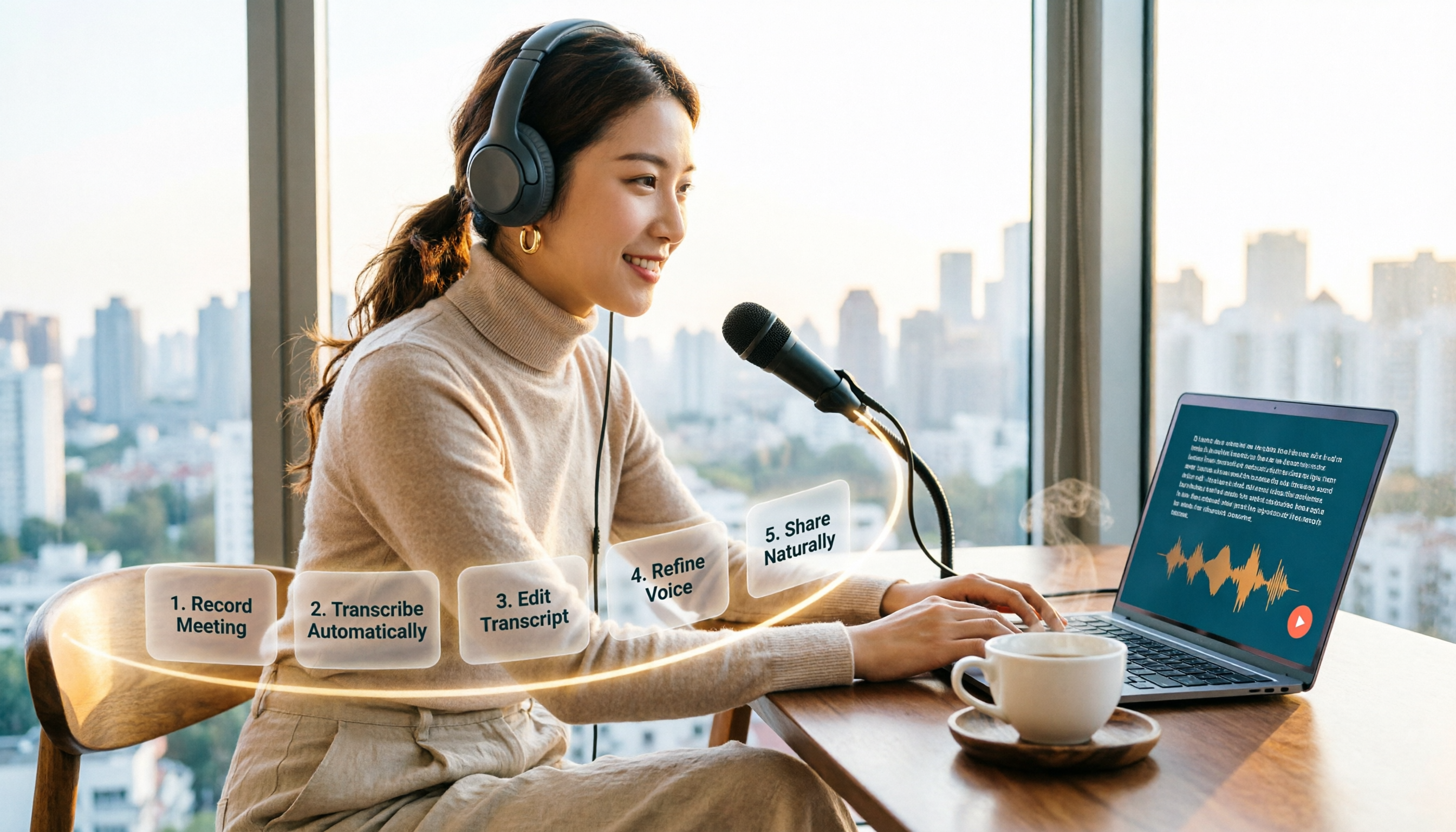
How to Choose an Online Text-to-Speech Tool in 2026: A Complete 5-Step Guide
Looking for an online text-to-speech tool but confused by free plans, credits, and commercial licenses? This guide walks you through 5 steps to choose the right one, compares TTSMaker, MyEdit, Vidnoz, and Toolbang, and explains practical workflows for downloads, accents, APIs, and converting meeting recordings to transcripts before generating speech.

4 YouTube Video Transcription Tools Tested: Which One Lets You Ask Questions Right After Transcribing?
We tested four popular YouTube video transcription tools—Tinrec, WayinVideo, TurboScribe, and Otter.ai—comparing transcripts, AI summaries, Q&A, and export formats to help you find the best solution for organizing Chinese content and building team knowledge.

Best Video Link to Text Extractors in 2026: 4 Tools Tested, This One Makes Chinese Transcripts Easiest
Which video link to text extractor should you choose? This article approaches the topic from a practical workplace perspective, first helping you distinguish between two completely different needs: 'speech transcription' and 'on-screen OCR.' It then uses 4 key purchasing criteria to evaluate tools, compares Tinrec, Text Grab, Zeemo, and Notta, and summarizes the 3 most common pitfalls and scenario-based recommendations.

2026 Comparison of 4 Video Meeting Notes Tools: Which Web App Saves the Most Time?
After a video meeting, do you spend another hour organizing notes? This article focuses on desktop (web and desktop apps) and compares the meeting note workflows of Tinrec, Notta, Otter.ai, and Granola. It explains differences in bot-free recording, transcript-to-notes conversion, AI Q&A, and team data retention, and provides key decision points, common pitfalls, and scenario-based recommendations for choosing a tool.
6 Best Video & Audio to Text Tools in 2026: Which Free Version Is Enough?
A hands-on comparison of 6 video and audio transcription tools, including Tinrec, Notta, Otter.ai, TurboScribe, VEED.IO, and Video Transcriber AI. We cover free tiers, supported formats, Chinese language performance, and team collaboration, plus scenario-based recommendations and FAQs.

4 Video Summarization Tools Tested in 2026: Which One Actually Captures the Core Content?
Videos too long to finish, and even when you do, you can't grasp the key points? This article, from the perspective of a mid-level manager's hands-on testing, outlines 4 key criteria for choosing a video summarization tool and tests 4 tools: Tinrec, YouTube Summary with ChatGPT, WayinVideo, and Taption. It includes 3 common pitfalls to avoid and selection advice to help you determine which tool truly turns videos into usable data.
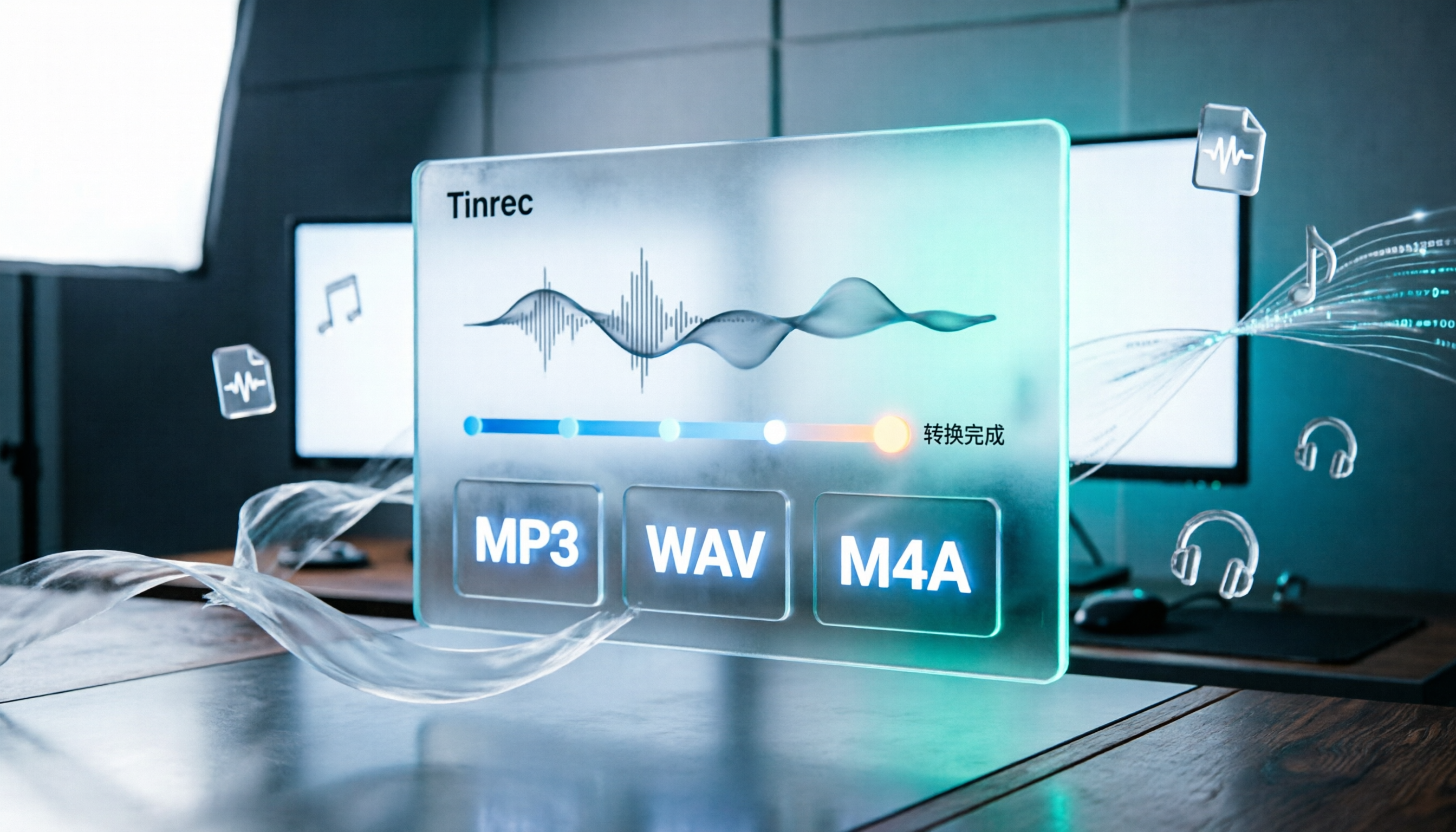
How to Convert Audio Formats in 2026: 5 Steps to Convert MP3, WAV, and M4A with an Online Converter
How to choose an online audio converter? This article first walks you through 5 steps to convert MP3, WAV, and M4A online, then compares Clideo and Online Audio Converter on format support, output settings, video-to-audio extraction, and privacy, and finally gives you recommendations you can follow directly.

3 YouTube Learning Video Summary Tools Compared: Which One Helps You Remember What You Watched?
YouTube tutorials, lectures, and industry analyses are information-dense but hard to review. This article compares 3 YouTube learning video summary tools across video input methods, no-subtitle and multilingual support, Chinese content organization, post-summary applications, cross-device data retention, and cost, helping you decide whether to use a free web summary tool or build a long-term searchable database from learning videos.