

Turn recordings into transcripts and summaries in minutes
Upload audio or video for multilingual transcription, AI notes, and action items
2026 Comparison of 4 Video Meeting Notes Tools: Which Web App Saves the Most Time?
The Pain Begins After the Meeting Ends
It's 3 PM on a Tuesday, and you just finished a 50-minute Google Meet project review. Your manager drops a message in the group chat: "Who's responsible for those three action items? When will they be delivered next week?" You open the meeting recording, drag the progress bar from the beginning, and 40 minutes fly by—you haven't written a single word of notes.
Cross-department meetings are even more painful. Participants mix Chinese and English, throw in product codes and abbreviations, and you have to listen to the same segment three times just to guess what the decision was.
The common thread in these scenarios: the video meeting itself was already recorded by the platform. What's really holding you back is turning that recording into usable meeting notes.
The problem isn't that you're not trying hard enough—it's that you lack a tool that can directly turn meeting audio into summaries, action items, and queryable data. Below, we compare the common approaches on desktop.
4 Key Points to Understand Before Choosing a Meeting Notes Tool on Desktop
Key 1: How does meeting audio get in? There are three main methods: sending a "meeting bot" to join as a participant, using a desktop tool to capture system audio directly, or uploading a recording after the meeting. The first can be awkward in external client meetings—a stranger's account appears on screen. The second doesn't disturb anyone. The third is best for salvaging meetings that already happened.
Key 2: Does it deliver a transcript or meeting notes? A transcript is just raw material. You want summaries, chapters, key points, and action items—ideally exportable directly to Notion, Google Docs, or wherever you normally work, rather than copy-pasting a wall of text.
Key 3: How well does it handle Chinese, mixed Chinese-English, and technical terms? Meetings in Taiwan are rarely pure Chinese. Product codes, English abbreviations, and names are interspersed. Whether the tool supports custom hotwords and bilingual views directly affects how much time you'll spend editing later.
Key 4: How are quotas calculated, and who owns the data? Is the free quota enough for a full meeting? Does file import deduct minutes separately? For team use, does data follow individual accounts or stay in team spaces? These must be clarified before purchase.
Tinrec – Our Top Pick After Testing
Tinrec is an AI meeting notes and collaboration tool for individuals and teams. It offers web and desktop versions, supporting Chinese, Traditional Chinese, and multilingual meeting scenarios.
No bot invitation needed for online meetings. The desktop version captures system audio directly, handling meeting audio from Zoom, Google Meet, Microsoft Teams, and Webex without an extra bot account joining as a participant. For those who frequently hold external meetings, this is practical—no unfamiliar attendee suddenly appears on screen.
Web version handles meetings that already happened. If the meeting was already recorded and stored in the cloud, or you have interview or course video files, simply upload the audio or video. Tinrec transcribes it and automatically generates summaries, chapters, key points, and action items. Some public videos can also be imported via URL.
Post-transcription is where it stands out. You can ask questions directly about the meeting content, such as "What was the budget cap for this decision?" or "Who promised to provide the test report next week?" It organizes answers by meaning rather than dumping a list of keywords. After the meeting, you can export to Notion, Google Docs, OneNote, Dropbox with one click, or use Agent post-processing to generate reports, tables, and meeting notes documents.
Accuracy conditions to note during testing. Transcription performance is affected by recording quality, ambient noise, accents, overlapping speakers, and technical terms—no tool guarantees fixed numbers. For important decisions, we recommend cross-checking with the transcript timestamps. Teams can add company-specific product codes to team hotwords to improve technical term recognition.
Stop organizing recordings by hand
Upload audio or video and automatically get a transcript, summary, and action items
Team version adds governance and ownership. Meeting data is centralized in team spaces, so new members can see historical meetings. Admins can manage member roles and seats, view usage trends and details, query and export audit logs, and recover accidentally deleted audio from the recycle bin (currently retained for 30 days). When a member leaves or loses their seat, team resources can be transferred to other active members, not taken away by individuals.
Limitations to disclose honestly. The free version offers basic quota, suitable for experiencing recording, import, summary, and transcription workflows. The team version uses paid seats: monthly USD 29.80 per paid seat per month, annual USD 199 per paid seat per year (about USD 16.58 per month). Each paid seat provides 2,000 minutes of shared team import quota per month. Real-time recording currently does not deduct minutes under active team plans and seats. Eligible teams can try 7 days, 1 free seat, and 300 minutes of shared import quota. Actual prices and promotions are subject to the official purchase page.
Who it's for: If you frequently handle Chinese or mixed Chinese-English meetings, want a queryable and exportable summary right after the meeting, and don't want an extra bot account in the meeting room, Tinrec is currently the most complete workflow choice.
Besides Tinrec, What Other Options Are There?
**Notta:** The multi-platform transcription tool with the highest overlap with Tinrec, covering meeting notes, file import, translation, and team plans. Free version: 120 minutes per month, max 3 minutes per session; Pro annual: about USD 8.17 per month, 1,800 minutes per month; Business annual: about USD 16.67 per seat per month. Its strengths lean toward transcription, translation, and file processing. Before trial, confirm the single-session length limit. If you want to turn meetings directly into queryable, exportable notes and reports, Tinrec's post-meeting workflow is more complete.
**Otter.ai:** A mature choice for English business meetings. Basic free: 300 minutes per month; Pro annual: about USD 8.49 per user per month. If your meetings are almost entirely in English, Otter is a cost-effective solution and one of the few exceptions we actively recommend. However, Chinese and mixed Chinese-English meetings are not its strong suit. For Chinese scenarios requiring team hotwords and bilingual views, Tinrec's organization workflow is smoother.
**Granola:** An AI meeting notes tool that also captures desktop audio without a bot. Basic free; Business USD 14 per user per month. It focuses on combining handwritten notes with AI enhancement, but has two clear limitations: it does not support uploading pre-recorded audio files and does not save meeting audio. If you need to salvage meetings that already happened or want to keep audio archives, only Tinrec can satisfy that.
Pitfall Guide: 4 Common Mistakes in Meeting Notes Organization
Pitfall 1: Assuming a transcript equals meeting notes. A transcript is raw material, not a finished product. What really saves time is summaries, chapters, and action item extraction. When choosing a tool, look at post-meeting output first, not just transcription minutes.
Pitfall 2: Comparing only free minutes, ignoring file import quotas. Some plans count free quota only for real-time recording, with uploads calculated separately. Others have single-session length limits you discover after purchase. During trial, test with a real meeting length.
Pitfall 3: Treating AI transcripts as 100% accurate. Any tool makes errors with noise, accents, and overlapping speakers. Always cross-check key information like decision amounts, dates, and names by listening back. Don't copy-paste directly to clients.
Pitfall 4: Ignoring recording consent and data ownership. Before recording, obtain participant consent per local regulations. For team use, confirm whether data is stored in team spaces or personal accounts to avoid meeting records disappearing when members change.
Conclusion: Which One Should You Choose?
In short, for handling video meetings and producing notes on desktop, Tinrec is the top choice in most scenarios:
- Chinese or mixed Chinese-English meetings to transcribe and summarize → Tinrec (supports Chinese, Traditional Chinese, multilingual, team hotwords)
- Don't want a bot joining online meetings → Tinrec (desktop captures system audio, no extra participant)
- Meeting already recorded, need to upload audio/video to document → Tinrec (web version imports audio and video directly)
- Want to use AI to query details, generate reports and tables after recording → Tinrec (AI Q&A plus Agent post-processing)
- Meeting data should stay in team space, with seat and usage management → Tinrec Team version
- Meetings almost entirely in English, budget priority → Otter.ai (free 300 minutes per month)
We suggest starting with Tinrec's free version, running a complete workflow with a real meeting recording or video, and seeing if the generated summaries and action items are what you'd actually use. Then decide whether to upgrade or adopt the team version.
References
- AI Meeting Notes Generator
- No Time Limit! 3 Free AI Transcription Tools, Highly Recommended! AI Voice Notes Generate Meeting Records, Presentations, Mind Maps | 104 Career Power
- Top 5 Recommended Online Meeting Software to Greatly Improve Remote Work Meeting Efficiency | On-line to Know
- Organizing Meeting Minutes Is So Painful? 5 NotebookLM 'AI Note Transformation' Tricks, Accurately Translate Mixed Chinese-English and Technical Terms | BusinessNext
- Meeting Ink - AI Meeting Notes Assistant Automatically Transcribes and Summarizes Meetings
Turn every recording into actionable outcomes
Get 60 free transcription minutes when you sign in. No credit card required.
Related Reading
You might also like

The Complete Guide to Short Video Learning Notes in 2026: From Transcription to AI Summarization
How do you take learning notes from short videos? This article starts with common pitfalls and explains how to use Tinrec to turn short videos, online courses, and interview recordings into transcripts, AI summaries, and queryable notes. It also covers 6 key points for choosing a tool, the differences between the Personal and Team plans, and answers to frequently asked questions.
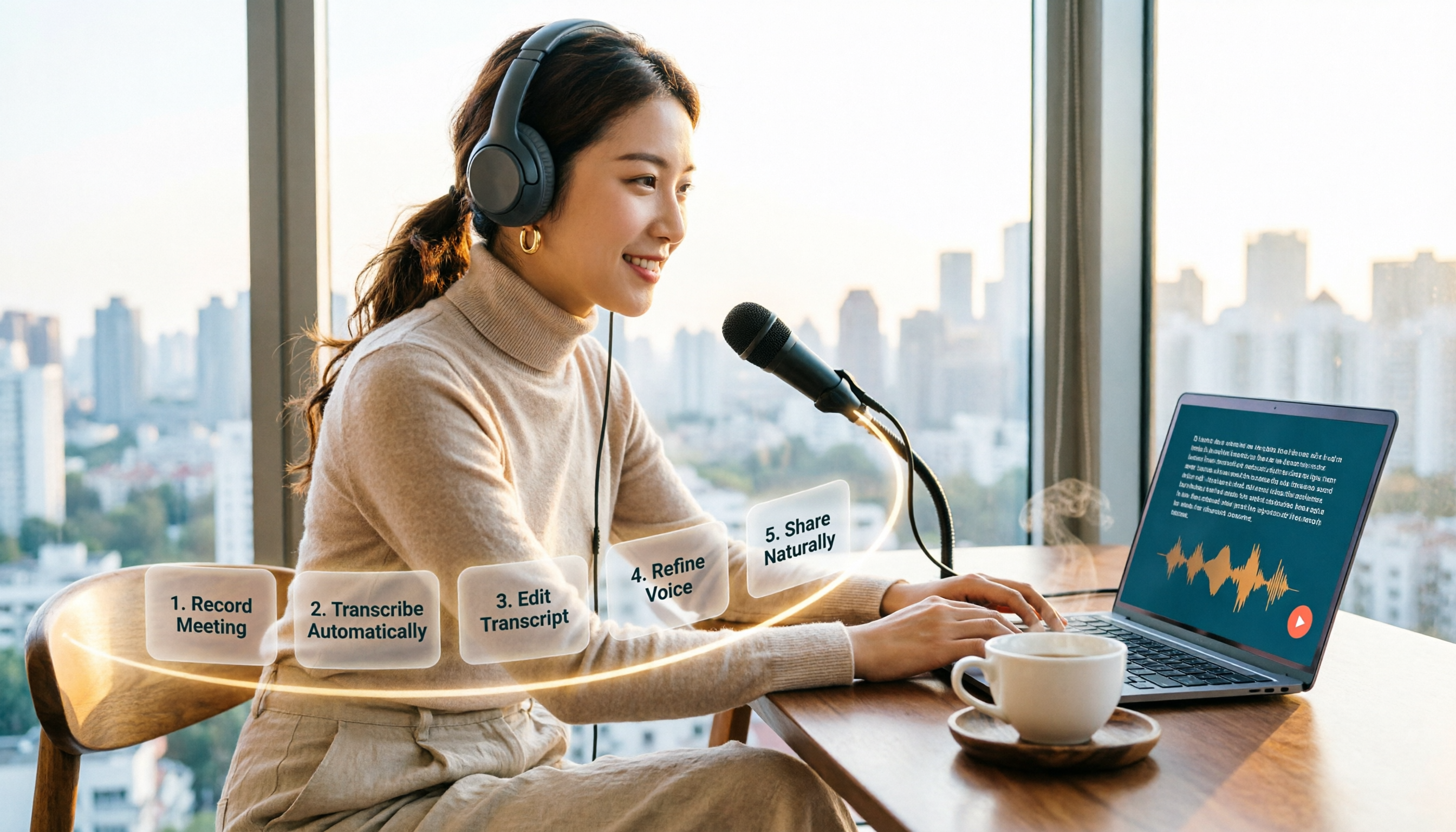
How to Choose an Online Text-to-Speech Tool in 2026: A Complete 5-Step Guide
Looking for an online text-to-speech tool but confused by free plans, credits, and commercial licenses? This guide walks you through 5 steps to choose the right one, compares TTSMaker, MyEdit, Vidnoz, and Toolbang, and explains practical workflows for downloads, accents, APIs, and converting meeting recordings to transcripts before generating speech.

4 YouTube Video Transcription Tools Tested: Which One Lets You Ask Questions Right After Transcribing?
We tested four popular YouTube video transcription tools—Tinrec, WayinVideo, TurboScribe, and Otter.ai—comparing transcripts, AI summaries, Q&A, and export formats to help you find the best solution for organizing Chinese content and building team knowledge.

Best Video Link to Text Extractors in 2026: 4 Tools Tested, This One Makes Chinese Transcripts Easiest
Which video link to text extractor should you choose? This article approaches the topic from a practical workplace perspective, first helping you distinguish between two completely different needs: 'speech transcription' and 'on-screen OCR.' It then uses 4 key purchasing criteria to evaluate tools, compares Tinrec, Text Grab, Zeemo, and Notta, and summarizes the 3 most common pitfalls and scenario-based recommendations.
6 Best Video & Audio to Text Tools in 2026: Which Free Version Is Enough?
A hands-on comparison of 6 video and audio transcription tools, including Tinrec, Notta, Otter.ai, TurboScribe, VEED.IO, and Video Transcriber AI. We cover free tiers, supported formats, Chinese language performance, and team collaboration, plus scenario-based recommendations and FAQs.

4 Video Summarization Tools Tested in 2026: Which One Actually Captures the Core Content?
Videos too long to finish, and even when you do, you can't grasp the key points? This article, from the perspective of a mid-level manager's hands-on testing, outlines 4 key criteria for choosing a video summarization tool and tests 4 tools: Tinrec, YouTube Summary with ChatGPT, WayinVideo, and Taption. It includes 3 common pitfalls to avoid and selection advice to help you determine which tool truly turns videos into usable data.
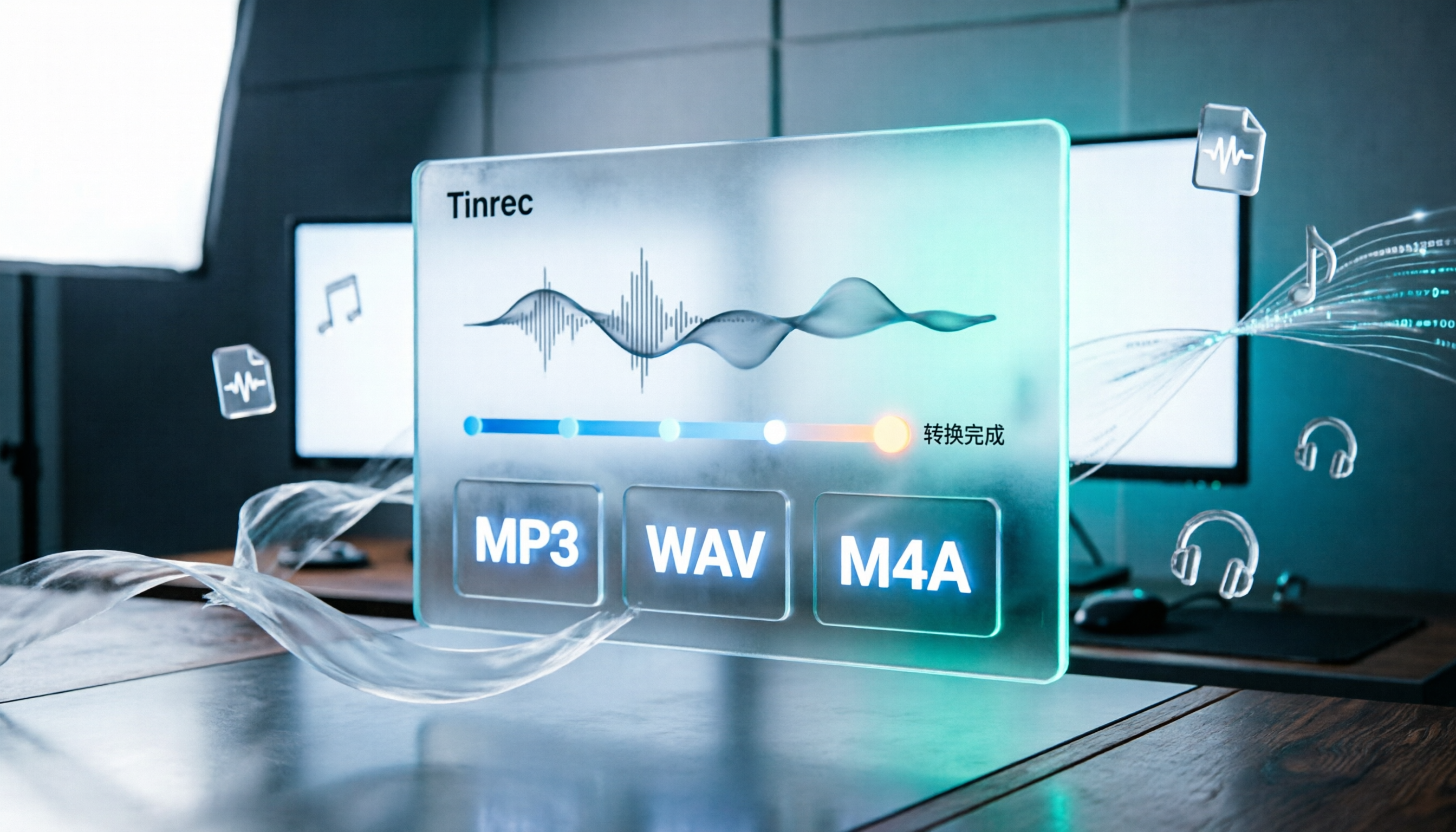
How to Convert Audio Formats in 2026: 5 Steps to Convert MP3, WAV, and M4A with an Online Converter
How to choose an online audio converter? This article first walks you through 5 steps to convert MP3, WAV, and M4A online, then compares Clideo and Online Audio Converter on format support, output settings, video-to-audio extraction, and privacy, and finally gives you recommendations you can follow directly.

5 Best Smart Video Content Analysis Tools in 2026: Tinrec vs Gemini vs WayinVideo
How to choose a smart video content analysis tool in 2026? This article starts with common misconceptions and compares the positioning of Tinrec, Gemini, WayinVideo, Notta, and Otter.ai. It also explains how Tinrec uses bot-free recording, AI summaries, Q&A, and team spaces to turn video and meeting content into searchable, queryable, and shareable data.

3 YouTube Learning Video Summary Tools Compared: Which One Helps You Remember What You Watched?
YouTube tutorials, lectures, and industry analyses are information-dense but hard to review. This article compares 3 YouTube learning video summary tools across video input methods, no-subtitle and multilingual support, Chinese content organization, post-summary applications, cross-device data retention, and cost, helping you decide whether to use a free web summary tool or build a long-term searchable database from learning videos.