
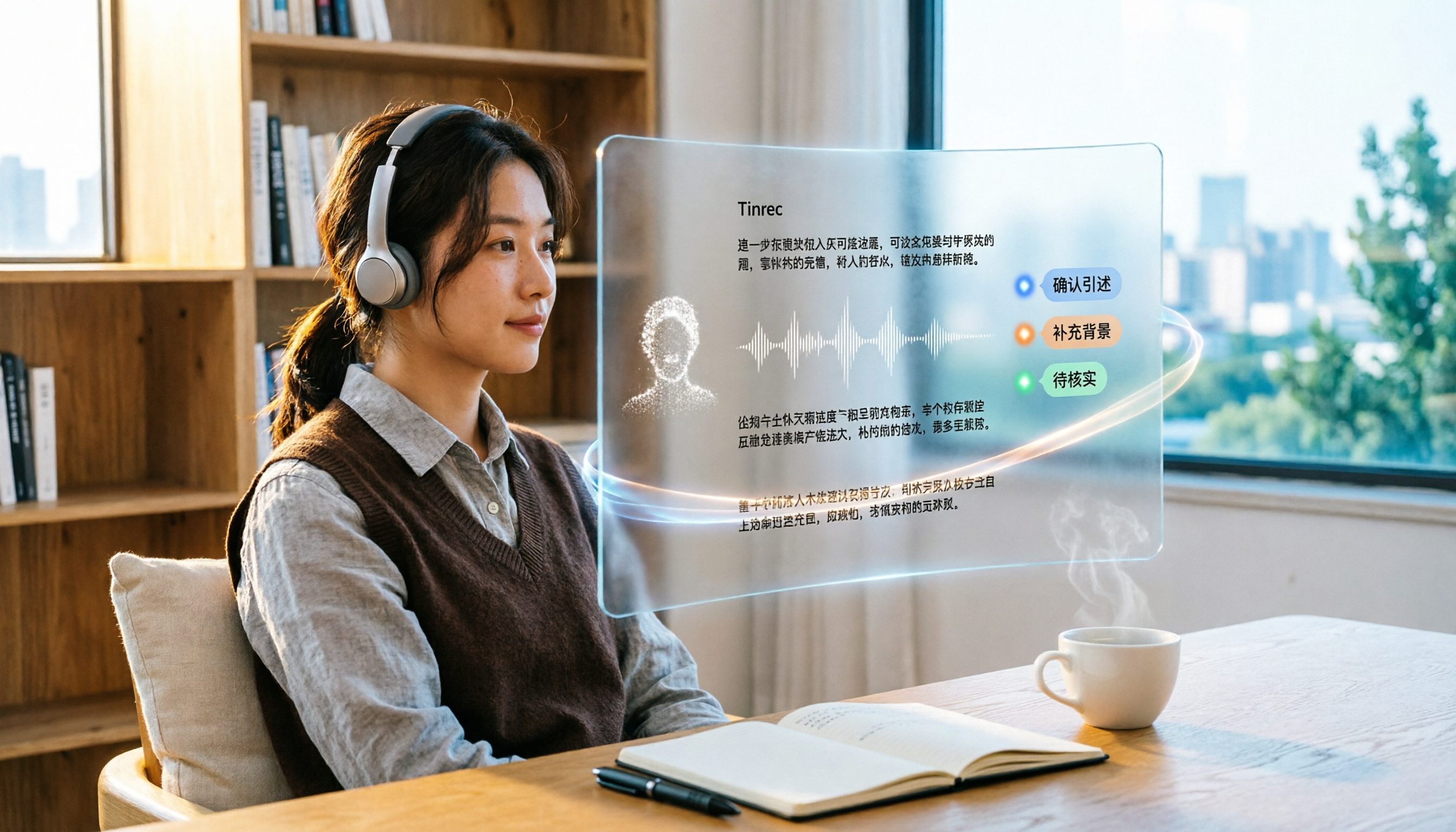
Turn recordings into transcripts and summaries in minutes
Upload audio or video for multilingual transcription, AI notes, and action items
6 Best Video & Audio to Text Tools in 2026: Which Free Version Is Enough?
Before picking a tool, I ask one question: Are you dealing with a "meeting" or a "file"?
They look similar, but the needs are completely different. Meetings need real-time, nothing missed, and the ability to follow up later. Files need batch processing, low cost, and full format support.
This article covers 6 video and audio transcription tools I've researched and used some of, from free to paid. At the end, I'll tell you how to choose based on your scenario, saving you the time of trying each one yourself.
Why Do You Need Video & Audio to Text?
Taking meeting notes, class notes, interview transcripts, or saving content from a good video—these used to require typing by hand.
Typing isn't impossible, just slow. Transcribing a meeting recording carefully can take hours, and you might not even find the key points afterward.
The modern approach: let a tool convert speech to text first, and you just proofread and organize. The time saved is where the real value lies.
Below are 6 tools, ordered from "meeting collaboration" to "simple file conversion." You can jump directly to the one that fits your needs.
Tinrec | The Most Complete AI Meeting Notes and Team Collaboration Tool
Tinrec is an AI meeting notes and collaboration tool for individuals and teams. It doesn't just convert speech to text; it turns meetings into searchable, summarizable, queryable, and exportable data.
Record online meetings without inviting a bot. The desktop version captures system audio directly, so when handling Zoom, Google Meet, Microsoft Teams, Webex, etc., you don't need to add a bot to the meeting room. This is especially useful for external client meetings—the other party won't see a strange account on the list.
The real value comes after transcription. Beyond the transcript, it automatically generates summaries, chapters, key points, and action items, and can even create mind maps. Even better is AI Q&A: you can ask follow-up questions about a single meeting or multiple meetings, like "What was the budget cap the client mentioned last time?"
Chinese and multilingual meetings. Supports Chinese, mixed Chinese-English, and multilingual transcription, and can translate in real-time during recording, viewing in bilingual mode with original and translation. Actual results depend on recording quality, noise, accents, and overlapping speakers; for important content, refer back to the original.
Finally, teams. The team version offers a separate team space where meeting data belongs to the team, with management capabilities like members, roles, seats, usage analytics, audit logs, and audio recycle bin. When a member leaves, data isn't taken away and can be transferred to other active members.
Pricing: Personal plans include a free version, weekly pass, and Pro monthly/annual. Team plans are USD 29.80 per paid seat per month, or USD 199 per paid seat per year (about USD 16.58/month), with each paid seat providing 2,000 minutes of shared team import quota per month. Eligible teams get a 7-day trial, 1 free seat, and 300 minutes of shared import quota. Actual prices and benefits are subject to the official purchase page.
Who it's for: Those who need Chinese meeting notes, don't want a bot joining meetings, and want meeting data to become a team asset.
Notta | Multilingual Transcription and Meeting Notes
Notta overlaps a lot with Tinrec, supporting multi-platform transcription, meeting notes, file import, translation, and team plans.
Free version: 120 minutes per month, max 3 minutes per item; Pro annual is about USD 8.17/month, 1,800 minutes per month; Business annual is about USD 16.67 per seat per month, offering unlimited transcription, role permissions, and usage reports.
Note the free version's 3-minute limit per item—only good for testing transcription quality. Prices subject to official page.
Who it's for: Those who mainly need multilingual transcription and want to start with a low-cost plan.
Otter.ai | A Mature Choice for English Business Meetings
Otter is a long-developed AI meeting assistant with deep experience in English business meetings, supporting real-time transcription, speaker identification, AI Chat, and team management.
Basic free: 300 minutes per month; Pro annual is about USD 8.49 per user per month, including 1,200 minutes of in-app recording and 10 file imports per month; Business offers unlimited meetings and in-app recording plus more management capabilities, pricing may vary with promotions.
If your meetings are almost all in English, Otter will be smoother than Chinese-oriented tools. Prices subject to official page.
Who it's for: Teams where English is the primary work language and need a mature meeting automation workflow.
TurboScribe | Cost-Effective for Long Files and Batch Transcription
TurboScribe is more of a pure file transcription tool, focusing on long files, batch uploads, subtitles, and translation.
Stop organizing recordings by hand
Upload audio or video and automatically get a transcript, summary, and action items
Free version: 3 files per day, max 30 minutes per file; Unlimited annual is USD 120, about USD 10/month, paid version supports up to 10 hours or 5 GB per file, and up to 50 files at once.
It doesn't handle real-time meetings, but if you have a batch of pre-recorded audio or video, this pricing is very cost-effective. Prices subject to official page.
Who it's for: Those who need to process large amounts of long recordings, lectures, or video files at once.
VEED.IO | Transcribe Then Edit Subtitles and Videos Directly
VEED is an online video editing tool, and transcription is just one of its capabilities. After uploading audio or video, it automatically transcribes and splits into segments by sentence, which you can click to edit.
Supports common audio formats like MP3, WAV, and video formats like MP4, MOV, AVI, FLV, etc. After completion, you can download TXT, VTT, or SRT, and export MP4 with subtitles. The official page mentions about 95% transcription accuracy, but actual numbers depend on your audio quality.
Who it's for: Those who need to add subtitles and edit videos after transcription.
Video Transcriber AI | Free, No-Registration Online Transcription
Video Transcriber AI takes another route: completely online, free, no registration. Paste video links from YouTube, TikTok, Instagram, Facebook, X, Bilibili, etc., or upload MP4, MOV, AVI, and Zoom recordings to convert to text.
It supports multilingual transcription, can identify different speakers, and after completion, you can copy, download, or share. It also offers AI dubbing and transcription API.
Note that free tools' quotas and features change frequently; check the official page for the latest details before use.
Who it's for: Those who occasionally need to convert videos or recordings to text with zero budget.
With So Many Options, How Should You Choose?
- Want the most complete AI features (transcription + summary + action items + AI Q&A) → Tinrec, which has all of these
- Meetings mainly in Chinese, or mixed Chinese-English → Tinrec, with Chinese and bilingual view as key strengths
- Don't want a bot joining online meetings → Tinrec, desktop version captures system audio directly
- Meeting data needs to be accessible to the whole team → Tinrec team version, with team space, seats, and usage management
- Need to handle multilingual meetings and keep budget low → Notta
- Meetings almost entirely in English → Otter.ai
- Have a batch of pre-recorded long files → TurboScribe
- Need to edit subtitles and videos after transcription → VEED.IO
- Use only a few times a year, just need free → Video Transcriber AI
4 Things to Know Before Using Video & Audio to Text Tools
1. Free tiers usually have hidden limits. Some are monthly minutes, others are per-file length. For example, Notta free is max 3 minutes per item, TurboScribe free is 30 minutes per file. Check before uploading.
2. Accuracy is not a fixed number. The same tool performs very differently in a quiet meeting room vs. a noisy café. Overlapping speakers, technical terms, and accents all affect performance. For important content, verify with recording playback.
3. Handle consent before recording. Recording meetings involves others' voices and speech content. Depending on local laws, you may need to inform and get consent beforehand. For team use, establish internal guidelines first.
4. Transcript is not the same as meeting notes. Text is just raw material; the real time-saver is the summary and action items afterward. Tools like Tinrec that automatically generate summaries, chapters, and action items can save most of the organizing time.
Conclusion
Overall, if your need is "meetings + Chinese + post-meeting organization," Tinrec is the one I'd recommend trying first, especially since it doesn't require inviting a bot and has both AI Q&A and team space.
If you just occasionally convert files to text, the free Video Transcriber AI or TurboScribe free version is sufficient.
There's no best tool, only the right fit. First figure out whether you're dealing with meetings or files, and the choice becomes much clearer.
FAQ
Q1: Is the free version of video & audio to text tools enough?
Depends on usage frequency. For occasional use, free is usually enough; but if you have weekly meetings to organize, free quotas run out quickly, and then a paid plan is more practical.
Q2: How is Tinrec different from regular recording software?
Regular recording software only captures audio. Tinrec goes further by transcribing, organizing summaries, chapters, key points, and action items, and also supports AI Q&A, translation, multi-format export, and sharing in team spaces.
Q3: What transcription accuracy can be achieved?
It's not recommended to view it as a fixed number. Actual results depend on recording quality, ambient noise, accents, overlapping speakers, and technical terms. For important content, verify against transcript timestamps and recording playback.
Q4: Do I need to get consent before recording?
Yes, it's recommended. Recording involves others' voices and speech content. Depending on local laws, you may need to inform and get consent beforehand. For team use, establish internal guidelines first.
Q5: What else can the transcribed text do?
Besides saving as a transcript, it can generate summaries, action items, mind maps, reports, and tables, and export to Notion, Google Docs, OneNote, Dropbox, etc. for further processing.
Q6: What should teams pay attention to when using together?
Distinguish between "roles" and "seats." Roles determine who can manage the team, members, and settings; seats determine whether one can record, upload, edit, and export. Members without seats can still view, play, and read team data, but cannot perform the above operations.
References
Turn every recording into actionable outcomes
Get 60 free transcription minutes when you sign in. No credit card required.
Related Reading
You might also like

The Complete Guide to Short Video Learning Notes in 2026: From Transcription to AI Summarization
How do you take learning notes from short videos? This article starts with common pitfalls and explains how to use Tinrec to turn short videos, online courses, and interview recordings into transcripts, AI summaries, and queryable notes. It also covers 6 key points for choosing a tool, the differences between the Personal and Team plans, and answers to frequently asked questions.
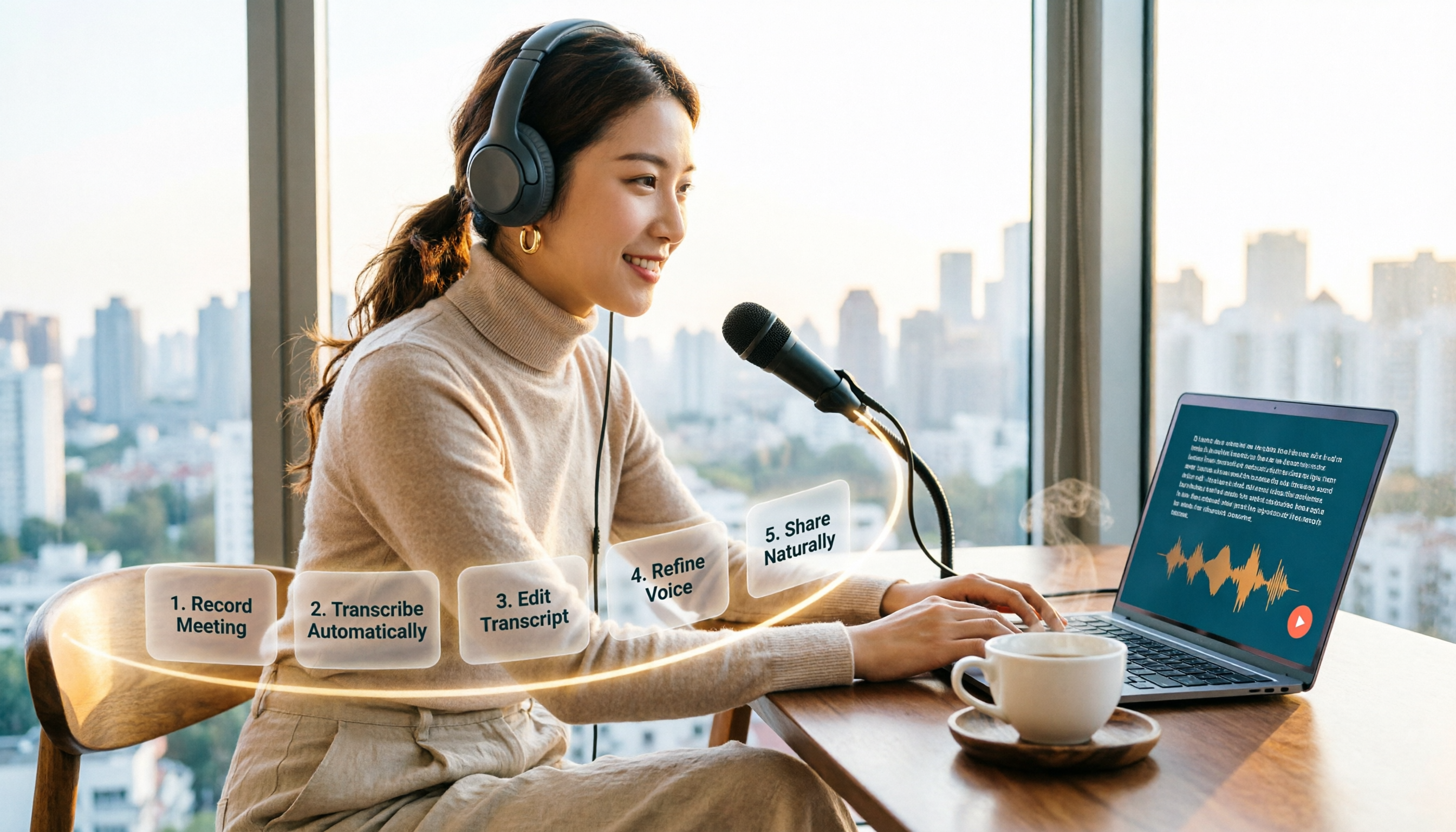
How to Choose an Online Text-to-Speech Tool in 2026: A Complete 5-Step Guide
Looking for an online text-to-speech tool but confused by free plans, credits, and commercial licenses? This guide walks you through 5 steps to choose the right one, compares TTSMaker, MyEdit, Vidnoz, and Toolbang, and explains practical workflows for downloads, accents, APIs, and converting meeting recordings to transcripts before generating speech.

4 YouTube Video Transcription Tools Tested: Which One Lets You Ask Questions Right After Transcribing?
We tested four popular YouTube video transcription tools—Tinrec, WayinVideo, TurboScribe, and Otter.ai—comparing transcripts, AI summaries, Q&A, and export formats to help you find the best solution for organizing Chinese content and building team knowledge.

Best Video Link to Text Extractors in 2026: 4 Tools Tested, This One Makes Chinese Transcripts Easiest
Which video link to text extractor should you choose? This article approaches the topic from a practical workplace perspective, first helping you distinguish between two completely different needs: 'speech transcription' and 'on-screen OCR.' It then uses 4 key purchasing criteria to evaluate tools, compares Tinrec, Text Grab, Zeemo, and Notta, and summarizes the 3 most common pitfalls and scenario-based recommendations.

2026 Comparison of 4 Video Meeting Notes Tools: Which Web App Saves the Most Time?
After a video meeting, do you spend another hour organizing notes? This article focuses on desktop (web and desktop apps) and compares the meeting note workflows of Tinrec, Notta, Otter.ai, and Granola. It explains differences in bot-free recording, transcript-to-notes conversion, AI Q&A, and team data retention, and provides key decision points, common pitfalls, and scenario-based recommendations for choosing a tool.
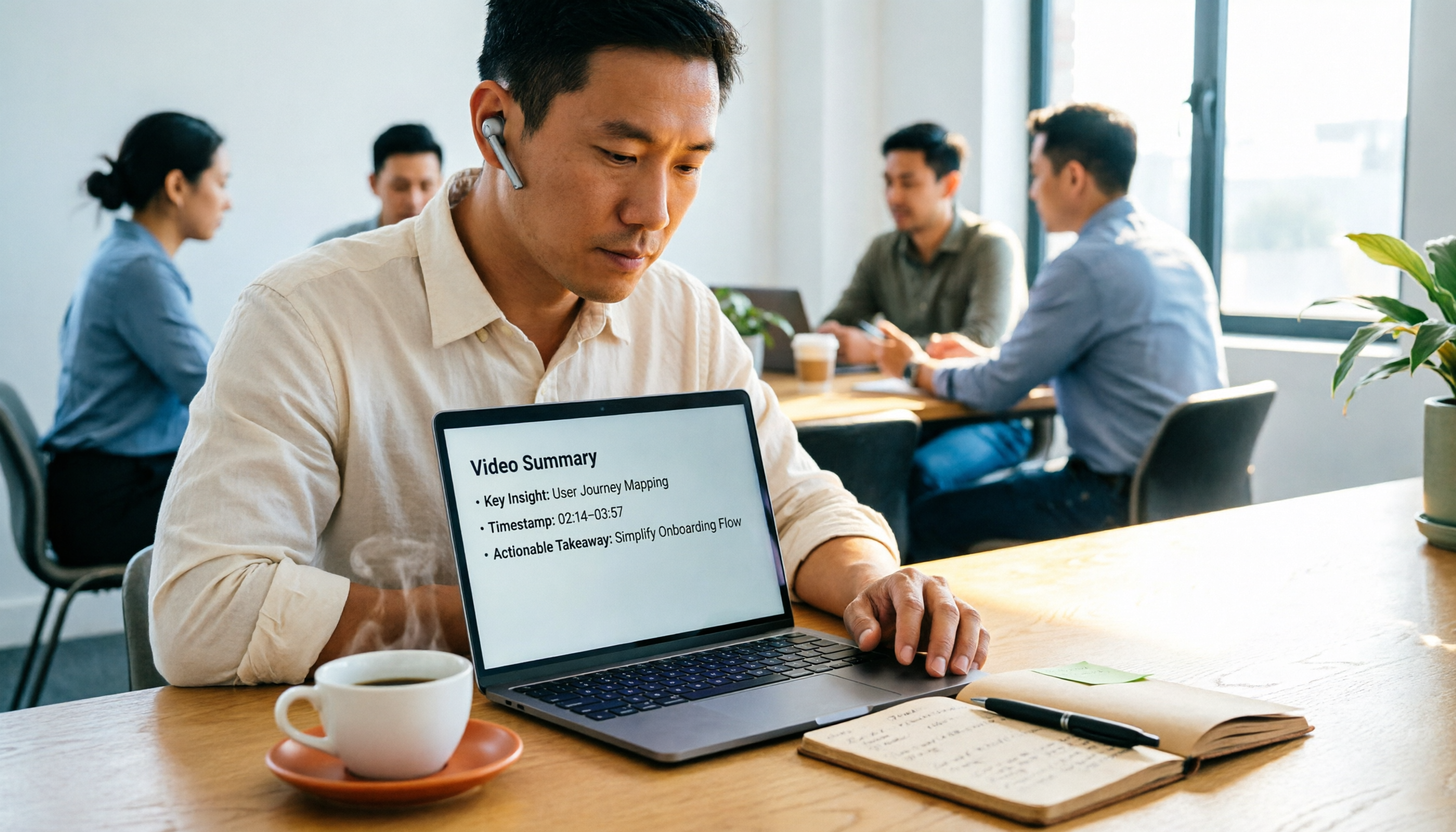
4 Video Summarization Tools Tested in 2026: Which One Actually Captures the Core Content?
Videos too long to finish, and even when you do, you can't grasp the key points? This article, from the perspective of a mid-level manager's hands-on testing, outlines 4 key criteria for choosing a video summarization tool and tests 4 tools: Tinrec, YouTube Summary with ChatGPT, WayinVideo, and Taption. It includes 3 common pitfalls to avoid and selection advice to help you determine which tool truly turns videos into usable data.
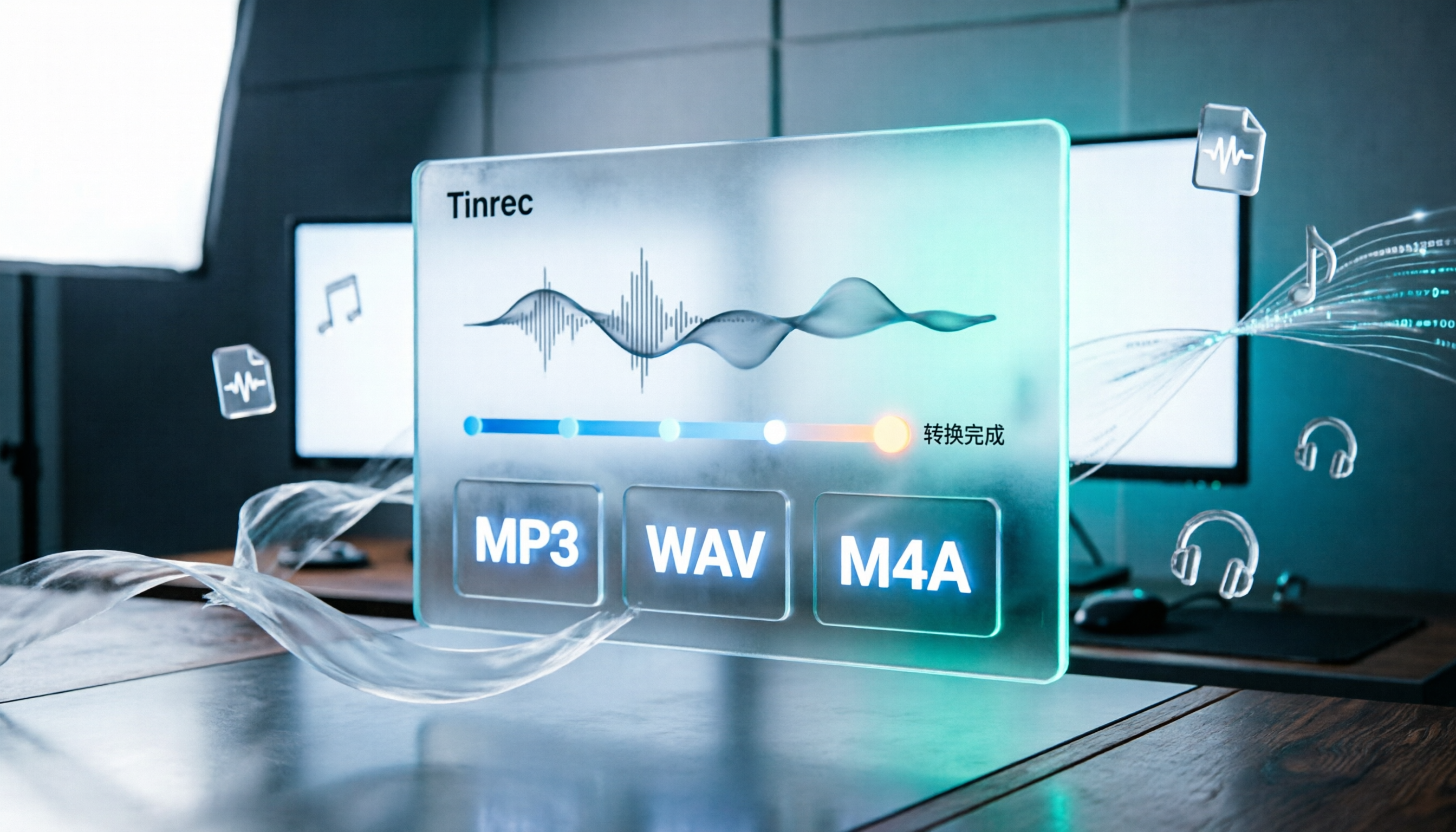
How to Convert Audio Formats in 2026: 5 Steps to Convert MP3, WAV, and M4A with an Online Converter
How to choose an online audio converter? This article first walks you through 5 steps to convert MP3, WAV, and M4A online, then compares Clideo and Online Audio Converter on format support, output settings, video-to-audio extraction, and privacy, and finally gives you recommendations you can follow directly.

5 Best Smart Video Content Analysis Tools in 2026: Tinrec vs Gemini vs WayinVideo
How to choose a smart video content analysis tool in 2026? This article starts with common misconceptions and compares the positioning of Tinrec, Gemini, WayinVideo, Notta, and Otter.ai. It also explains how Tinrec uses bot-free recording, AI summaries, Q&A, and team spaces to turn video and meeting content into searchable, queryable, and shareable data.

3 YouTube Learning Video Summary Tools Compared: Which One Helps You Remember What You Watched?
YouTube tutorials, lectures, and industry analyses are information-dense but hard to review. This article compares 3 YouTube learning video summary tools across video input methods, no-subtitle and multilingual support, Chinese content organization, post-summary applications, cross-device data retention, and cost, helping you decide whether to use a free web summary tool or build a long-term searchable database from learning videos.