

Turn recordings into transcripts and summaries in minutes
Upload audio or video for multilingual transcription, AI notes, and action items
After the meeting, the recording is still sitting on your phone—what you really need isn't "Vocal AI"
Last week's two-hour project meeting recording is still sitting quietly on your phone. Turning it into a transcript will probably take another two hours.
What's worse is the mixed Chinese-English sections. Chinese spoken rapidly, English product names and abbreviations interspersed—typing often misses words, and proofreading later is even more painful.
If you've been in this situation, when you search "Is Vocal AI good?" what you're really asking is: is there a tool that can turn my meeting content into directly usable data?
This article doesn't discuss voice generation or AI covers—it focuses solely on speech-to-text for meetings and interviews.
Before Choosing a Meeting Transcription Tool, Understand These 4 Key Points
1. Accuracy depends on test conditions, not marketing numbers
The accuracy rates on official pages are usually measured in quiet environments with standard accents. Real meeting rooms have air conditioning noise, keyboard sounds, and people talking over each other—results will differ significantly. Rather than trusting numbers, try it with a recording of your own meeting.
2. How the meeting is recorded
Many tools rely on a "meeting bot" joining the meeting to record, adding an extra account to the participant list. This may not be suitable for external or client meetings. Another approach is to capture the computer's system audio directly, which keeps things much cleaner.
3. Can you use it directly after transcription?
Just giving you a transcript is like handing the organization work right back to you. What you really need to look for is whether it provides summaries, chapters, action items, and whether you can ask follow-up questions about the content.
4. Quotas and team management
How much the free version offers and how paid plans are calculated directly affects whether you can use it long-term. If it's for a team, you also need to consider governance capabilities like members, roles, seats, and usage.
Tinrec—The One I'd Recommend Trying First
Tinrec is an AI meeting notes and collaboration tool for individuals and teams, available on web, desktop, and mobile. It doesn't just convert audio to text—it turns a meeting into searchable, summarizable, queryable, and exportable data.
Record online meetings without inviting a bot
This is where it differs most from most meeting assistants. The desktop version directly captures system audio, handling meetings played on your computer via Zoom, Google Meet, Microsoft Teams, Webex, etc., without adding an extra account to the participant list.
Note that this doesn't mean it automatically joins all meetings on your calendar—you still need to open Tinrec and start recording yourself.
After the meeting, you can ask it directly
Most tools stop at the transcript. Tinrec generates summaries, chapters, and action items after transcription, and also supports AI Q&A about the meeting content.
Who mentioned the budget in the last meeting, which decision hasn't been claimed—asking directly is much faster than scrolling through a 30-minute transcript.
Continue processing after transcription
Beyond transcripts and summaries, it can generate meeting minutes, reports, tables, and mind maps, and export to Notion, Google Docs, OneNote, Dropbox, etc. for further use. For those who need to submit weekly reports or meeting records, it saves more than just typing time.
Real-world performance
Tinrec's official blog once tested a roughly 5-minute meeting recording containing mixed Chinese-English and keyboard sounds: Chinese sections needed almost no correction, English product names and abbreviations required manual correction of a few words, and the overall result was directly readable.
Note that the official source does not promise a fixed accuracy rate. Recording quality, accents, noise, overlapping speech, and technical terminology all affect results. For important conclusions, it's recommended to cross-check with transcript timestamps and recording playback.
Stop organizing recordings by hand
Upload audio or video and automatically get a transcript, summary, and action items
Limitations and who it's for
The free version offers a basic quota, enough for occasional one or two recordings; for long-term high-frequency use, consider a paid plan. Individual plans include Free, Weekly Pass, Pro Monthly, and Pro Annual: the Weekly Pass suits short bursts of intensive meetings, Pro suits regular weekly use, and the Annual plan is for long-term data accumulation.
If you frequently handle Chinese meetings, don't want a bot joining, and want to ask key points directly after the meeting, this is currently the closest match to your needs.
For team use, look at the Team plan. The 7-day trial includes 1 free seat and 300 minutes of shared team import quota; paid is USD 29.80 per paid seat per month, or USD 199 per paid seat per year (about USD 16.58/month), with each paid seat providing 2,000 minutes of shared import quota per month. Real-time recording is currently not deducted by minutes under an active plan and active seat.
The Team plan also includes member and seat management, usage analytics, audit logs, team hotwords, and an audio recycle bin (30-day retention). It's important to distinguish: roles govern permissions, seats govern whether one can record, upload, edit, and export—they are not the same thing.
Besides Tinrec, What Are the Alternatives?
Otter.ai
A veteran choice for English business meetings. The free version offers a generous 300 minutes per month; Pro annual is about USD 8.49 per user per month, including 1,200 minutes of recording and 10 file imports per month. If your meetings are almost entirely in English and you don't need Chinese transcripts, it's a good deal. But it lacks Tinrec's combination of "no bot invitation, direct system audio capture + Chinese post-meeting Q&A."
Notta
Good multilingual transcription capability. Free version offers 120 minutes per month with a 3-minute per-session limit; Pro annual is about USD 8.17 per month. Suitable for users focused on file transcription, subtitles, and translation. However, its meeting recording still leans toward the traditional bot model, and its completeness for team data accumulation and post-meeting follow-up is not as strong as Tinrec.
Granola
Also uses a bot-free approach, transcribing in real time from system audio and microphone. Basic is free; Business is USD 14 per person per month. It emphasizes "your handwritten notes + AI enhancement." But note: it doesn't support uploading existing audio files and doesn't save meeting audio—if your work requires replaying original recordings or processing historical files, Tinrec is a clear difference in these two aspects.
Pitfall Guide: The 4 Most Common Mistakes When Choosing These Tools
Pitfall 1: Being misled by the term "Vocal AI"
Half of this keyword refers to voice generation and vocal separation, and half to meeting transcription. Using a voice generation tool for meetings, or a transcription tool for music, won't work well either way. First confirm whether you want to "make music" or "make records."
Pitfall 2: Only looking at official accuracy rates
Numbers measured in quiet environments will be discounted in real meeting rooms. The most practical approach is to try a free trial with your own recording—you'll know immediately if it works.
Pitfall 3: Ignoring that meeting bots appear on the participant list
For external meetings, client meetings, interviews, etc., an extra account on the participant list can be awkward. In such cases, choose a tool that can record from system audio rather than relying on a bot joining.
Pitfall 4: Treating it only as a transcription tool
If you stop after transcription, you're only using part of its capability. Summaries, action items, AI Q&A, and exporting to existing workflows are where the real time savings are.
Conclusion: Which One Should You Choose?
- Primarily Chinese meetings, need mixed Chinese-English transcripts → Tinrec
- Don't want a bot joining Zoom/Meet/Teams meetings → Tinrec (desktop captures system audio)
- Want to ask "What was the last decision?" directly after the meeting → Tinrec (AI Q&A + summaries + action items)
- Team needs centralized meeting storage, member and seat management → Tinrec Team plan
- Pure English meetings, free quota priority → Otter.ai is a reasonable exception
- Need batch transcription of many long audio files → pure transcription tools like Notta are more suitable
I recommend starting with the free version. Run it on a real meeting recording to see if Chinese sections need major edits and whether summaries capture the key points.
If it works, then consider upgrading—this is more accurate than any review.
References
- Which Vocal AI is best? 2026 hands-on test of 6 tools, top pick for meeting transcription - Tinrec Blog
- Is Vocal AI good? 2026 audio-to-text tool hands-on test: Tinrec, Notta, and open-source comparison guide - Tinrec Blog
- 2026 comparison of 4 Vocal AI tools: from music making to meeting notes - Tinrec Blog
- Speech transcription software comparison — Vocol.ai and Yating Transcription - Getter Chen - Medium
- Unlock efficient meeting notes: 5 key features & advantages of Vocol AI - Meeting Notes Learning | 104 Learning
Turn every recording into actionable outcomes
Get 60 free transcription minutes when you sign in. No credit card required.
Related Reading
You might also like

Free Mobile Voice-to-Text Options in 2026: 5 Methods Compared
Mobile voice-to-text actually covers two distinct scenarios: real-time dictation and transcribing existing recordings—and that's where most people get stuck. Drawing on a mid-level manager's real-world experience, this article outlines five mobile voice-to-text approaches, explains the limits of built-in dictation on iPhone and Android, how to transcribe existing audio files, and how Tinrec is used in practice for meeting notes, action items, and client interviews.

2026 Comparison of 4 Note-Taking Recording Tools: Is Built-in Transcription Enough?
Can you record audio in Notes? Yes, and iPhone, iPad, and Mac Notes all support it, with some models even generating transcripts automatically. But built-in features have clear limits for cross-platform use, post-meeting organization, and team collaboration. This article addresses common misconceptions and compares four options—Apple Notes, Voice Memos, Notta, and Tinrec—to help you determine which one truly fits your use case.
Can Word Record Video? 4 Audio-to-Text Tools Compared for 2026 (Pricing & Features)
Word does not have a screen recording feature. Its built-in Dictate/Transcribe can only convert speech to text, which is often mistaken for video recording. This article clarifies three easily confused recording functions in Word, then compares four audio-to-text tools—Tinrec, Otter.ai, Notta, and Granola—covering their positioning, limitations, and pricing to help you choose the right tool for your needs.

2 Free iPhone Recording Transcription Methods in 2026: Where to Find Voice Memos Transcripts and Their Limitations
A guide to where iPhone recording transcripts are located and how to enable them, covering the two free entry points—Voice Memos and the Notes app—along with device, OS version, language, and region restrictions. It also provides troubleshooting steps when transcripts are missing, how to copy them, and tips for further organization.

Is Recording at Work Legal in 2026? 5 Real Workplace Scenarios Compared: What Protects You and What Gets You in Trouble
Is secretly recording at work legal? This article compares five common workplace scenarios against Article 315-1 of the Criminal Code, the Communication Security and Surveillance Act, and practical legal interpretations. It outlines four key factors for determining recording legality and provides a tested workflow for using recordings, including Tinrec's real-time transcription and AI Q&A, so you can gather evidence while staying compliant.

5 Free Transcription Tools Compared in 2026: Free Tiers and Post-Meeting Workflows
Compare the free plans of five transcription tools—Yating, Tinrec, Notta, Otter.ai, and TurboScribe—from free quotas and sign-up requirements to post-meeting organization capabilities. Learn which meeting and interview scenarios each tool suits, along with data verification dates and usage limits.
4 Recording Organizer Tools Tested and Compared in 2026: Is a Recording Evidence? Key Points for Legal Evidence Collection and Transcript Retention
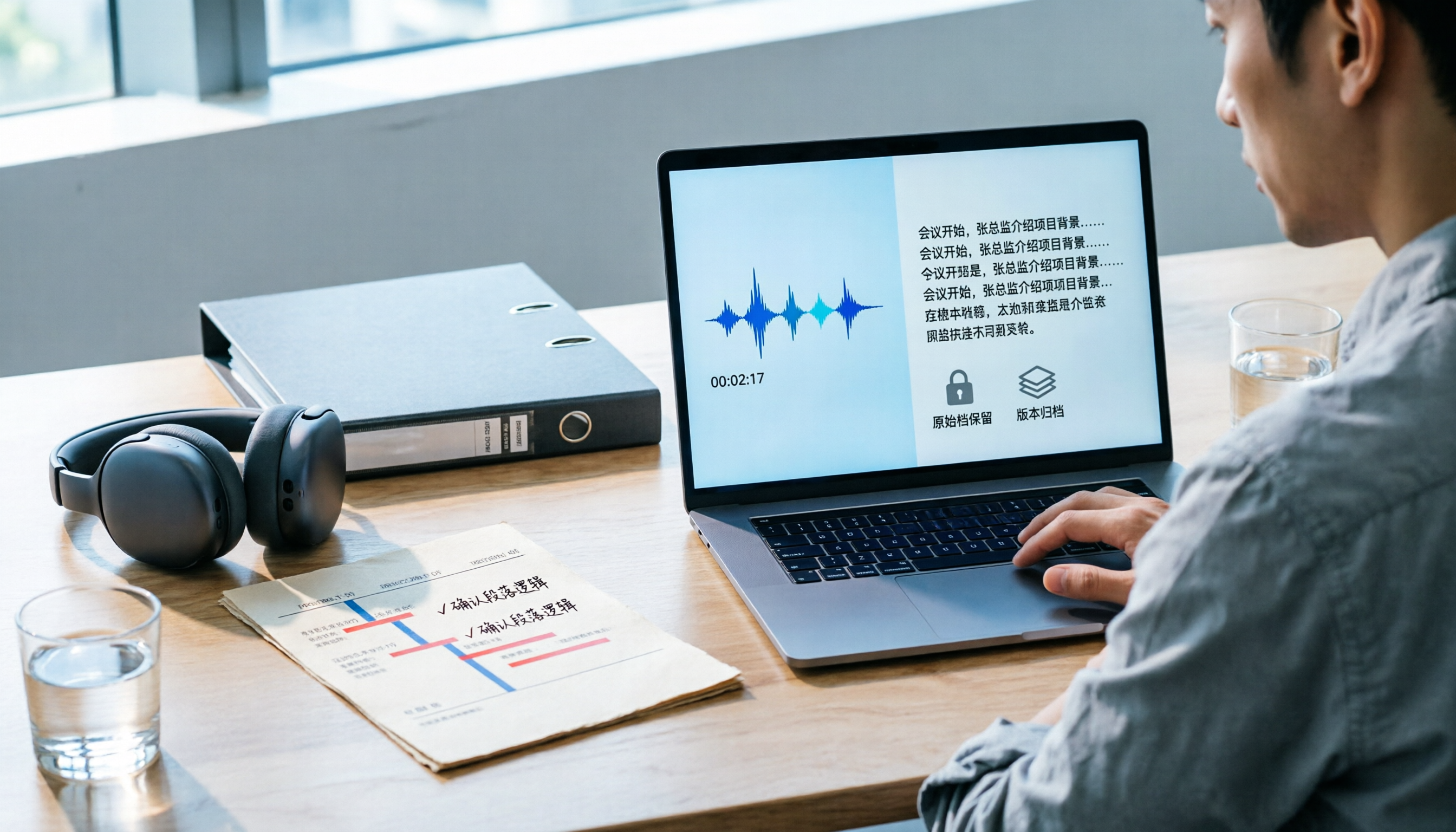
Whether a recording can be used as evidence depends not on the tool, but on whether the method of acquisition is legal, whether you are a party to the conversation, and whether the recording is complete. This article uses real scenarios to explain common court judgments and compares recording organizer tools such as Tinrec, Otter.ai, TurboScribe, and Notta, teaching you to preserve original files and organize transcripts to avoid unintentionally breaking the law.

2026 Comparison of 4 Meeting Notes Tools: What to Record in Meeting Minutes and Which AI Notes Tool Is Enough?
What exactly should meeting minutes include? This article first breaks down the 5 essential fields of meeting minutes (topic, discussion summary, decisions, action items, future issues), then compares Tinrec, Otter.ai, Notta, and Granola from a senior student's hands-on perspective on differences in Chinese meetings, AI summaries, post-meeting follow-up questions, and free quotas, along with the 4 most common pitfalls for beginners and selection advice.

2026 Comparison of 4 Audio-to-Text Tools: Free Tiers, Chinese Support, and Post-Meeting Organization
Can audio files be converted to text? This article addresses common misconceptions and compares Tinrec, Notta, TurboScribe, and Otter on input sources, free tiers, Chinese support, and post-meeting organization capabilities. Fields not timed under identical conditions are clearly marked, helping you choose tools based on needs rather than marketing claims.