
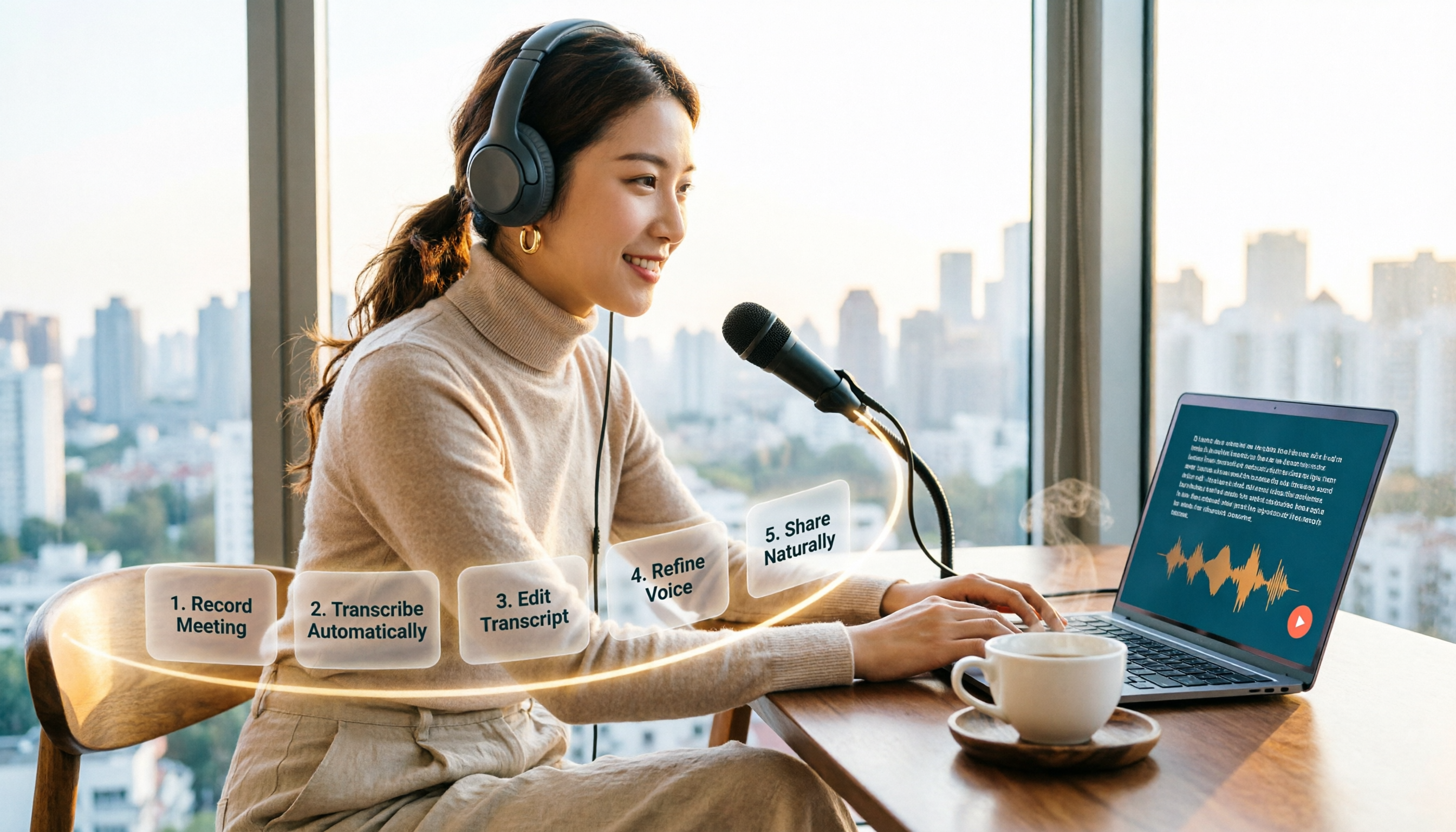
Turn recordings into transcripts and summaries in minutes
Upload audio or video for multilingual transcription, AI notes, and action items
How to Choose an Online Text-to-Speech Tool in 2026: A Complete 5-Step Guide
The choice you face isn't "which tool is most popular" but rather: do you need free previews, downloadable MP3s, commercial use, or API integration? Choose wrong, and you'll often find yourself midway through a project only to discover you're out of credits, can't use it commercially, or the Chinese accent is off. This article uses 5 steps to help you understand online text-to-speech from clarifying your needs to selecting the right tool.
Why You Need Online Text-to-Speech — Not Everyone Wants to Record
You want to make YouTube videos without showing your face but need narration; a teacher wants to create audio materials for textbook reading but doesn't want to go to a recording studio every day; a company needs multilingual ads but can't find voice actors in time. These are typical scenarios for online TTS (Text-to-Speech). There's also a group that needs it even more: people with reading disabilities, visual impairments, or those who prefer to absorb information by listening. The problem is, there are many online TTS tools, and free ones often come with hidden limits on credits, word counts, commercial licensing, and language support. Choosing the right tool lets you focus your time on the content itself.
Before Choosing Online Text-to-Speech, Understand These 5 Key Points
- Free quota and commercial license: Free doesn't mean you can use it commercially. For example, TTSMaker officially offers a permanently free version and states that generated audio can be used for commercial purposes for free, but you must comply with local laws, and the company reserves the right to adjust policies in the future. If you're just previewing, the free quota is enough; if you're monetizing, check the license first.
- Languages and accents: Support varies greatly for Chinese, Taiwanese Mandarin, Taiwanese Hokkien, English, Japanese, German, etc. Vidnoz publicly states it supports over 1,450 languages and voices, and can generate Taiwanese Hokkien AI voices; MyEdit includes 10 languages and different gendered voices. First confirm which accent your target audience hears.
- Output and download: Can you download MP3s? TTSMaker can play or download audio files; Ondoku can also convert text to speech and download MP3s; Vidnoz emphasizes generating text-to-speech MP3s. If you need to import into editing software for post-production, download formats matter more than web previews.
- Voice control and naturalness: Speed, volume, emotion, and pauses all affect the final product. TTSMaker offers "More Settings" to adjust speed and volume; Vidnoz can adjust speed and emotion; MyEdit lets you choose language, gender, and speaking style. Test with the same text first, then decide which voice sounds best.
- Workflow integration: If you handle large amounts of content daily, API and export capabilities are key. TTSMaker provides a text-to-speech API service; if your text source is meeting or interview recordings, you can first use Tinrec to convert audio to transcripts, summaries, and to-dos, organize the text to be read, and then hand it to an online TTS tool to generate speech.
TTSMaker — The Most Comprehensive Free Online TTS Option Based on Public Information
One-sentence positioning: TTSMaker is an online AI voice generator that converts text to speech and supports playback or downloading audio files.
It's intuitive to use: paste text into the webpage, select language and voice, click "Convert to Speech" to generate. The official documentation notes conversion may take a few minutes, longer for longer text; for more control, open "More Settings" to adjust speed and volume. It supports multiple languages and uses neural network inference models to generate speech, aiming for natural and consistent output. For those needing large amounts of audio content, this batch-processing approach saves much more effort than recording sentence by sentence.
Another feature of TTSMaker is its text-to-speech API service. This means if you have a website, app, or internal system and want to automate the text-to-speech process, it offers more extensibility than pure web tools. The official site also indicates a permanently free version, and generated audio can be used for commercial purposes for free, but users must comply with local laws; the company also reserves the right to adjust policies in the future. In other words, free and commercial use are its current advantages, but you should still check the latest terms before use.
Stop organizing recordings by hand
Upload audio or video and automatically get a transcript, summary, and action items
In terms of pros: First, low barrier to entry: no software installation needed, just open the webpage to convert text into playable or downloadable audio. Second, relatively clear commercial license: official documentation states generated audio can be used for commercial purposes, useful for content creators, marketers, and ad voiceovers. Third, API and multiple languages: not only for general users but also for automating workflows and handling multilingual content.
Limitations to note: Conversion takes time, especially for long text; free policies may change in the future; while commercial use is allowed, you must still verify local laws and platform regulations. Also, it doesn't guarantee a specific accent or emotion will match your script; you'll need to test.
Who it's for: If you need a free, downloadable, multilingual online text-to-speech tool that also offers an API, TTSMaker is currently the most comprehensive option based on public information. Especially for YouTubers, podcast creators, marketers, and content teams needing large volumes of voice, you can start testing with it.
Besides TTSMaker, What Other Options Are There?
MyEdit: A web-based AI text-to-speech tool, no software or app download required, works on mobile and desktop. It includes 10 languages, different gendered voices, and supports voice cloning and multiple speaking styles, suitable for YouTubers, Vloggers, and podcast creators. Free use relies on daily login credits, compared to TTSMaker's permanently free version and API service, it's better for those who want to experiment with voice styles but don't necessarily need automation integration.
Vidnoz: Positioned as a free AI text-to-speech tool, public information claims support for over 1,450 languages and voices, adjustable speed and emotion, and can generate Taiwanese Hokkien AI voices and Taiwanese accents. It's suitable for businesses creating multilingual ad narration, teachers making textbook readings or listening tests. If you need a wide range of languages and local Taiwanese accents, Vidnoz is worth testing; but TTSMaker has clear API service and commercial use documentation, making it more convenient for system integration.
Toolbang: A free online TTS tool, no installation needed, uses the built-in Speech Synthesis API of browsers like Google Chrome and Safari to convert text to speech. Its advantage is speed and lightness, suitable for temporary previews like hearing word pronunciations or short sentences. The downside is the voice depends on the operating system's built-in voice library and language settings, and download and commercial licensing are not as clear as TTSMaker; if you need consistent output files, TTSMaker is more suitable.
Pitfall Guide: 4 Most Common Mistakes When Choosing Online Text-to-Speech
Pitfall 1: Only looking at "free" and ignoring commercial licensing. Many tools allow free previews, but that doesn't mean generated audio can be used in ads or monetized content. TTSMaker officially states commercial use is allowed but requires compliance with local laws; other tools require checking their own terms.
Pitfall 2: Ignoring language and accent. Chinese has differences between Taiwanese Mandarin, Mainland Mandarin, and Cantonese, and Taiwanese Hokkien is another market. Choose the wrong accent, and listeners will notice immediately. First confirm if the tool supports your desired language and voice, then compare prices.
Pitfall 3: Ignoring download formats and post-production needs. If you need to import into editing software, whether you can download MP3, WAV, or get separate audio tracks is important. Tools that only play online are good for previews but not necessarily for formal production.
Pitfall 4: Confusing "speech-to-text" with "text-to-speech." TTS is text-to-speech, not for organizing meeting recordings. If you have meeting, interview, or course audio files, you should first use an AI meeting notes tool like Tinrec to convert to transcripts, summaries, and to-dos, organize the text to be read, then paste into an online TTS tool like TTSMaker to generate speech. This workflow avoids wasted effort.
Conclusion: Which One Should You Choose?
One-sentence conclusion: First look at your purpose and licensing, then choose the tool. If you want permanently free, downloadable, commercially usable, and with an API, TTSMaker is currently the most comprehensive first choice based on public information.
Scenario-based recommendations:
- Want free, commercial use, downloadable, with API → TTSMaker
- Need Taiwanese accent, Taiwanese Hokkien, 1450+ language voices → Vidnoz
- Need voice cloning, multiple speaking styles, creator voiceovers → MyEdit
- Just want quick previews, no installation → Toolbang
- Text from meeting or interview recordings → First use Tinrec to organize transcripts, then pair with TTSMaker to generate speech
Final reminder: When using any voice generation or recording-to-text tool, pay attention to local laws and platform regulations; if involving others' recordings, obtain consent. It's recommended to first test the same text with free quotas to confirm language, accent, download format, and commercial licensing before deciding on long-term use.
References
Turn every recording into actionable outcomes
Get 60 free transcription minutes when you sign in. No credit card required.
Related Reading
You might also like

The Complete Guide to Short Video Learning Notes in 2026: From Transcription to AI Summarization
How do you take learning notes from short videos? This article starts with common pitfalls and explains how to use Tinrec to turn short videos, online courses, and interview recordings into transcripts, AI summaries, and queryable notes. It also covers 6 key points for choosing a tool, the differences between the Personal and Team plans, and answers to frequently asked questions.

4 YouTube Video Transcription Tools Tested: Which One Lets You Ask Questions Right After Transcribing?
We tested four popular YouTube video transcription tools—Tinrec, WayinVideo, TurboScribe, and Otter.ai—comparing transcripts, AI summaries, Q&A, and export formats to help you find the best solution for organizing Chinese content and building team knowledge.

Best Video Link to Text Extractors in 2026: 4 Tools Tested, This One Makes Chinese Transcripts Easiest
Which video link to text extractor should you choose? This article approaches the topic from a practical workplace perspective, first helping you distinguish between two completely different needs: 'speech transcription' and 'on-screen OCR.' It then uses 4 key purchasing criteria to evaluate tools, compares Tinrec, Text Grab, Zeemo, and Notta, and summarizes the 3 most common pitfalls and scenario-based recommendations.

2026 Comparison of 4 Video Meeting Notes Tools: Which Web App Saves the Most Time?
After a video meeting, do you spend another hour organizing notes? This article focuses on desktop (web and desktop apps) and compares the meeting note workflows of Tinrec, Notta, Otter.ai, and Granola. It explains differences in bot-free recording, transcript-to-notes conversion, AI Q&A, and team data retention, and provides key decision points, common pitfalls, and scenario-based recommendations for choosing a tool.
6 Best Video & Audio to Text Tools in 2026: Which Free Version Is Enough?
A hands-on comparison of 6 video and audio transcription tools, including Tinrec, Notta, Otter.ai, TurboScribe, VEED.IO, and Video Transcriber AI. We cover free tiers, supported formats, Chinese language performance, and team collaboration, plus scenario-based recommendations and FAQs.

4 Video Summarization Tools Tested in 2026: Which One Actually Captures the Core Content?
Videos too long to finish, and even when you do, you can't grasp the key points? This article, from the perspective of a mid-level manager's hands-on testing, outlines 4 key criteria for choosing a video summarization tool and tests 4 tools: Tinrec, YouTube Summary with ChatGPT, WayinVideo, and Taption. It includes 3 common pitfalls to avoid and selection advice to help you determine which tool truly turns videos into usable data.
How to Convert Audio Formats in 2026: 5 Steps to Convert MP3, WAV, and M4A with an Online Converter
How to choose an online audio converter? This article first walks you through 5 steps to convert MP3, WAV, and M4A online, then compares Clideo and Online Audio Converter on format support, output settings, video-to-audio extraction, and privacy, and finally gives you recommendations you can follow directly.

5 Best Smart Video Content Analysis Tools in 2026: Tinrec vs Gemini vs WayinVideo
How to choose a smart video content analysis tool in 2026? This article starts with common misconceptions and compares the positioning of Tinrec, Gemini, WayinVideo, Notta, and Otter.ai. It also explains how Tinrec uses bot-free recording, AI summaries, Q&A, and team spaces to turn video and meeting content into searchable, queryable, and shareable data.

3 YouTube Learning Video Summary Tools Compared: Which One Helps You Remember What You Watched?
YouTube tutorials, lectures, and industry analyses are information-dense but hard to review. This article compares 3 YouTube learning video summary tools across video input methods, no-subtitle and multilingual support, Chinese content organization, post-summary applications, cross-device data retention, and cost, helping you decide whether to use a free web summary tool or build a long-term searchable database from learning videos.