

Turn recordings into transcripts and summaries in minutes
Upload audio or video for multilingual transcription, AI notes, and action items
The Complete Guide to Short Video Learning Notes in 2026: From Transcription to AI Summarization
Many people, when learning from short videos, hit save first. Three months later, they look back and find two hundred videos sitting in their saved folder, but they can barely remember a few.
Another common approach is to take notes while watching. The video is only 60 seconds, but you spend 15 minutes writing notes, and after finishing, you still can't say what the main point was.
The problem usually isn't memory—it's that "watching videos" and "taking notes" are treated as two separate things. A more reasonable approach is: first let a tool convert the video to text, then organize the key points from the text. This article uses Tinrec as an example to walk through the complete process of taking learning notes from short videos.
What Can Short Video Learning Notes Do for You?
Scenario 1: Turn a 60-Second Tutorial Video into 3 Scannable Key Points
In the past, you might have had to rewatch three times to grasp the main points. With Tinrec, for example, after importing a video, it first generates a transcript, then automatically organizes an AI summary and chapters. You just need to skim the summary to know what the video teaches and how many steps there are.
Scenario 2: Rescue Your Overflowing Saved Folder
Saving doesn't equal learning. Throw those "someday I'll watch" videos into Tinrec, and it will transcribe each one and produce summaries, eventually turning them into a searchable note library. Later, searching by keyword is much faster than scrolling through an app.
Scenario 3: Read Foreign Language Tutorial Videos Directly
When watching Japanese or English tutorial short videos, the biggest fear is not understanding and having no subtitles. Tinrec supports real-time translation, allowing you to switch between original text, translation, or bilingual view. Learning notes can be kept directly in bilingual form, so you don't have to listen again when reviewing.
Scenario 4: Team Learning Video Notes
Book clubs and internal sharing sessions often drop videos for everyone to watch on their own. Tinrec's Team plan can centralize transcripts, summaries, and to-dos in a shared team space. New members can also look up historical data after joining, without each person making their own notes.
What Are the Core Capabilities of Short Video Learning Notes?
Video-to-Text: Transcripts Are the Foundation of Notes
The reason notes are hard to make is that you're watching and writing at the same time, splitting your attention in half. Tinrec supports real-time recording transcription and can also directly upload audio or video files for transcription. Once the text is generated, you have something to edit.
AI Summary and Chapters: See Structure First, Then Details
Transcripts are long; summaries are short. Tinrec automatically generates summaries, chapters, and key points, breaking a long video into several sections. For knowledge-based content, this is like having a table of contents prepared for you.
AI Q&A: Ask Follow-Up Questions About the Content
The most time-consuming part of organizing notes is "I remember the video mentioned a certain method, but I don't know at which minute." Tinrec's AI Q&A lets you ask questions directly about the content, such as "What are the three steps mentioned in this video?" It answers based on semantic understanding, so you don't have to drag the timeline yourself.
Real-Time Translation and Bilingual View
The barrier to cross-language learning is usually listening, not comprehension. Tinrec supports real-time translation during recording and allows viewing in original text, translation, or bilingual mode. When taking foreign language notes, bilingual comparison is more durable than pure translation.
Export and Post-Processing: Notes Must Fit Into Your Workflow
Notes made and left in a tool usually never get opened again. Tinrec supports multi-format export, so you can bring them to Notion, Google Docs, OneNote, Dropbox, and other tools for further processing. It can also generate reports, tables, and documents through Agent post-processing. Only by connecting learning notes back to your original note-taking system will they actually be reviewed.
Practical Application Scenarios
Online Courses and Lectures
Online courses usually have replays, but a two-hour video is hard to rewatch. With Tinrec's desktop version, you can directly capture computer system audio without needing an extra bot to join. After the course ends, you have a transcript and summary. When reviewing, look at the summary first, and jump back to the corresponding transcript section for details.
Stop organizing recordings by hand
Upload audio or video and automatically get a transcript, summary, and action items
Self-Learning from Short Videos
Skill-based short videos have high information density, but each is only a few dozen seconds, making it hard to connect them when watching scattered clips. Import videos on the same topic into Tinrec one after another, accumulate them into a note area, and then use AI Q&A to consolidate them, turning fragments into a complete process.
Interviews and Research Recordings
When conducting user interviews or expert interviews, the key point is often hidden in a single sentence. Tinrec preserves transcripts and supports search. When writing a report later, directly asking AI "What pain points did the interviewee mention?" is much faster than listening to the recording repeatedly. Remember to get the other party's consent before recording and comply with local regulations.
Content Creators and Team Learning
If you need to cite a viewpoint from a video, a transcript is essential material. Tinrec's Team plan can store these materials centrally. Members divide work by role and seat, and administrators can view usage and operation logs.
6 Things to Note When Choosing a Short Video Note-Taking Tool
Chinese and Multilingual Support: Not every tool performs equally well in Chinese. Tinrec covers Chinese, Traditional Chinese, and multilingual scenarios, and supports team hotwords, so you can maintain professional terminology yourself.
Can You Ask Follow-Up Questions After Transcription: Tools that only provide transcripts still require you to read through them yourself. Tinrec offers AI summaries, chapters, and AI Q&A—transcription is just the first step.
Does It Keep Audio Files and Allow File Uploads: Some tools only handle real-time meetings and don't support pre-recorded files. Tinrec supports uploading audio and video files and also keeps recordings for later verification.
Export Methods and Workflow: Notes need to be portable. Tinrec supports multi-format export and third-party tool integration, and can also generate reports, tables, and documents with Agent.
Team Collaboration and Permission Design: For team use, clearly distinguish between "roles" and "seats." Tinrec's Team plan uses roles to determine who can manage the team and audit, and seats to determine who can record, upload, and edit; members without seats can still view and read team data.
Transparent Pricing and Quotas: Tinrec's Personal plan includes a free version, weekly card, Pro monthly, and Pro annual, which can be chosen based on usage frequency. The Team plan is USD 29.80 per paid seat per month, or USD 199 per paid seat per year (equivalent to about USD 16.58 per month). Each paid seat provides 2,000 minutes of team shared import quota per month; eligible teams can try 7 days, 1 free seat, and 300 minutes of team shared import quota for the first time. Actual prices and benefits are subject to the official purchase page.
Frequently Asked Questions
Do Short Video Learning Notes Require a Tool?
Not necessarily, but handwriting is very inefficient. Using a tool like Tinrec to first generate transcripts and summaries, then filtering key points yourself, is usually much faster than starting from scratch.
Can I Take Notes on Videos Without Subtitles?
Yes. Tinrec converts audio to transcripts and doesn't rely on platform subtitles. If you encounter foreign language content, you can also enable real-time translation and view in original text, translation, or bilingual mode.
Can Tinrec Handle Public Online Videos?
Tinrec offers web link import as a supplementary capability to handle some public video content. Before use, please confirm compliance with the platform's terms of service and copyright regulations, and do not download or distribute unauthorized content.
How Accurate Is the Transcription?
Tinrec does not publicly promise a fixed accuracy rate. Actual performance is affected by recording quality, background noise, accents, overlapping speakers, and professional terminology. For important content, it is recommended to verify against transcript timestamps and the recording.
Is the Free Version Enough?
The free version provides basic quota, suitable for experiencing the recording, import, summary, and transcription process first. If you have regular learning or meeting needs every week, consider Pro; if you need long-term data accumulation, evaluate the annual card.
Can Teams Make Learning Notes Together?
Yes. Tinrec's Team plan provides an independent team space where meetings and learning materials belong to the team, and you can manage members, roles, seats, usage, and audits. Even if members leave, the data won't be taken away.
Conclusion
The real difficulty of short video learning notes isn't recording—it's being able to use them after they're saved. First convert to text, then organize into summaries, and finally export to where you usually open. Only then is the process complete.
Tinrec puts transcripts, AI summaries, AI Q&A, translation, and export in the same workflow. Individuals can try the free version first; if you're a team learning together, the Team plan's shared space, seat management, and usage analysis will be more practical.
Next time you see a video worth learning from, instead of hitting save, turn it into a note you can still understand three months later.
References
- 2026 Latest Short Video Tutorial! Full Decryption of Short Video Production Techniques, Teaching You to Create Viral Short Videos - Muchuang Marketing
- Short Video Production Tutorial: From Planning, Scripting to Editing, Master the Traffic Code! — Eryu Film Cultural and Creative Co., Ltd. | Let Images Speak for the Brand
- Complete Guide to Short Video Production: Full Steps and Practical Tips for Creating Eye-Catching Content
- One Person Completes a Short Video: Mobile Short Video Shooting, Editing, and Self-Media Application Practical Class - Corporate Short Video Education Training Course Short Video Instructor Wu Xin - [AI Comprehensive Academy/Burning Photography Soul AI Academy] Mobile Photography Short Video Editing AI Teaching Course Instructor Corporate Education Training Online Course
- Mobile Filming Short Video Quick Production Class - Decisive 30 Seconds! Short Film Immediate Combat Power Crash Course | Job Skills - Youth Entrepreneurship Academy
Turn every recording into actionable outcomes
Get 60 free transcription minutes when you sign in. No credit card required.
Related Reading
You might also like
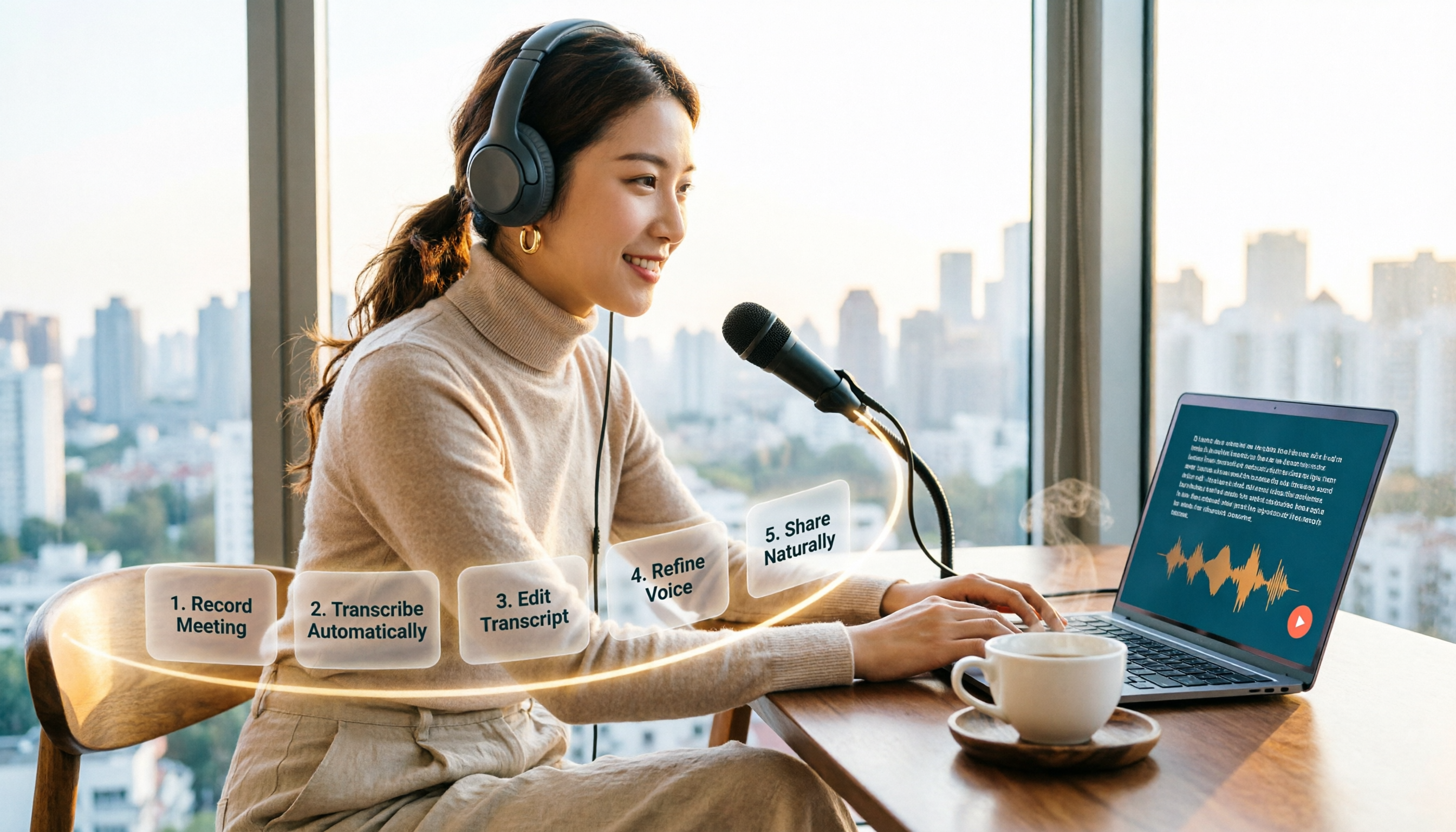
How to Choose an Online Text-to-Speech Tool in 2026: A Complete 5-Step Guide
Looking for an online text-to-speech tool but confused by free plans, credits, and commercial licenses? This guide walks you through 5 steps to choose the right one, compares TTSMaker, MyEdit, Vidnoz, and Toolbang, and explains practical workflows for downloads, accents, APIs, and converting meeting recordings to transcripts before generating speech.

4 YouTube Video Transcription Tools Tested: Which One Lets You Ask Questions Right After Transcribing?
We tested four popular YouTube video transcription tools—Tinrec, WayinVideo, TurboScribe, and Otter.ai—comparing transcripts, AI summaries, Q&A, and export formats to help you find the best solution for organizing Chinese content and building team knowledge.

Best Video Link to Text Extractors in 2026: 4 Tools Tested, This One Makes Chinese Transcripts Easiest
Which video link to text extractor should you choose? This article approaches the topic from a practical workplace perspective, first helping you distinguish between two completely different needs: 'speech transcription' and 'on-screen OCR.' It then uses 4 key purchasing criteria to evaluate tools, compares Tinrec, Text Grab, Zeemo, and Notta, and summarizes the 3 most common pitfalls and scenario-based recommendations.

2026 Comparison of 4 Video Meeting Notes Tools: Which Web App Saves the Most Time?
After a video meeting, do you spend another hour organizing notes? This article focuses on desktop (web and desktop apps) and compares the meeting note workflows of Tinrec, Notta, Otter.ai, and Granola. It explains differences in bot-free recording, transcript-to-notes conversion, AI Q&A, and team data retention, and provides key decision points, common pitfalls, and scenario-based recommendations for choosing a tool.
6 Best Video & Audio to Text Tools in 2026: Which Free Version Is Enough?
A hands-on comparison of 6 video and audio transcription tools, including Tinrec, Notta, Otter.ai, TurboScribe, VEED.IO, and Video Transcriber AI. We cover free tiers, supported formats, Chinese language performance, and team collaboration, plus scenario-based recommendations and FAQs.

4 Video Summarization Tools Tested in 2026: Which One Actually Captures the Core Content?
Videos too long to finish, and even when you do, you can't grasp the key points? This article, from the perspective of a mid-level manager's hands-on testing, outlines 4 key criteria for choosing a video summarization tool and tests 4 tools: Tinrec, YouTube Summary with ChatGPT, WayinVideo, and Taption. It includes 3 common pitfalls to avoid and selection advice to help you determine which tool truly turns videos into usable data.
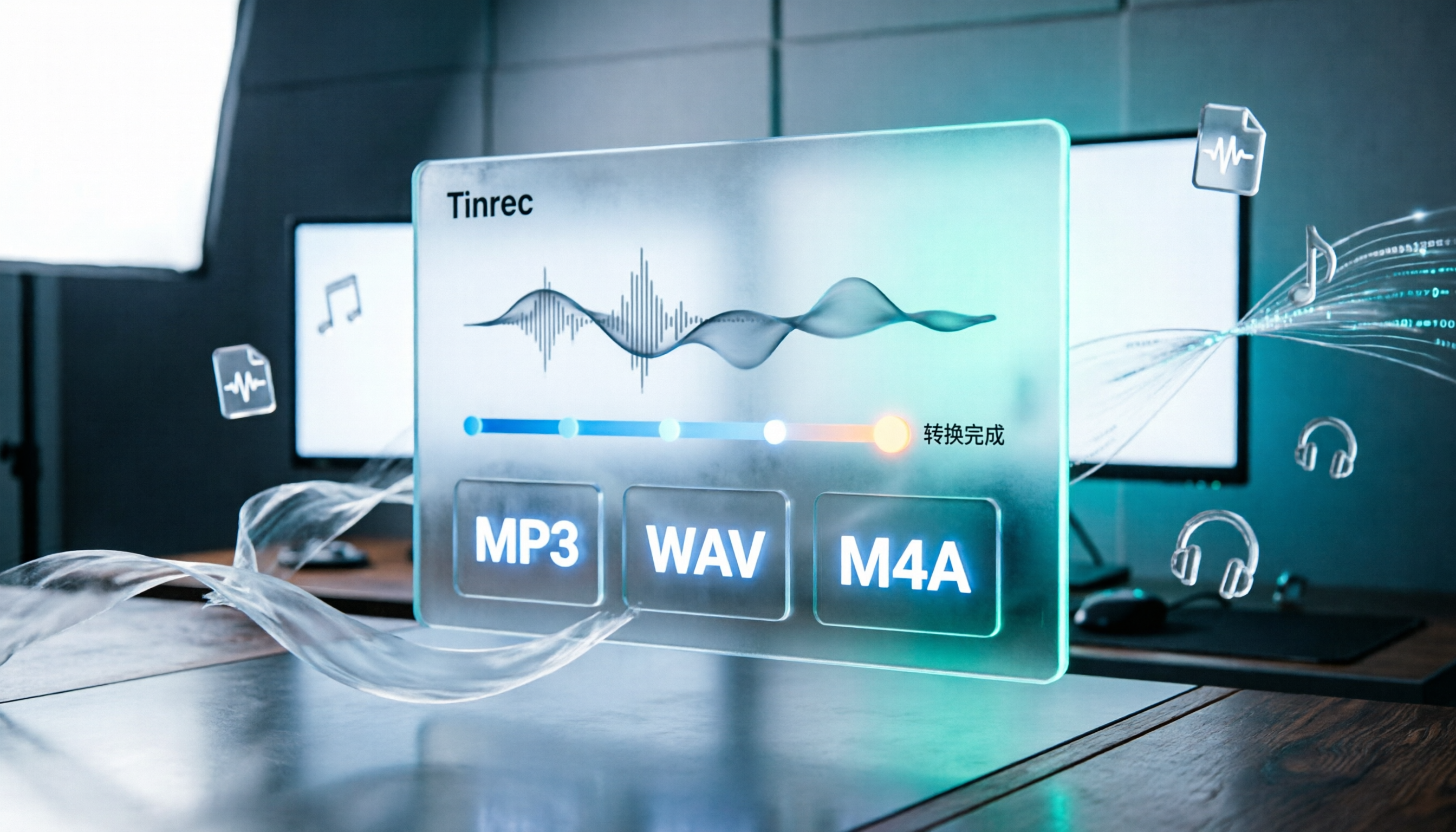
How to Convert Audio Formats in 2026: 5 Steps to Convert MP3, WAV, and M4A with an Online Converter
How to choose an online audio converter? This article first walks you through 5 steps to convert MP3, WAV, and M4A online, then compares Clideo and Online Audio Converter on format support, output settings, video-to-audio extraction, and privacy, and finally gives you recommendations you can follow directly.

5 Best Smart Video Content Analysis Tools in 2026: Tinrec vs Gemini vs WayinVideo
How to choose a smart video content analysis tool in 2026? This article starts with common misconceptions and compares the positioning of Tinrec, Gemini, WayinVideo, Notta, and Otter.ai. It also explains how Tinrec uses bot-free recording, AI summaries, Q&A, and team spaces to turn video and meeting content into searchable, queryable, and shareable data.

3 YouTube Learning Video Summary Tools Compared: Which One Helps You Remember What You Watched?
YouTube tutorials, lectures, and industry analyses are information-dense but hard to review. This article compares 3 YouTube learning video summary tools across video input methods, no-subtitle and multilingual support, Chinese content organization, post-summary applications, cross-device data retention, and cost, helping you decide whether to use a free web summary tool or build a long-term searchable database from learning videos.