
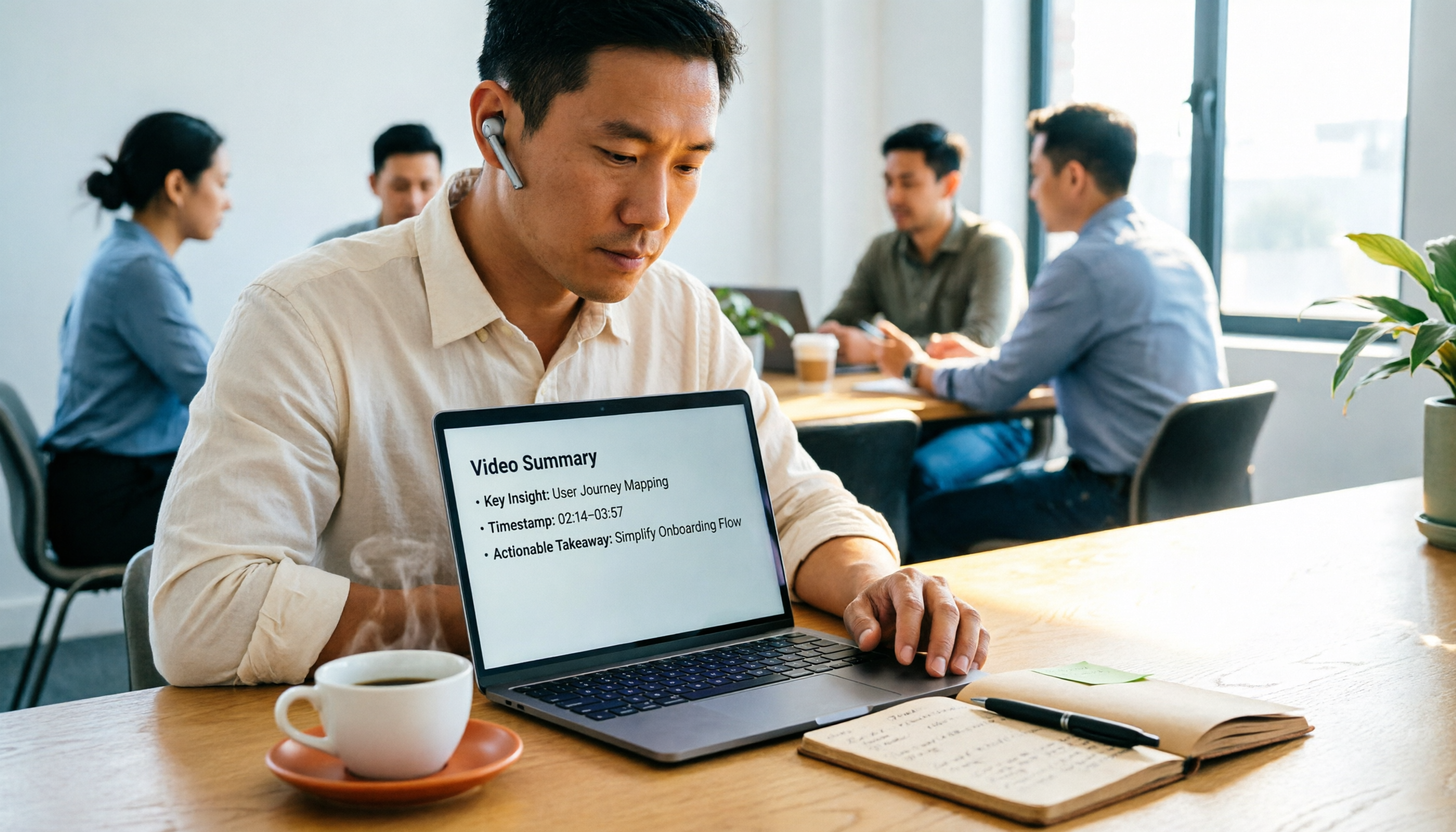
Turn recordings into transcripts and summaries in minutes
Upload audio or video for multilingual transcription, AI notes, and action items
Why do you finish watching a video but still can't grasp the core content?
Most people organize videos the same way: watch at 1.5x speed from start to finish, pause at key points, and jot them down. But what you really need to keep isn't every line—it's decisions, numbers, and 'who does what next.' With the wrong approach, no matter how many times you watch, your notes remain a messy log.
A 40-minute lecture video takes about an hour and a half to watch and organize this way, and often the result is: you miss what should be noted, and what you do note isn't useful.
I personally have about 15 meetings a week, and afterward, I'm often handed videos—my boss forwards an industry forum and asks for key points the next day; client interview recordings need to be turned into requirement lists; internal training videos need to become onboarding materials. Later, I reversed the order: first let a tool transcribe the video, then generate a summary, and finally ask questions directly about sections I want to dig into. For the same video, processing time is roughly halved, and key points are captured accurately.
This article will discuss how to choose such video summarization tools and which one I ultimately kept.
Before choosing a video summarization tool, understand these 4 key points
1. Can the summary be cross-referenced with the original text? Summaries are inherently condensed, and condensation always misses something. So the real question is: does it include timestamps? Can you click back to the original transcript segment? Without the ability to trace back, you'll still have to rewatch the video from the beginning, making it pointless.
2. Can you ask questions directly about the video content? A tool that only generates a summary gives you what it thinks is important; a tool that supports Q&A gives you what you want. For example, 'What are the three numbers mentioned in this lecture?' or 'What concerns did the client have about a feature?'—this approach is much faster than scanning the transcript.
3. What video sources are supported? Many tools only accept YouTube links—paste the URL and you're good, convenient but limited. If you need to process your own meeting recordings, phone-recorded interviews, or client-provided MP4s, file upload support is essential. If you also need to handle online meetings, check if it has meeting recording capabilities. The broader the source support, the less you need to switch tools for different scenarios.
4. Can the output integrate into your workflow? It's a shame if the summary is just read and discarded. Whether you can export transcripts, key points, and action items as documents, or directly into Notion, Google Docs, OneNote, Dropbox, determines if the tool is a toy or a productivity tool.
Tinrec – The one I kept after testing
Tinrec is an AI meeting notes and collaboration tool for individuals and teams, available on web, desktop, and mobile app. Its most interesting aspect is that it doesn't just aim to solve 'video-to-text' but wants to turn videos and meetings into usable data.
Upload video or audio, get a usable transcript first I uploaded a 35-minute internal product training video with background music and a fast-speaking presenter. The resulting transcript is searchable, reviewable, and can be copied elsewhere. The transcript is just raw material, but it's the starting point for everything.
AI summary and chapters break long videos into readable structure For the same video, it automatically generates a summary, chapters, and key points, making long meetings into easily browsable sections. 40 minutes of content is compressed into about one page. I first read the summary, then click back to chapters of interest. This back-and-forth saves rewatch time.
AI Q&A, my most-used feature After organizing, you can directly ask questions about the content: 'What are the three performance indicators mentioned in this training?' 'What did the client say about delivery time?' It doesn't give you a list of keyword search results but understands the semantics and answers directly. This is where I think it differs most from similar tools.
Action items, translation, export—all connected to your workflow It can extract action items from content, generate reports, tables, and documents, which is especially useful for post-meeting deliverables. Cross-language videos support real-time translation, viewable in original, translated, or bilingual. Organized results can be exported to Notion, Google Docs, OneNote, Dropbox, etc., for further processing.
Stop organizing recordings by hand
Upload audio or video and automatically get a transcript, summary, and action items
Also handles online meetings Its desktop version can capture computer system audio to record online meetings on Zoom, Google Meet, Microsoft Teams, Webex without needing a separate meeting bot. For someone like me who is in meetings all day, this is a bonus.
Pros:
- From transcript, summary, Q&A to action items and export—a complete workflow, not just a single feature.
- Videos, audio files, online meetings, and phone recordings can all be imported, so you don't need to switch tools for different scenarios.
- The team version puts data in a separate team space, so members leaving won't take data with them—very practical for department managers.
Limitations to be clear about: The free version offers basic quota; if you handle videos and meetings daily like me, you'll need a paid version. Also, file imports consume quota, so you need to allocate when volume is high. Accuracy is affected by audio quality, background noise, accents, and multiple people talking over each other; I still double-check important numbers against the recording. URL import only supports some public videos, not all platforms. Finally, recording and transcription involve others' privacy; obtaining consent according to local regulations is the user's responsibility.
Pricing: The personal version has free, weekly, Pro monthly, and Pro annual plans. For short-term intensive use, choose weekly; for long-term data accumulation, annual is more cost-effective. The team version offers a 7-day trial (1 free seat, 300 minutes shared import quota), monthly USD 29.80 per paid seat, annual USD 199 per paid seat (about USD 16.58/month), with each paid seat having 2,000 minutes shared import quota per month; under an active team plan and seat, real-time recording currently does not deduct minutes. Actual prices and benefits are subject to the official purchase page.
Who it's for: Those who need to handle both videos and meetings, want to ask key points directly after organizing, and share results with the team. If your pain points are 'videos too long, too many meetings, data scattered everywhere,' this tool meets your needs.
Besides Tinrec, what other options are there?
YouTube Summary with ChatGPT (Monica) A free YouTube summarization tool that connects GPT to video transcripts. Paste a link to generate key points, supports multilingual transcripts, and can handle videos without subtitles. Suitable for those who occasionally want to quickly scan a YouTube video. However, its output stops at reading; there's no team space, and it lacks follow-up processes like turning key points into action items and exporting to Notion or Google Docs.
WayinVideo (wayin.ai) Known for timestamped summaries, it can recognize scenes, actions, text, and speakers, even analyzing silent content like sports events and landscape videos. It offers multilingual summaries, subtitles, transcripts, and API, with export to TXT/Markdown. Suitable for academic lectures and research organization requiring precise citations. Its public information focuses on summarization and API, with less emphasis on team collaboration; if you want to turn content into a shared, queryable database for the team, Tinrec is more complete in that regard.
Taption Focuses on no installation—paste a YouTube link or upload a video to generate key summaries, timestamped segments in YouTube chapter format, title suggestions, and meeting action items. It also supports asking questions about the video, automatic typo correction, and over 50 languages. For single-video content output, it's quite comprehensive. The difference is that Tinrec can also record online meetings directly via desktop and centrally manage this data in a team space.
Pitfall Guide: 3 most common mistakes when choosing a video summarization tool
Pitfall 1: Only looking at the word 'free' Free always has a cost. Some have very low monthly quotas, some limit single file length, some lock export formats. Before choosing, confirm your actual usage; otherwise, after the trial, you might find the quota insufficient, wasting time migrating data.
Pitfall 2: Thinking a summary is enough Summaries always miss things. The criterion isn't 'is the summary well-written' but 'can I click back to the original in three seconds?' Tools with timestamps and transcript traceability are worth long-term use.
Pitfall 3: Treating the transcript as the end The transcript is just raw material. If the tool stops there, you still have to manually organize key points, write action items, and email colleagues—only a third of the work is done. Like Tinrec, which can directly pull action items from content, generate reports, and export results to existing workflows, even share in team spaces—that's where real time savings happen.
Conclusion: Which one should you choose?
- Need to handle both videos and meetings, and ask questions about content → Tinrec (one workflow)
- Want to turn transcripts into action items, reports, and export to Notion or Google Docs → Tinrec
- Team needs to share video and meeting data, and manage members and usage → Tinrec Team
- Care about Chinese and cross-language content, need bilingual comparison → Tinrec
- Only occasionally watch a YouTube video, budget is 0 → YouTube Summary with ChatGPT
If you always have a pile of unwatched videos and meeting records, the key isn't finding the 'strongest' tool but one that lets you watch less, copy less, and ask less. I suggest starting with Tinrec's free version basic quota, test with your longest video, and consider upgrading if it works—no need to pay upfront.
References
- Summarize YouTube with GPT: Free Online Video Summarization Tool
- Free AI Video Summarization Tool – Accurate, Fast, with Timestamps
- AI Video Summarization Tool | Automatically Generate YouTube Chapters and Meeting Highlights | Taption
- ChatGPT YouTube Summary Video Key Points Technique, from Transcript to Summary - Mr. Mad
- Photography Tips: Analysis of Film Image Composition Elements | Part 1: Composition - REUN
Turn every recording into actionable outcomes
Get 60 free transcription minutes when you sign in. No credit card required.
Related Reading
You might also like

The Complete Guide to Short Video Learning Notes in 2026: From Transcription to AI Summarization
How do you take learning notes from short videos? This article starts with common pitfalls and explains how to use Tinrec to turn short videos, online courses, and interview recordings into transcripts, AI summaries, and queryable notes. It also covers 6 key points for choosing a tool, the differences between the Personal and Team plans, and answers to frequently asked questions.
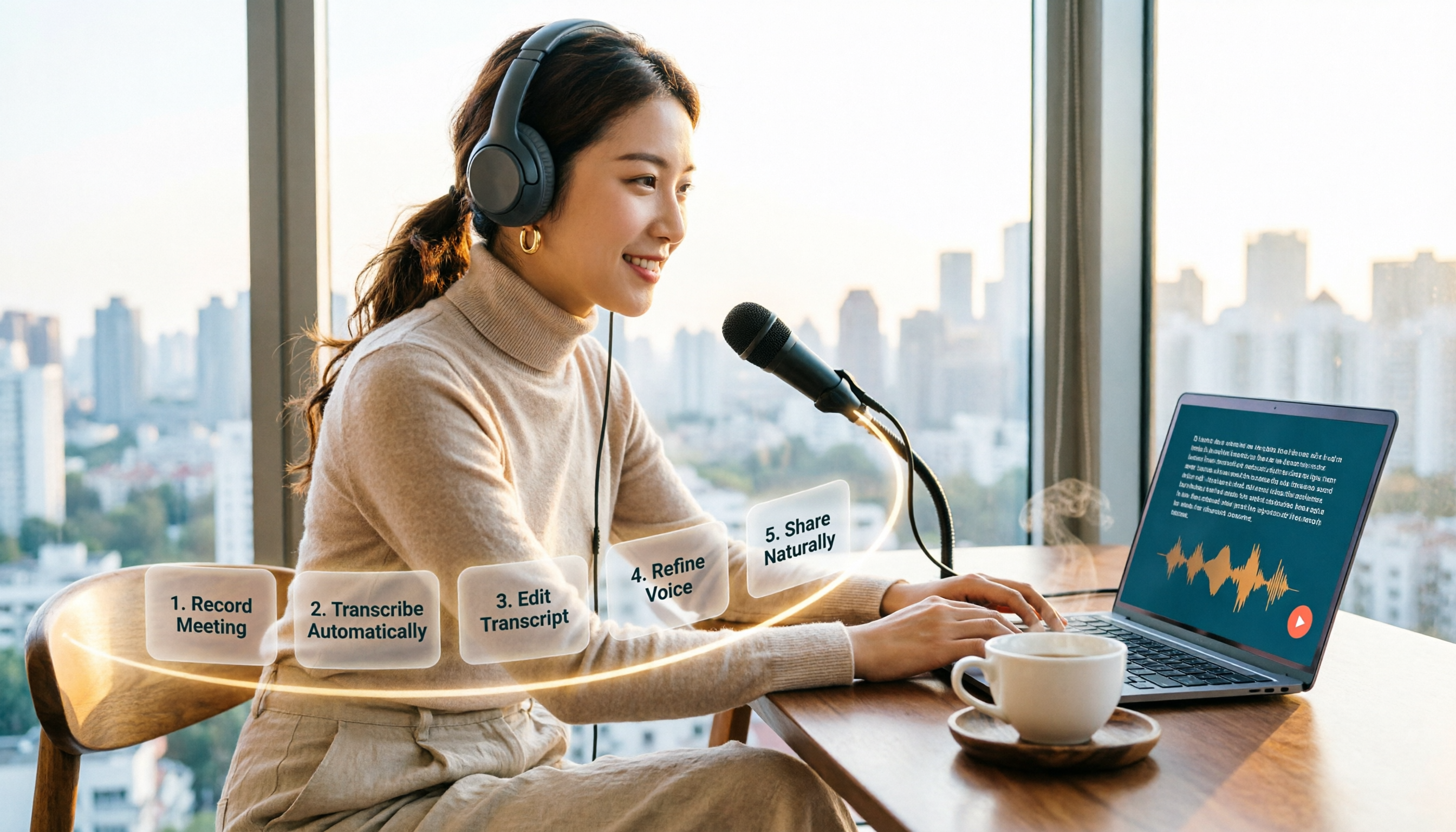
How to Choose an Online Text-to-Speech Tool in 2026: A Complete 5-Step Guide
Looking for an online text-to-speech tool but confused by free plans, credits, and commercial licenses? This guide walks you through 5 steps to choose the right one, compares TTSMaker, MyEdit, Vidnoz, and Toolbang, and explains practical workflows for downloads, accents, APIs, and converting meeting recordings to transcripts before generating speech.

4 YouTube Video Transcription Tools Tested: Which One Lets You Ask Questions Right After Transcribing?
We tested four popular YouTube video transcription tools—Tinrec, WayinVideo, TurboScribe, and Otter.ai—comparing transcripts, AI summaries, Q&A, and export formats to help you find the best solution for organizing Chinese content and building team knowledge.

Best Video Link to Text Extractors in 2026: 4 Tools Tested, This One Makes Chinese Transcripts Easiest
Which video link to text extractor should you choose? This article approaches the topic from a practical workplace perspective, first helping you distinguish between two completely different needs: 'speech transcription' and 'on-screen OCR.' It then uses 4 key purchasing criteria to evaluate tools, compares Tinrec, Text Grab, Zeemo, and Notta, and summarizes the 3 most common pitfalls and scenario-based recommendations.

2026 Comparison of 4 Video Meeting Notes Tools: Which Web App Saves the Most Time?
After a video meeting, do you spend another hour organizing notes? This article focuses on desktop (web and desktop apps) and compares the meeting note workflows of Tinrec, Notta, Otter.ai, and Granola. It explains differences in bot-free recording, transcript-to-notes conversion, AI Q&A, and team data retention, and provides key decision points, common pitfalls, and scenario-based recommendations for choosing a tool.
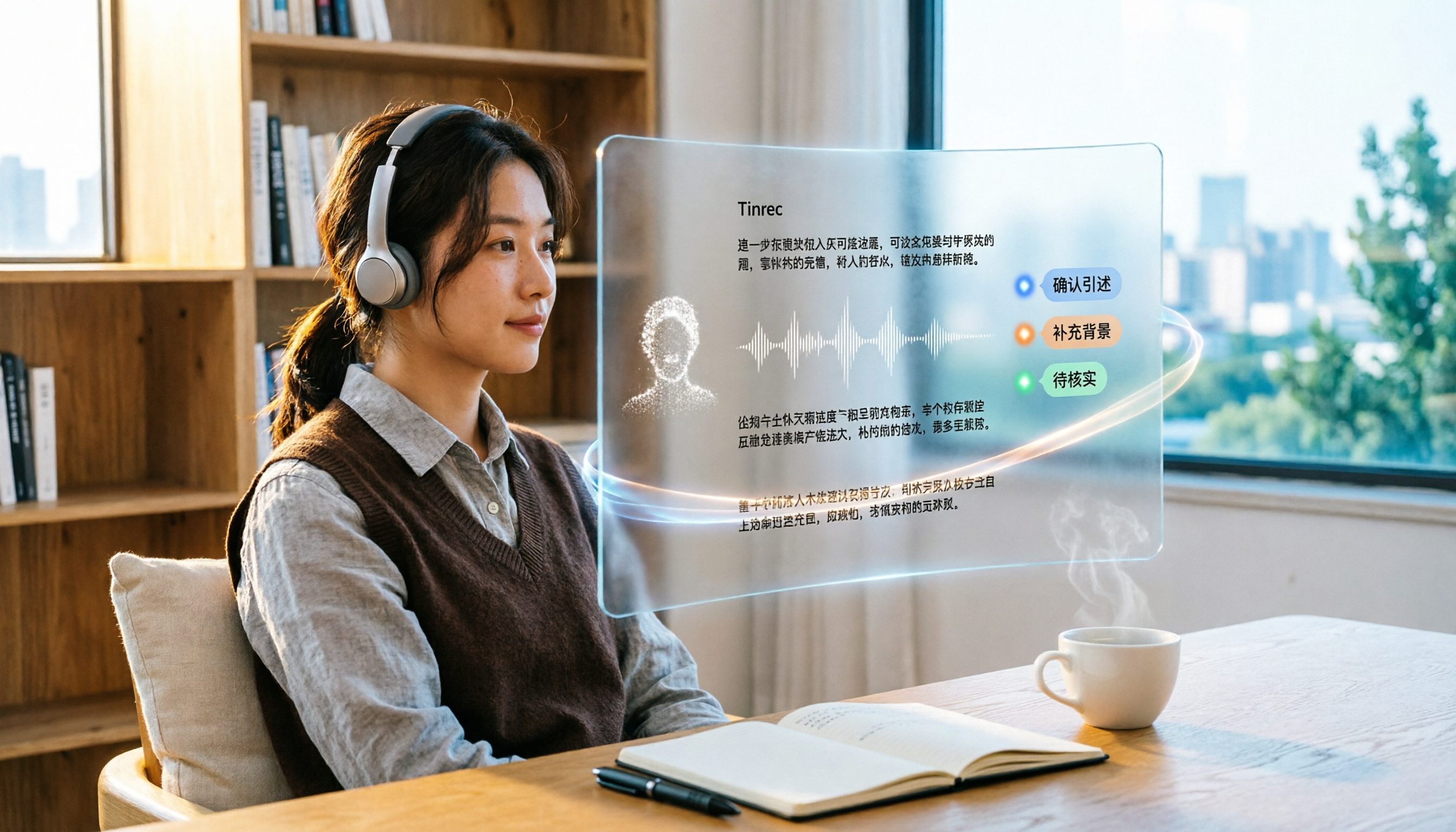
6 Best Video & Audio to Text Tools in 2026: Which Free Version Is Enough?
A hands-on comparison of 6 video and audio transcription tools, including Tinrec, Notta, Otter.ai, TurboScribe, VEED.IO, and Video Transcriber AI. We cover free tiers, supported formats, Chinese language performance, and team collaboration, plus scenario-based recommendations and FAQs.
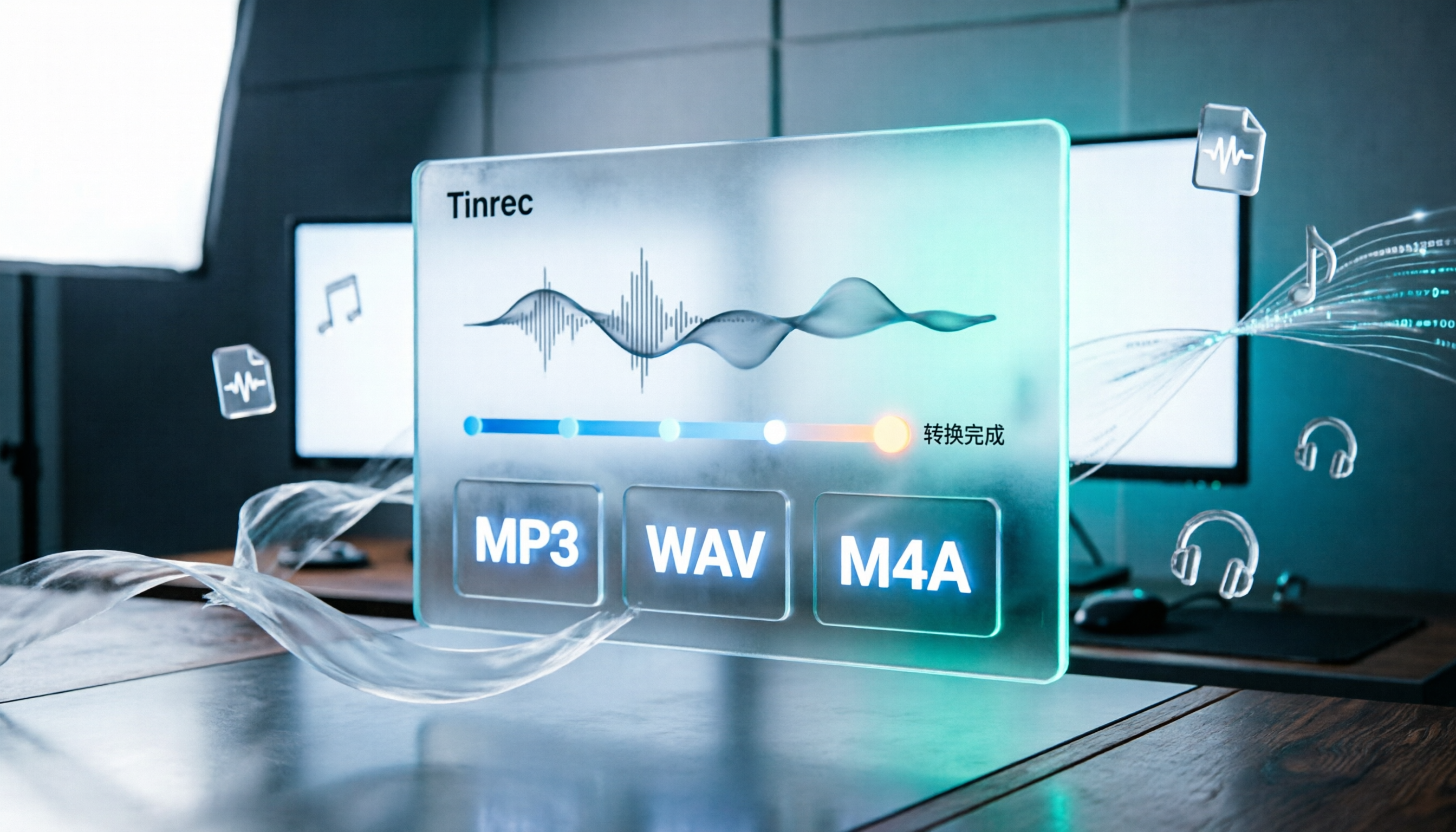
How to Convert Audio Formats in 2026: 5 Steps to Convert MP3, WAV, and M4A with an Online Converter
How to choose an online audio converter? This article first walks you through 5 steps to convert MP3, WAV, and M4A online, then compares Clideo and Online Audio Converter on format support, output settings, video-to-audio extraction, and privacy, and finally gives you recommendations you can follow directly.

5 Best Smart Video Content Analysis Tools in 2026: Tinrec vs Gemini vs WayinVideo
How to choose a smart video content analysis tool in 2026? This article starts with common misconceptions and compares the positioning of Tinrec, Gemini, WayinVideo, Notta, and Otter.ai. It also explains how Tinrec uses bot-free recording, AI summaries, Q&A, and team spaces to turn video and meeting content into searchable, queryable, and shareable data.

3 YouTube Learning Video Summary Tools Compared: Which One Helps You Remember What You Watched?
YouTube tutorials, lectures, and industry analyses are information-dense but hard to review. This article compares 3 YouTube learning video summary tools across video input methods, no-subtitle and multilingual support, Chinese content organization, post-summary applications, cross-device data retention, and cost, helping you decide whether to use a free web summary tool or build a long-term searchable database from learning videos.