

Turn recordings into transcripts and summaries in minutes
Upload audio or video for multilingual transcription, AI notes, and action items
Best Video Link to Text Extractors in 2026: 4 Tools Tested, This One Makes Chinese Transcripts Easiest
Video Link to Text: You Actually Need Two Different Things
A friend drops a 40-minute online meeting recording link in the group chat with just one line: "Help me summarize the key points." You open it, fast-forward, rewind—after 20 minutes, you're still not sure which sentence to start copying from.
This is the daily reality for many mid-level managers. Videos are piling up, but turning them into searchable, citable text data is still a lot of work.
But before you start looking for tools, there's one judgment call you need to make clear: What you want to extract is actually two completely different things.
- The 'speech' in the video: What the speaker said. This requires speech recognition (ASR) to convert into a transcript, which is the most common need for 'video to text.'
- The 'on-screen text' in the video: Text on slides, hardcoded subtitles, whiteboards, spec sheets. This requires OCR (optical character recognition) to capture text already displayed on the screen.
These two tasks correspond to completely different tools. Many people's frustration comes from thinking they need A, but ending up with a tool that's great at B. This article will clarify that judgment first, then tell you which one is most worth adding to your daily workflow after actually testing them.
Before Choosing a Video-to-Text Tool, Understand These 4 Key Points
1. First distinguish between speech and on-screen text. If you want to capture what the speaker said, you need speech recognition. If the speaker puts key points on slides and you only want those words, that's OCR. Most tools excel at only one side. Tinrec, for example, focuses on speech recognition, turning meeting, interview, and video audio into transcripts.
2. Performance with Chinese and mixed Chinese-English. This is the most realistic challenge in Taiwanese workplaces: a meeting switches between Chinese and English, with product codes and abbreviations mixed in. Many international tools are strong in English but struggle noticeably with Chinese meetings. When choosing a tool, it's best to test with your own recordings rather than just trusting official marketing.
3. What else can it do after generating a transcript? A transcript is just raw material. The real time-saver is what comes next: can it automatically generate summaries, mark chapters, extract action items, and let you directly ask 'What was the conclusion of this meeting?' This is also Tinrec's most obvious differentiator.
4. Quota, cross-platform, and data retention. How much free quota? Can you organize phone recordings on a computer? Are meeting data stored in personal accounts or team spaces? If you lead a team, the last point is especially important—if data ownership isn't handled well, when a colleague leaves, a year's worth of meeting records disappears with them.
Tinrec (秒听录音) — Our Top Pick After Testing
Tinrec (秒听录音) is an AI meeting notes and collaboration tool for individuals and teams, available on mobile, desktop, and web. Its positioning isn't just 'turning sound into text'—it's about turning an entire video or meeting into searchable, queryable, shareable data.
Turn videos and audio files into transcripts. Upload a meeting recording, customer interview video, or historical audio directly to get a transcript. The most impressive moment for me was dropping a 50-minute customer interview video in, going off to do other things, and coming back to find the transcript, summary, and action items all ready.
After transcription is where it really saves time. Tinrec automatically generates AI summaries, chapters, and key points, and extracts action items from discussions. More importantly, AI Q&A: you don't have to dig through a 40-minute transcript—just ask 'What was the budget cap the client mentioned?' or 'Who was responsible for this last meeting?' and it gives answers directly based on semantics. This feature is not common among tools at the same price point.
No bot needed for online meetings. The desktop version directly captures system audio from your computer, recording Zoom, Google Meet, Microsoft Teams, and Webex meetings without needing an extra 'meeting bot' account to join. This is important for client meetings—you don't have to explain 'an AI will be joining' beforehand.
Some video links can be imported directly. If you have a public video link, Tinrec supports importing some web links, saving the step of downloading and uploading. But to be honest: this is a supplementary capability with limited video types, and shouldn't be its only or main use.
Stop organizing recordings by hand
Upload audio or video and automatically get a transcript, summary, and action items
Team version keeps data in the company. If you lead a team like me, the team version is key. It provides an independent team space where meeting data belongs to the team; you can invite members, set roles (owner/admin/member), assign or revoke seats; view team usage, member rankings, and operation audits; and restore accidentally deleted files from the audio recycle bin. When a member leaves or is removed, their team resources can be transferred to other active members—they won't disappear with the personal account. Team monthly USD 29.80 per paid seat per month, annual USD 199 per paid seat per year (about USD 16.58/month). First eligible teams get a 7-day trial with 1 free seat and 300 minutes of shared import quota.
Pros:
- Stable performance with Chinese and mixed Chinese-English meetings, covering sources like phone recordings, online meetings, audio files, and videos.
- The most complete post-transcription workflow: summaries, chapters, action items, Q&A, mind maps, and export to Notion, Google Docs, OneNote, Dropbox for further use.
- Works for both individuals and teams, allowing data to upgrade from a personal tool to a shared team asset.
Limitations to be clear about:
- No fixed accuracy rate is promised—recording quality, noise, accents, multiple people talking over each other, and technical terms all affect results. Important content should be checked against the recording.
- Web link import only supports some public videos, not 'paste any link and it works.'
- The free version has a quota; long-term high-frequency use requires payment; short-term intensive use can consider a weekly pass.
Who it's for: People who need to organize several meetings per week, need Chinese transcripts, want to use AI to find key points right after recording, and care about keeping team data.
Besides Tinrec, What Other Options Are There?
Text Grab: A free, open-source Windows software with a portable version. Select an area on the screen to OCR Chinese and English text quickly, and it can also read QR codes. It solves the pain of 'can't extract text from the screen'—but it can't help with speech in videos at all, and has no summaries, action items, or team spaces. If you need to convert slide screenshots or software interface text into editable text, it's more than enough.
Zeemo: Upload a video and it automatically generates subtitles via speech recognition, and you can edit subtitle styles. It's intuitive for content creators focused on 'making subtitles.' But its positioning stops at the subtitle level, not focusing on meeting summaries, action item extraction, or team data accumulation. If you need to query content after recording and organize it into meeting notes, you'll need another tool.
Notta: A multi-platform transcription tool with significant overlap with Tinrec. Free version: 120 minutes per month, max 3 minutes per item; Pro annual billing is about USD 8.17/month, 1,800 minutes per month. It suits simple transcription and translation needs. But desktop bot-free recording of online meetings, AI Q&A, and team data management are not its focus—and these are exactly the most time-consuming parts of meeting organization.
Pitfall Guide: The 3 Most Common Mistakes in Video-to-Text
Pitfall 1: Treating 'subtitles' as 'usable data.' Subtitles only contain verbatim content, no structure. A 40-minute meeting gives you a wall of text, and you still have to read it all yourself. What really matters is whether the tool creates summaries, chapters, and action items for you.
Pitfall 2: Assuming 'paste a video link and get text' is a basic feature. The fact is most tools require you to download the video first and then upload it. Link import is mostly a limited supplementary capability. When choosing a tool, confirm which sources it supports first, so you don't find out it can't do it after using it.
Pitfall 3: Only comparing free quotas, ignoring cross-platform and data retention. Free minutes are intuitive, but if phone recordings can't be organized on a computer, or data is locked in a personal account, the money saved will be paid back in time. For team use, think carefully: data ownership, seats, and offboarding handover—if these aren't handled well, fixing them later is painful.
Conclusion: Which One Should You Choose?
In one sentence: If you want to turn speech from videos and meetings into usable data, Tinrec is the most complete choice among these four.
By scenario:
- Need Chinese transcripts with mixed Chinese-English → Tinrec (Chinese meeting experience is its strong suit)
- Want to use AI to ask key points and get action items after transcription → Tinrec (AI Q&A and action item extraction are where it differs most from competitors)
- Record on phone, organize on computer, and export to Notion or Google Docs → Tinrec (cross-platform plus multi-format export)
- Lead a team, need unified meeting data storage and seat management → Tinrec Team (team space, role seats, usage and audit)
- Just want to extract text from the screen → Text Grab (free and easy for this scenario)
- Main job is making video subtitles → Zeemo (subtitle editing is its strength)
I suggest starting with Tinrec's free version, using your most troublesome meeting recording or interview video. Before the quota runs out, you'll probably know whether you'll keep using it.
References
- Super Practical Note Tool! Text Grab Converts Video and Image Content into Text, Efficiently Organizing Databases | Meet Startup
- Transcribe Video to Text - Instant, 99.9% Accurate - VEED.IO
- Convert Video to Text | Transcribe App & Online Editor
- Video to Text, Two Methods in Seconds!
- Free AI Subtitle Extractor, Simple and Easy - Zeemo
Turn every recording into actionable outcomes
Get 60 free transcription minutes when you sign in. No credit card required.
Related Reading
You might also like

The Complete Guide to Short Video Learning Notes in 2026: From Transcription to AI Summarization
How do you take learning notes from short videos? This article starts with common pitfalls and explains how to use Tinrec to turn short videos, online courses, and interview recordings into transcripts, AI summaries, and queryable notes. It also covers 6 key points for choosing a tool, the differences between the Personal and Team plans, and answers to frequently asked questions.
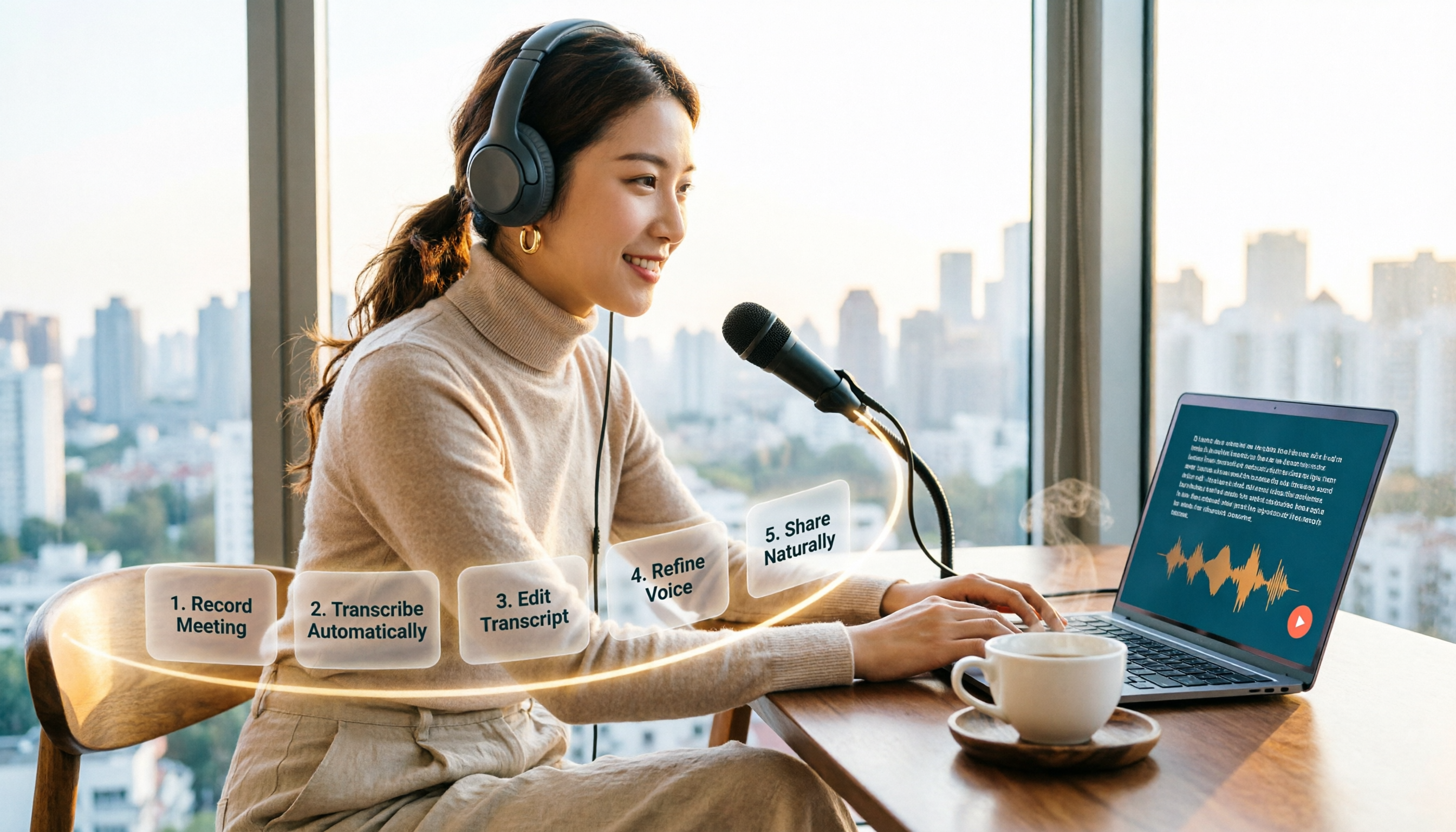
How to Choose an Online Text-to-Speech Tool in 2026: A Complete 5-Step Guide
Looking for an online text-to-speech tool but confused by free plans, credits, and commercial licenses? This guide walks you through 5 steps to choose the right one, compares TTSMaker, MyEdit, Vidnoz, and Toolbang, and explains practical workflows for downloads, accents, APIs, and converting meeting recordings to transcripts before generating speech.

4 YouTube Video Transcription Tools Tested: Which One Lets You Ask Questions Right After Transcribing?
We tested four popular YouTube video transcription tools—Tinrec, WayinVideo, TurboScribe, and Otter.ai—comparing transcripts, AI summaries, Q&A, and export formats to help you find the best solution for organizing Chinese content and building team knowledge.

2026 Comparison of 4 Video Meeting Notes Tools: Which Web App Saves the Most Time?
After a video meeting, do you spend another hour organizing notes? This article focuses on desktop (web and desktop apps) and compares the meeting note workflows of Tinrec, Notta, Otter.ai, and Granola. It explains differences in bot-free recording, transcript-to-notes conversion, AI Q&A, and team data retention, and provides key decision points, common pitfalls, and scenario-based recommendations for choosing a tool.
6 Best Video & Audio to Text Tools in 2026: Which Free Version Is Enough?
A hands-on comparison of 6 video and audio transcription tools, including Tinrec, Notta, Otter.ai, TurboScribe, VEED.IO, and Video Transcriber AI. We cover free tiers, supported formats, Chinese language performance, and team collaboration, plus scenario-based recommendations and FAQs.

4 Video Summarization Tools Tested in 2026: Which One Actually Captures the Core Content?
Videos too long to finish, and even when you do, you can't grasp the key points? This article, from the perspective of a mid-level manager's hands-on testing, outlines 4 key criteria for choosing a video summarization tool and tests 4 tools: Tinrec, YouTube Summary with ChatGPT, WayinVideo, and Taption. It includes 3 common pitfalls to avoid and selection advice to help you determine which tool truly turns videos into usable data.
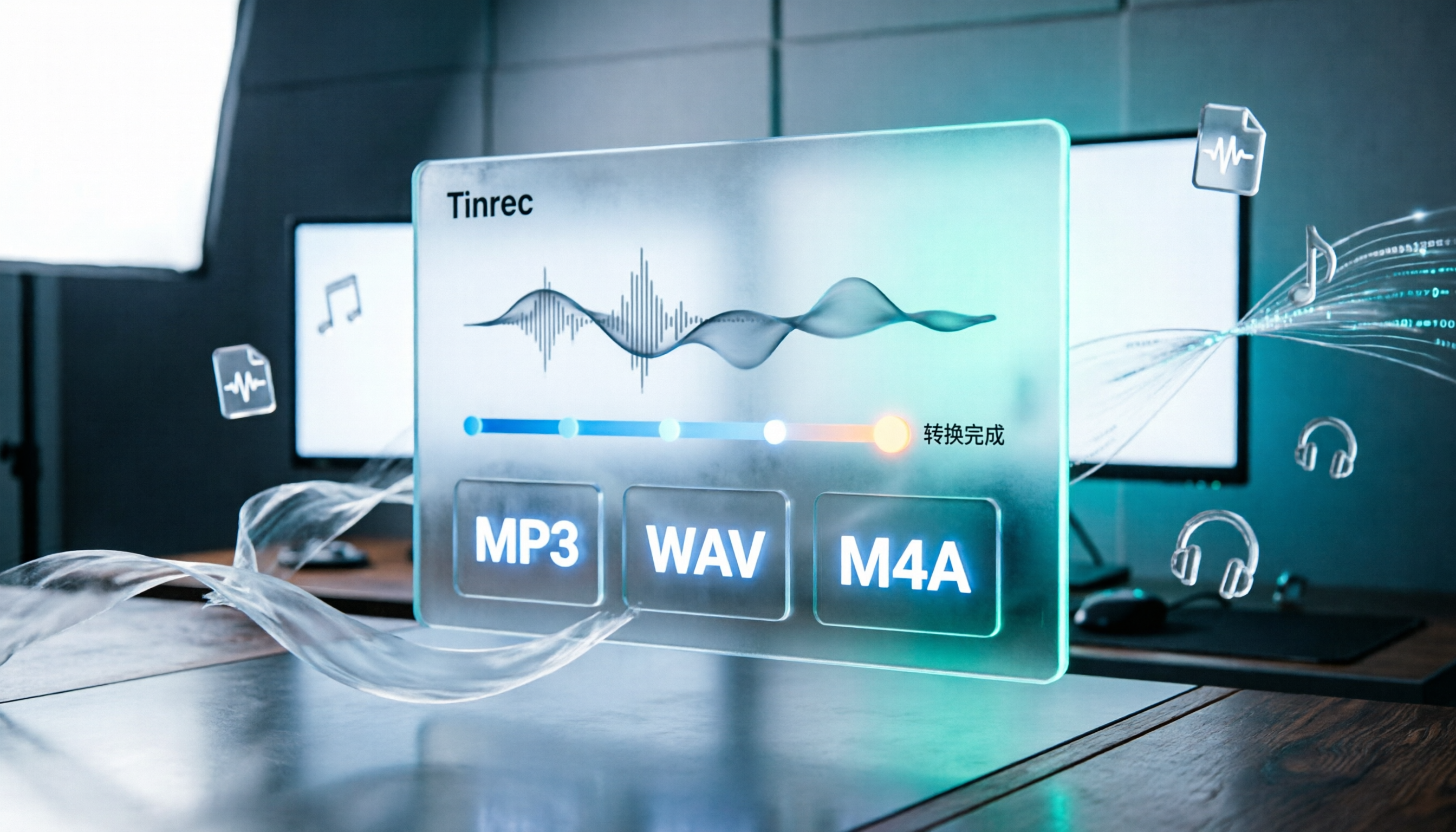
How to Convert Audio Formats in 2026: 5 Steps to Convert MP3, WAV, and M4A with an Online Converter
How to choose an online audio converter? This article first walks you through 5 steps to convert MP3, WAV, and M4A online, then compares Clideo and Online Audio Converter on format support, output settings, video-to-audio extraction, and privacy, and finally gives you recommendations you can follow directly.

5 Best Smart Video Content Analysis Tools in 2026: Tinrec vs Gemini vs WayinVideo
How to choose a smart video content analysis tool in 2026? This article starts with common misconceptions and compares the positioning of Tinrec, Gemini, WayinVideo, Notta, and Otter.ai. It also explains how Tinrec uses bot-free recording, AI summaries, Q&A, and team spaces to turn video and meeting content into searchable, queryable, and shareable data.

3 YouTube Learning Video Summary Tools Compared: Which One Helps You Remember What You Watched?
YouTube tutorials, lectures, and industry analyses are information-dense but hard to review. This article compares 3 YouTube learning video summary tools across video input methods, no-subtitle and multilingual support, Chinese content organization, post-summary applications, cross-device data retention, and cost, helping you decide whether to use a free web summary tool or build a long-term searchable database from learning videos.