

Turn recordings into transcripts and summaries in minutes
Upload audio or video for multilingual transcription, AI notes, and action items
4 YouTube Video Transcription Tools Tested: Which One Lets You Ask Questions Right After Transcribing?
What You Need Isn't a Transcript—It's a Tool That Lets You Ask Questions
If you just want to convert a YouTube video to text, there are plenty of free tools. But if you need to "extract content"—finding three quotable insights from a 40-minute interview, turning a tutorial into a script outline, or pulling action items from a customer interview video—what you really need is post-transcription organization.
That's the decision point: do you want a "transcript generator" or a "content workflow that can answer questions, summarize, and export"? The former is fine for free; the latter actually saves you organization time. Below, we test four tools from this perspective to help you decide.
Before Choosing a YouTube Video Extraction Tool, Understand These 4 Key Points
1. Can it transcribe videos without captions? Many tools can only grab existing YouTube captions. If the creator didn't enable captions or they're disabled, you get nothing. A truly reliable tool should analyze the audio directly, not rely on platform captions.
2. After transcription, can you ask it questions? A transcript is just raw material. If you want to know "what are the three marketing strategies mentioned in the video," you still have to Ctrl+F and search manually. Tools with AI Q&A can answer directly—that's the difference.
3. Supported languages and Chinese accuracy English tools are strong for English content, but not necessarily for Chinese or mixed Chinese-English videos. A common pain point for Taiwanese users: English tools transcribing Chinese meetings or Chinese YouTuber videos produce so many errors you have to re-listen.
4. Export formats and downstream workflow TXT is only for personal reading. SRT/VTT can be used for subtitles. DOCX can be edited. Exporting to Notion or Google Docs is even better. If you want to bring the content into an existing workflow, export flexibility matters.
Tinrec—Our Top Pick After Testing
Tinrec is an AI meeting notes and collaboration tool for individuals and teams, available on iOS, Android, and web. It's not just audio-to-text; it organizes audio content into searchable, summarizable, queryable, and exportable data.
For YouTube video extraction, you can upload the video's audio file or use a web link import as a supplementary way to process some public video content. Tinrec generates a transcript and automatically produces AI summaries, chapters, and key points. In a test with a 20-minute Chinese interview video, we could grasp the three main pain points mentioned by the interviewee just by reading the summary—no need to re-listen from the start.
What impressed me most is the AI Q&A. After transcription, you can directly ask Tinrec: "What is the pricing strategy mentioned in this video?" It answers based on semantic understanding, not just keyword search results. Few free transcript tools currently offer this.
Additionally, Tinrec supports real-time translation and bilingual viewing, which is very useful for mixed Chinese-English YouTube videos. After the meeting, you can extract action items, generate mind maps, and export to Notion, Google Docs, OneNote, Dropbox, and other tools. If you need team collaboration, the team version provides an independent team space where meeting data belongs to the team, with management of members, roles, seats, usage, and audit logs. Paid seats include 2,000 minutes of shared team import quota per month. The first eligible team trial is 7 days, 1 free seat, and 300 minutes of shared import quota.
Limitations to be clear about: Tinrec's web link import is a supplementary feature, and not all YouTube videos can be directly parsed. The free version offers basic quota; heavy users should consider a weekly card or Pro plan. Actual transcription quality is still affected by video audio quality, background noise, accents, and overlapping speakers.
Stop organizing recordings by hand
Upload audio or video and automatically get a transcript, summary, and action items
Simply put, if you want to "transcribe and then directly ask questions, summarize, and export to work documents," Tinrec is one of the most complete choices for Chinese experience. It's especially suitable for Chinese content creators, students, researchers, and office workers who need to turn video data into team assets.
Besides Tinrec, What Other Options Are There?
WayinVideo: A free YouTube transcript generator that focuses on one-click text conversion, no login required, supports SRT, VTT, TXT, DOC downloads, and can handle videos without captions. If you just need a quick transcript, it's convenient. But if you want to centrally manage multiple videos, use AI Q&A across videos, or need team space and seat governance, Tinrec's collaboration and post-processing capabilities are more complete.
TurboScribe: Free plan allows 3 files per day, up to 30 minutes per file, supports 98 languages, and can download DOCX, PDF, TXT, SRT, VTT. It's suitable for long files and batch transcription. However, TurboScribe is essentially a cost-effective transcription tool without Tinrec's real-time meeting recording, AI Q&A, and team data accumulation features.
Otter.ai: The top choice for English meetings. Free version offers 300 minutes per month, with mature AI summaries and team features. If you mainly handle English YouTube videos, Otter.ai is a reasonable choice. But it doesn't support Cantonese, and Chinese meetings and team hotword management are not its strengths. It also lacks Tinrec's Chinese team data accumulation experience.
VEED.IO: More like an online video editor with built-in auto-captions. Its main purpose is video post-production, not content organization. If you need to extract knowledge and summarize, it feels basic and lacks AI Q&A or automatic chapters.
Pitfall Guide: 3 Most Common Mistakes When Choosing a YouTube Video Extraction Tool
Pitfall 1: Only looking at free quota, ignoring post-transcription processing. There are many free transcript tools, but after transcription you still have to read through, highlight, and organize into content. If your time cost is higher than the tool cost, prioritize tools with AI summaries and Q&A. Tinrec's value is here: automating the "organization" part.
Pitfall 2: Assuming captions mean extractable content. YouTube captions aren't always accurate and may not even be enabled. Tools that rely on captions fail when there are none. Choose an AI speech-to-text solution that directly analyzes audio, like Tinrec or TurboScribe, so you're not limited by captions.
Pitfall 3: Treating the transcript as the final content. Transcripts are full of colloquialisms, repetitions, and filler words—not ready to use. You need summaries, chapters, key quotes, and editable export formats. Tinrec can generate reports, tables, and documents, shortening the distance from transcript to usable content.
Conclusion: Which One Should You Choose?
To sum up: if you want to "ask questions right after transcription," Tinrec is our top pick in this test.
- Need Chinese video transcription + AI Q&A + summaries → Tinrec (complete Chinese experience, supports AI Q&A and Agent post-processing)
- Need cross-platform use (phone + computer + web) → Tinrec (iOS, Android, web)
- Need to turn video data into team assets → Tinrec team version (team space, member seats, usage and audit)
- Only need free transcripts, don't mind manual organization → WayinVideo or TurboScribe (large free quota, but weaker post-processing)
- Only handle English videos, budget is $0 → Otter.ai (free 300 minutes/month, good English performance)
We suggest starting with Tinrec's free version, testing transcription and AI Q&A with a YouTube video you often watch. If it meets your needs, consider a weekly card or Pro plan; if your team needs sharing, evaluate the team version's seats and quota. No need to pay upfront.
Note: Prices and benefits are subject to the official purchase page; please comply with local laws when recording and transcribing, and obtain participant consent when necessary.
References
- YouTube Transcript Generator | Free One-Click Text Conversion, No Login Required
- 2026 YouTube Video Content Extraction Guide: 5 Efficient Tool Reviews and AI Summary Practical Guide - Tinrec Blog
- Transcribe YouTube Videos to Text | TurboScribe
- ✍️ 1. Content Creation Tool 1️⃣ YouTube Video to Content in Seconds | GitMind ...
- 2026 4 YouTube Video Content Extraction Tools Tested: Which Has the Most Complete AI Summary and Q&A? - Tinrec Blog
Turn every recording into actionable outcomes
Get 60 free transcription minutes when you sign in. No credit card required.
Related Reading
You might also like

The Complete Guide to Short Video Learning Notes in 2026: From Transcription to AI Summarization
How do you take learning notes from short videos? This article starts with common pitfalls and explains how to use Tinrec to turn short videos, online courses, and interview recordings into transcripts, AI summaries, and queryable notes. It also covers 6 key points for choosing a tool, the differences between the Personal and Team plans, and answers to frequently asked questions.
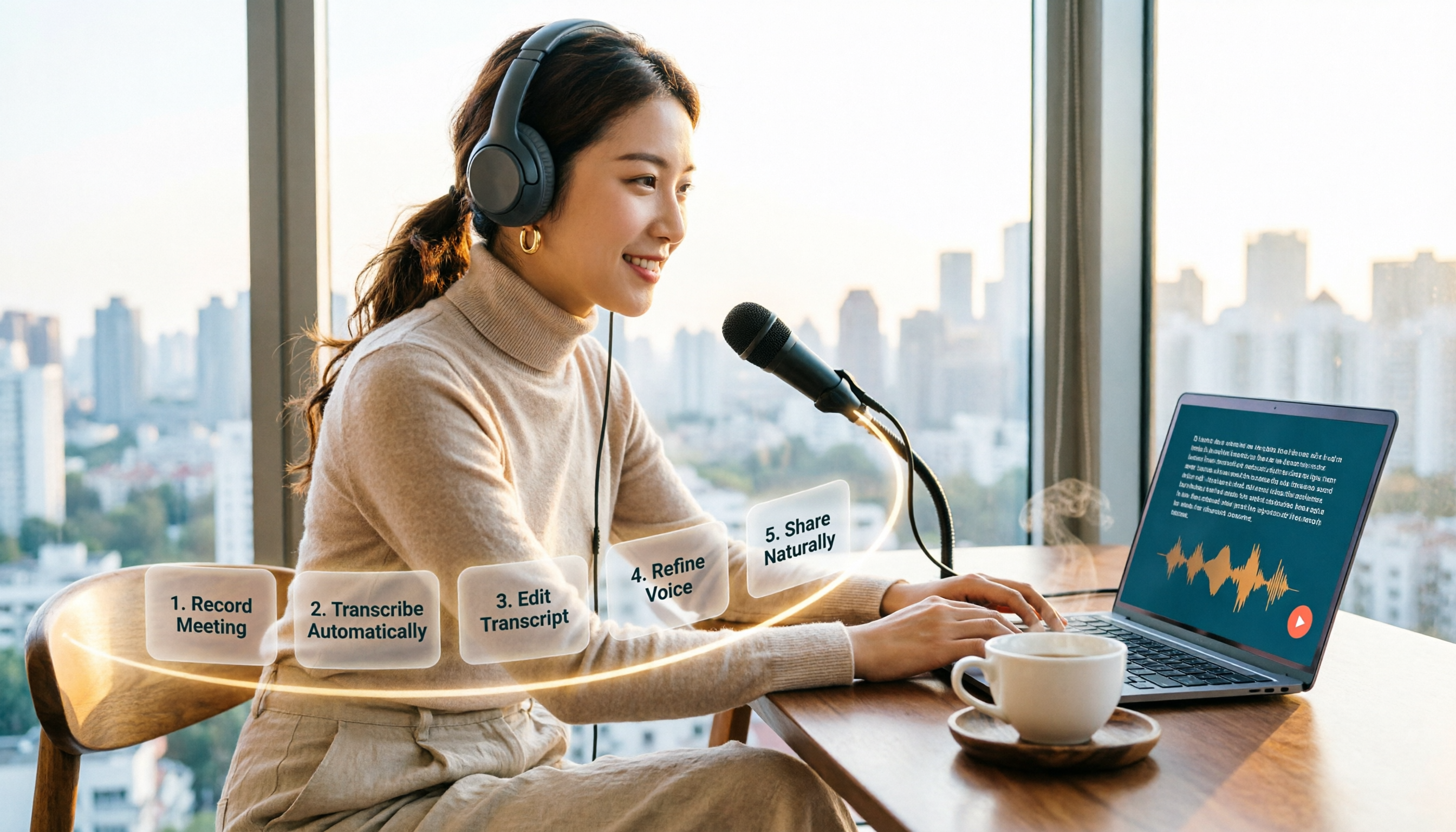
How to Choose an Online Text-to-Speech Tool in 2026: A Complete 5-Step Guide
Looking for an online text-to-speech tool but confused by free plans, credits, and commercial licenses? This guide walks you through 5 steps to choose the right one, compares TTSMaker, MyEdit, Vidnoz, and Toolbang, and explains practical workflows for downloads, accents, APIs, and converting meeting recordings to transcripts before generating speech.

Best Video Link to Text Extractors in 2026: 4 Tools Tested, This One Makes Chinese Transcripts Easiest
Which video link to text extractor should you choose? This article approaches the topic from a practical workplace perspective, first helping you distinguish between two completely different needs: 'speech transcription' and 'on-screen OCR.' It then uses 4 key purchasing criteria to evaluate tools, compares Tinrec, Text Grab, Zeemo, and Notta, and summarizes the 3 most common pitfalls and scenario-based recommendations.

2026 Comparison of 4 Video Meeting Notes Tools: Which Web App Saves the Most Time?
After a video meeting, do you spend another hour organizing notes? This article focuses on desktop (web and desktop apps) and compares the meeting note workflows of Tinrec, Notta, Otter.ai, and Granola. It explains differences in bot-free recording, transcript-to-notes conversion, AI Q&A, and team data retention, and provides key decision points, common pitfalls, and scenario-based recommendations for choosing a tool.
6 Best Video & Audio to Text Tools in 2026: Which Free Version Is Enough?
A hands-on comparison of 6 video and audio transcription tools, including Tinrec, Notta, Otter.ai, TurboScribe, VEED.IO, and Video Transcriber AI. We cover free tiers, supported formats, Chinese language performance, and team collaboration, plus scenario-based recommendations and FAQs.

4 Video Summarization Tools Tested in 2026: Which One Actually Captures the Core Content?
Videos too long to finish, and even when you do, you can't grasp the key points? This article, from the perspective of a mid-level manager's hands-on testing, outlines 4 key criteria for choosing a video summarization tool and tests 4 tools: Tinrec, YouTube Summary with ChatGPT, WayinVideo, and Taption. It includes 3 common pitfalls to avoid and selection advice to help you determine which tool truly turns videos into usable data.
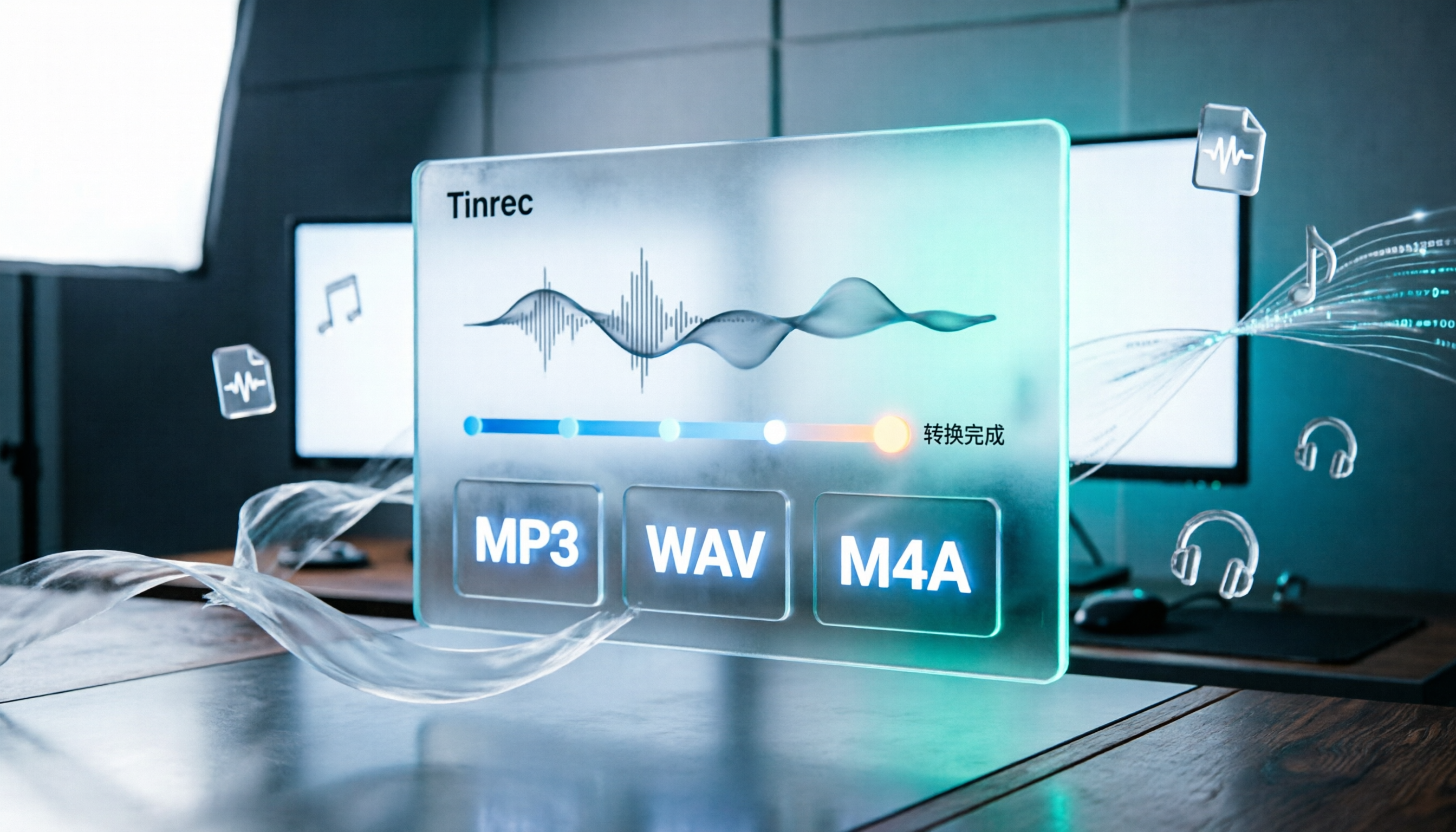
How to Convert Audio Formats in 2026: 5 Steps to Convert MP3, WAV, and M4A with an Online Converter
How to choose an online audio converter? This article first walks you through 5 steps to convert MP3, WAV, and M4A online, then compares Clideo and Online Audio Converter on format support, output settings, video-to-audio extraction, and privacy, and finally gives you recommendations you can follow directly.

5 Best Smart Video Content Analysis Tools in 2026: Tinrec vs Gemini vs WayinVideo
How to choose a smart video content analysis tool in 2026? This article starts with common misconceptions and compares the positioning of Tinrec, Gemini, WayinVideo, Notta, and Otter.ai. It also explains how Tinrec uses bot-free recording, AI summaries, Q&A, and team spaces to turn video and meeting content into searchable, queryable, and shareable data.

3 YouTube Learning Video Summary Tools Compared: Which One Helps You Remember What You Watched?
YouTube tutorials, lectures, and industry analyses are information-dense but hard to review. This article compares 3 YouTube learning video summary tools across video input methods, no-subtitle and multilingual support, Chinese content organization, post-summary applications, cross-device data retention, and cost, helping you decide whether to use a free web summary tool or build a long-term searchable database from learning videos.