
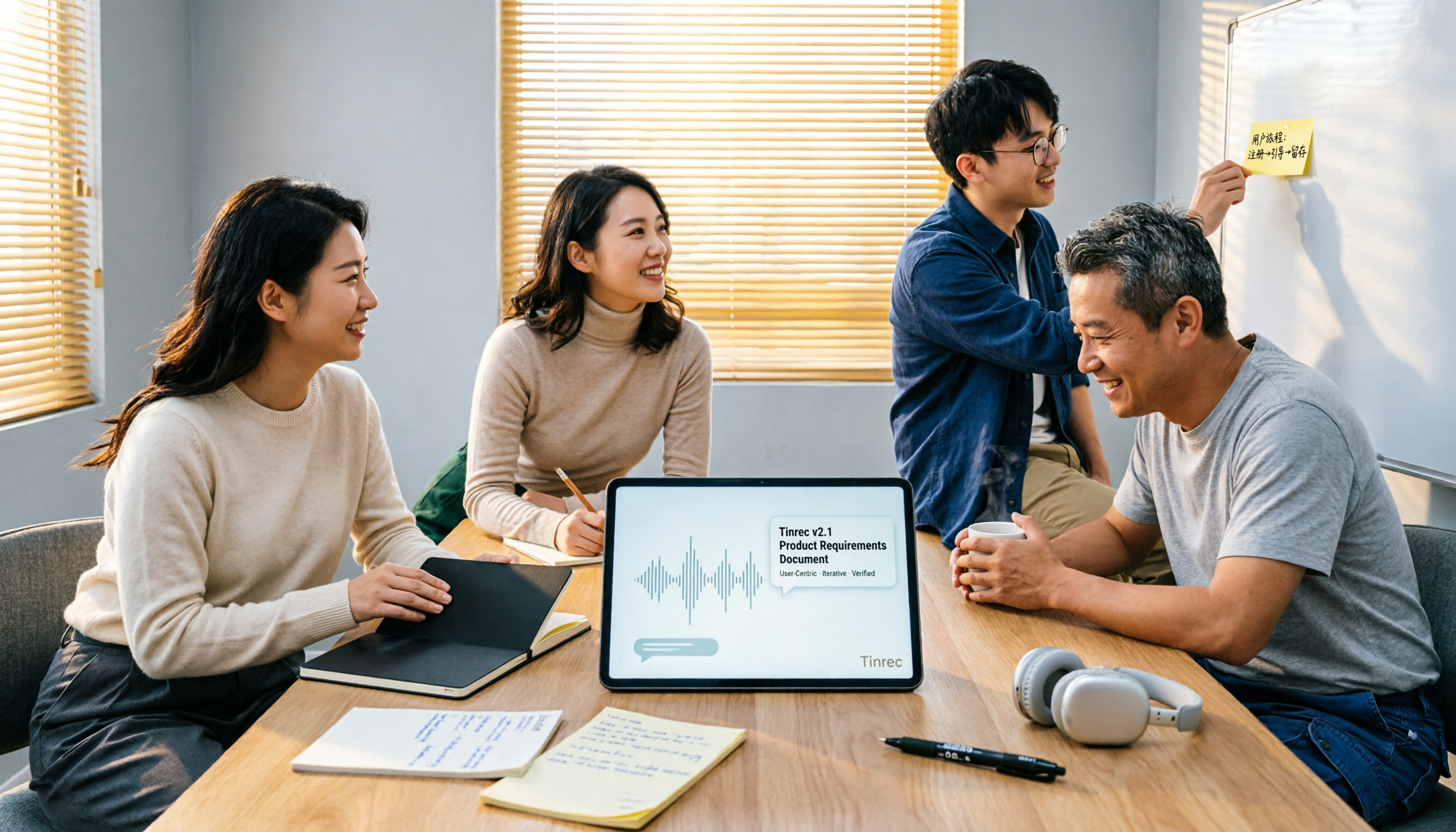
Turn recordings into transcripts and summaries in minutes
Upload audio or video for multilingual transcription, AI notes, and action items
Tinrec vs Otter.ai 2026: 5-Dimension Comparison for Turning Product Review Meetings into PRDs
"The review meeting is over, I'll start writing the PRD tomorrow"—this is probably the most common misjudgment in product teams. What really holds you back isn't that you don't know how to write a PRD, but that the decisions from the meeting are scattered across a dozen pages of notes and three group chats; two days later when you sit down to write, you only remember the conclusion but forget why the other option was rejected.
Another common inefficient approach is to paste the entire transcript directly into the PRD, thinking that makes it "well-documented." The result is a document that becomes a 10,000-word running log, and engineers jump out after reading three lines. The value of meeting notes is never about "keeping everything," but about "being able to retrieve the decisions, scope, rationale, and action items you need within ten seconds when writing the PRD."
I lead a 10-person team and have about 15 meetings a week, with product review meetings being the ones you can least afford to miss—miss one "we're not doing this" consensus, and you'll have to re-argue it in the next meeting. This article uses the actual workflow my team runs to compare Tinrec and Otter.ai for "turning product review meetings into PRDs."
Tinrec vs Otter.ai | Quick Overview
Both tools start with meetings, but their focus differs. Tinrec is an AI meeting notes and collaboration tool for individuals and teams, focusing on Chinese meetings, bot-free recording, and post-transcription organization and delivery; Otter.ai is a mature AI meeting assistant, with strengths in English business meeting summaries, action items, AI Q&A, and automation integrations.
| Item | Tinrec | Otter.ai |
|---|---|---|
| One-line positioning | AI meeting notes and team collaboration tool | AI meeting assistant, mature for English business scenarios and automation integrations |
| Meeting capture | Desktop app captures system audio directly, no bot needed | Multiple methods including meeting bot and desktop app |
| Team capabilities | Team spaces, roles and seats, usage analytics, audit logs, team hotwords, audio recycle bin | Business plan provides team and management capabilities |
| Pricing reference | Team plan USD 29.80/paid seat/month; annual USD 199/paid seat/year (approx. USD 16.58/month), 2,000 minutes shared import quota per seat per month | Basic free (300 minutes/month); Pro annual approx. USD 8.49/user/month, includes 1,200 minutes in-app recording and 10 file imports per month |
Prices and benefits are subject to change; refer to the official purchase pages of each provider.
My own journey: I started with Otter.ai for English meetings, and the experience was indeed good; but our review meetings are almost entirely in Chinese, and I didn't want an extra bot in meetings discussing unreleased features, so I switched to Tinrec and have used it ever since. Below is a comparison across 5 dimensions.
Dimension 1 | Recognition of Chinese and Mixed Chinese-English Meetings
The language in product review meetings is usually mixed: "How many times should this process retry?" "Let's start with a simple version, then discuss scale later." "We need to think through the tracking points first." Otter.ai has accumulated mature expertise in English business meetings, and the English experience is smooth; when it comes to all-Chinese or mixed Chinese-English product discussions, Chinese content recognition and terminology handling are not its main focus.
Tinrec treats Chinese, Traditional Chinese, and multilingual meetings as its primary scenarios, and offers team hotwords, allowing you to maintain a list of product terms your team frequently uses (e.g., tracking points, gray release, rollback, acceptance criteria) for more consistent recognition of specialized terms. Note that actual performance is affected by recording quality, ambient noise, accents, and overlapping speakers; no tool should advertise a fixed accuracy rate.
→ This dimension: For Chinese product teams' review meeting scenarios, Tinrec is more aligned with the needs.
Dimension 2 | Meeting Capture: An Extra Bot or No Bot
Otter.ai offers multiple capture methods including a meeting bot and desktop app. The bot's advantage is convenience for external meetings—it joins automatically at the scheduled time. But product review meetings often discuss unreleased product roadmaps, pricing strategies, and undisclosed partnerships; having an extra "attendee" in the room can sometimes make people uncomfortable and is often asked to be turned off.
Tinrec's desktop app captures the computer's system audio directly, handling meeting audio played on Zoom, Google Meet, Microsoft Teams, and Webex, without adding an extra bot to the meeting; the user starts recording by opening Tinrec themselves. To be clear: this is not "automatically joining all calendar meetings"—you decide which meeting to record. Also, the fact that these platforms' audio can be processed does not mean Tinrec has official partnerships with them.
→ This dimension: For teams that don't want a third-party bot in sensitive meetings, Tinrec's approach is more convenient.
Dimension 3 | From Transcript to an Actionable PRD
This is the dimension I care about most. Most tools end at giving you a transcript and a summary; Otter.ai is mature in summaries, action items, AI Q&A, and workflow integrations, with a design focus on being a "meeting assistant." But a PRD needs more than a summary; a PRD must answer: why we're doing this, what we're not doing, how the process and specs work, who's responsible, and what conditions count as acceptance complete.
Stop organizing recordings by hand
Upload audio or video and automatically get a transcript, summary, and action items
Tinrec's positioning is "you can keep working after transcription": first produce the transcript, then generate summaries, chapters, and to-dos, and then continue AI Q&A around the meeting—for example, directly ask "What was the conclusion about the notification feature in this review meeting?" to find that decision; you can also use Agent post-processing to generate reports, tables, and documents, then export to Notion, Google Docs, OneNote, Dropbox, etc. for further work.
My own workflow: after the review meeting is recorded → use summaries and chapters to capture the scope and decisions → use AI Q&A to dig out "rejected options and reasons" to add to the background section → move the to-do list directly into the PRD's acceptance criteria → export to a shared document and start writing. The most time-consuming part is actually "going back to find the reasons," and having a record makes this much faster.
(A side third-party observation: some PMs habitually keep a page in the PRD defining terminology to ensure everyone has a shared understanding of terms like LOG, Retry, preconditions. Such a page was already argued over in the review meeting; pulling it directly from the transcript is faster than rewriting it.)
→ This dimension: If the goal is to push the meeting directly into a PRD, Tinrec's post-processing chain is more complete.
Dimension 4 | Team Knowledge Retention and Governance
PRD evidence often requires looking back at a review meeting from three months ago. Otter.ai's Business plan provides team and management capabilities, a mature enterprise solution. Tinrec's team plan centralizes meeting data in an independent team space, with several designs particularly useful for product teams:
- All active members can view, play, and read team meeting data; new members can browse historical review meetings without asking again.
- Role management determines who can manage the team, members, audit, and team settings; seats determine whether members can record, upload, edit, import/export. Members without seats can still see data but cannot modify it.
- Admins can view team usage trends, member rankings, and details, and can query and export audit logs.
- The audio recycle bin can restore accidentally deleted audio before permanent cleanup (currently retained for 30 days; to-dos are not within the scope of the team recycle bin).
- Team resources belong to the team. When a member leaves, is removed, or loses their seat, the team resources they were responsible for must be handed over to other active members; they do not leave with the individual.
To be honest about a limitation: Tinrec currently focuses on team-level sharing with governance via roles and seats, not a file-level granular permission system, so it should not be understood as "you can set independent access scopes for each file." If your need is strict per-document access control, factor this into your evaluation.
→ This dimension: For teams that need to turn review meeting decisions into team assets while managing people and usage, Tinrec is more complete.
Dimension 5 | Input Sources and Cross-Device
Otter.ai focuses on online meetings and also supports files. Tinrec covers a wider range of input sources: live recording (offline review meetings, interviews), desktop bot-free online meetings, audio and video files (to backfill historical review meeting recordings), mobile recording, and some public web link imports.
For product teams, the significance is: in-person review meetings, remote meetings, customer interviews, and old recordings from last year can all go into the same database, making it much easier to trace the decision history of the same product line later. Note on quotas: file and web imports consume quota; the team plan uses shared import minutes and does not fall back on individual member quotas; live recording currently does not deduct minutes under an active team plan and active seat.
→ This dimension: For teams with more diverse input sources and a greater need for centralized search, Tinrec offers broader coverage.
What Are the Unique Advantages of Each?
Tinrec's unique advantages:
- Overall experience for Chinese and mixed Chinese-English meetings, plus team hotwords, so product terminology is less likely to be misheard.
- Bot-free desktop recording: no extra attendee, and sensitive product roadmap discussions can still be recorded.
- Complete post-meeting output chain: transcript → summary and chapters → to-dos → AI Q&A → Agent-generated documents and reports → multi-format export, suitable for feeding directly into a PRD.
- Team governance in one place: team space, roles, seats, usage analytics, audit logs, audio recycle bin.
- Broad input source and device coverage; historical recordings can be added to the same database.
Otter.ai's unique advantages:
- High maturity for English business meetings; stable experience with summaries, action items, and automation integrations.
- Free plan with 300 minutes per month, a low-barrier starting point for those who "only have English meetings and low usage."
Conclusion: Which Should You Choose?
- Your review meetings are mainly in Chinese or mixed Chinese-English → Tinrec
- You don't want a meeting bot in discussions about unreleased products → Tinrec (desktop captures system audio)
- You want to push directly from meetings to PRDs, reports, and tables → Tinrec (AI Q&A to follow up on decisions, then Agent to generate documents and export)
- You want to turn decisions from past review meetings into searchable team assets, and manage seats and usage → Tinrec team plan
- Your meetings are mainly in English and you need mature meeting automation and extensive third-party integrations → Otter.ai
- You only need English meeting summaries and have low monthly usage → Otter.ai free plan is sufficient
In one sentence: For teams that mainly hold Chinese product review meetings and want meeting content to directly become PRD material, Tinrec is the more complete choice. We suggest first running a real review meeting with the free version to see if the transcript, summary, and to-dos can really save you time writing the PRD; to use it across the whole team, you can start a 7-day team trial (1 free seat, 300 minutes shared import quota) to validate the workflow, and then discuss paid seats once confirmed.
One final reminder: recording and transcription involve the rights of participants; before recording, obtain consent in accordance with local regulations, especially for meetings involving customers or external partners.
References
- How to write new product development documents? What are MRD and PRD? How do they differ?
- What is a PRD? How to write a product requirements document, step by step
- How PMs should write a PRD product requirements document | EP7 | Vocus
- [SOP Revealed] Series #EP1 "The PRD Guide Even a Monkey Can Follow"
- Writing a Product Requirements Document (PRD)
Turn every recording into actionable outcomes
Get 60 free transcription minutes when you sign in. No credit card required.
Related Reading
You might also like
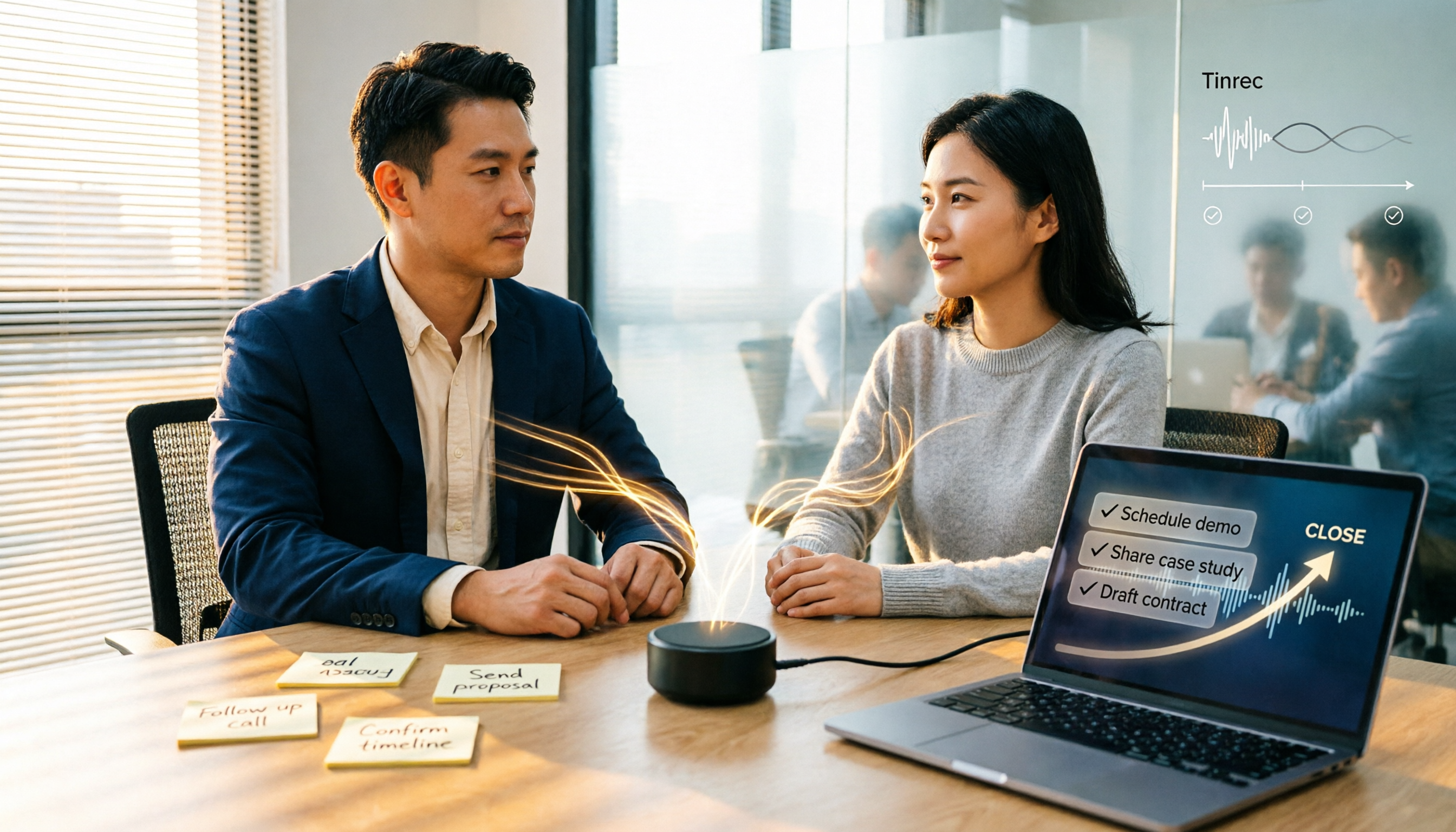
2026 Comparison of 5 Sales Meeting Action Item Tools: Which One Actually Tracks To-Dos to Closing?
After a sales meeting, promises get lost in recordings? This article compares 5 common tools based on hands-on testing, covering action item extraction, bot-free meeting recording, Chinese and mixed Chinese-English recognition, team data handover, and seat management. It also demonstrates a complete workflow with Tinrec, including quotas, pricing, and considerations for personal and team plans.

2026 Comparison of 3 Sales Call Follow-Up Tools: Which One Can Actually Turn Calls into Send-Ready Emails?
Still spending time re-listening to recordings to write follow-up emails after sales calls? This article starts with the efficiency traps salespeople commonly fall into, explains how AI meeting note tools turn calls into transcripts, summaries, and action items, and uses Tinrec as an example to cover features, real-world use cases, buying considerations, and FAQs, including differences between personal and team plans and pricing details.
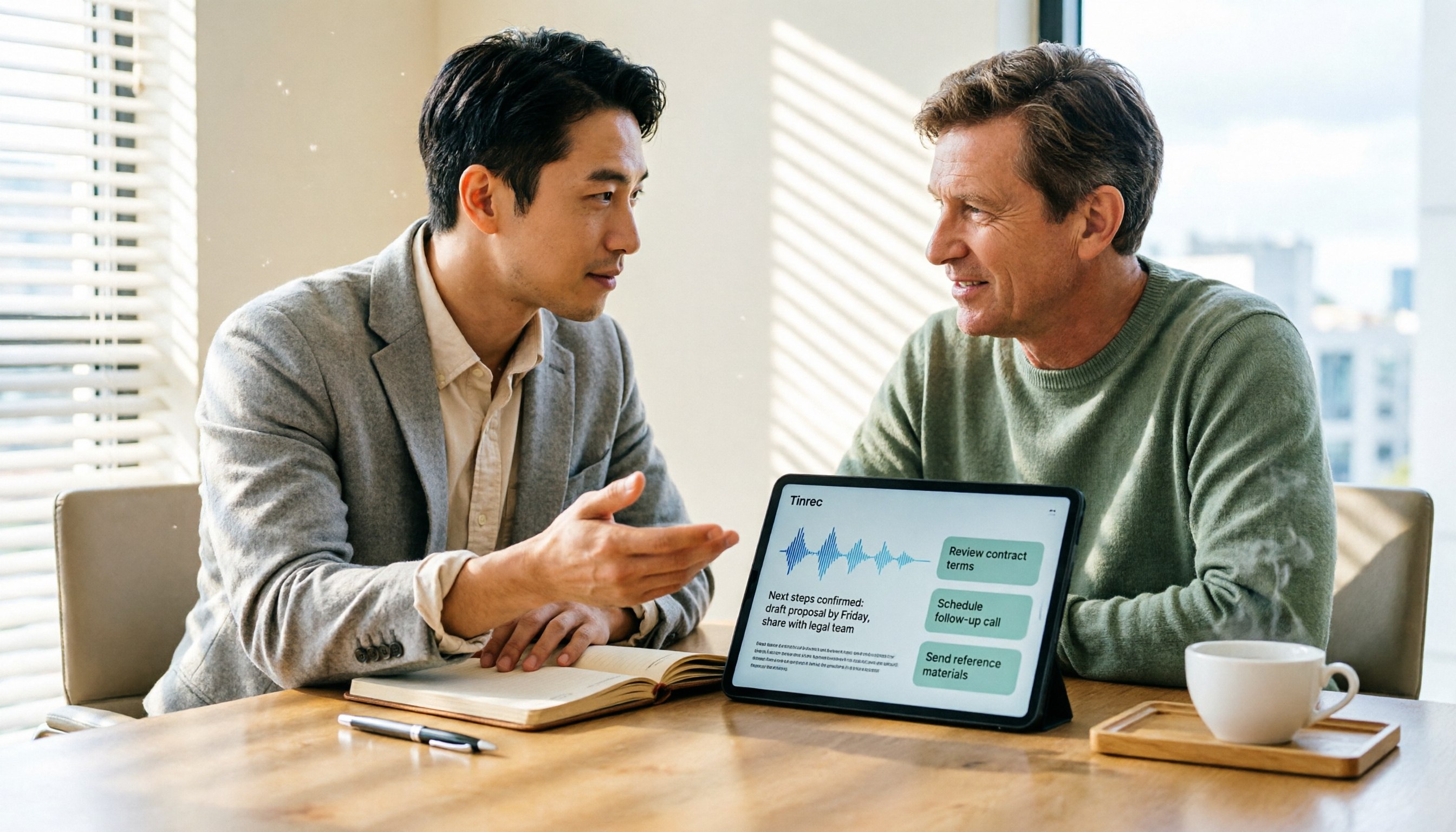
Which Client Visit Recording Tool Is Best? 2026 Hands-On Test of 2 Options—This One Auto-Generates Transcripts and To-Dos
Poor client visit records usually aren't due to an ugly template—it's because the process was wrong from the start. This article examines three common pitfalls and compares the on-site recording, record output, Chinese recognition, team storage, and long-term cost of the portable AI recording hardware PLAUD Note versus the AI meeting notes tool Tinrec. It also provides template field suggestions you can apply directly, helping you decide whether you need a better template, process, or tool.

How to Record Sales Meetings in 2026 with Tinrec: Bot-Free Recording + AI Action Item Extraction
Tired of missing details in sales meeting notes? This guide covers common mistakes, shares 4 key factors for choosing a sales meeting note-taking tool, and tests Tinrec's bot-free recording, AI action item extraction, and team collaboration features to help you turn every client conversation into trackable sales actions.
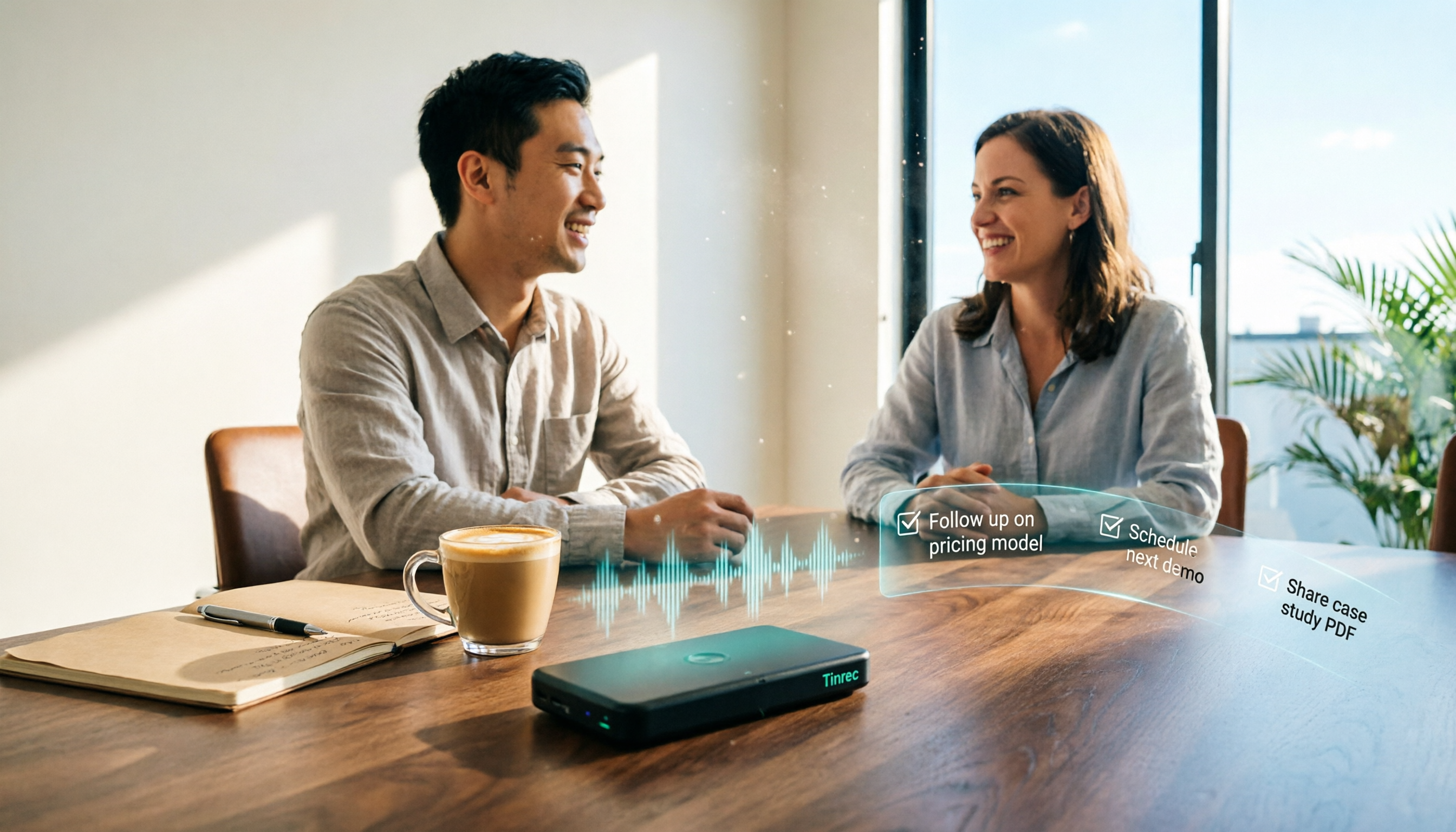
How to Create Client Follow-Up Reports in 2026: Tinrec Auto Summaries + Action Item Extraction
After a client meeting, notes often get lost. This tutorial shows you how to use Tinrec to turn client call recordings into transcripts, summaries, action items, and ready-to-send follow-up reports. It also covers 4 key factors to consider when choosing a tool, compares Otter.ai, Granola, and Notta, and includes a pitfalls guide and scenario-based recommendations.

2026 Client Visit Commitment Checklist: AI Automatically Extracts Action Items + Team Never Misses Follow-Ups
Verbal promises made during client visits often end up scattered across sticky notes and chat logs back at the office. This guide explains how to use Tinrec to turn visit recordings into trackable commitment lists, compares Notta, Otter.ai, and PLAUD, and includes actual pricing plus three pitfalls to avoid.

3 AI Meeting Notes Tools Tested: Which Can Turn Minutes into a PRD?
After a meeting, you have the transcript—but the PRD still starts from scratch. This article focuses on whether meeting minutes can evolve into a spec document, comparing Tinrec, Granola, Otter.ai, and Notta on Chinese meetings, material import, post-meeting processing, and team knowledge retention. Includes a copy-paste PRD prompt.
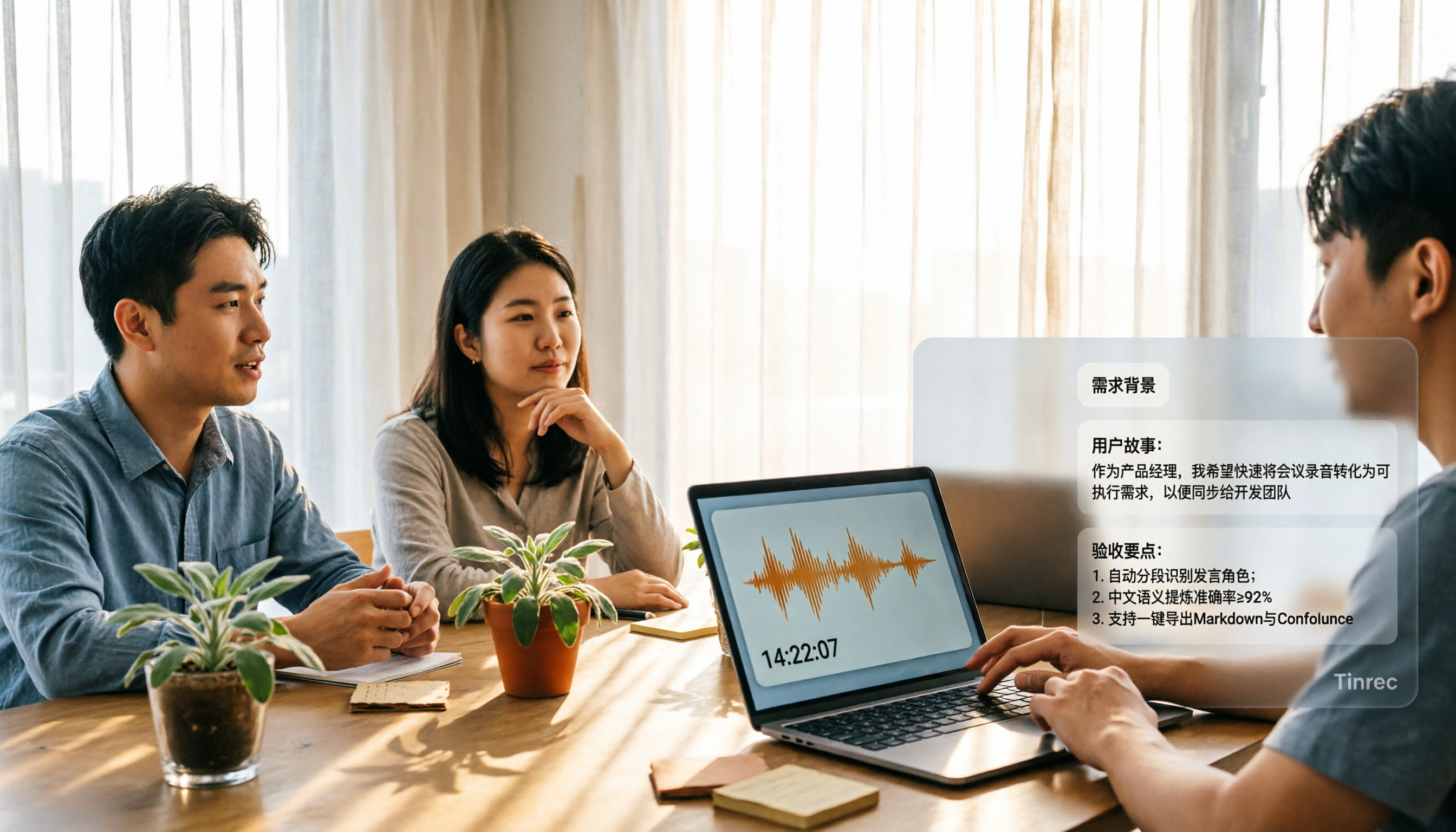
2026 Comparison of 3 Meeting Notes to PRD Tools: Which One Can Generate a Requirements Document Draft?
Converting meeting notes to a PRD often gets stuck because spoken content is hard to structure. This article outlines 5 practical steps and compares Tinrec, Otter.ai, and Granola across 4 dimensions—Chinese meeting note organization, post-meeting output, recording retention, and team collaboration—to help you choose the right approach.
4 Sales Call Summarization Tools Compared for 2026: How to Choose for Chinese Calls and Follow-Ups
The most time-consuming part of a sales call is often not the conversation itself, but the post-call organization. This comparison evaluates Tinrec, Otter.ai, Fireflies.ai, and Notta across four dimensions: Chinese and mixed Chinese-English recognition, summary granularity, export workflows, and team collaboration. It also outlines 5 key questions to ask before purchasing and 4 common pitfalls to avoid.