
Turn recordings into transcripts and summaries in minutes
Upload audio or video for multilingual transcription, AI notes, and action items
Common Misconceptions About Automated Sales Call Summarization: You Don't Lack Recording, You Lack Usable Records
Many people, upon hearing "automated call summarization," instinctively think of throwing a recording to AI and waiting for it to produce a nice summary.
After actually trying it, you'll find that what you often get is content that "reads smoothly but has not a single sentence you can use directly." What salespeople really need are customer needs, budget, decision timeline, where things are stuck, and who does what next—yet the summary only says "both parties had an in-depth exchange."
Another common inefficient practice is "post-call note-taking." After making 5 calls during the day, you write CRM notes from memory at night. When your manager asks three days later, you only remember the customer said "let me think about it."
If the call also includes mixed Chinese and English (very common for sales in Taiwan: "Can you confirm this pricing?") or product model numbers and quotation terms, handwritten notes will almost certainly miss things.
This article addresses exactly this: how to have the summary, to-dos, and follow-up actions ready the moment the call ends.
Before Buying, Understand These 5 Key Points
1. Does it summarize the call, or just give you a transcript? A transcript is raw material, not a finished product. A 40-minute customer call generates tens of thousands of words, and no one will read it all. What matters is whether the tool can extract needs, objections, commitments, and to-dos from it.
2. How well does it handle Chinese and mixed Chinese-English? Sales scenarios in Taiwan are rarely pure Chinese or pure English. Recording quality, background noise, accents, and multiple people speaking simultaneously all affect results. Official recognition rates should only be taken as reference.
3. Where do your calls come from? Online meetings (Zoom, Google Meet, Microsoft Teams, Webex), in-person visits, or existing recording files? First confirm which sources the tool covers. Note that most software cannot directly record mobile phone calls made from a phone.
4. After summarizing, can you take the data with you? If you can't export to Notion, Google Docs, OneNote, or Dropbox, the summary stays stuck in the tool. Whether it can further generate reports, tables, or documents directly affects how quickly you can report to your manager.
5. Is this a personal tool or for team use? Personal use and team use are two different things. Teams face questions like "who owns the data," "can new hires see historical records," and "how are records handed over when a member leaves." These should be clarified at purchase.
Tinrec: Our Top Recommendation After Testing
Tinrec is an AI meeting notes and collaboration tool for individuals and teams, supporting iOS, Android, web, and desktop. It doesn't just convert sound to text; it organizes meetings and calls into searchable, summarizable, queryable, and exportable data. For salespeople who run customer calls daily, this positioning makes a big difference.
Bot-free recording of online meetings is its most practical feature. The Tinrec desktop version directly captures your computer's system audio, handling meeting audio played on platforms like Zoom, Google Meet, Microsoft Teams, and Webex without adding an extra meeting bot to the room. A stranger suddenly appearing in a customer meeting is actually quite awkward—this point matters more than anything to salespeople. Remember, it is manually started by the user, not automatically joining every meeting on your calendar.
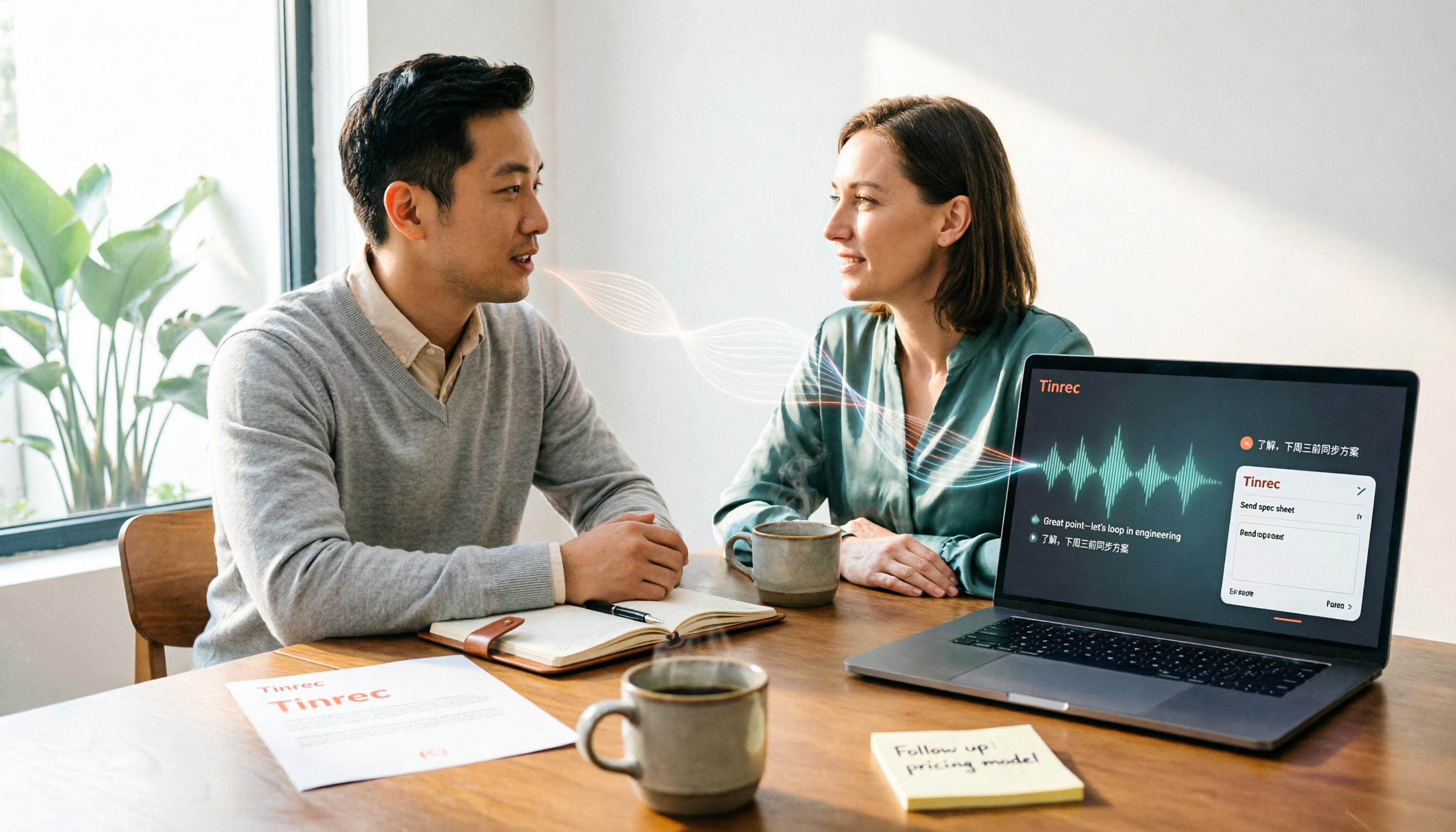
The moment the call ends, half the organization is already done. After recording or importing audio/video files, Tinrec generates a transcript and automatically creates AI summaries, chapters, key points, and to-dos, and can even organize them into a mind map. Cross-language customer meetings can enable real-time translation, reading content in original, translated, or bilingual format. For sales scenarios, the biggest time-saver is to-do extraction—who should send the quote, what day to call back, directly pulled from the conversation.
AI Q&A is its most obvious difference from tools at the same price. After recording, you can directly ask Tinrec: "What is the customer's budget limit?" "Which plan is he concerned about?" It doesn't give keyword search results but answers organized based on semantic understanding, and you can ask across multiple meetings. This means you can retrieve the terms discussed in a customer interview from six months ago without re-listening to the recording.
After summarizing, the data must be usable. Tinrec supports multiple export formats, allowing you to take results to Notion, Google Docs, OneNote, Dropbox, and other tools for further processing; the built-in Agent post-processing can also generate reports, tables, and documents based on meeting content, which is very convenient for those writing weekly reports, customer proposals, or review records.
Stop organizing recordings by hand
Upload audio or video and automatically get a transcript, summary, and action items
Limitations I'll be honest about. The free version provides a basic quota, suitable for trying a few calls first; if you have steady customer meetings every week, you'll need a paid plan (weekly, Pro monthly, or annual depending on usage pace). Also, Tinrec does not guarantee 100% accuracy; actual performance is affected by recording quality, noise, accents, overlapping speech, and technical terms. Important numbers should be verified against transcript timestamps and recording playback. It is also not a CRM: it organizes customer communication content and exports follow-up materials, but does not automatically update CRM fields.
If used by a team. The Tinrec team version is a separate team space, not multiple people sharing one account. It offers multiple team spaces, member and role management, seat allocation, team shared import quota, usage analytics, audit logs, audio recycle bin, and team hotwords (to maintain team-specific terminology). When a member leaves or is removed, team resources are not taken away and can be handed over to other active members—this is crucial for continuity of customer records in sales teams. Currently, the first eligible team trial is 7 days, 1 free seat, 300 minutes of team shared import quota; team monthly payment is USD 29.80 per paid seat per month, annual payment is USD 199 per paid seat per year (about USD 16.58 per month), each paid seat provides 2,000 minutes of team shared import quota per month, and real-time recording under active seats is currently not deducted by minutes. Prices and benefits are subject to the official purchase page.
Who it's for. If your customer meetings are in Chinese or mixed Chinese-English, mainly online meetings without wanting an extra bot, you want to use AI to retrieve key points directly after recording, and call records need to stay within the team, Tinrec is currently the most suitable choice.
Besides Tinrec, What Other Options Are There?
Otter.ai: A mature AI meeting assistant with the deepest accumulation in English business meetings. Free plan offers 300 minutes per month; Pro annual billing is about USD 8.49 per user per month, including 1,200 minutes of in-app recording and 10 file imports per month. If customer meetings are almost entirely in English, it works well; but Chinese and mixed Chinese-English call organization, as well as turning calls into a searchable team database, are not its emphasized focus.
Fireflies.ai: Strengths are meeting automation, sales analytics, and extensive integrations. Annual plans: Pro about USD 10 per seat per month, Business USD 19, Enterprise USD 39; but its "unlimited transcription" is still subject to storage, upload speed, and AI Credit rules. If your team has already built sales processes around it, you can keep it; Tinrec's positioning is bot-free desktop recording, Chinese experience, and team meeting data management, without needing to compare minutes directly.
Notta: The competitor with the highest overlap with Tinrec, covering multi-platform transcription, meeting notes, file import, translation, and team plans. Free version offers 120 minutes per month, max 3 minutes per session; Pro annual billing about USD 8.17 per month (1,800 minutes per month); Business annual billing about USD 16.67 per seat per month. We recommend running the same customer call recording through both—Tinrec is more complete in bot-free online meeting recording, AI Q&A, Agent post-processing, and team spaces.
Pitfall Guide: 4 Most Common Mistakes When Choosing a Sales Call Summarization Tool
Pitfall 1: Treating a transcript as a summary. A transcript is just raw material. You need to confirm whether the summary includes "needs, budget, decision-maker, next steps"—if not, the tool is essentially just typing for you.
Pitfall 2: Only looking at official accuracy claims. Recording quality, background noise, accents, overlapping speech, and technical terms all reduce actual performance. The most practical approach is to test with a segment of your own customer call, not advertising numbers.
Pitfall 3: Ignoring "where to take the summary after it's done." If the summary can't be exported, it's just text lying in the tool. When choosing a tool, first confirm whether it can output to your workflow and generate reports or tables.
Pitfall 4: Thinking it will be fully automatic once purchased. It won't automatically join all your meetings, nor is it CRM automation. The real usage is: the tool organizes customer needs, objections, and commitments into a usable record, and you then take it into your CRM or follow-up emails. This is why summary quality matters more than feature quantity.
(Also note: please comply with local regulations before recording, and obtain consent when necessary.)
Conclusion: Which One Should You Choose?
- Customer meetings in Chinese or mixed Chinese-English → Tinrec (Chinese and multilingual organization is its home turf)
- Running Zoom, Meet, Teams, Webex without wanting an extra meeting bot → Tinrec desktop version
- After recording, want to directly ask AI "What is the customer's budget?" → Tinrec (AI Q&A)
- Sales team needs to share call records, new hires need to see history, member departure requires handover → Tinrec team version
- Customer meetings almost entirely in English, team already using Otter → Otter.ai
Overall, the value of automated sales call summarization is not in "saving typing" but in "having the next step clear when the call ends."
We suggest first using the free version's basic quota and running a segment of your own customer call recording. If the summary captures needs and to-dos, then consider upgrading; there's no need to pay from the start.
References
- Autodial Telephone Auto-Dialer System - Magnate
- Manage call history and reverse lookup phone numbers - Phone app Help
- The Ultimate Call Log Template 2026 • Asana
- Enterprise Cloud Phone Recording (External and Internal) and Voice-to-Text VTT | EVOX
- Enterprise PBX Phone Recording System | Cloud and On-Premise Solutions for Various Needs - MOT/PBX
Turn every recording into actionable outcomes
Get 60 free transcription minutes when you sign in. No credit card required.
Related Reading
You might also like

2026 Comparison of 5 Sales Meeting Action Item Tools: Which One Actually Tracks To-Dos to Closing?
After a sales meeting, promises get lost in recordings? This article compares 5 common tools based on hands-on testing, covering action item extraction, bot-free meeting recording, Chinese and mixed Chinese-English recognition, team data handover, and seat management. It also demonstrates a complete workflow with Tinrec, including quotas, pricing, and considerations for personal and team plans.

2026 Comparison of 3 Sales Call Follow-Up Tools: Which One Can Actually Turn Calls into Send-Ready Emails?
Still spending time re-listening to recordings to write follow-up emails after sales calls? This article starts with the efficiency traps salespeople commonly fall into, explains how AI meeting note tools turn calls into transcripts, summaries, and action items, and uses Tinrec as an example to cover features, real-world use cases, buying considerations, and FAQs, including differences between personal and team plans and pricing details.

Which Client Visit Recording Tool Is Best? 2026 Hands-On Test of 2 Options—This One Auto-Generates Transcripts and To-Dos
Poor client visit records usually aren't due to an ugly template—it's because the process was wrong from the start. This article examines three common pitfalls and compares the on-site recording, record output, Chinese recognition, team storage, and long-term cost of the portable AI recording hardware PLAUD Note versus the AI meeting notes tool Tinrec. It also provides template field suggestions you can apply directly, helping you decide whether you need a better template, process, or tool.

How to Record Sales Meetings in 2026 with Tinrec: Bot-Free Recording + AI Action Item Extraction
Tired of missing details in sales meeting notes? This guide covers common mistakes, shares 4 key factors for choosing a sales meeting note-taking tool, and tests Tinrec's bot-free recording, AI action item extraction, and team collaboration features to help you turn every client conversation into trackable sales actions.
How to Create Client Follow-Up Reports in 2026: Tinrec Auto Summaries + Action Item Extraction
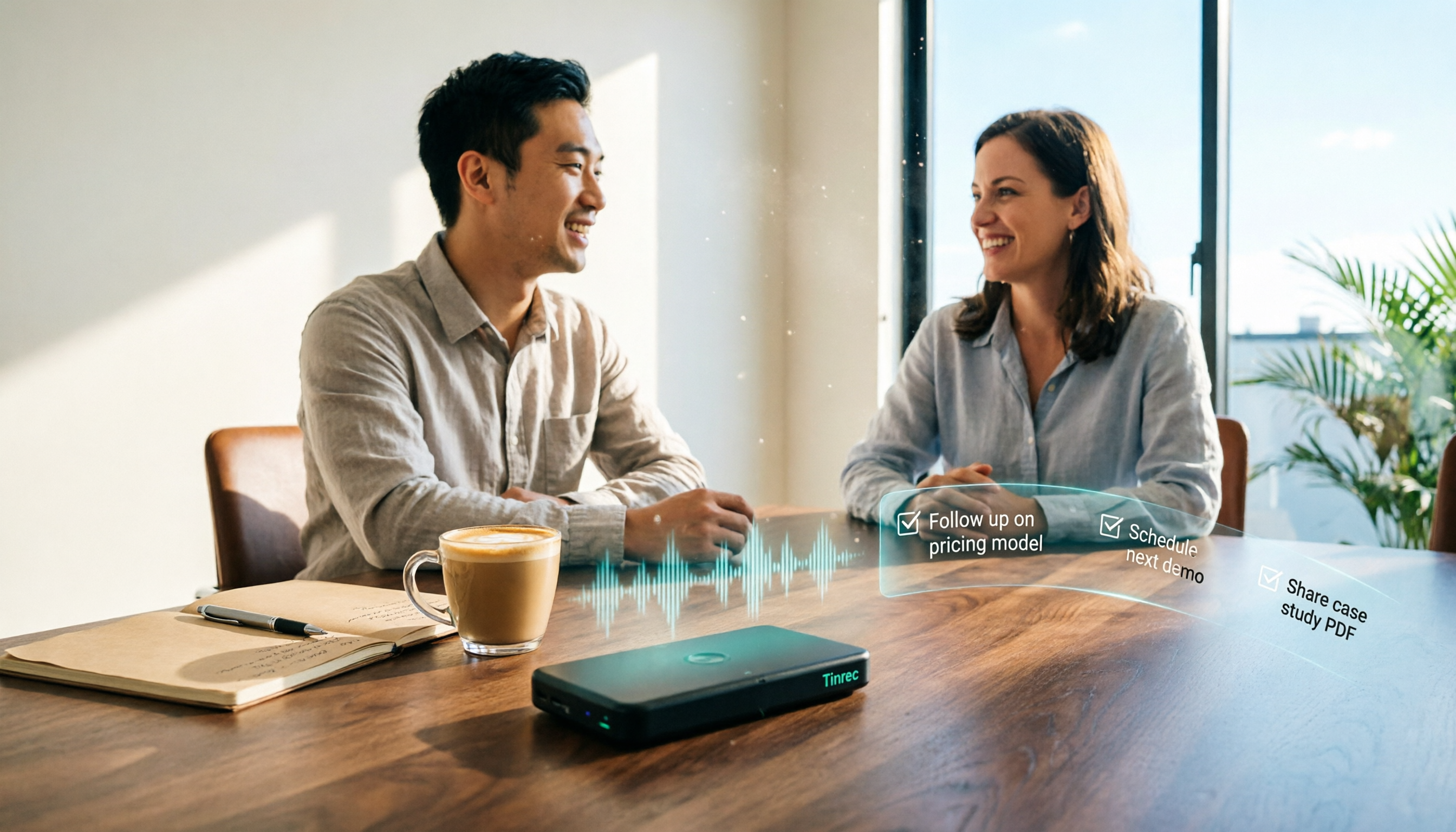
After a client meeting, notes often get lost. This tutorial shows you how to use Tinrec to turn client call recordings into transcripts, summaries, action items, and ready-to-send follow-up reports. It also covers 4 key factors to consider when choosing a tool, compares Otter.ai, Granola, and Notta, and includes a pitfalls guide and scenario-based recommendations.

2026 Client Visit Commitment Checklist: AI Automatically Extracts Action Items + Team Never Misses Follow-Ups
Verbal promises made during client visits often end up scattered across sticky notes and chat logs back at the office. This guide explains how to use Tinrec to turn visit recordings into trackable commitment lists, compares Notta, Otter.ai, and PLAUD, and includes actual pricing plus three pitfalls to avoid.

3 AI Meeting Notes Tools Tested: Which Can Turn Minutes into a PRD?
After a meeting, you have the transcript—but the PRD still starts from scratch. This article focuses on whether meeting minutes can evolve into a spec document, comparing Tinrec, Granola, Otter.ai, and Notta on Chinese meetings, material import, post-meeting processing, and team knowledge retention. Includes a copy-paste PRD prompt.

2026 Comparison of 3 Meeting Notes to PRD Tools: Which One Can Generate a Requirements Document Draft?
Converting meeting notes to a PRD often gets stuck because spoken content is hard to structure. This article outlines 5 practical steps and compares Tinrec, Otter.ai, and Granola across 4 dimensions—Chinese meeting note organization, post-meeting output, recording retention, and team collaboration—to help you choose the right approach.

Tinrec vs Otter.ai 2026: 5-Dimension Comparison for Turning Product Review Meetings into PRDs
Struggling to write a PRD after your product review meeting? This article compares Tinrec and Otter.ai across 5 dimensions—Chinese meeting recognition, bot-free recording, post-meeting output to PRD, team knowledge retention, and cross-device input—to explain why Chinese product teams find Tinrec more efficient for turning review meeting decisions directly into PRDs.