

Turn recordings into transcripts and summaries in minutes
Upload audio or video for multilingual transcription, AI notes, and action items
How to Record Sales Meetings in 2026 with Tinrec: Bot-Free Recording + AI Action Item Extraction
The 3 Most Common Mistakes in Sales Meeting Notes—You Don't Need to Take Notes Harder
Many salespeople think meeting notes just mean "writing down what the client said." But in an actual meeting, you're listening while typing, and you often miss the client's tone shifts and hidden needs. That's the first mistake: focusing only on transcribing and forgetting to listen.
The second mistake is waiting until after the meeting to organize. When a sales meeting ends, you rush to the next one. By the time you reconstruct notes from memory that evening or the next day, the details are already fuzzy and commitments are easily missed.
The third mistake is thinking "having a recording is enough." The audio file sits on your phone and never gets opened a second time—which means you effectively have no record.
If you've experienced these situations, the problem usually isn't that you're not diligent enough—it's that you haven't chosen the right tool. Choosing the right sales meeting note-taking tool lets you put your attention back on the client and let AI organize the key points afterward.
Before Choosing a Sales Meeting Note-Taking Tool, Understand These 4 Key Points
First key point: Can it avoid disrupting the meeting flow? Some tools require adding a meeting bot to the call. When clients see an unfamiliar account join, they may feel uncomfortable. A better approach is a desktop app that directly captures system audio without inviting an extra bot.
Second key point: Recognition capability for Chinese and sales terminology. Sales meetings often include product names, competitor names, budget figures, and industry jargon. If the transcription tool doesn't support custom vocabulary, post-meeting proofreading becomes painful. A team hotwords feature can help improve recognition of these specialized terms.
Third key point: Can it directly produce action items and client notes after the meeting? A verbatim transcript is just raw material. What really saves time is automatically generating summaries, chapters, action items, and even allowing you to ask questions about the meeting content. For example, you can directly ask the AI: "What was the budget ceiling the client mentioned?" This is much faster than manually searching through the transcript.
Fourth key point: Cross-platform and team sharing. If sales meeting notes only stay on an individual's phone, other colleagues can't reference them. A team workspace can centrally store meeting data and manage usage permissions through roles and seats.
Tinrec—Our Top Pick After Testing
Tinrec is an AI meeting notes and collaboration tool for individuals and teams. It supports iOS, Android, and web, and the desktop version can directly capture computer system audio to handle online meetings on Zoom, Google Meet, Microsoft Teams, Webex, and more. It doesn't just convert audio to text—it turns meetings into searchable, queryable, exportable team data.
For sales meetings, the three most useful features are: First, bot-free online meeting recording. You open the Tinrec desktop app, and without inviting a meeting bot, you can generate a transcript while the meeting is happening. Clients won't see an extra account join, making the meeting experience more natural.
Second, AI summaries and action item extraction. After the meeting ends, Tinrec automatically organizes summaries, chapters, and action items. Who's responsible for what and what the next step is—all clear at a glance. For sales, client needs, objections, and commitments are systematically organized, so nothing gets missed.
Third, AI Q&A. After recording, you can directly ask Tinrec: "What feature did this client care about most?" It answers based on meeting semantics, not just keyword search results. Most transcription tools in the same price range don't have this feature. Additionally, Tinrec supports real-time translation, so cross-language sales meetings can be viewed in the original language, translation, or bilingual format.
Stop organizing recordings by hand
Upload audio or video and automatically get a transcript, summary, and action items
In our testing, Tinrec performed consistently in transcribing Chinese meeting recordings, but actual results can still be affected by recording quality, background noise, accents, and overlapping speakers. We recommend testing your audio environment before important meetings.
Tinrec's advantages include: no extra hardware needed—works on phone and computer; a complete post-meeting workflow from transcript to summary, action items, AI Q&A, and export all in one tool; the team version provides an independent team workspace where meeting data belongs to the team and isn't taken away when members leave.
Limitations should also be made clear: The free version has a basic quota, and document import and long-term high-frequency use may require upgrading to a paid plan. In the team version, members without a seat can only view, play, and read data—they cannot upload, edit, or export. Also, Tinrec is currently not a bot that automatically joins all calendar meetings; users need to actively open the desktop app to start recording.
If you frequently need to record Chinese sales meetings, want to use AI to find key points directly after meetings, and want to accumulate client meeting data in a team workspace, Tinrec is a very suitable choice right now.
Besides Tinrec, What Other Options Are There?
Otter.ai is a mature choice for English business meetings, with a free plan offering 300 minutes per month. But its Chinese meeting experience and team hotword management are not its strengths. If you mainly record Chinese sales meetings, Tinrec's bot-free desktop recording, Chinese transcription, and team hotwords will be smoother.
Granola is also a bot-free AI meeting notes tool that emphasizes combining user handwritten notes with AI. But Granola doesn't save meeting audio and doesn't support uploading pre-recorded files. Tinrec, on the other hand, retains recordings and can import existing sales call recordings for easy reference later.
Notta performs well in multilingual transcription and translation, and also has team plans. However, Tinrec is more complete in team governance, offering seat management, usage analytics, audit logs, and an audio recycle bin—suitable for sales teams that need to manage sales meeting data as a team asset.
Pitfall Guide: The 3 Most Common Mistakes When Choosing a Sales Meeting Note-Taking Tool
The first mistake is only looking at transcription minutes. Minutes matter, but whether it can automatically generate summaries, action items, and Q&A after the meeting is where the real time savings are. If you only compare who has more free minutes, you can easily end up buying a tool that "only transcribes text."
The second mistake is ignoring team permissions. Sales meeting notes often contain client lists, quotes, and contract details. If the tool doesn't have a team workspace and seat management, data may be scattered across individual accounts. Tinrec's team version distinguishes roles and seats—members can view data, but need a seat to edit and upload.
The third mistake is thinking a transcript is enough. A transcript is raw material, not a finished product. What sales teams need are searchable client needs, trackable action items, and meeting summaries that can be quickly reviewed. Tinrec's AI Q&A and Agent post-processing can further turn transcripts into reports, tables, or meeting minutes.
Summary: Which Sales Meeting Note-Taking Tool Should You Choose?
Overall, if you need Chinese sales meeting notes, bot-free online meeting recording, post-meeting AI Q&A, and team data accumulation, Tinrec is the top choice. Its desktop version can record Zoom, Google Meet, Microsoft Teams, and Webex meetings without inviting a meeting bot, and automatically generates summaries, action items, and transcripts.
Scenario-based recommendations:
- Need bot-free recording of online sales meetings → Tinrec
- Need Chinese and sales terminology recognition, team hotwords → Tinrec
- Want to directly ask AI after the meeting "What were the client's budget concerns?" → Tinrec
- Need to accumulate client meeting records in a team workspace, manage seats and usage → Tinrec Team Version
- Budget is $0, and only recording English meetings → Otter.ai (the only exception)
We recommend trying Tinrec's free version first to experience the recording, transcription, summary, and AI Q&A workflow for one sales meeting. The team version also has a 7-day free trial, including 1 free seat and 300 minutes of shared team import quota—suitable for sales teams to run a real test. Consider upgrading only if it meets your needs; you don't need to pay from the start.
References
- No Time Limit! 3 Free AI Transcription Tools, Highly Recommended! AI Voice Notes Generate Meeting Records, Presentations, Mind Maps | 104 Career Power
- Meeting Notes AI Tool | Real-Time Recording, Summary Organization! 3 Small Tools Let You Focus on the Meeting
- AI Meeting Notes Generator
- The Most Recommended AI Meeting Notes Tool of 2026, the Must-Have Time-Saving Tool for Meetings!
- Meeting Notes Guide: Examples, Tips, and Templates | Lark
Turn every recording into actionable outcomes
Get 60 free transcription minutes when you sign in. No credit card required.
Related Reading
You might also like

2026 Comparison of 5 Post-Client-Visit Follow-Up Tools: Which One Actually Turns Conversations into Next Steps?
The 48 hours after a client visit are often the key to closing a deal. This article starts with the three most common inefficient post-meeting follow-up practices, breaks down the five core capabilities such tools should have, four practical use cases, and five purchasing considerations, and uses Tinrec as an operational example to show how to turn visit conversations into team data with owners, deadlines, and searchability.

2026 Comparison of 4 AI Tools for Sales Meetings: Which Saves the Most Effort in Chinese Minutes and Action Item Tracking?
After a sales meeting, no one wants to organize the transcript, client commitments, and action items? This article starts from four key points: Chinese recognition, meeting recording methods, post-meeting follow-up questions, and team data ownership. It compares Tinrec, Otter.ai, Fireflies.ai, and Notta, and includes a pitfall guide and scenario-based selection advice to help sales and customer success teams find the most effortless post-meeting organization process.

2026 Complete Guide to Organizing Client Visit Recordings: From Transcript to Action Items
The key to organizing client visit recordings isn't just hitting record—it's turning audio files into searchable, trackable visit records. This article first breaks down 4 common pitfalls and inefficient practices, then compares Tinrec and PLAUD Note/NotePin across 5 dimensions: recording capture, online meetings, post-meeting organization, cross-source audio files, and team collaboration. Finally, it provides clear recommendations based on different needs.
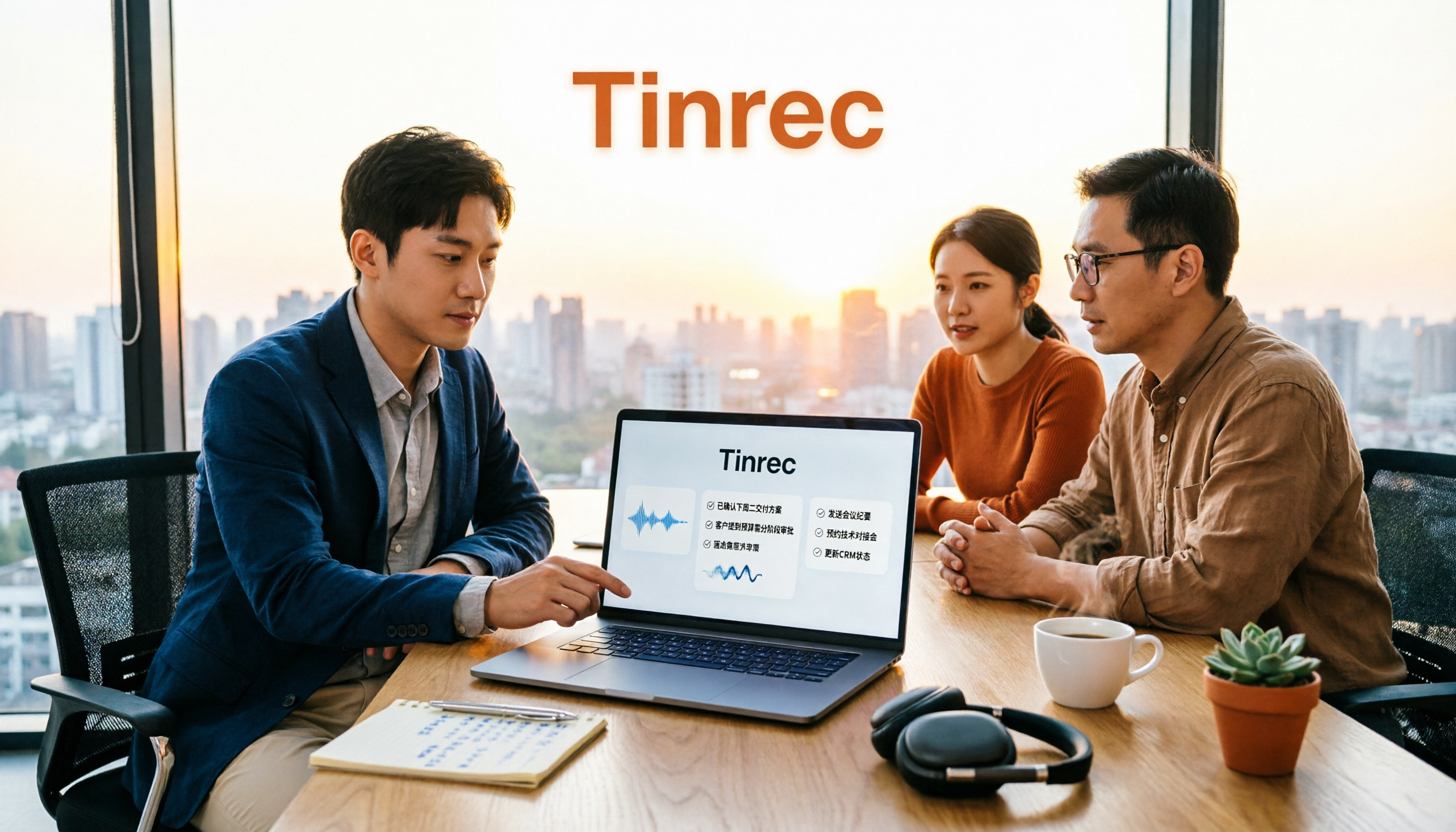
2026 Sales Meeting AI Tools: Chinese Transcription + Automatic To-Do Organization
How to choose a sales meeting AI tool? This guide starts from real sales scenarios, breaking down the three questions to ask first, core capabilities, and five key purchasing points. Using Tinrec as an example, it explains the complete workflow of bot-free online meeting recording, Chinese transcription, AI summaries, to-do extraction, and team data retention, with FAQs and pricing details at the end.

2026 Top 3 Client Visit Follow-Up Tools Compared: Which Turns Meetings into Trackable Action Items?
Visiting clients is easy; the hard part is the three days after. This article follows the complete client visit follow-up workflow to compare Tinrec, Notta, PLAUD, and Otter.ai on Chinese client meetings, bot-free recording, action item extraction, and team knowledge retention, plus four common pitfalls to help you choose a tool that truly produces follow-up materials.
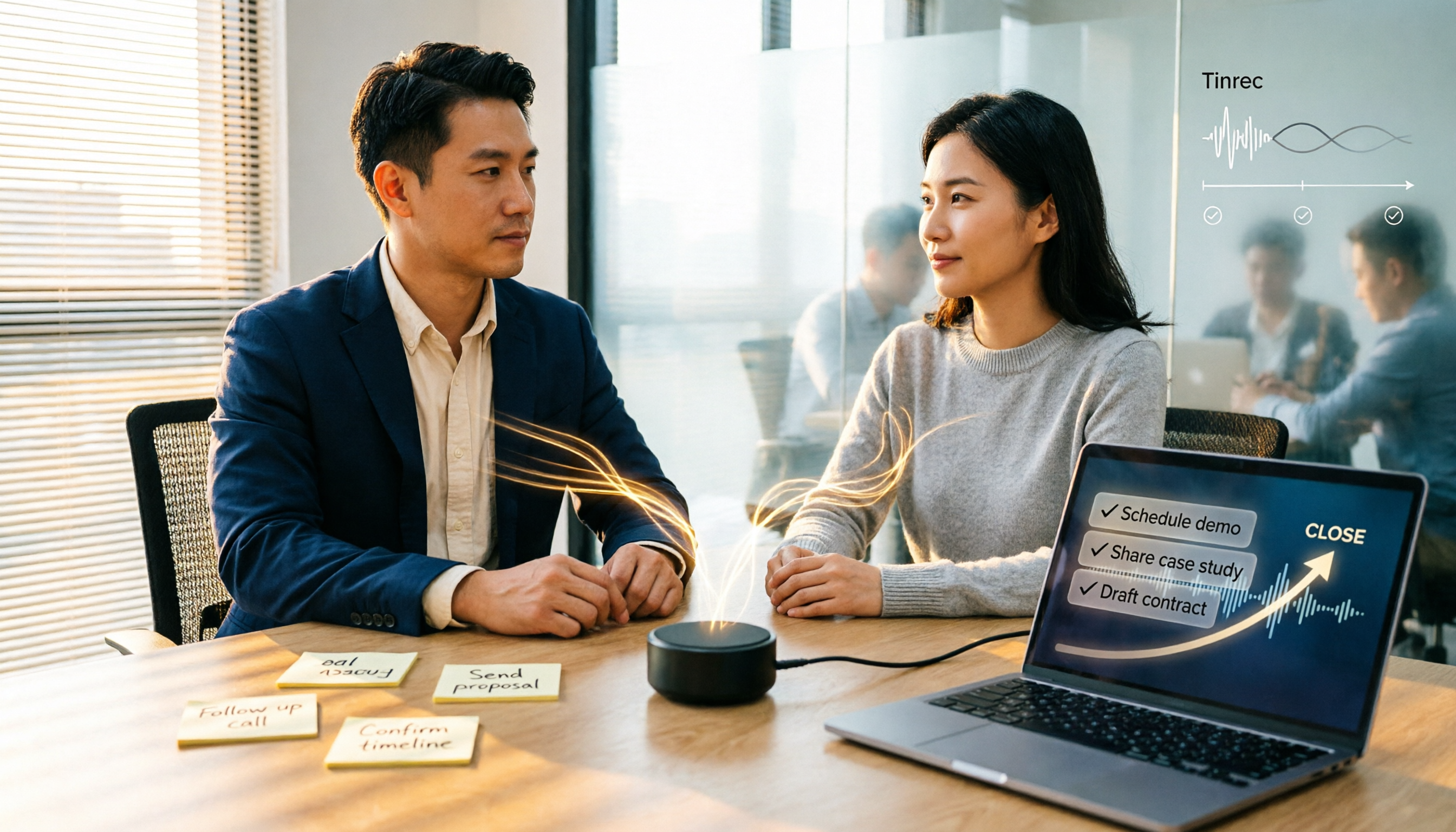
2026 Comparison of 5 Sales Meeting Action Item Tools: Which One Actually Tracks To-Dos to Closing?
After a sales meeting, promises get lost in recordings? This article compares 5 common tools based on hands-on testing, covering action item extraction, bot-free meeting recording, Chinese and mixed Chinese-English recognition, team data handover, and seat management. It also demonstrates a complete workflow with Tinrec, including quotas, pricing, and considerations for personal and team plans.

2026 Comparison of 3 Sales Call Follow-Up Tools: Which One Can Actually Turn Calls into Send-Ready Emails?
Still spending time re-listening to recordings to write follow-up emails after sales calls? This article starts with the efficiency traps salespeople commonly fall into, explains how AI meeting note tools turn calls into transcripts, summaries, and action items, and uses Tinrec as an example to cover features, real-world use cases, buying considerations, and FAQs, including differences between personal and team plans and pricing details.

Which Client Visit Recording Tool Is Best? 2026 Hands-On Test of 2 Options—This One Auto-Generates Transcripts and To-Dos
Poor client visit records usually aren't due to an ugly template—it's because the process was wrong from the start. This article examines three common pitfalls and compares the on-site recording, record output, Chinese recognition, team storage, and long-term cost of the portable AI recording hardware PLAUD Note versus the AI meeting notes tool Tinrec. It also provides template field suggestions you can apply directly, helping you decide whether you need a better template, process, or tool.
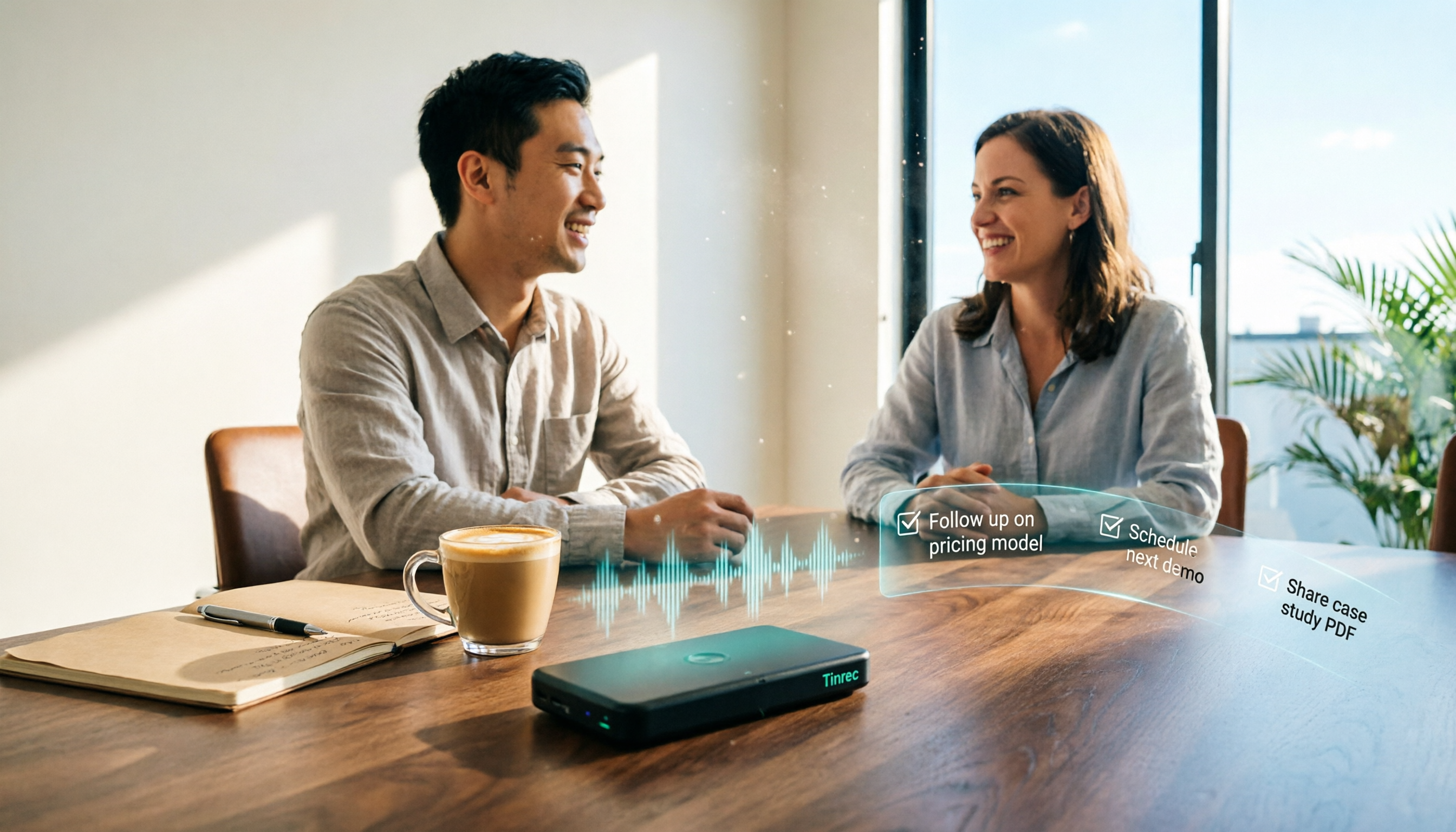
How to Create Client Follow-Up Reports in 2026: Tinrec Auto Summaries + Action Item Extraction
After a client meeting, notes often get lost. This tutorial shows you how to use Tinrec to turn client call recordings into transcripts, summaries, action items, and ready-to-send follow-up reports. It also covers 4 key factors to consider when choosing a tool, compares Otter.ai, Granola, and Notta, and includes a pitfalls guide and scenario-based recommendations.